AddonsBedrock
Java Aspects Addon (1.21, 1.20) – MCPE/Bedrock Mod
Java Aspects Addon brings the familiar feel of Java Edition to the world of Minecraft Bedrock. This mod changes many details in the game such as water…
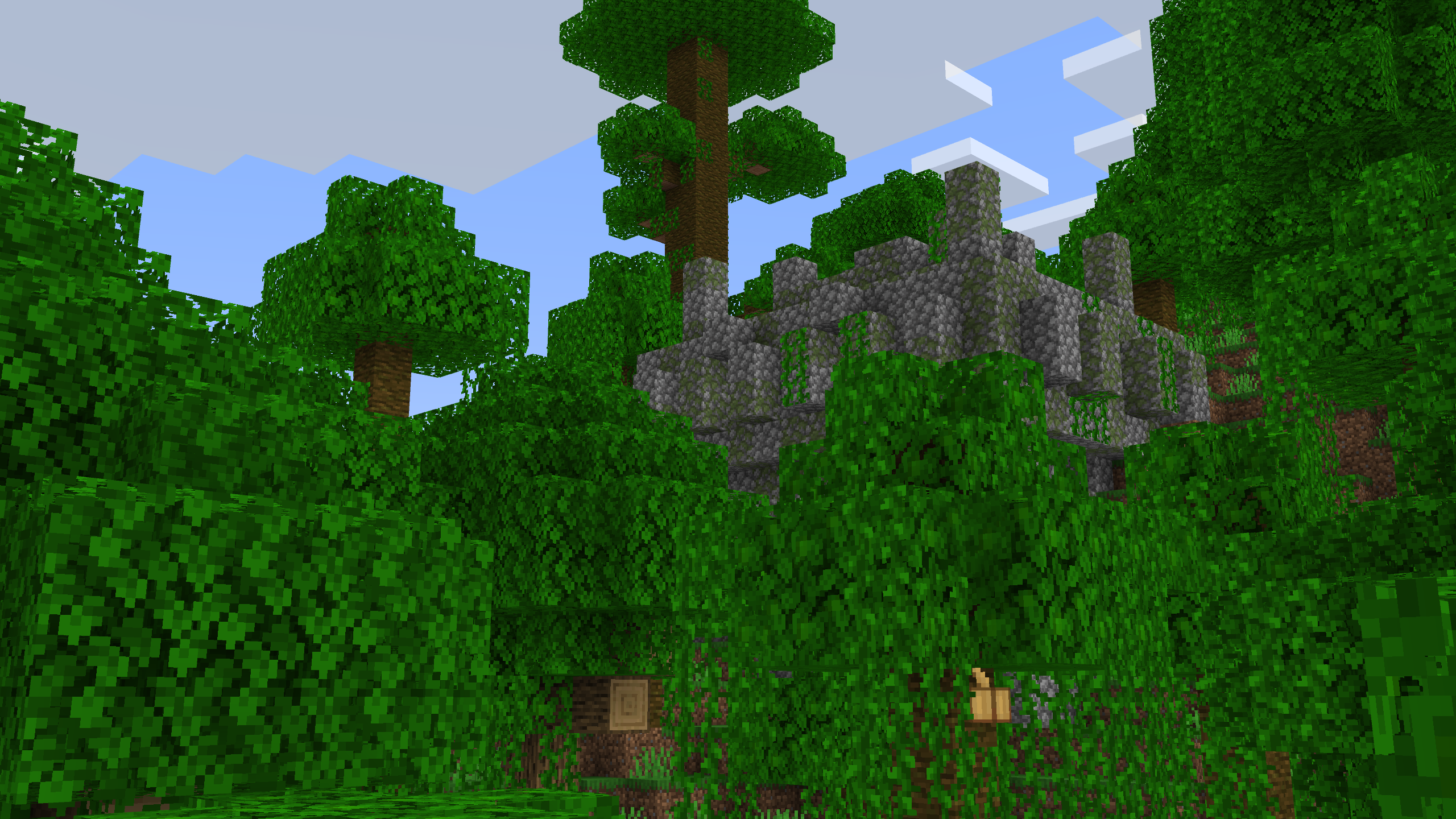
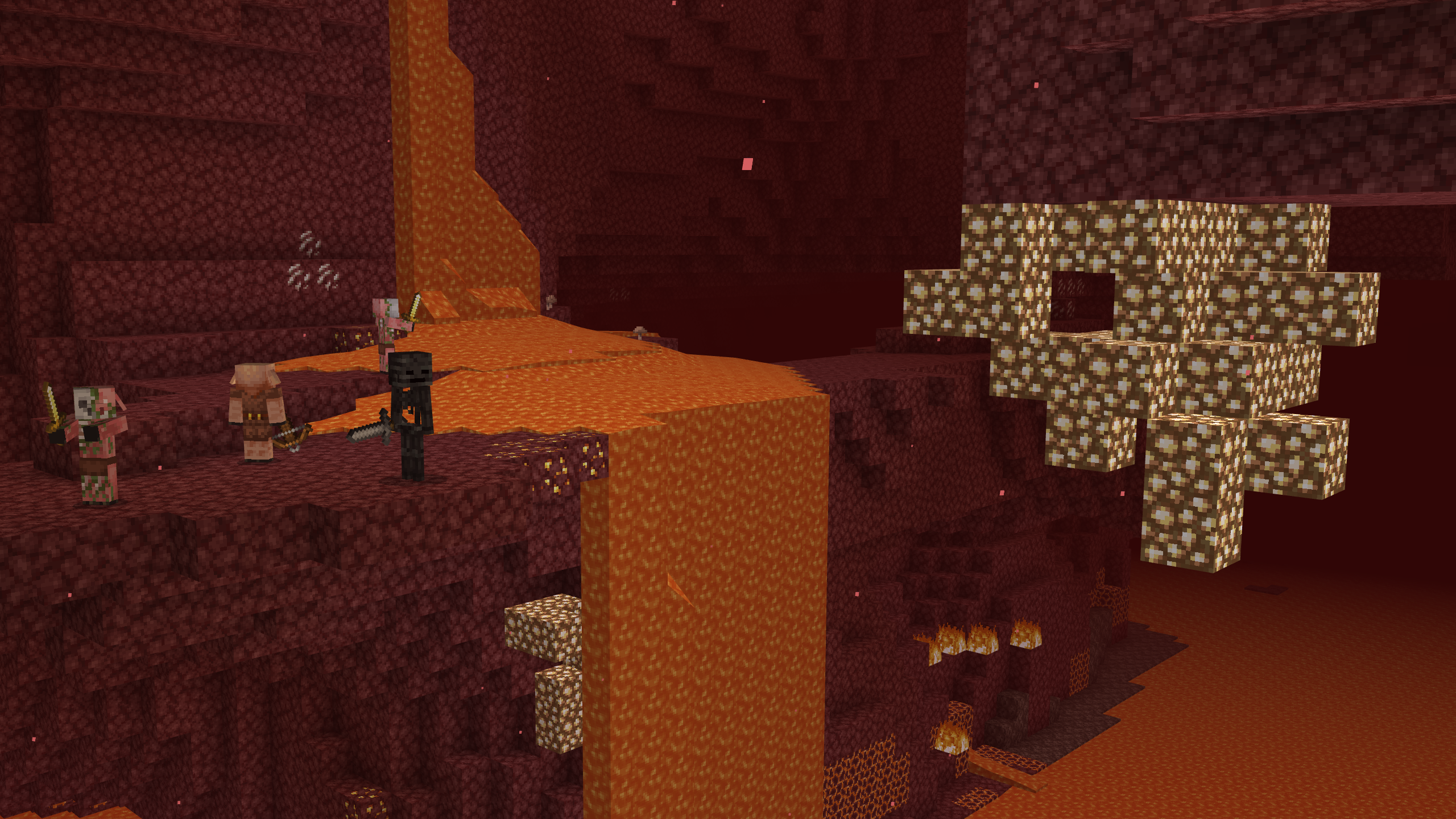
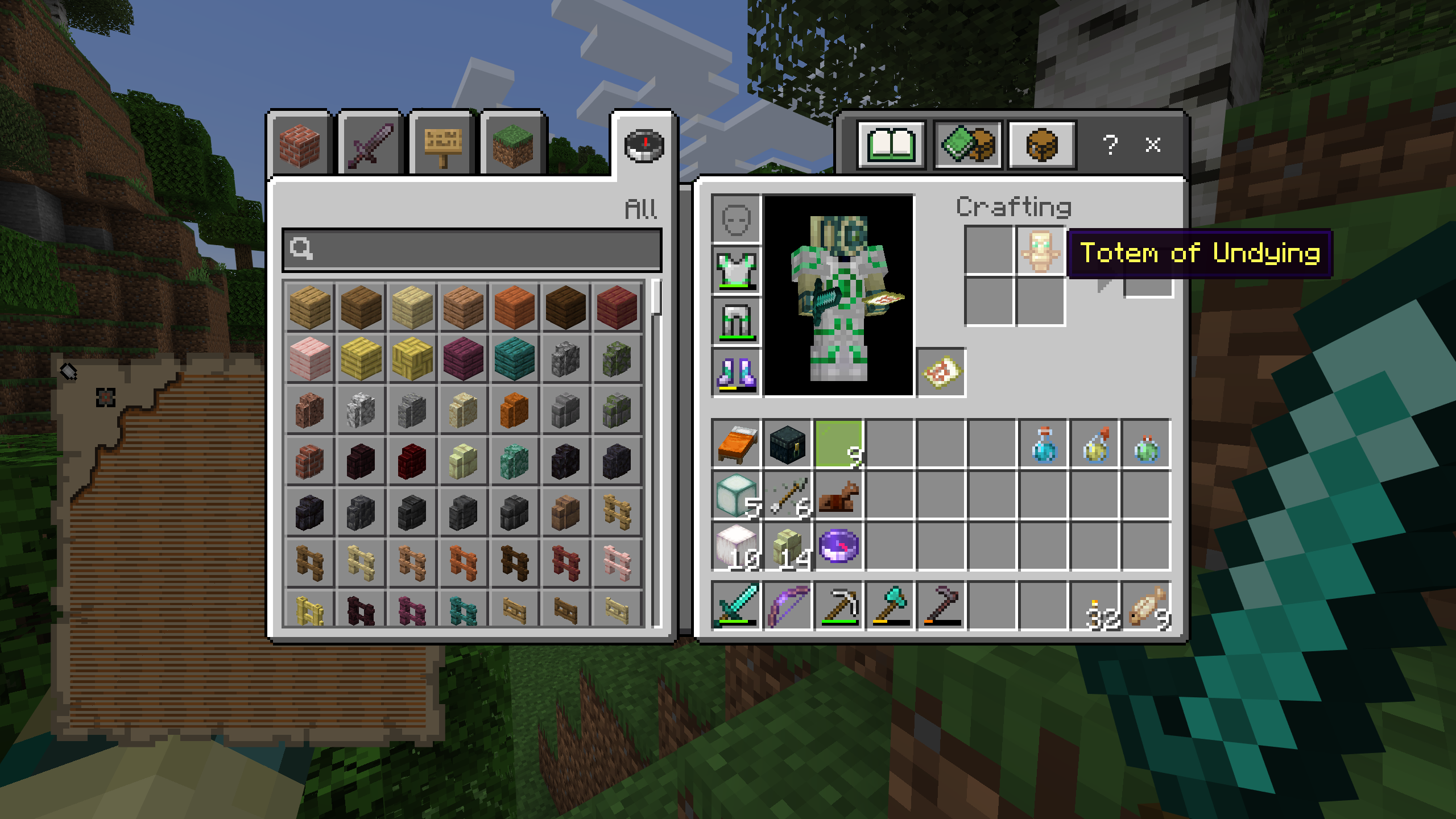
⬇ DownloadOpen in MCModsHubGet it on Google Play →Java Aspects Addon brings the familiar feel of Java Edition to the world of Minecraft Bedrock. This mod changes many details in the game such as water color, explosion effects, block sounds, creature animations and many other elements. Thanks to that, the image and experience in Minecraft Bedrock becomes clearer and closer to the style of Java Edition.
Features:
- Change the color of water.
- Adjusted particle effects when there is an explosion.
- Add block sounds similar to Java Edition.
- Improve creature animations.
- Bring the clear visual style of Java Edition to Minecraft Bedrock.
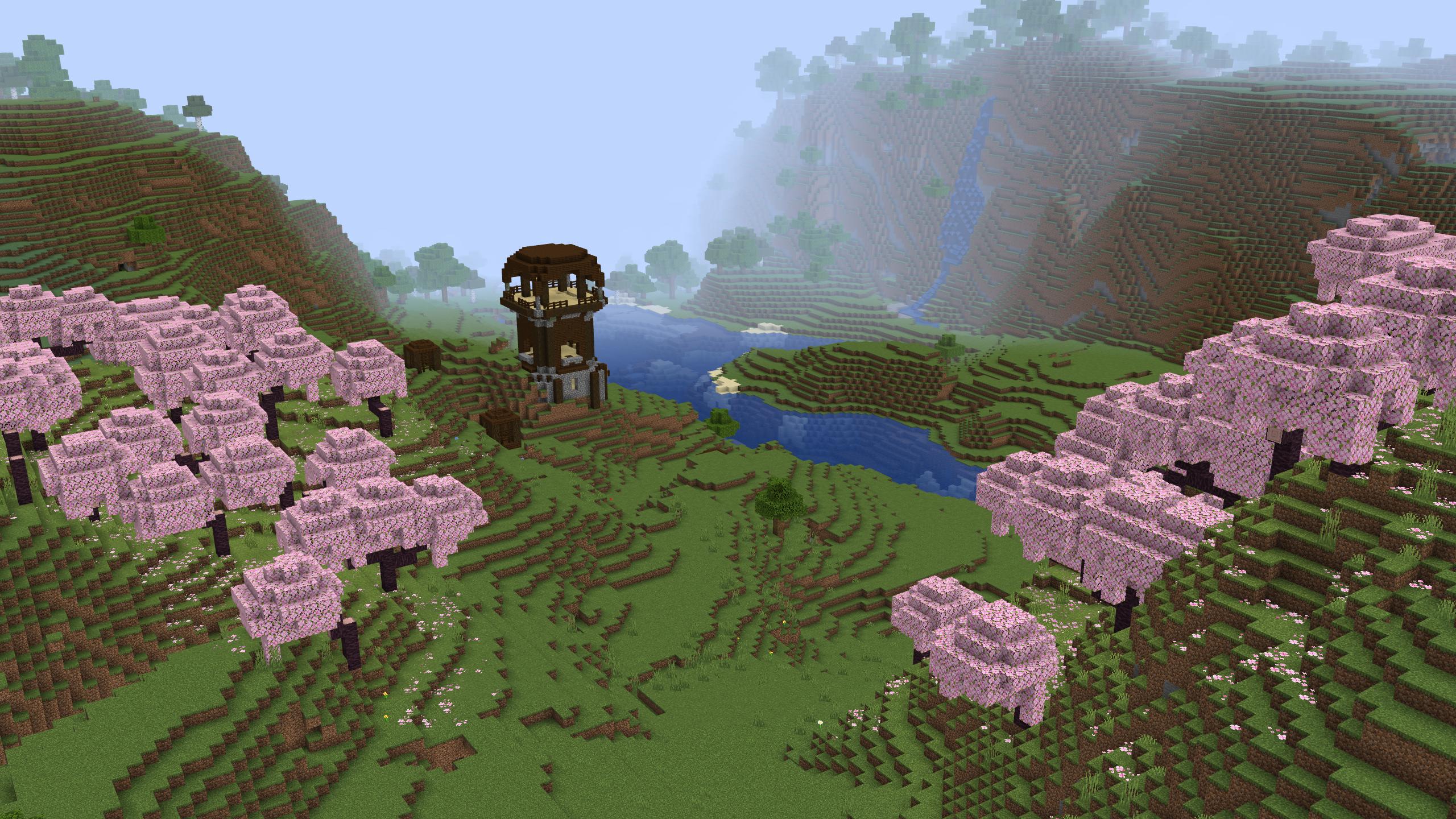
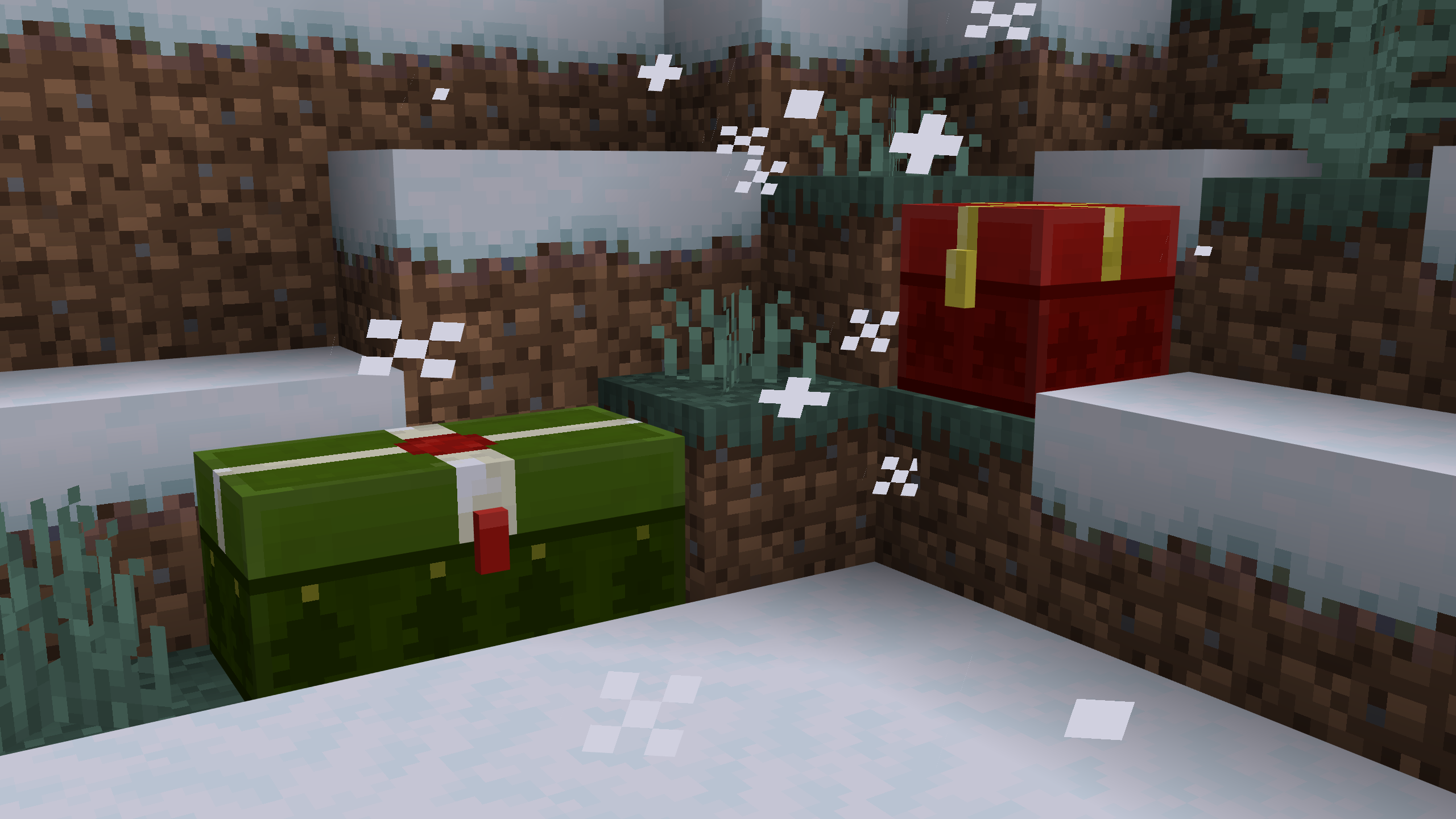
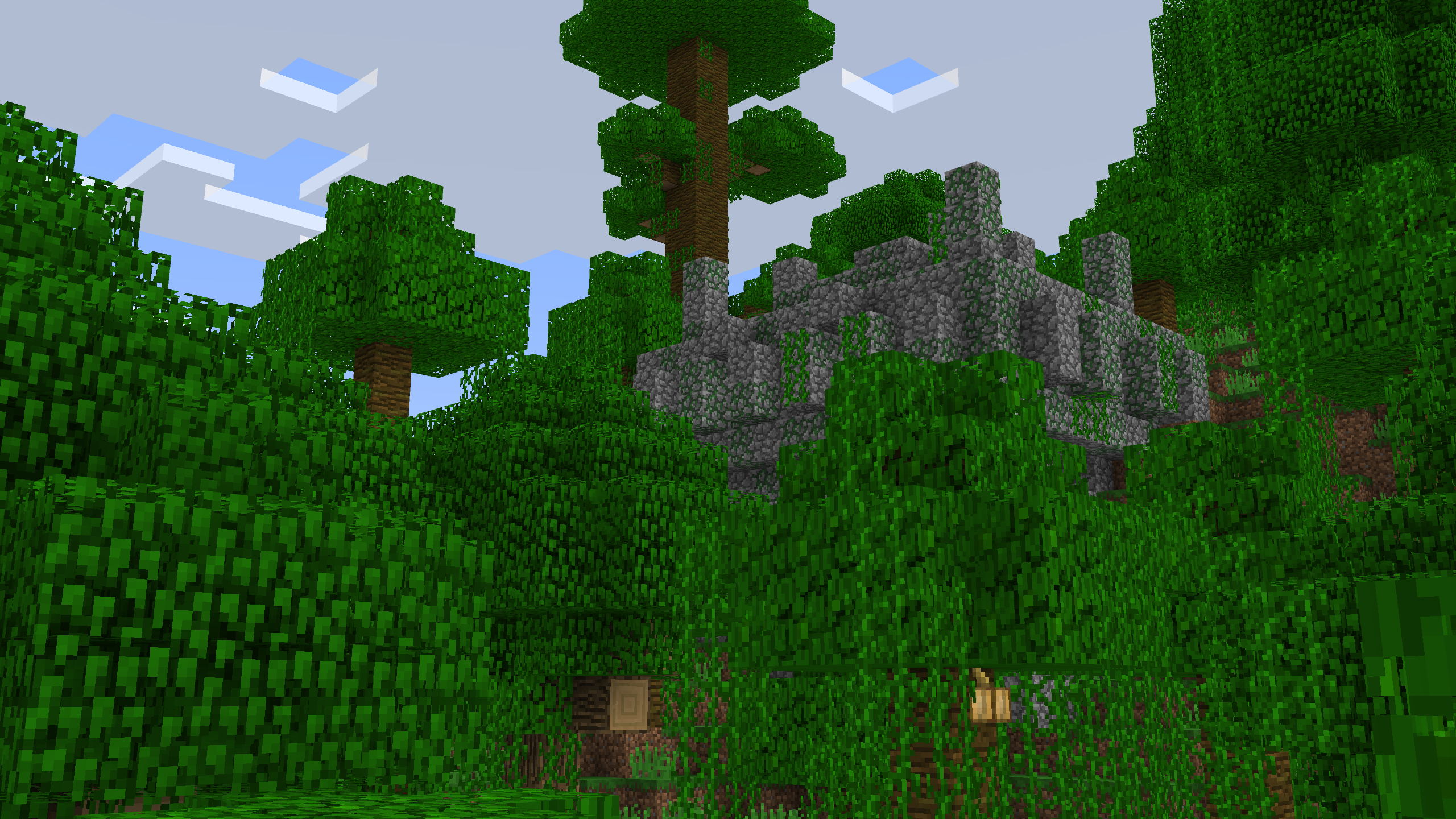
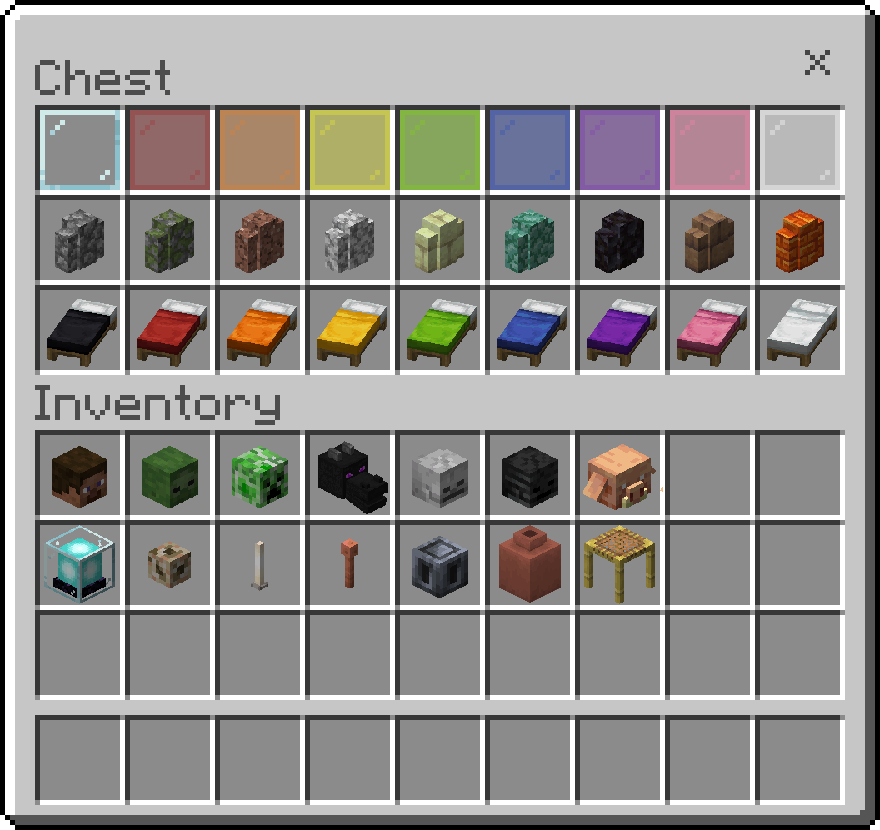
Screenshots:
Installation Note:
- You need to enable the Experimental Settings if the addon does not work.
Java Aspects Addon Download Links
For Minecraft PE/Bedrock 1.21
mcaddon: Download from Server 1 – Download from Server 2
For Minecraft PE/Bedrock 1.20
mcaddon: Download from Server 1 – Download from Server 2
Verified by MCModsHub
- Pack type: .mcpack — a single pack
- Manifest requires Minecraft 1.21.80 or newer
- Complete pack — everything it depends on is inside the file
- Download link checked 17 Jun 2026 — working
- Mirrored on our own servers — the download does not depend on the original host
These come from our own check of the pack file, not from the source page.
Explore more