AddonsBedrock
Auto Companions Addon (26.x, 1.21) – MCPE/Bedrock Mod
Bedrock add-on listed for Minecraft 1.21 (behavior + resource pack). File opened and checked on 22 Sep 2026; installs from the MC Bedrock Mods app on Android.
⬇ Download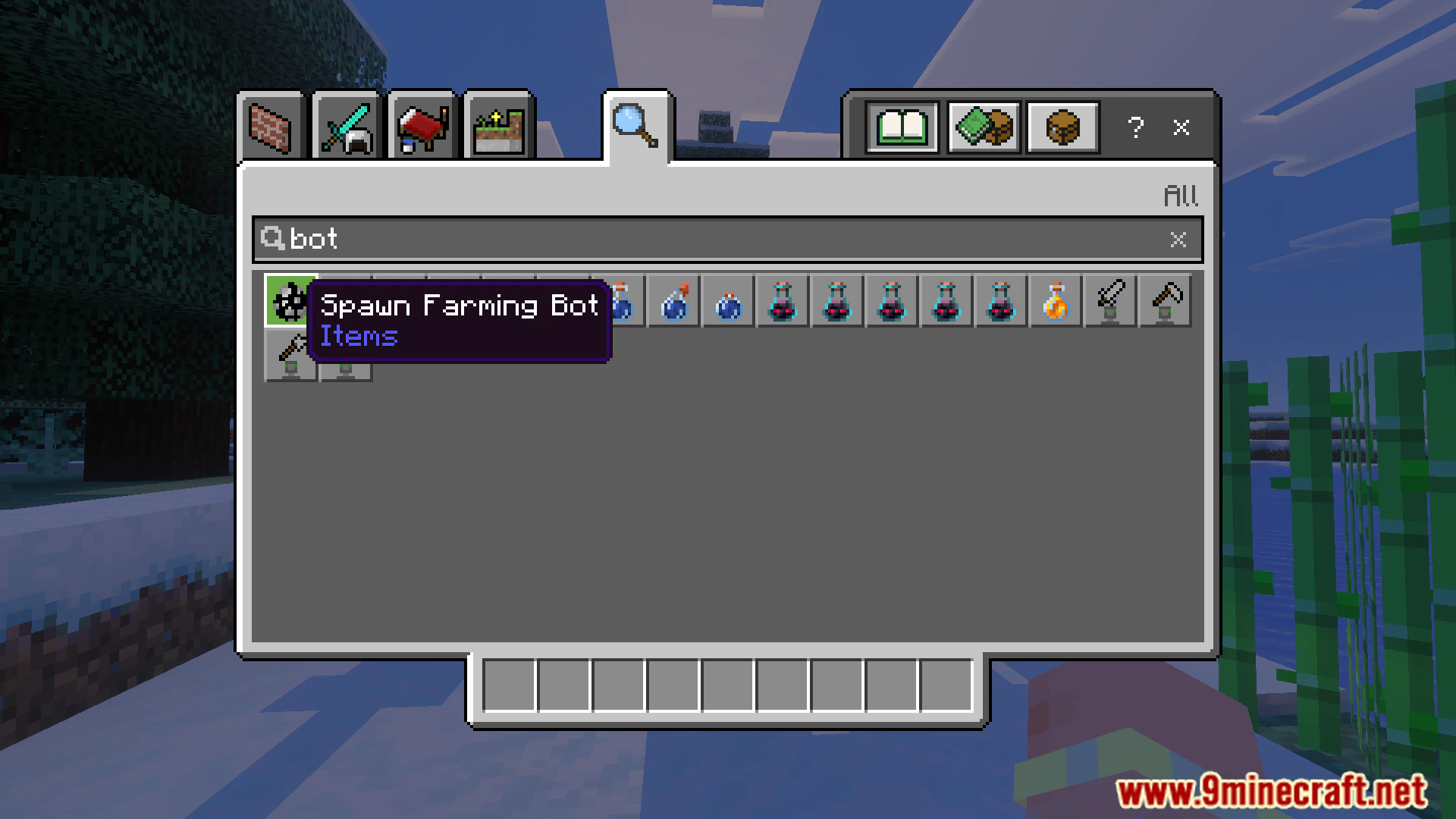

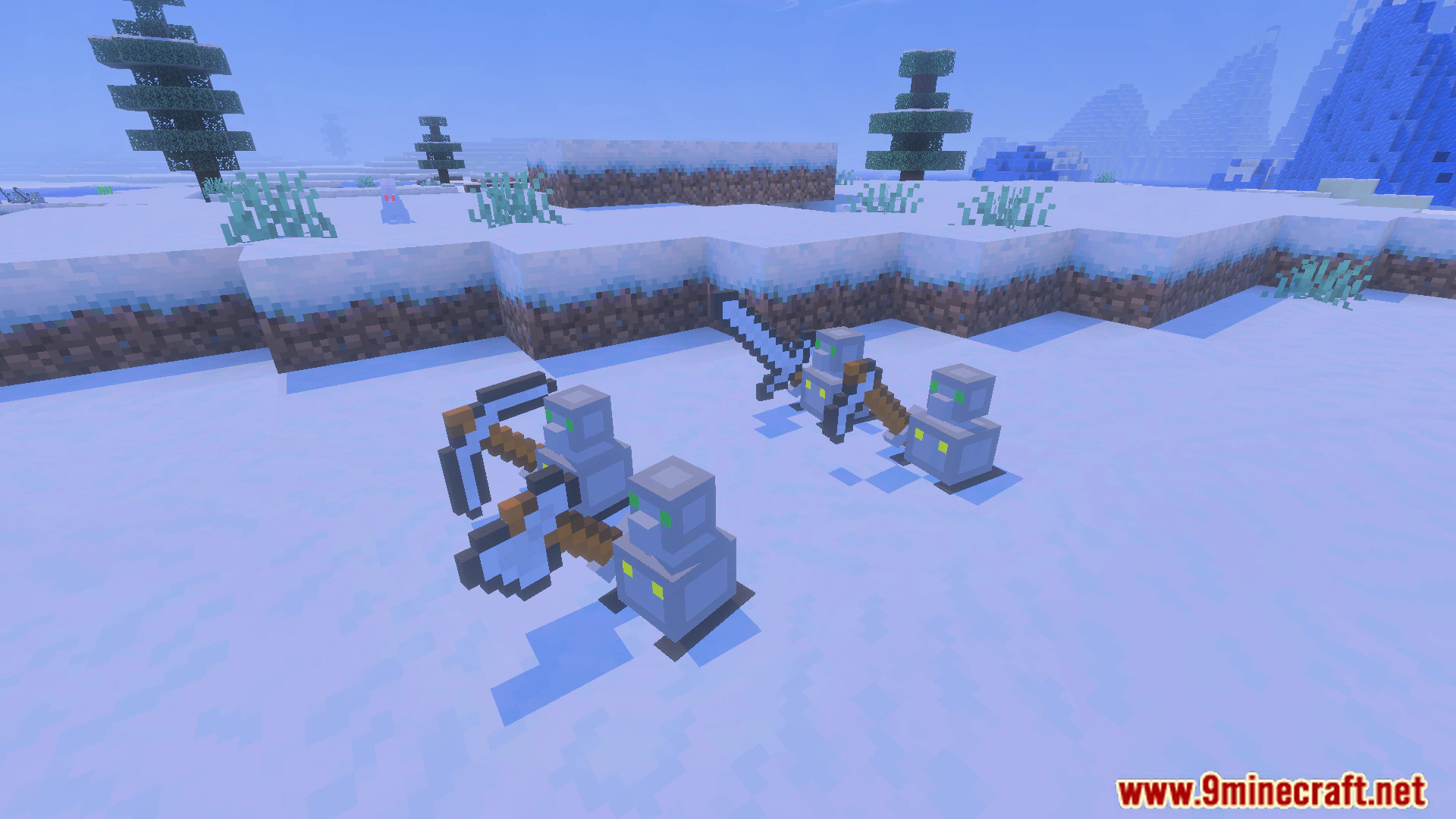
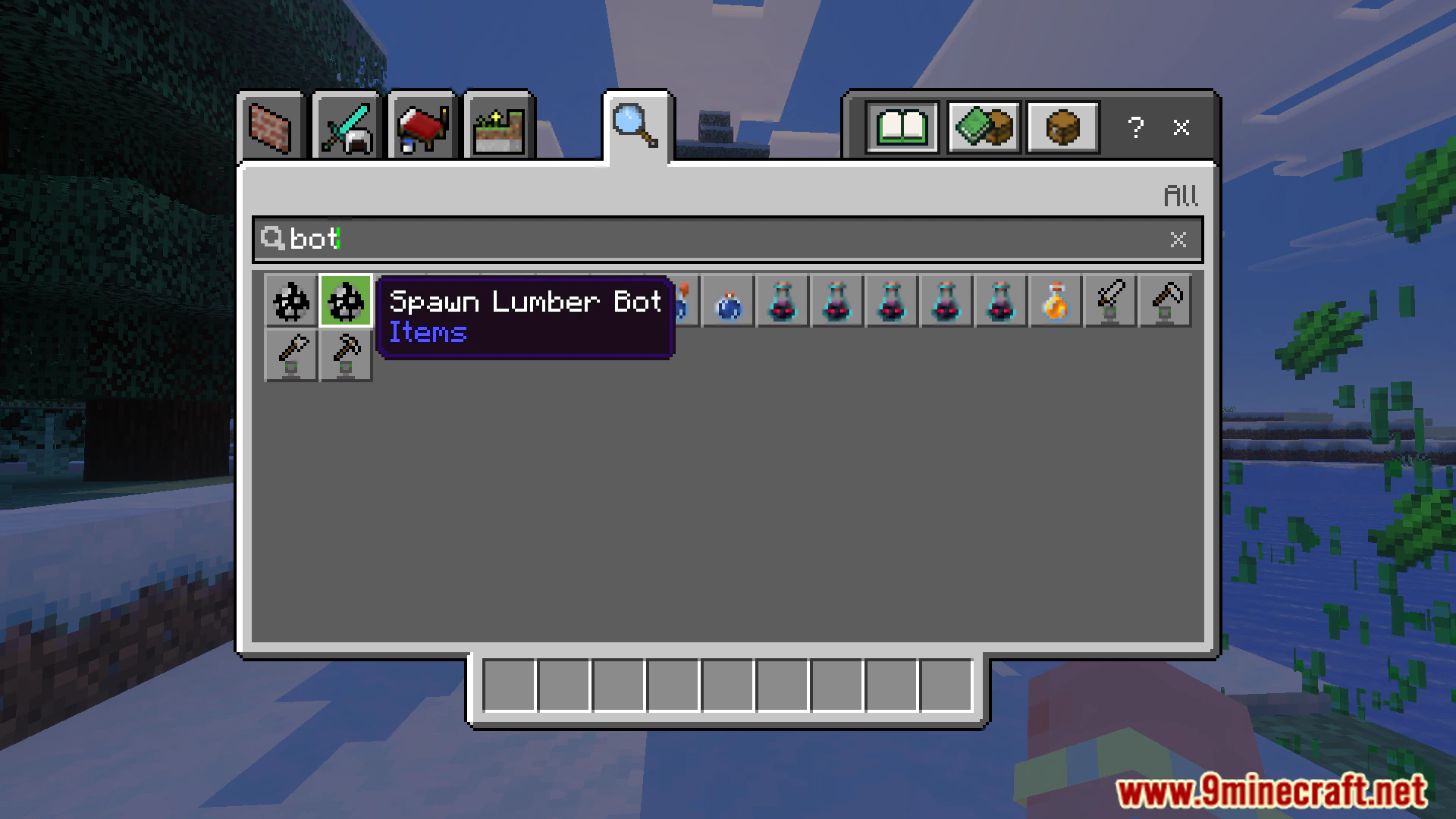
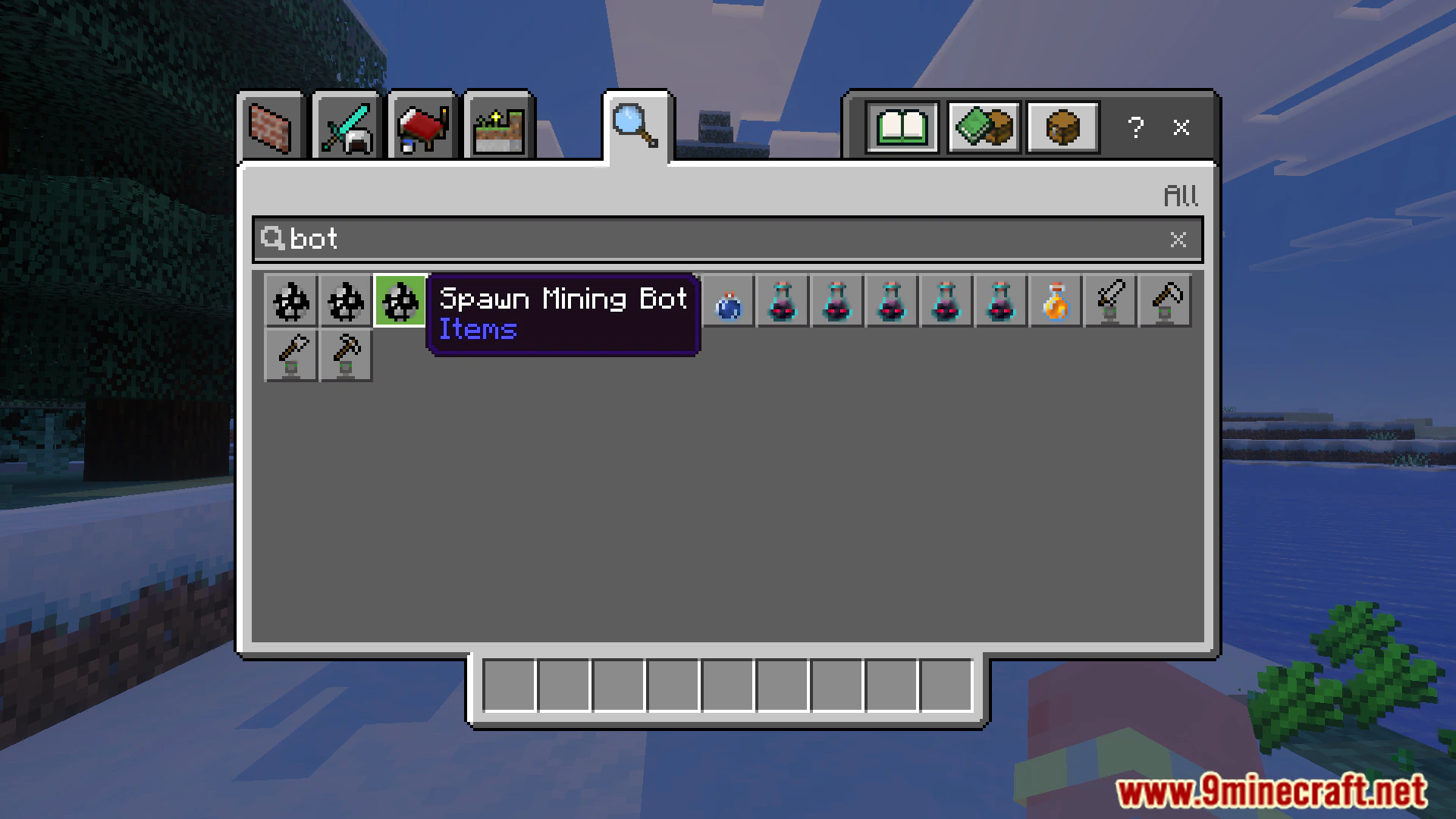
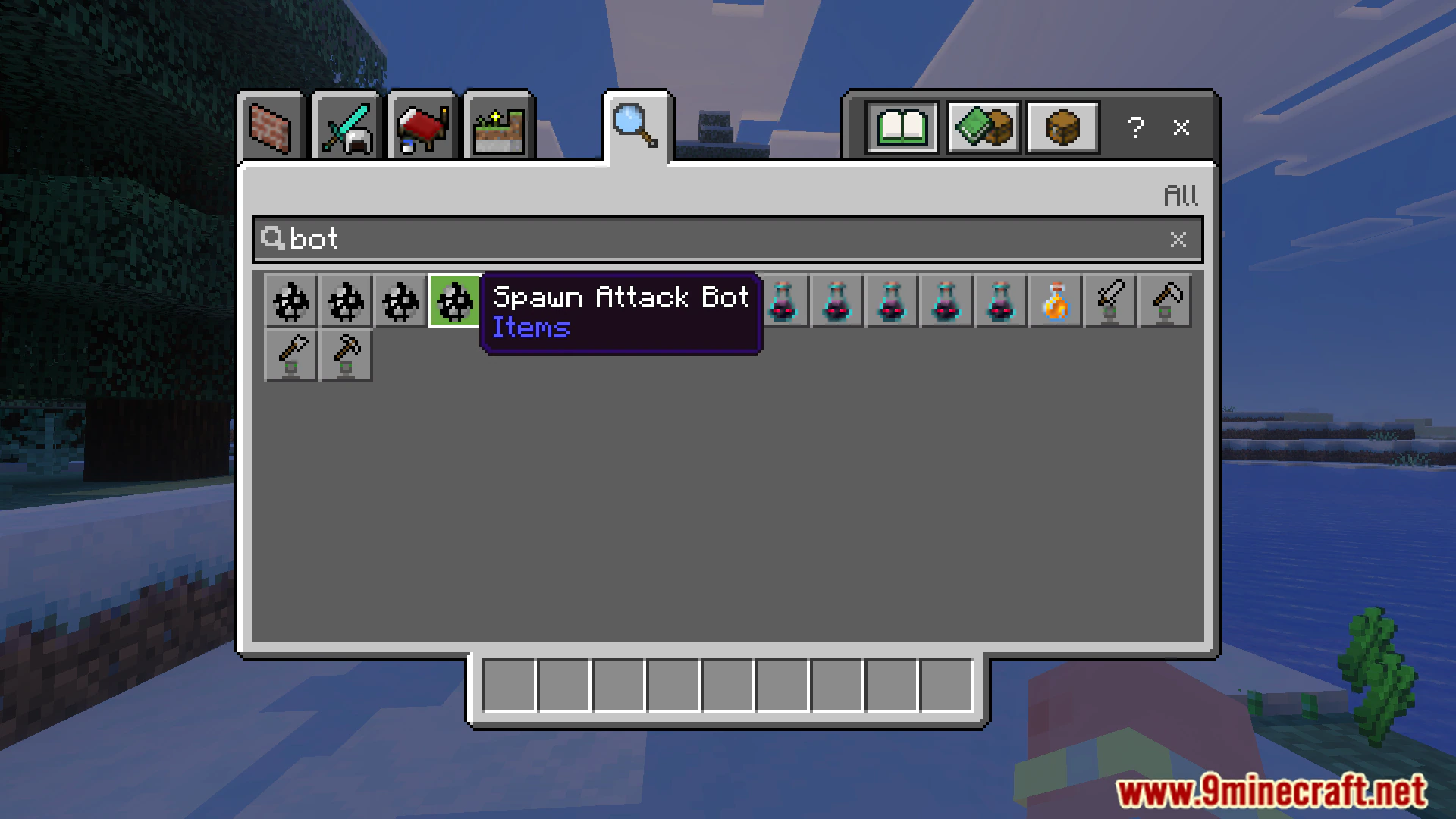
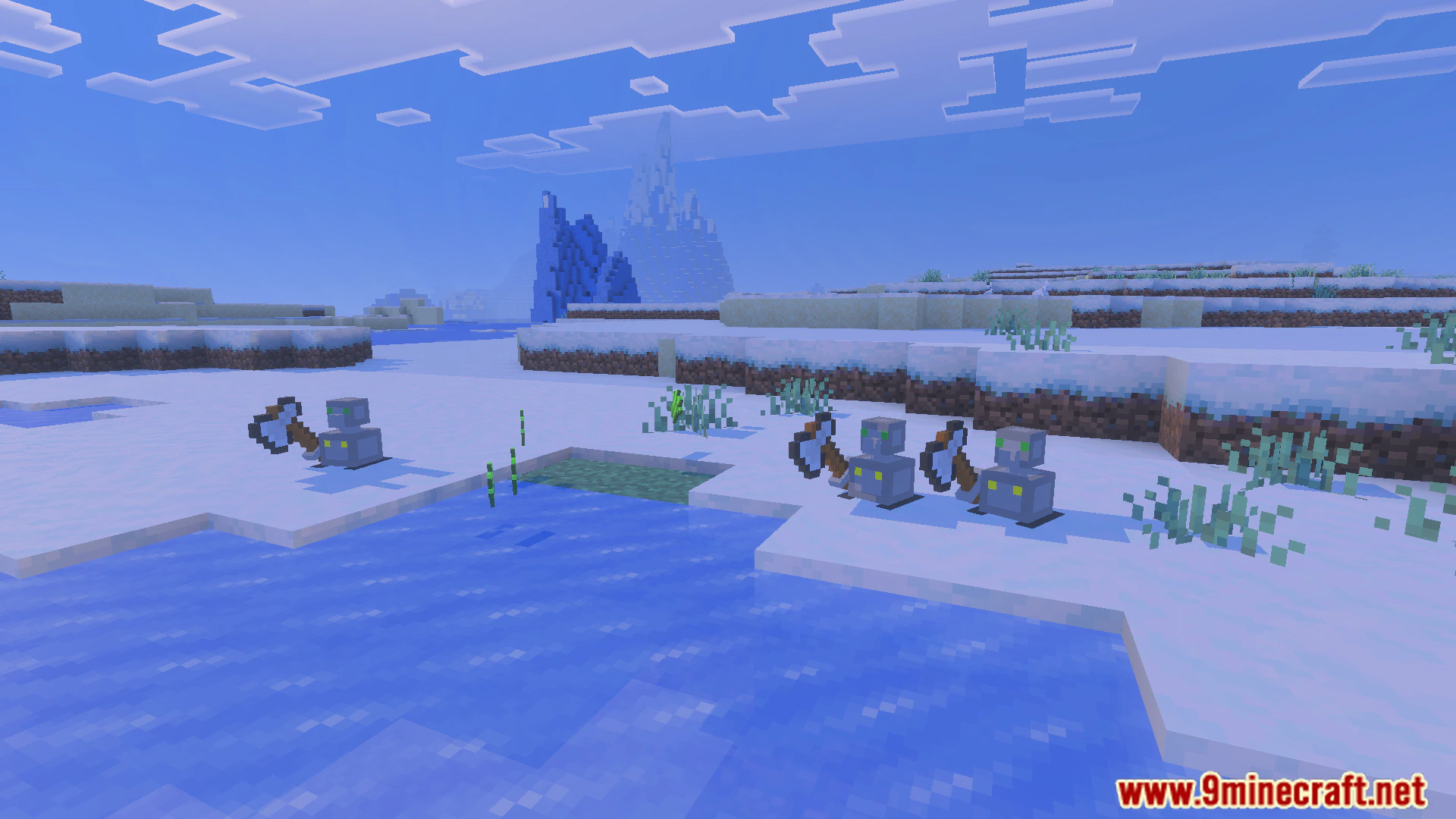
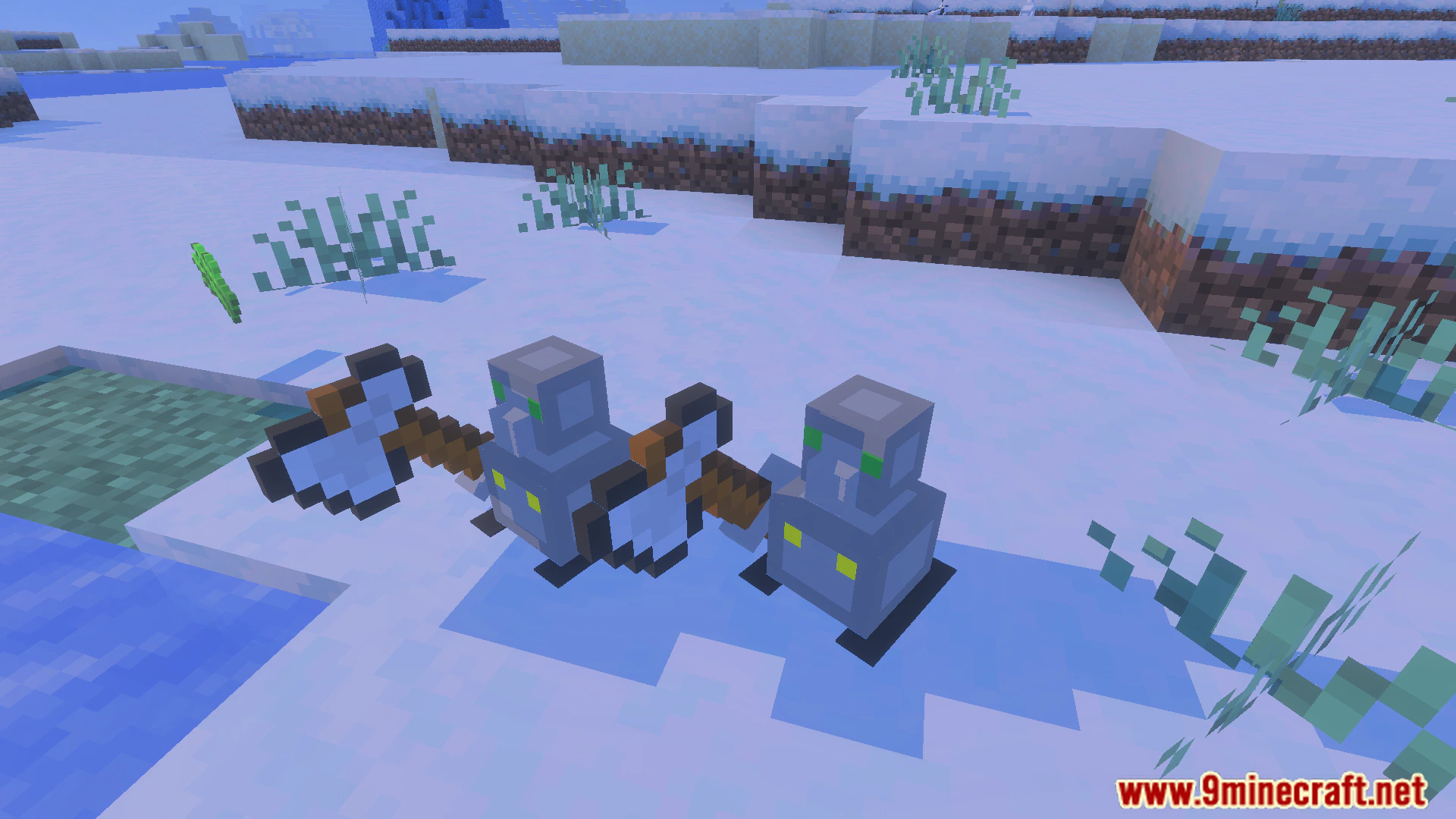
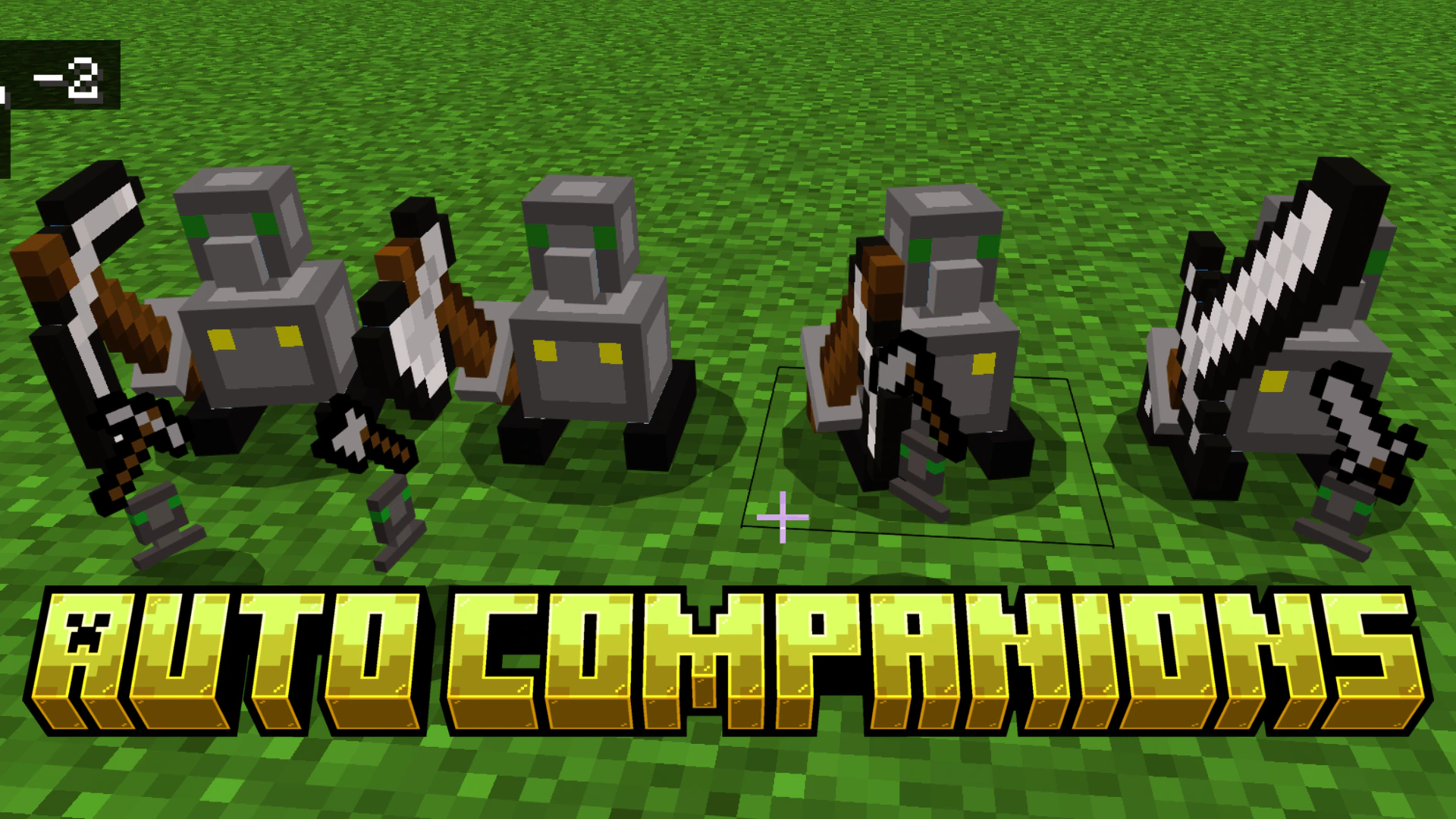
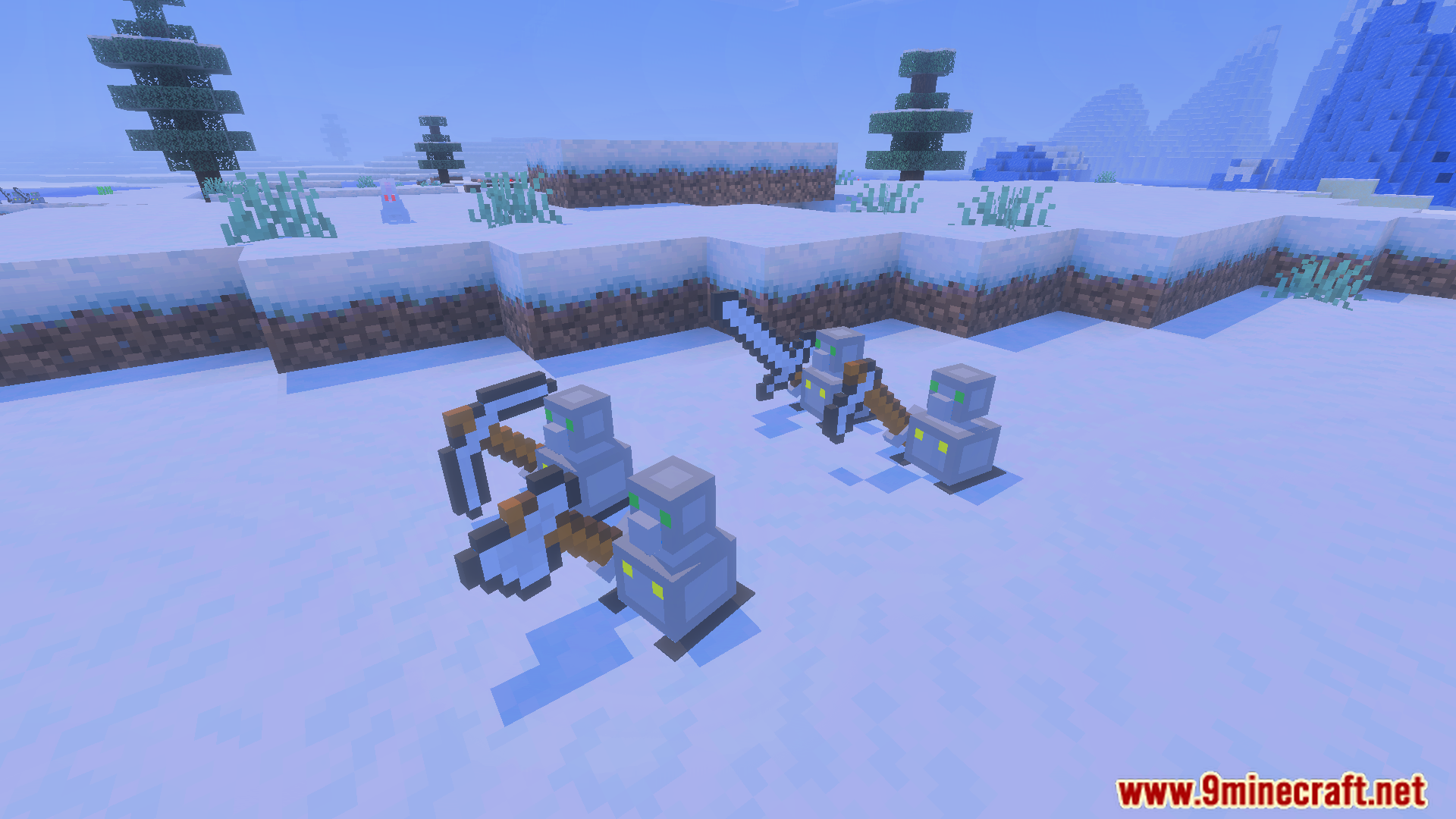
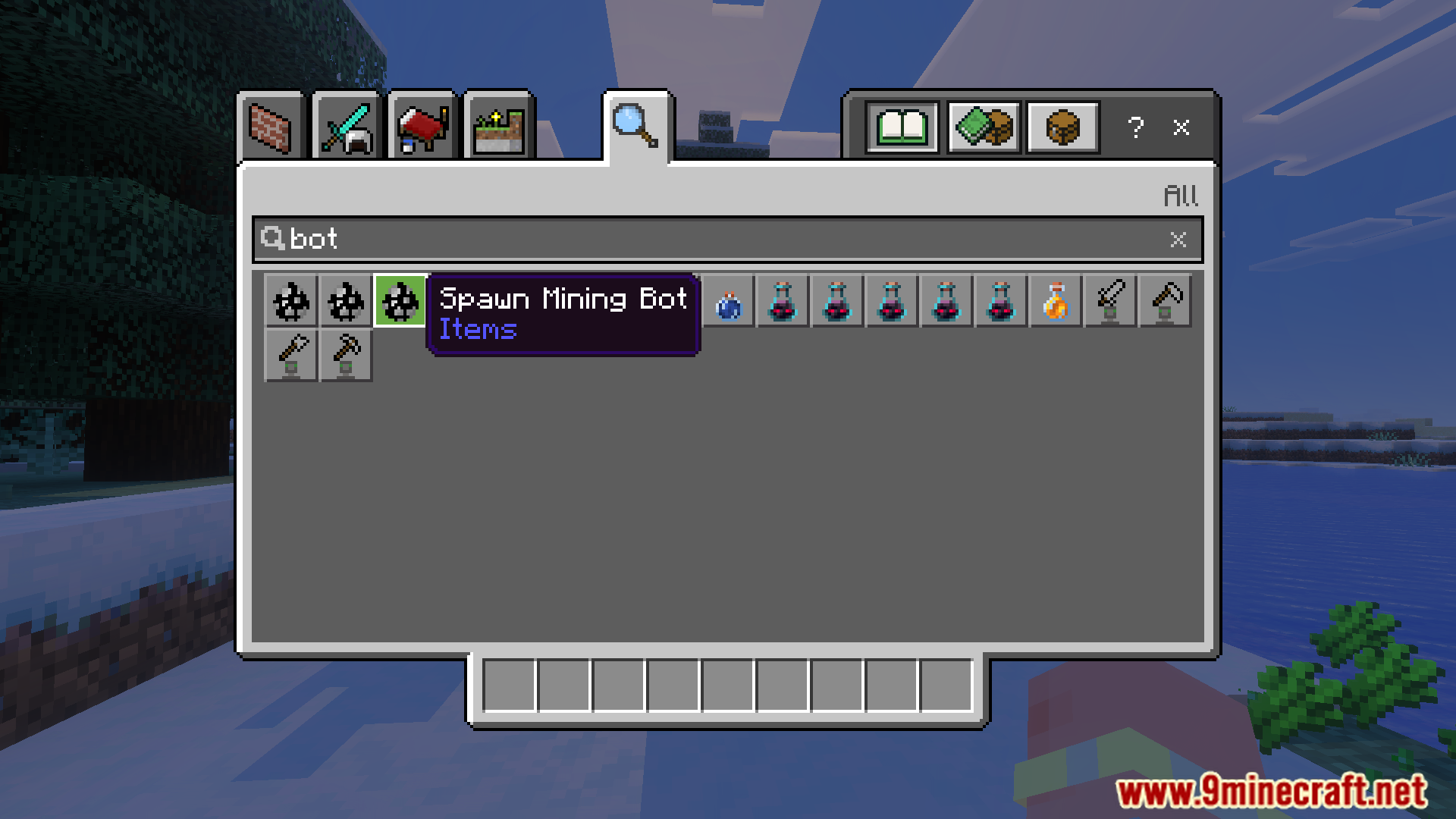
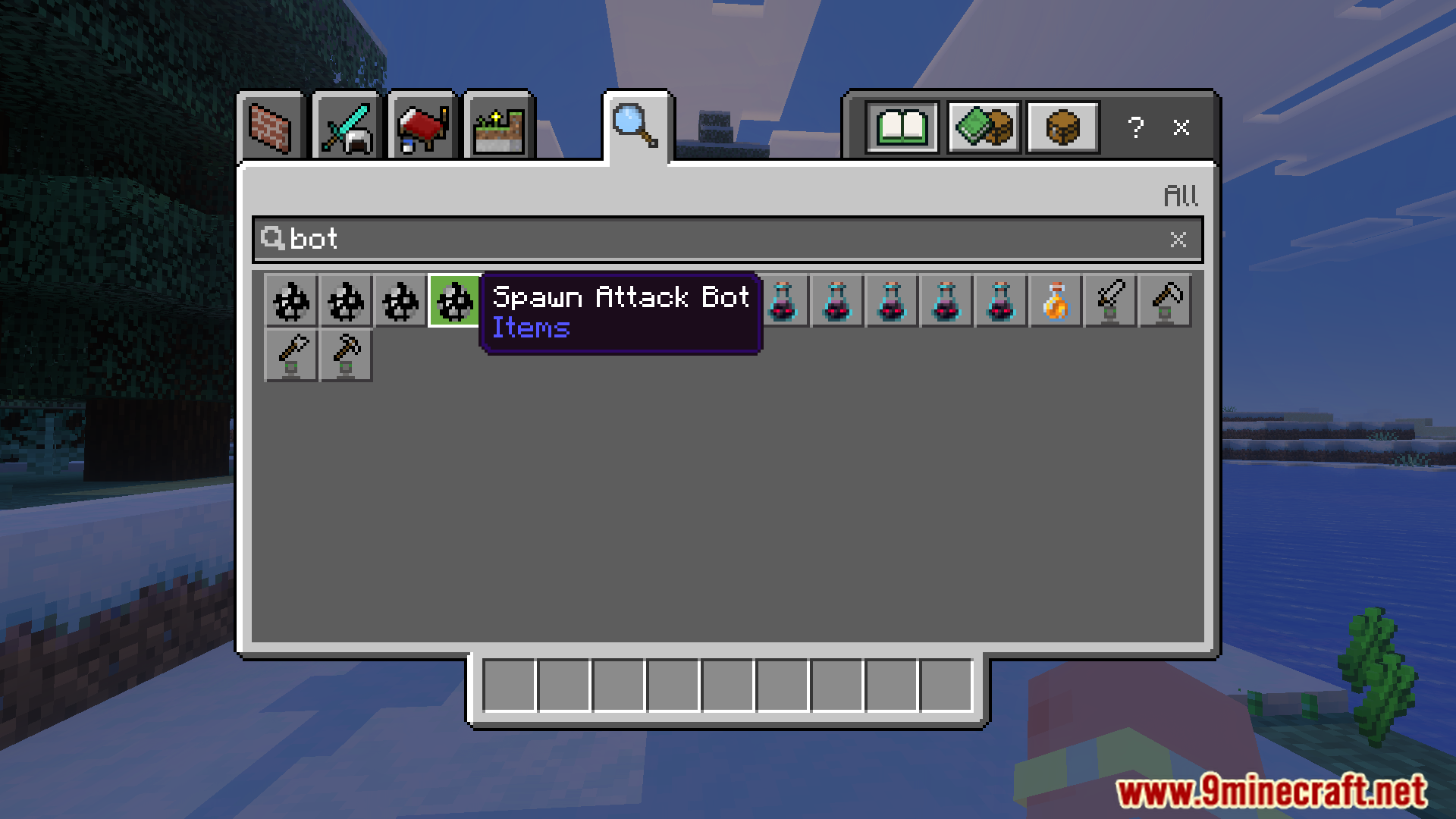
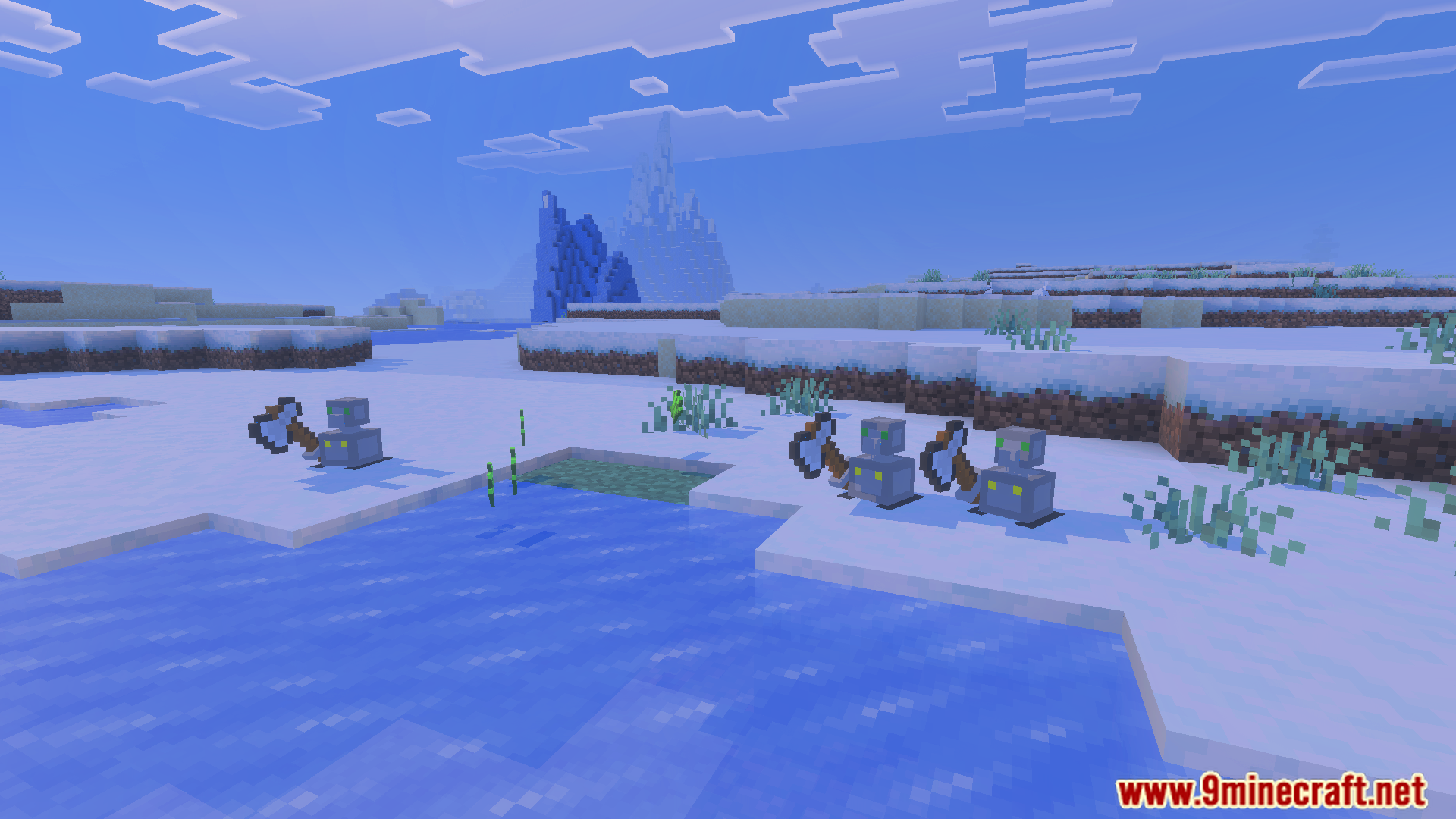
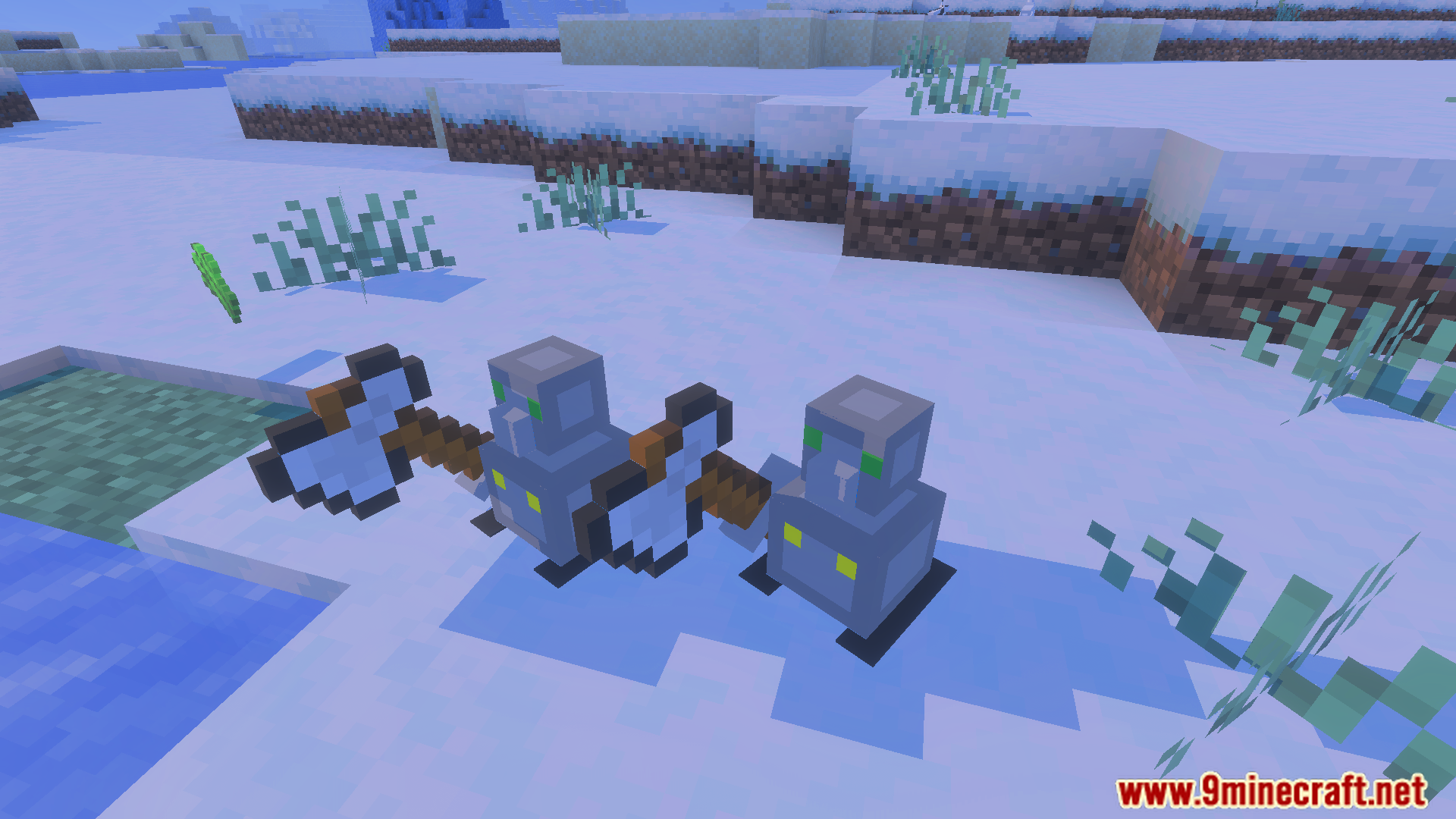
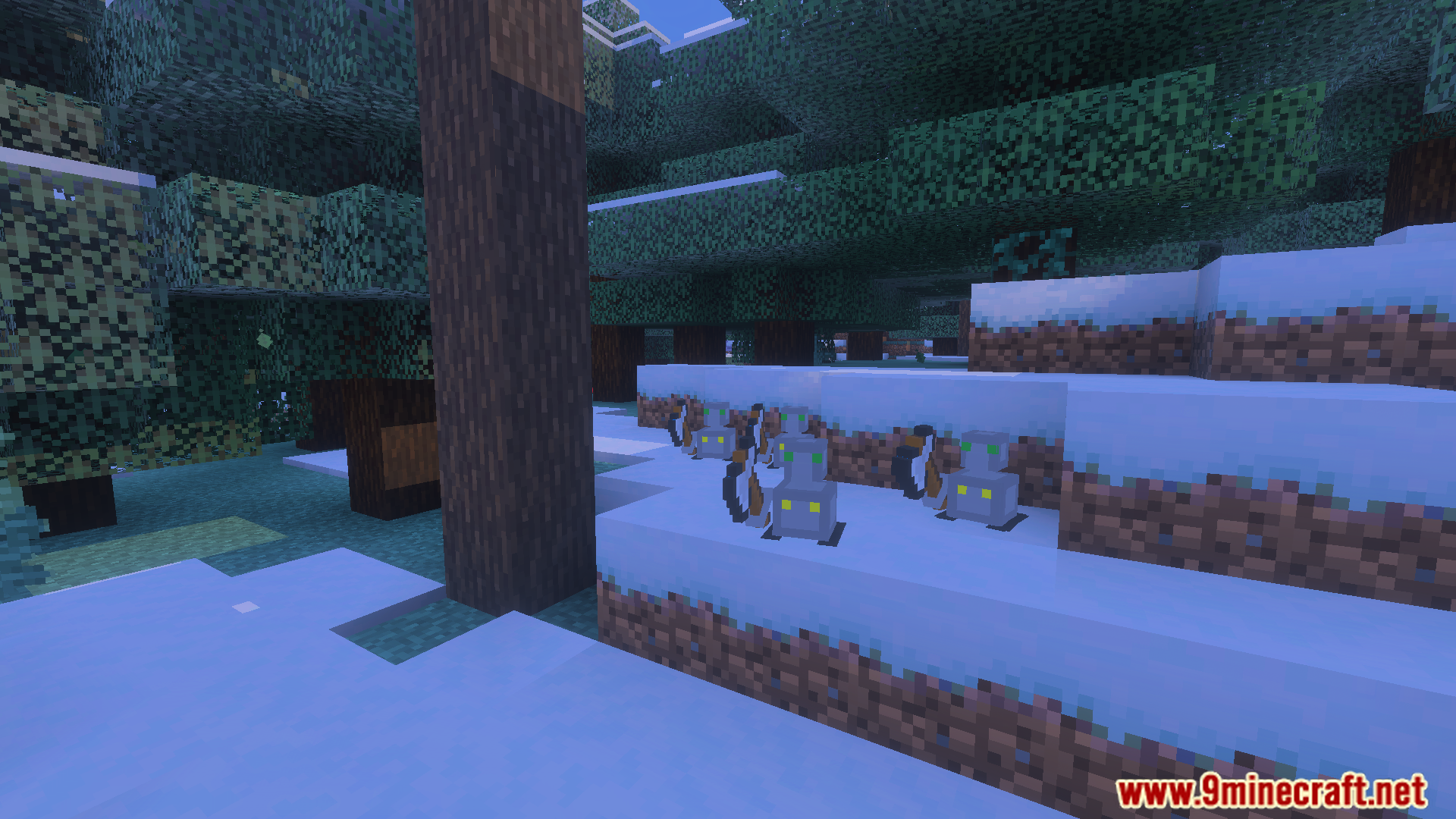
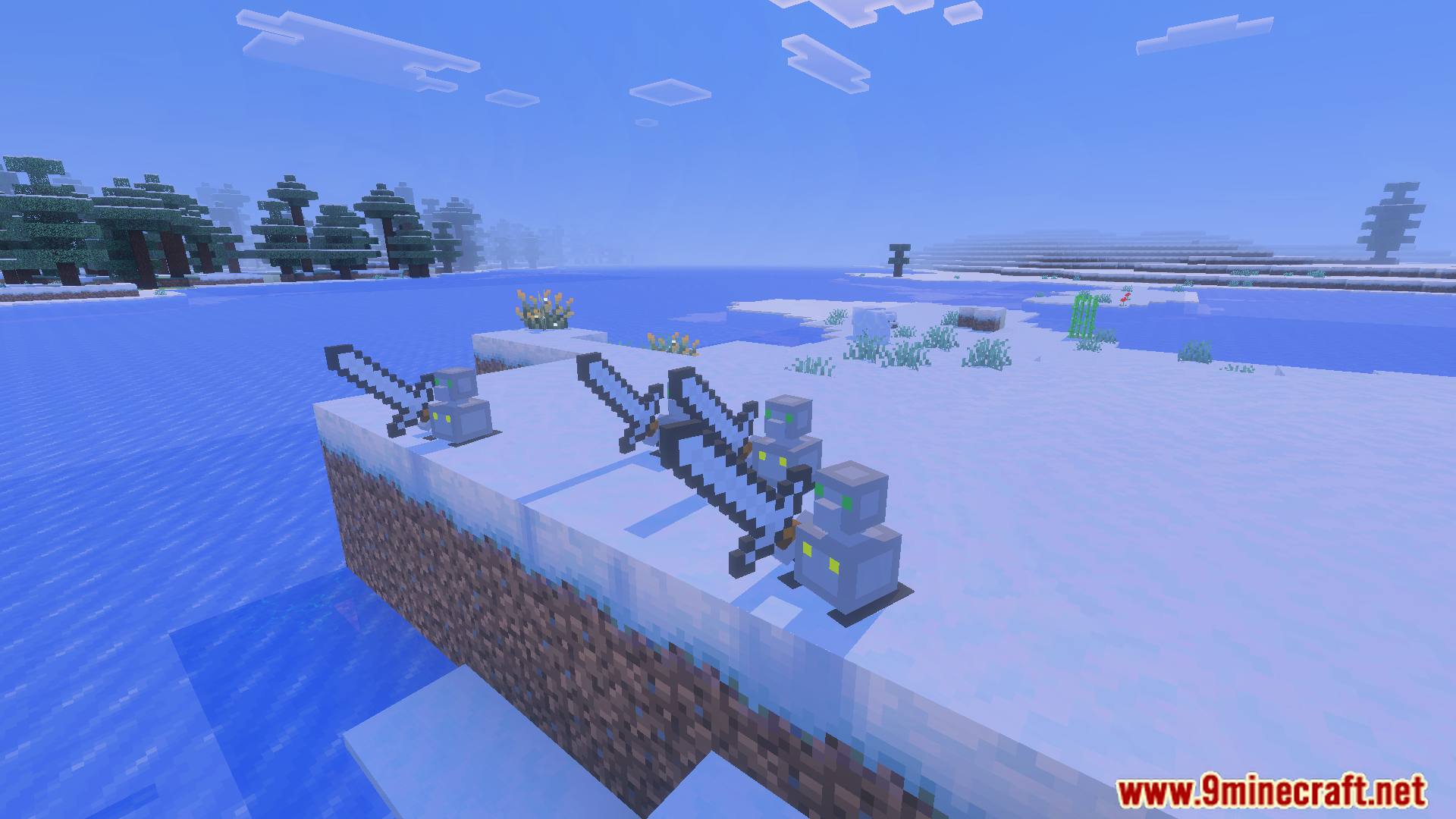
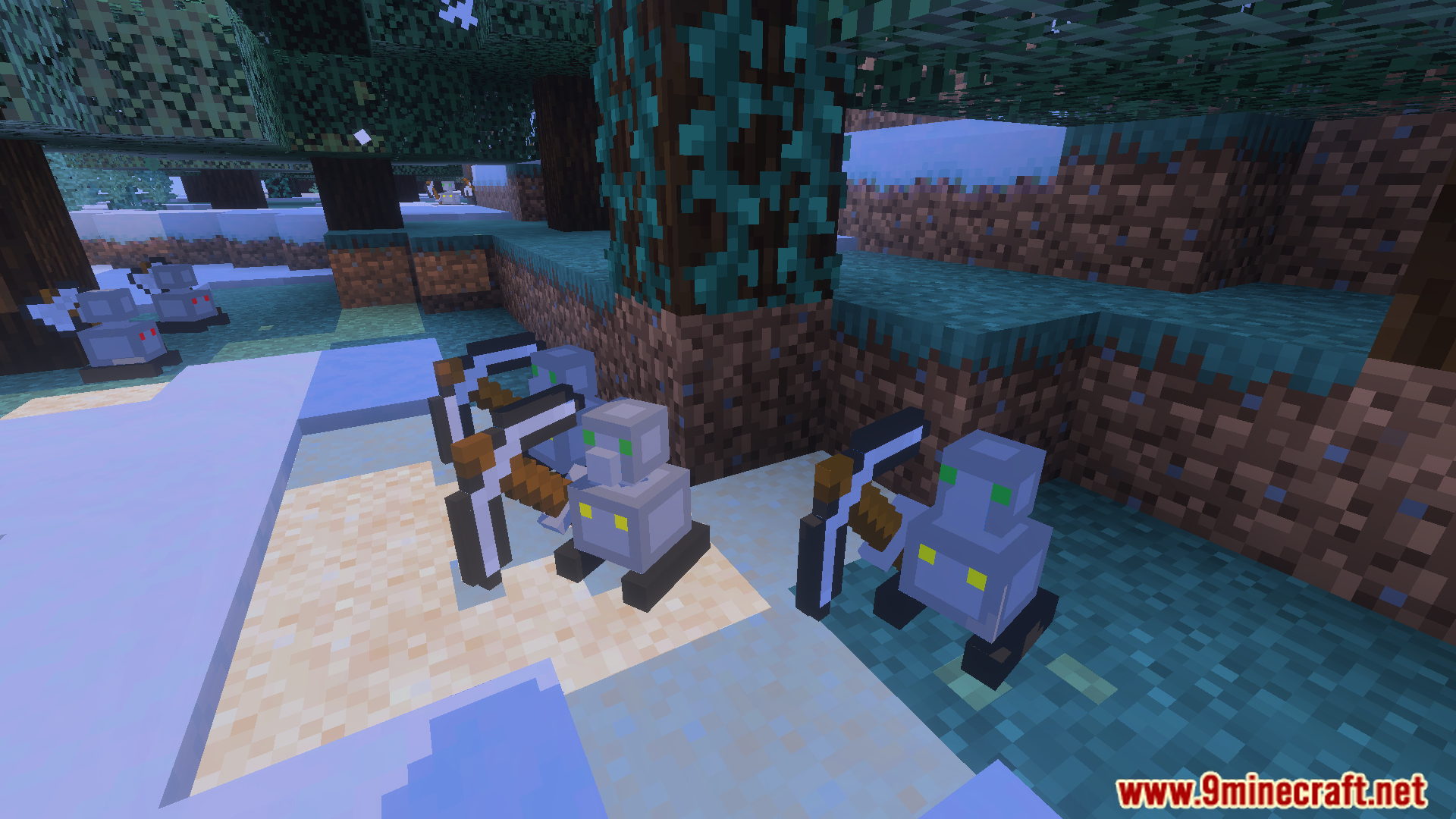
Auto Companions Addon adds small robots to help players with various tasks. These robots can handle jobs like mining, chopping trees, fighting, or farming, saving time and acting as in-game buddies. You can craft them using stone, redstone blocks, and iron blocks, with their toughness and strength depending on the materials.
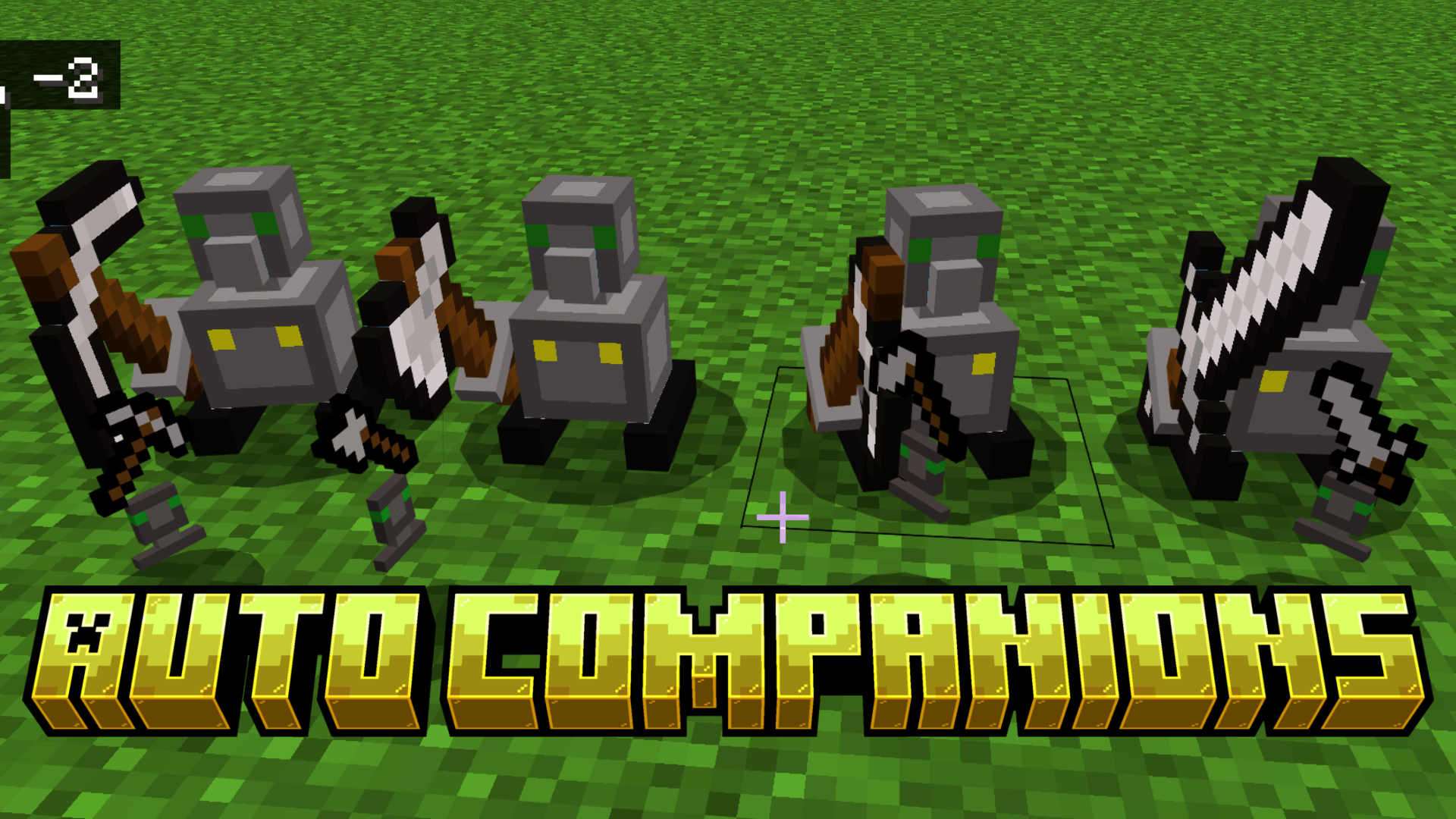
Features:
- Miningbot: Automatically mines the 4 closest blocks around it.
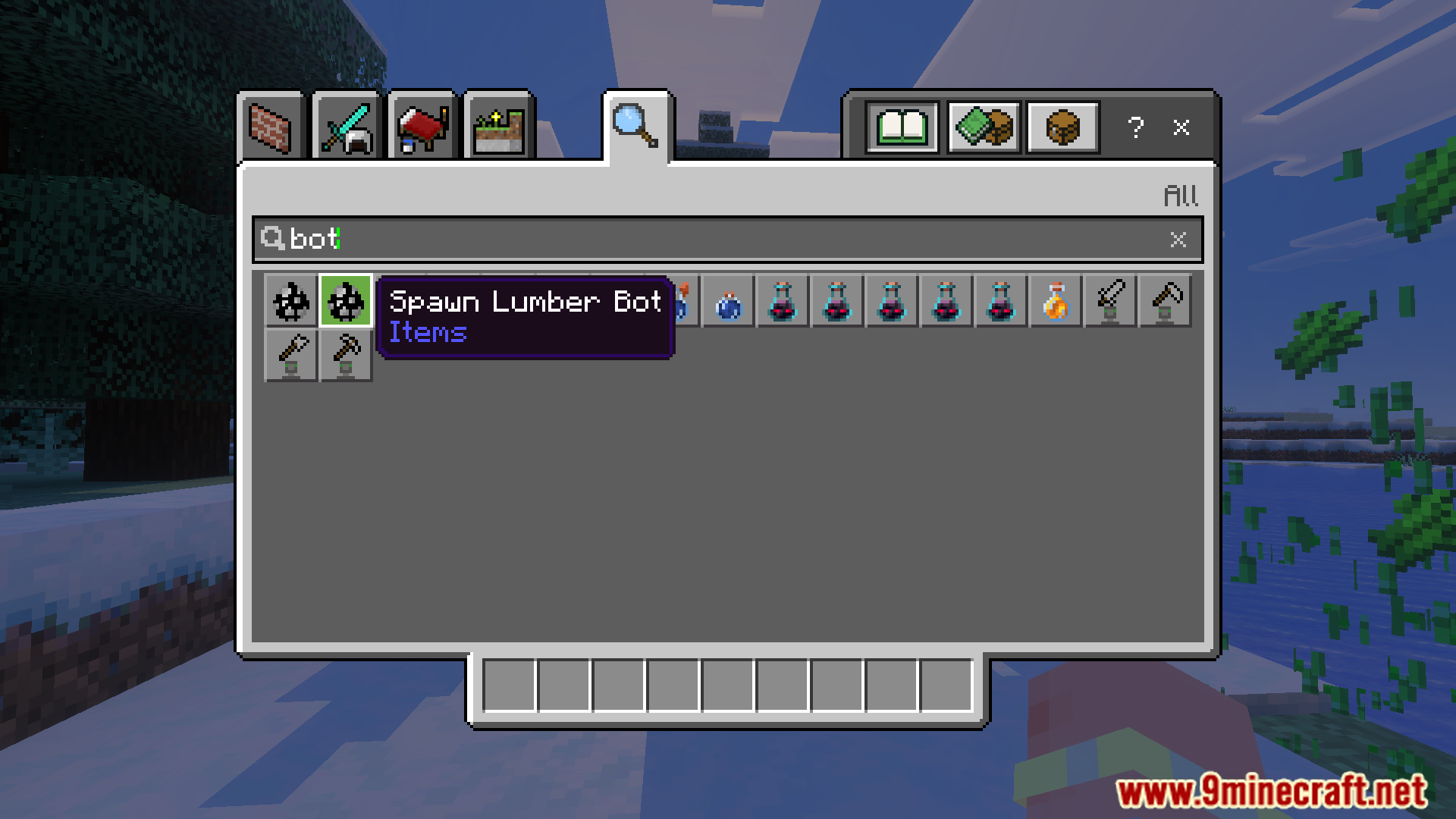
- Lumberbot: Chops the 4 nearest logs and takes down the entire tree, including upper logs.
- Attackbot: Attacks all monsters within a 2-block radius.
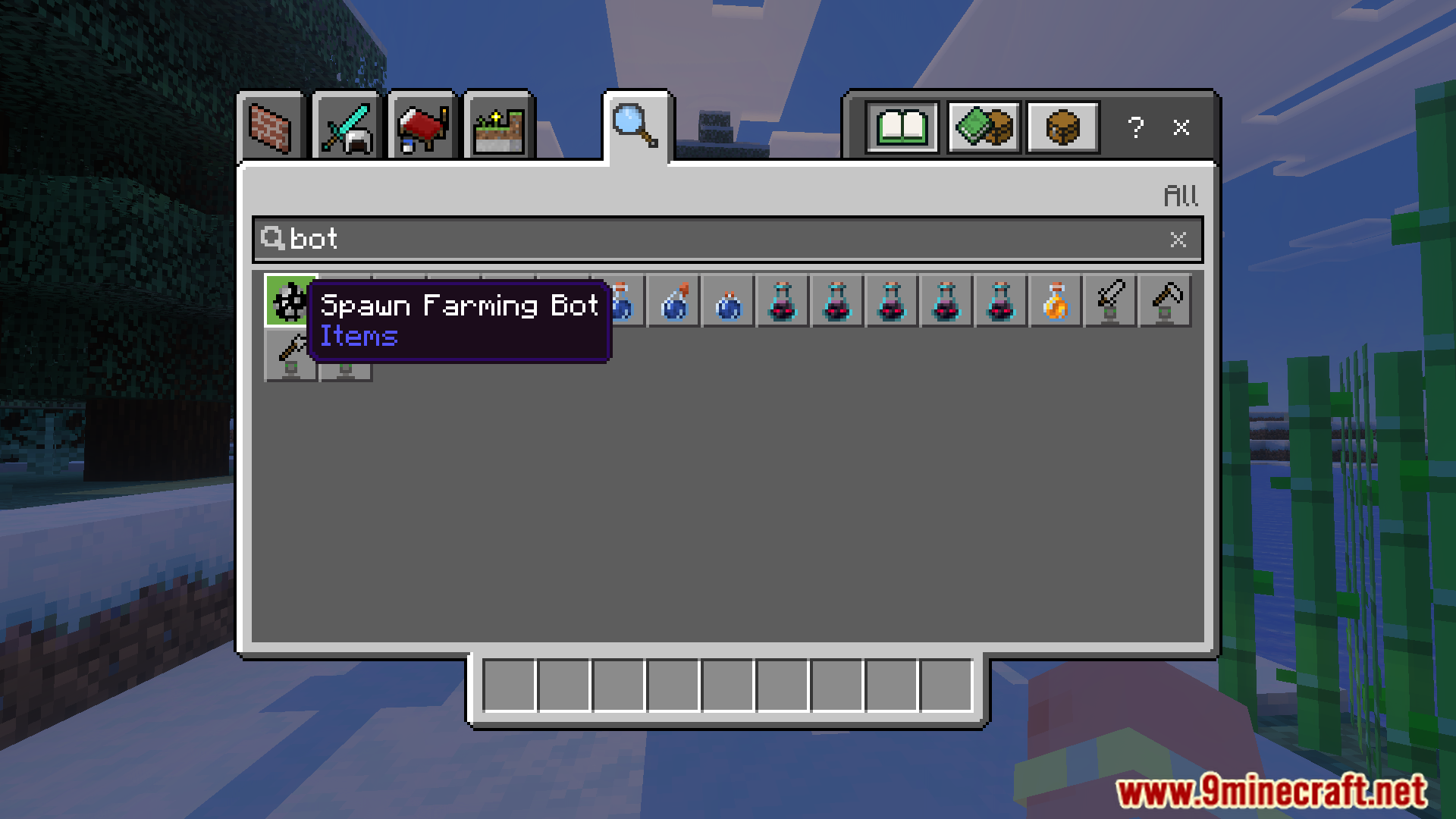
- Farmingbot: Harvests fully grown crops and replants them in a 9×9 area.
Screenshots:

Installation Note:
- You need to enable the Experimental Settings if the addon does not work.
Auto Companions Addon Download Links
For Minecraft PE/Bedrock 1.21
mcaddon: Download from Server 1 – Download from Server 2
Quick facts
- Edition: Minecraft Bedrock
- File type: .mcpack or .mcaddon
- Minecraft version listed: 1.21
- How to install: Download the .mcpack or .mcaddon file. → Open it — Minecraft imports it. → In your world: Behavior Packs → Available → Activate, then the same under Resource Packs.
- Where to get it: In MCModsHub, or directly above on this page.
Install steps are the general flow for this file type — How to install Minecraft Bedrock addons & mods walks through it step by step.
File checked by MCModsHub
- Pack type: .mcaddon — behaviour and resource pack in one file
- Manifest requires Minecraft 1.21.90 or newer
- Complete pack — everything it depends on is inside the file
- Download size: 2.5 MB
- Download link checked 17 Jun 2026 — working
- Mirrored on our own servers — the download does not depend on the original host
These come from our own check of the pack file, not from the source page.