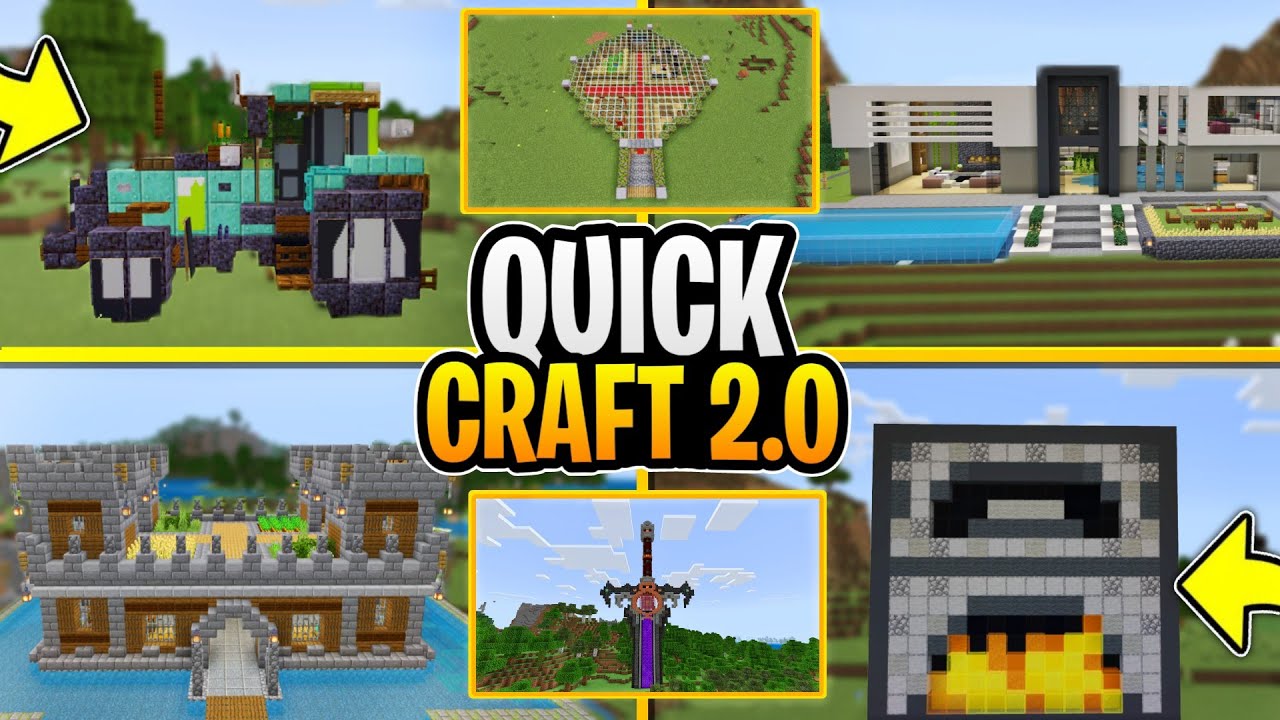
Quick Craft 2.0 Addon (1.21, 1.20) – MCPE/Bedrock Structures Mod
Bedrock add-on listed for Minecraft 1.13–1.21 (behavior pack only). File opened and checked on 19 Sep 2026; installs from the MC Bedrock Mods app on Android.
⬇ Download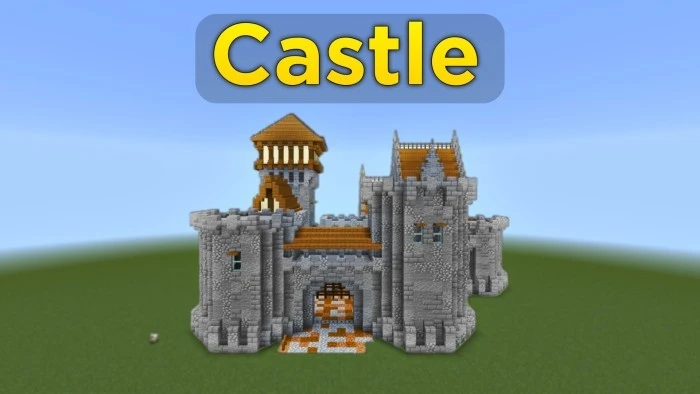
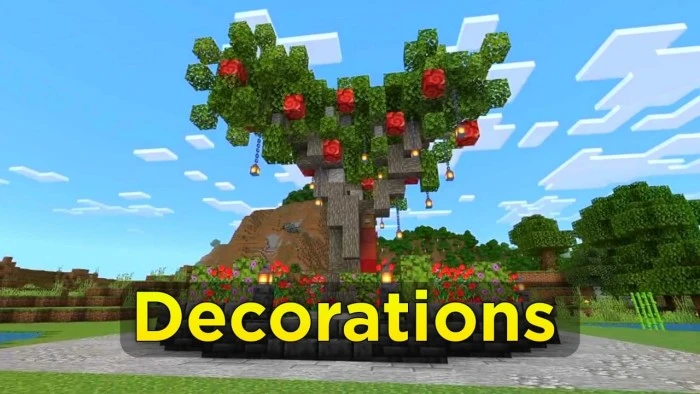

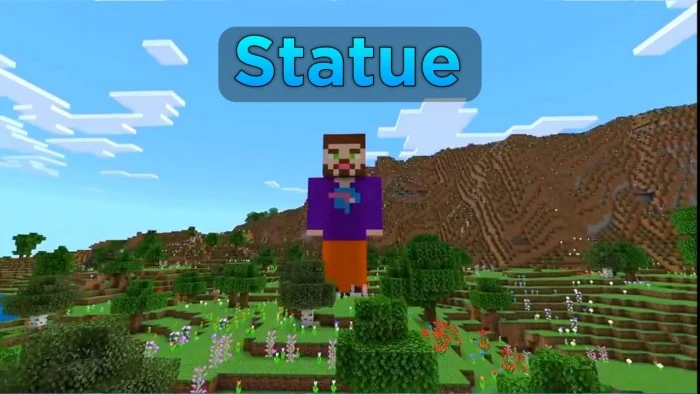
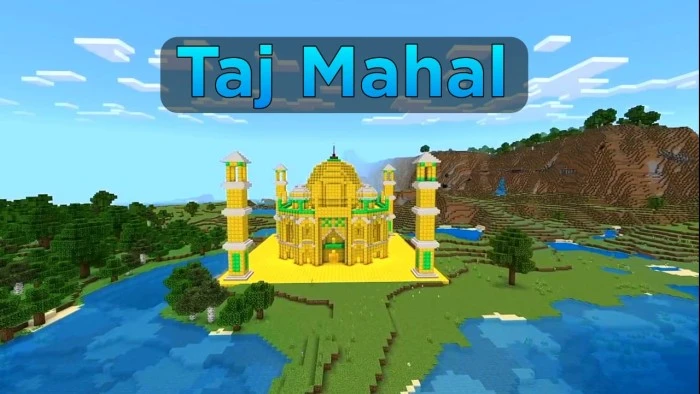
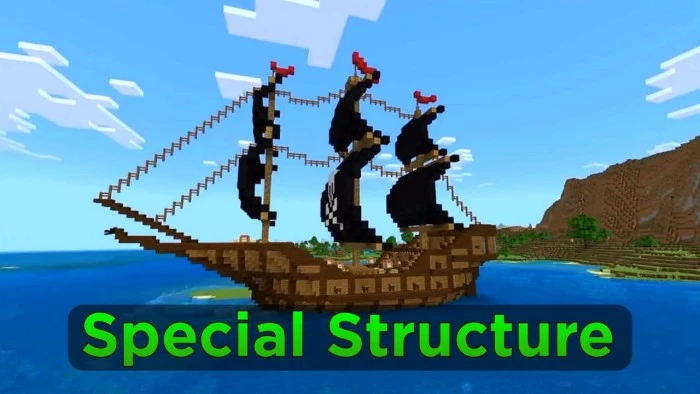
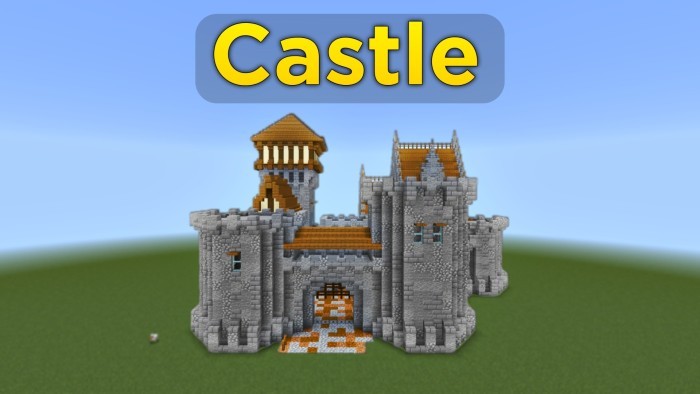
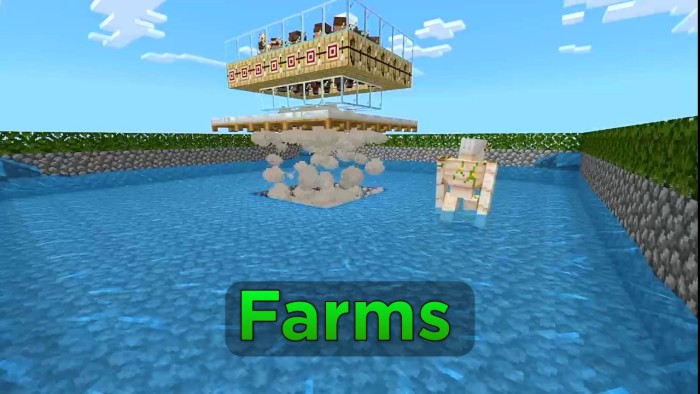
Quick Craft 2.0 Addon simplifies building structures with just a few easy steps. It includes 164 structures to choose from, ranging from castles and underground houses to modern homes, farms, vehicles, and more. Future updates will add even more options. A unique feature of this add-on is the ability to remove structures, a capability you won’t find elsewhere.
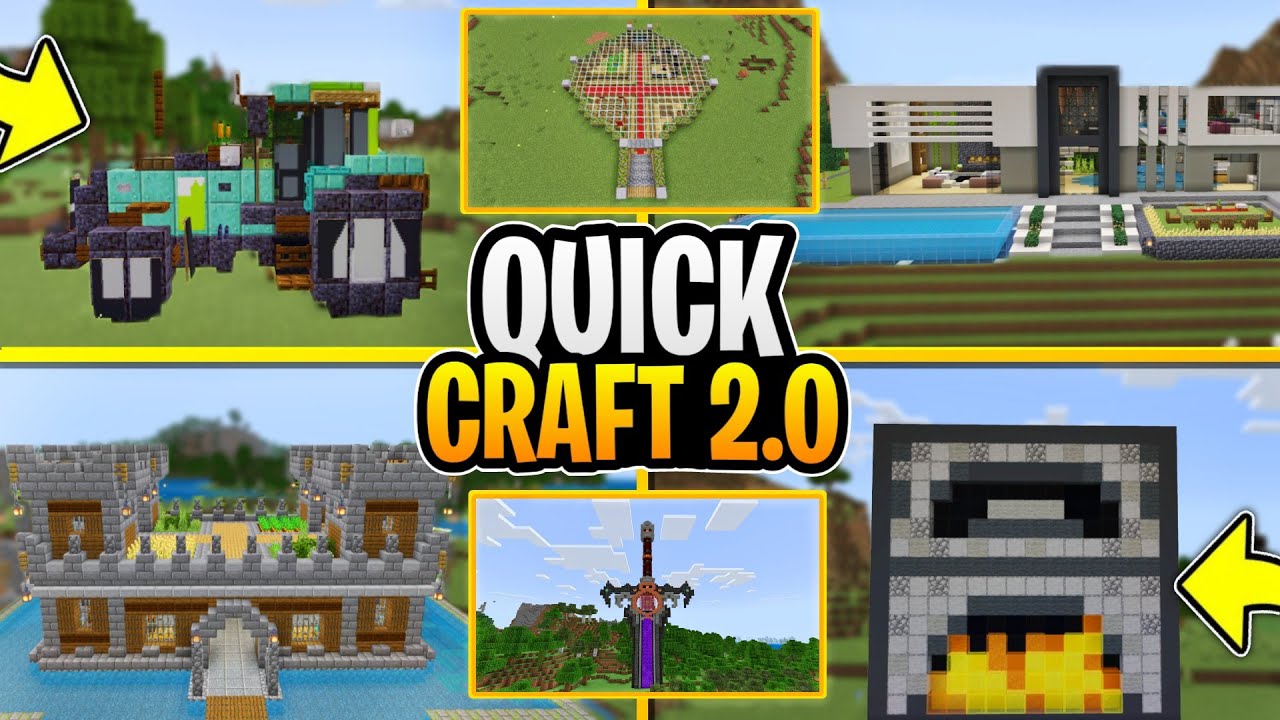
Features:
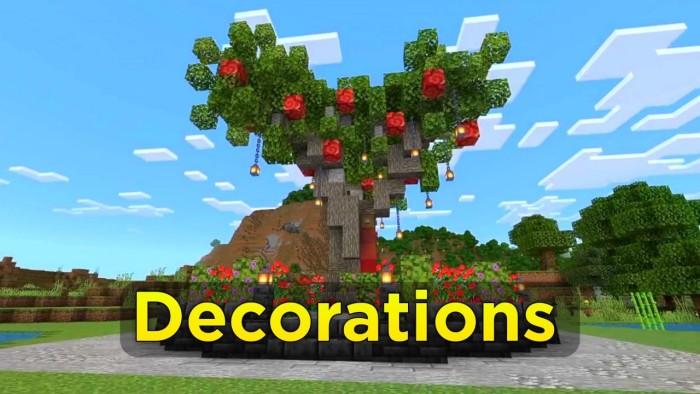
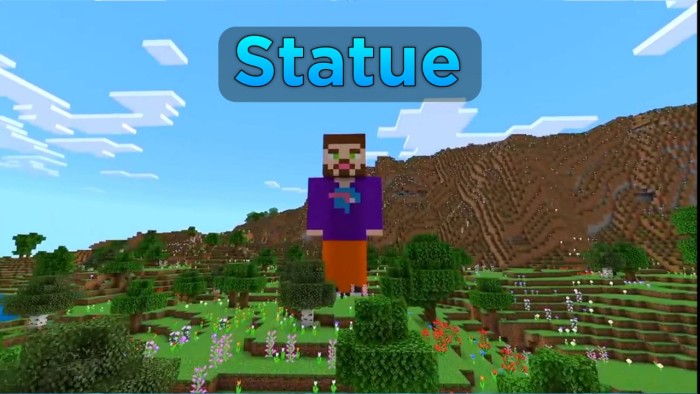
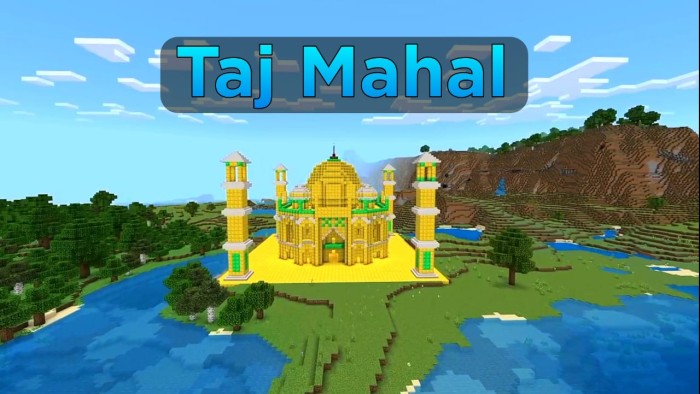
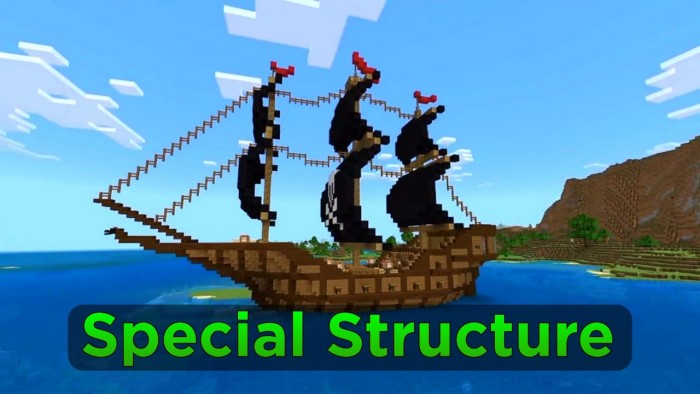
Here are some screenshots of the structures:
How To Use:
- Step 1: Type the following command in the chat box /give @p structure_block to get structure block.
- Step 2: Type this command /function @a list1 (or list2, list3, list4, list5) for the structure’s name.
- Step 3: After that, you will get a structure list then select the structure you want to build and note its coordinates.
Note: if the coordinate is in + ( like 0, 1, 2, 3) you just need to place a temporary block and then place the structure block on it.
For example, if the coordinates are 2 then you need to place two temporary block and then place the structure block on it.
if the coordinate is in – (like -0, -1, -2, -3) then you need to dig the block first.
For example, if the coordinates are -2 then you need to dig two blocks then place the structure block on it.
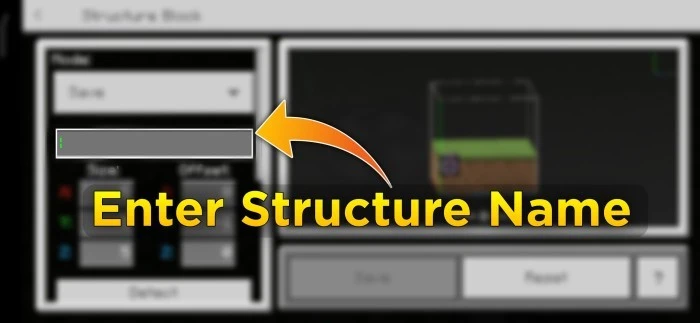
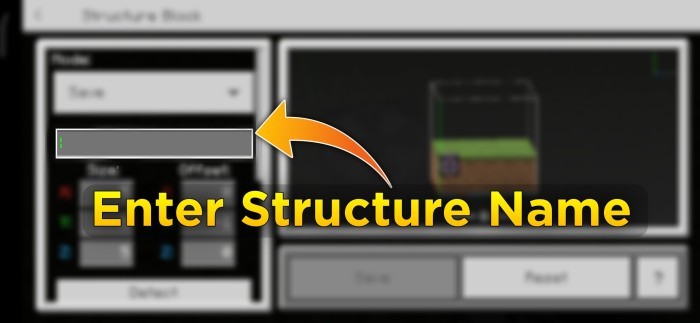
- Step 5: Enter the structure name
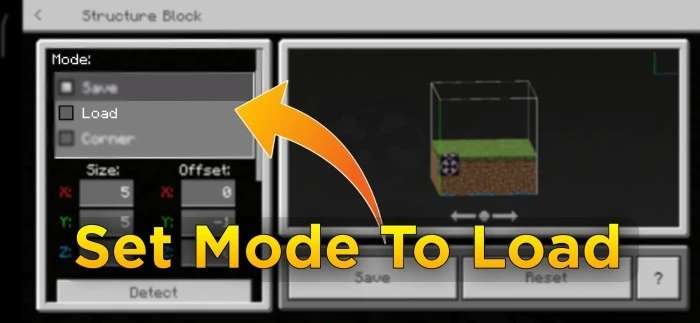
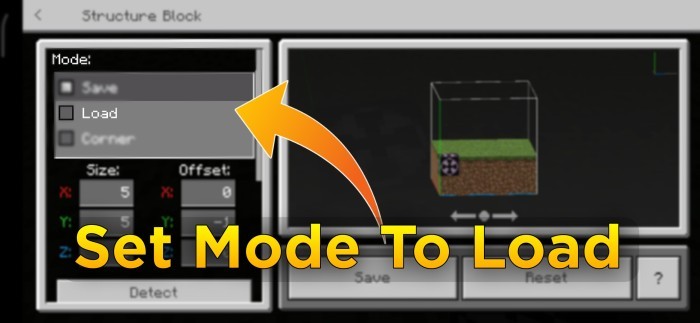
- Step 6: Set mode to load.
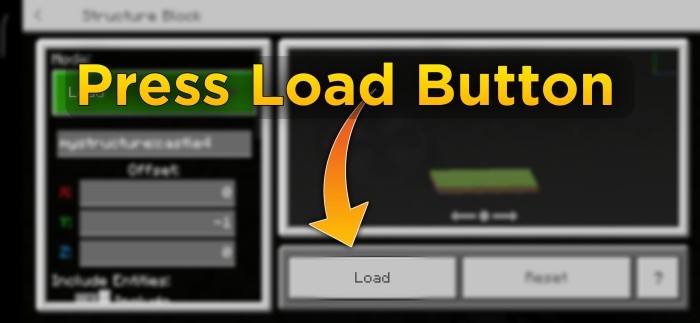
- Step 7: Press the load button.
Quick Craft 2.0 Addon Download Links
For Minecraft PE/Bedrock 1.21
mcaddon: Download from server 1 – Download from server 2
For Minecraft PE/Bedrock 1.20
mcaddon: Download from server 1 – Download from server 2
- Edition: Minecraft Bedrock
- File type: .mcpack or .mcaddon
- Minecraft versions listed: 1.21, 1.20
- How to install: Download the .mcpack or .mcaddon file. → Open it — Minecraft imports it. → In your world: Behavior Packs → Available → Activate, then the same under Resource Packs.
- Where to get it: In MCModsHub, or directly above on this page.
Install steps are the general flow for this file type — How to install Minecraft Bedrock addons & mods walks through it step by step.
- Pack type: .mcpack — a single pack
- Manifest requires Minecraft 1.13.0 or newer
- Complete pack — everything it depends on is inside the file
- Download size: 1.5 MB
- Download link checked 17 Jun 2026 — working
- Mirrored on our own servers — the download does not depend on the original host
These come from our own check of the pack file, not from the source page.