AddonsBedrock
OP+ Maps Addon (26.x, 1.21) – MCPE/Bedrock Mod
Bedrock add-on listed for Minecraft 1.17–1.21 (resource pack only). File opened and checked on 27 Sep 2026; installs from the MC Bedrock Mods app on Android.
⬇ Download
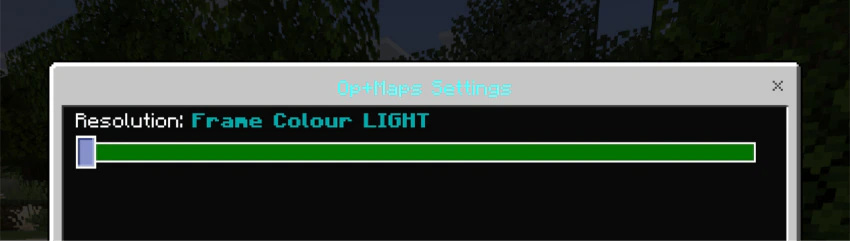
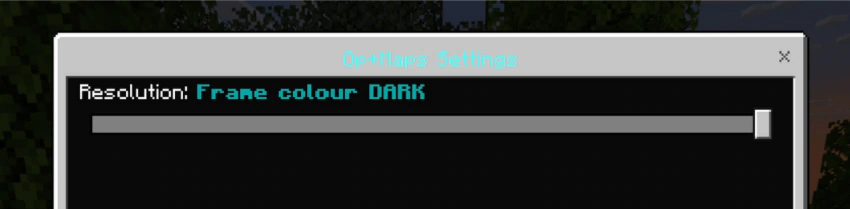
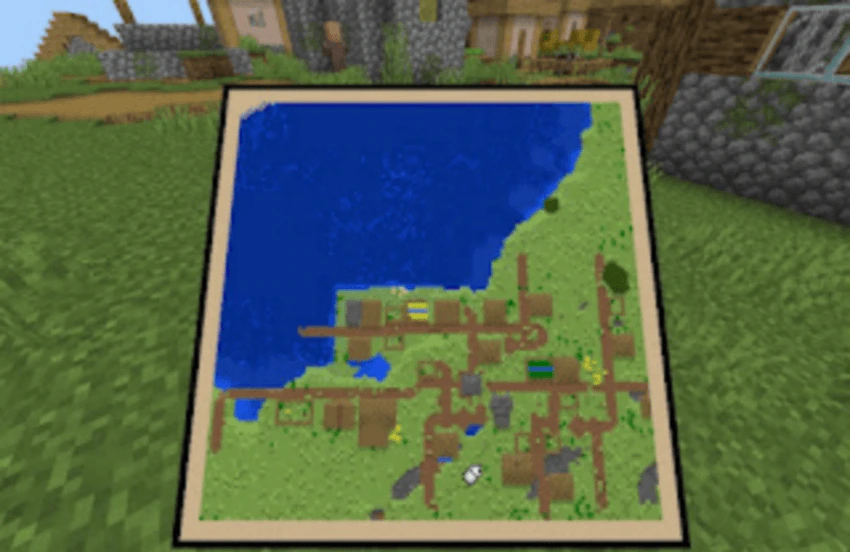
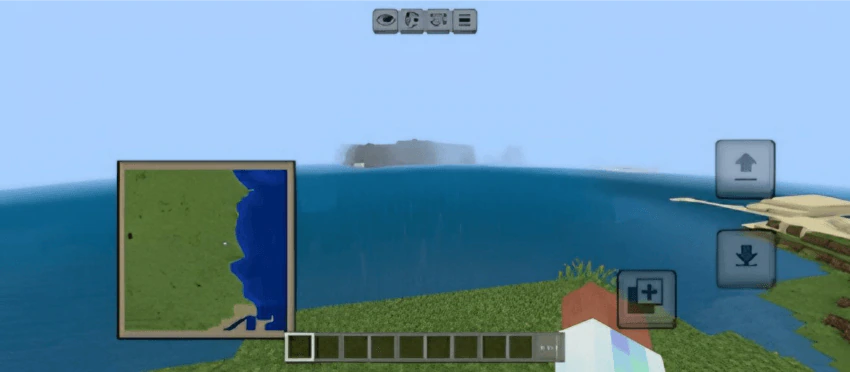
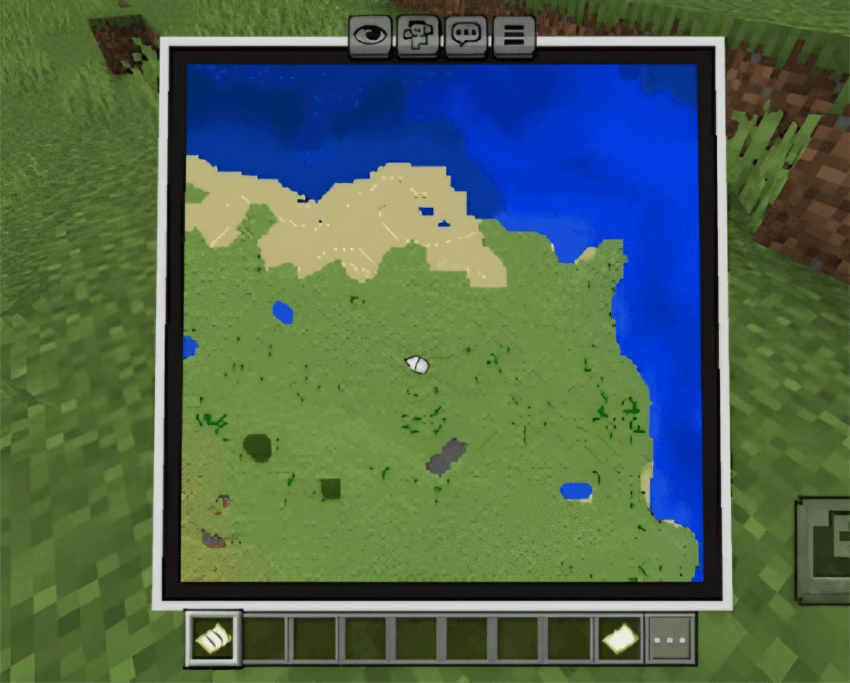
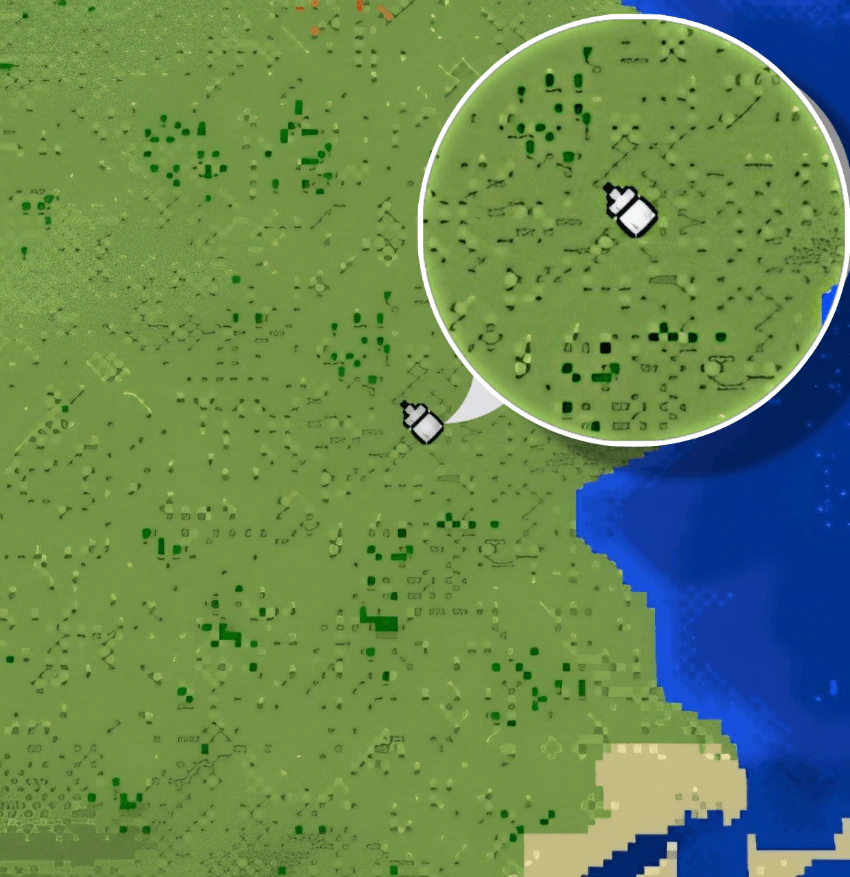
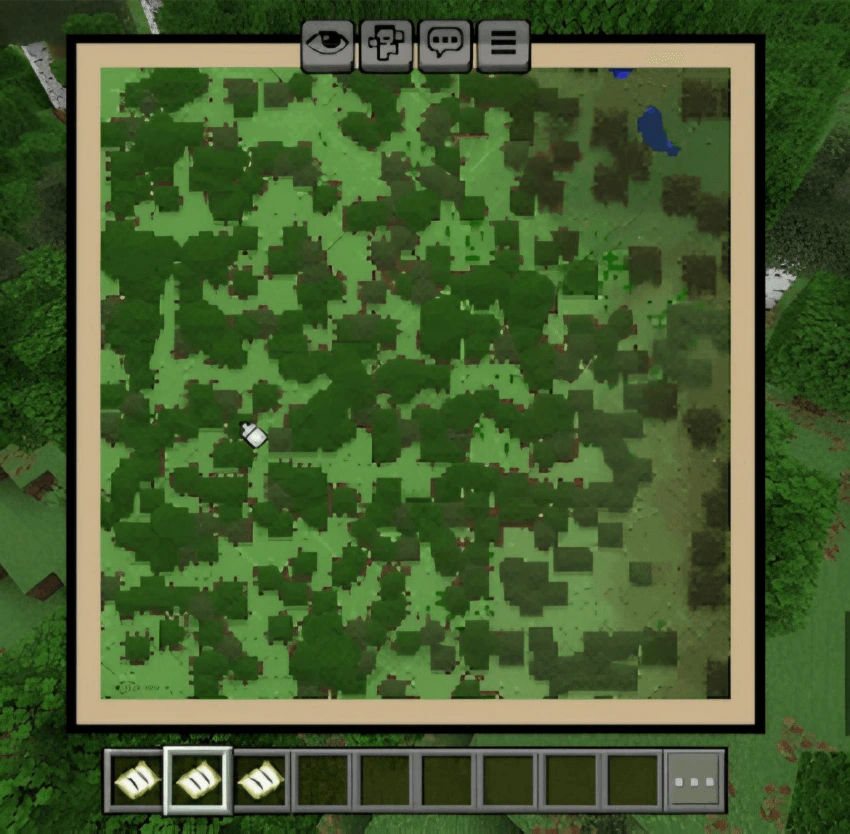
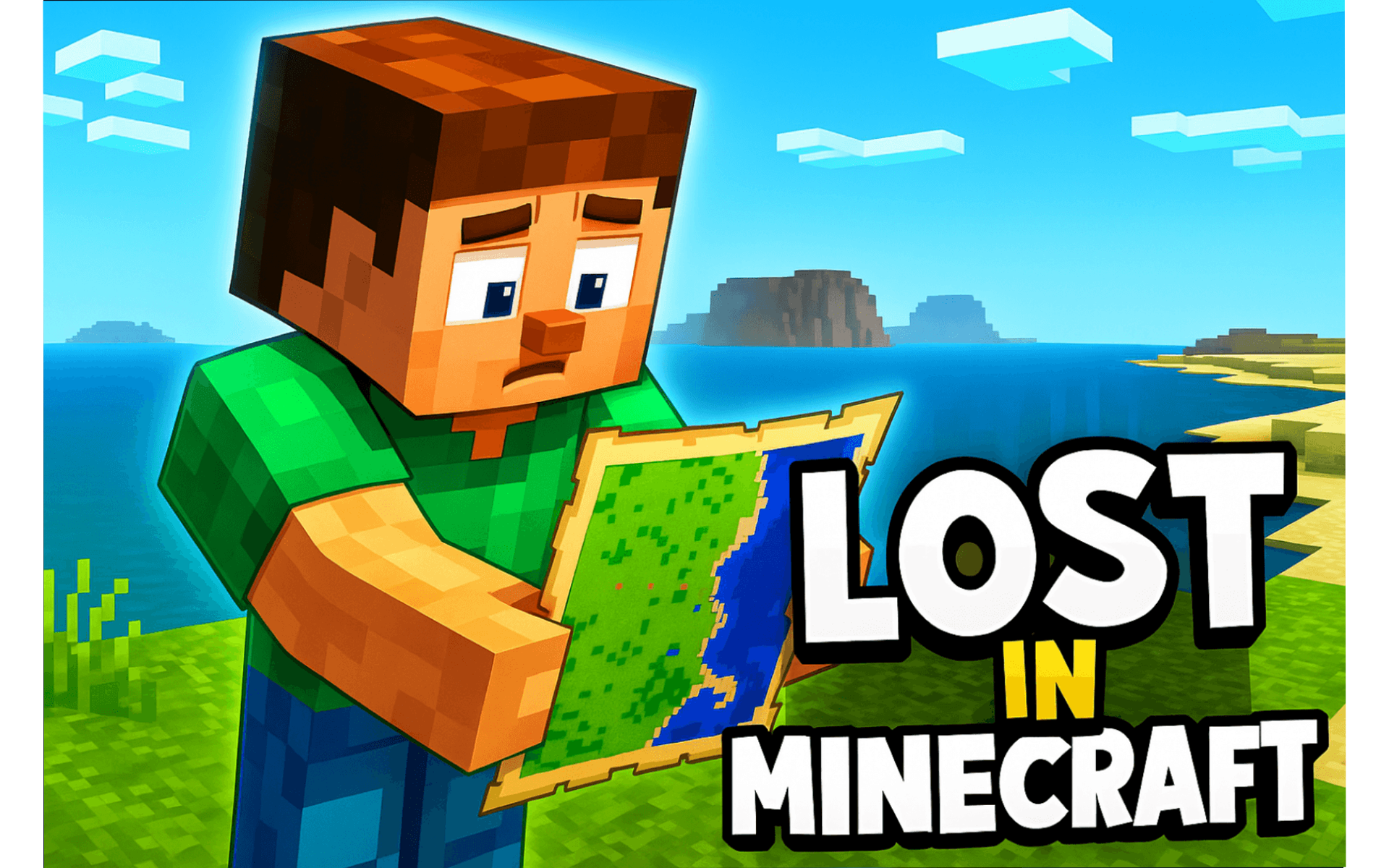
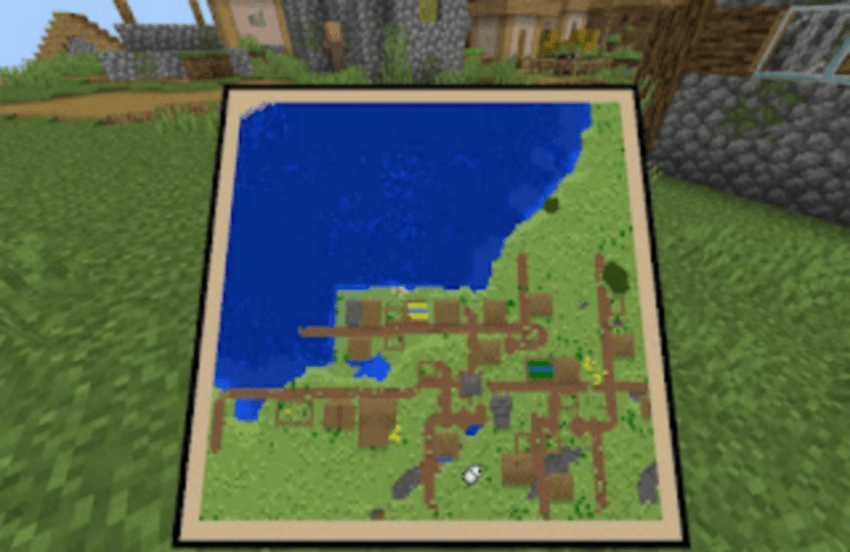
OP+ Maps Addon features both light and dark themes, it enhances navigation, and offers a smoother and more accessible experience for all players, particularly those who struggle with traditional in-game maps.
Features:
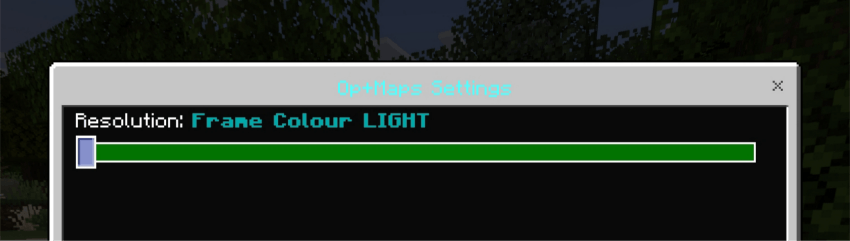
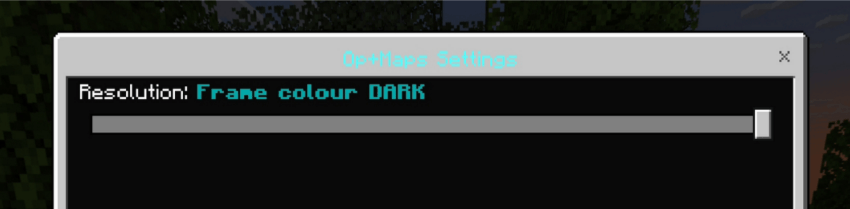
- Light & Dark Themes: Customize your experience with the theme that best suits your preference.
- Simplified Interface: Intuitive design for easy use, perfect for beginners and experienced players alike.
- Pathfinding Support: Clear navigation and guidance to help you explore your world with confidence.
- No Experimental Features Required: Seamless installation – just add and play, with no additional setup.
Screenshots:

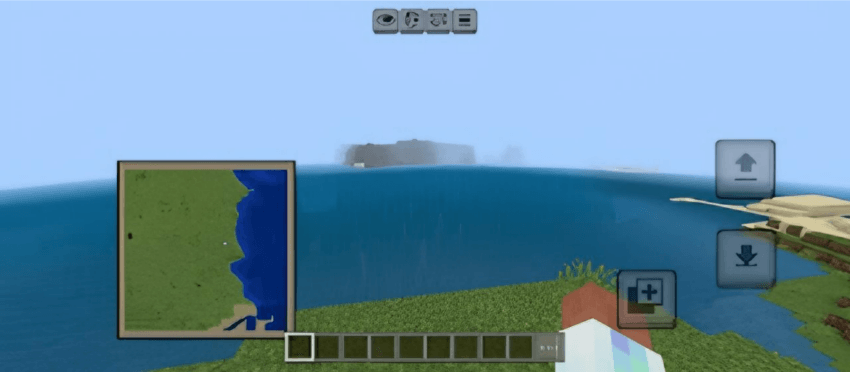
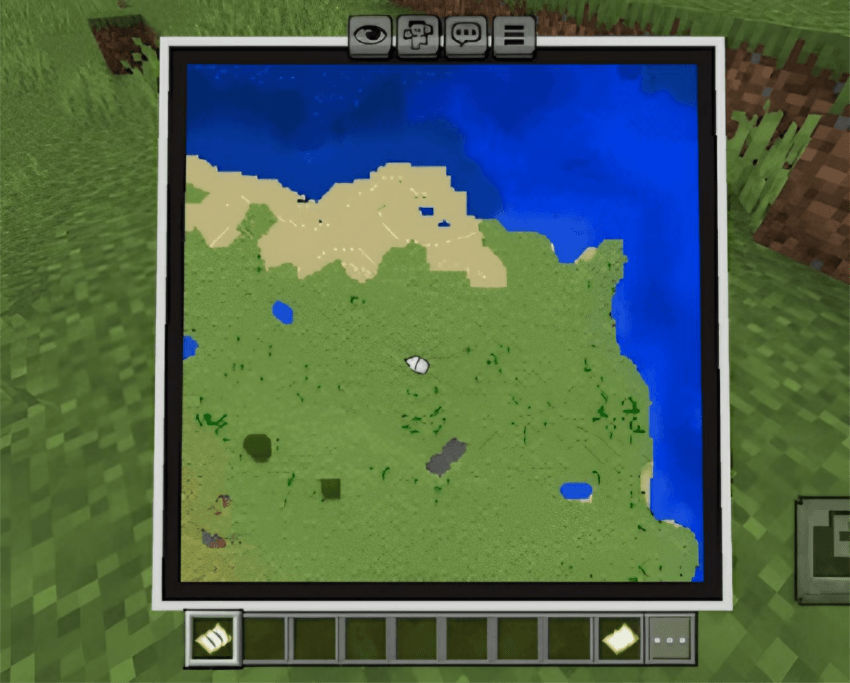
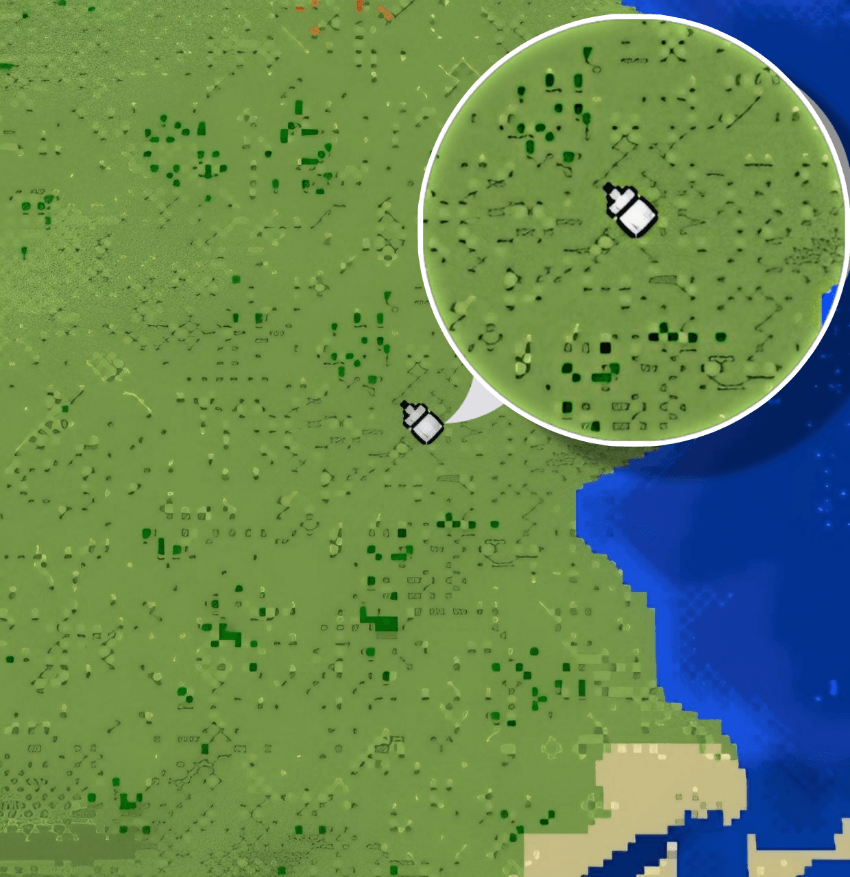
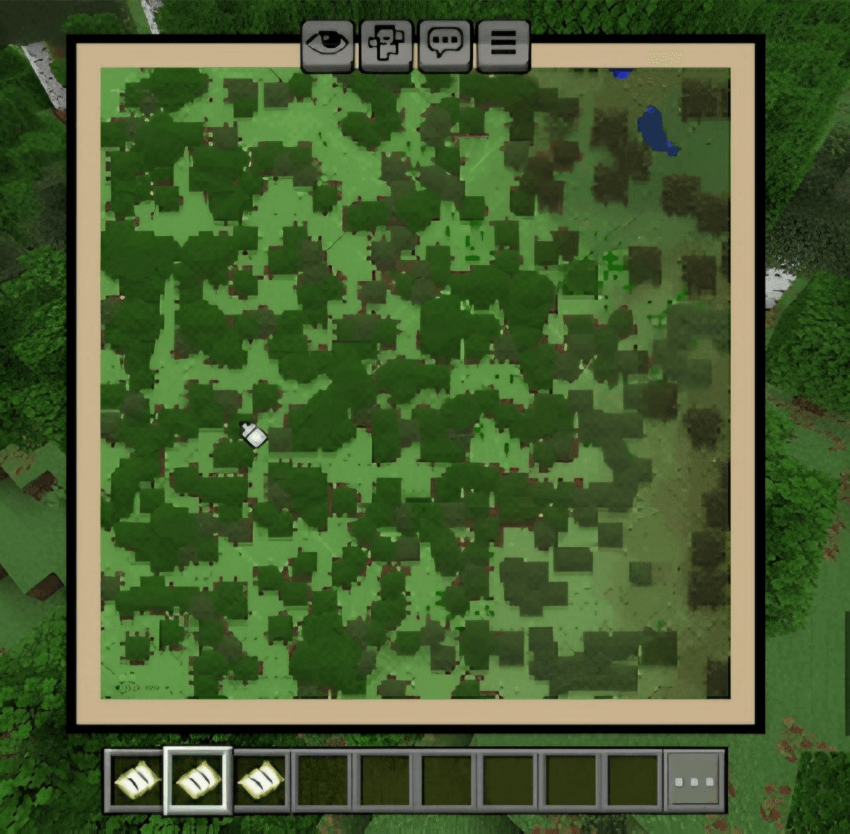
Installation Note:
- You don’t need to enable the Experimental Settings.
OP+ Maps Addon Download Links
For Minecraft PE/Bedrock 1.21
mcaddon: Download from server 1 – Download from server 2
Quick facts
- Edition: Minecraft Bedrock
- File type: .mcpack or .mcaddon
- Minecraft version listed: 1.21
- How to install: Download the .mcpack or .mcaddon file. → Open it — Minecraft imports it. → In your world: Behavior Packs → Available → Activate, then the same under Resource Packs.
- Where to get it: In MCModsHub, or directly above on this page.
Install steps are the general flow for this file type — How to install Minecraft Bedrock addons & mods walks through it step by step.
File checked by MCModsHub
- Save it as 61339.mcpack before opening — it downloads as .mcaddon, but it is a .mcpack pack
- Manifest requires Minecraft 1.17.0 or newer
- Complete pack — everything it depends on is inside the file
- Download size: 2.8 MB
- Download link checked 17 Jun 2026 — working
- Mirrored on our own servers — the download does not depend on the original host
These come from our own check of the pack file, not from the source page.