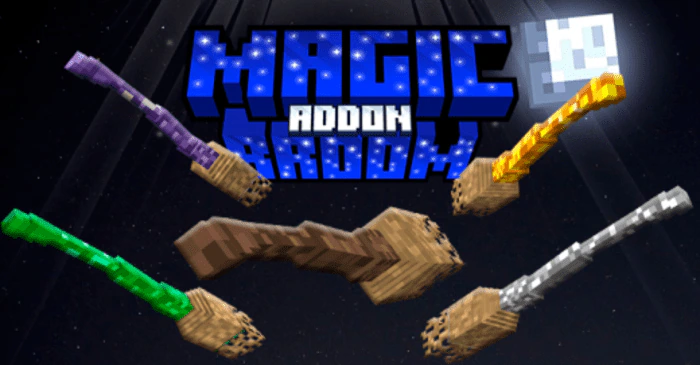
Magic Broom Addon (1.21, 1.20) – MCPE/Bedrock Mod
Bedrock add-on listed for Minecraft 1.20–1.21 (behavior pack only). Needs Beta APIs. Installs from the MC Bedrock Mods app on Android.
⬇ Download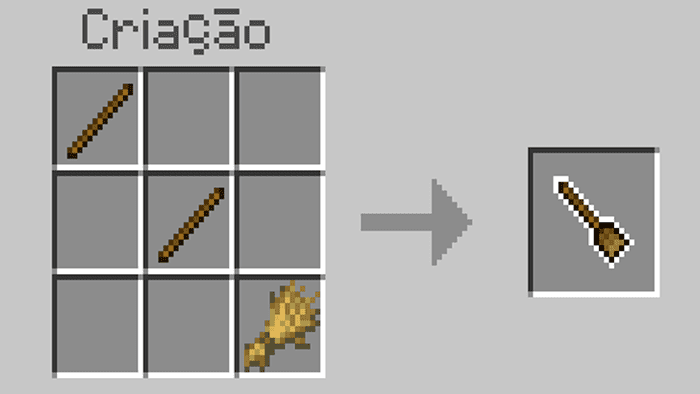
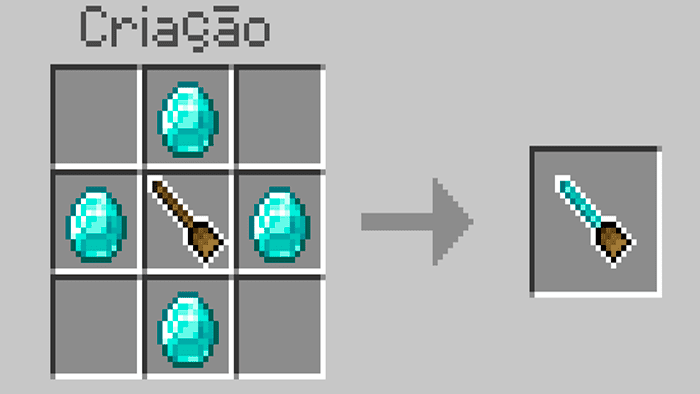
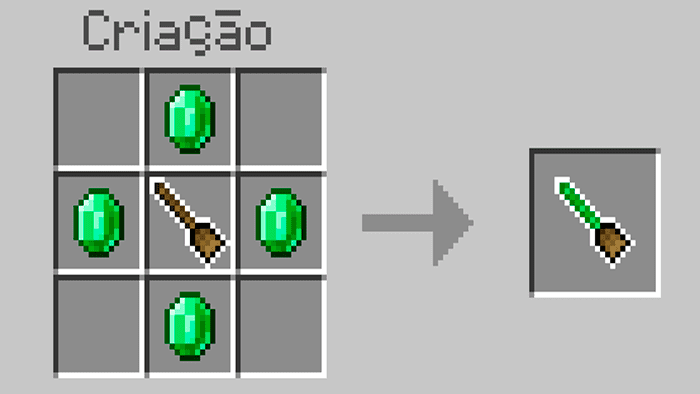
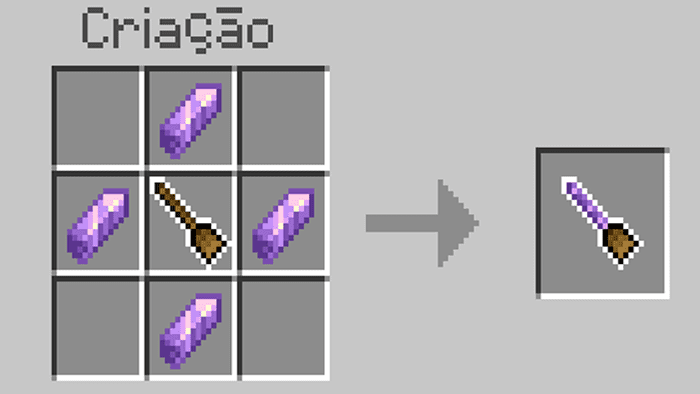
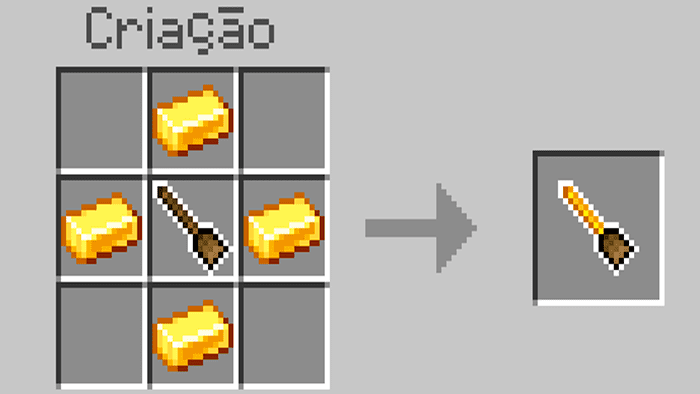
Magic Broom Addon introduces the Magic Broom, a fantastical means of transportation that can fly and hover. It’s simple to summon, needing only a straightforward crafting recipe, and its ability to fly makes exploring the vast Minecraft world easier and more fun. Whether you’re crossing treacherous terrains, soaring above oceans, or simply enjoying the scenic beauty of the sky, the Magic Broom adds a unique charm to your journey.

Features:
The controls of the Magic Broom are smooth and intuitive, providing a seamless flying experience. Whether you’re a new player or a veteran, you’ll find the broom’s handling effortless. This attention to user-friendly controls greatly enhances the gameplay experience.
Moreover, the aesthetic of the Magic Broom fits perfectly with Minecraft’s fantastical themes. It’s designed with a traditional look that pays homage to classic magical lore, and it blends seamlessly into the Minecraft world. It also adds an extra dash of magic to the gaming experience, making it feel like you’re living your own fantasy adventure.
How to use:
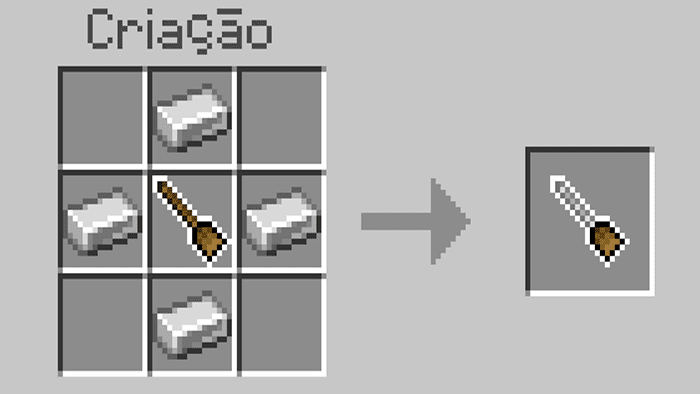
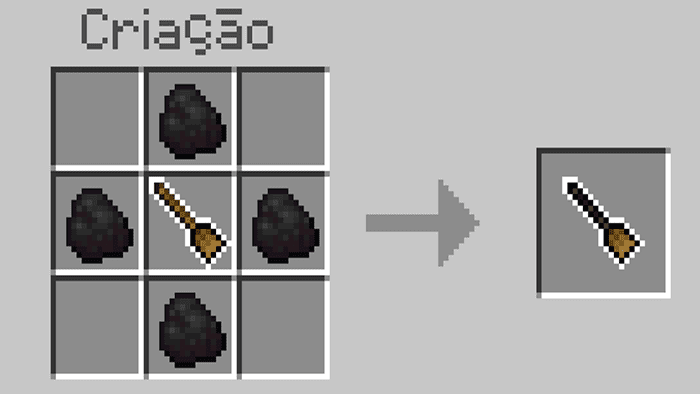
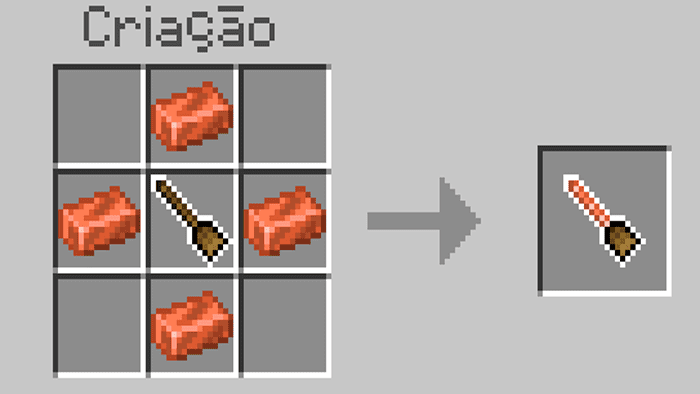
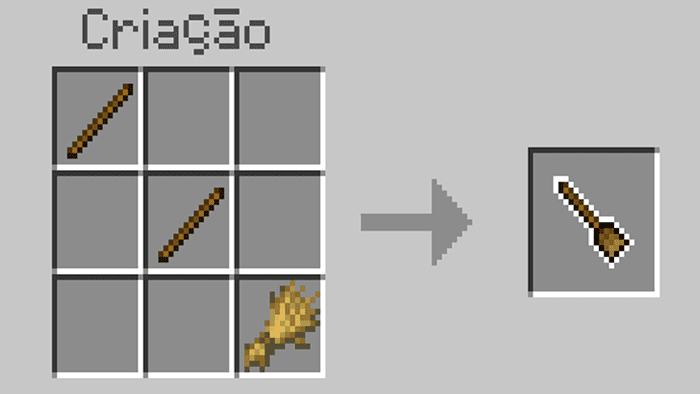
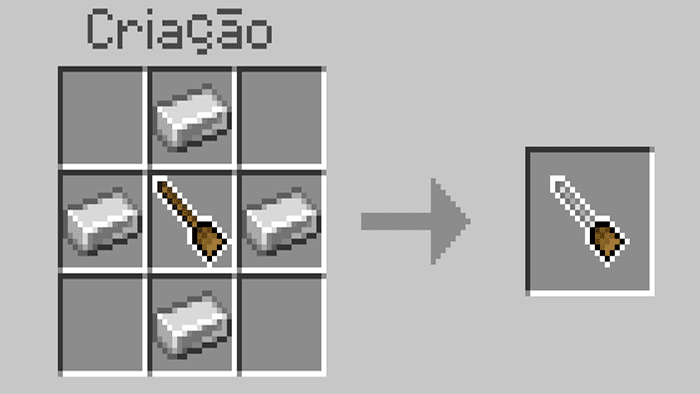
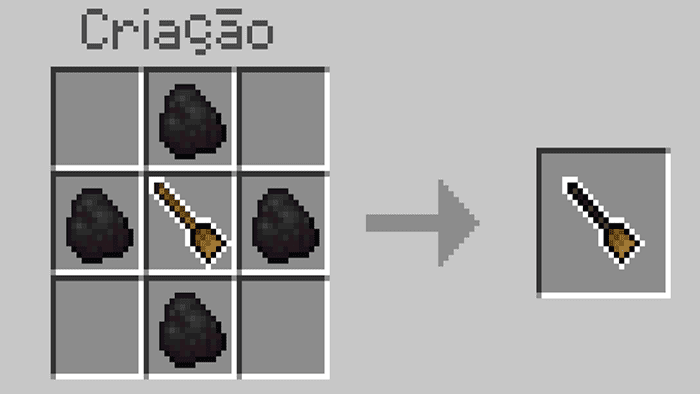
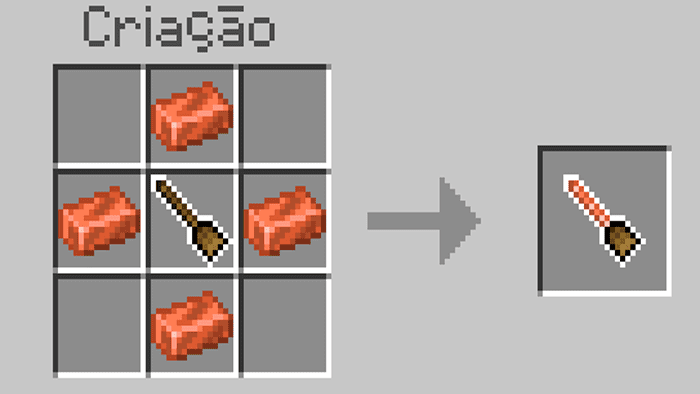
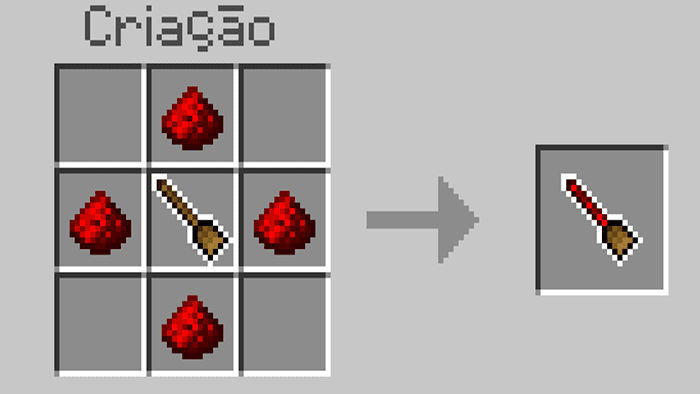
To craft the brooms you will need the following items:
- stick broom
- iron broom
- coal broom
- diamond broom
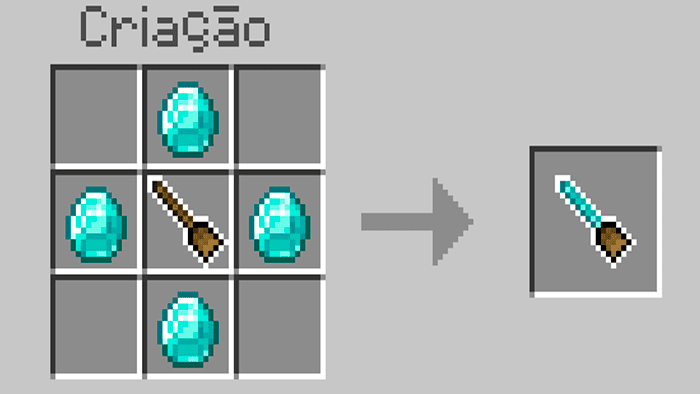
- emerald broom
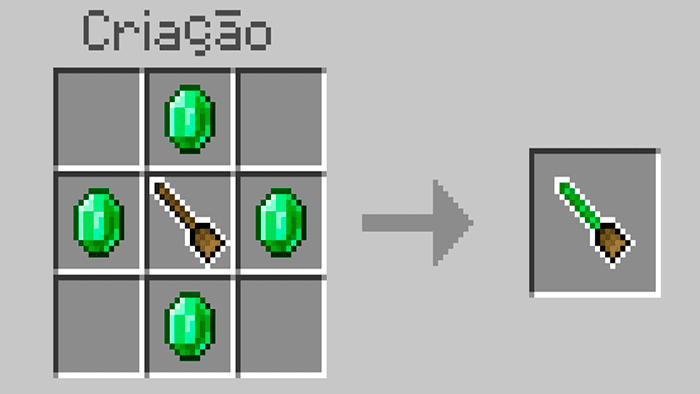
- amethyst broom
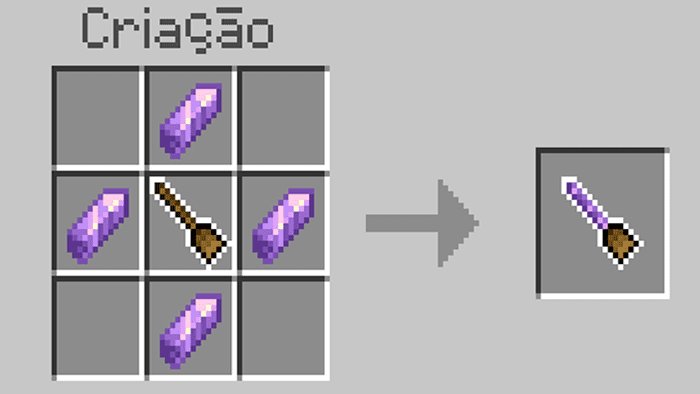
- golden broom
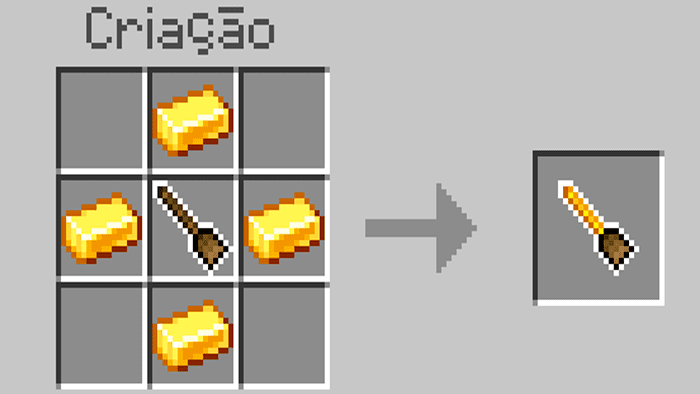
- copper broom
- redstone broom
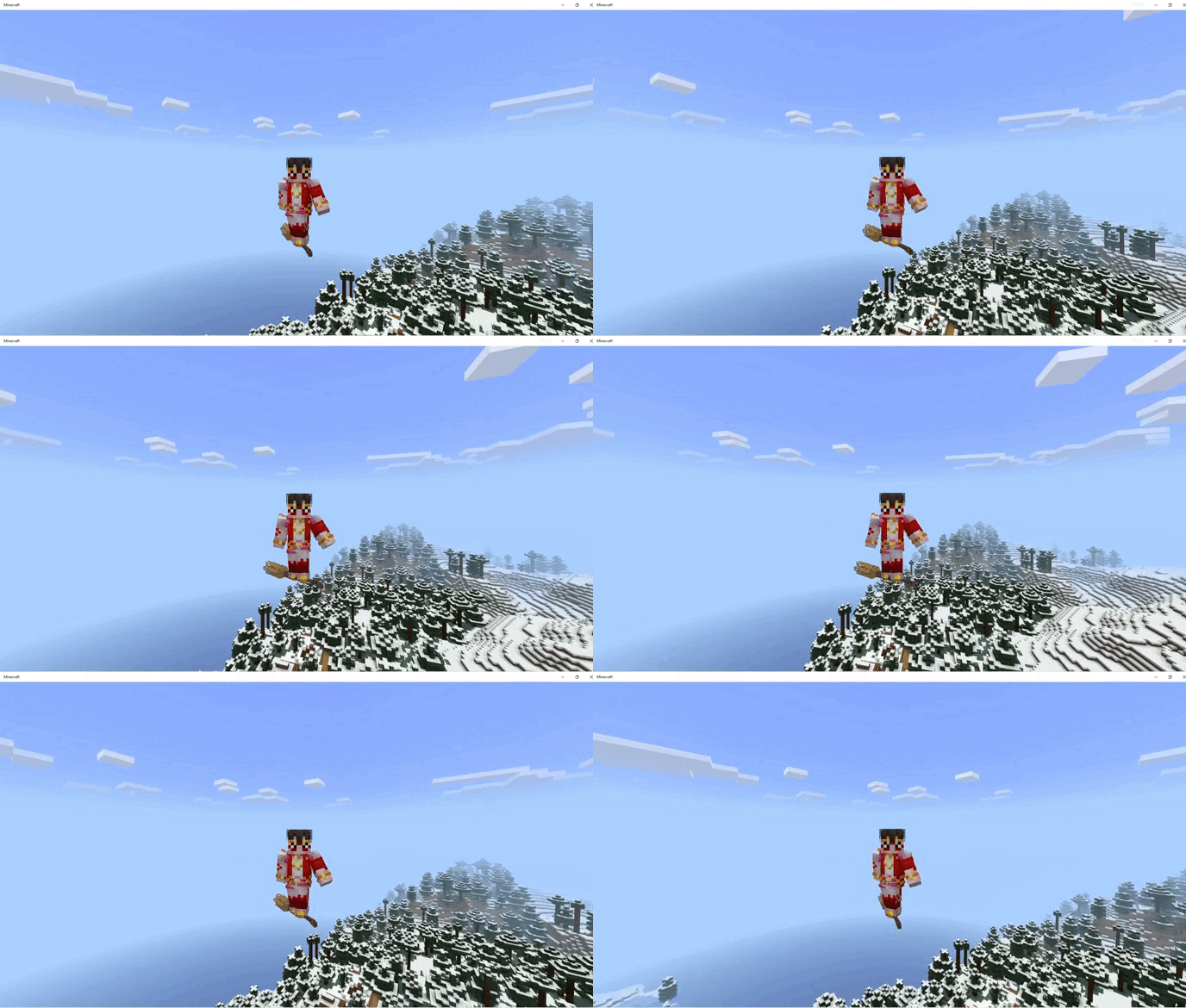
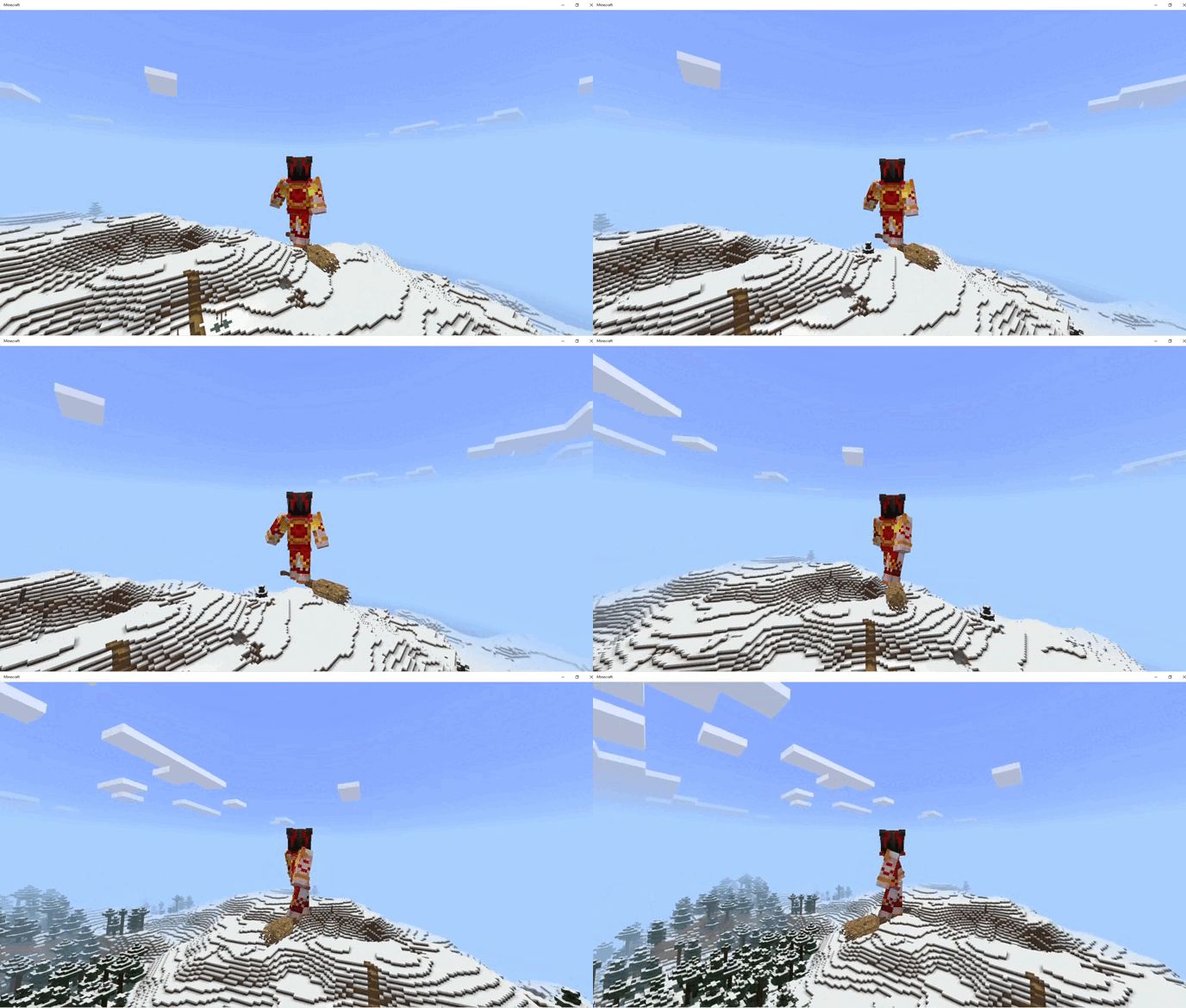
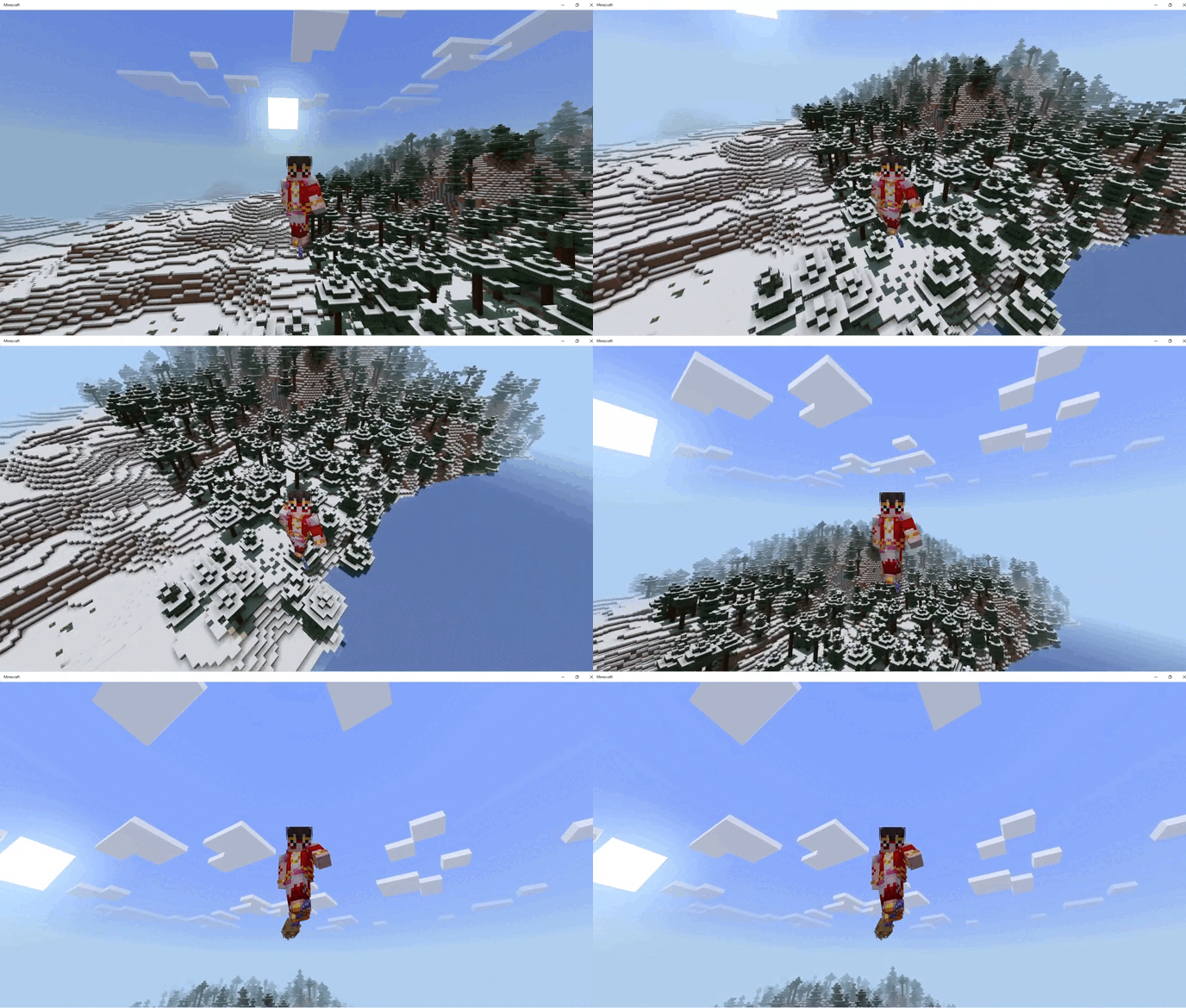
Reality visions:
- Front
- Coast
How to fly:
To be able to fly it’s simple, just take your broom in your hand and look up to go up and down and just look down
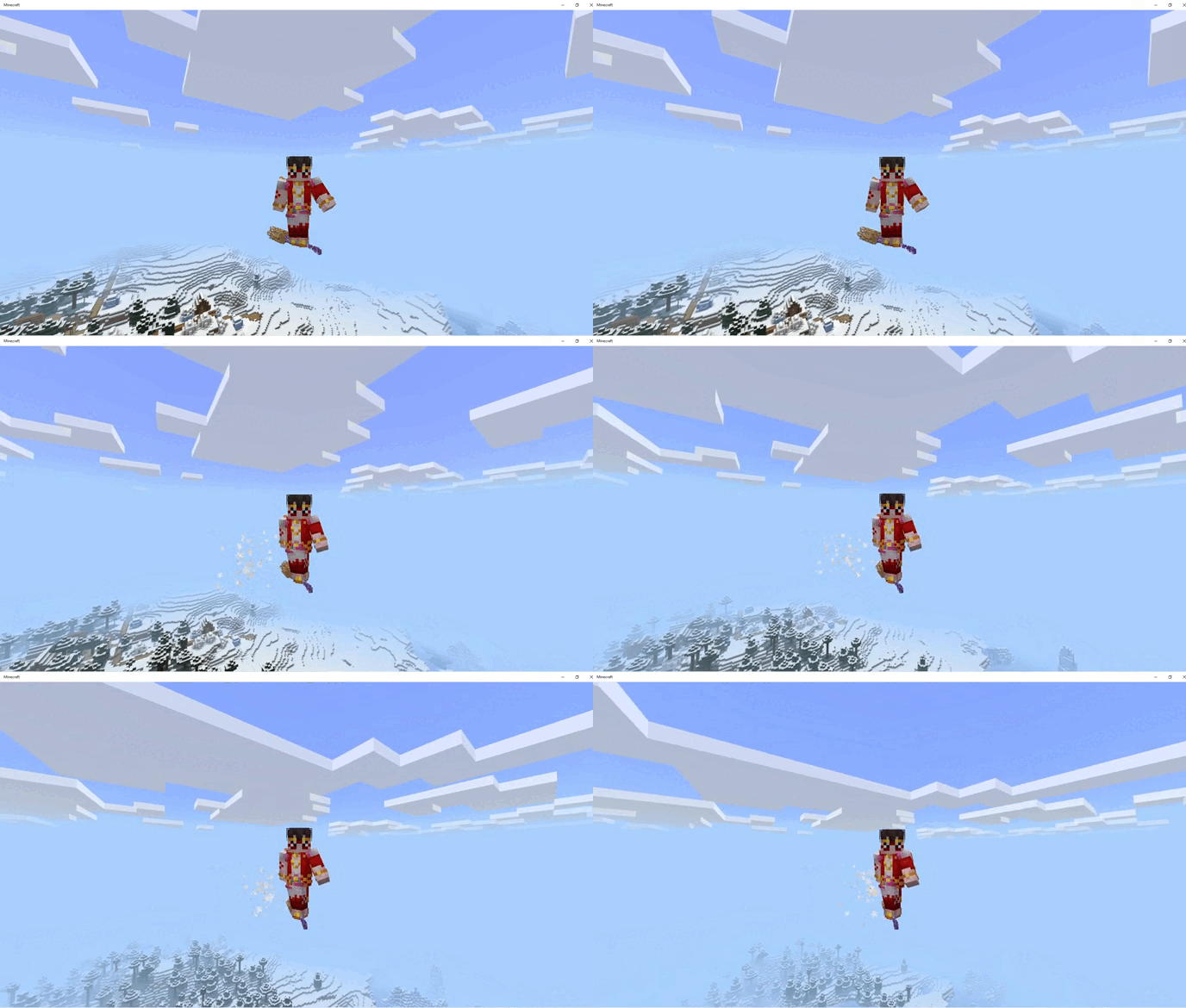
Fly faster:
- For you to fly faster you will have to hold the screen or click the right button
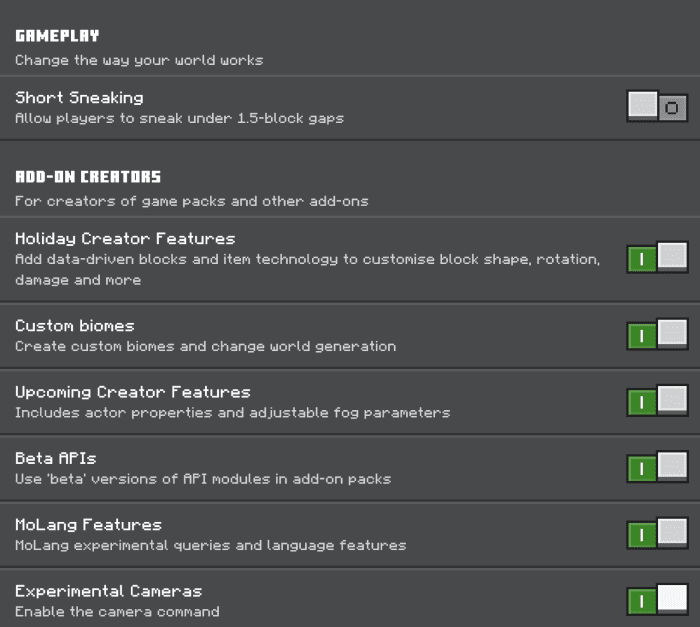
Installation Note:
- Make sure you turn on the Experimental Gameplay.
Magic Broom Addon Download Links
For Minecraft PE/Bedrock 1.21
Behavior: Download from server 1 – Download from server 2
Resource: Download from server 1 – Download from server 2
For Minecraft PE/Bedrock 1.20, 1.19
Behavior: Download from server 1 – Download from server 2
Resource: Download from server 1 – Download from server 2
- Edition: Minecraft Bedrock
- File type: .mcpack or .mcaddon
- Minecraft versions listed: 1.21, 1.20
- How to install: Download the .mcpack or .mcaddon file. → Open it — Minecraft imports it. → In your world: Behavior Packs → Available → Activate, then the same under Resource Packs.
- Where to get it: In MCModsHub, or directly above on this page.
Install steps are the general flow for this file type — How to install Minecraft Bedrock addons & mods walks through it step by step.
- Pack type: .mcaddon
- Manifest requires Minecraft 1.21.0 or newer
- Needs Beta APIs switched on in the world settings
- Ships one half — this pack asks for another pack that is not included
- Download link checked 17 Jun 2026 — working
- Mirrored on our own servers — the download does not depend on the original host
These come from our own check of the pack file, not from the source page.