AddonsBedrock
All Enchantments Menu Addon (26.x, 1.21) – MCPE/Bedrock Mod
Bedrock add-on listed for Minecraft 1.21 (behavior + resource pack). Needs Beta APIs. File opened and checked on 13 Sep 2026; installs from the MC Bedrock Mods app on Android.
⬇ Download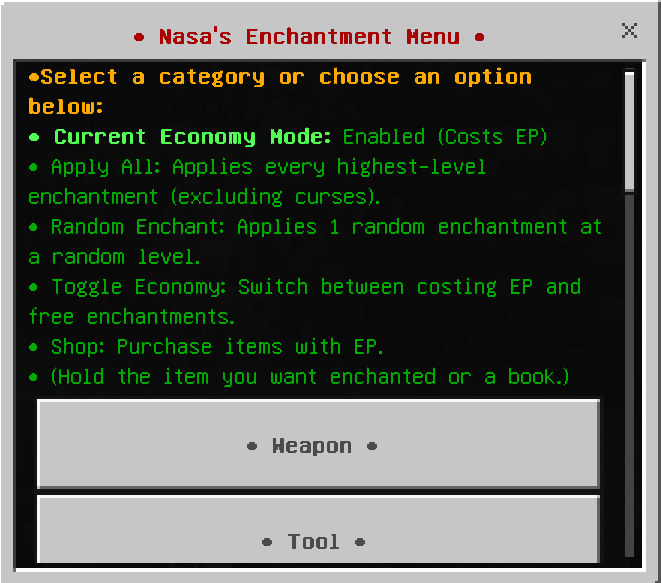
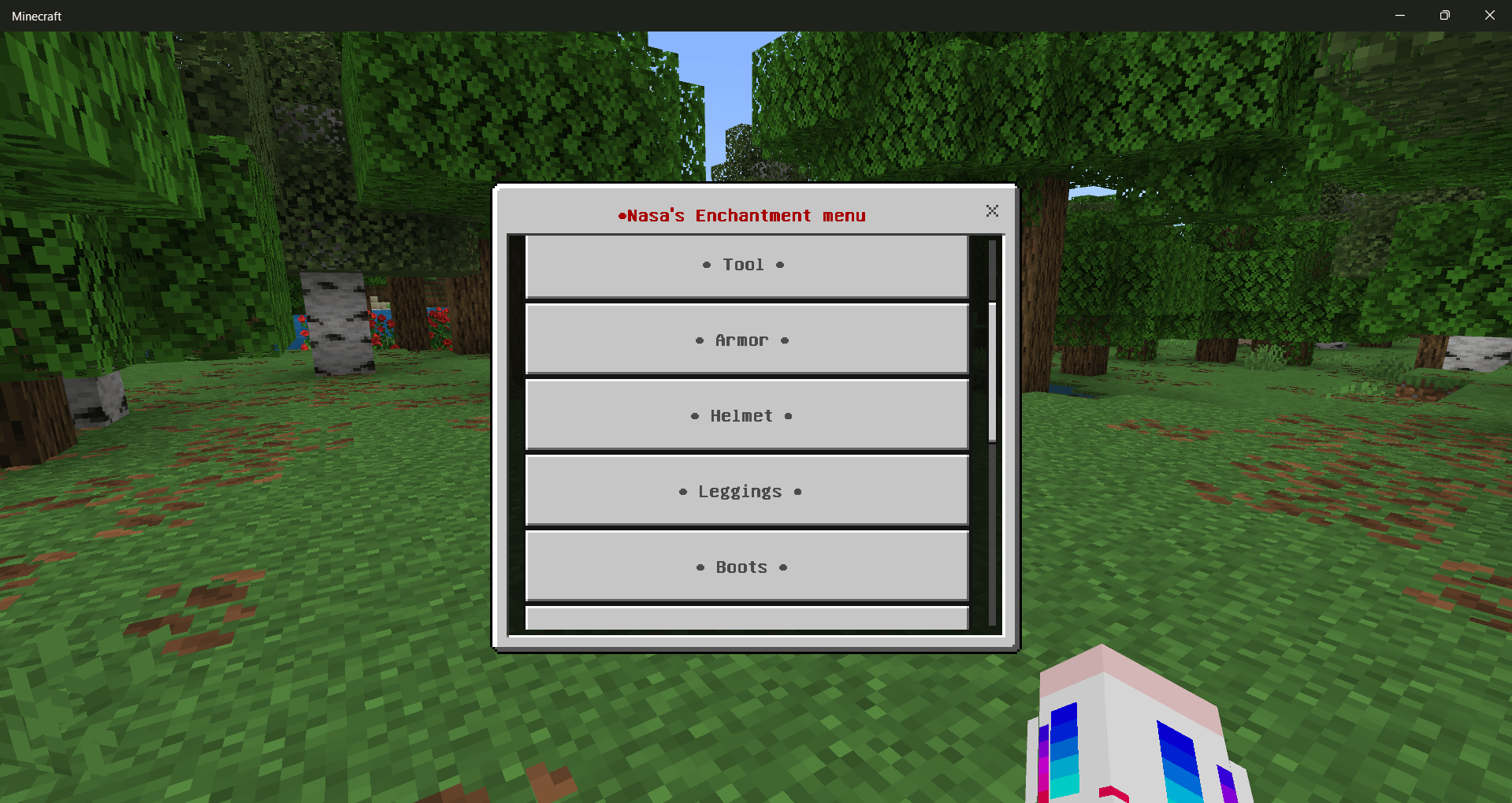
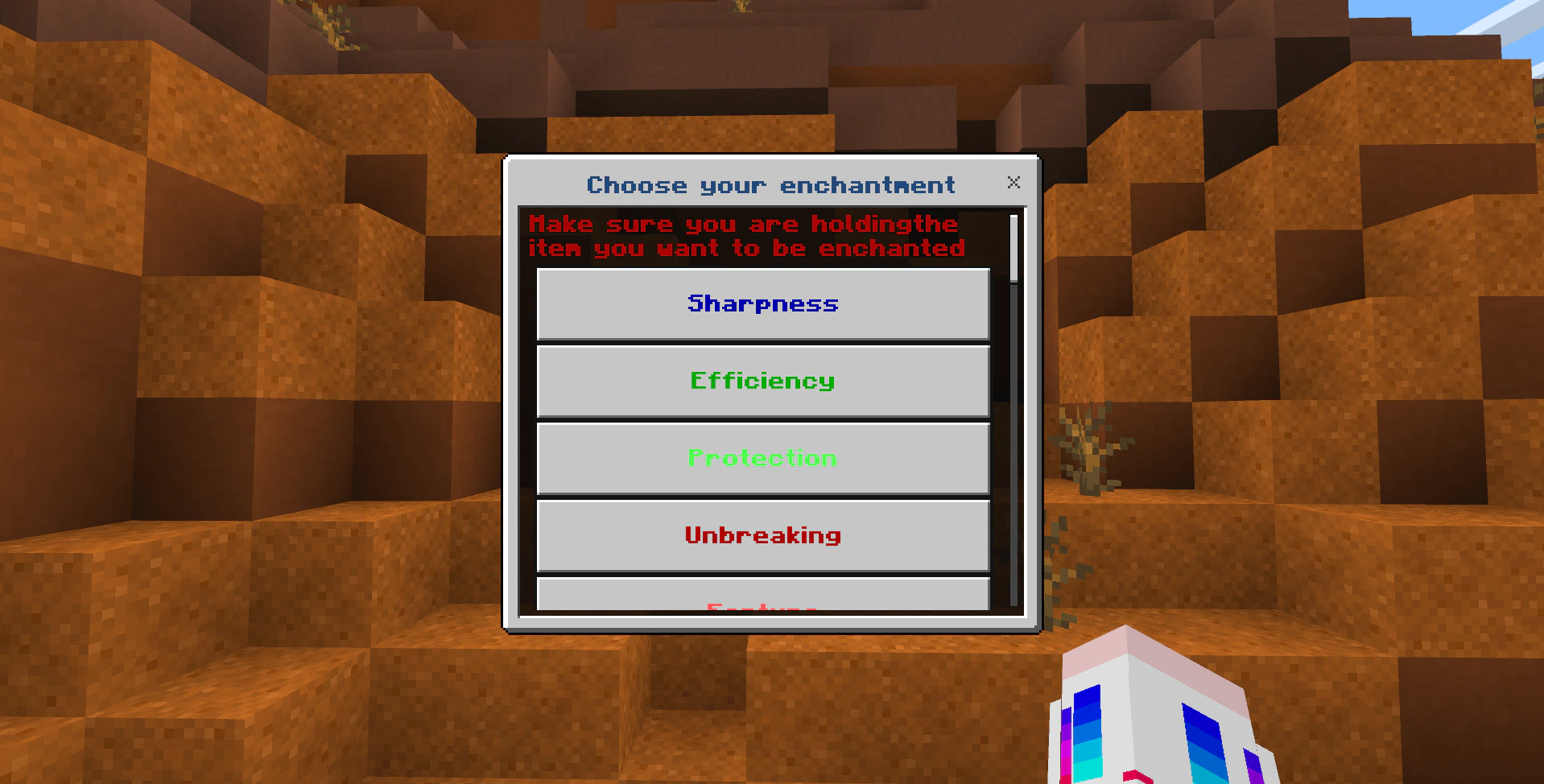
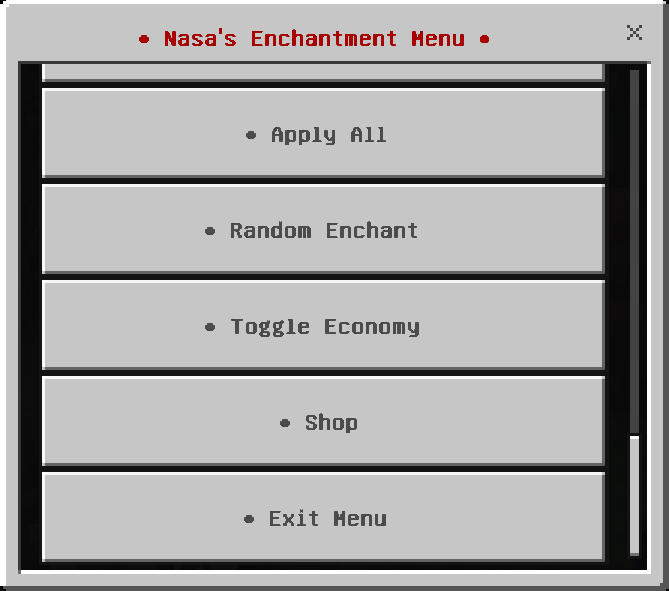
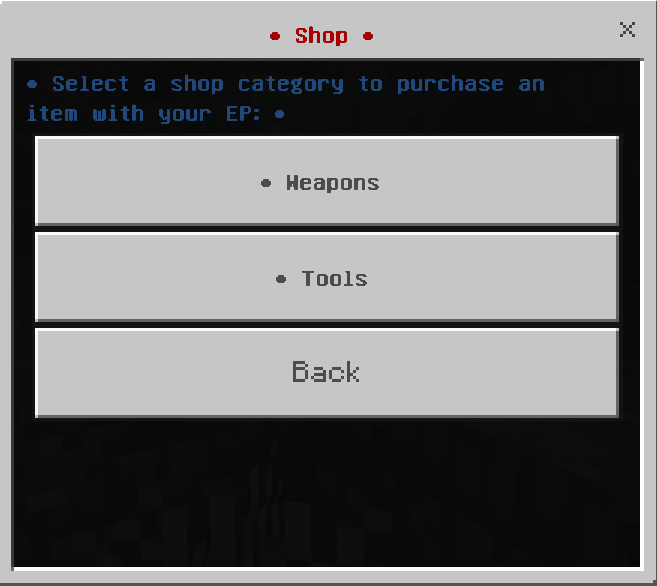

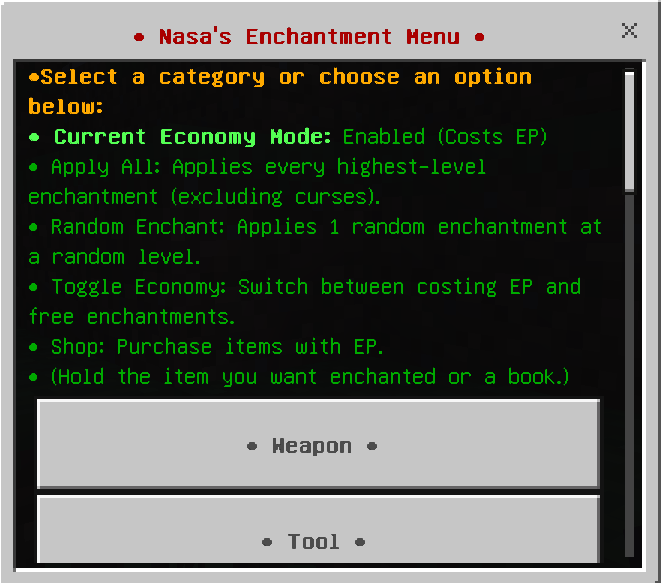
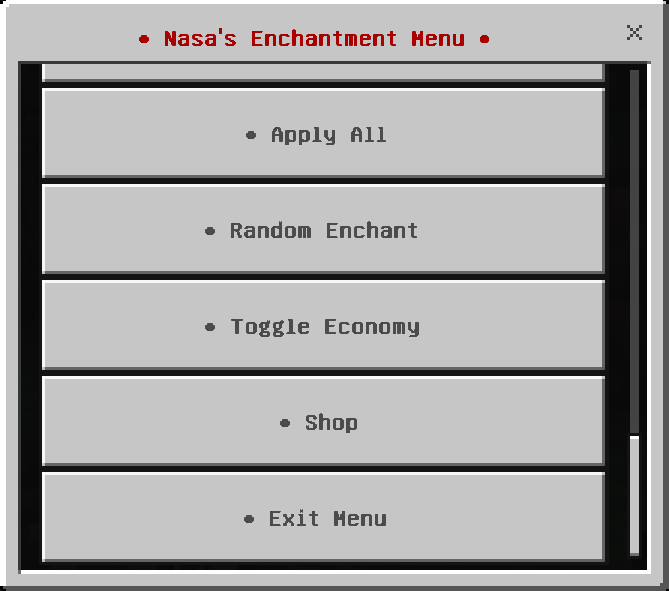
All Enchantments Menu Addon is a powerful and customizable script that provides a seamless way to apply enchantments to your items and books. Simply type !enchant in the chat to activate the menu.
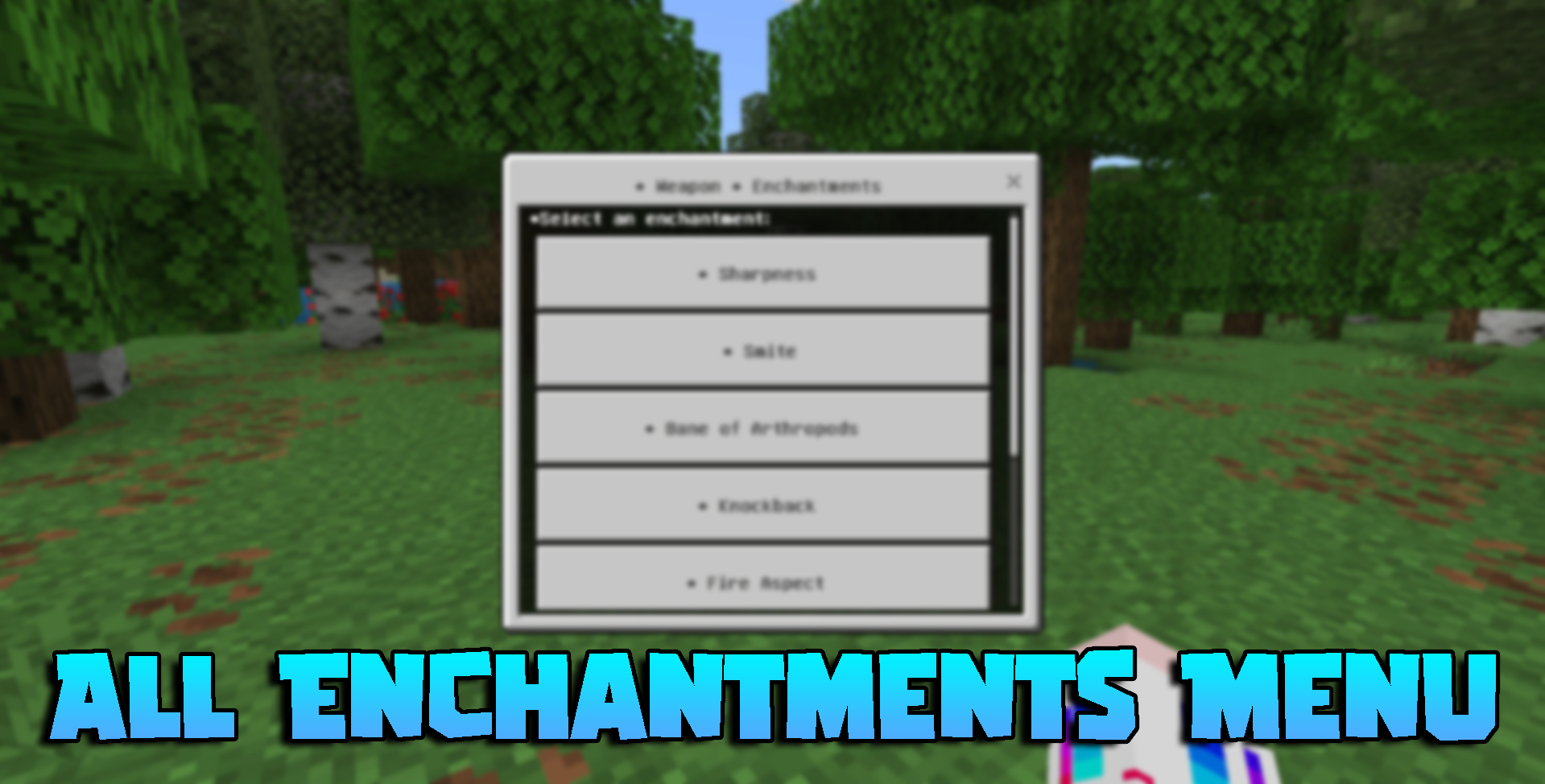
Features:
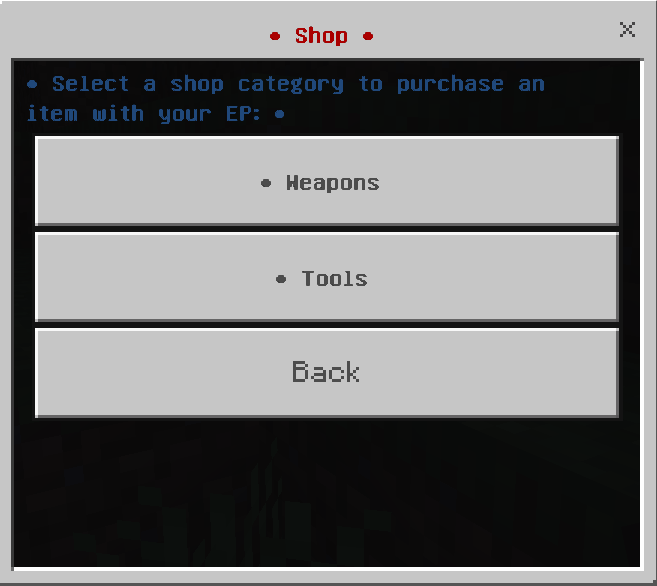
- New: Shop Use your gathered EP not just for enchants but now items and various resources in the shop. An option to disable and enable this.
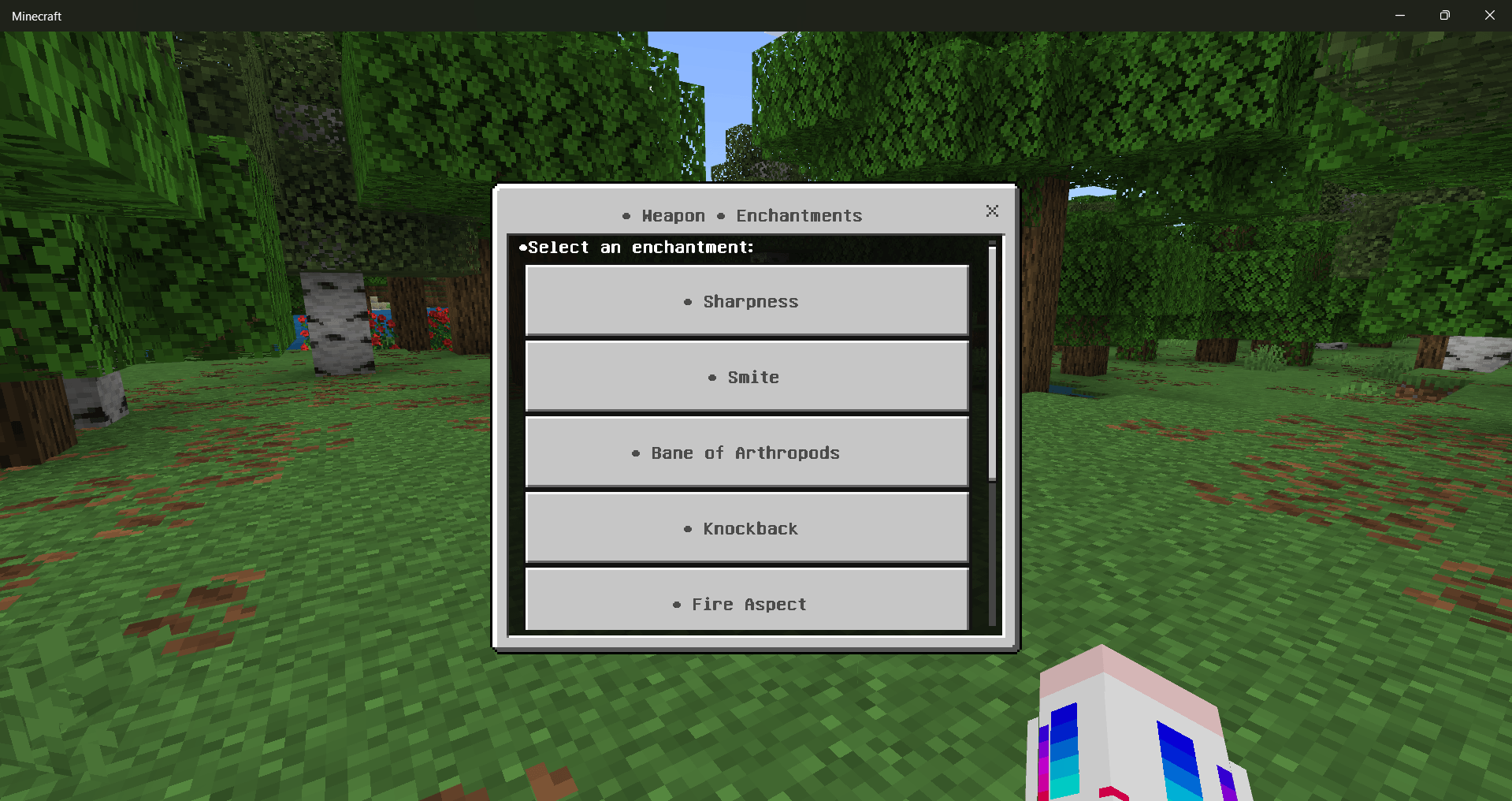
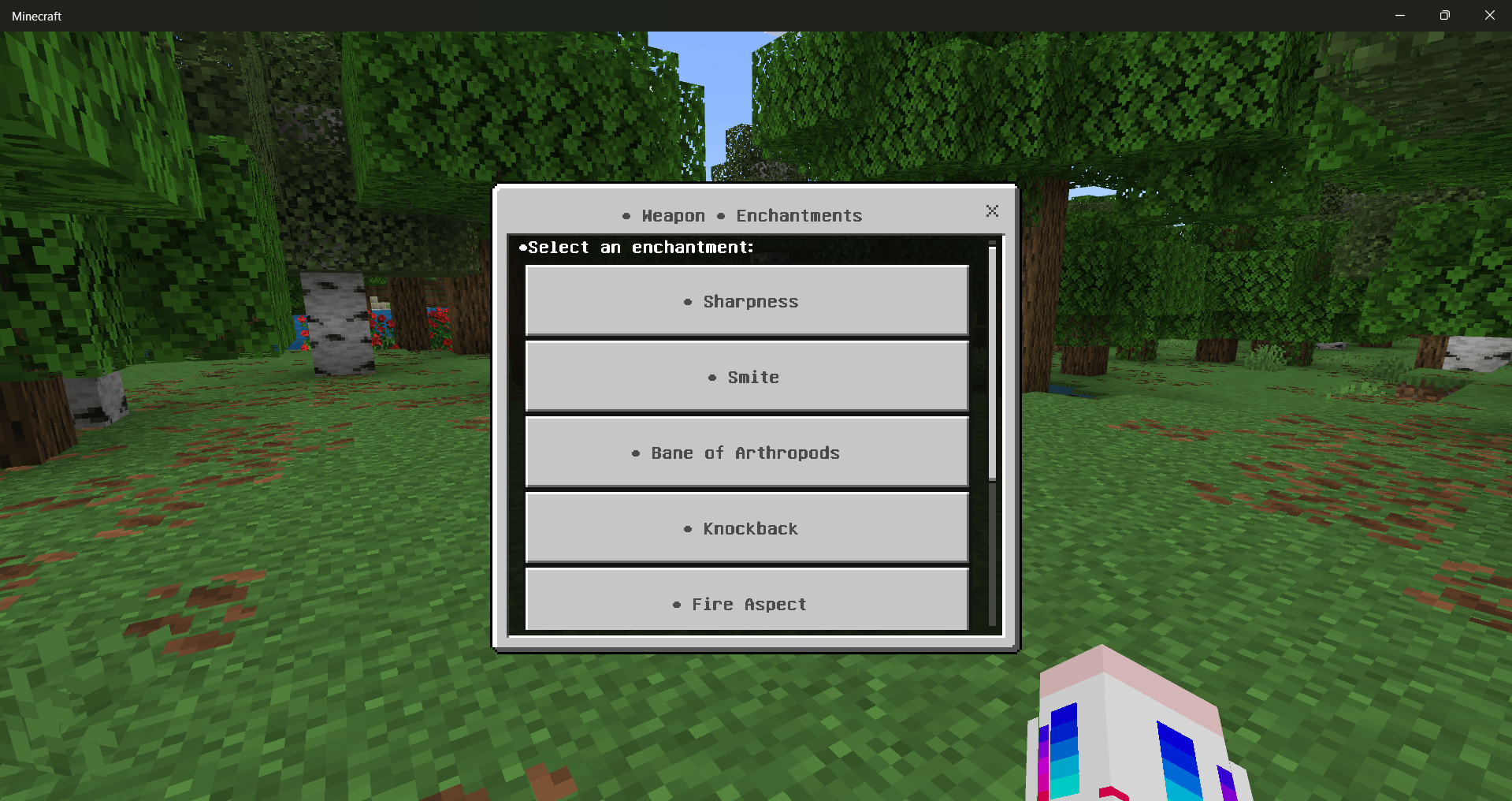
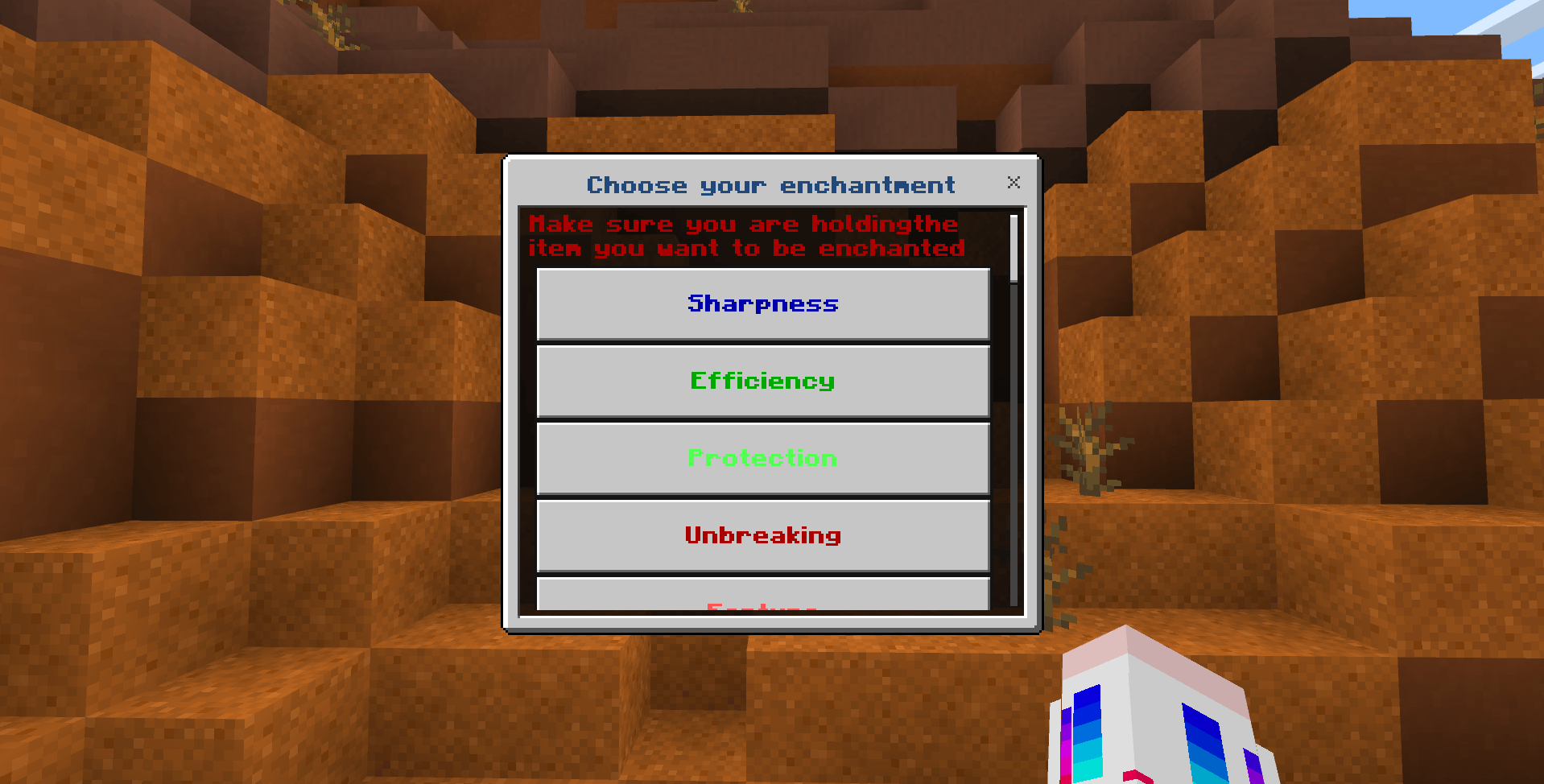
- Comprehensive Enchantment List: Access a wide range of enchantments, including Sharpness, Efficiency, Protection, Unbreaking, Fortune, and many more.
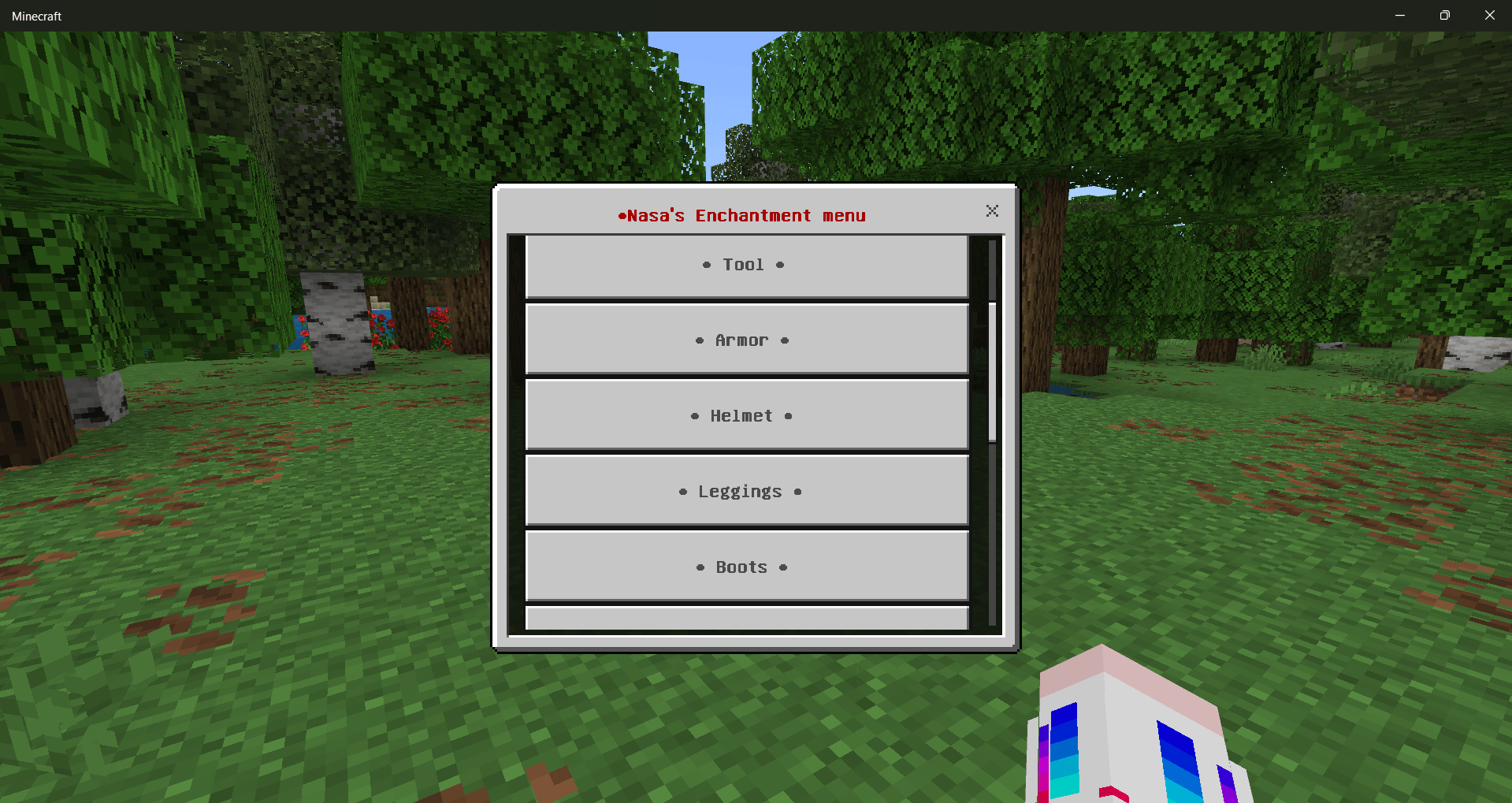
- User-Friendly Interface: Navigate through an intuitive and organized menu to select your desired enchantments and levels.
- Effortless Enchanting: Apply multiple enchantments to your items and books without reopening the menu each time, making the enchanting process seamless and efficient.
- Chat Activation: Open the enchantment menu by typing !enchant in the chat. With 0 delay
- Beta API Requirement: Ensure the Beta APIs are enabled in your world settings for the addon to function correctly.
- How to Use:
- Activate the Addon: Enable the “Enchantments Menu” addon and the Beta APIs in your Minecraft Bedrock world settings.
- Open the Menu: type !enchant in the chat to open the enchantment menu. With 0 delay after closing chat, the menu should appear instantly.
- Choose Enchantments: Navigate through the menu to select the enchantments you want to apply to your items and books.
- Enjoy Enhanced Gameplay: Experience a new level of convenience and customization in your Minecraft adventures.
Screenshots:

Installation Note:
- Beta APIs must be enabled in your world settings for this addon to work.
- This addon is compatible with Realms.
All Enchantments Menu Addon Download Links
For Minecraft PE/Bedrock 1.21
mcaddon: Download from server 1 – Download from server 2
Quick facts
- Edition: Minecraft Bedrock
- File type: .mcpack or .mcaddon
- Minecraft version listed: 1.21
- How to install: Download the .mcpack or .mcaddon file. → Open it — Minecraft imports it. → In your world: Behavior Packs → Available → Activate, then the same under Resource Packs.
- Where to get it: In MCModsHub, or directly above on this page.
Install steps are the general flow for this file type — How to install Minecraft Bedrock addons & mods walks through it step by step.
File checked by MCModsHub
- Pack type: .mcaddon — behaviour and resource pack in one file
- Manifest requires Minecraft 1.21.70 or newer
- Needs Beta APIs switched on in the world settings
- Complete pack — everything it depends on is inside the file
- Download size: 149 KB
- Download link checked 17 Jun 2026 — working
- Mirrored on our own servers — the download does not depend on the original host
These come from our own check of the pack file, not from the source page.