AddonsBedrock
More Fences Addon (1.21, 1.20) – MCPE/Bedrock Mod
Bedrock add-on listed for Minecraft 1.17–1.21 (behavior + resource pack). File opened and checked on 5 Oct 2026; installs from the MC Bedrock Mods app on Android.
⬇ Download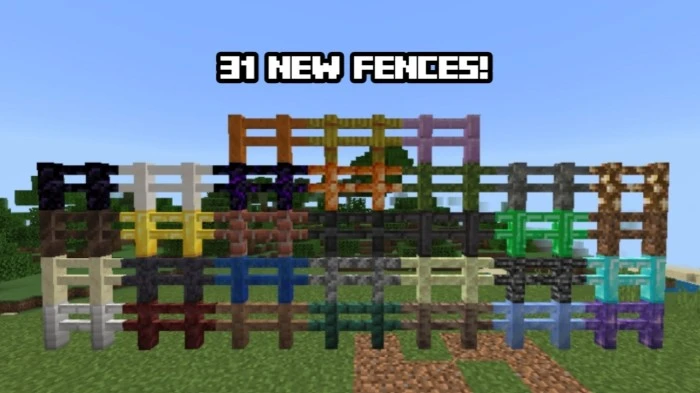
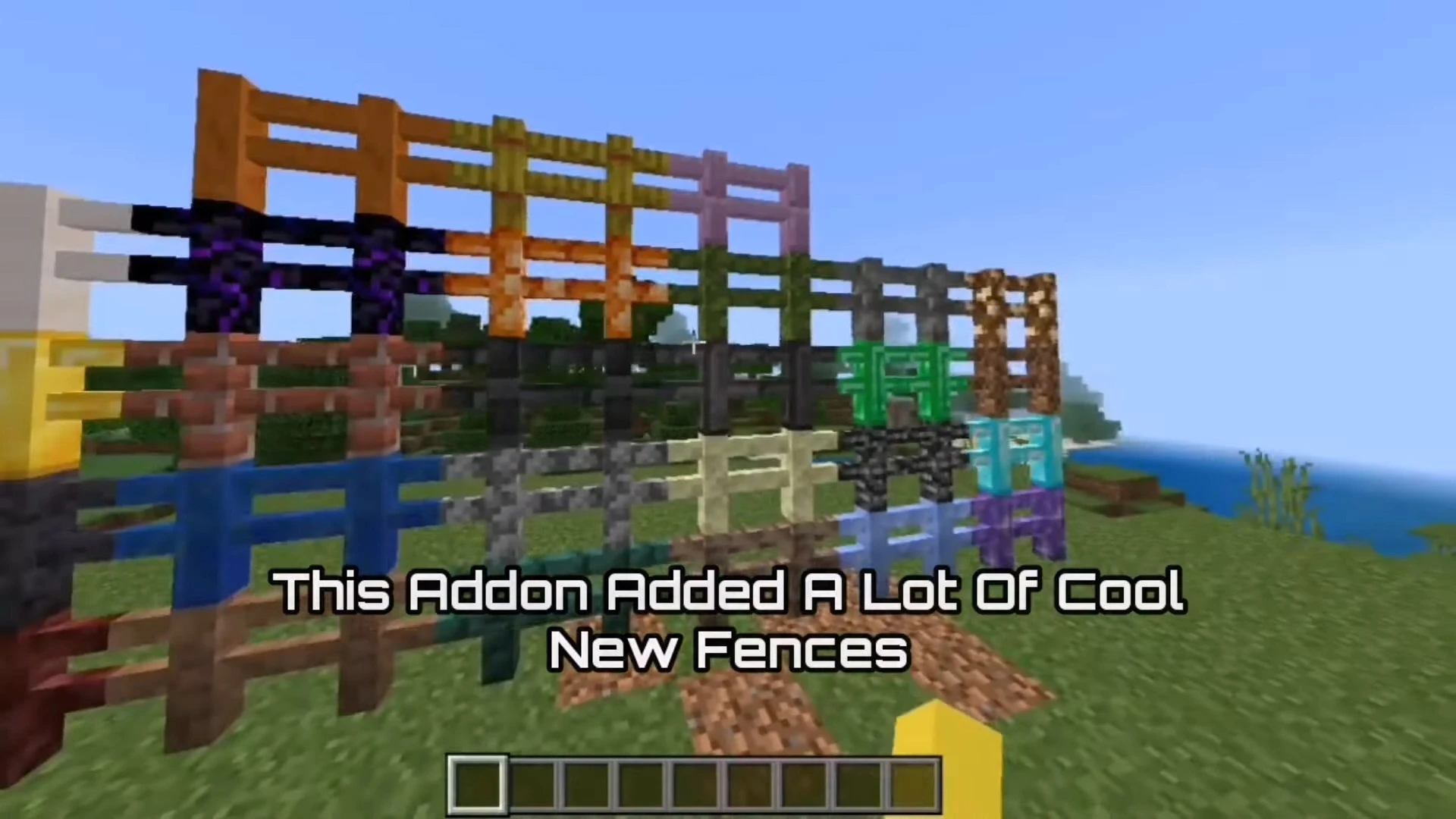
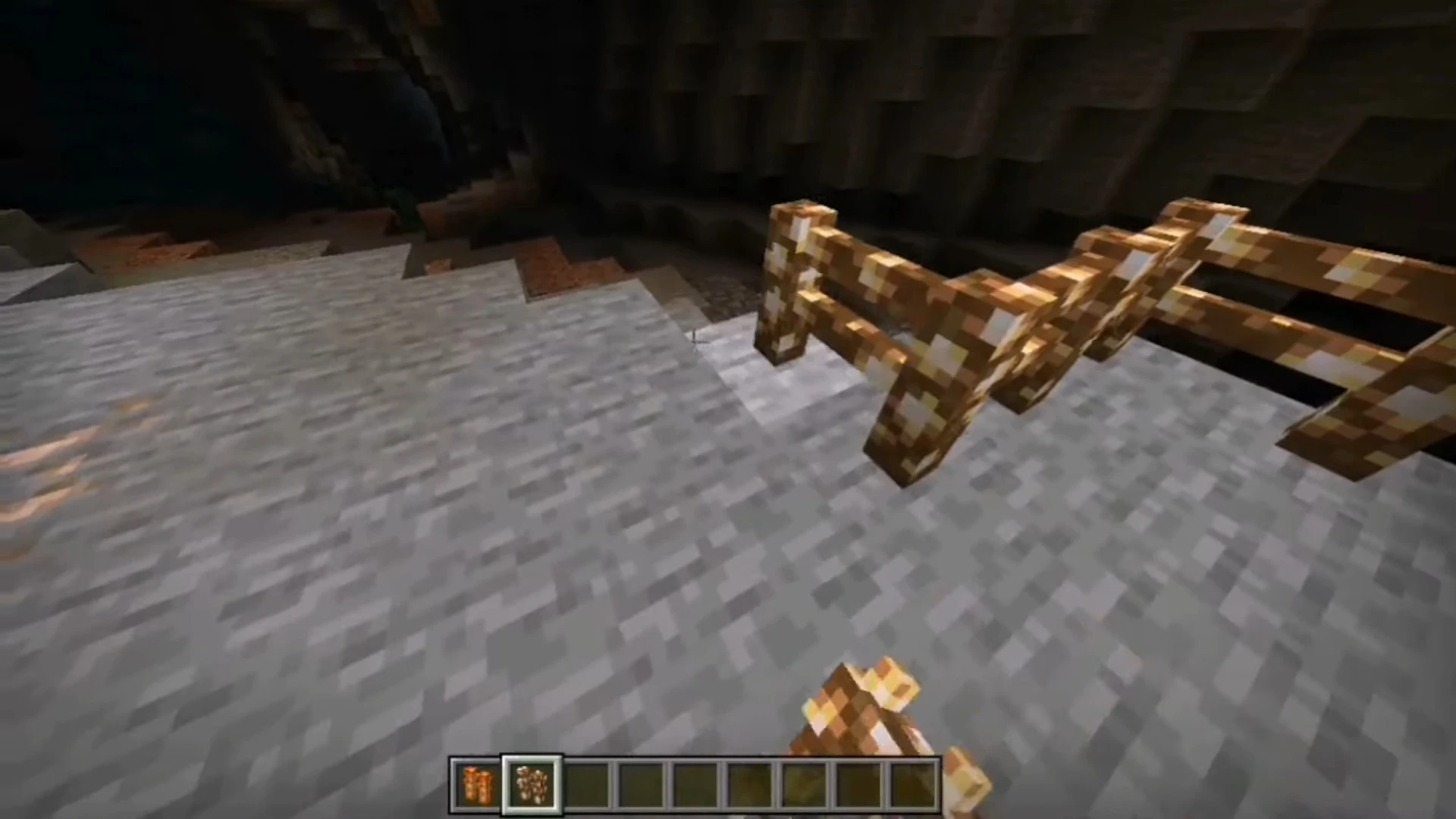
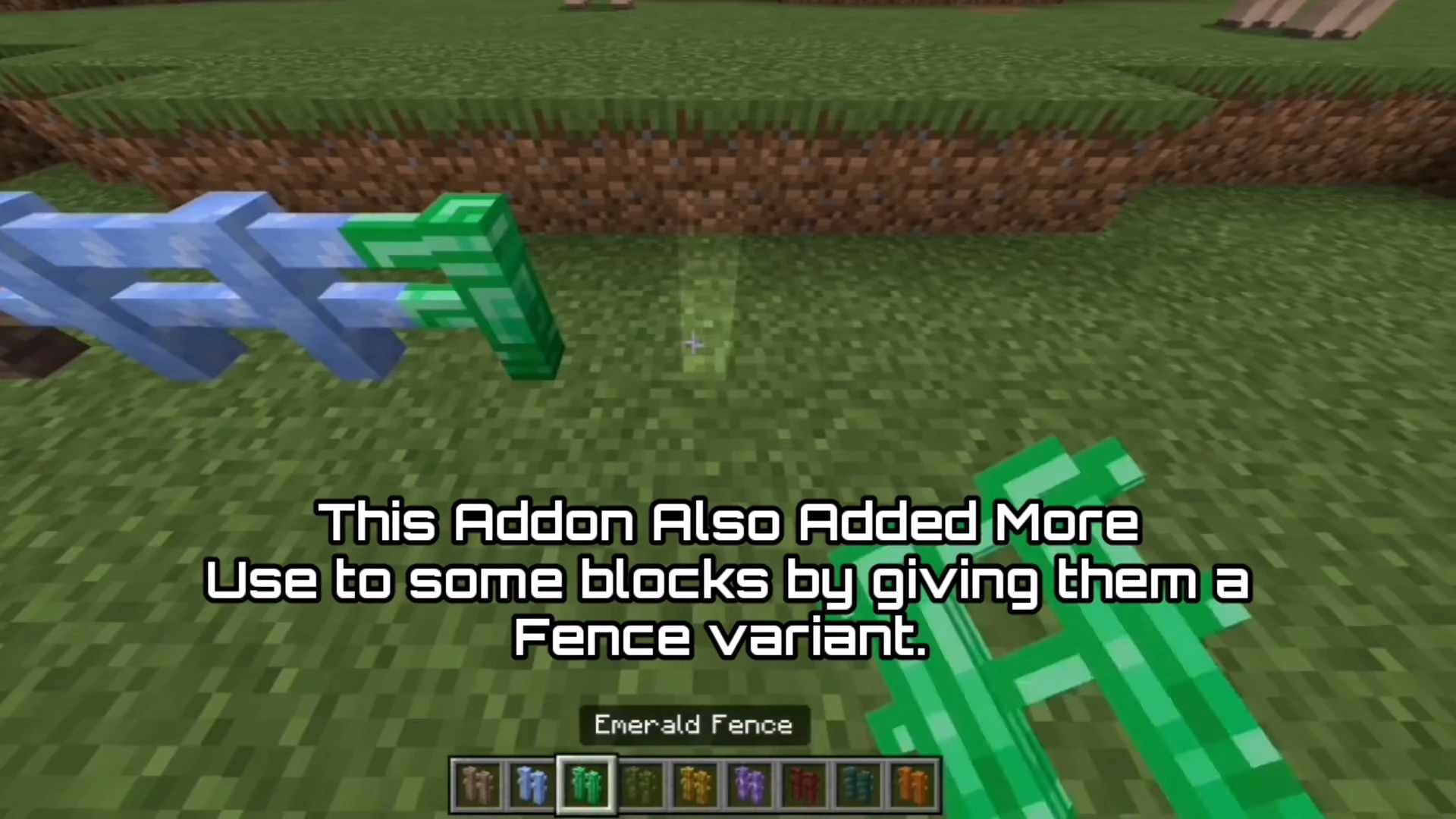
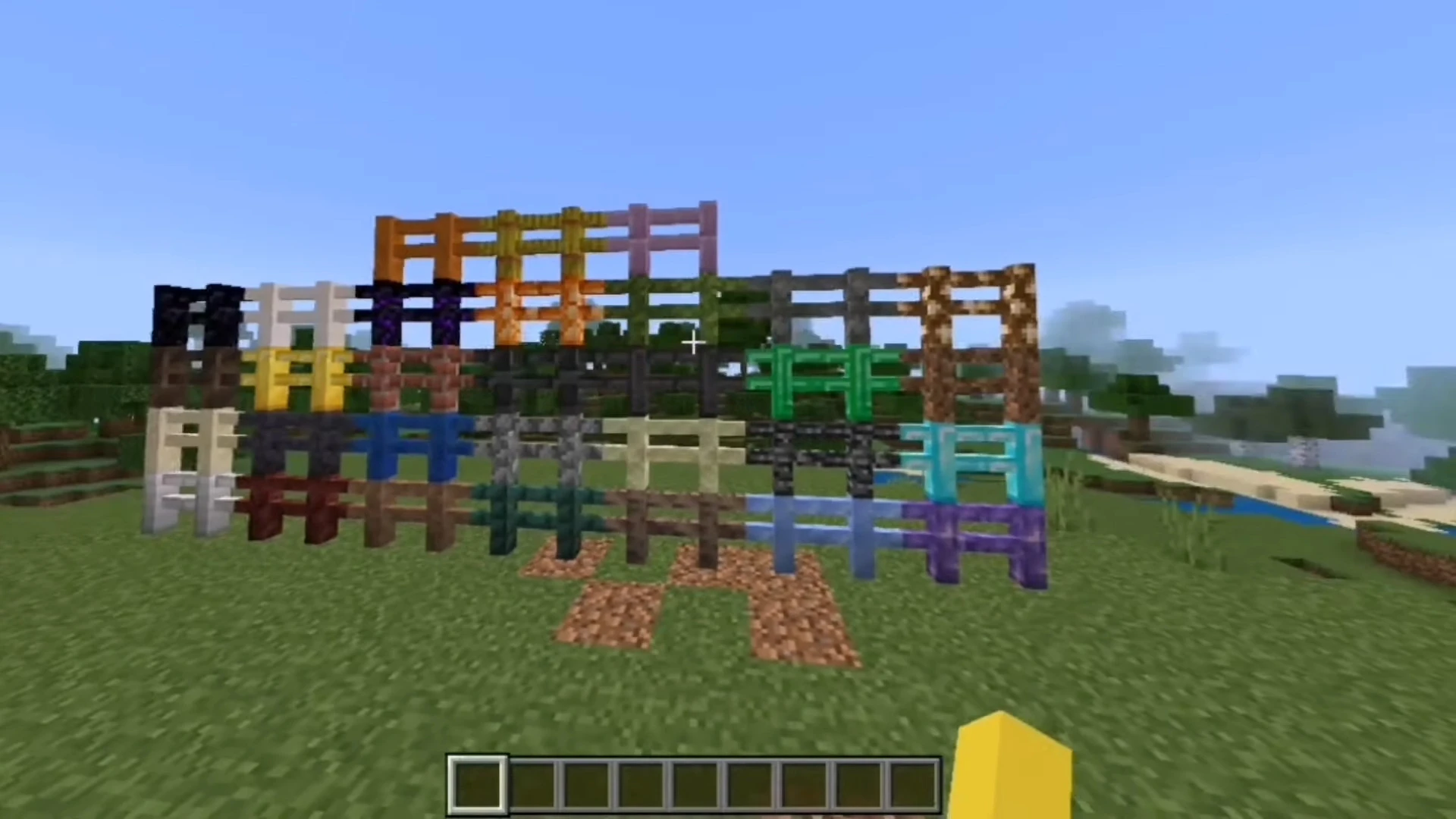
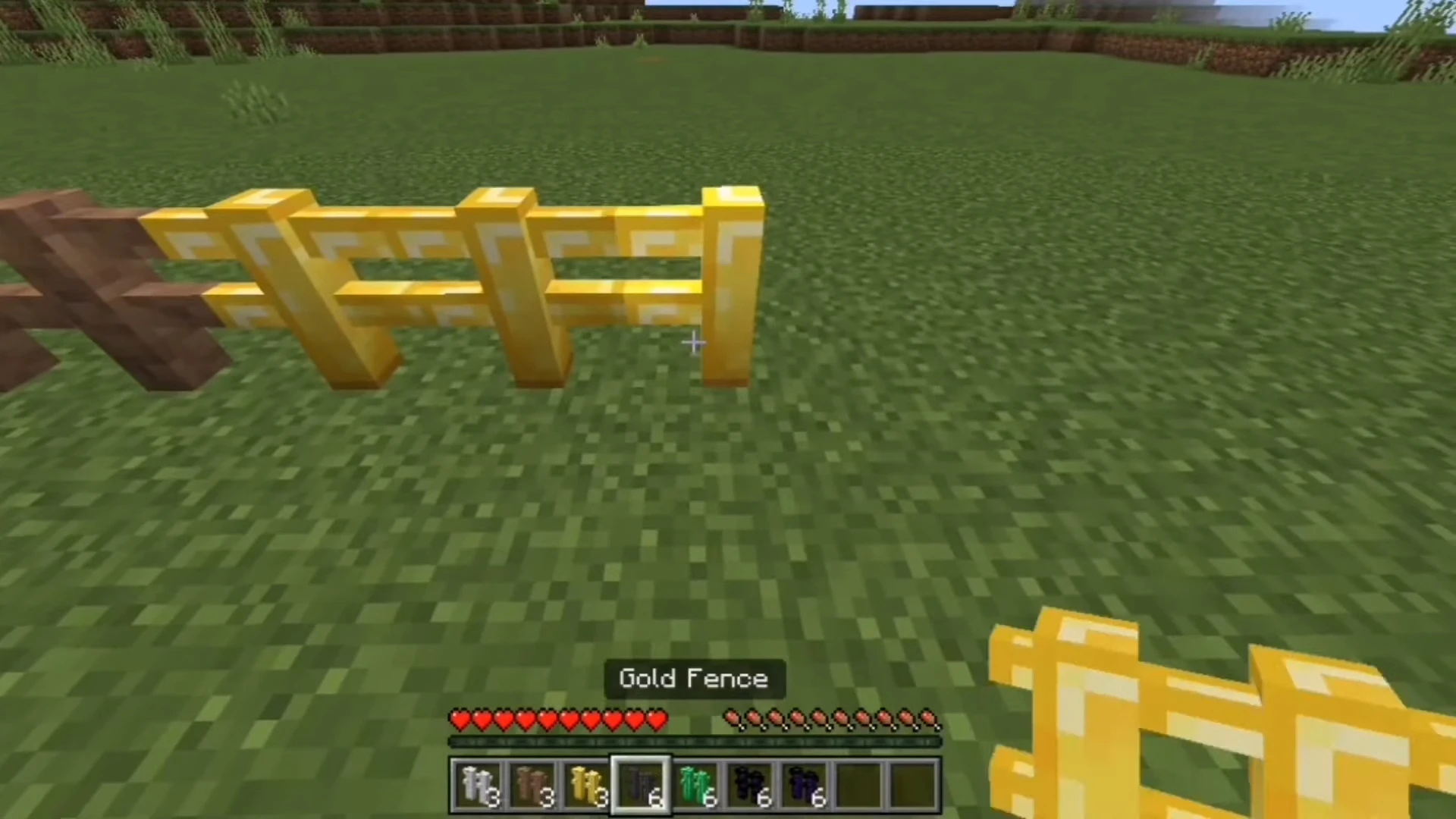
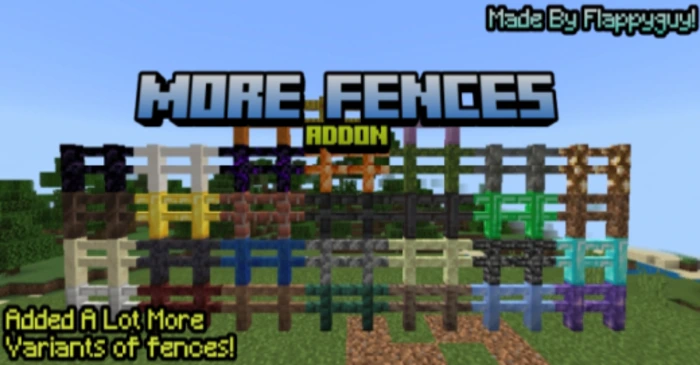
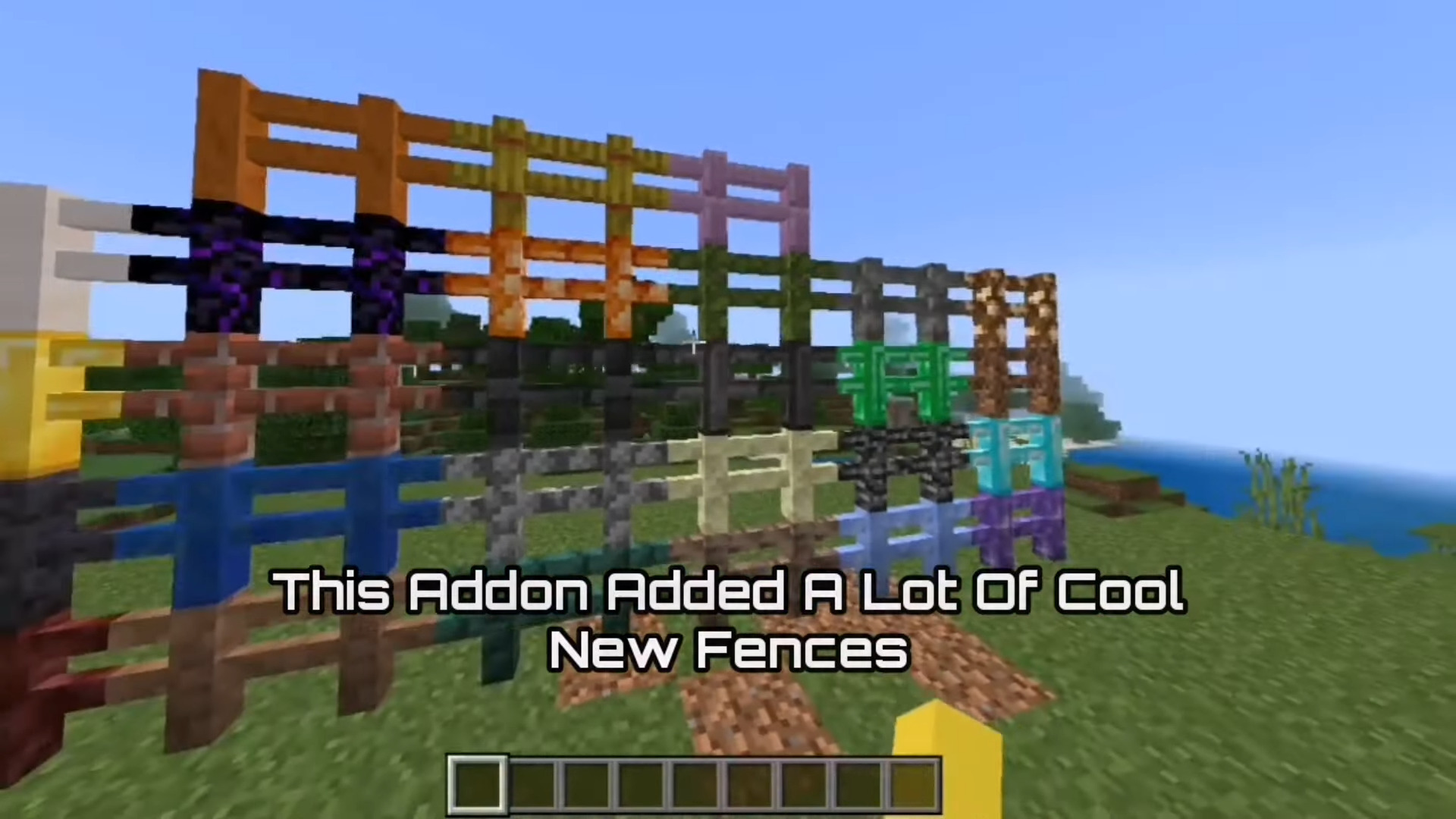
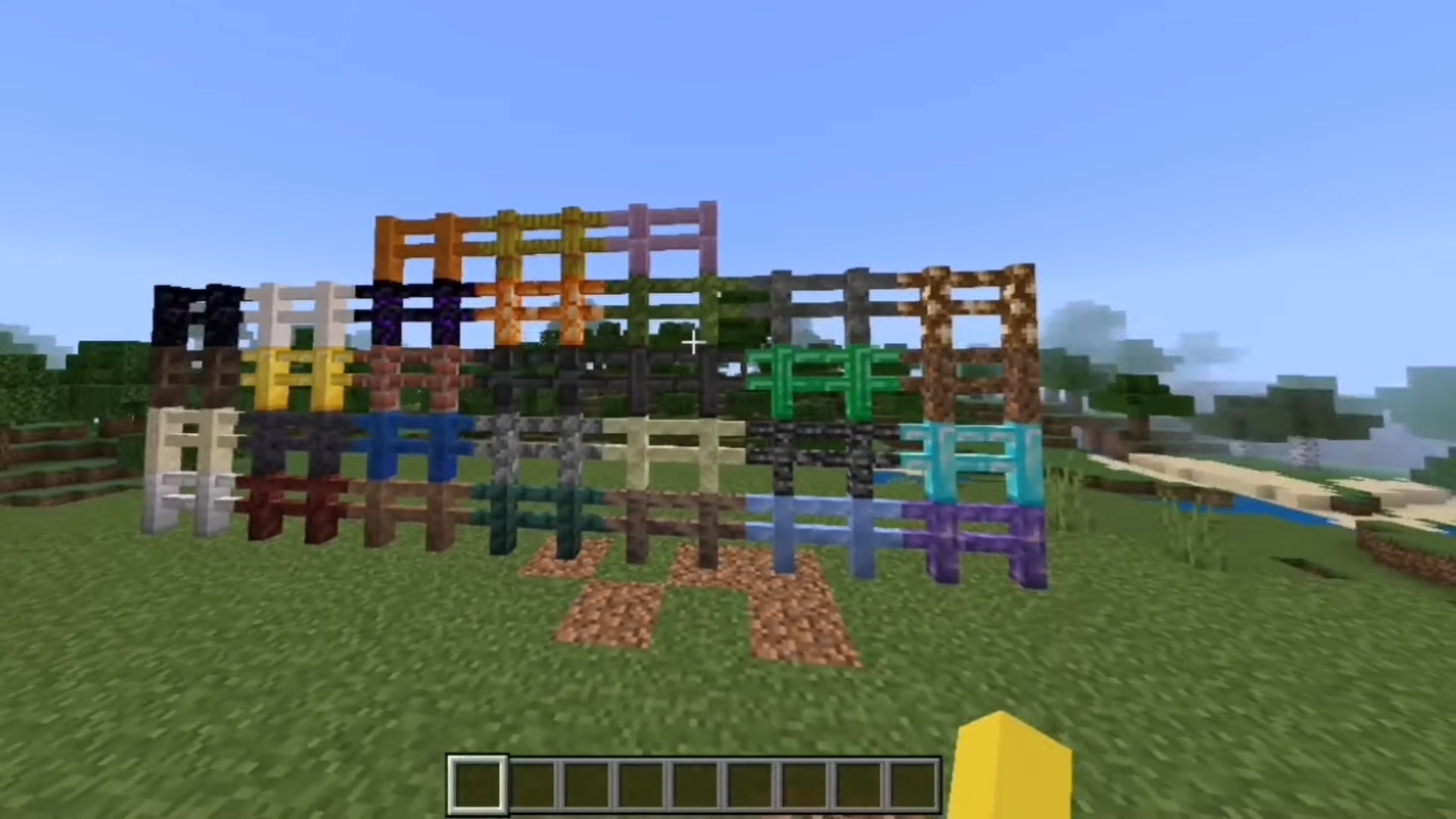
Are you tired of the same old Minecraft fences? Look no further! More Fences Addon introduces 42 brand-new fences, perfect for customizing your builds and enhancing your gameplay. Share the fun with your friends!
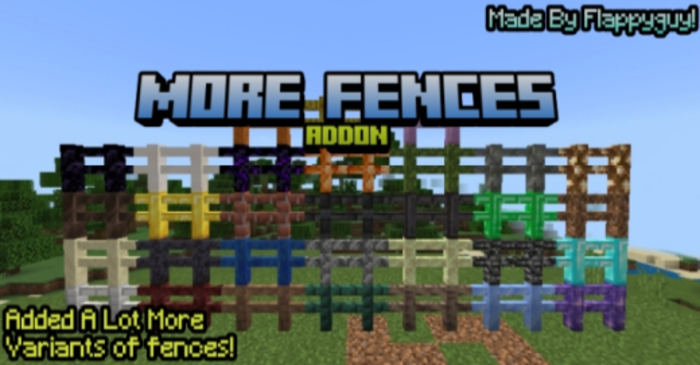
Features:
42 New Fences:
- 1. Amethyst Fence
- 2. Blackstone Fence.
- 3. Blackstone Fence.
- 4. Calcite Fence.
- 5. Cobblestone Fence.
- 6. Crying Obsidian Fence.
- 7. Deepslate Fence.
- 8. Dirt Fence.
- 9. Dripstone Fence.
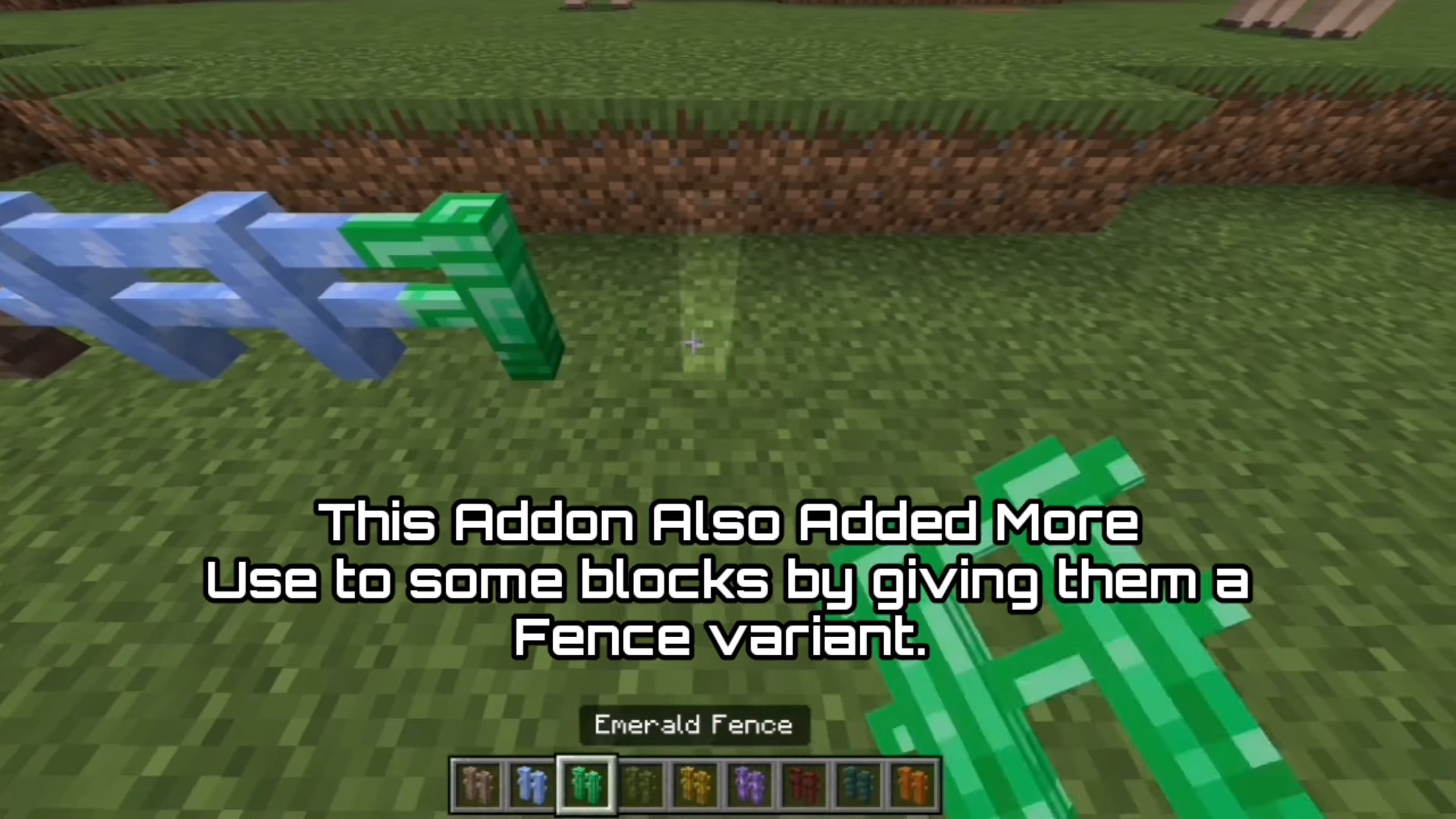
- 10. Emerald Fence.
- 11. Endstone Fence.
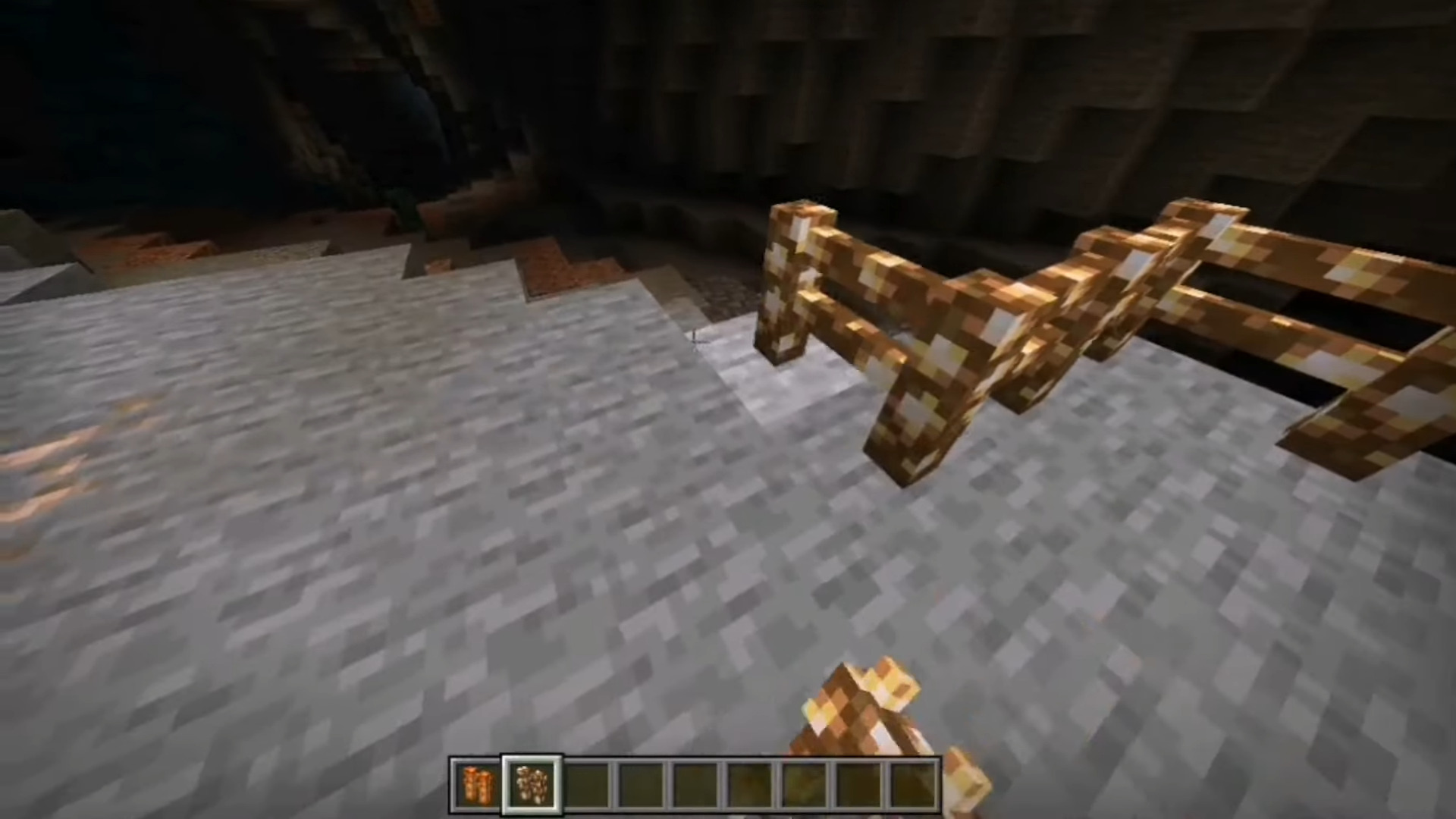
- 12. Glowstone Fence.
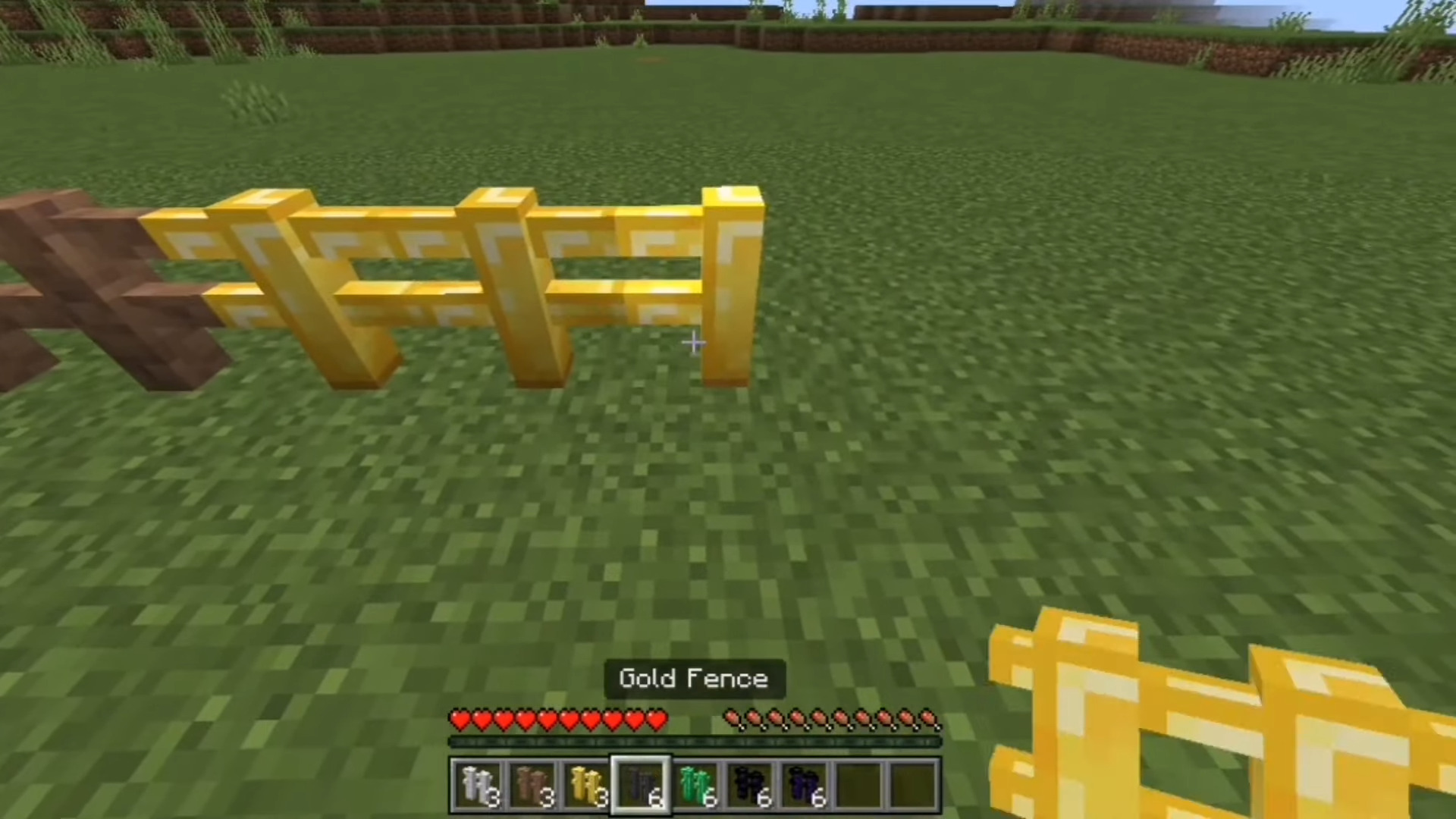
- 13. Gold Fence.
- 14. Ice Fence.
- 15. Iron Fence.
- 16. Lapis Fence.
- 17. Moss Fence.
- 18. Packed Mud Fence.
- 19. Netherite Fence.
- 20. Netherrack Fence.
- 21. Obsidian Fence.
- 22. Prismarine Fence.
- 23. Quartz Fence.
- 24. Sandstone Fence.
- 25. Sculk Fence.
- 26. Shroomlight Fence.
- 27. Snow Fence.
- 28. Soul Soil Fence.
- 29. Tuff Fence.
- 30. Brick Fence.
- 31. Bedrock Fence.
- 32. Green Bamboo Fence
- 33. Stonebrick Fence
- 34. Basalt Fence
- 35. Cobbled Deepslate Fence
- 35. Mud Fence
- 37. Raw Iron Fence
- 38. Raw Gold Fence
- 39. Raw Copper Fence
- 40. Pearlescent Froglight Fence
- 41. Verdant Froglight Fence
- 42. Ochre Froglight Fence
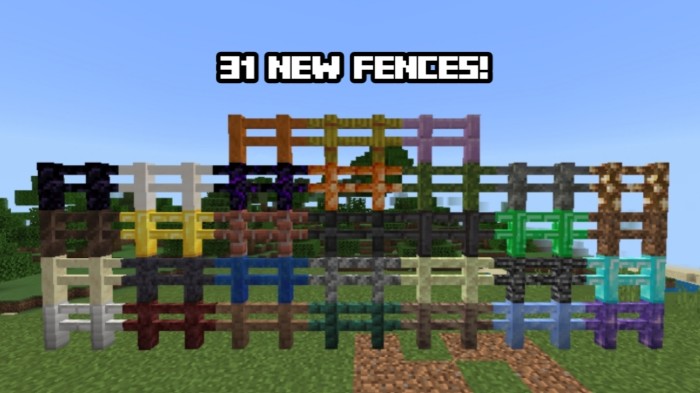
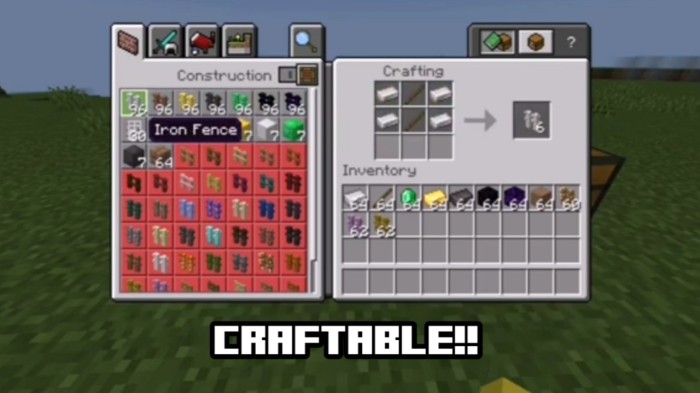
Craftable:
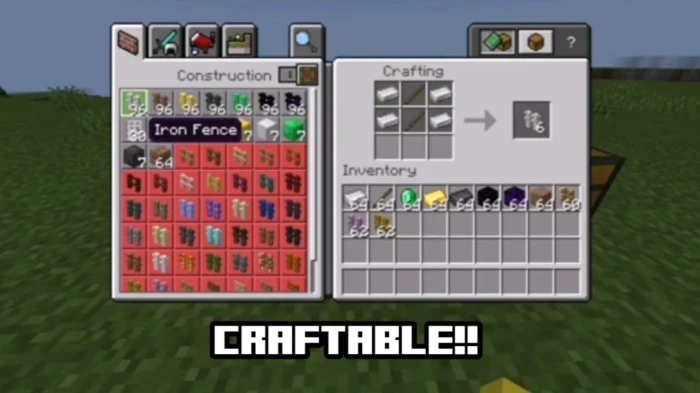
- All of the Fences on this Addon are craftable and easy to get in Survival Minecraft!
Texture Pack Compatibility:
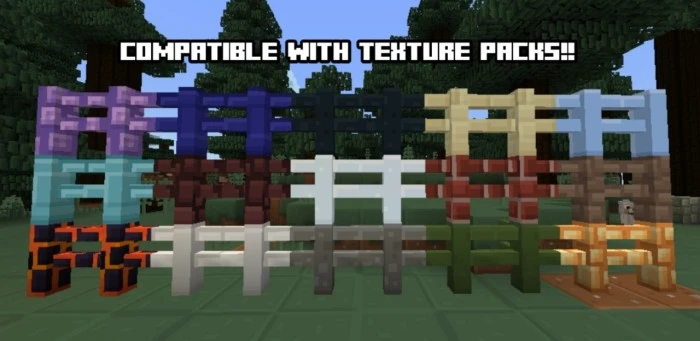
- This addon is also compatible with any type of texture pack!! So if you want to use texture packs while using this addon, you can now!
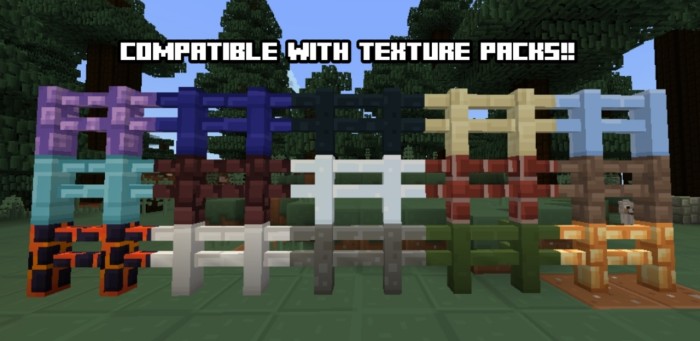
Screenshots:
Installation Note:
- Make sure you turn on the Experimental Gameplay.
More Fences Addon Download Links
For Minecraft PE/Bedrock 1.21
mcaddon: Download from server 1 – Download from server 2
For Minecraft PE/Bedrock 1.20
mcaddon: Download from server 1 – Download from server 2
Quick facts
- Edition: Minecraft Bedrock
- File type: .mcpack or .mcaddon
- Minecraft versions listed: 1.21, 1.20
- How to install: Download the .mcpack or .mcaddon file. → Open it — Minecraft imports it. → In your world: Behavior Packs → Available → Activate, then the same under Resource Packs.
- Where to get it: In MCModsHub, or directly above on this page.
Install steps are the general flow for this file type — How to install Minecraft Bedrock addons & mods walks through it step by step.
File checked by MCModsHub
- Pack type: .mcaddon — behaviour and resource pack in one file
- Manifest requires Minecraft 1.17.0 or newer
- Complete pack — everything it depends on is inside the file
- Download size: 92 KB
- Download link checked 17 Jun 2026 — working
- Mirrored on our own servers — the download does not depend on the original host
These come from our own check of the pack file, not from the source page.