NameTag Hidden Addon (26.x, 1.21) – MCPE/Bedrock
Bedrock add-on listed for Minecraft 1.14–1.21 (behavior pack only). File opened and checked on 4 Oct 2026; installs from the MC Bedrock Mods app on Android.
⬇ Download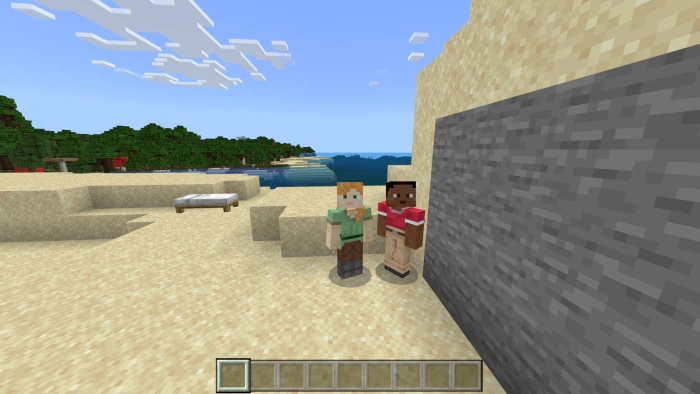
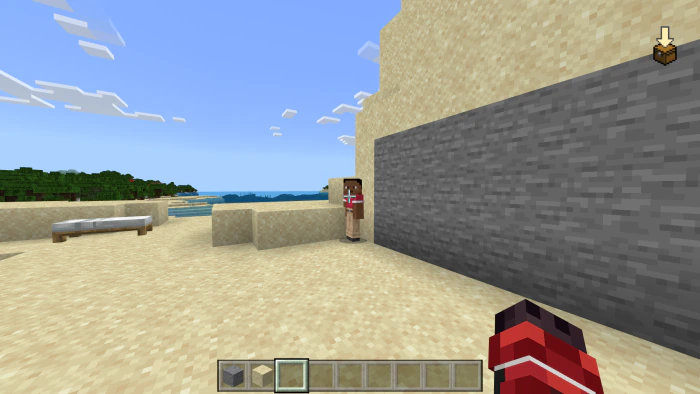
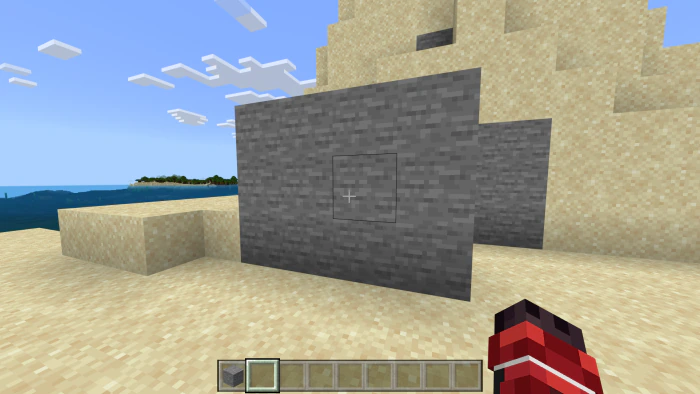
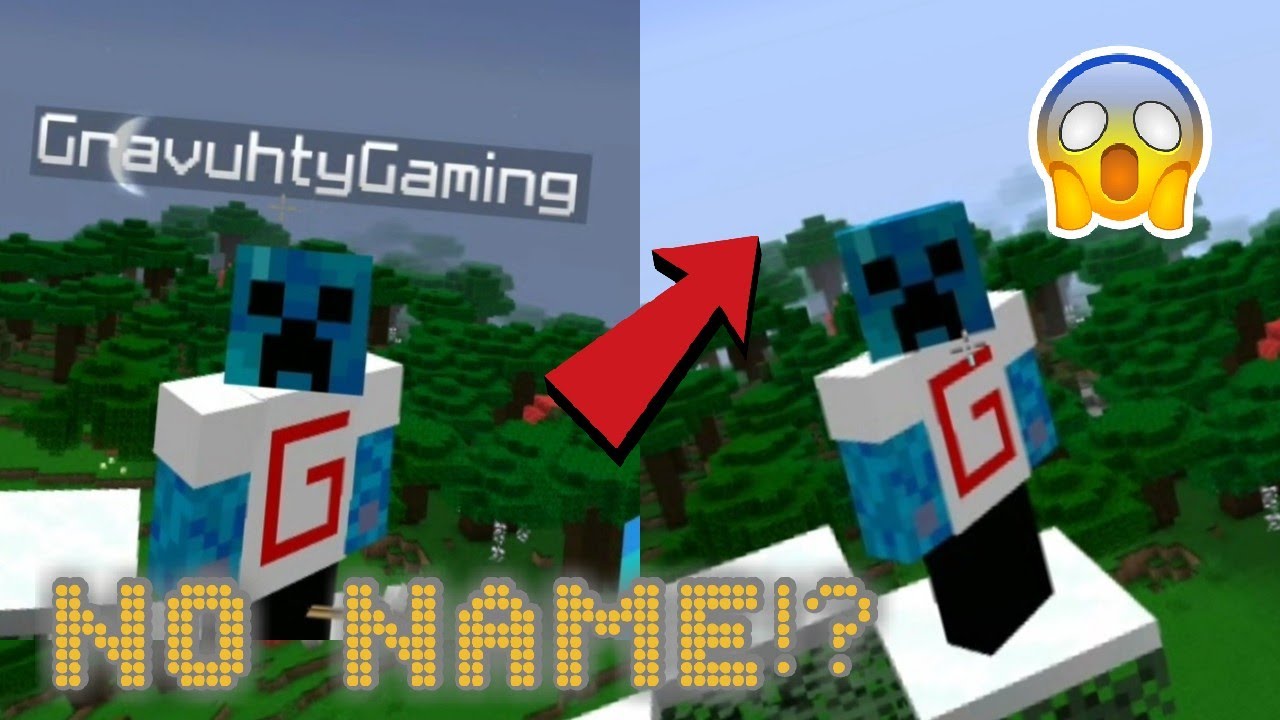
NameTag Hidden Addon allows you to hide player nametags during gameplay. It addresses a common issue in games like hide-and-seek or role-playing, where visible nametags can disrupt immersion or reveal positions. Unlike the in-game option to disable player names (which only hides them for the individual player and can be toggled back on by others), this addon ensures nametags are completely hidden for all players, preventing others from re-enabling them to gain an advantage.
Screenshots:
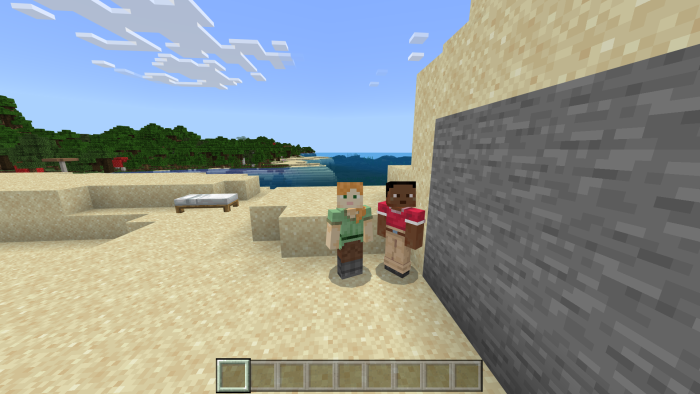
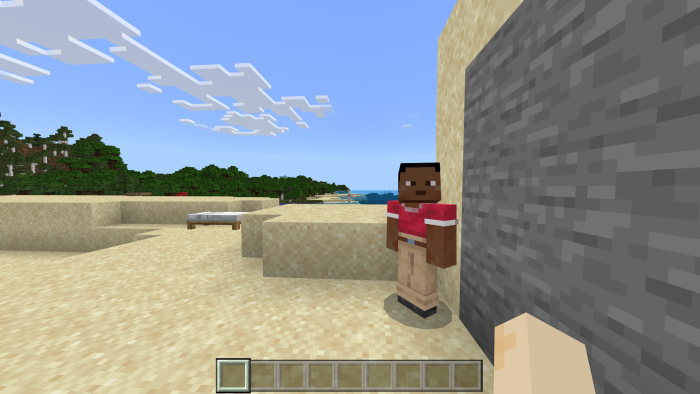
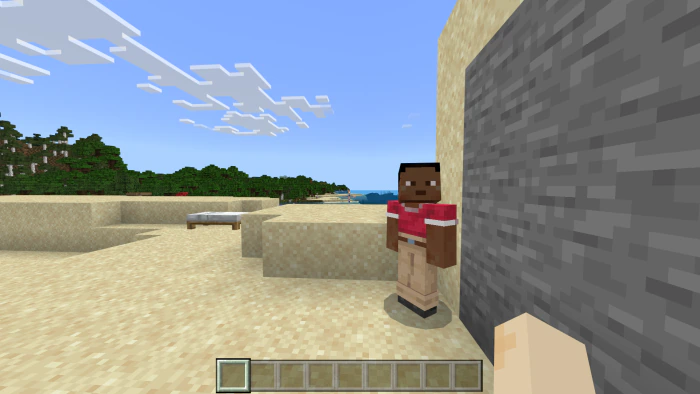
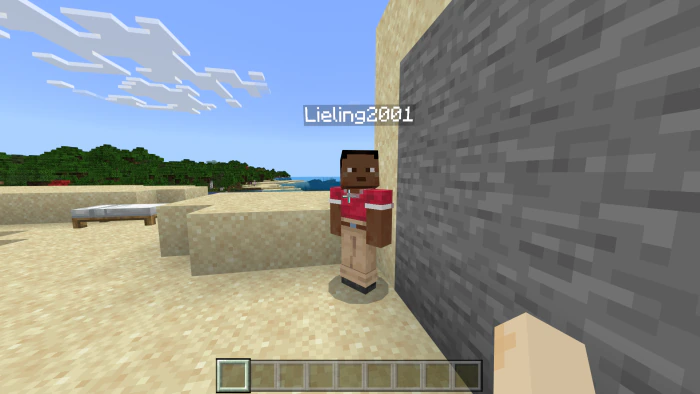
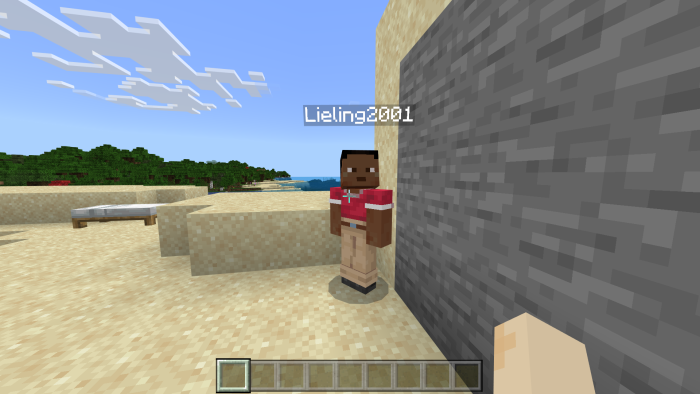
When the sight is aimed at the player, their nametag will be displayed temporary at this time.
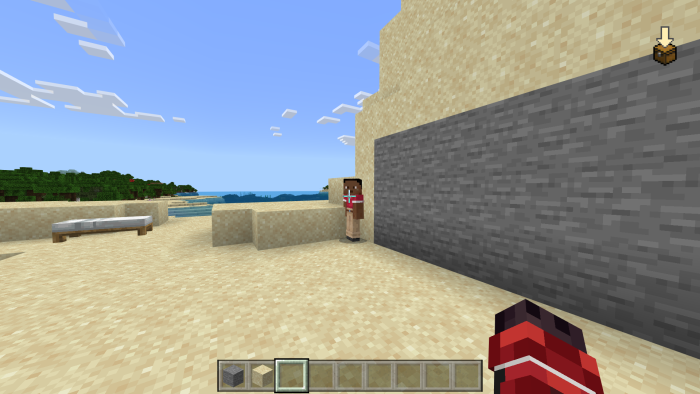
Player standing behind blocks or too far away will make their nametag hidden.

Installation Note:
- You need to turn on the Experimental Settings if the addon does not work.
NameTag Hidden Addon Download Links
For Minecraft PE/Bedrock 1.21
mcpack: Download from server 1 – Download from server 2
- Edition: Minecraft Bedrock
- File type: .mcpack or .mcaddon
- Minecraft version listed: 1.21
- How to install: Download the .mcpack or .mcaddon file. → Open it — Minecraft imports it. → In your world: Behavior Packs → Available → Activate, then the same under Resource Packs.
- Where to get it: In MCModsHub, or directly above on this page.
Install steps are the general flow for this file type — How to install Minecraft Bedrock addons & mods walks through it step by step.
- Pack type: .mcpack — a single pack
- Manifest requires Minecraft 1.14.0 or newer
- Complete pack — everything it depends on is inside the file
- Download link checked 17 Jun 2026 — working
- Mirrored on our own servers — the download does not depend on the original host
These come from our own check of the pack file, not from the source page.