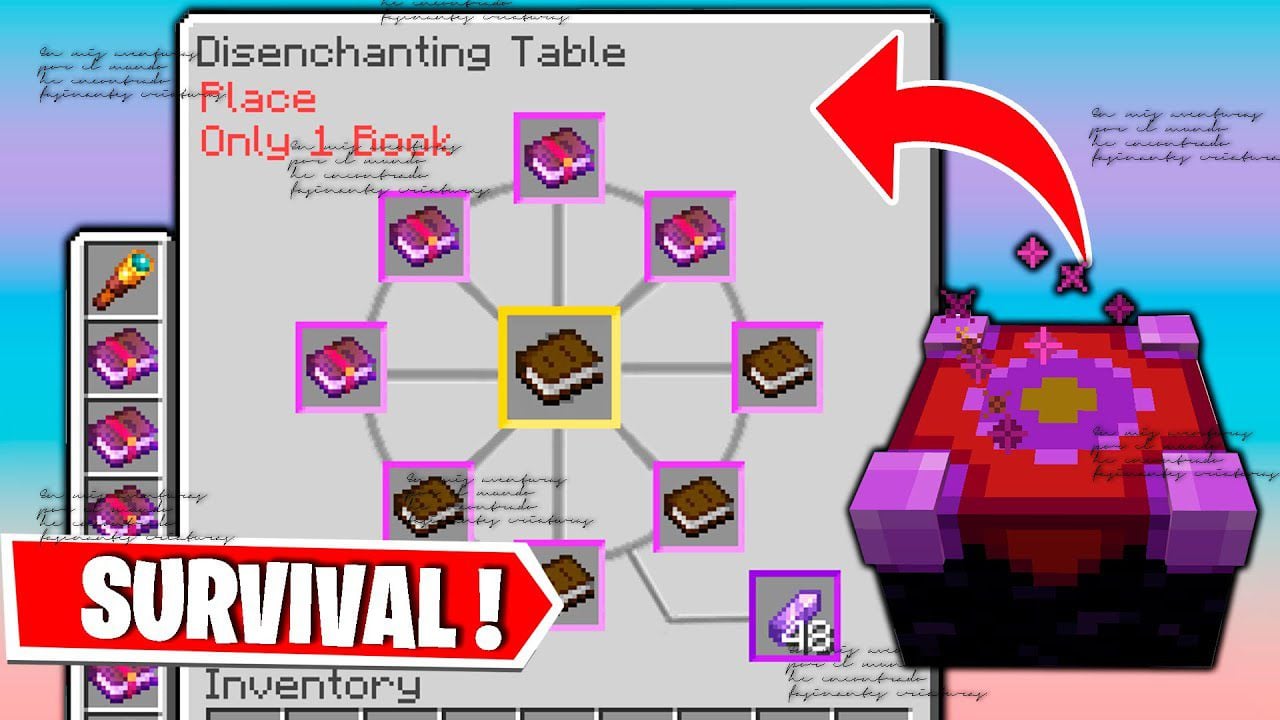
Disenchanter Table Addon (1.21, 1.20) – MCPE/Bedrock Mod
Bedrock add-on listed for Minecraft 1.20–1.21 (behavior + resource pack). File opened and checked on 25 Sep 2026; installs from the MC Bedrock Mods app on Android.
⬇ Download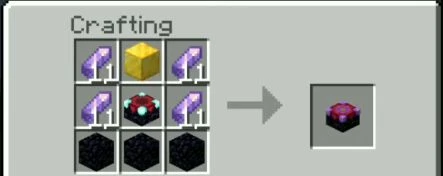
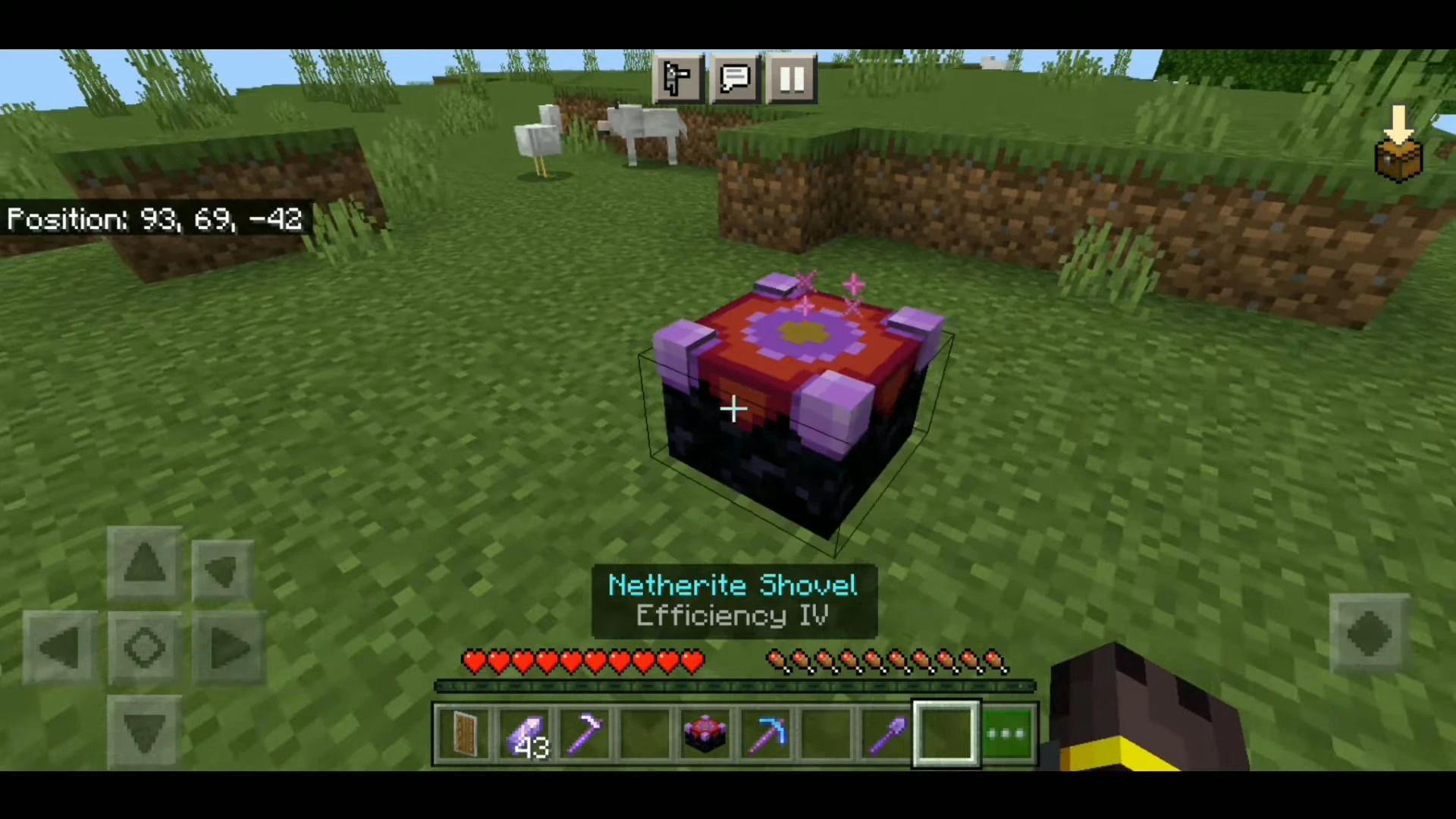
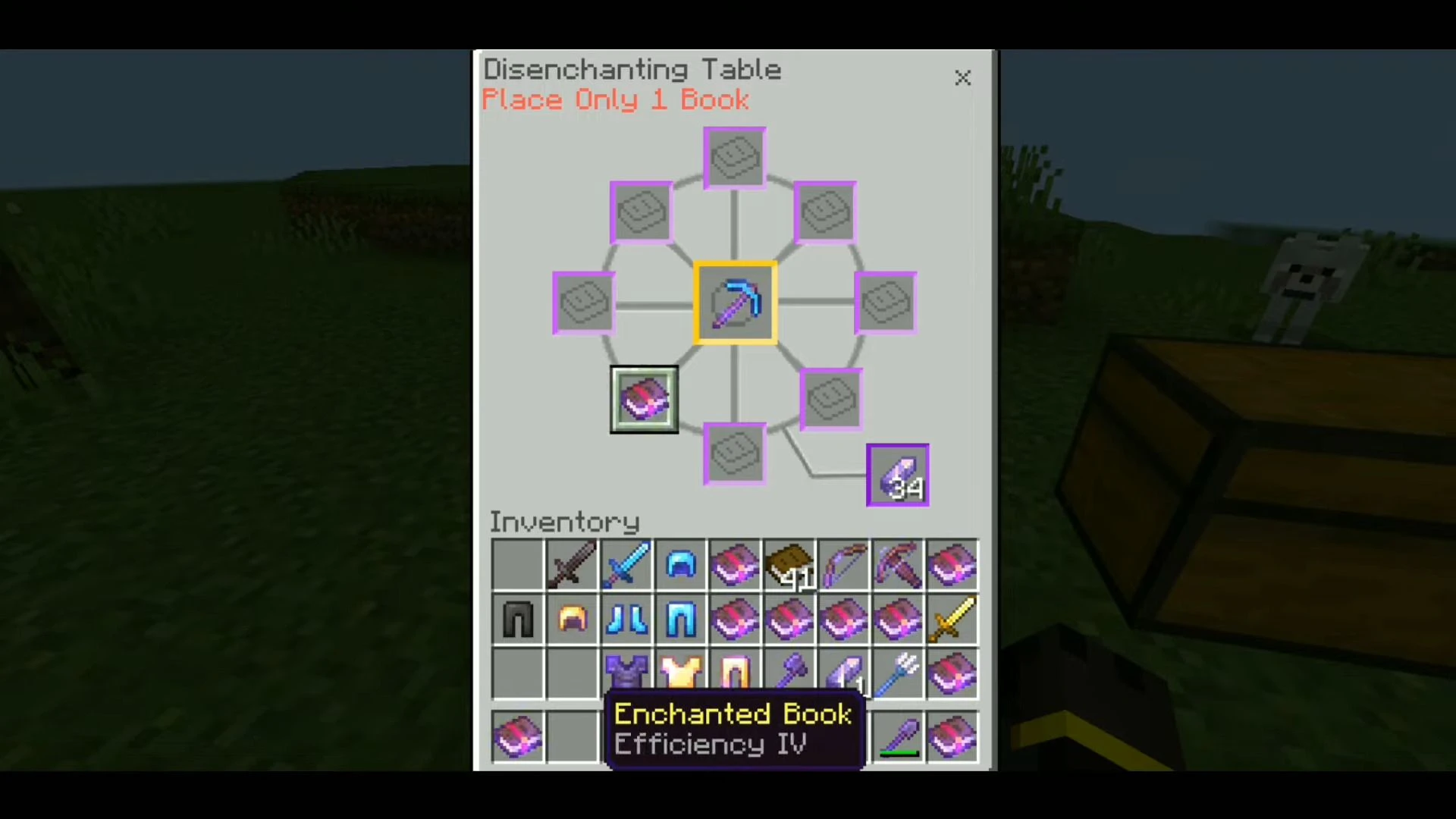
Disenchanter Table Addon adds a new block to the game called the Disenchanter Table. The Disenchanter Table is a unique block that will add a whole new disenchanting mechanic to the game. This unique mechanic has not yet been in the game. Everything works quite simply: just put the enchanted item in the workbench and take the same one but without enchantment. In this case, the enchantment will not be lost – it will be in the book.
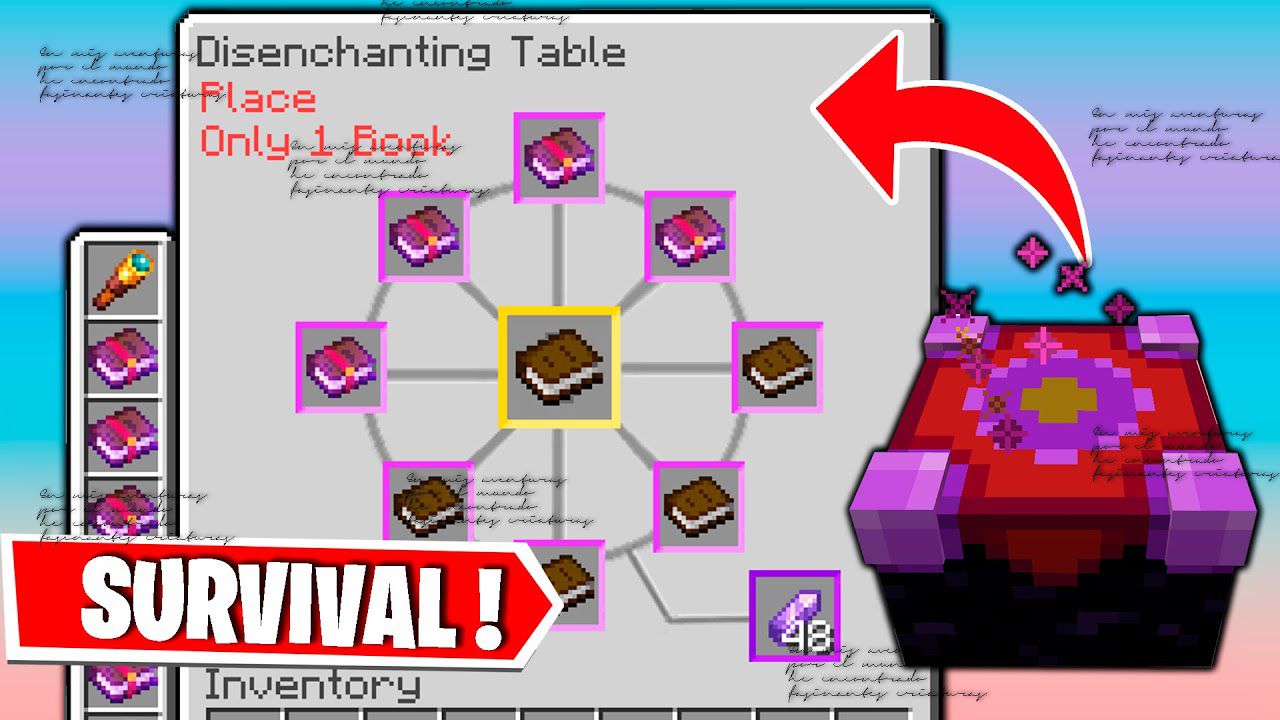
Features:
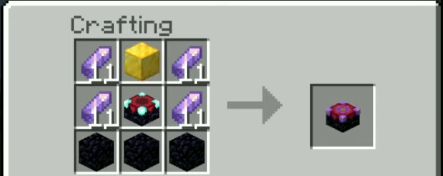
- To start disenchanting first craft the table:
How to use:
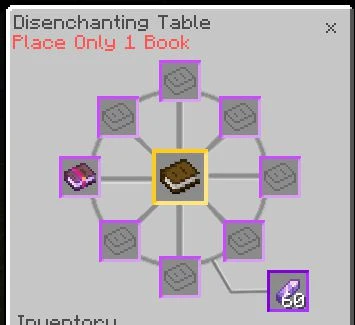
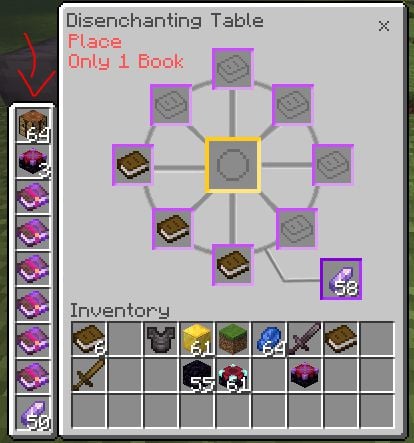
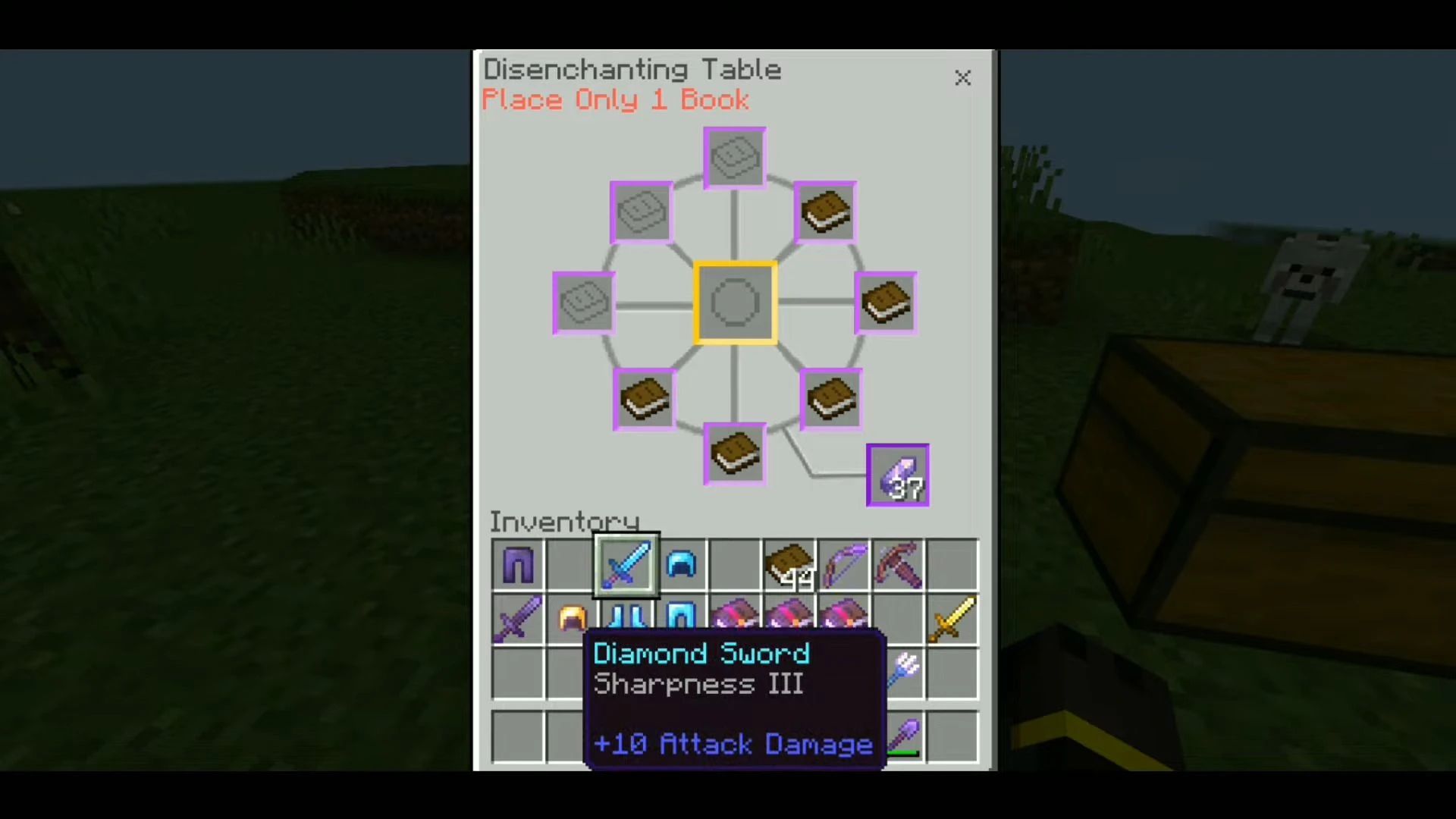
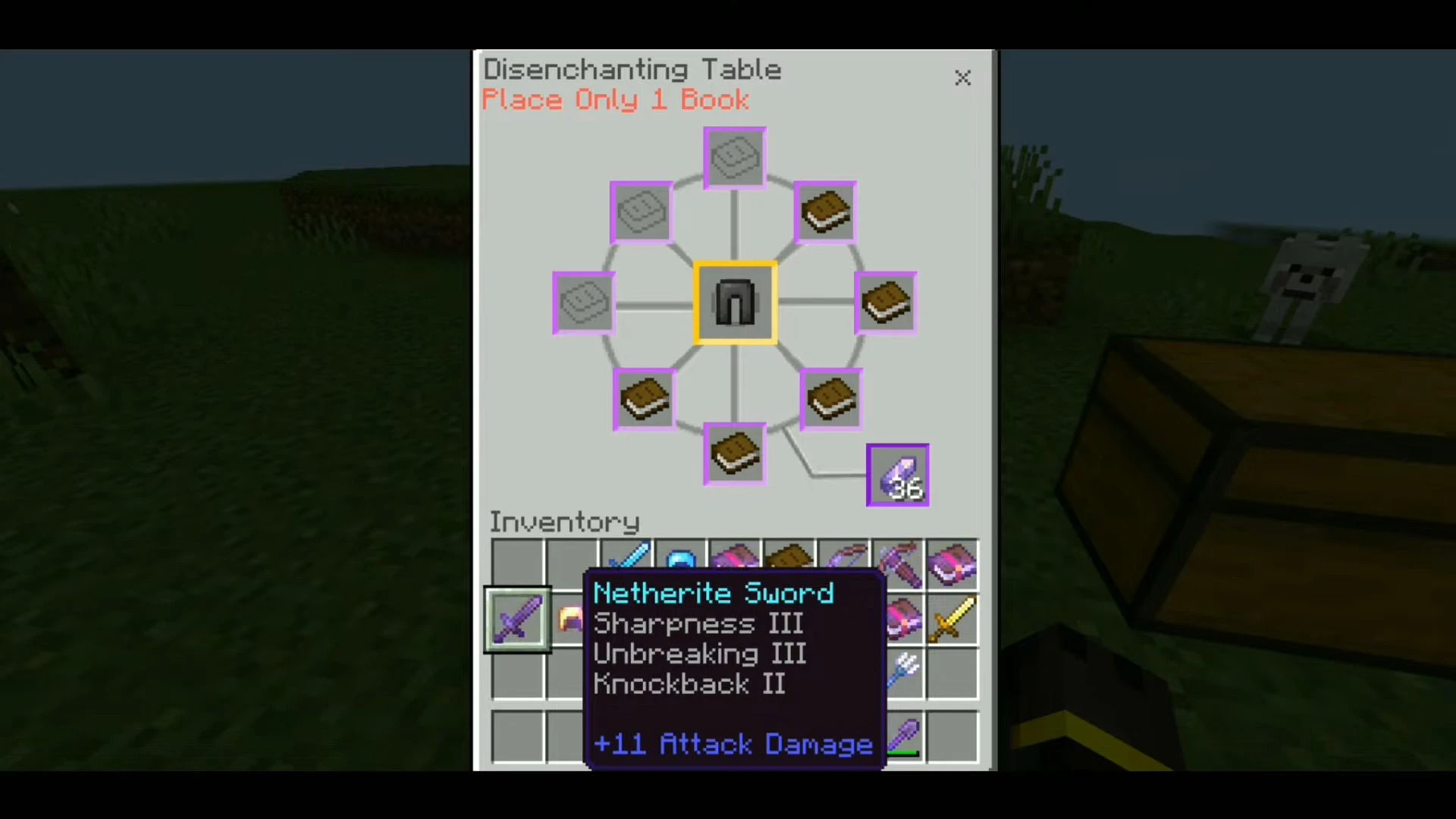
- Put the enchanted equipment or book in the middle.
- Put Books around it, only put 1 book per slot.
- Add the amethyst shard on the bottom right slot.
Classic UI Profile:
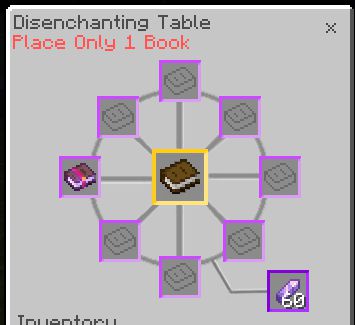
Pocket UI Profile:
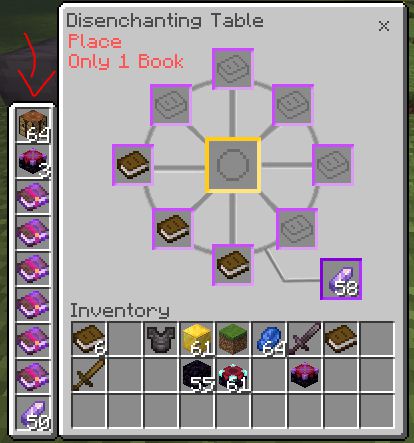
UI Breaking Fix
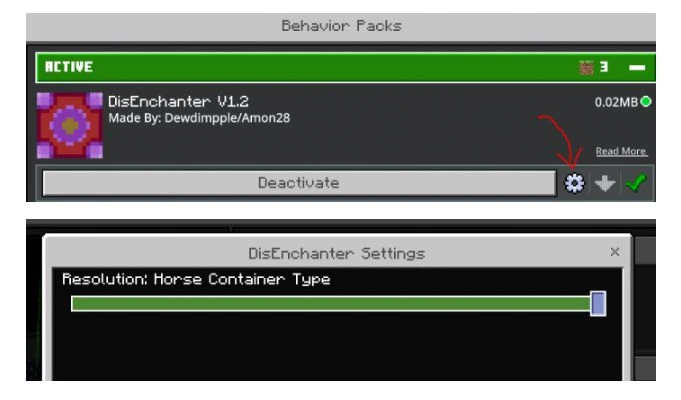
- If the UI of the disenchanter is breaking (turning into the chest), change the disenchanter settings in the behavior pack:
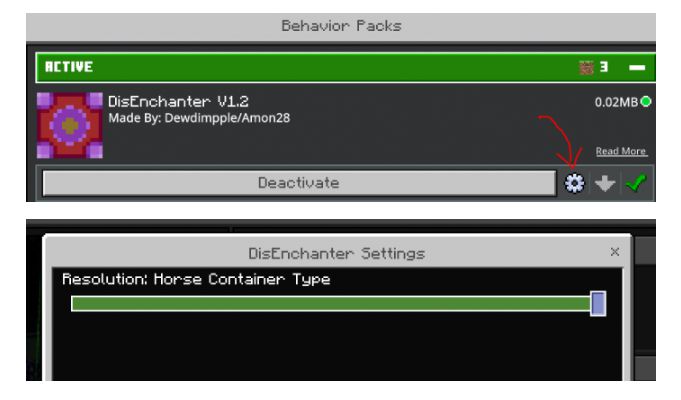
- There are settings for Chest container and Horse container. The chest container should be the default but there is a high chance the ui will break when partnered with other addons, but the Horse container has less chance of the UI breaking.
Screenshots:
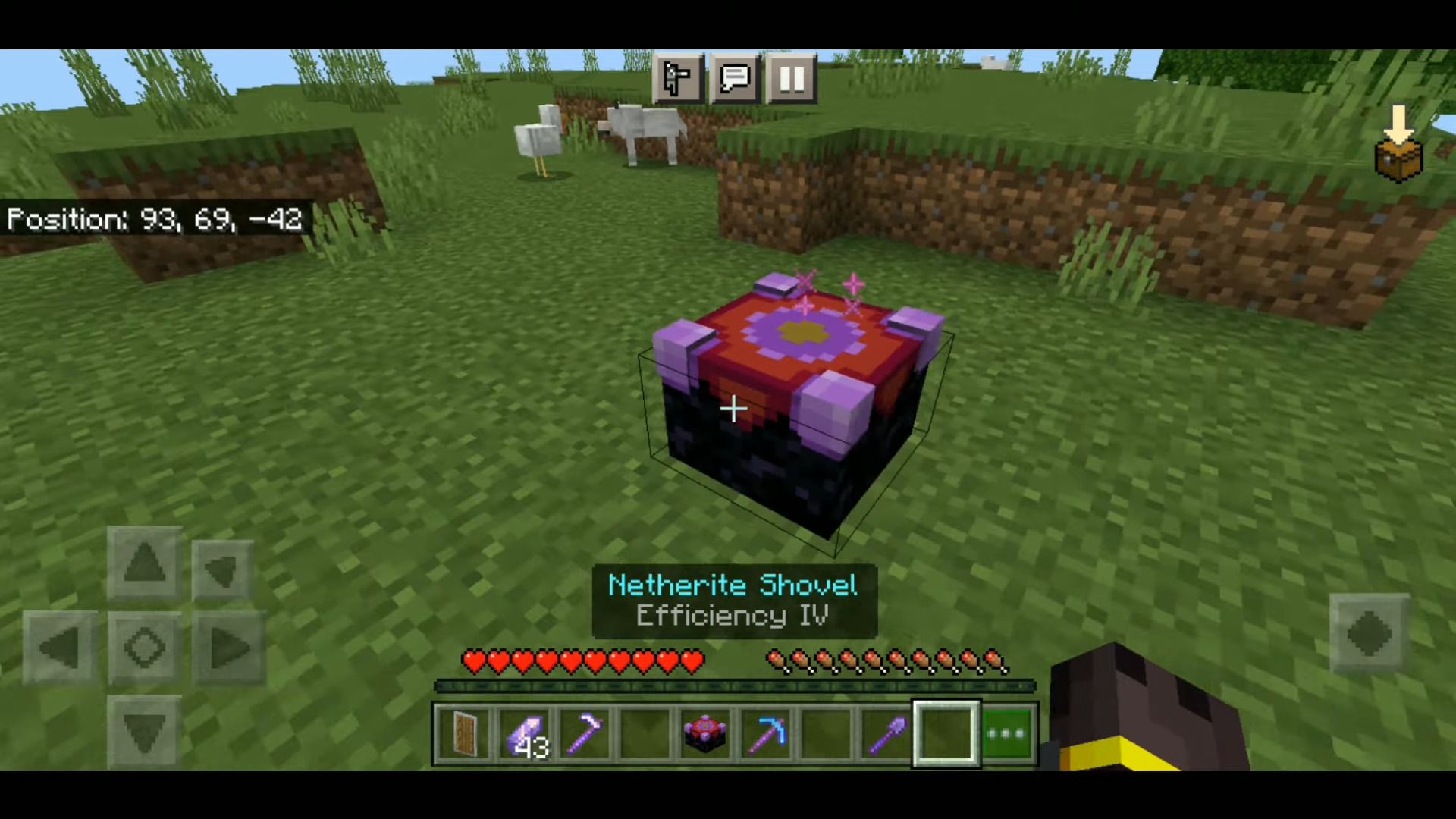
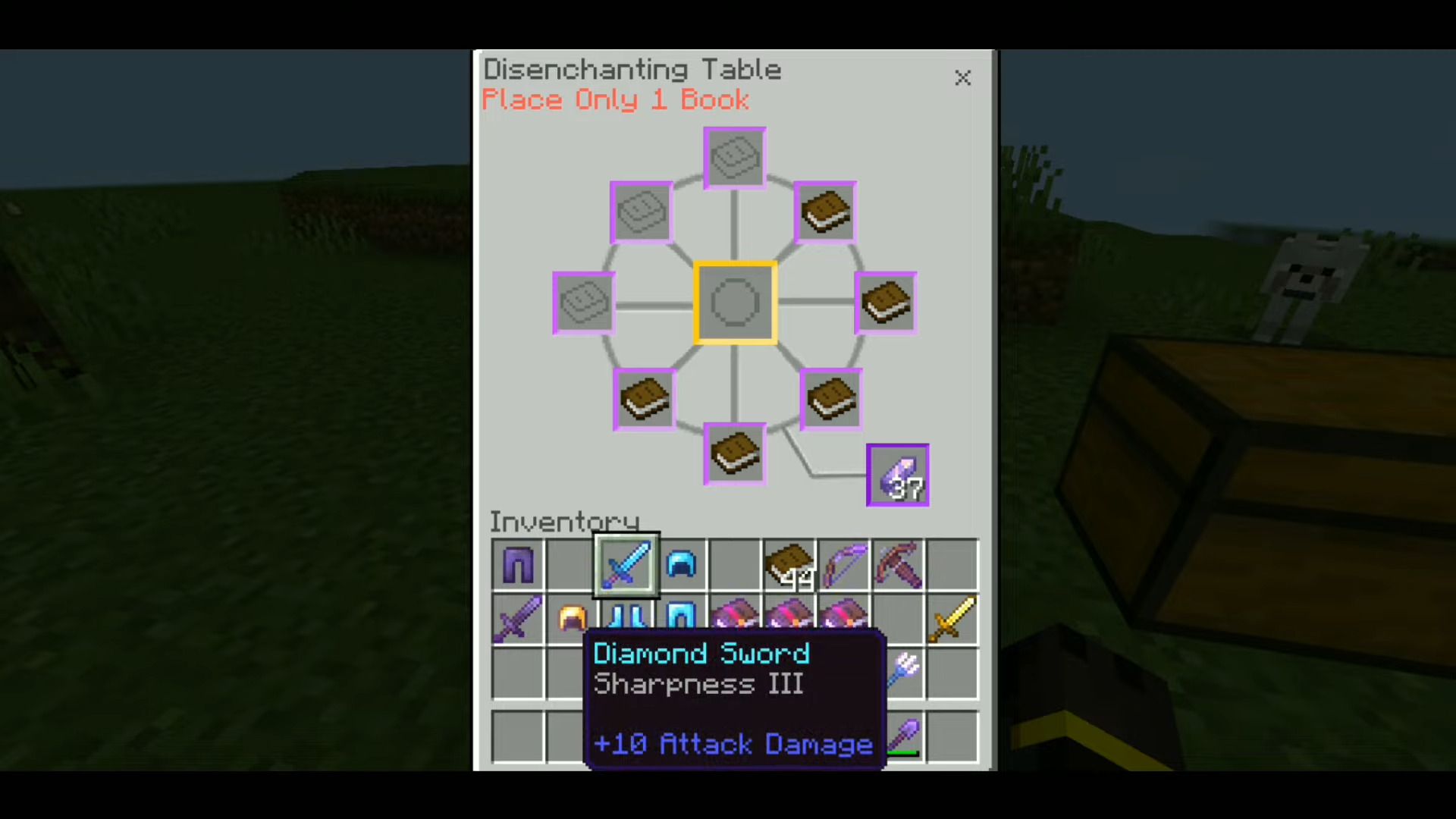
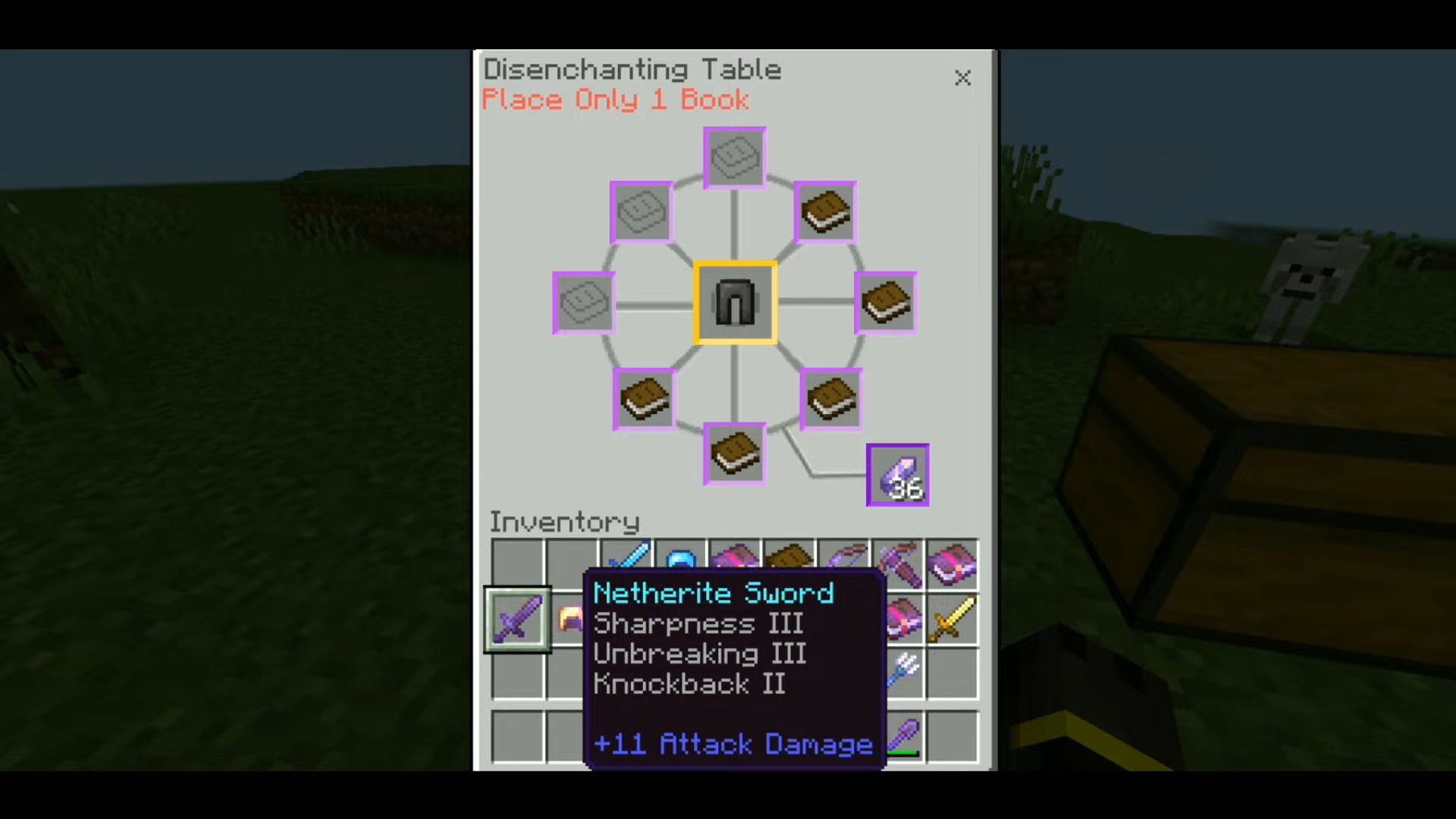
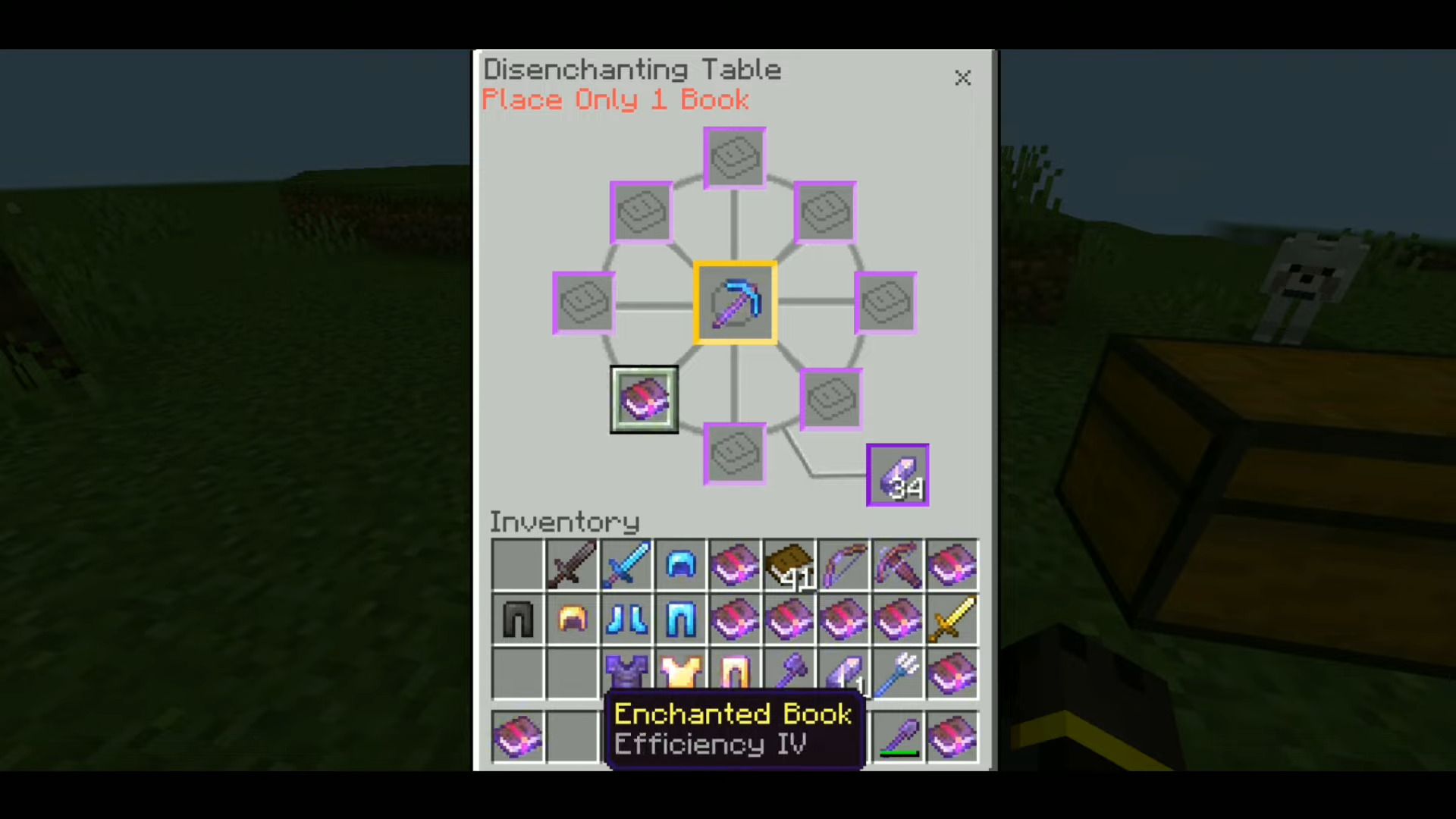
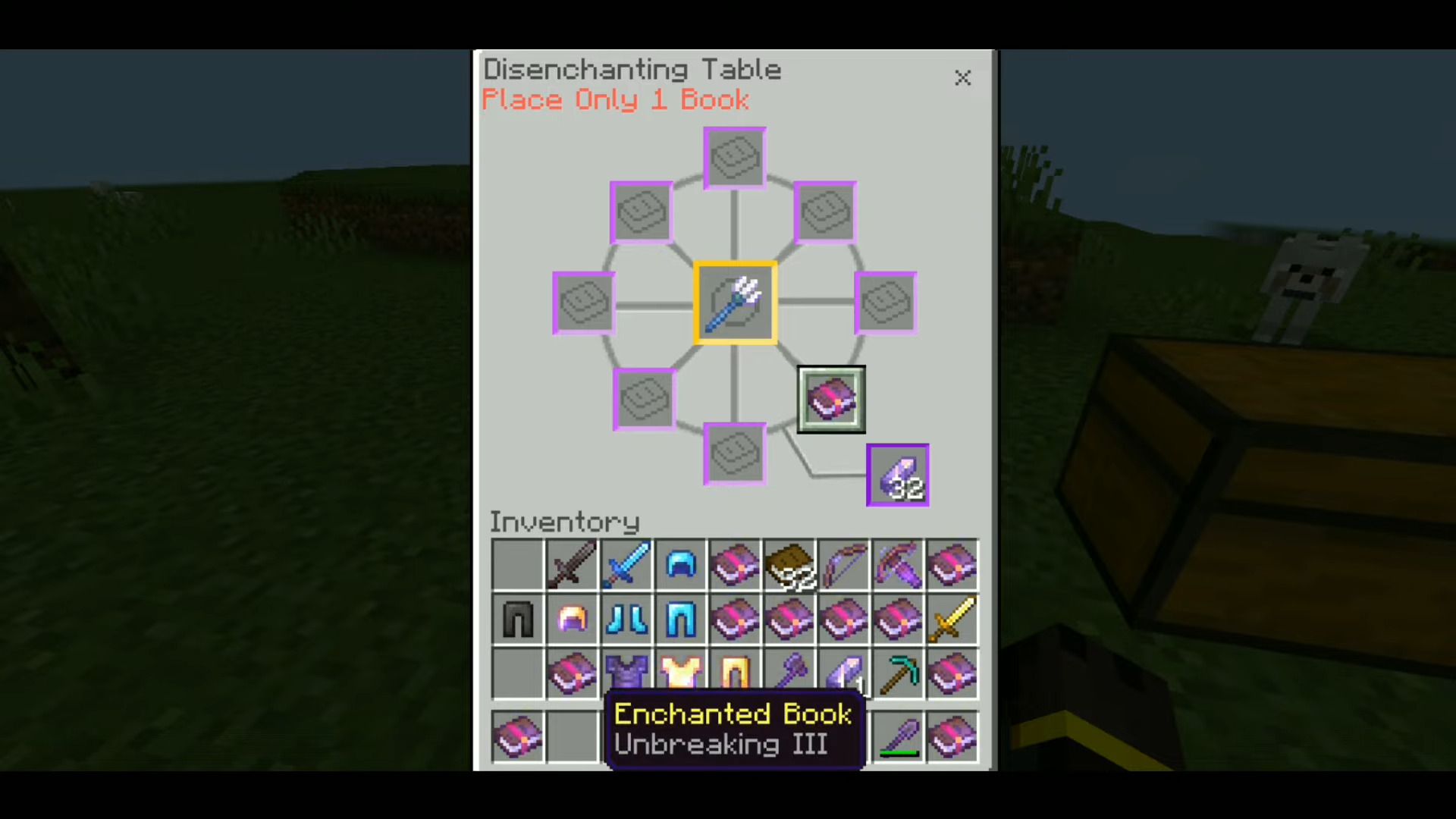
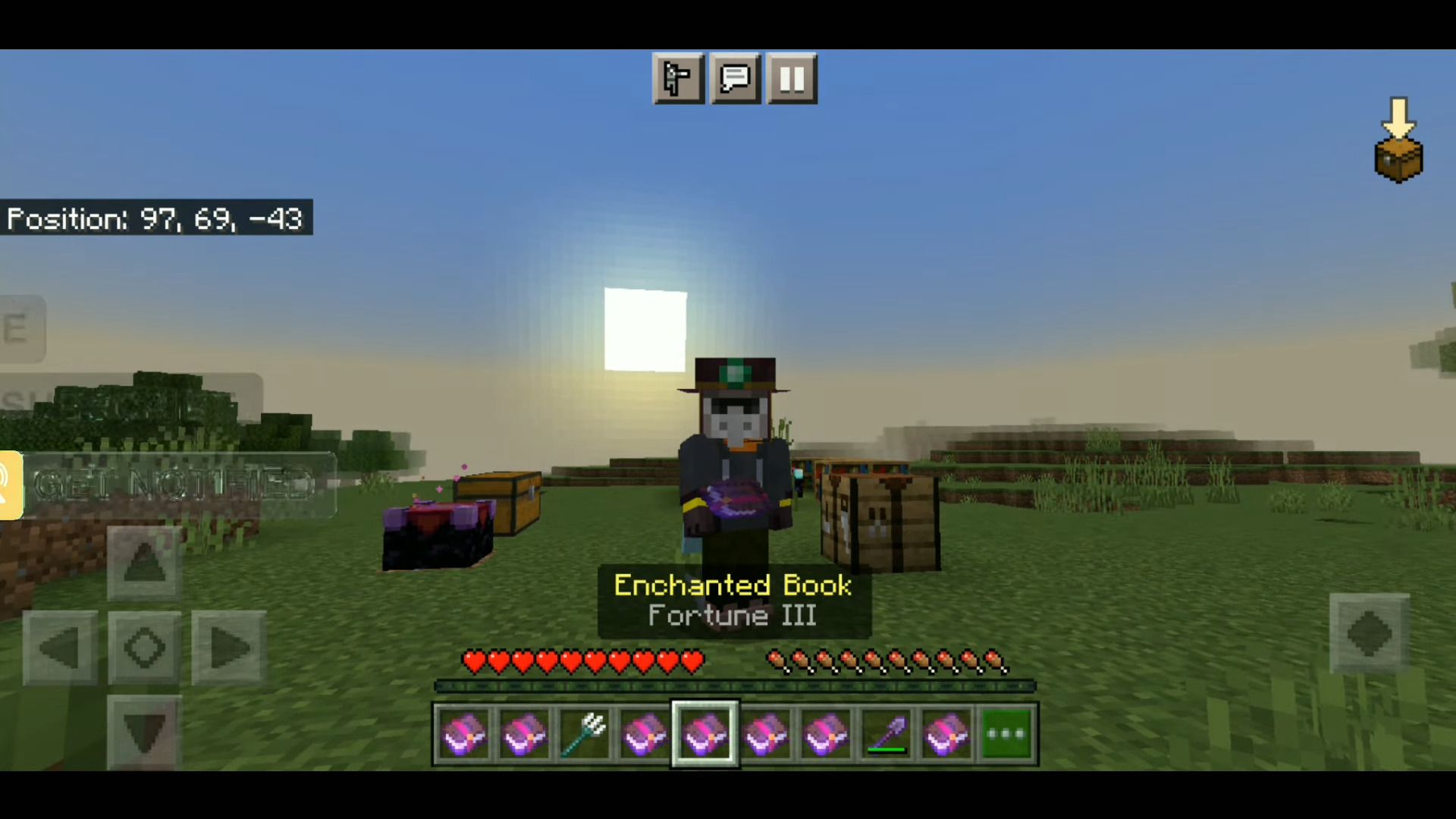
Installation Note:
- Make sure you activated the Vanilla Experiments setting.
Disenchanter Table Addon Download Links
For Minecraft PE/Bedrock 1.21
mcaddon: Download from Server 1 – Download from Server 2
For Minecraft PE/Bedrock 1.20
mcaddon: Download from Server 1 – Download from Server 2
For Minecraft PE/Bedrock 1.19
mcaddon: Download from Server 1 – Download from Server 2
- Edition: Minecraft Bedrock
- File type: .mcpack or .mcaddon
- Minecraft versions listed: 1.21, 1.20
- How to install: Download the .mcpack or .mcaddon file. → Open it — Minecraft imports it. → In your world: Behavior Packs → Available → Activate, then the same under Resource Packs.
- Where to get it: In MCModsHub, or directly above on this page.
Install steps are the general flow for this file type — How to install Minecraft Bedrock addons & mods walks through it step by step.
- Pack type: .mcaddon — behaviour and resource pack in one file
- Manifest requires Minecraft 1.20.80 or newer
- Complete pack — everything it depends on is inside the file
- Download size: 85 KB
- Download link checked 17 Jun 2026 — working
- Mirrored on our own servers — the download does not depend on the original host
These come from our own check of the pack file, not from the source page.