Chat And Name Rank Addon (26.x, 1.21) – MCPE/Bedrock Mod
Bedrock add-on listed for Minecraft 1.21. Download on the author's site.
⬇ Download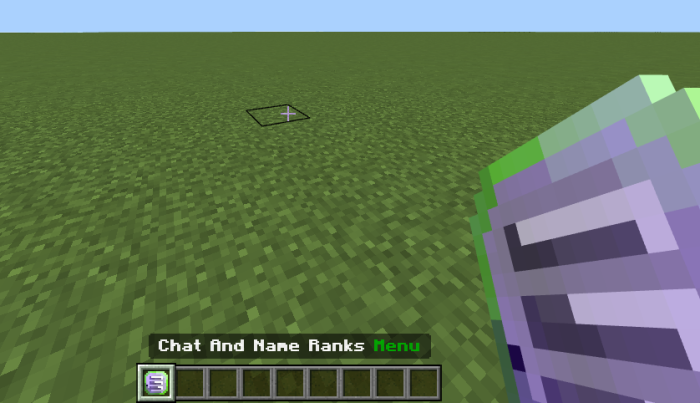
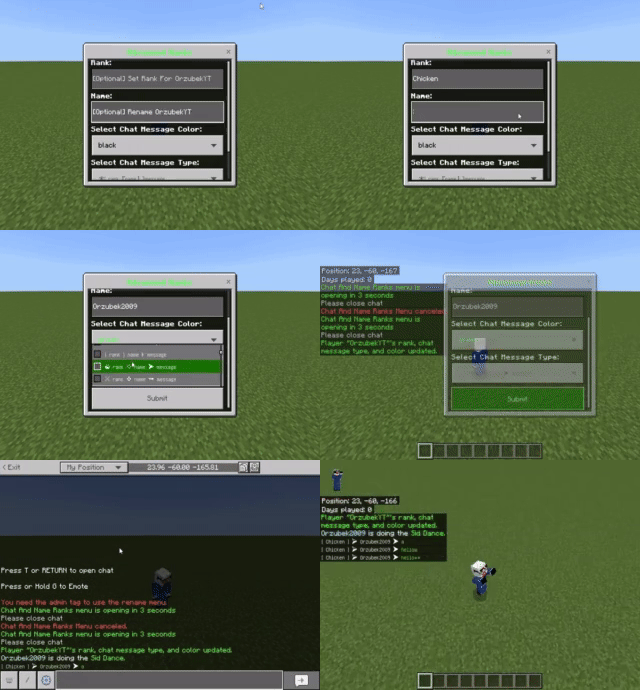
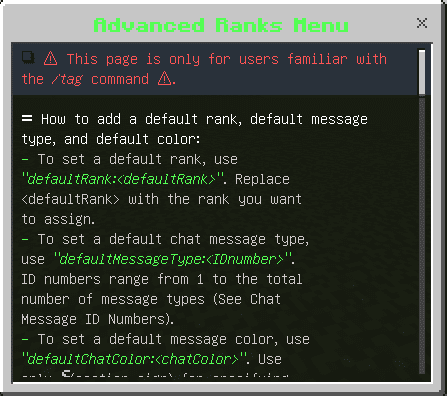
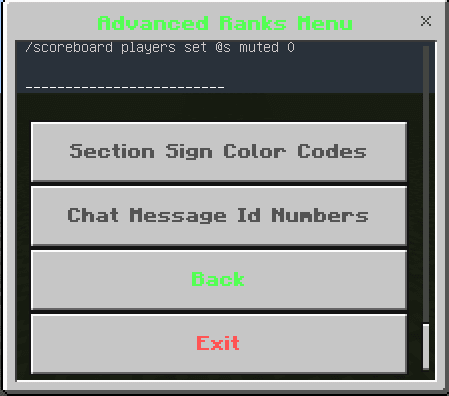
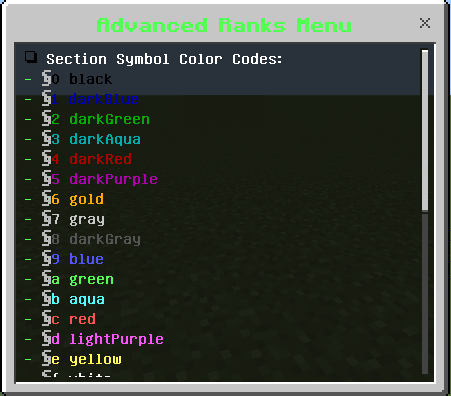
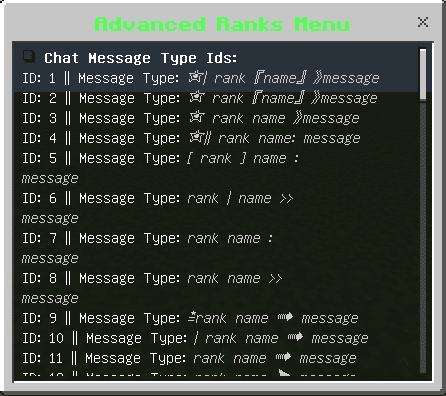
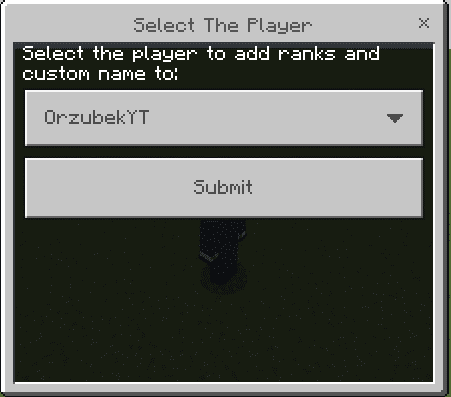
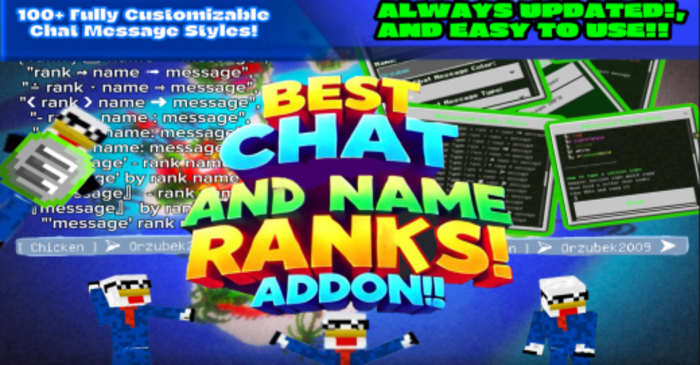
Chat And Name Rank Addon is a dynamic and highly customizable addon that enhances your gameplay experience by adding fun chat and name rank features. Always updated and beginner-friendly, this addon is easy to use and comes with over 100 cool features. It also boasts a great menu that can be opened with an item, making customization a breeze.
Features:
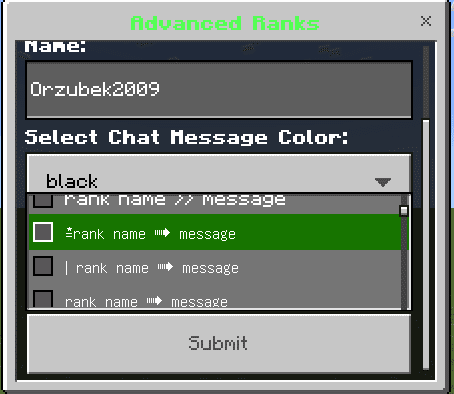
- 50+ Highly customizable chat message types
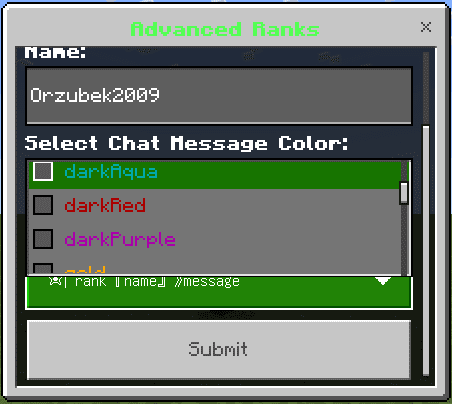
- Changeable chat message colors
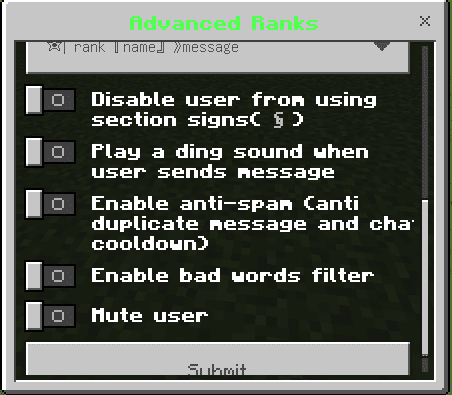
- Anti Chat Spam
- Anti Chat Message Duplicate
- Anti Colored Player Messages
- Chat Message Send Notification Sound
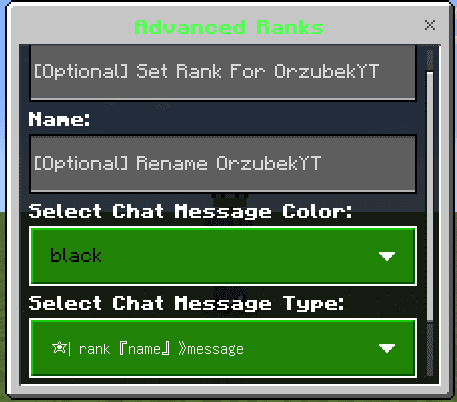
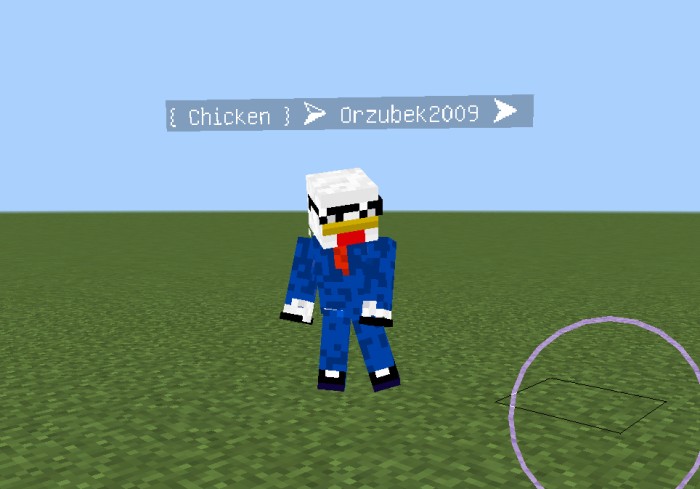
- Player Rename
- Player Set Rank
- Uses An Item To Open Menu
- You can use a menu and tags depending on what you like!
- Default Rank, Chat Message, and Chat Color Set Commands
- Always Updated
How to use:
- Add yourself the tag “admin”.
- Then find the Chat And Name Ranks Item in the items category.
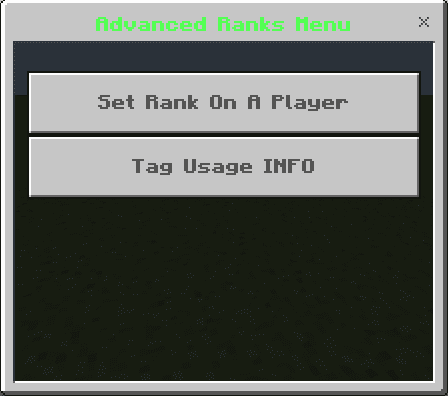
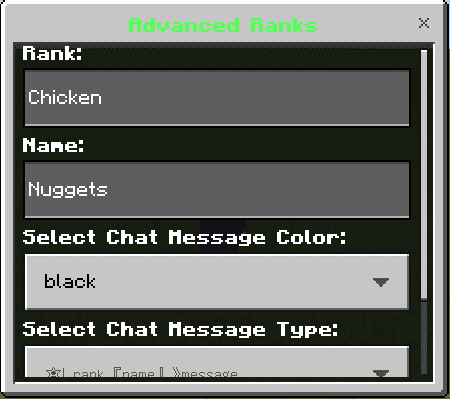
- A menu will open with 2 options one to set Rank and other stuff on a player and another option to see documentation on how to add and remove rank names and other stuff using tags and scoreboards.
Screenshots:
Installation Note:
- You need to turn on the “Beta APIs”.
Chat And Name Rank Addon Download Links
For Minecraft PE/Bedrock 1.21
Chat And Name Rank Addon Author Page
- Edition: Minecraft Bedrock
- File type: .mcpack or .mcaddon
- Minecraft version listed: 1.21
- How to install: Download the .mcpack or .mcaddon file. → Open it — Minecraft imports it. → In your world: Behavior Packs → Available → Activate, then the same under Resource Packs.
- Where to get it: Opens on the file's original source — not every file is mirrored on our own servers.
Install steps are the general flow for this file type — How to install Minecraft Bedrock addons & mods walks through it step by step.
Chat And Name Rank Addon (26.x, 1.21) – MCPE/Bedrock Mod is a free Minecraft Bedrock addon. Compatible with Minecraft 1.21. Download it and open it directly in the game.