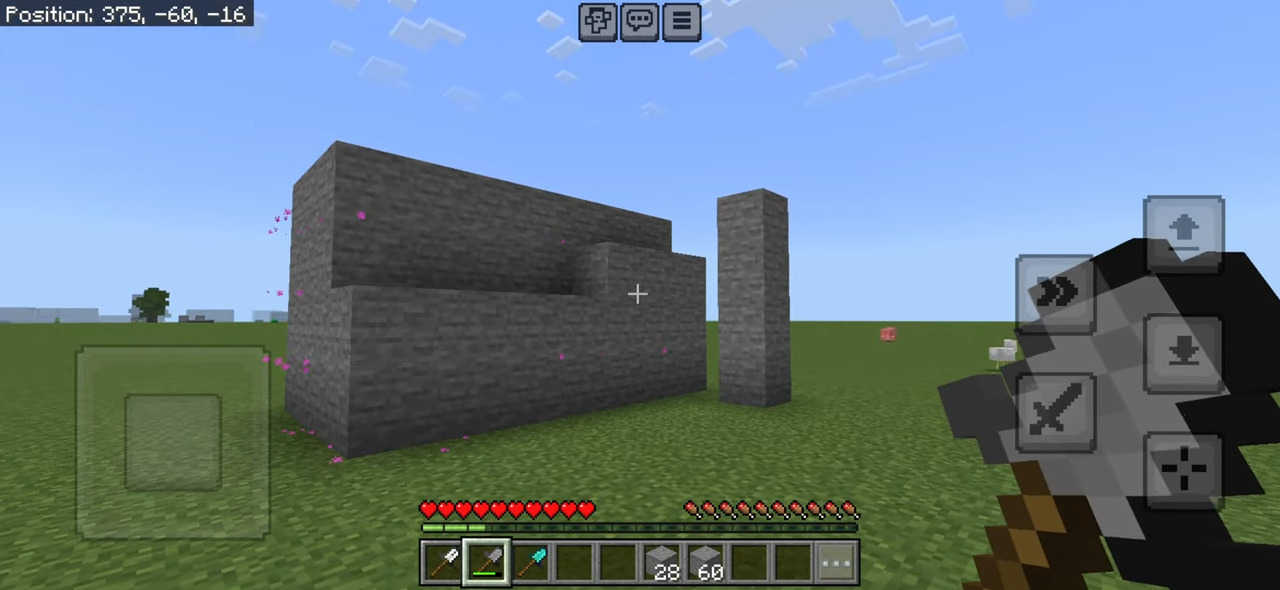
Build Wand Addon transforms your building experience by allowing you to select the first position of a block to start filling and the second position up to where you want to fill blocks, providing a more efficient construction method.
Features:
Step 1:
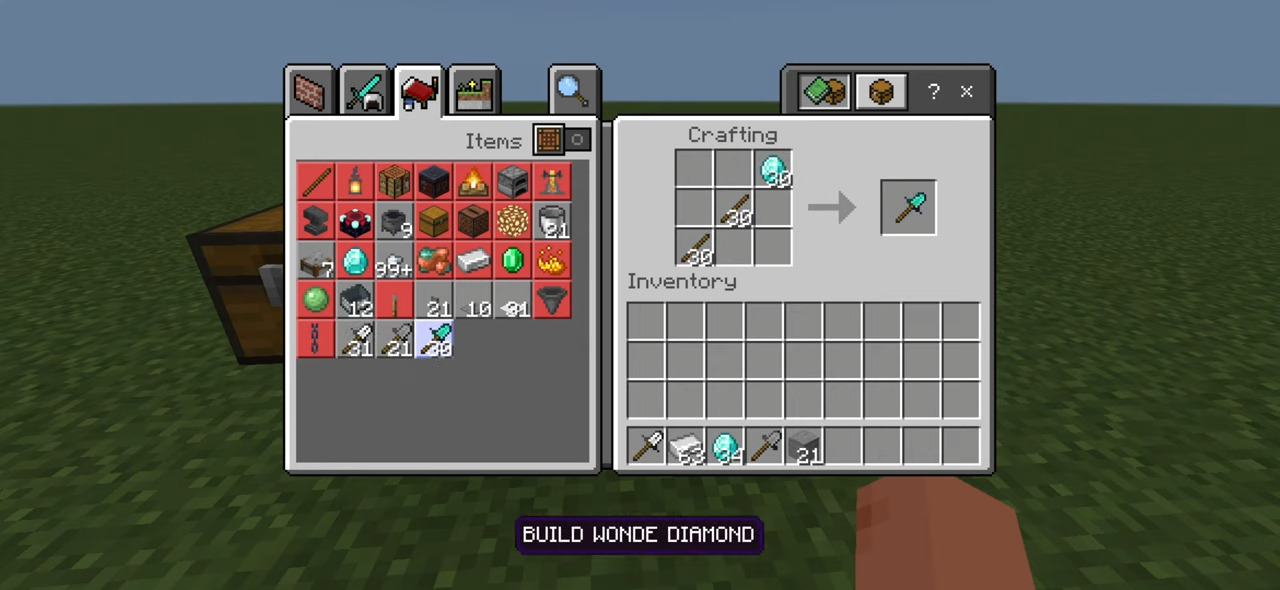
- First, use a crafting table to craft a Build Wand by combining one iron block and two sticks.
Step 2:
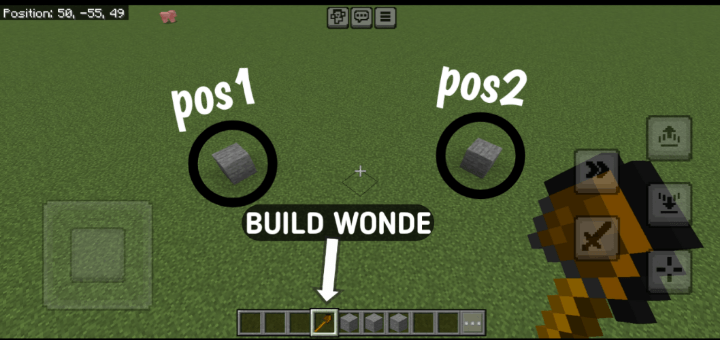
- Take the Build Wand in your hand and select the first position of the block where you want to start filling. You can check this by tapping on the block in your area. Then, select the second position up to where you want to fill the blocks.
Step 3:
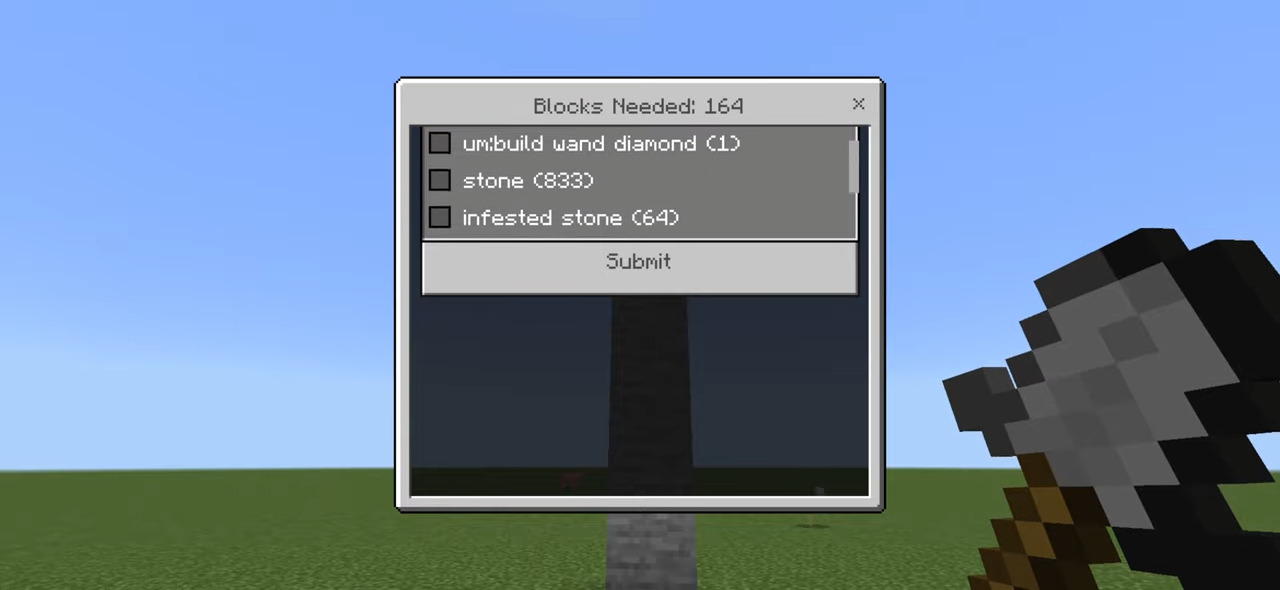
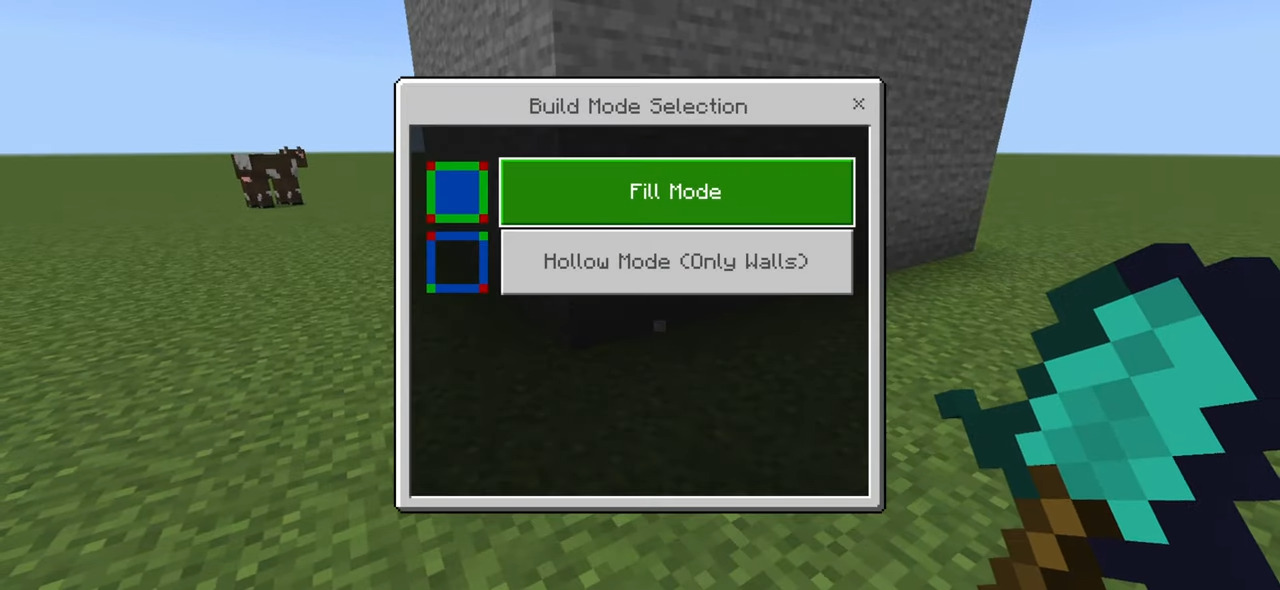
- A UI will open showing all the blocks available in your inventory. At the top, you will see the total number of blocks required to fill the selected area. Ensure you have at least that many blocks in your inventory. After selecting the block type you want to use, press the Submit button.
Once you complete these steps, the required amount of blocks, as shown in the UI, will be removed from your inventory, and the selected area will be filled. Additionally, 5 durability points will be reduced from the Build Wand.
Screenshots:
Installation Note:
- You need to turn on the Experimental Settings if the addon does not work.
Build Wand Addon Download Links
For Minecraft PE/Bedrock 1.21
mcaddon: Download from server 1 – Download from server 2
Quick facts
- Edition: Minecraft Bedrock
- File type: .mcpack or .mcaddon
- Minecraft version listed: 1.21
- How to install: Download the .mcpack or .mcaddon file. → Open it — Minecraft imports it. → In your world: Behavior Packs → Available → Activate, then the same under Resource Packs.
- Where to get it: In MCModsHub, or directly above on this page.
Install steps are the general flow for this file type — How to install Minecraft Bedrock addons & mods walks through it step by step.
Verified by MCModsHub
- Pack type: .mcaddon — behaviour and resource pack in one file
- Manifest requires Minecraft 1.21.0 or newer
- Complete pack — everything it depends on is inside the file
- Download link checked 17 Jun 2026 — working
- Mirrored on our own servers — the download does not depend on the original host
These come from our own check of the pack file, not from the source page.