AddonsBedrock
Damage Indicator Addon (26.x, 1.21) – MCPE/Bedrock Health Indicator Mod
Bedrock add-on listed for Minecraft 1.21–26.x (behavior + resource pack). File opened and checked on 21 Sep 2026; installs from the MC Bedrock Mods app on Android.
⬇ Download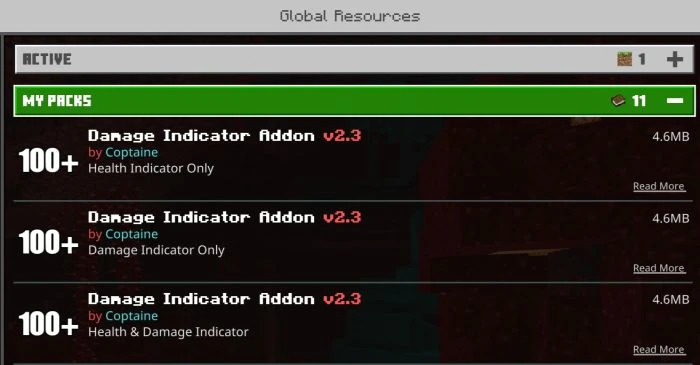
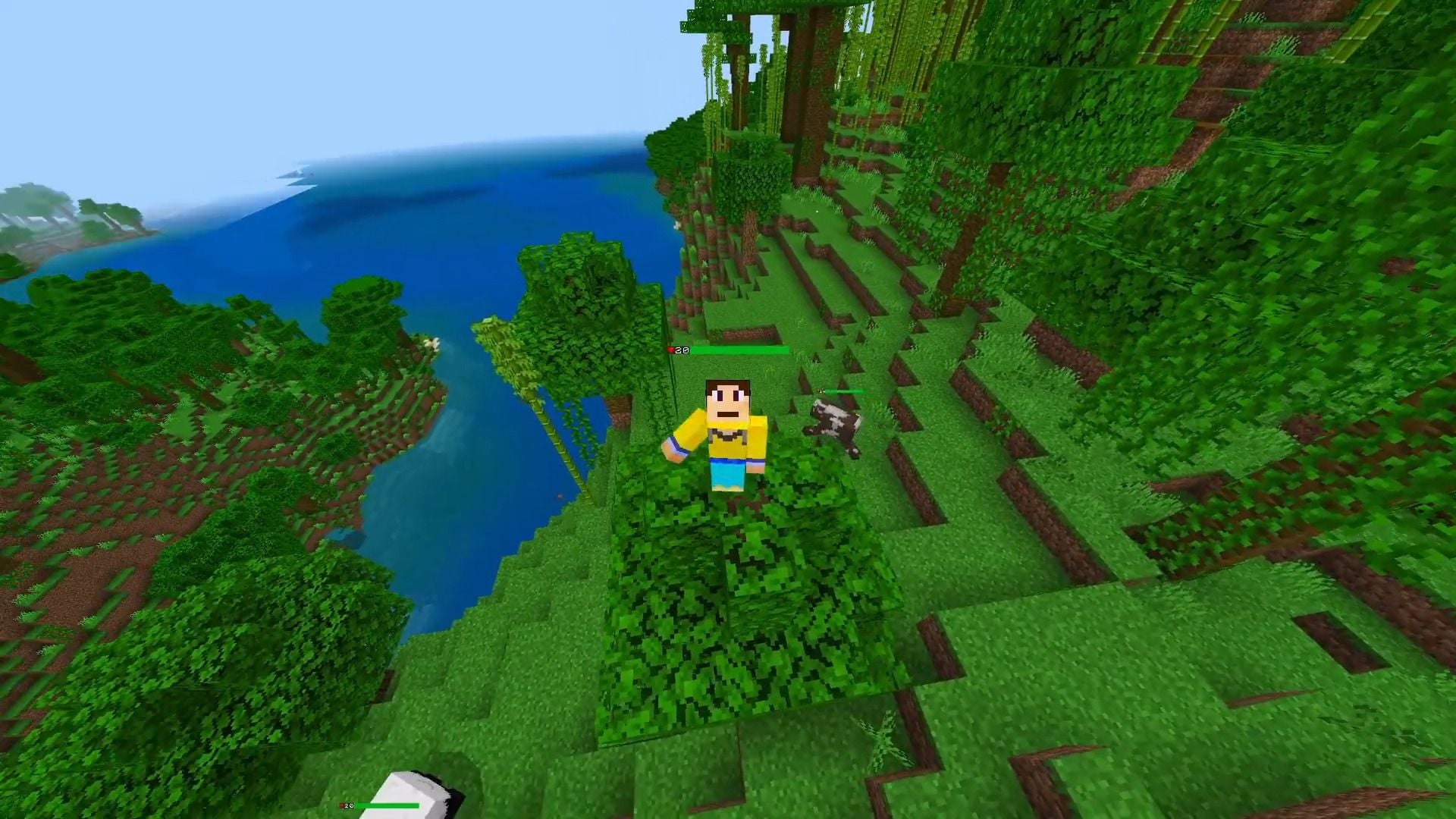
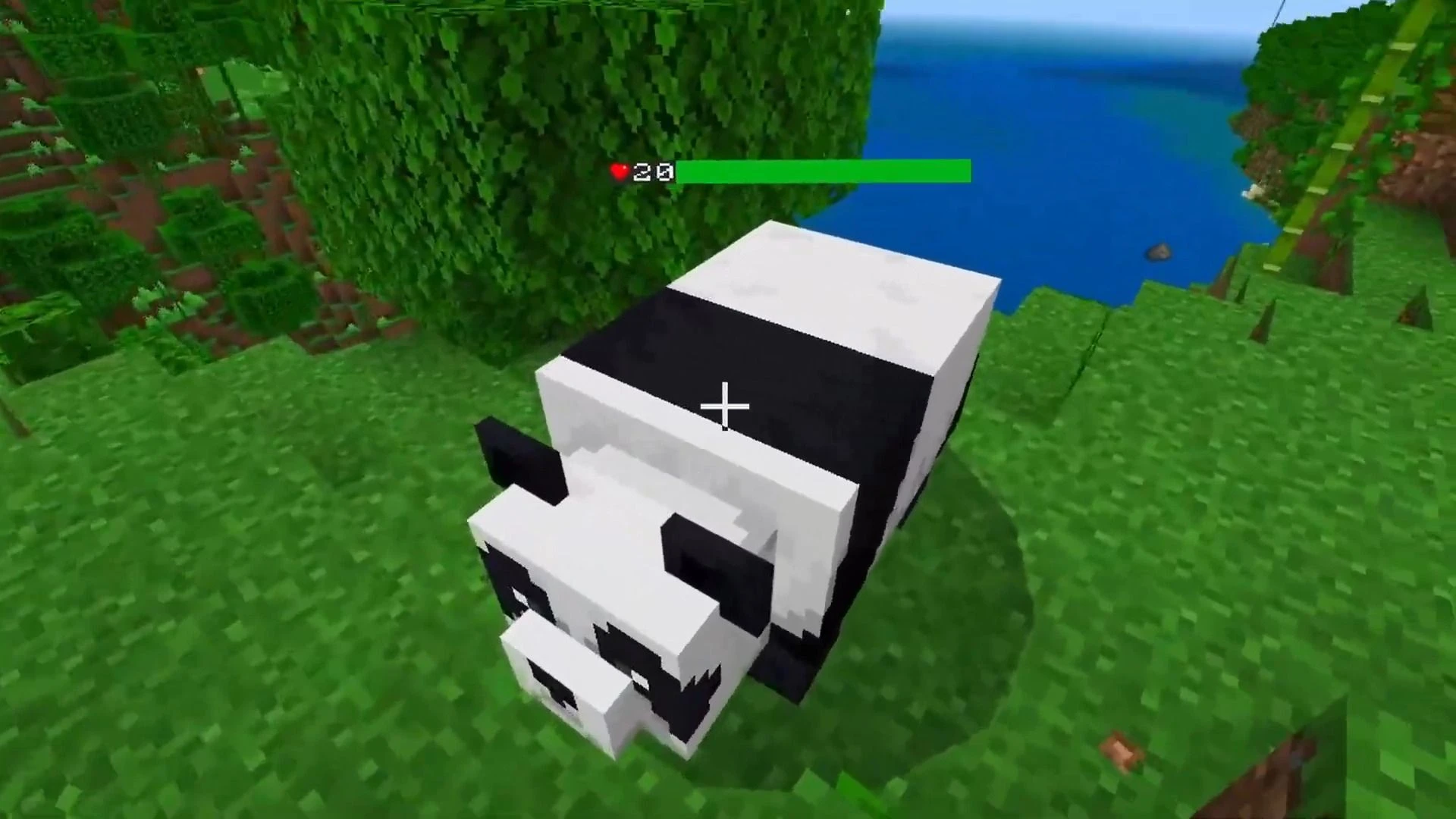
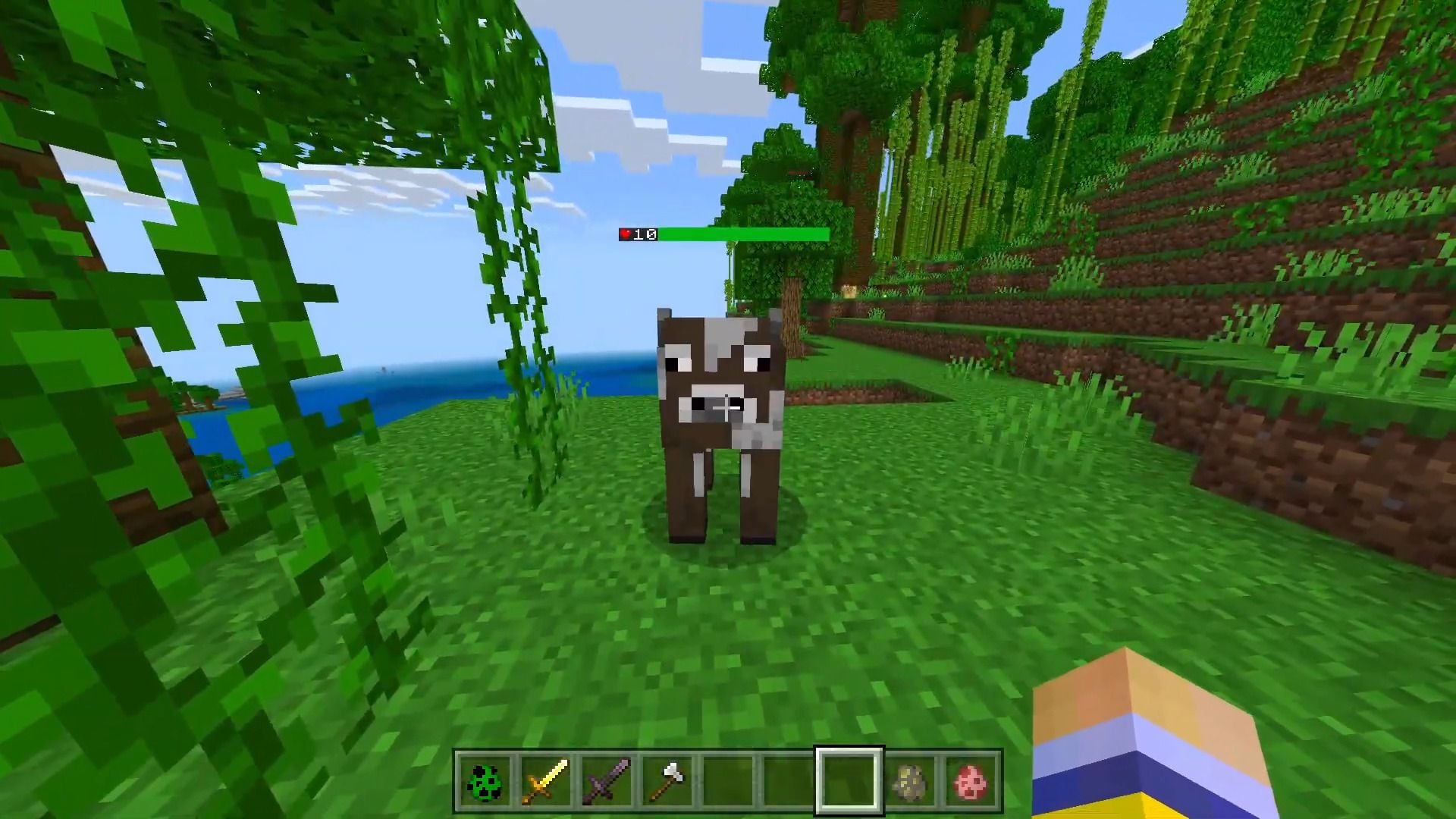
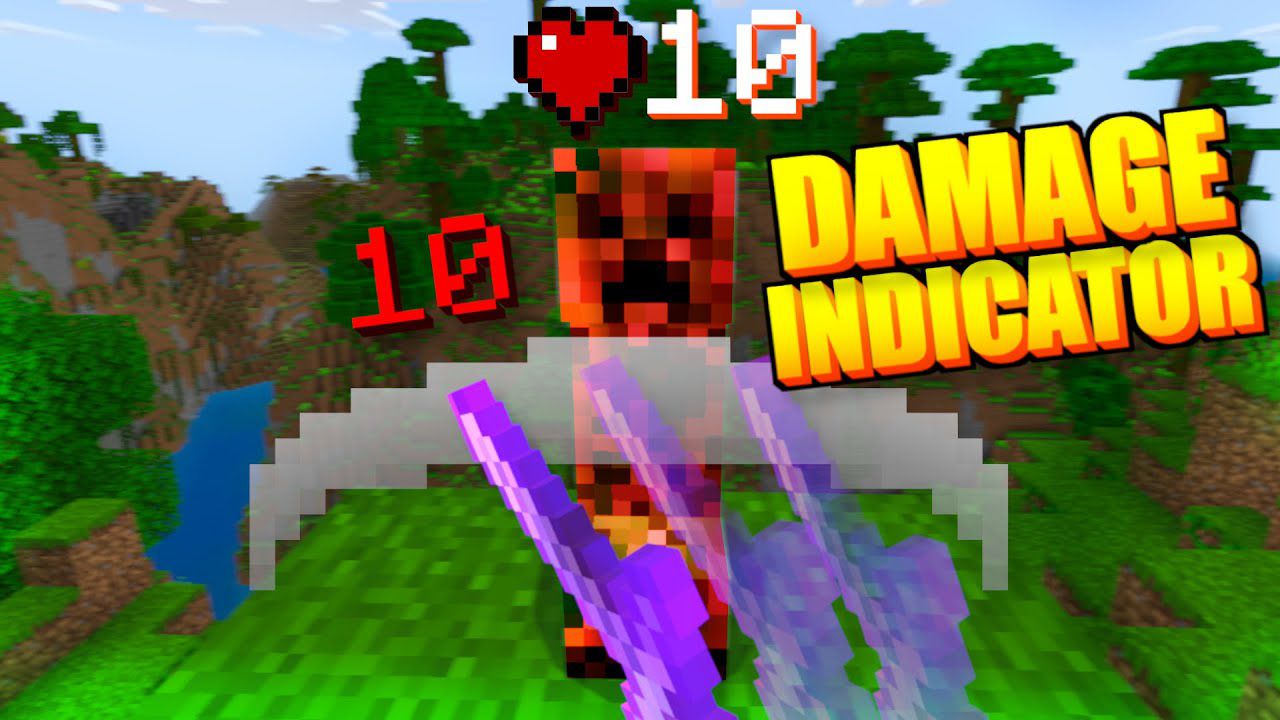
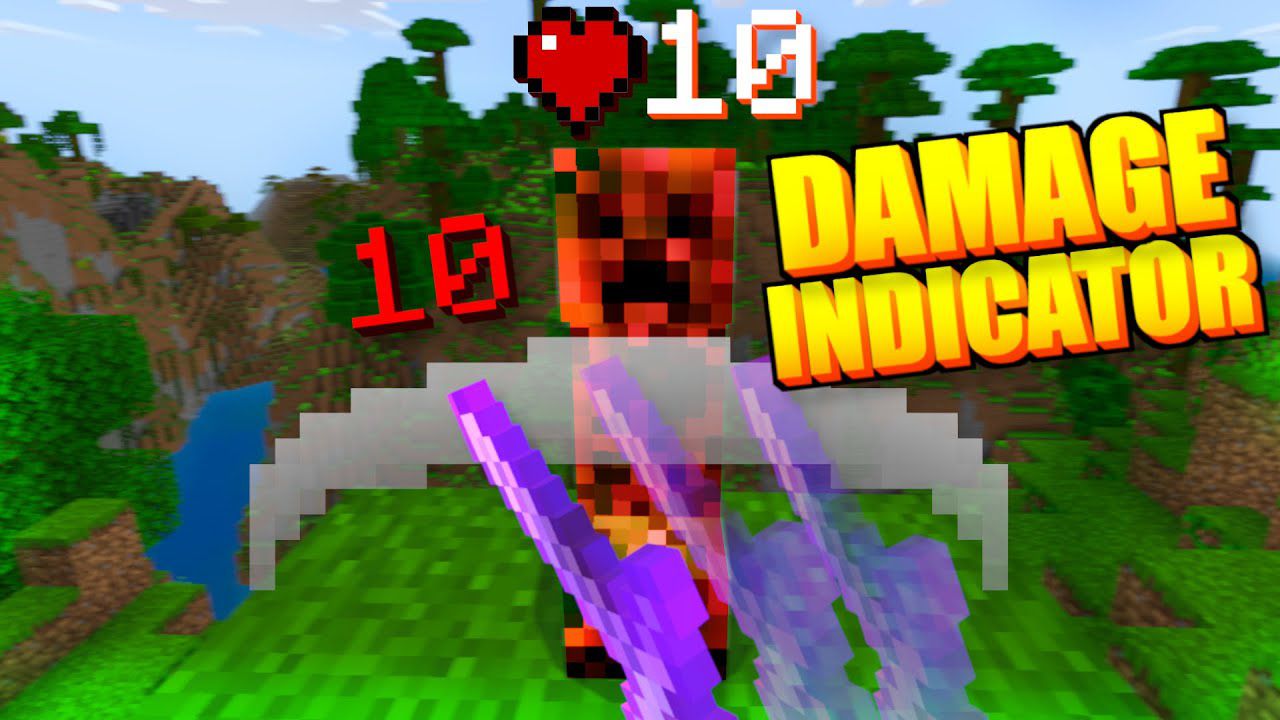
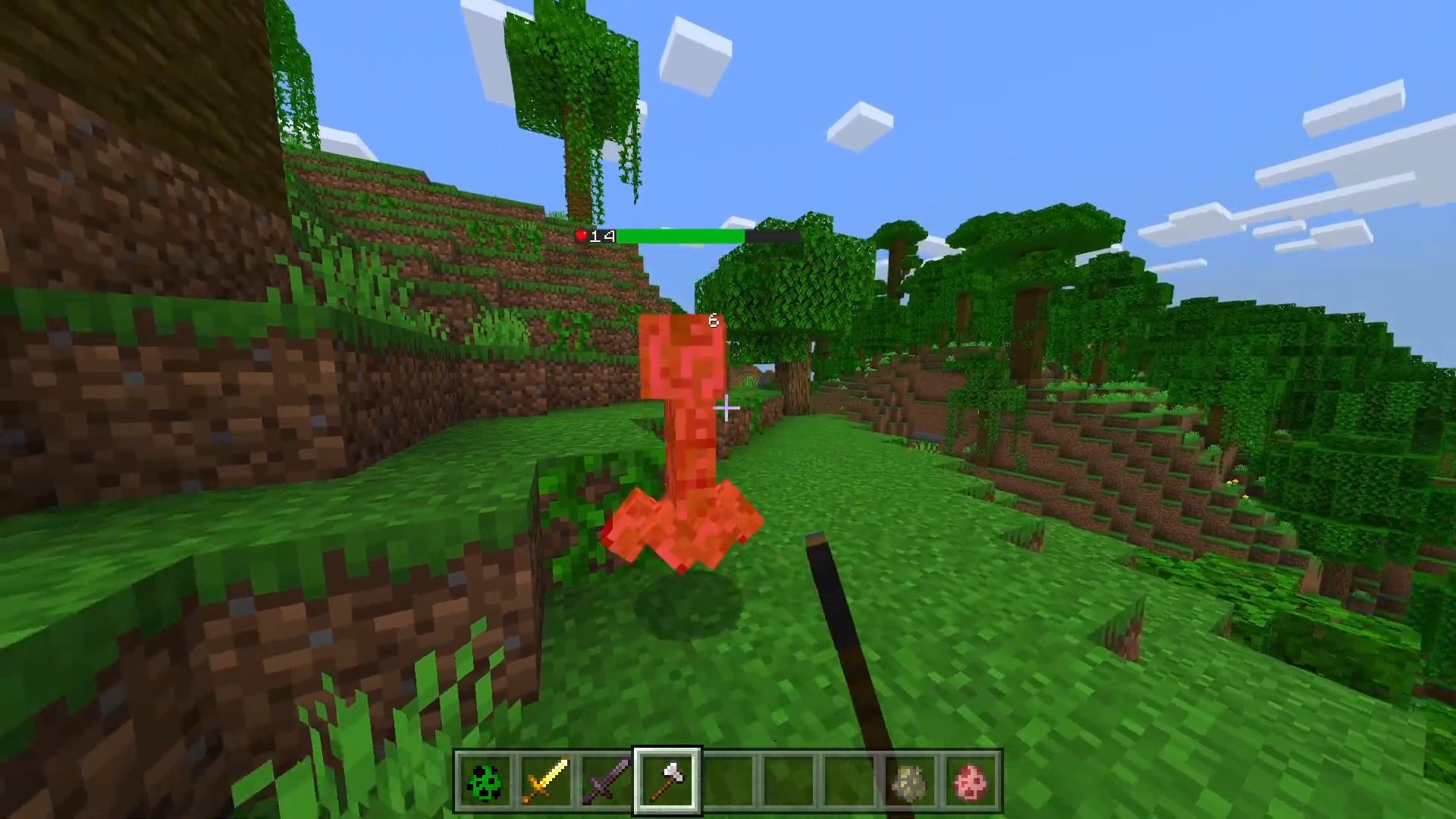
Damage Indicator Addon Are you looking to infuse your Minecraft gameplay with elements of an RPG? What could possibly be missing? The answer is a Damage Indicator! Indeed, many of us desire to visualize the damage we inflict on our adversaries. Damage Indicator Addon allows you to see the damage you deal to your enemies, making combat more immersive and strategic.
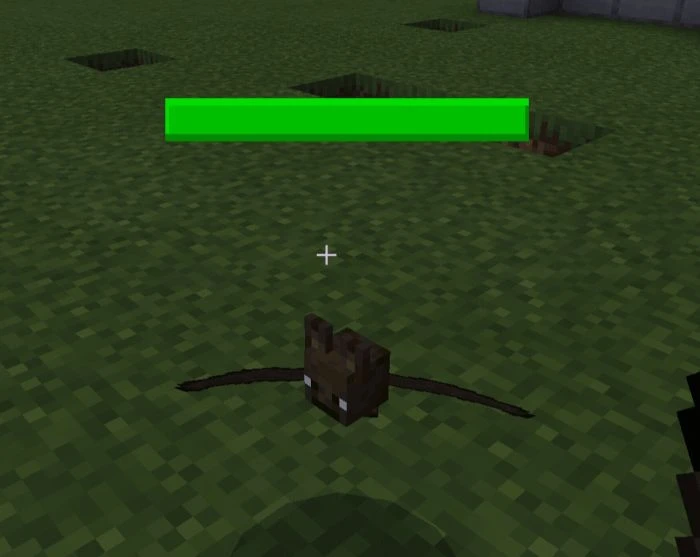
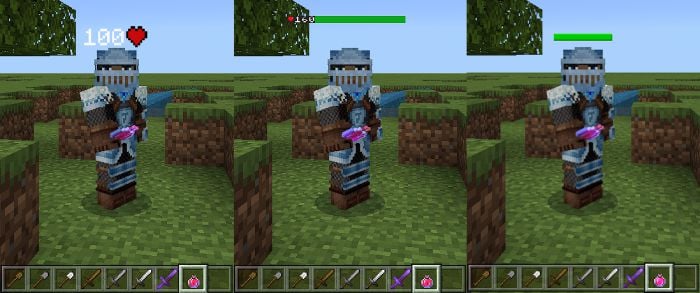
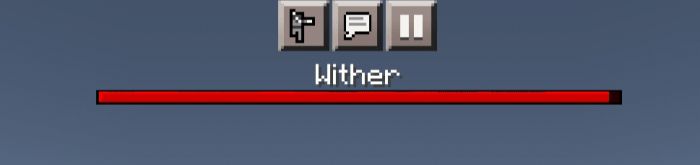
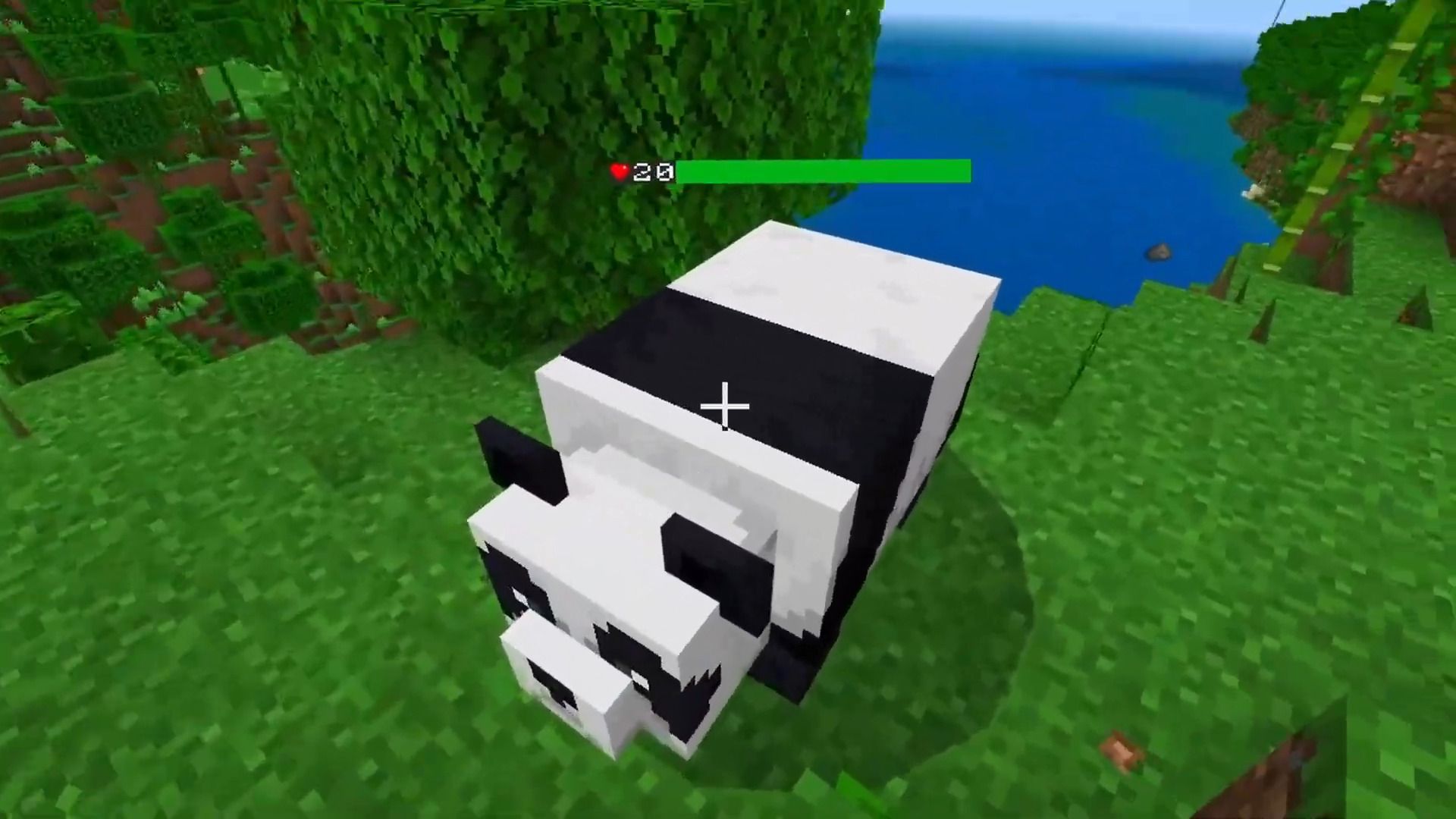
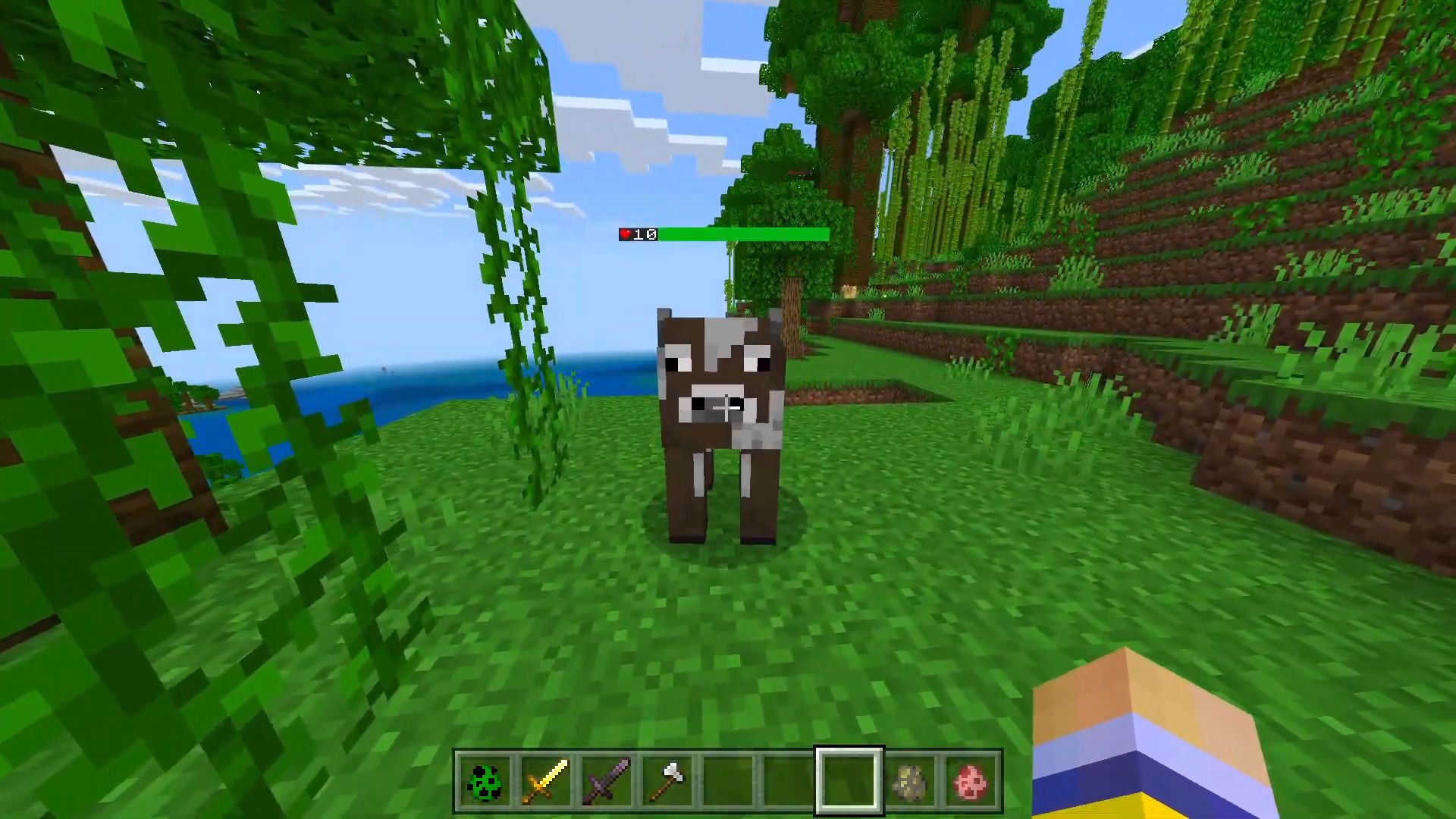
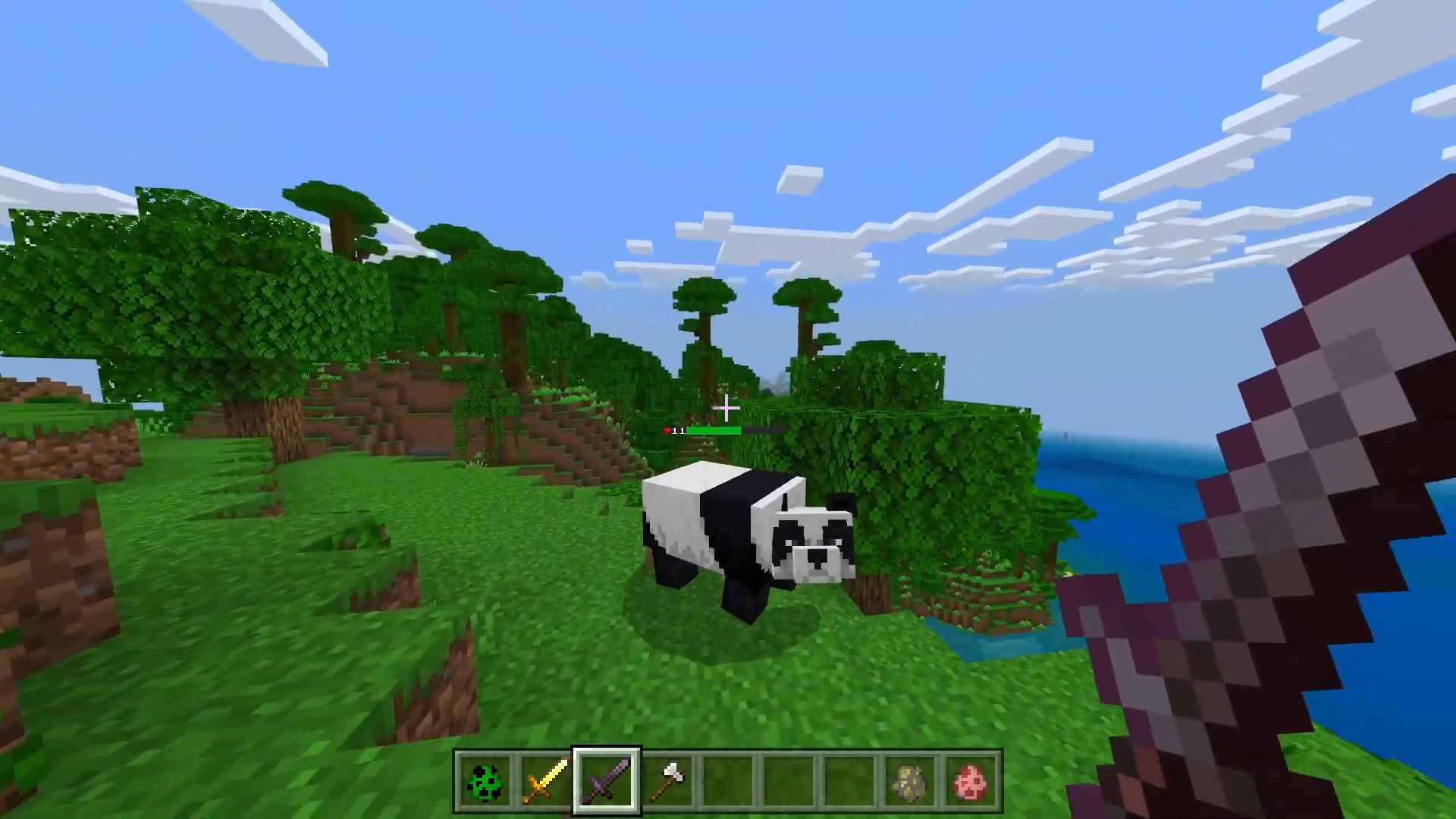
 Health Bar:
Green: 50 – 100% HP
Yellow: 25 – 49% HP
Red: 1 – 24% HP
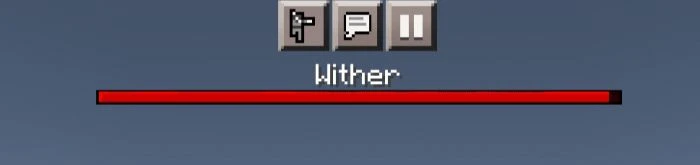
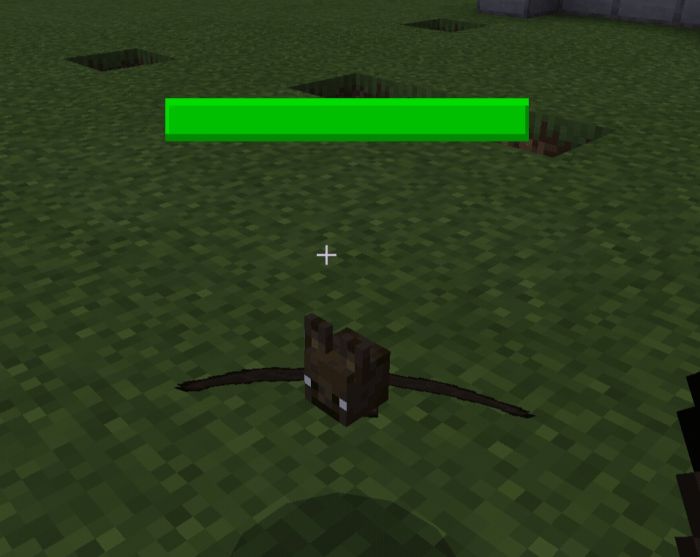
Health Bar:
Green: 50 – 100% HP
Yellow: 25 – 49% HP
Red: 1 – 24% HP
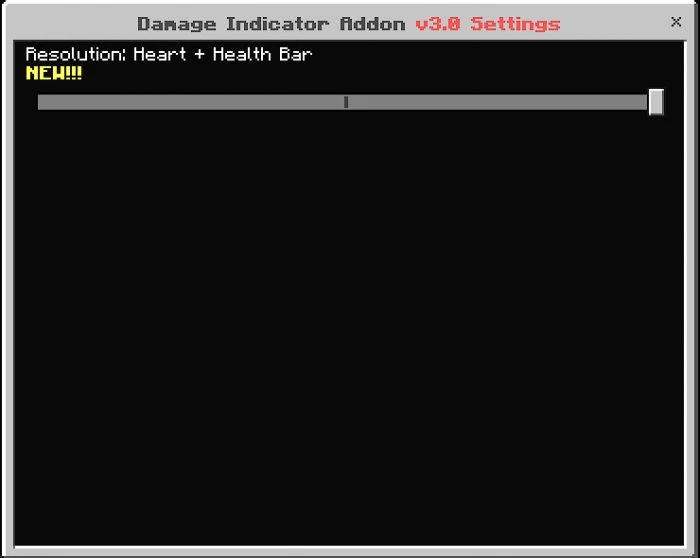
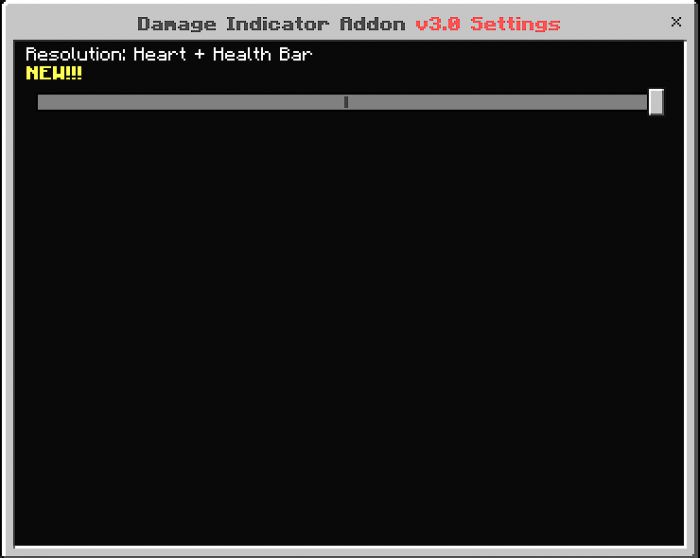
 Heart + Health Bar:
 Limitations:
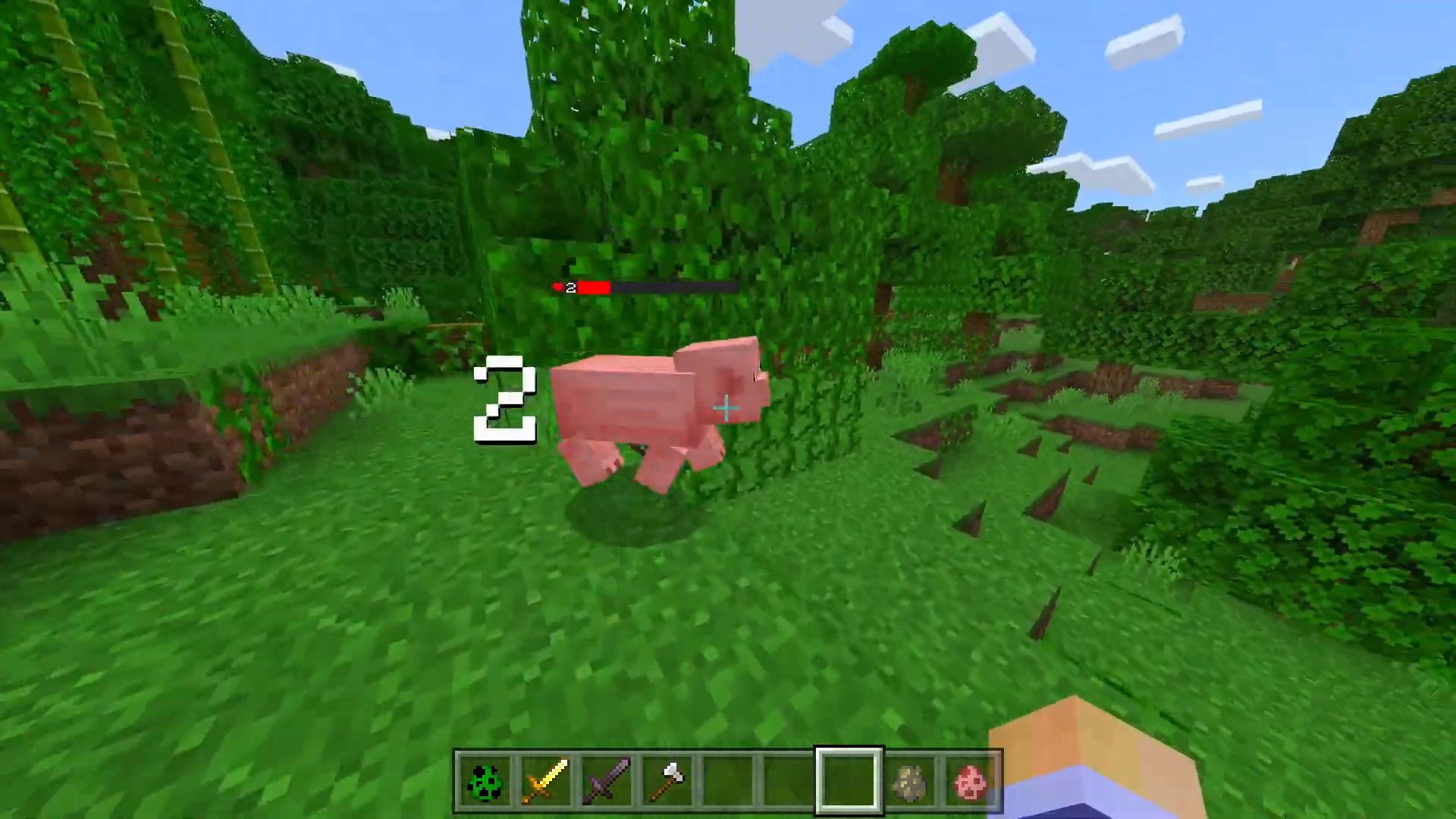
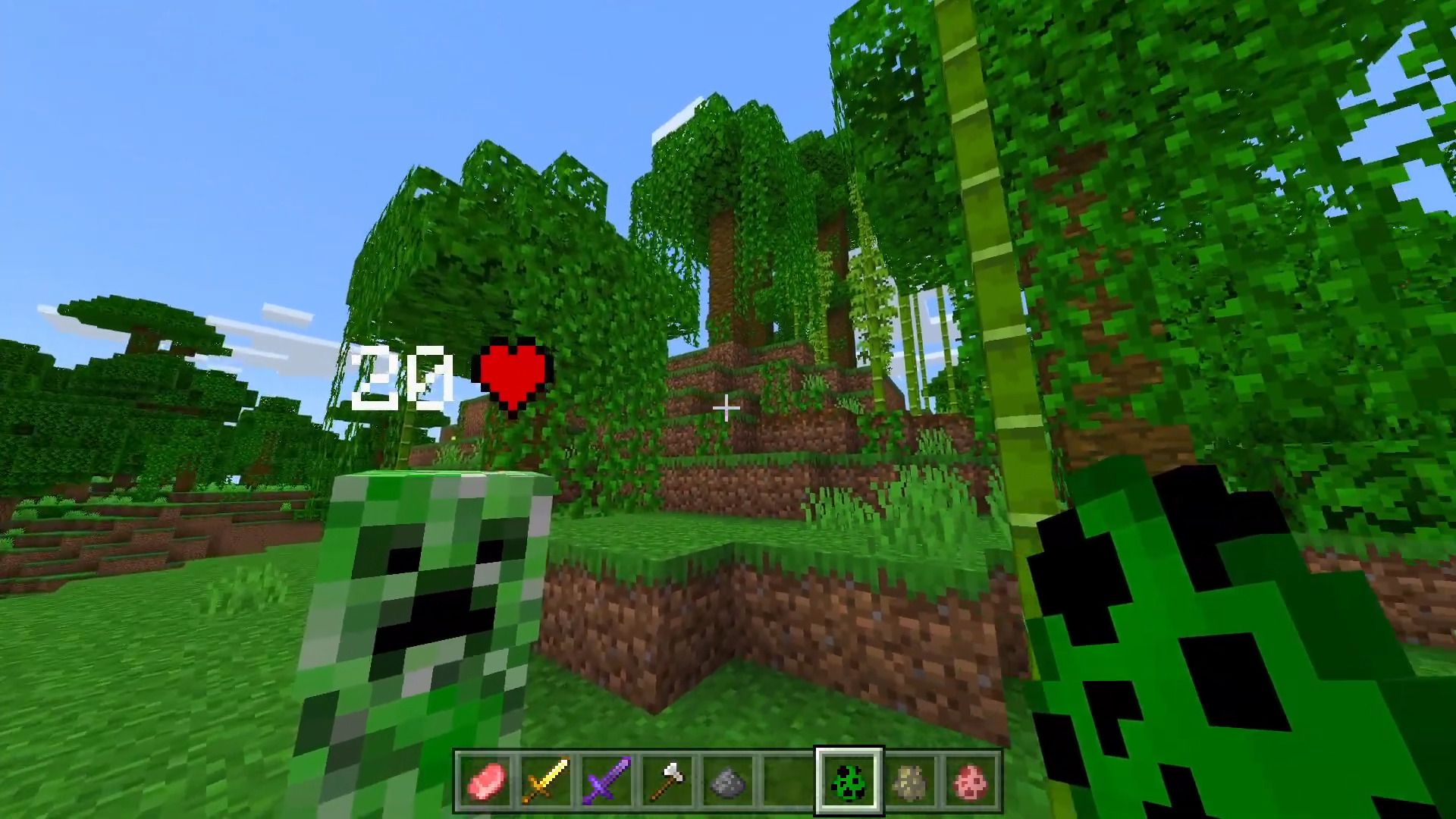

Features:
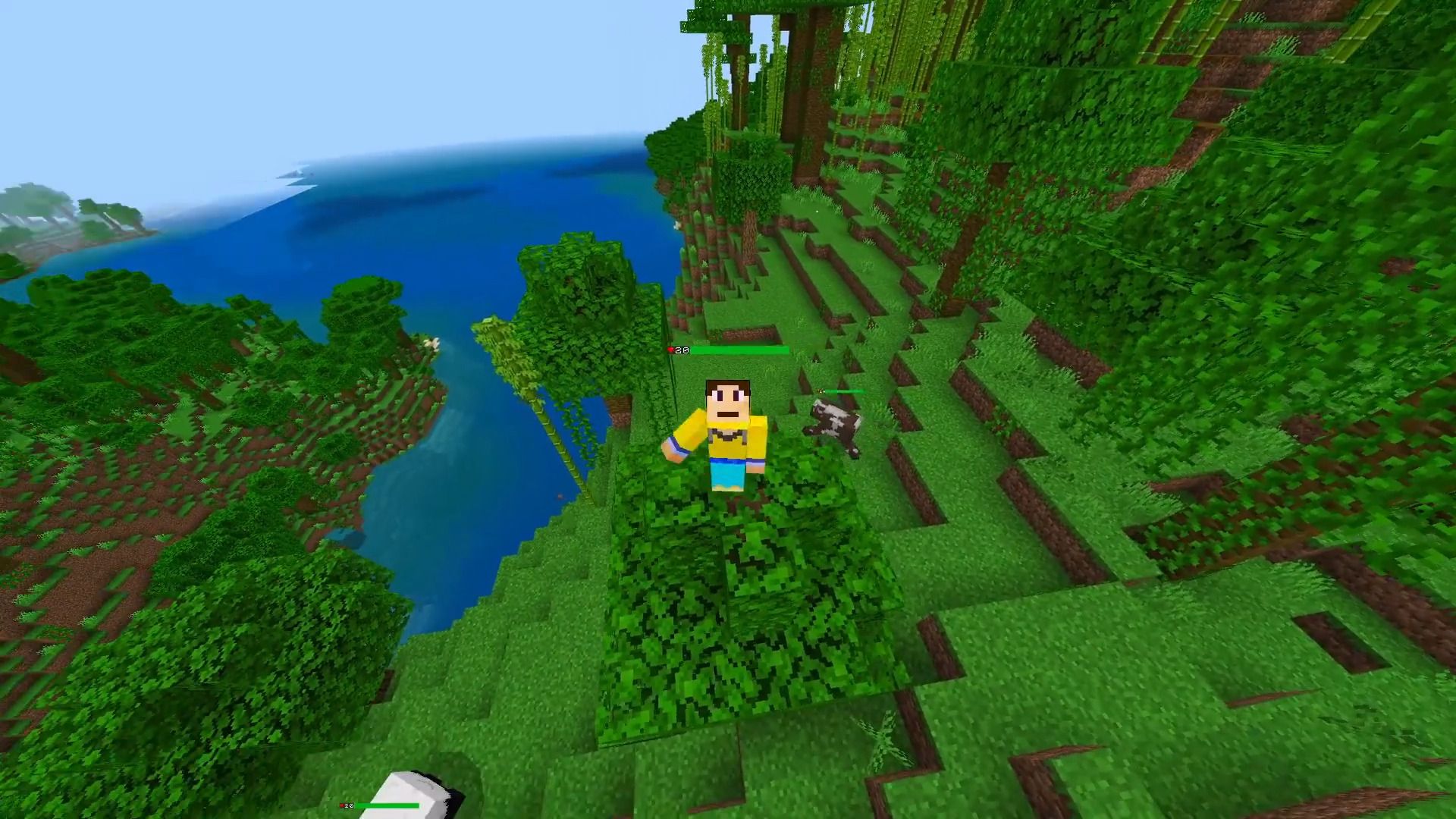
- Shows the damage dealt enemy and also heal amount
- Monitors HP precisely
- Vanishes when invisible
- Maximum render distance of 20 blocks
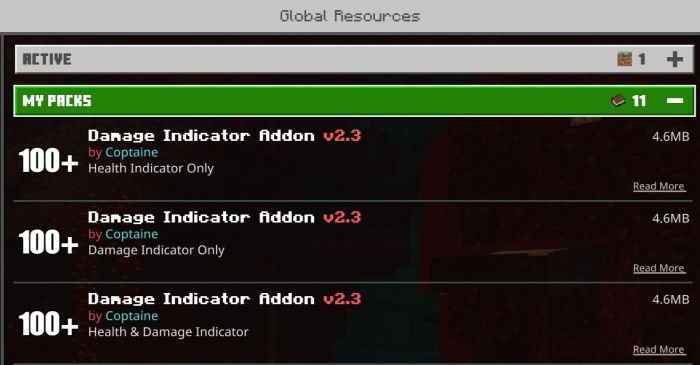
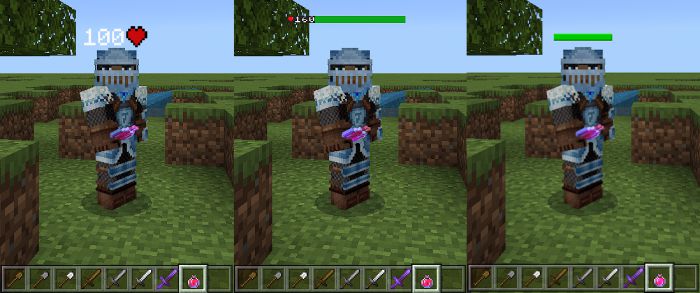
- 3 options are available: Health Bar, Heart Icon, and Combination of the two
- Resource pack only (Achievement-friendly)
- Download options to choose from
Health Bar:
Green: 50 – 100% HP
Yellow: 25 – 49% HP
Red: 1 – 24% HP
Heart + Health Bar:
- Can read 999 HP
- Minecraft Dungeons Font
Limitations:
- This addon monitors the health of an entity, not the actual damage itself. So if the damage dealt exceeds the entity’s remaining hp, the damage shown is the remaining hp and not the actual damage.
- Maximum damage can be shown is 100. Any value that exceeds will only show “100”.
Screenshots:
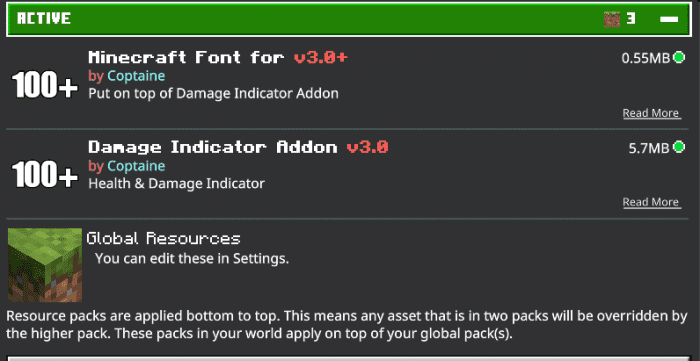
Installation Note:
- Turn on the toggle:
- To install the font, it must be put on top of the damage indicator:
Damage Indicator Addon Download Links
For MCPE/Bedrock Edition 1.19
Damage Indicator: – Download from server 2 Health Indicator: Download from server 1 – Download from server 2 Full (Damage + Health): – Download from server 2 Dungeon Font: – Download from server 2
For MCPE/Bedrock Edition 1.20
Damage Indicator: Download from server 1 – Download from server 2 Health Indicator: Download from server 1 – Download from server 2 Full (Damage + Health): Download from server 1 – Download from server 2 Dungeon Font: – Download from server 2
For MCPE/Bedrock Edition 1.21
Script: Download from server 1 – Download from server 2 Full: Download from server 1 – Download from server 2 Minecraft Font: – Download from server 2
Quick facts
- Edition: Minecraft Bedrock
- File type: .mcpack or .mcaddon
- Minecraft version listed: 1.21
- How to install: Download the .mcpack or .mcaddon file. → Open it — Minecraft imports it. → In your world: Behavior Packs → Available → Activate, then the same under Resource Packs.
- Where to get it: In MCModsHub, or directly above on this page.
Install steps are the general flow for this file type — How to install Minecraft Bedrock addons & mods walks through it step by step.
File checked by MCModsHub
- Pack type: .mcaddon — behaviour and resource pack in one file
- Manifest requires Minecraft 1.26.30 or newer
- Complete pack — everything it depends on is inside the file
- Download link checked 22 Jul 2026 — working
- Mirrored on our own servers — the download does not depend on the original host
These come from our own check of the pack file, not from the source page.