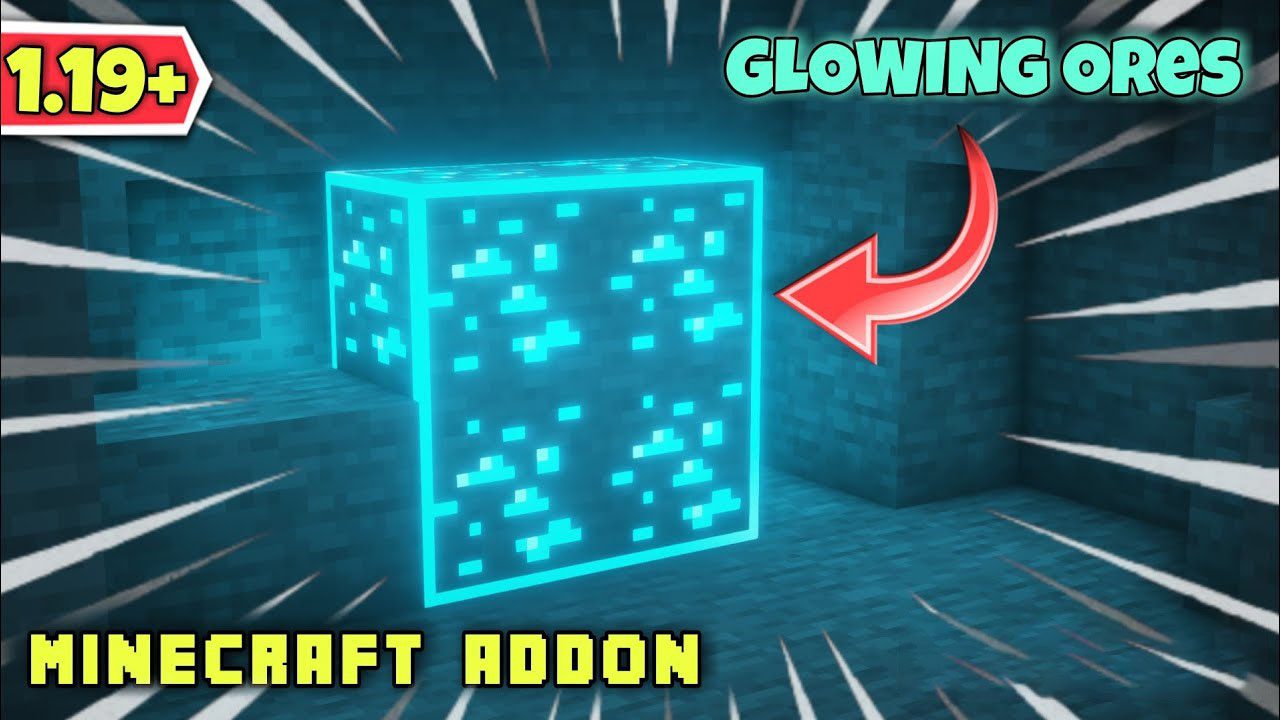
Raiyon's Glowing Ores Addon (1.26+, 1.21) – Support RenderDragon
Bedrock add-on listed for Minecraft 1.19–26.x (behavior + resource pack). File opened and checked on 22 Sep 2026; installs from the MC Bedrock Mods app on Android.
If you're playing Minecraft 1.19+ and tired of mining without finding ores in deep caves, this addon may be helpful to you. Raiyon's Glowing Ores Addon…
⬇ Download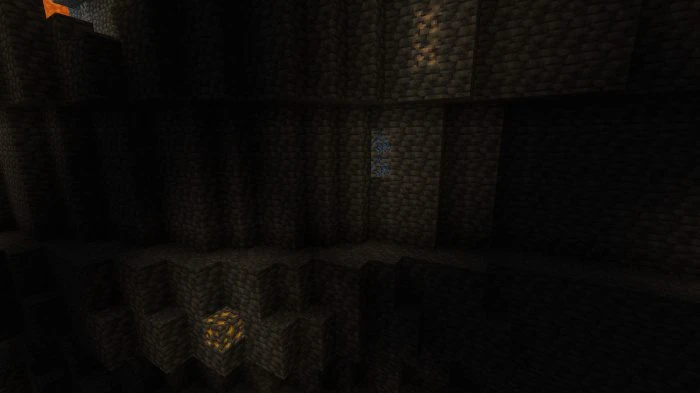
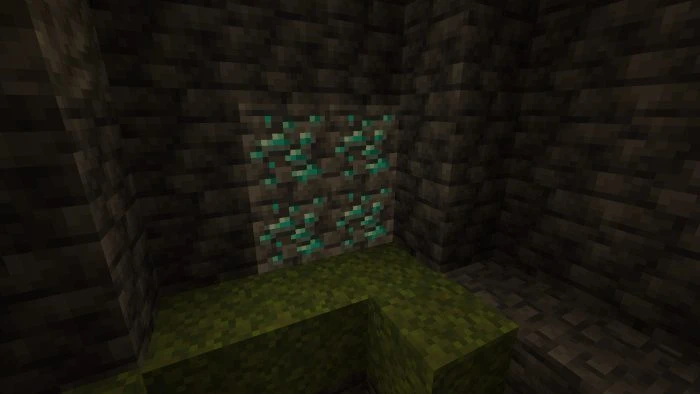
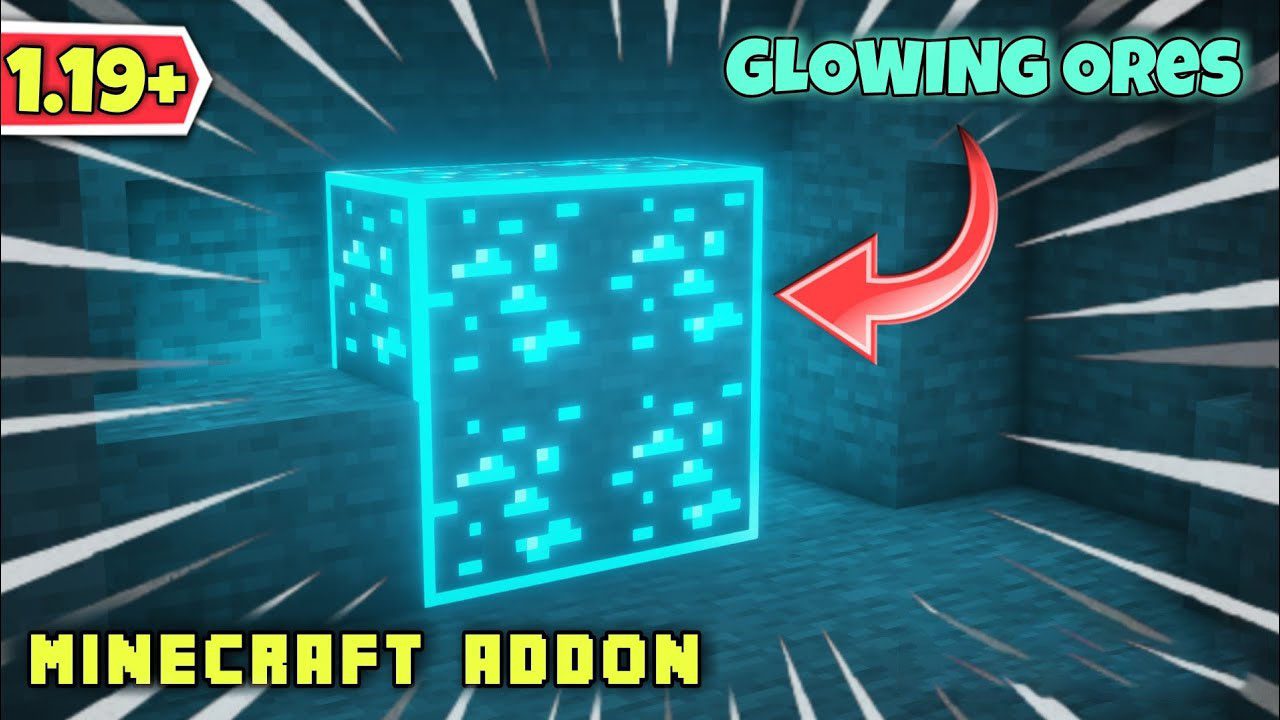
If you’re playing Minecraft 1.19+ and tired of mining without finding ores in deep caves, this addon may be helpful to you. Raiyon’s Glowing Ores Addon increases the visibility of all types of minerals by making them emit light, so you can more easily locate them while mining. This is an add-on, not a resource pack! This addon is compatible with Render Dragon which means it will most likely work as the game is updated!
Features:
- This helps a lot in the gameplay in general and makes mining less tedious since after the cave update it became more tedious.
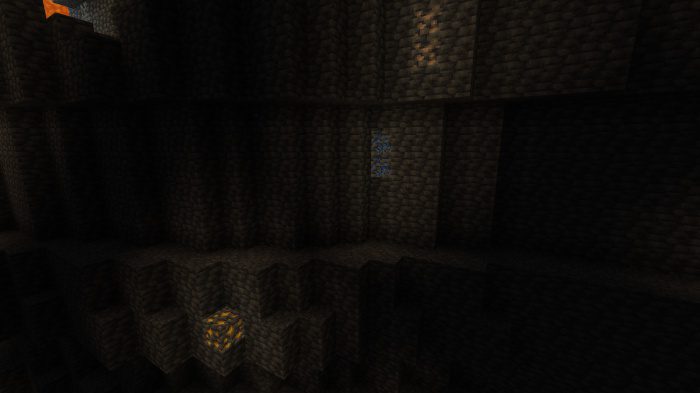
- Ores have been modified, they emit true light and this can prevent the spawning of hostile mobs or light up like a torch.
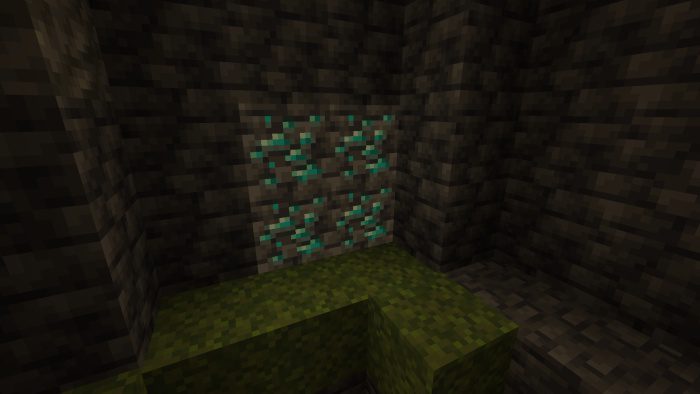
Blocks modified to emit light:
- Diamond Ore, Emerald Ore, Copper Ore, Iron Ore, and Lapis Lazuli Ore.
- Deepslate Diamond Ore, Deepslate Emerald Ore, Deepslate Copper Ore, Deepslate Iron Ore, and Deepslate Lapis Lazuli Ore.
Installation Note:
- This addon is compatible with any other add-ons.
- This addon is compatible with RenderDragon.
- No need to turn on the Experimental Setting.
Raiyon’s Glowing Ores Addon Download Links
For Minecraft PE/Bedrock 1.21
Behavior: Download from server 1 – Download from server 2
Resource: Download from server 1 – Download from server 2
For Minecraft PE/Bedrock 1.20
Behavior: Download from server 1 – Download from server 2
Resource: Download from server 1 – Download from server 2
For Minecraft PE/Bedrock 1.19
Behavior: Download from server 1 – Download from server 2
Resource: Download from server 1 – Download from server 2
- Edition: Minecraft Bedrock
- File type: .mcpack or .mcaddon
- Minecraft versions listed: 1.26, 1.21, 1.19
- How to install: Download the .mcpack or .mcaddon file. → Open it — Minecraft imports it. → In your world: Behavior Packs → Available → Activate, then the same under Resource Packs.
- Where to get it: In MCModsHub, or directly above on this page.
Install steps are the general flow for this file type — How to install Minecraft Bedrock addons & mods walks through it step by step.
- Pack type: .mcaddon — behaviour and resource pack in one file
- Complete pack — everything it depends on is inside the file
- Download size: 66 KB
- Download link checked 17 Jun 2026 — working
- Mirrored on our own servers — the download does not depend on the original host
These come from our own check of the pack file, not from the source page.