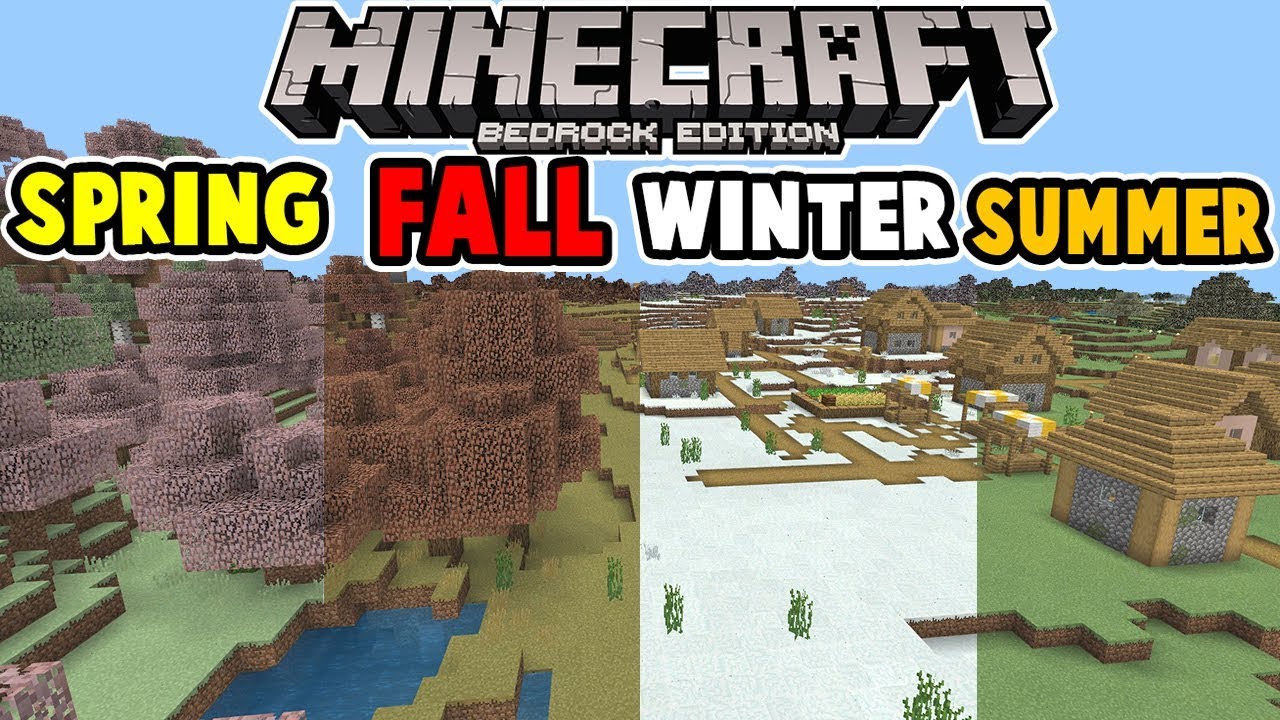
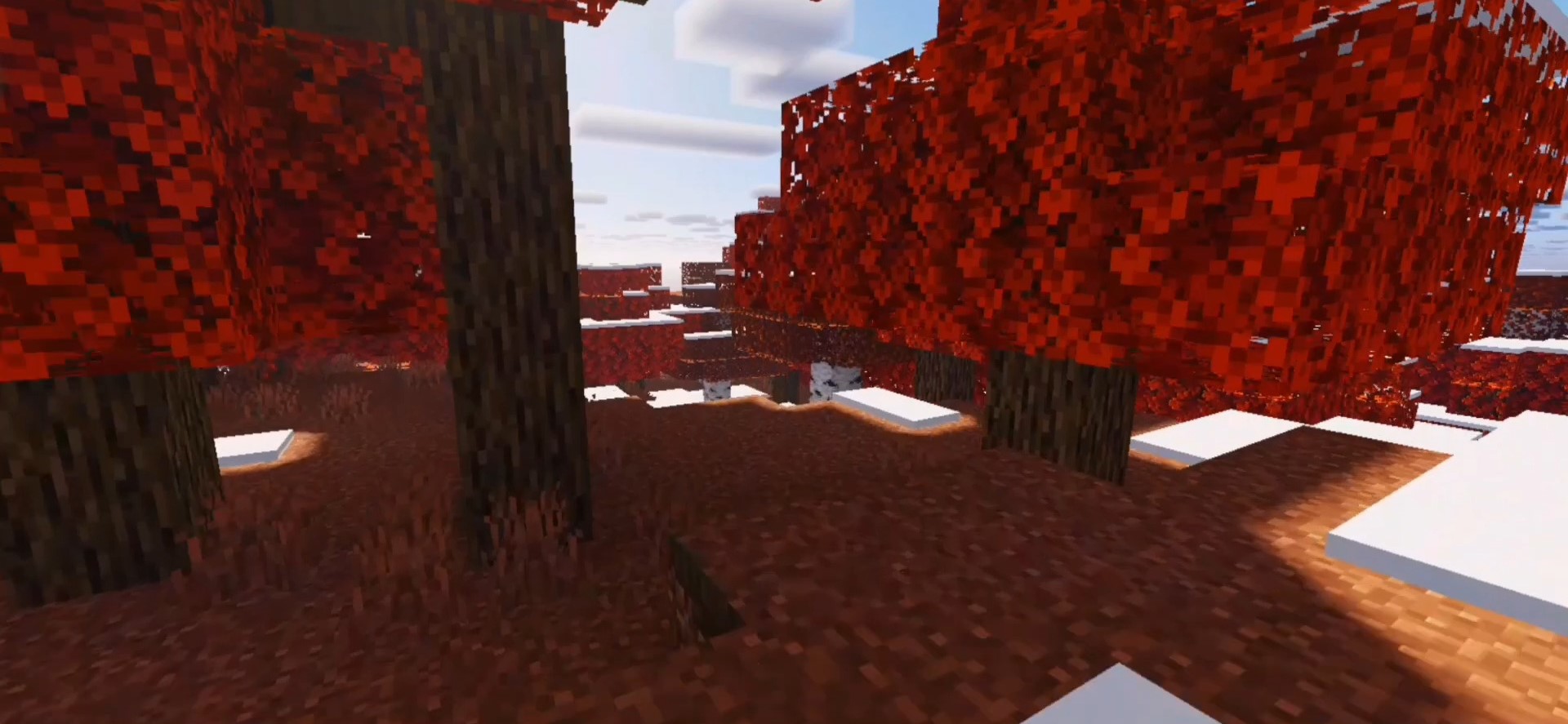
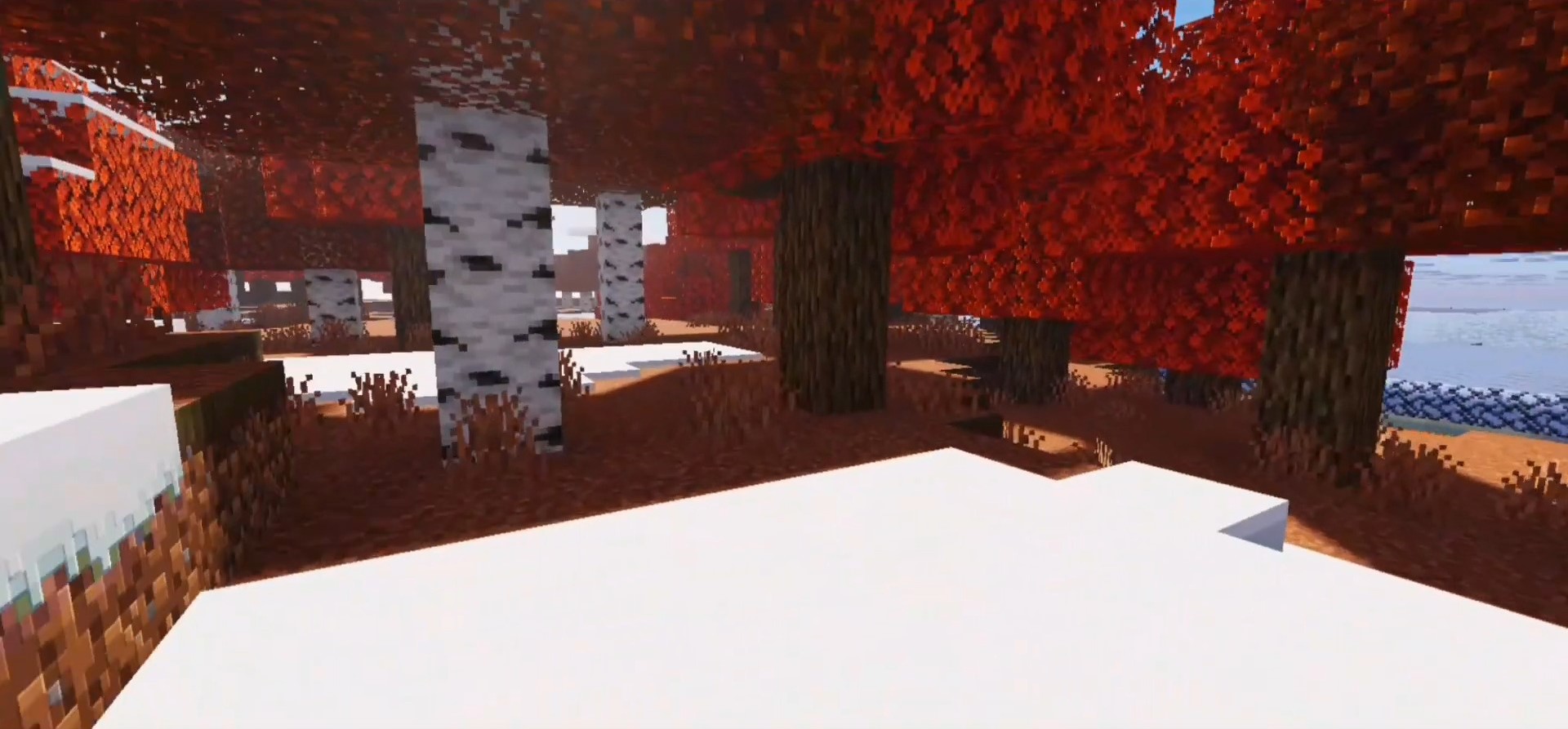
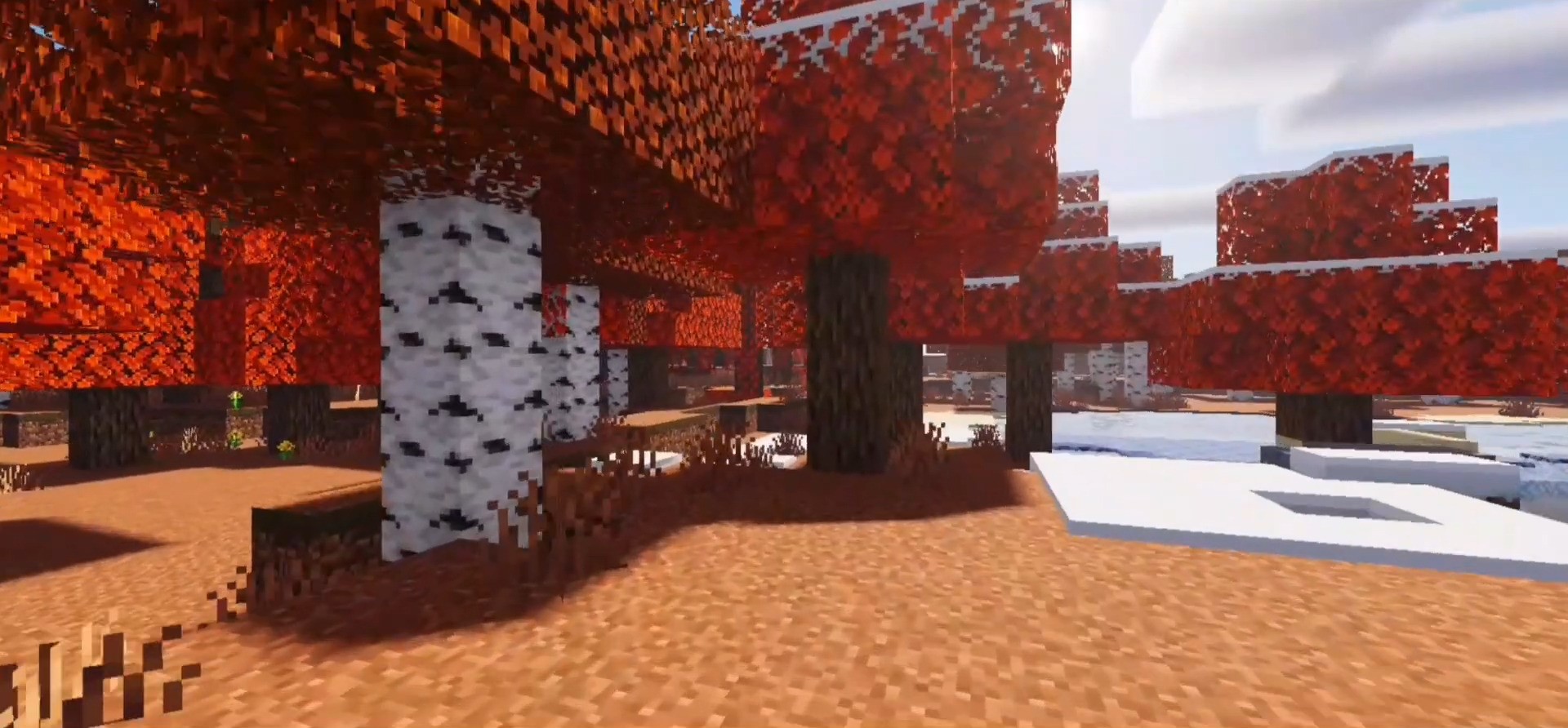
Have you ever dreamed of blanketing your entire Minecraft world in snow or altering the overall climate? Unlike most season add-ons for Bedrock Edition, Seasons Addon changes the climate and temperatures of every biome based on the season you select.
Features:
- Early Spring: Climate is slightly colder then default. Snow will fall in all spruce and mountain biomes, including the non-snowy ones. Snow will transition to rain at the lower altitude in the temperate biomes, such as Forest and Plains.
- Late Spring: Not much to say here, this is the default temperature and climate in the game.
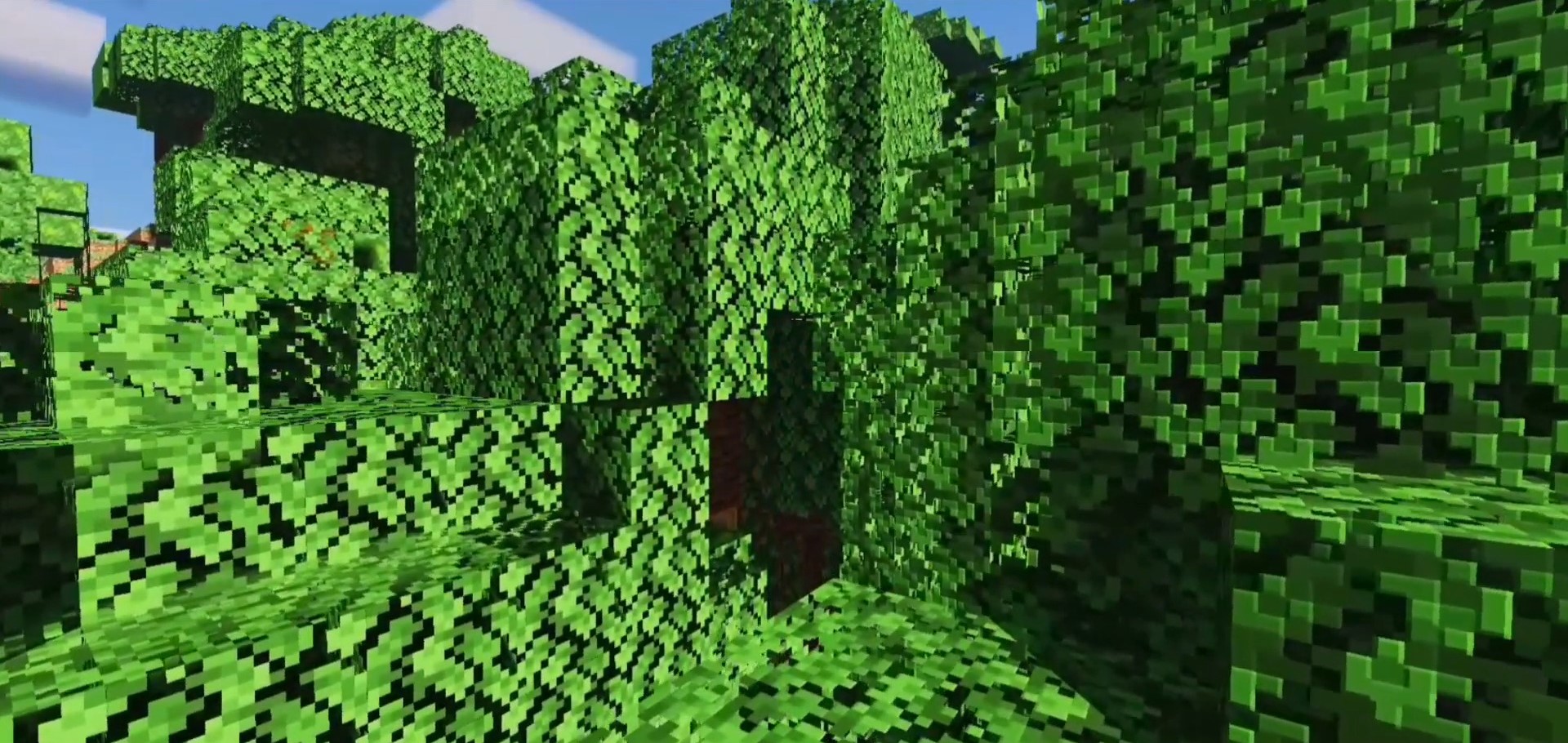
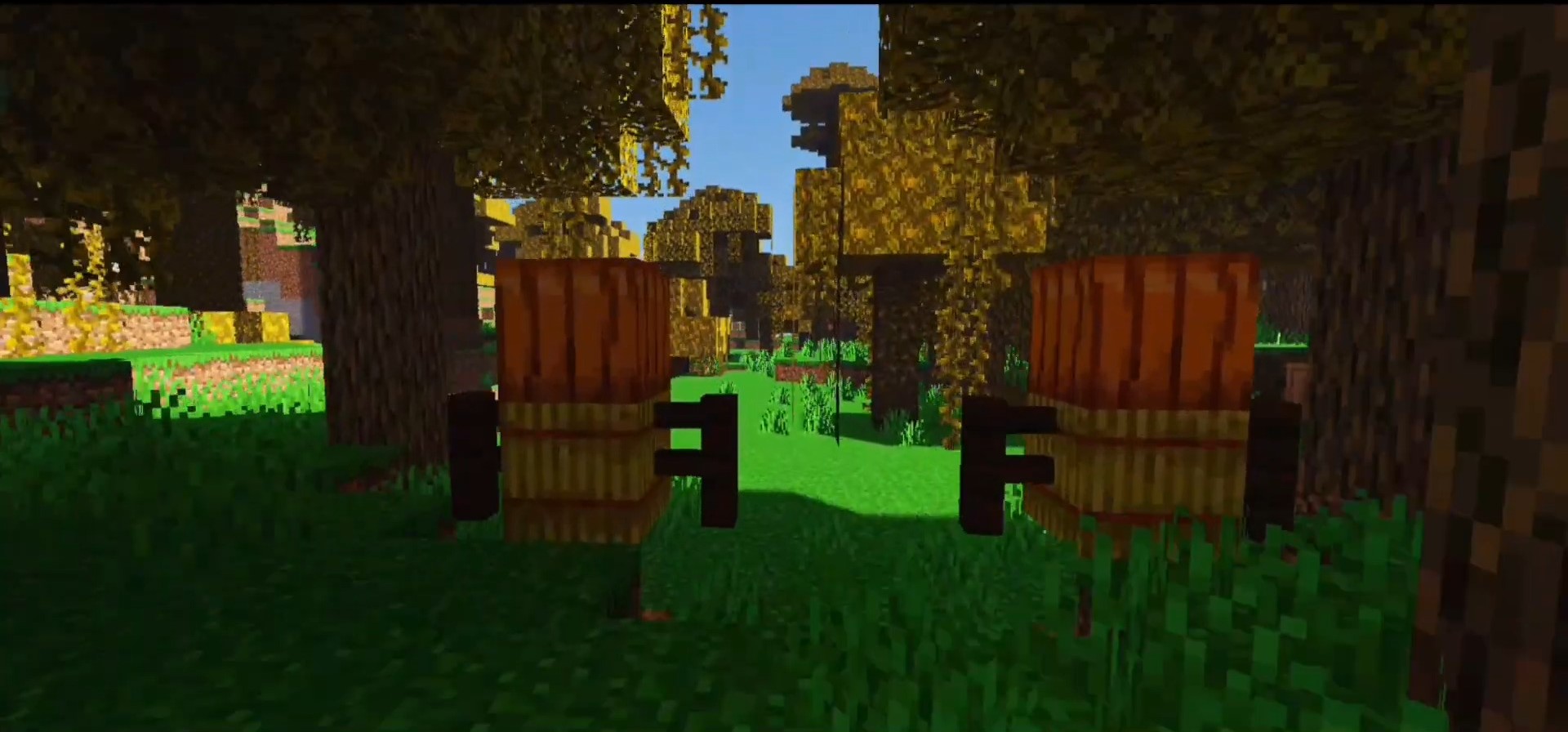
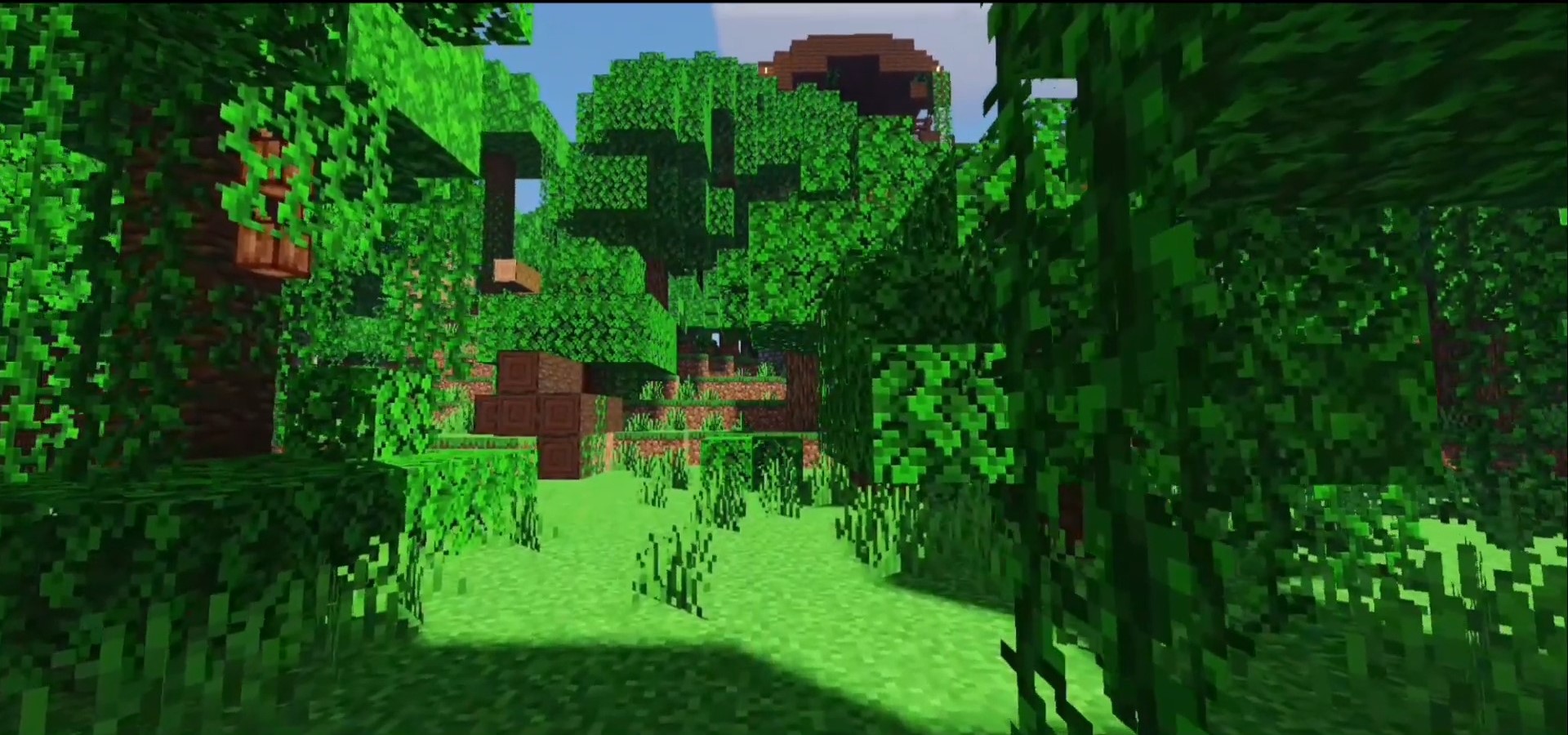
- Summer: Slightly warmer climate then default, rain will fall in all snow biomes, except mountain tops will remain snowy. Grass is more green and vibrant, rainfall is slightly heavier.
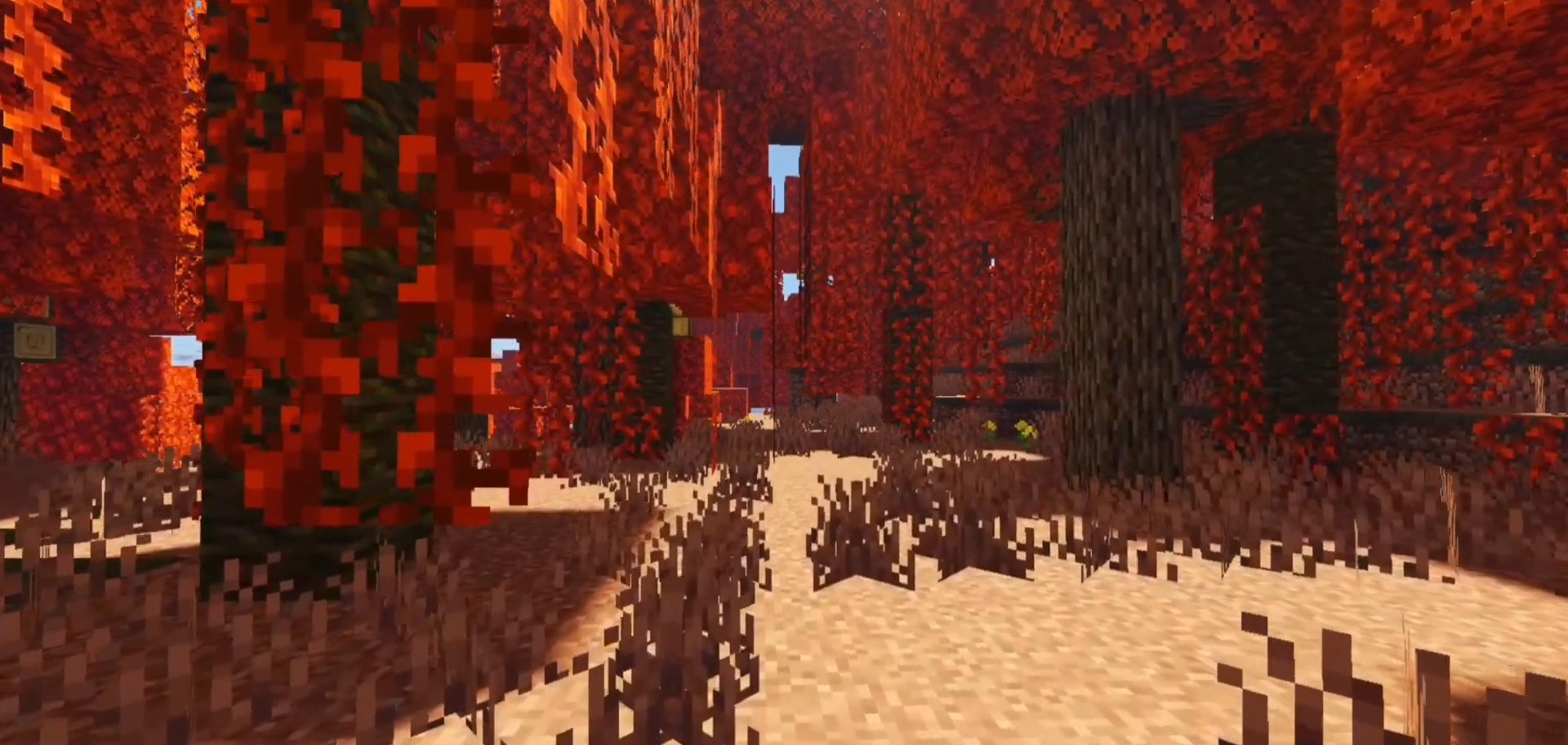
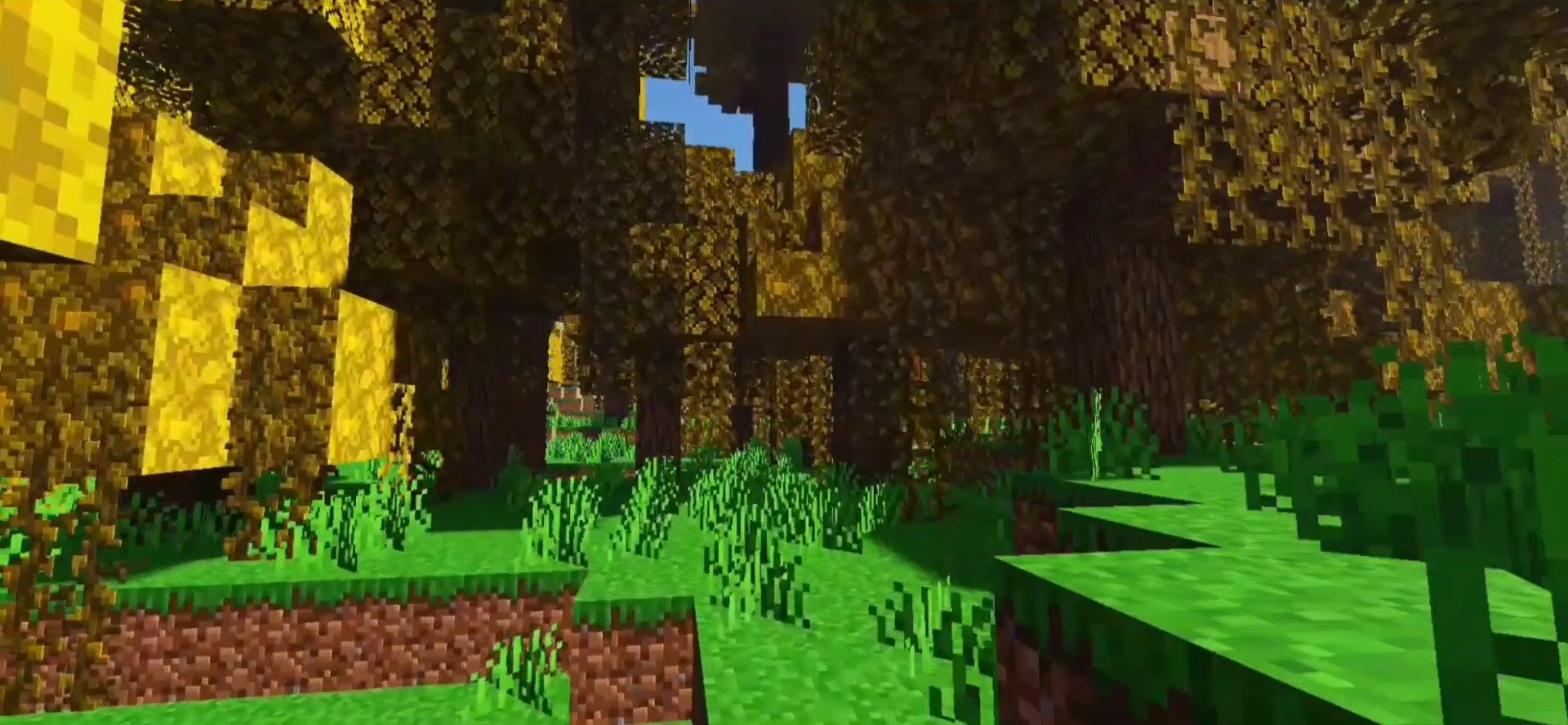
- Early Autumn: Default climate, but there is an Optional Resource Pack that adds fall like color to the trees in your world.
- Late Autumn: Climate is the same as Early Spring, but there is an Optional Resource Pack that further deepens the fall like colors.
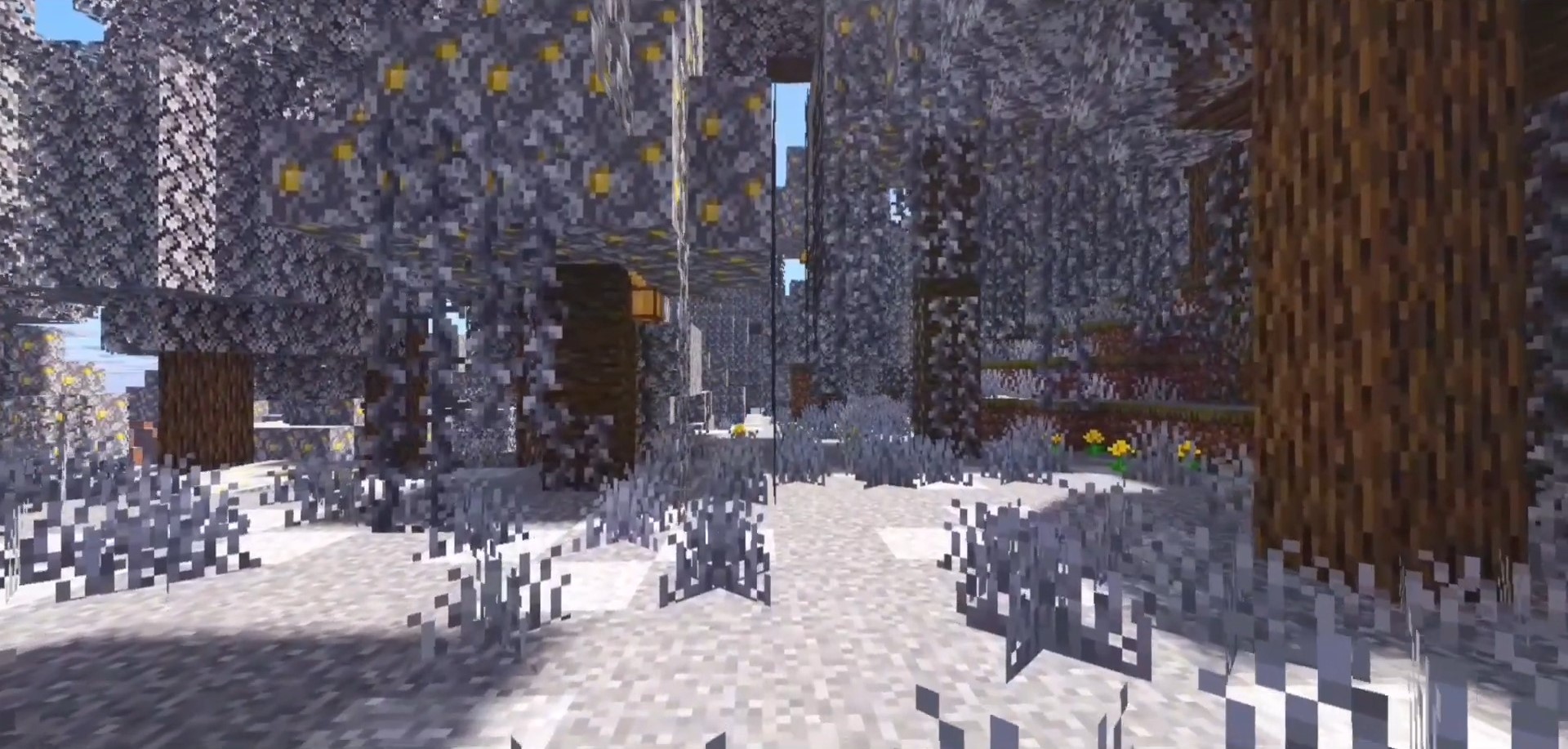
- Winter: Much colder temperatures then default. Snow will fall in all biomes except for Warm Ocean, Desert, Jungle, Mesa, and Savannah. All bodies of water will begin to freeze over except for those in the warmer biomes.
- Mid Winter: Snow will fall in ALL biomes, including the warm ones listed above. All oceans will freeze over and snowfall is slightly heavier.
To switch to a different Season, close your world, open the behavior packs section, then select the settings options for the Seasons behavior pack, then adjust the slider accordingly. Same can be done with the optional resource packs.
Screenshots:
Installation Note:
- Make sure “Custom Biomes” is enabled in the Experiments section of your world settings.
Seasons Addon Download Links
For Minecraft PE/Bedrock 1.21
mcaddon: Download from server 1 – Download from server 2
Quick facts
- Edition: Minecraft Bedrock
- File type: .mcpack or .mcaddon
- Minecraft version listed: 1.21
- How to install: Download the .mcpack or .mcaddon file. → Open it — Minecraft imports it. → In your world: Behavior Packs → Available → Activate, then the same under Resource Packs.
- Where to get it: In MCModsHub, or directly above on this page.
Install steps are the general flow for this file type — How to install Minecraft Bedrock addons & mods walks through it step by step.
Verified by MCModsHub
- Pack type: .mcaddon — behaviour and resource pack in one file
- Complete pack — everything it depends on is inside the file
- Download size: 555 KB
- Download link checked 17 Jun 2026 — working
- Mirrored on our own servers — the download does not depend on the original host
These come from our own check of the pack file, not from the source page.