Dynamic Light Plus Addon (1.21, 1.20) – MCPE/Bedrock Mod
Bedrock add-on listed for Minecraft 1.20–1.21 (behavior + resource pack). File opened and checked on 7 Oct 2026; installs from the MC Bedrock Mods app on Android.
⬇ Download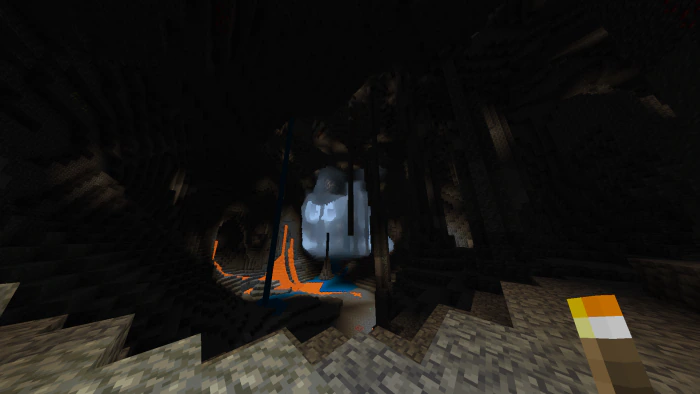
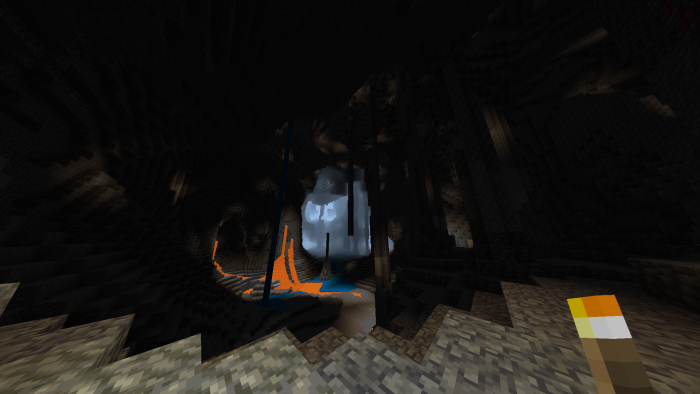
Dynamic Light Plus Addon makes glowing items emit light when held. Every item that emits light, like a Torch, Campfire, or Lantern, will now shine brightly in your hands.
Features:
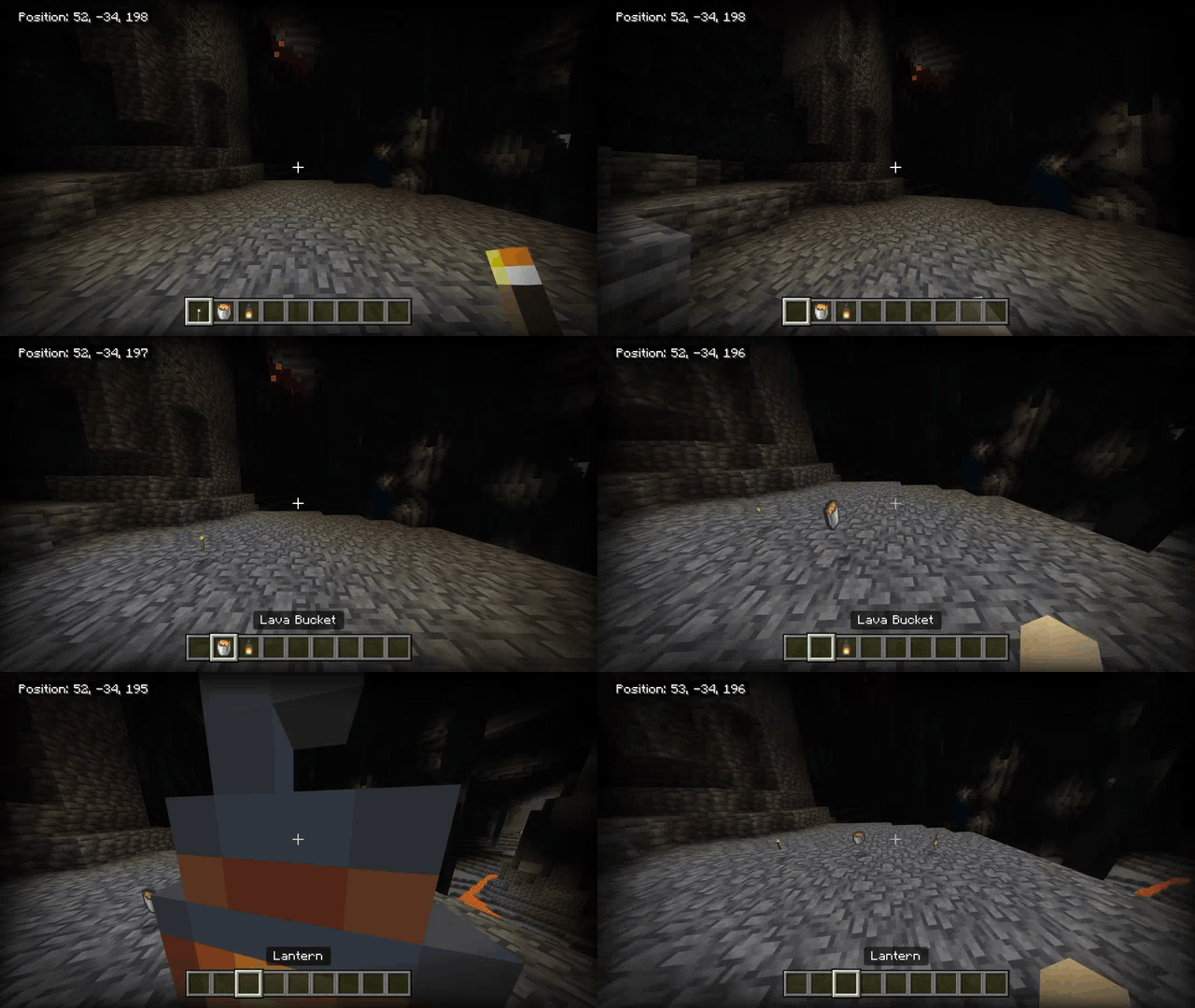
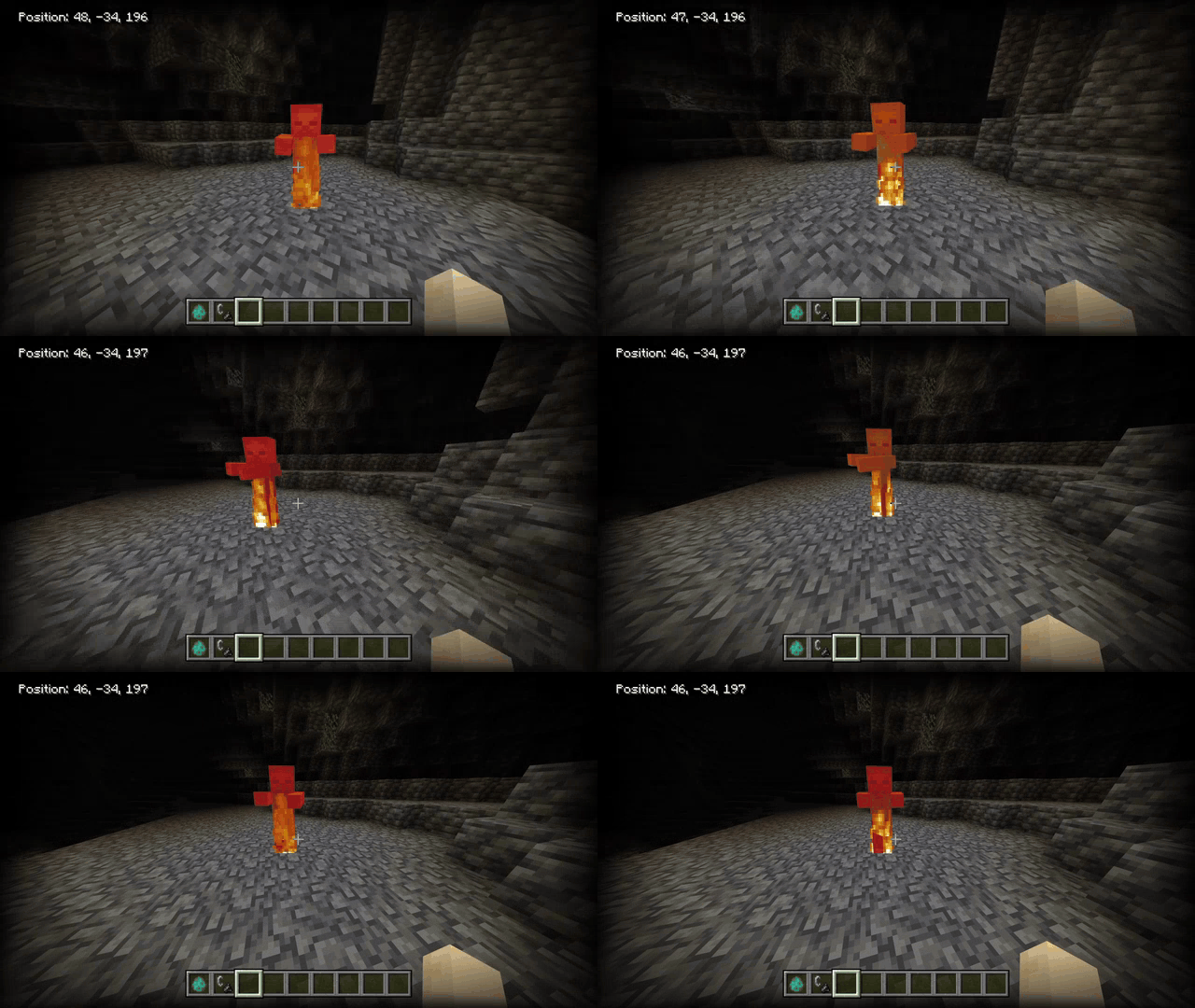
- Items held, items dropped, enchanted items, and entities on fire will all emit light.
All items that emit light (When held/dropped):
Light Level 15:
- Lantern
- Beacon
- Conduit
- Pearlescent Froglight
- Verdant Froglight
- Ochre Froglight
- Glowstone
- Jack O’ Lantern
- Lava Bucket
- Campfire
- Sea Lantern
- Shroomlight
Light Level 14:
- Torch
- Glow Berries
- End Rod
Light Level 10:
- Soul Torch
- Soul Lantern
- Soul Campfire
- Crying Obsidian
Light Level 7:
- Enchanting Table
- Ender Chest
- Glow Lichen
- Redstone Torch
Light Level 6:
- Sea Pickle
- Sculk Catalyst
Light Level 3:
- Magma Block
Light Level 1:
- Brewing Stand
- Dragon Egg
- Sculk Sensor
Screenshots:
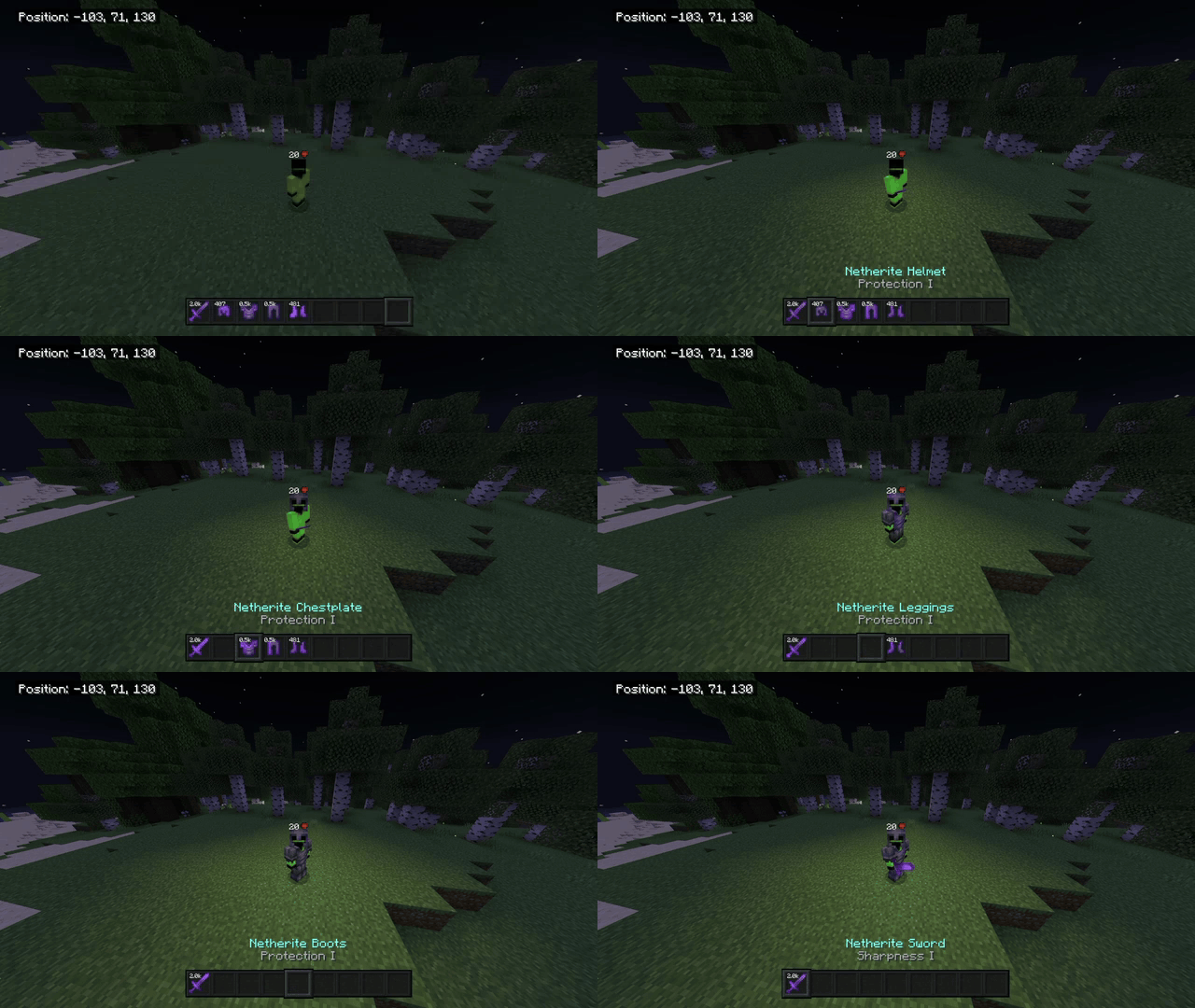
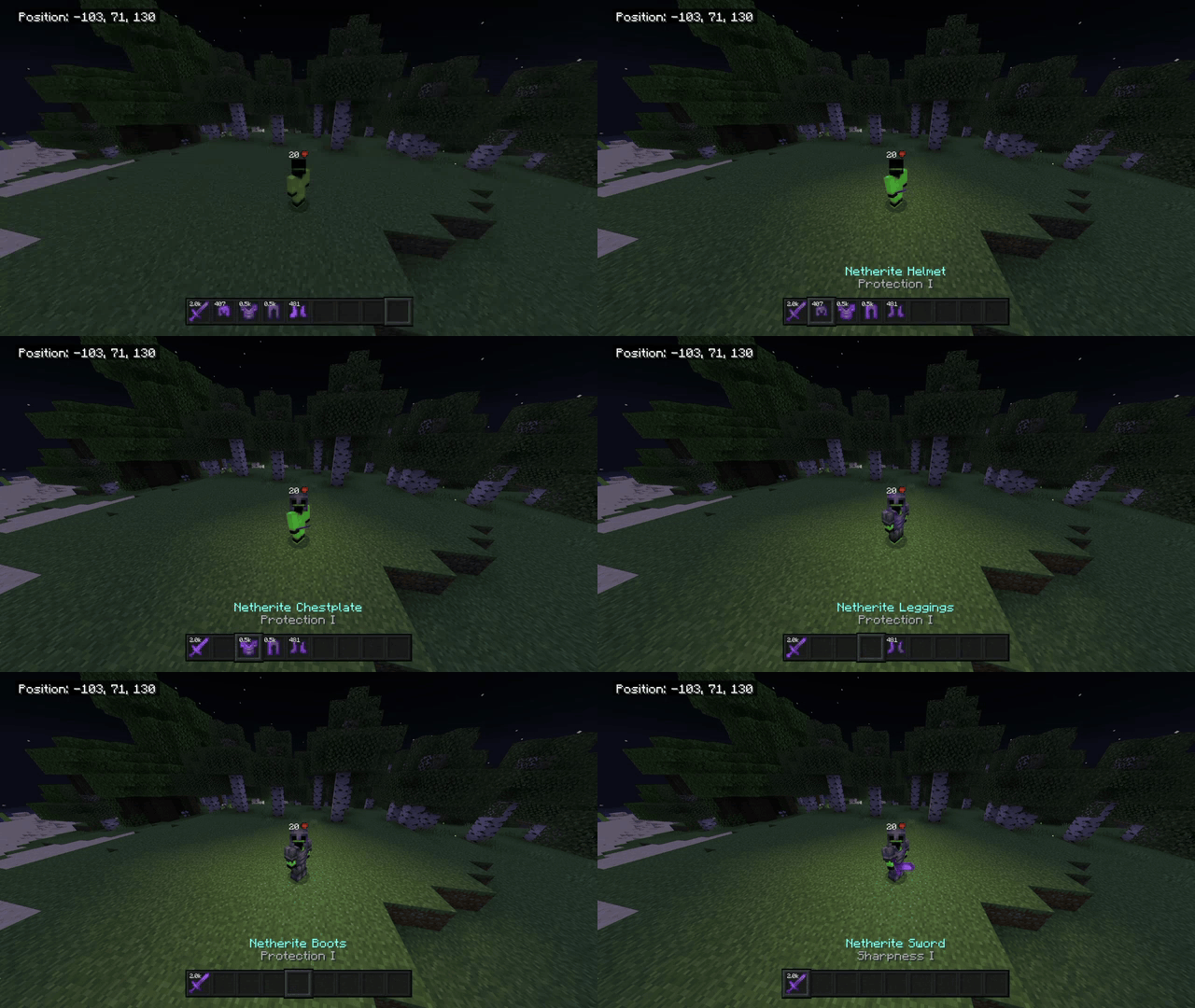
Enchanted armor glowing:
- The more enchanted armor pieces you wear, the brighter you glow!
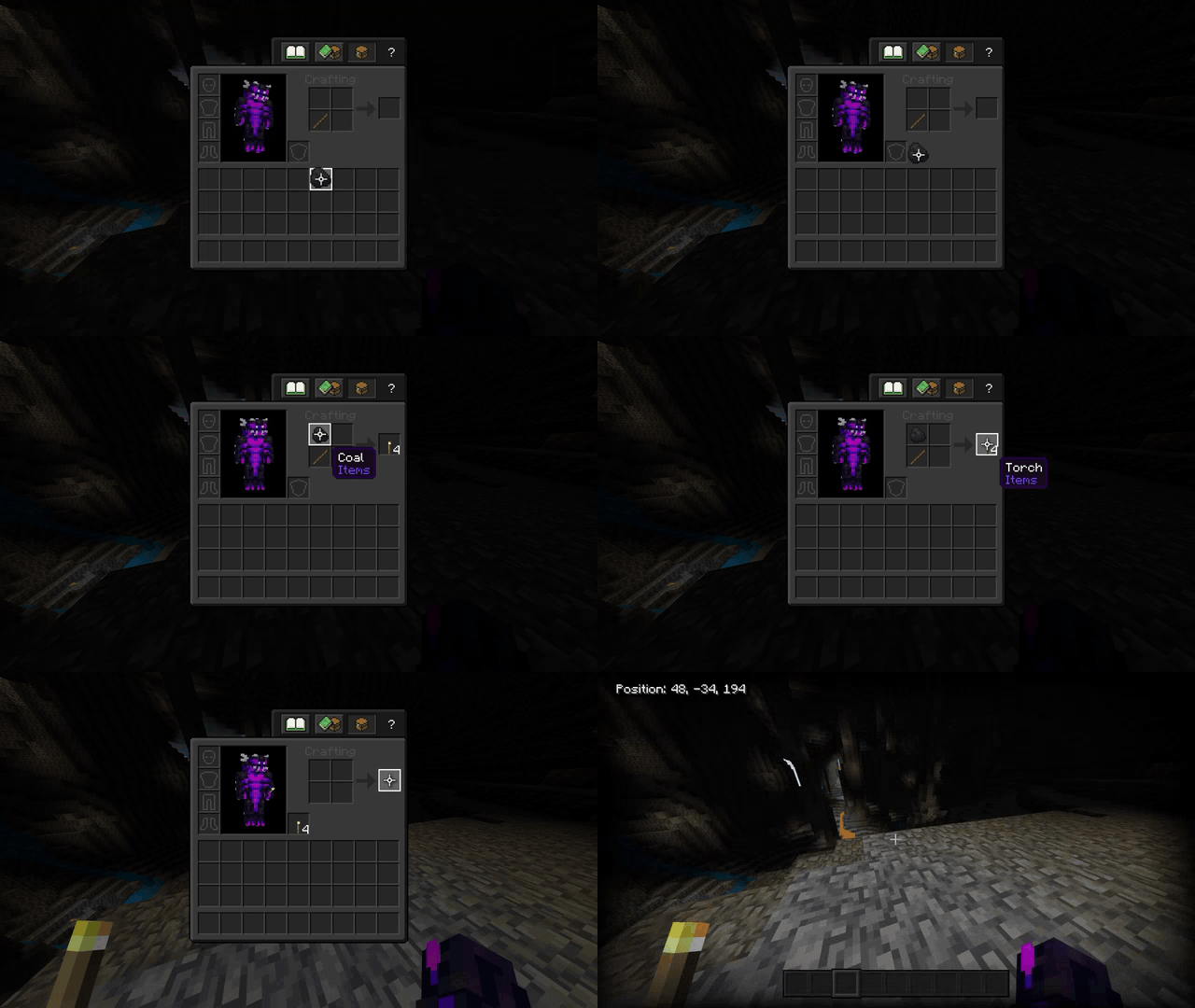
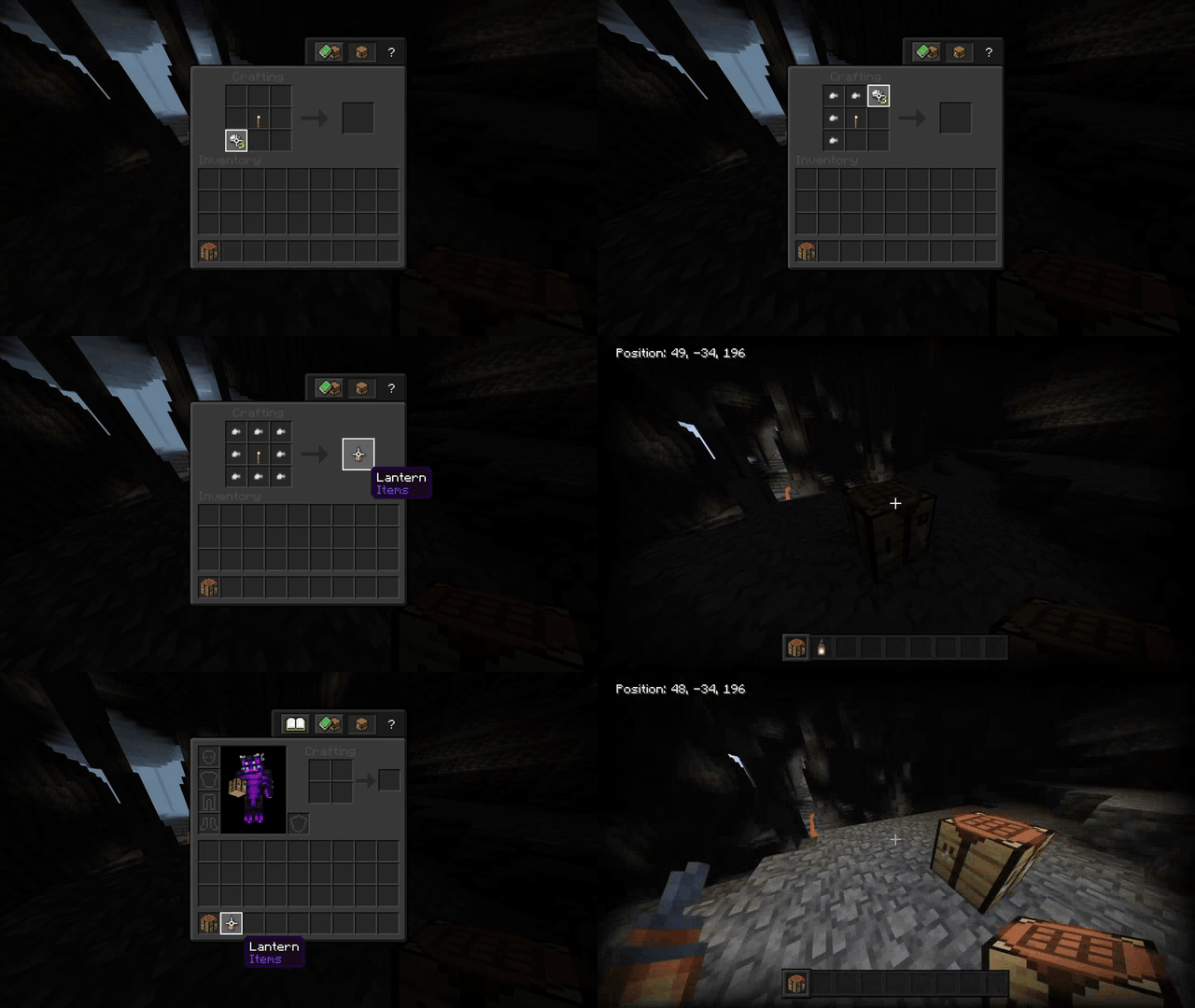
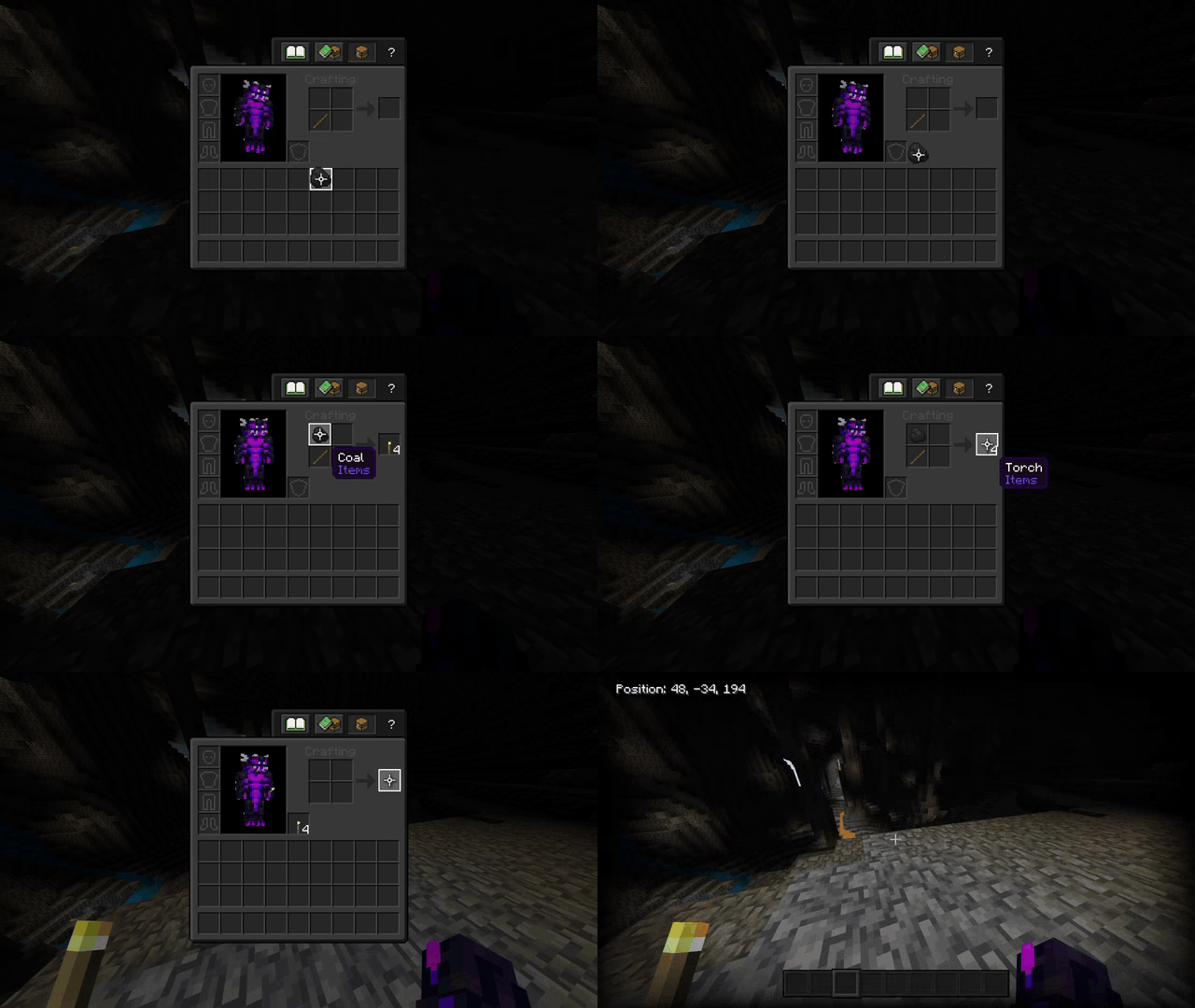
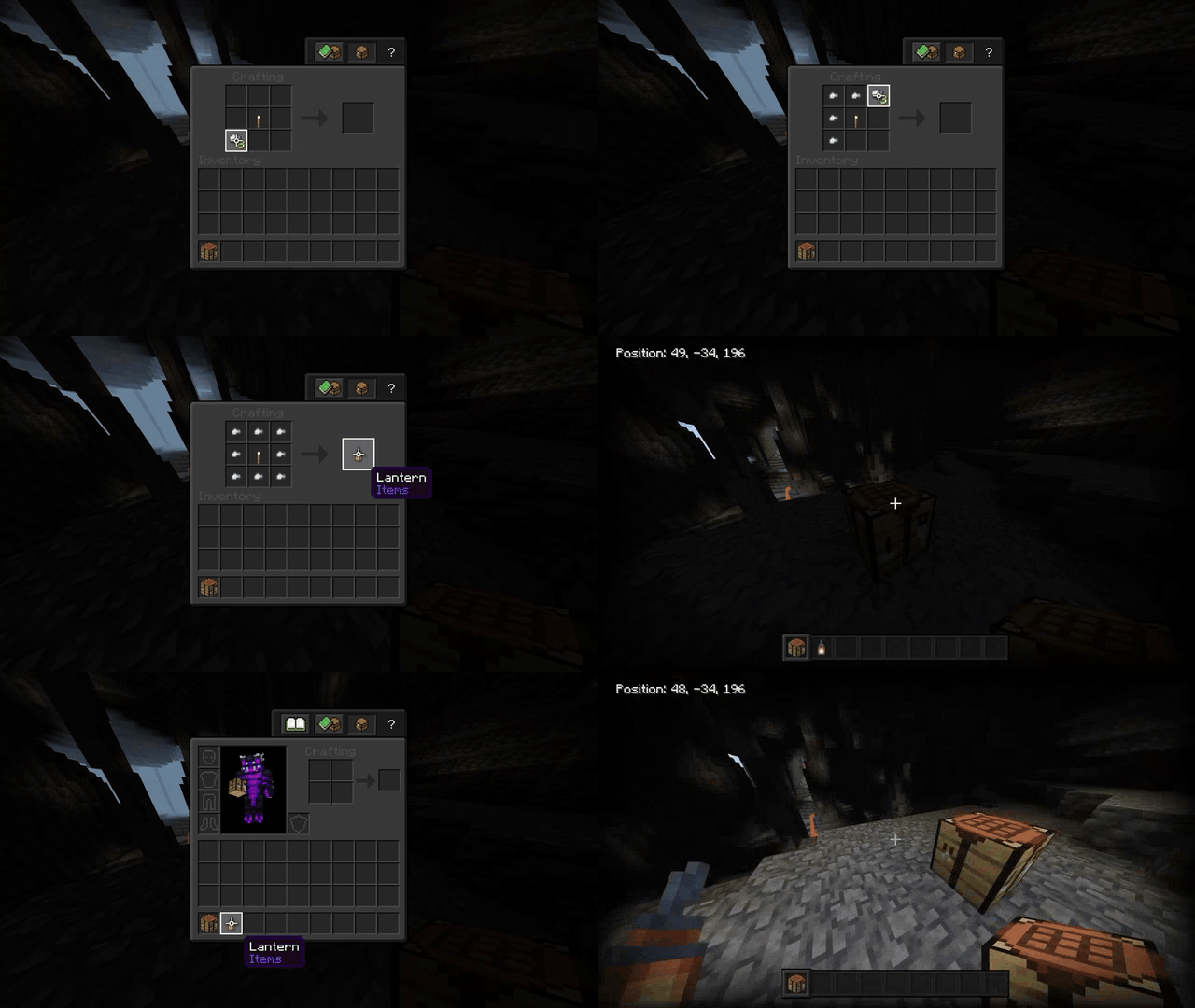
Torches and Lanterns can be put in the offhand straight away when crafted:
- This also includes Soul Torches and Soul Lanterns!
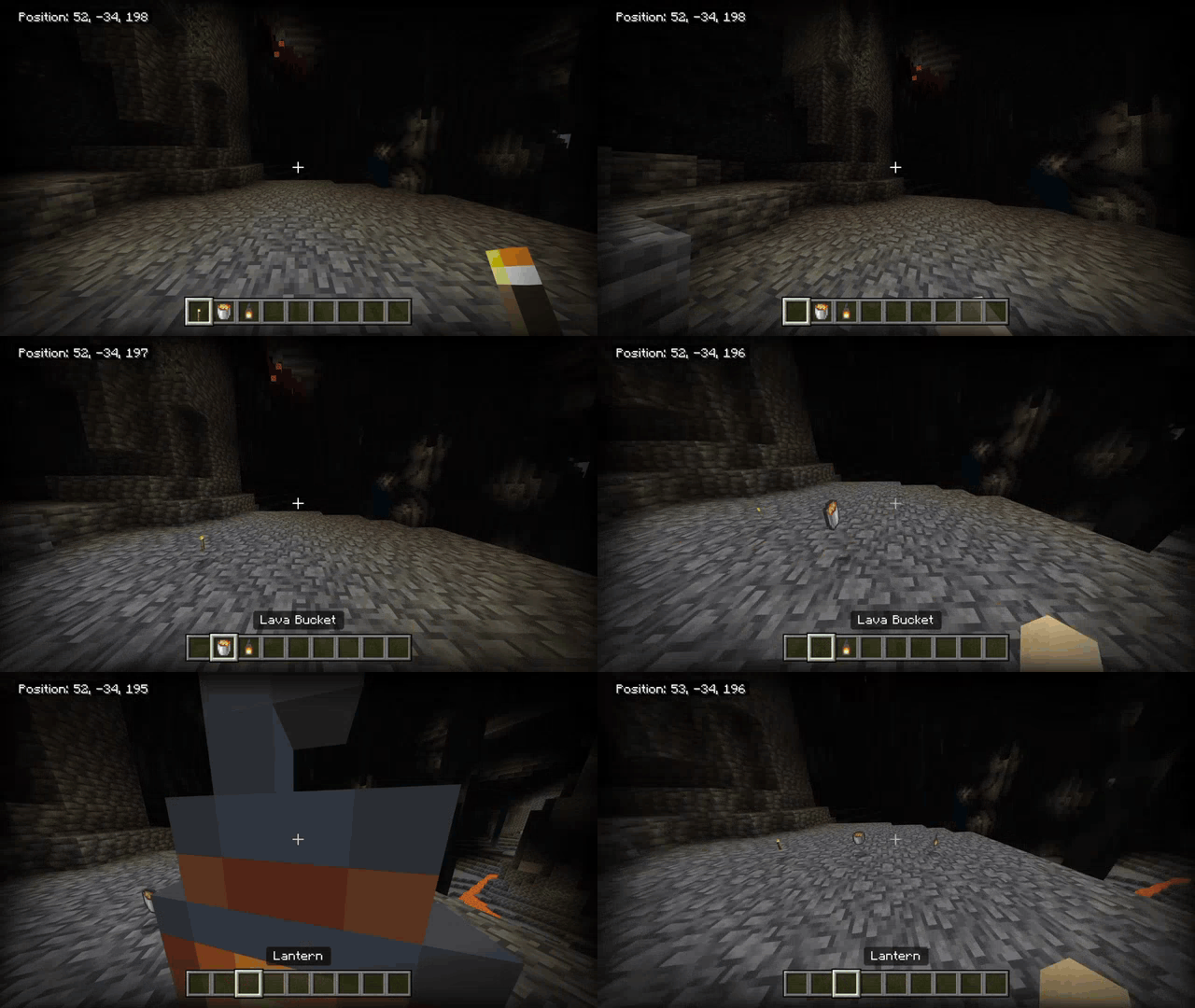
Items dropped will also emit light:
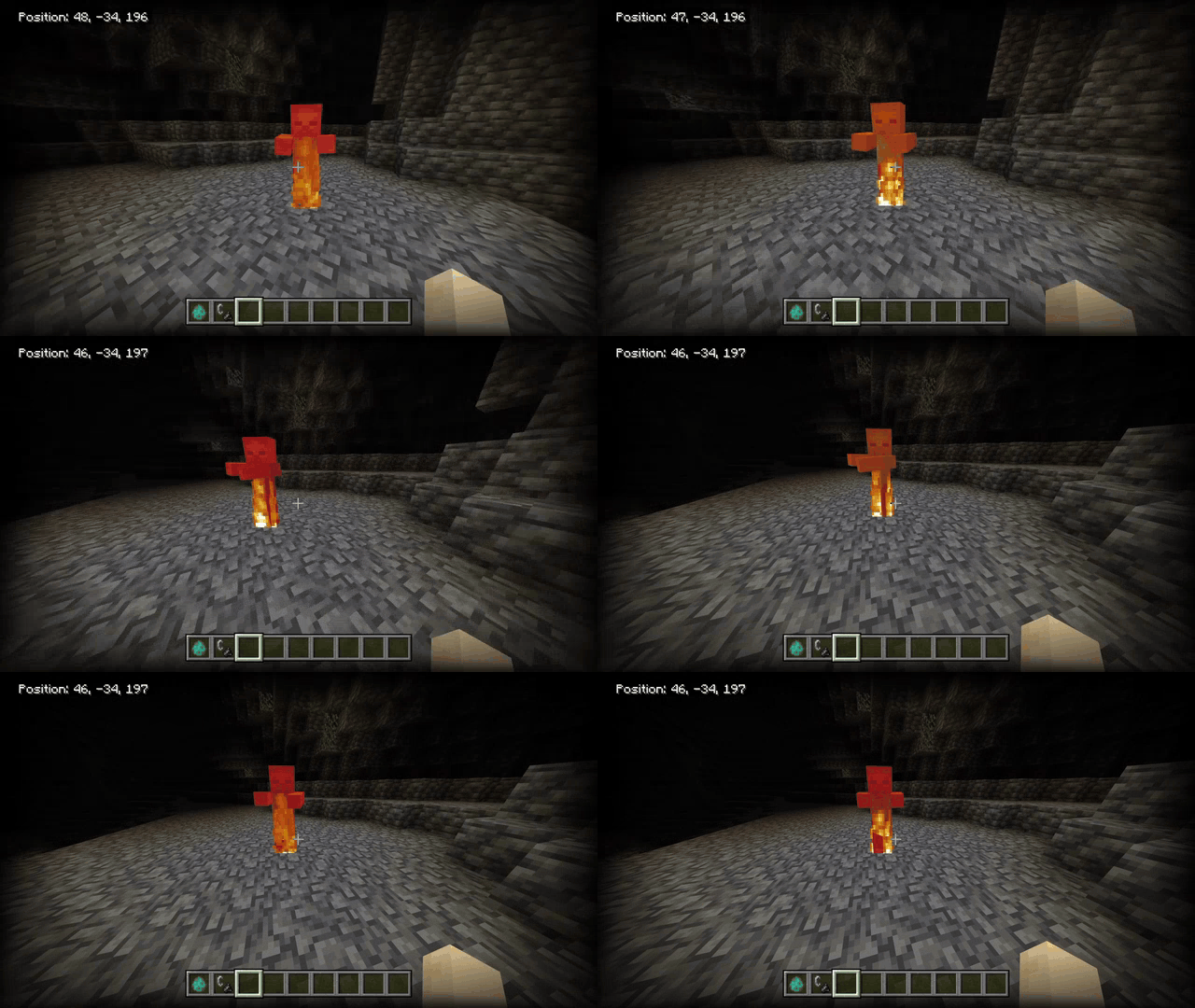
Burning Entities emit max light level (15):
Subpack:
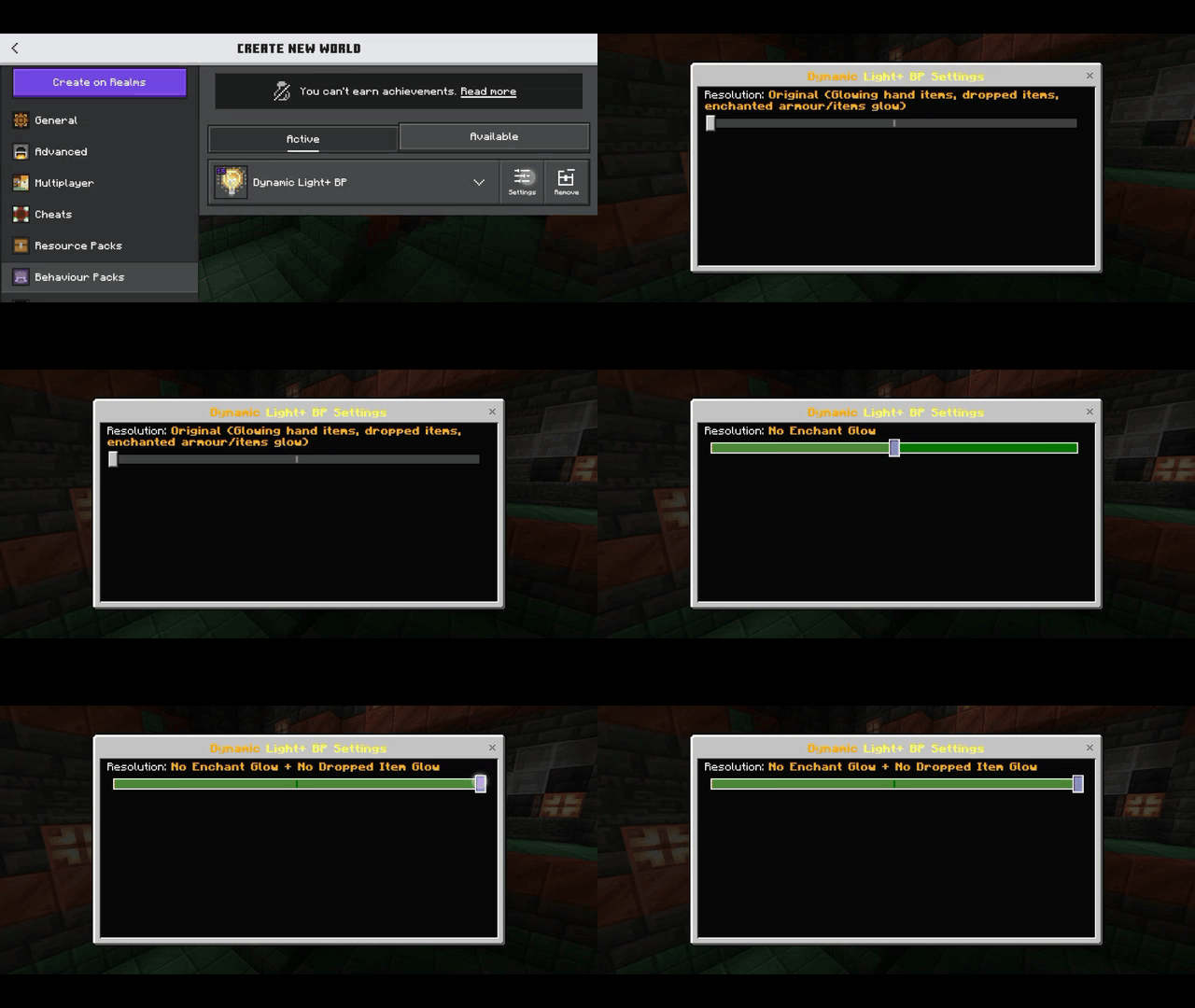
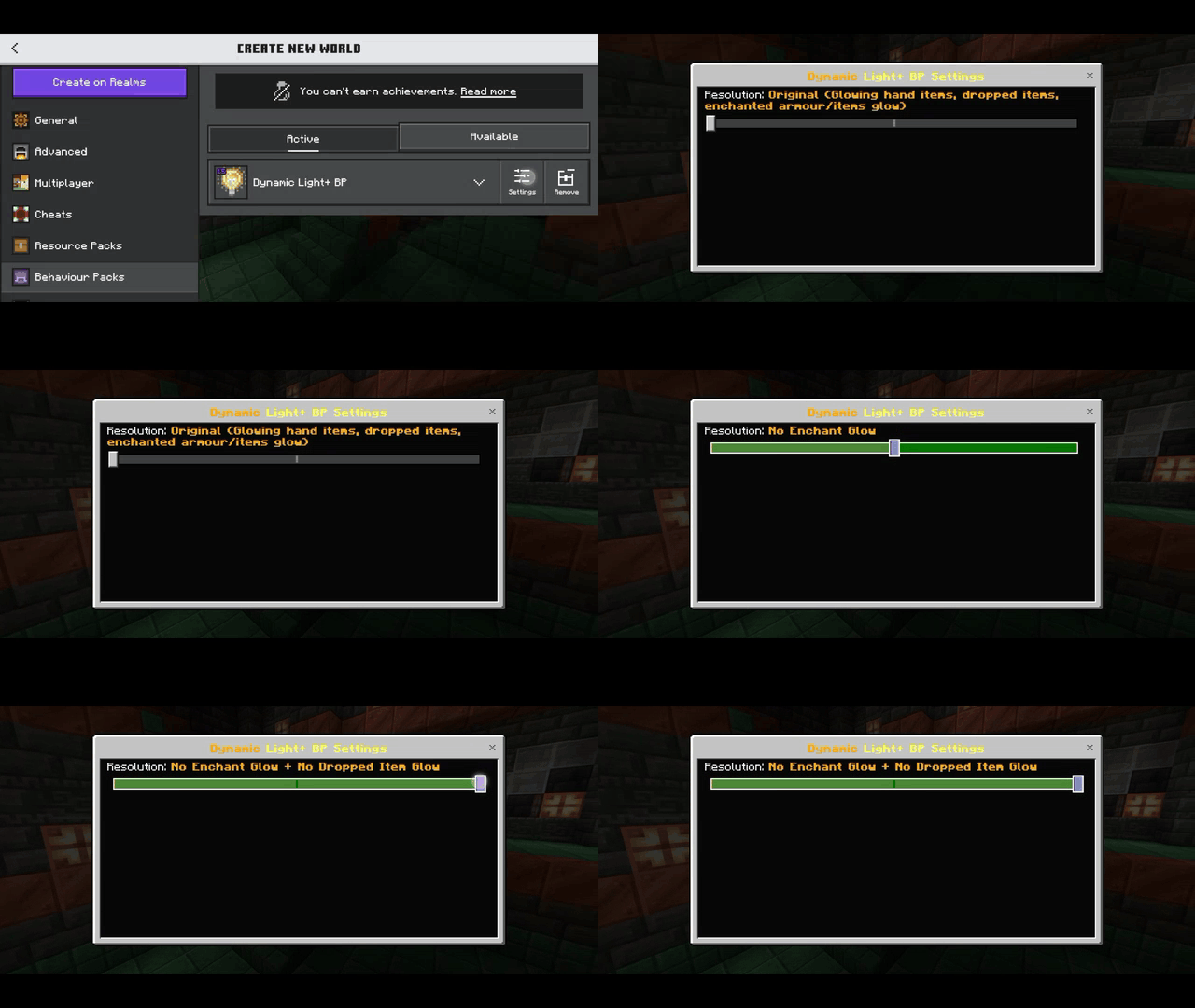
- This add-on also offers customization options. Don’t like the enchanted glow? Or do you find the dropped item glow annoying? Don’t worry, you can disable them!
Installation Note:
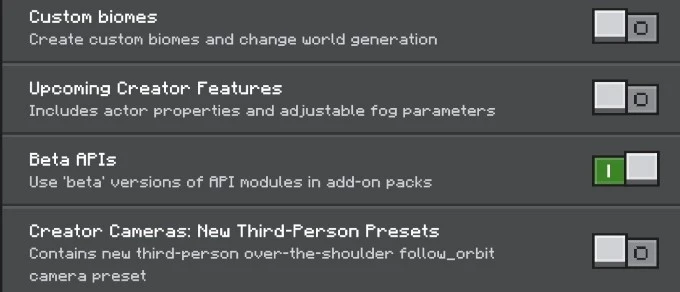
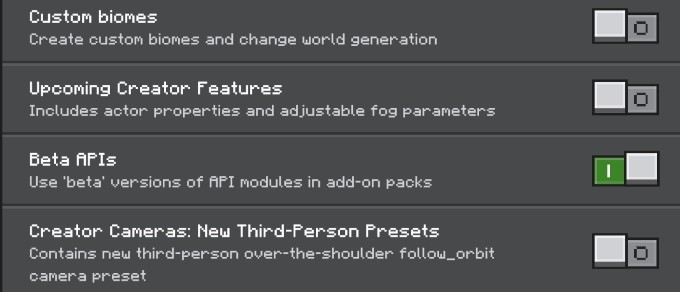
- Make sure you turn on the Experimental Gameplay.
Dynamic Light Plus Addon Download Links
For Minecraft PE/Bedrock 1.21, 1.20
Behavior: Download from server 1 – Download from server 2
Resource: Download from server 1 – Download from server 2
- Edition: Minecraft Bedrock
- File type: .mcpack or .mcaddon
- Minecraft versions listed: 1.21, 1.20
- How to install: Download the .mcpack or .mcaddon file. → Open it — Minecraft imports it. → In your world: Behavior Packs → Available → Activate, then the same under Resource Packs.
- Where to get it: In MCModsHub, or directly above on this page.
Install steps are the general flow for this file type — How to install Minecraft Bedrock addons & mods walks through it step by step.
- Pack type: .mcaddon — behaviour and resource pack in one file
- Complete pack — everything it depends on is inside the file
- Download size: 26 KB
- Download link checked 17 Jun 2026 — working
- Mirrored on our own servers — the download does not depend on the original host
These come from our own check of the pack file, not from the source page.