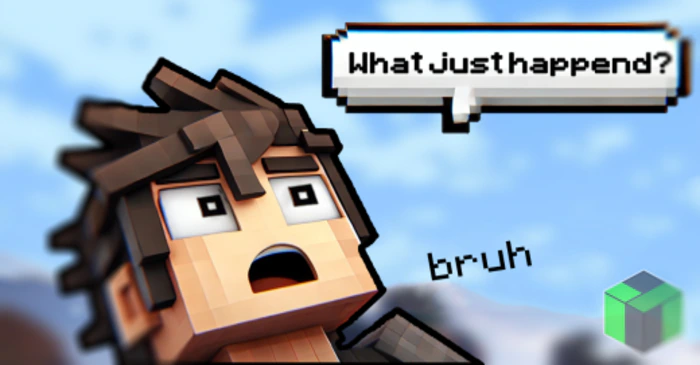
Chat Bubble Addon (26.x, 1.21) – MCPE/Bedrock Mod
Bedrock add-on listed for Minecraft 1.21 (behavior + resource pack). Needs Beta APIs. File opened and checked on 27 Sep 2026; installs from the MC Bedrock Mods app on Android.
⬇ Download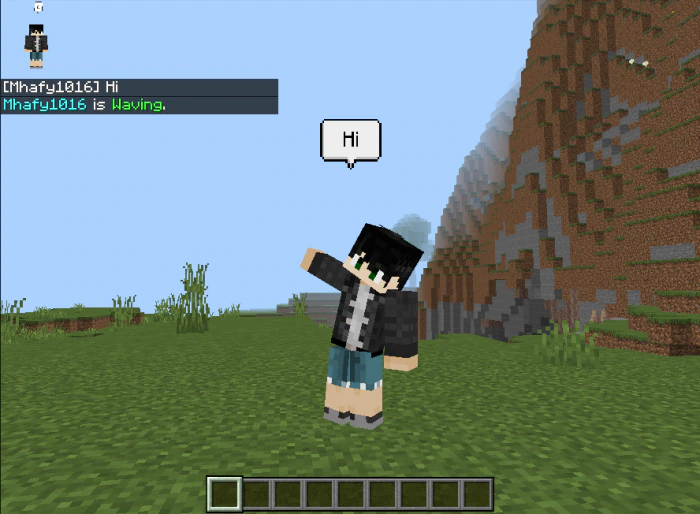
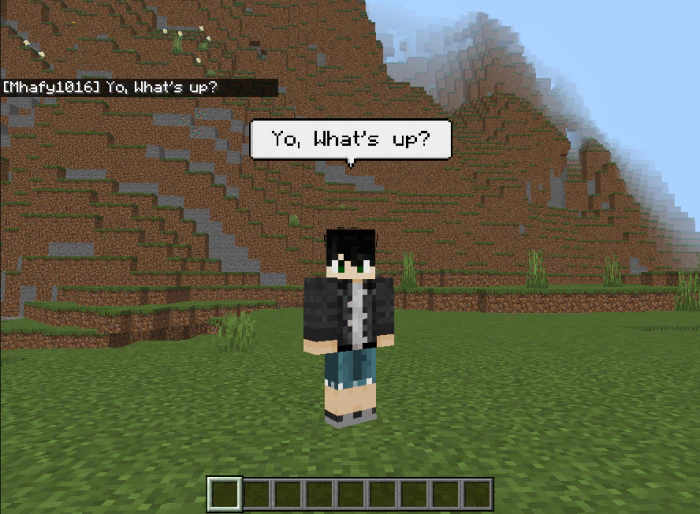
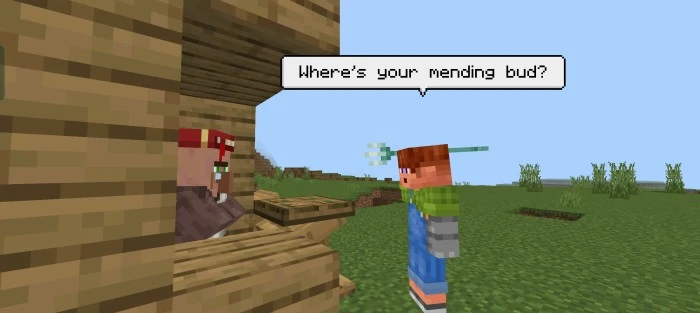
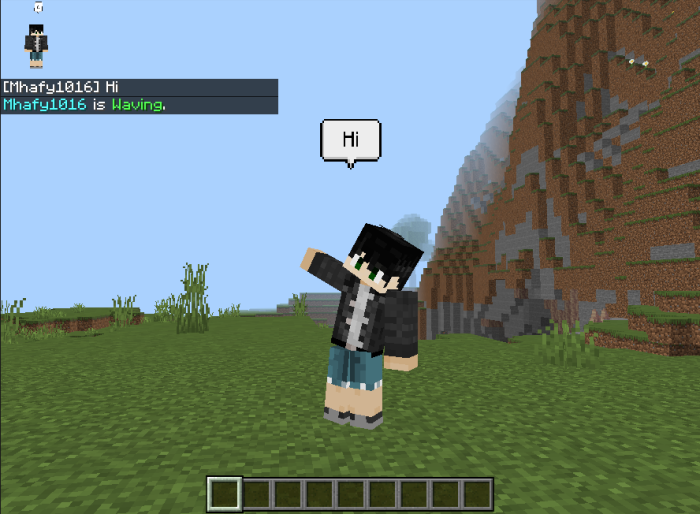
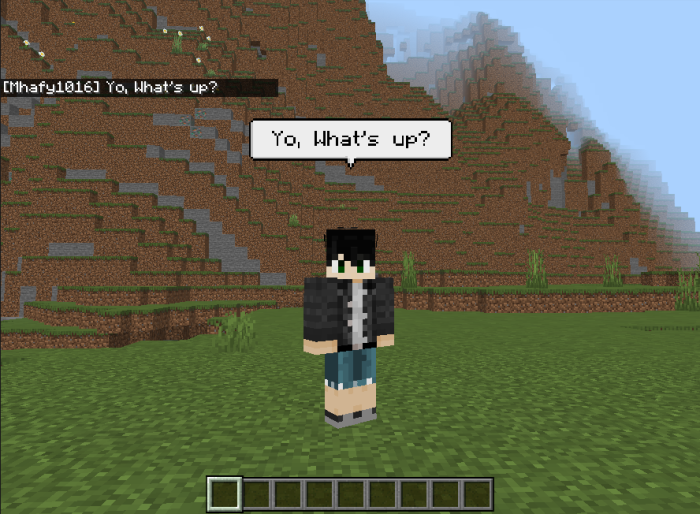
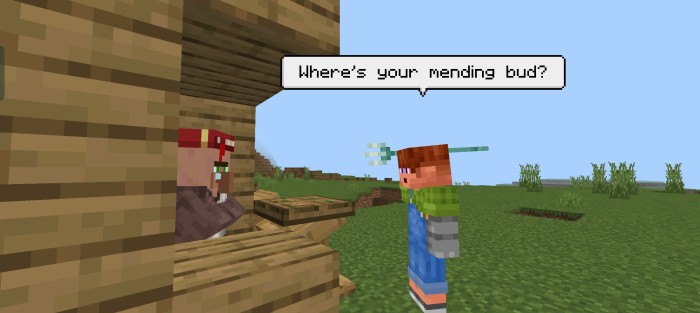
Looking to spice up your in-game chats? Try this addon now! Chat Bubble Addon makes your messages appear as floating bubbles above your head, adding a fun twist to your conversations. It’s a great way to share laughs and connect while you play. Give it a go!
Features:
Transform your Minecraft Bedrock chats with Bubble! This creative addon turns player messages into floating bubbles above their heads, making multiplayer communication more lively and visually engaging. Whether you’re exploring, building, or just hanging out, Bubble enhances your social interactions. Ideal for role-playing, group activities, and server fun, it adds a unique flair to your conversations. Experience a more immersive Minecraft world with Bubble and let your words float above!
Screenshots:
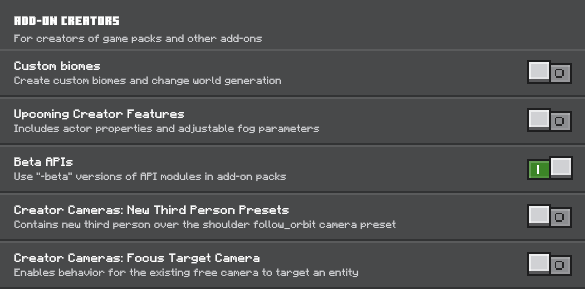
Installation Note:
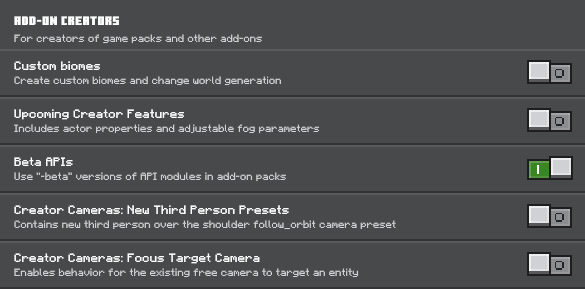
- Make sure you turn on the Beta APIs.
Chat Bubble Addon Download Links
For Minecraft PE/Bedrock 1.21
Behavior: Download from server 1 – Download from server 2
Resource: Download from server 1 – Download from server 2
- Edition: Minecraft Bedrock
- File type: .mcpack or .mcaddon
- Minecraft version listed: 1.21
- How to install: Download the .mcpack or .mcaddon file. → Open it — Minecraft imports it. → In your world: Behavior Packs → Available → Activate, then the same under Resource Packs.
- Where to get it: In MCModsHub, or directly above on this page.
Install steps are the general flow for this file type — How to install Minecraft Bedrock addons & mods walks through it step by step.
- Pack type: .mcaddon — behaviour and resource pack in one file
- Needs Beta APIs switched on in the world settings
- Complete pack — everything it depends on is inside the file
- Download size: 18 KB
- Download link checked 17 Jun 2026 — working
- Mirrored on our own servers — the download does not depend on the original host
These come from our own check of the pack file, not from the source page.