
Cleaner Floor Addon (26.x, 1.21) – MCPE/Bedrock Mod
Bedrock add-on listed for Minecraft 1.20–1.21 (behavior pack only). File opened and checked on 9 Oct 2026; installs from the MC Bedrock Mods app on Android.
⬇ Download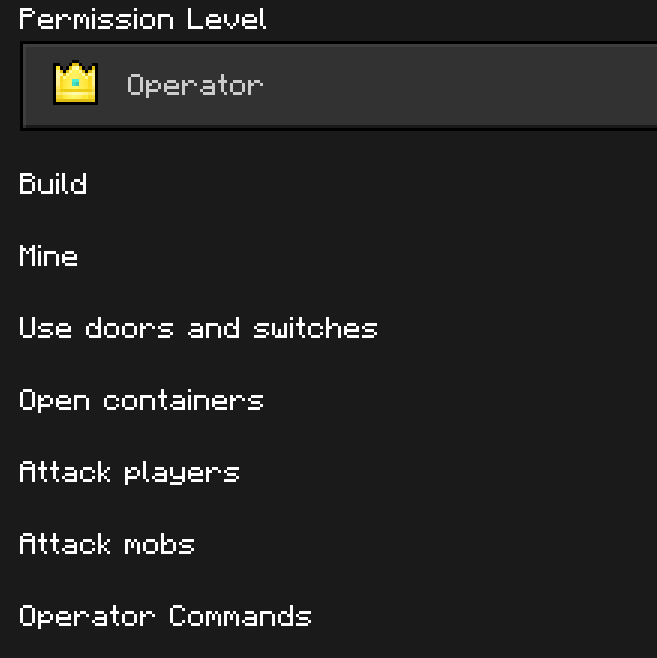
If you enjoy playing Minecraft with friends on servers or in your own world, you’ve likely encountered lag issues. One contributing factor could be the abundance of items scattered across the map. Dropped items are treated as entities, adding to the game’s processing load and causing slowdowns. However, Cleaner Floor Addon solves that problem: instead of waiting 5 minutes for items to vanish, just wait 1 minute, and everything will be cleared!

Features:
How to use:
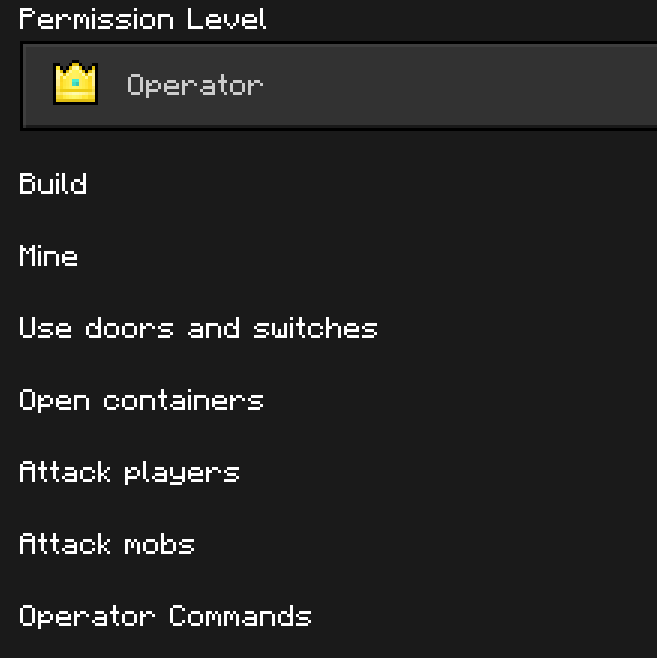
To use the addon commands, you must be a world operator, or have access to chat commands. Also, remember to activate world commands:
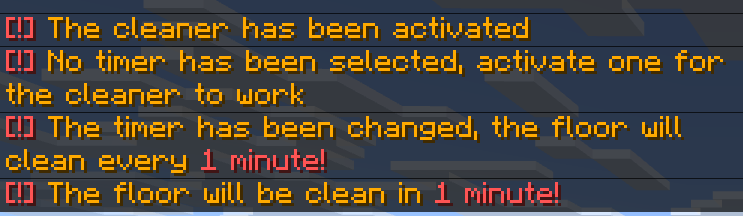
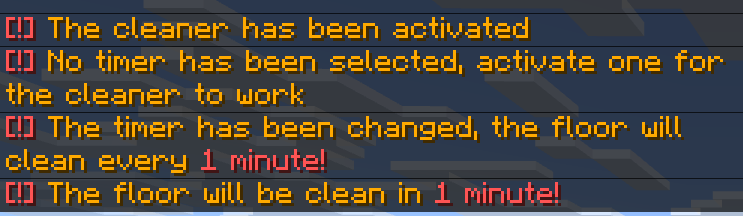
To activate the cleaner, you must use the /function timerOn command. If you have not activated any timer, it will display a message
After turning on the cleaner, you still need to set a timer for it. At the moment you can only choose 4 timers, 1 minute, 1m30s, 2m and 2m30s, this will be the time it takes to clean the items
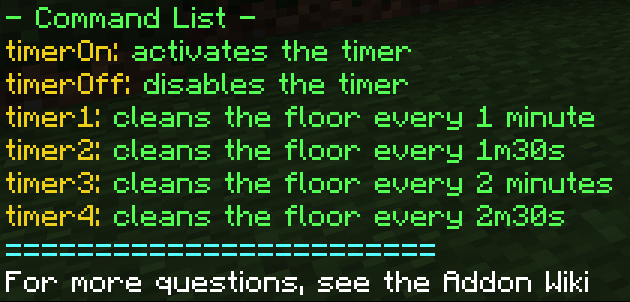
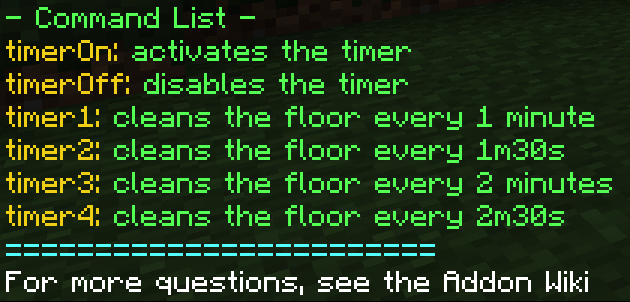
To choose a timer, simply use one of these commands:
- /function timer1 (1m)
- /function timer2 (1m30s)
- /function timer3 (2m)
- /function timer4 (2m30s)
Once all these steps have been completed, your cleaner floor should now be working perfectly!
Extra: when using the /function timerOff command, the timer will pause, and when using /function timerOn, the timer will resume where it left off
If you have questions within the addon, you can use the /function help command to obtain a list of all the addon commands
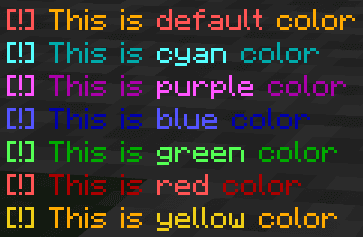
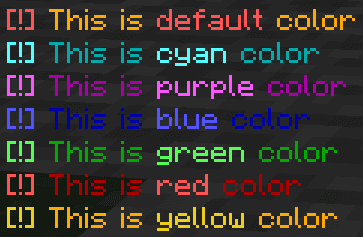
This addon only has a Behavior pack and contains several colors available for you to choose from. Here is a list of display colors:
Cleaner Floor Addon Download Links
For Minecraft PE/Bedrock 1.21
- Edition: Minecraft Bedrock
- File type: .mcpack or .mcaddon
- Minecraft version listed: 1.21
- How to install: Download the .mcpack or .mcaddon file. → Open it — Minecraft imports it. → In your world: Behavior Packs → Available → Activate, then the same under Resource Packs.
- Where to get it: In MCModsHub, or directly above on this page.
Install steps are the general flow for this file type — How to install Minecraft Bedrock addons & mods walks through it step by step.
- Pack type: .mcaddon — behaviour and resource pack in one file
- Manifest requires Minecraft 1.20.0 or newer
- Complete pack — everything it depends on is inside the file
- Download size: 60 KB
- Download link checked 17 Jun 2026 — working
- Mirrored on our own servers — the download does not depend on the original host
These come from our own check of the pack file, not from the source page.