Dinosaurs' Time Addon (26.30+, 1.21) – MCPE/Bedrock Mod
Bedrock add-on listed for Minecraft 1.20–1.21 (behavior + resource pack). Needs Beta APIs. File opened and checked on 26 Sep 2026; installs from the MC Bedrock Mods app on Android.
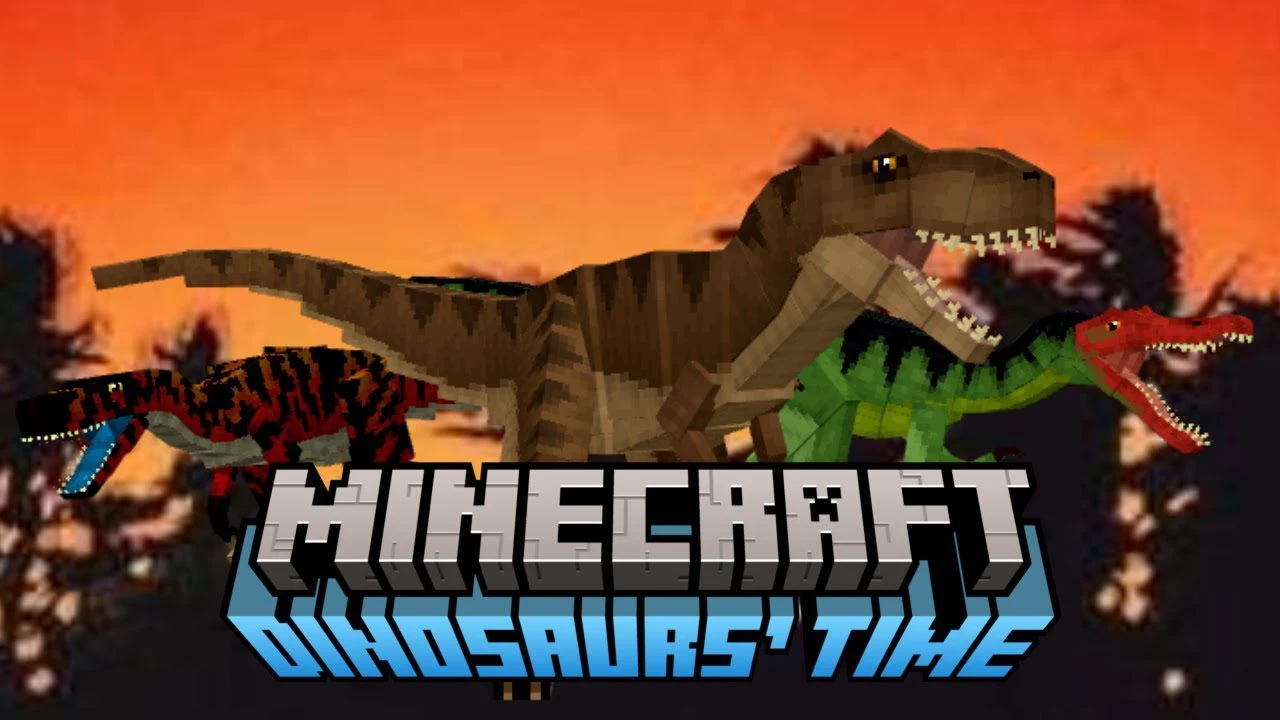
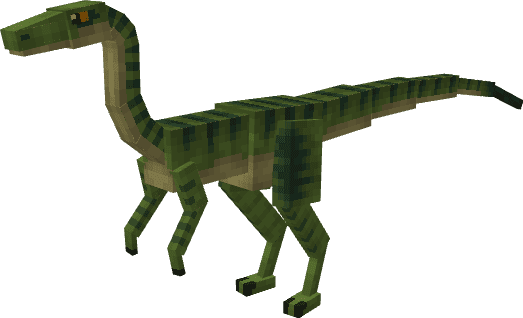
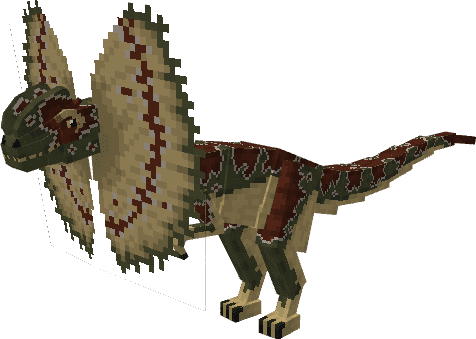
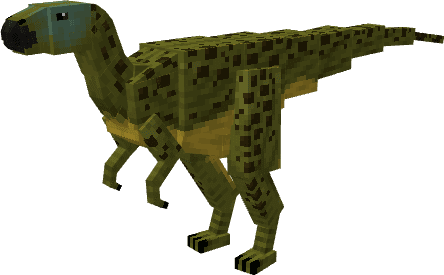
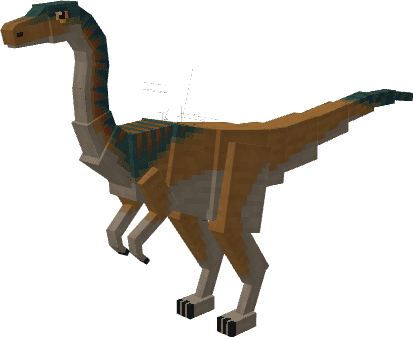
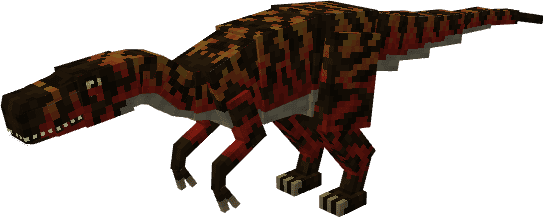
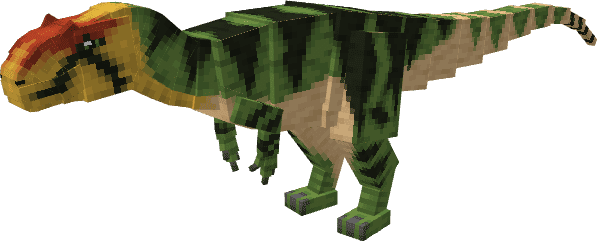
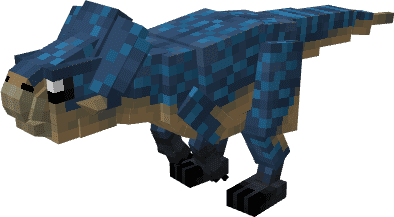
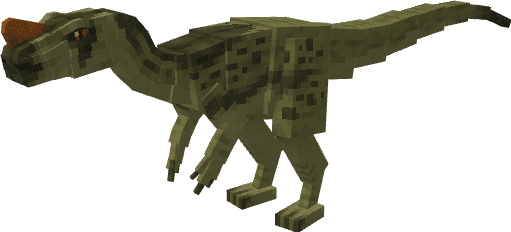
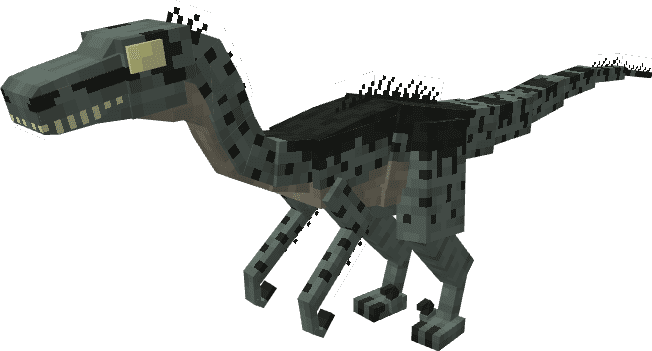
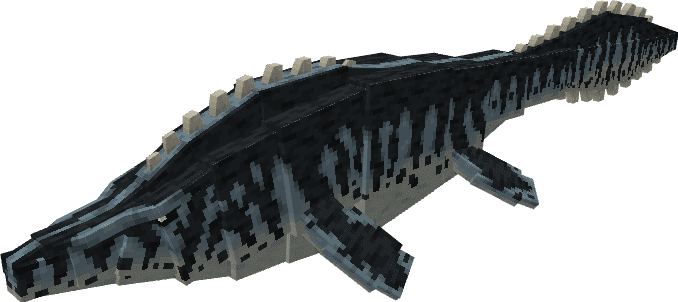
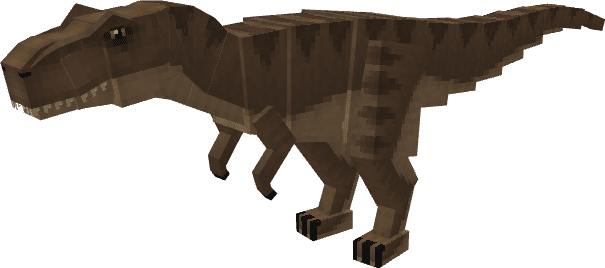
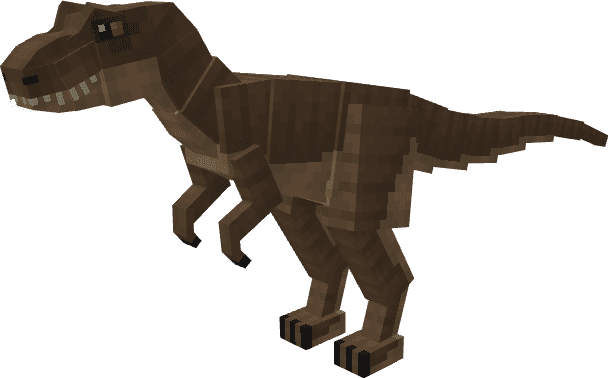
Dinosaurs' Time Addon is an exciting add-on for Minecraft Bedrock 1.20 that brings a captivating collection of prehistoric creatures to your world. This…
⬇ Download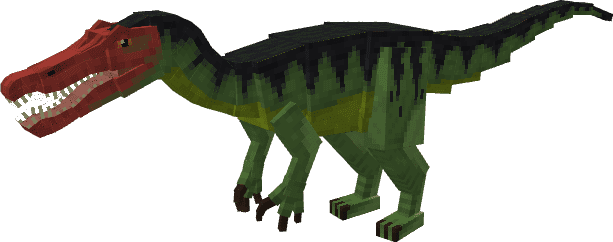
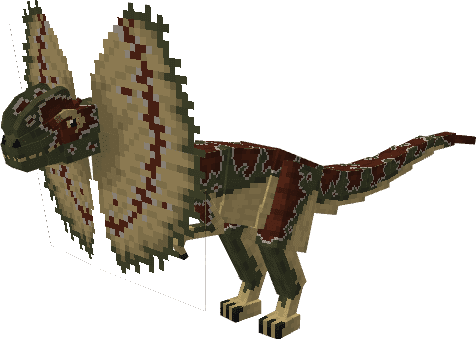
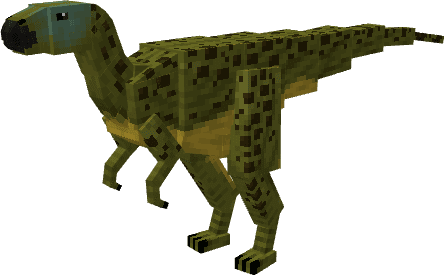
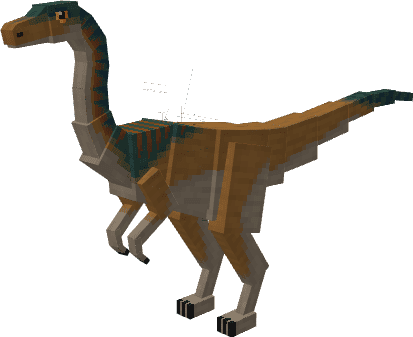
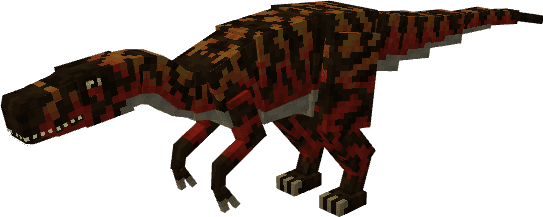
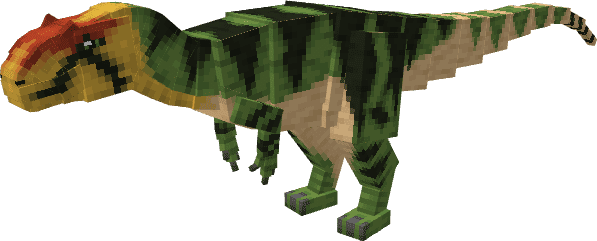
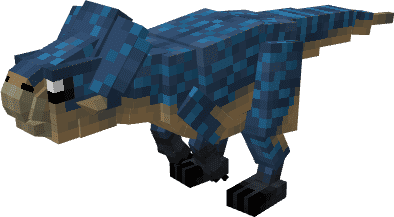
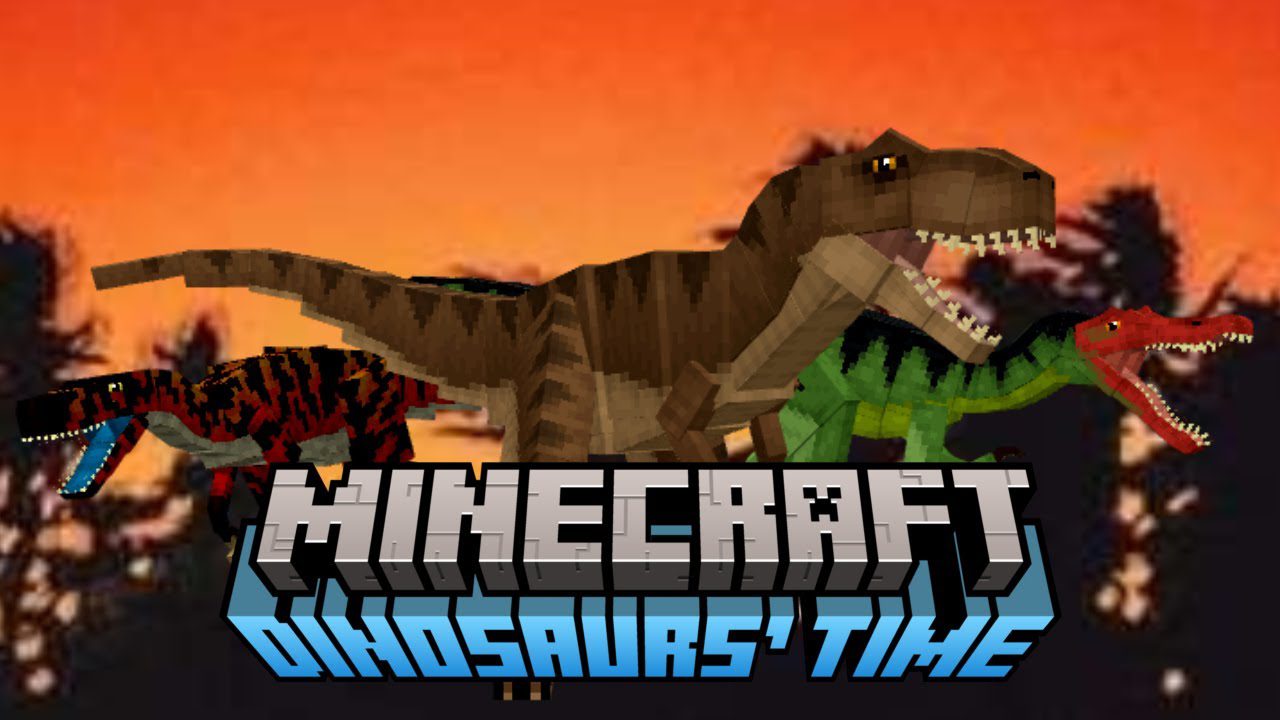
Features:
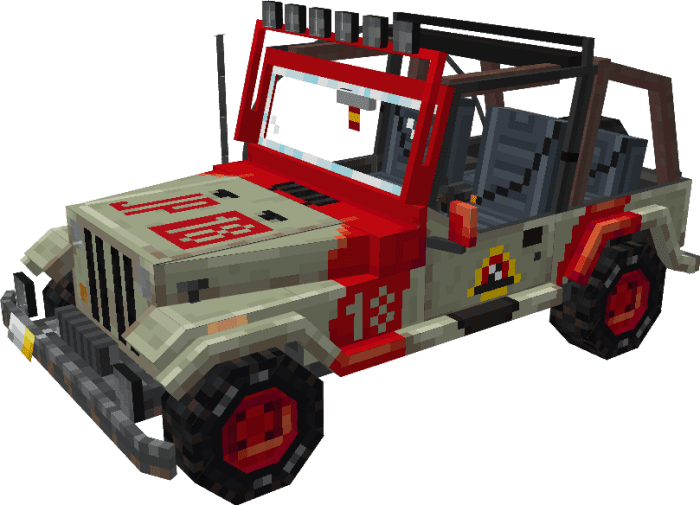
- The add-on doesn’t stop at dinosaurs; it also introduces the iconic Jeep Wrangler vehicle, perfect for exploring rugged terrain and embarking on thrilling adventures.
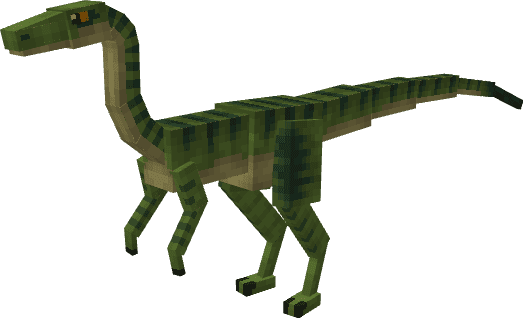
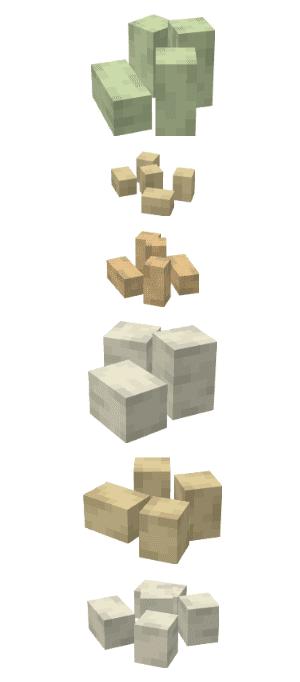
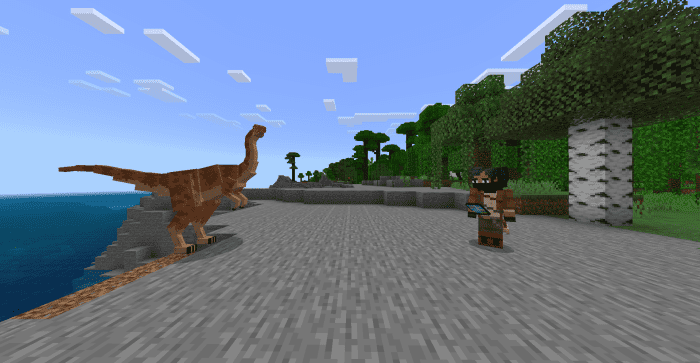
- Each dinosaur has unique characteristics, such as behavior, health points, and taming options. Players can hatch dinosaur eggs and grow these creatures using a growth serum. The dinosaurs are also breedable, offering an opportunity to expand your population. Some dinosaurs even exhibit fascinating behaviors like laying eggs or getting pregnant.
- Players need to consider the specific diets of carnivores and herbivores to keep them fed and happy. The add-on also includes items like collars for protection and tools like the wrench to manage the Jeep Wrangler.
- With Dinosaurs’ Time, your Minecraft experience will be taken to a whole new level as you immerse yourself in a prehistoric world filled with awe-inspiring creatures and thrilling adventures.
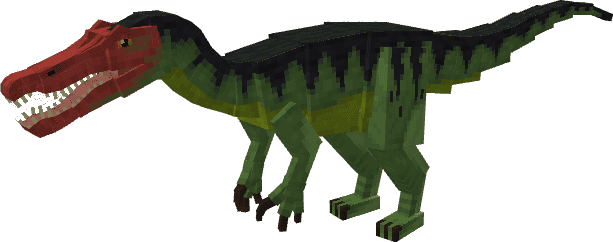
Screenshots:
 Vehicles:
- Jeep Wrangler
 Creatures Eggs:
 Items:
Collar:
Items:
Collar:
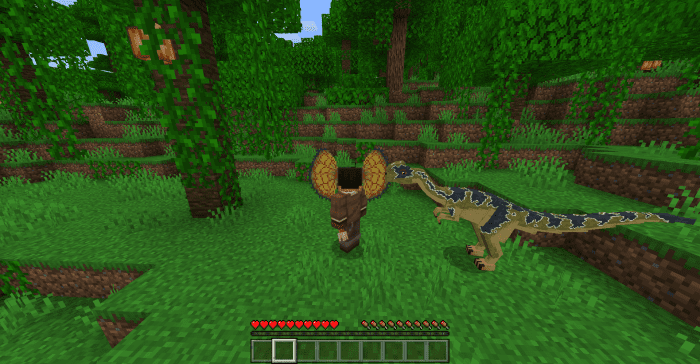
- As mentioned before, the Dilophosaurus wetherilli (Pattern 1) Upon death, drops a collar that can be equipped on the head.
- Note: This collar can prevent untamed adult Dilophosaurs from attacking you, serving as protection if you come face-to-face with them.
 Jeep Equipment:
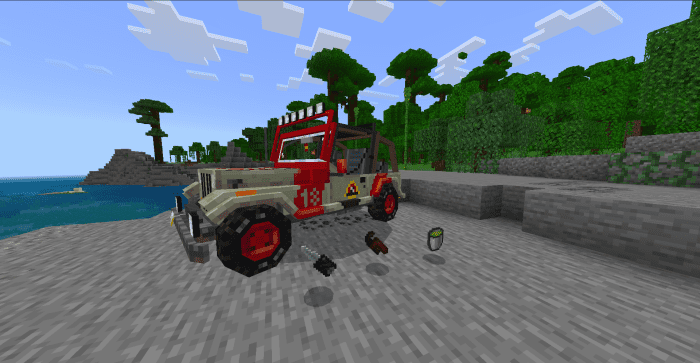
- Biofuel: Biofuel can be used to fuel the Jeep Wrangler and make you able to move with it. The effect lasts for 10 minutes.
- The key for Jeep Wrangler: The key can be used for the player to open and close the Jeep Wrangler’s doors. Making you able to enter if the doors are opened.
- Wrench: The wrench can be used to remove the Jeep Wrangler in survival mode, as it does not take damage when hitting it, so the wrench is necessary.
- Jeep Wrangler Item: Summons the Jeep Wrangler.
 Tablet Controller:
- The tablet controller can be used to control tamed Dinosaurs by having them follow the owner after the control is interacted with them.
Installation Note:
- Make sure you turn on the Experimental Gameplay.
Dinosaurs’ Time Addon Download Links
For Minecraft PE/Bedrock 1.21
Behavior: Download from server 1 – Download from server 2 Resource: Download from server 1 – Download from server 2
For Minecraft PE/Bedrock 1.20
Behavior: Download from server 1 – Download from server 2 Resource: Download from server 1 – Download from server 2
Activation
Dinosaurs’ Time Addon The 26.30+ Bedrock port includes a free in-game activation screen. Tap “Generate Key” below to get a code, then paste it into the “Activation Required” panel in-game and Submit.
Generate Your Dinosaurs’ Time Activation Key
Tap the button to generate an activation key. Tap the key to copy, then paste it into the “Activation Required” screen in-game and Submit to unlock.
- Edition: Minecraft Bedrock
- File type: .mcpack or .mcaddon
- Minecraft versions listed: 1.21, 1.20
- How to install: Download the .mcpack or .mcaddon file. → Open it — Minecraft imports it. → In your world: Behavior Packs → Available → Activate, then the same under Resource Packs.
- Where to get it: In MCModsHub, or directly above on this page.
Install steps are the general flow for this file type — How to install Minecraft Bedrock addons & mods walks through it step by step.
- Pack type: .mcaddon — behaviour and resource pack in one file
- Needs Beta APIs switched on in the world settings
- Complete pack — everything it depends on is inside the file
- Download size: 24.6 MB
- Download link checked 17 Jun 2026 — working
- Mirrored on our own servers — the download does not depend on the original host
These come from our own check of the pack file, not from the source page.