Alylica’s Advancements Addon (1.21, 1.20) – MCPE/Bedrock Mod
Bedrock add-on listed for Minecraft 1.20–1.21 (behavior + resource pack). Needs Beta APIs. File opened and checked on 29 Sep 2026; installs from the MC Bedrock Mods app on Android.
⬇ Download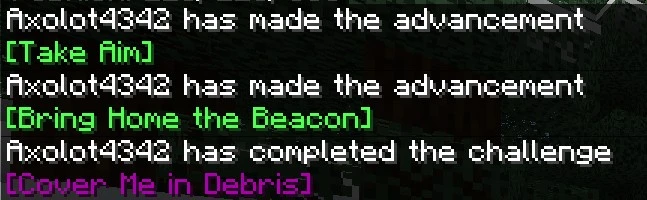
Have you ever desired to enhance your game with Addons but feared missing out on achievements? Do you long for Bedrock to offer the same advancements as Java? Look no further! Alylica’s Advancements Addon brings you as close as possible to the original Java advancements, integrating them seamlessly into your Bedrock experience!
Features:
How Advancements Work:
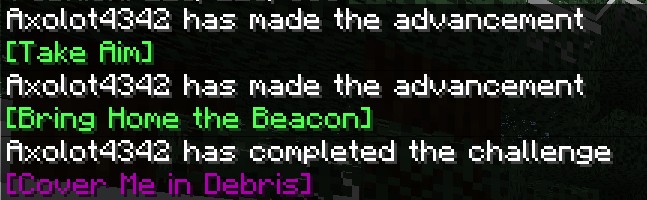
You will gain advancements as you play the game and complete certain requirements, a message will be broadcasted across the chat for all players when one is reached (see above image)
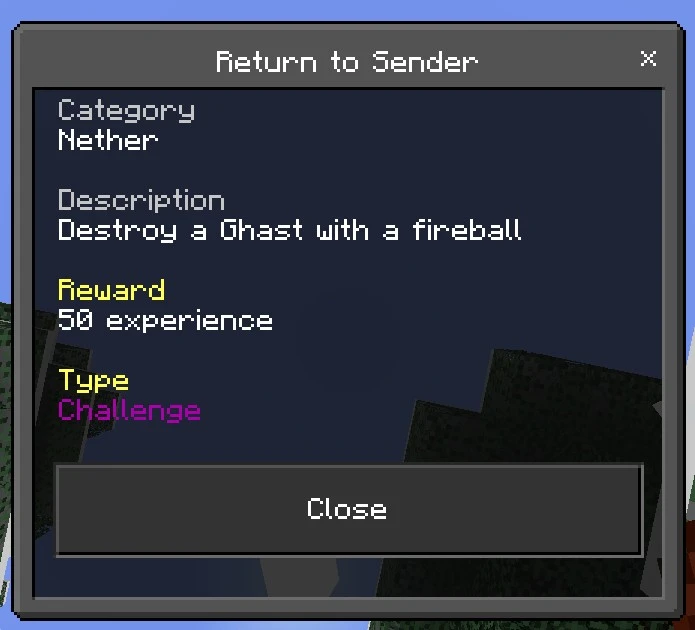
Notably, There are also Goals and Challenges, Goals are much alike to normal advancements (but appear yellow on UI!) but challenges have a dark purple color and play a special sound once completed! they also award exp
Advancements:
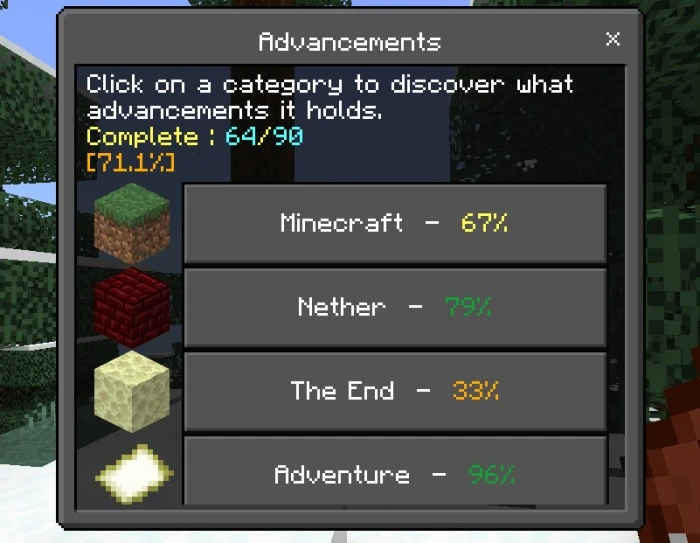
Advancements are split into 6 categories, 5 representing a different aspect of the game and the last being extra goals added by the author, alylica!
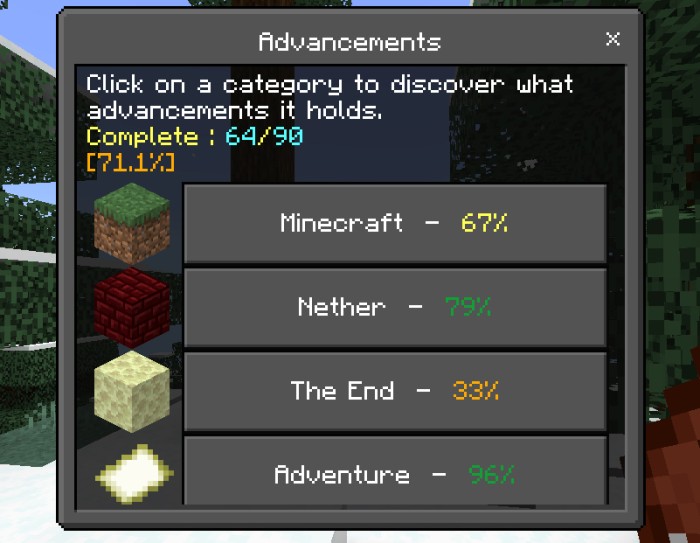
You can view your progress in collecting advancements by using the ‘Book of Advancements’ Item (Crafted with a Book and Amethyst Shards!)
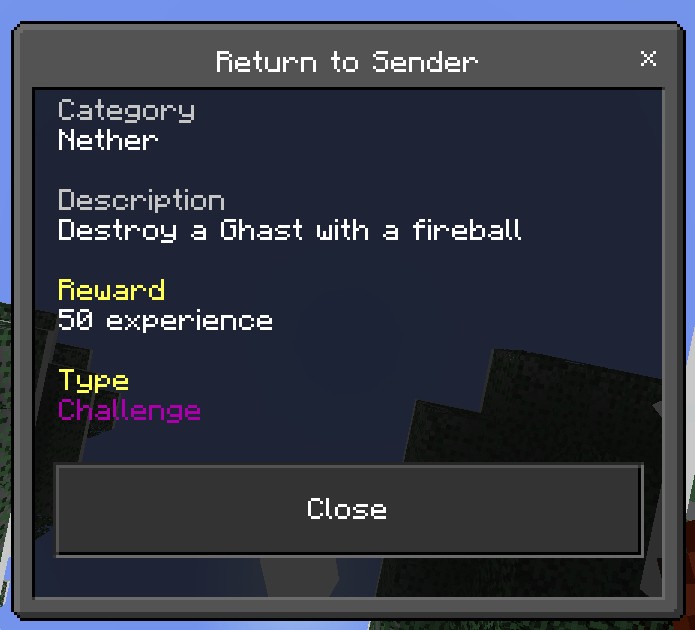
If you click on a tab, you can see all advancements, clicking on an advancement will show you all its info.
How to remove/add advancements?
- To add an advancement, the command: function adv/name/grant
- to remove a function use the command: function adv/name/revoke
- Replace the blue highlighted text with the name of the advancement
Installation Note:
- Make sure you turn on the Beta APIs.
Alylica’s Advancements Addon Download Links
For Minecraft PE/Bedrock 1.21, 1.20
mcaddon: Download from server 1 – Download from server 2
- Edition: Minecraft Bedrock
- File type: .mcpack or .mcaddon
- Minecraft versions listed: 1.21, 1.20
- How to install: Download the .mcpack or .mcaddon file. → Open it — Minecraft imports it. → In your world: Behavior Packs → Available → Activate, then the same under Resource Packs.
- Where to get it: In MCModsHub, or directly above on this page.
Install steps are the general flow for this file type — How to install Minecraft Bedrock addons & mods walks through it step by step.
- Pack type: .mcaddon — behaviour and resource pack in one file
- Manifest requires Minecraft 1.21.10 or newer
- Needs Beta APIs switched on in the world settings
- Complete pack — everything it depends on is inside the file
- Download size: 2.0 MB
- Download link checked 17 Jun 2026 — working
- Mirrored on our own servers — the download does not depend on the original host
These come from our own check of the pack file, not from the source page.