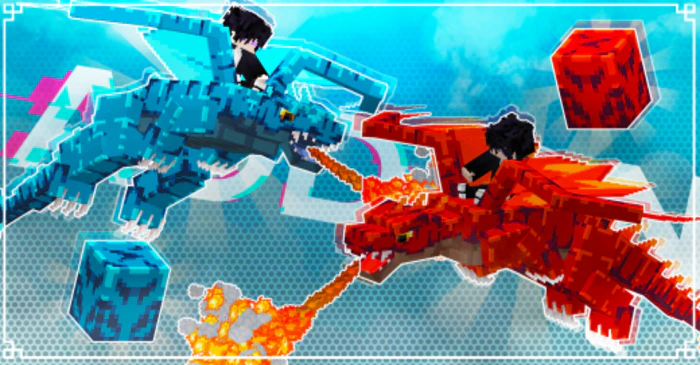
Skyveil Dragons Addon (26.x, 1.21) – MCPE/Bedrock Mod
Bedrock add-on listed for Minecraft 1.19–1.21 (behavior pack only). Installs from the MC Bedrock Mods app on Android.
⬇ Download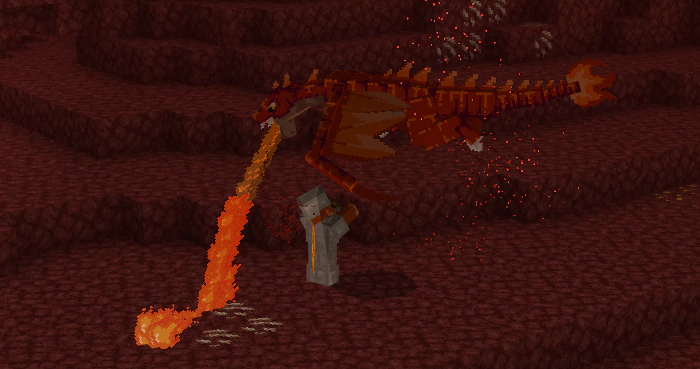
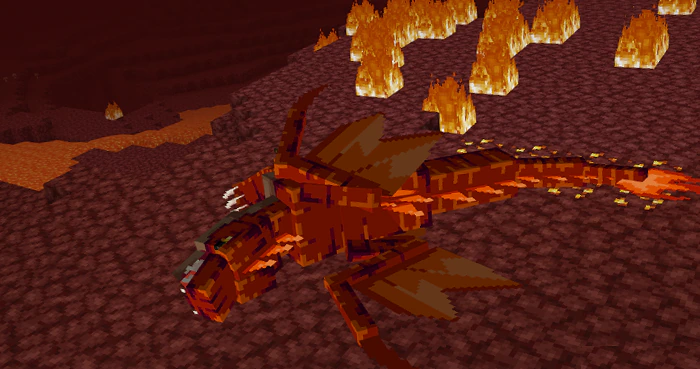
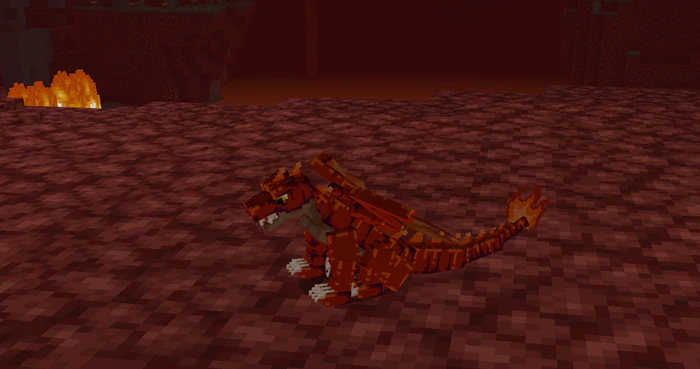
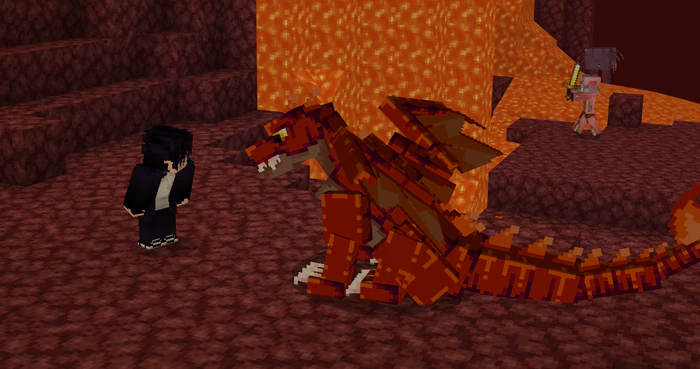
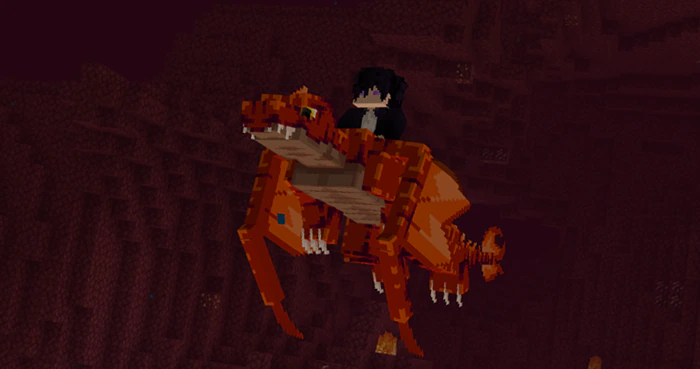
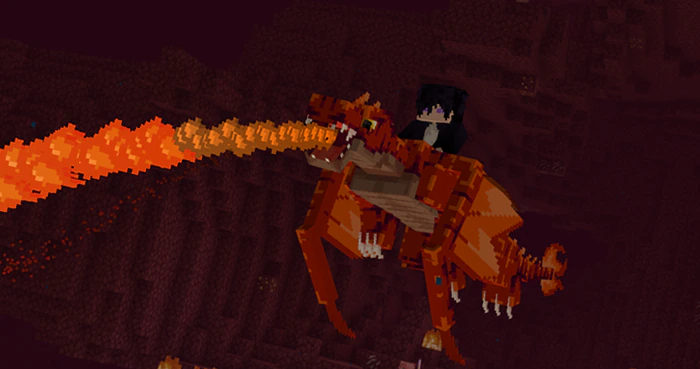
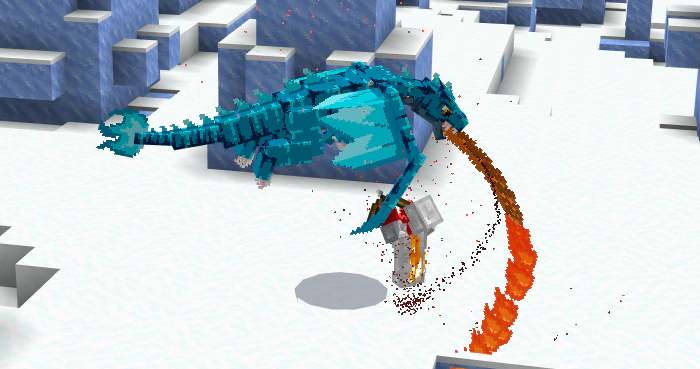
Embark on a thrilling adventure with the Skyveil Dragons Addon, featuring Fire Dragons and Ice Dragons. Engage in epic battles, claim their eggs, nurture them until they hatch, and forge an unbreakable bond with your very own dragon companion.
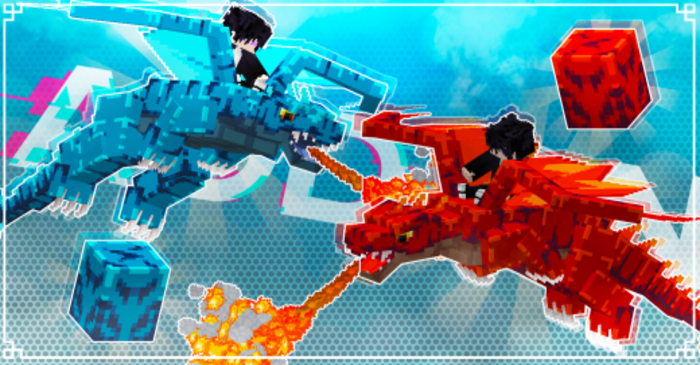
Features:
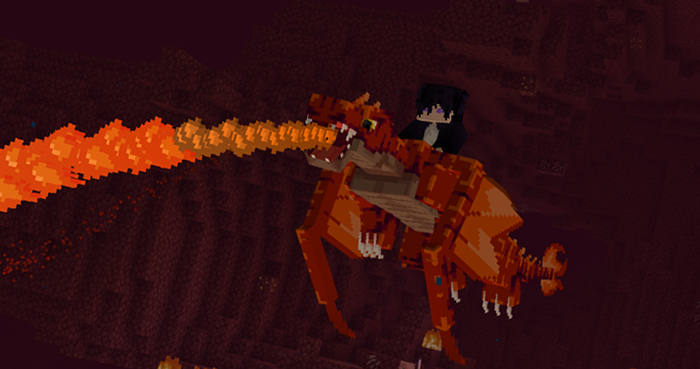
Fire Dragon:
- You can find it in the Nether; it can fly and shoot fire, so be prepared.
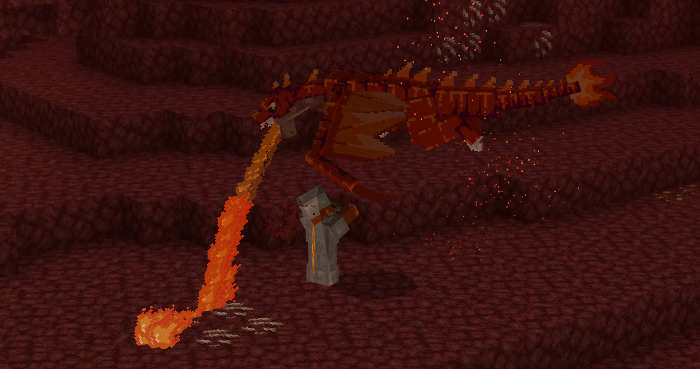
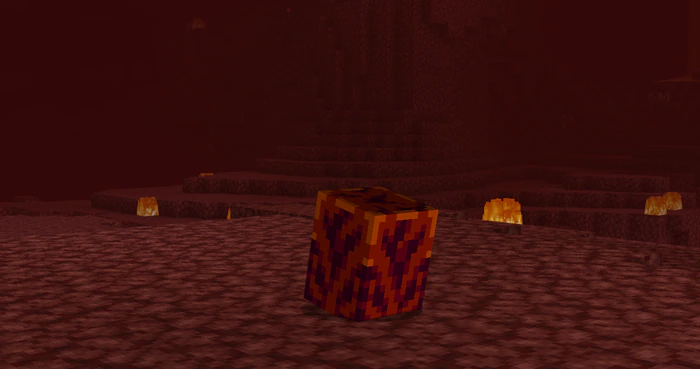
- When defeated, it will drop its egg, which you can hatch to acquire a tamed dragon.
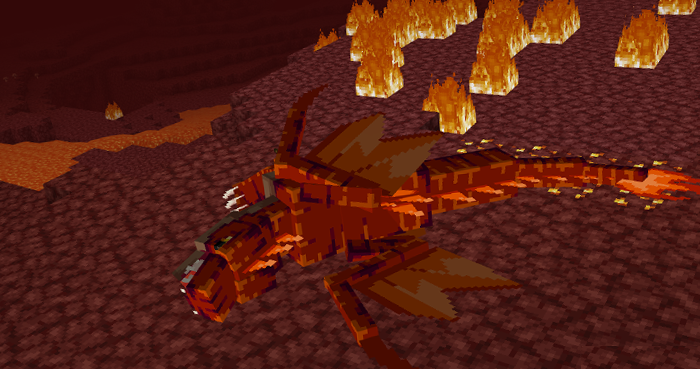
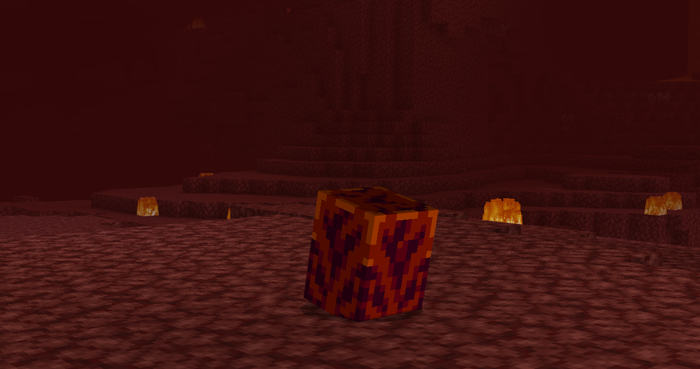
Fire Dragon Egg:
- To hatch the egg, just place it on the ground and wait for 3 minutes; once placed, it cannot be removed.
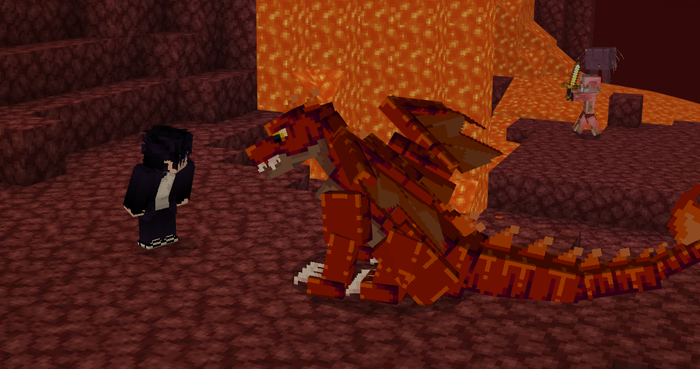
- You can feed him with a specific meat, a blend of bone and chicken.
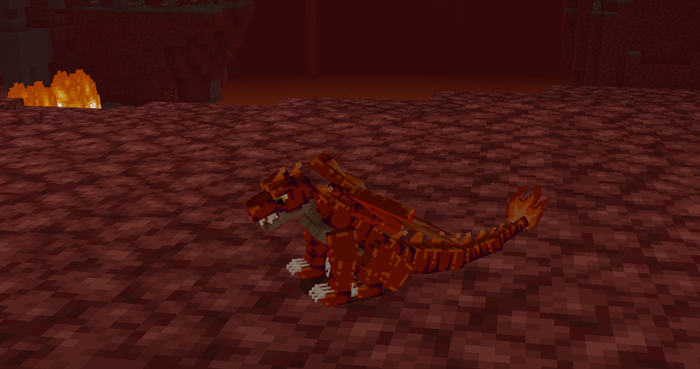
- You can make him sit, squat, and hold his finger on the screen.
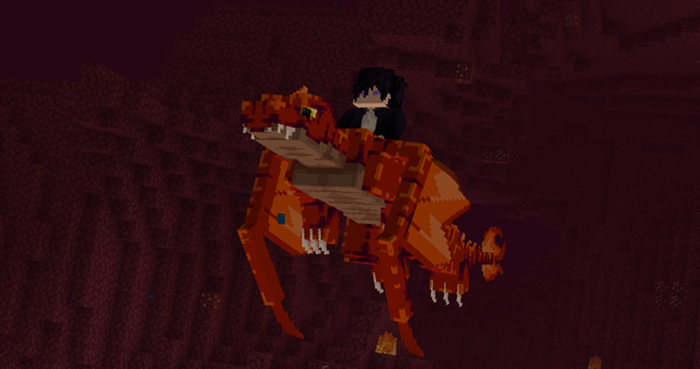
- You can mount it and fly. To fly, it’s simple: Just press the jump button while looking where you want to go.
- Remember that you can use the dragon’s ability to shoot fire; just hold the screen.
Ice Dragon:
- You can find it in the ice thorn biome; it can fly and shoot fire, so be prepared.
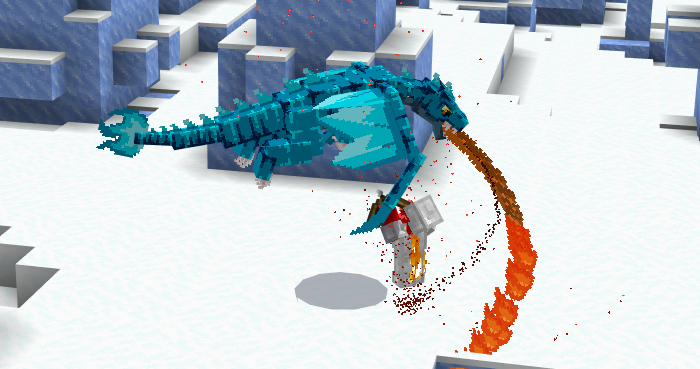
- When defeated, it will drop its egg, which you can hatch to acquire a tamed dragon.
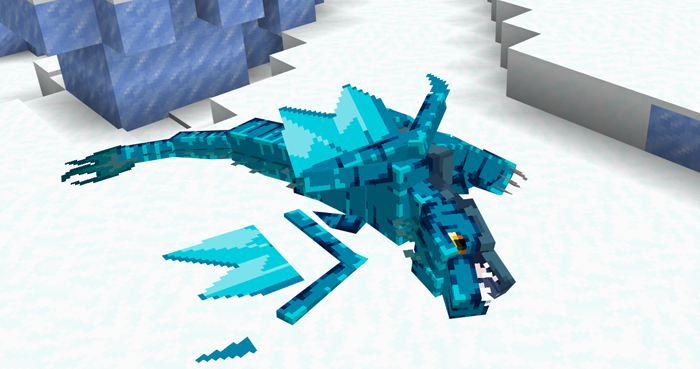
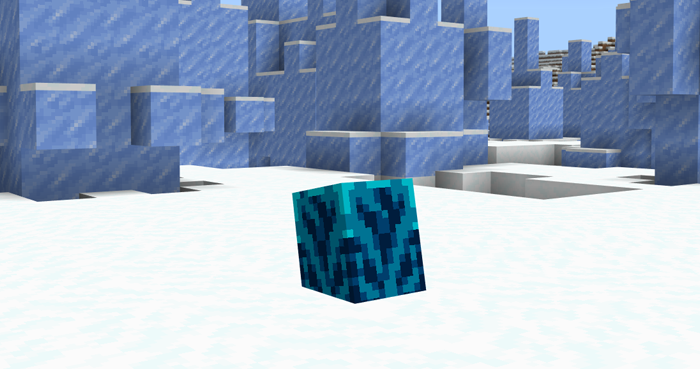
Ice Dragon Egg:
- To hatch the egg, just place it on the ground and wait for 3 m inutes; once placed, it cannot be removed.
- You can feed him with a specific meat, a blend of bone and chicken.
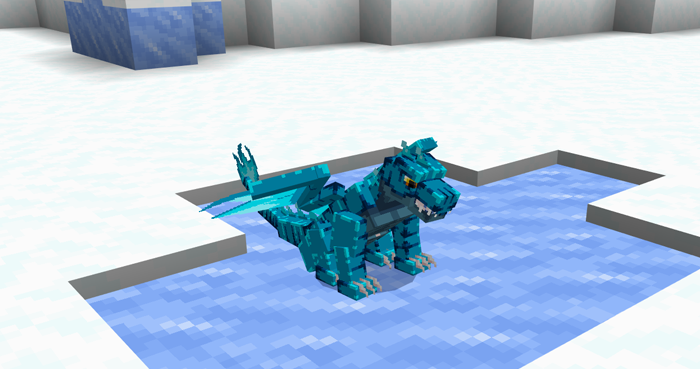
- You can make him sit, squat, and hold his finger on the screen.
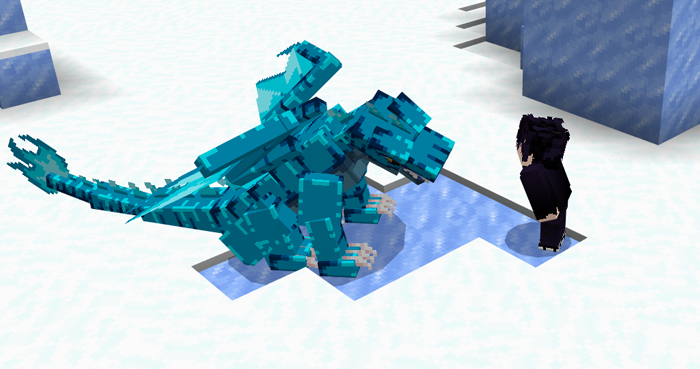
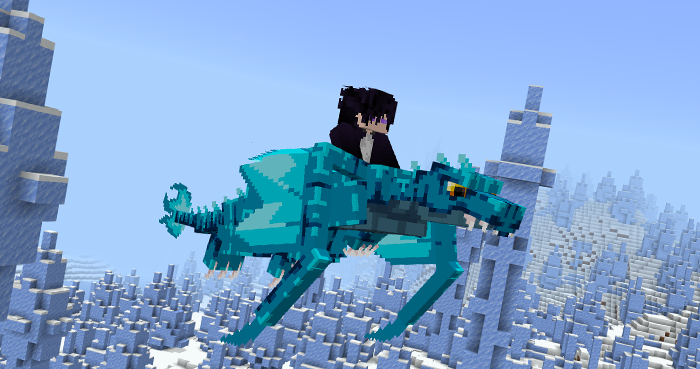
- You can mount it and fly. To fly, it’s simple: Just press the jump button while looking where you want to go.
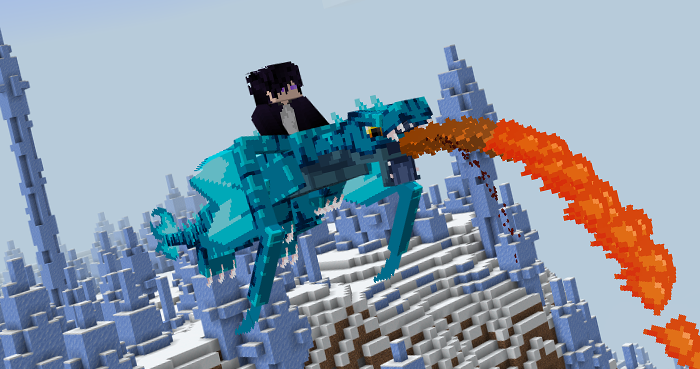
- Remember that you can use the dragon’s ability to shoot fire; just hold the screen.
Taming:
To feed the dragons, just create this meat:

Installation Note:
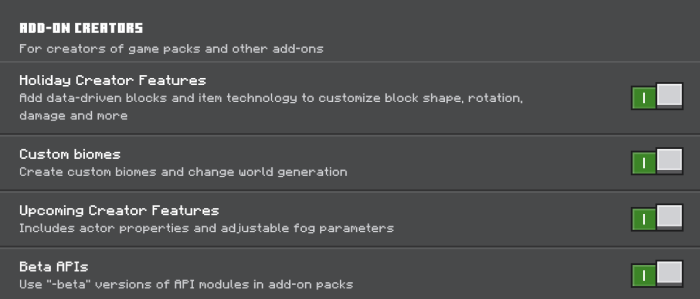
- Make sure you turn on the Experimental Gameplay.
Skyveil Dragons Addon Download Links
For Minecraft PE/Bedrock 1.21
Behavior: Download from server 1 – Download from server 2
Resource: Download from server 1 – Download from server 2
- Edition: Minecraft Bedrock
- File type: .mcpack or .mcaddon
- Minecraft version listed: 1.21
- How to install: Download the .mcpack or .mcaddon file. → Open it — Minecraft imports it. → In your world: Behavior Packs → Available → Activate, then the same under Resource Packs.
- Where to get it: In MCModsHub, or directly above on this page.
Install steps are the general flow for this file type — How to install Minecraft Bedrock addons & mods walks through it step by step.
- Pack type: .mcpack — a single pack
- Manifest requires Minecraft 1.19.80 or newer
- Ships one half — this pack asks for another pack that is not included
- Download size: 78 KB
- Download link checked 17 Jun 2026 — working
- Mirrored on our own servers — the download does not depend on the original host
These come from our own check of the pack file, not from the source page.