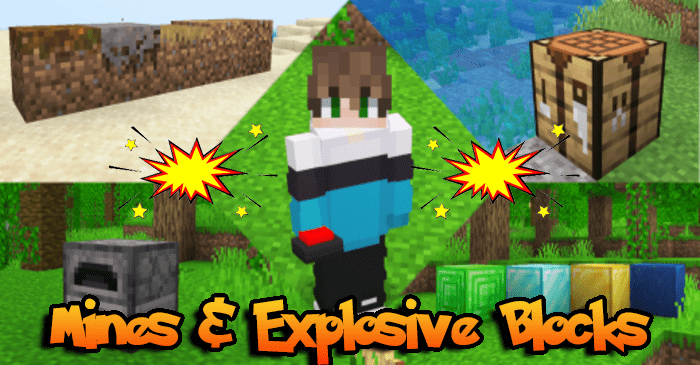
Mines And Explosive Blocks Addon (1.21, 1.20) – MCPE/Bedrock Mod
Bedrock add-on listed for Minecraft 1.20–1.21 (behavior + resource pack). File opened and checked on 5 Oct 2026; installs from the MC Bedrock Mods app on Android.
⬇ Download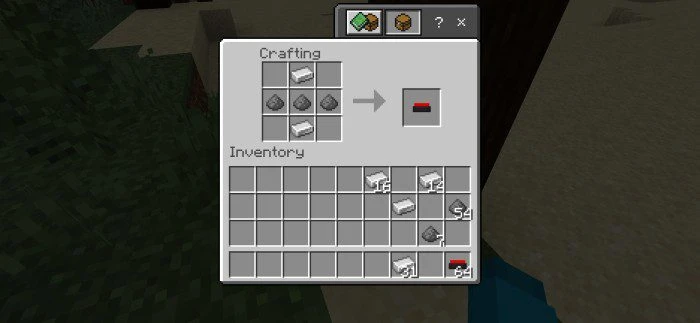
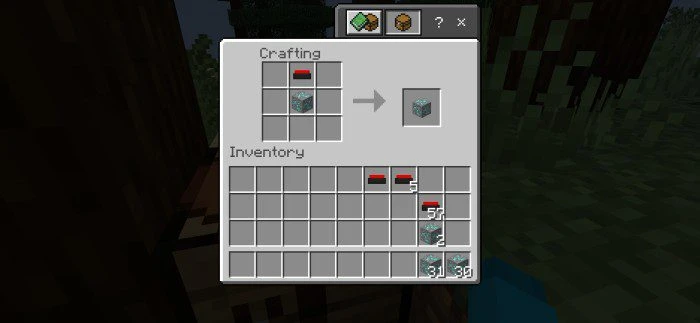
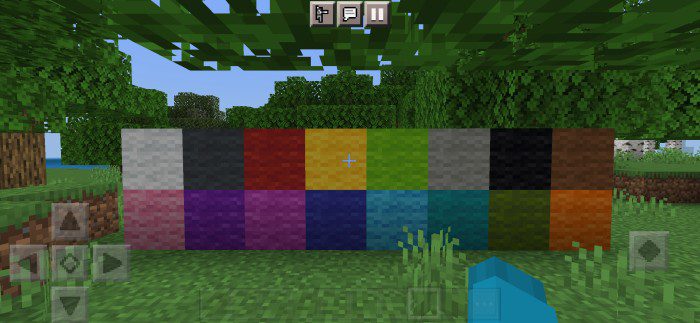
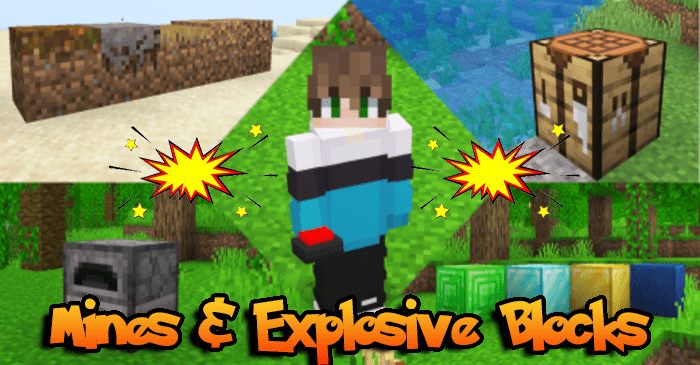
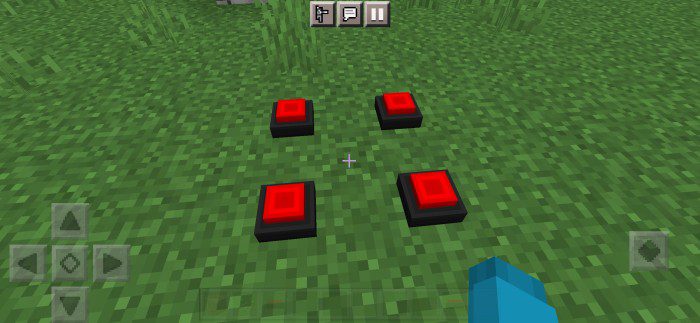
Do you want to spice up your Minecraft world or server with mines and exploding blocks like in popular series such as Karmaland, TortillaLand, and QSMP? With Mines And Explosive Blocks Addon, you can make it happen and prank other players with booby traps. Mines are very simple to craft and you can do it on your first or second day. You just need 3 gunpowder and 2 iron ingots and arrange them like this on the crafting table.
Features:
List of explosive blocks that can be created:
Show More- Obsidian
- Brick Block
- Cobblestone
- Stone
- Glass Default
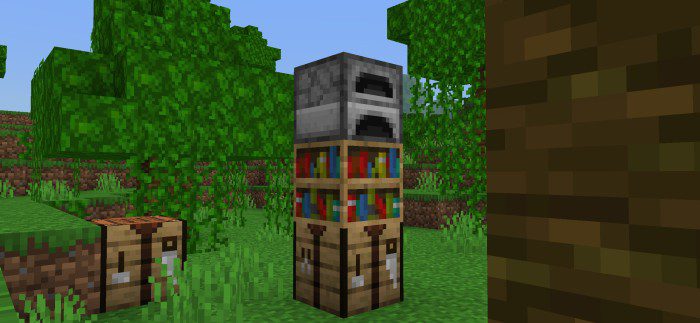
- Furnace
- Coal Block
- Coal Ore
- Glowstone
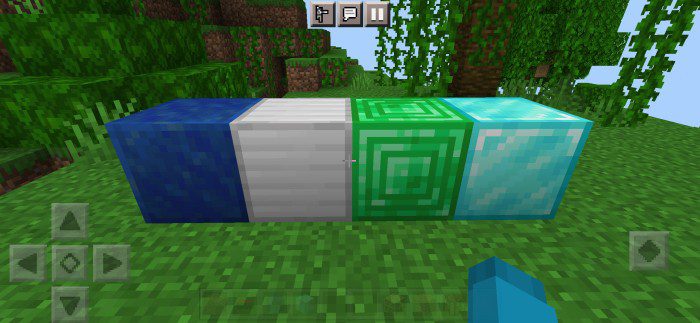
- Emerald Block
- Emerald Ore
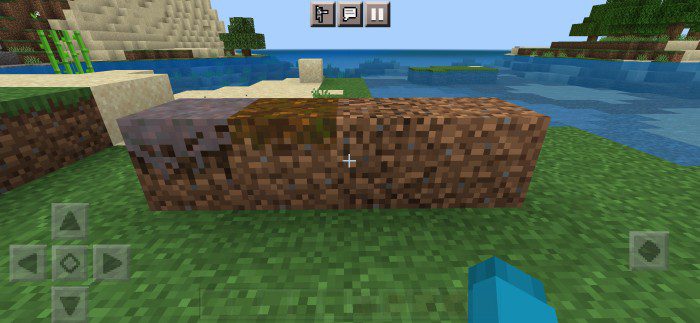
- Mycelium Dirt
- Hay Block
- Crafting Table
- Diamond Block
- Diamond Ore
- Dirt Block
- Lapis Block
- Lapis Ore
- Granite Block
- Diorite Block
- Andesite Block
- Bookshelf
- Copper Ore
- Podzol Dirt
- Bee Nest
- Dripstone Block
- Grass Dirt Block
- Iron Block
- All Overworld Logs
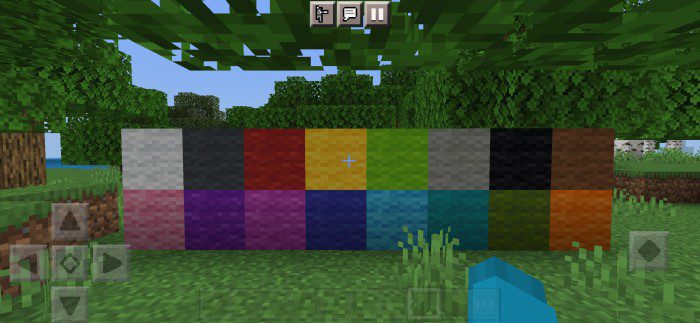
- All Types Of Wool
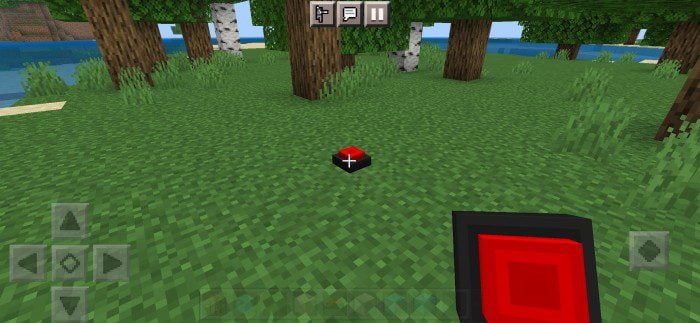
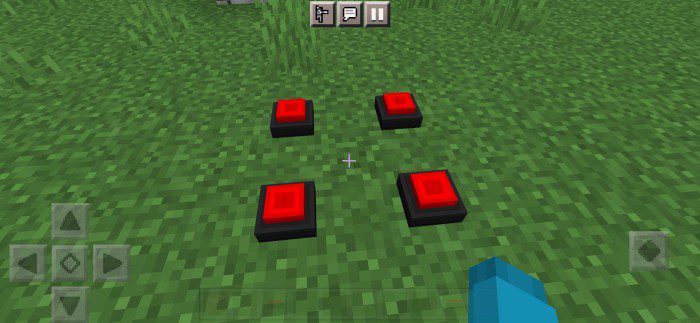
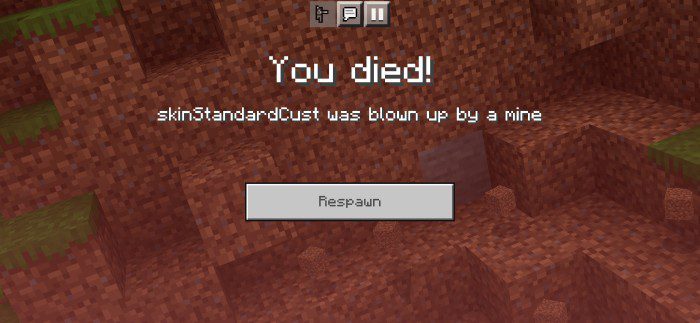
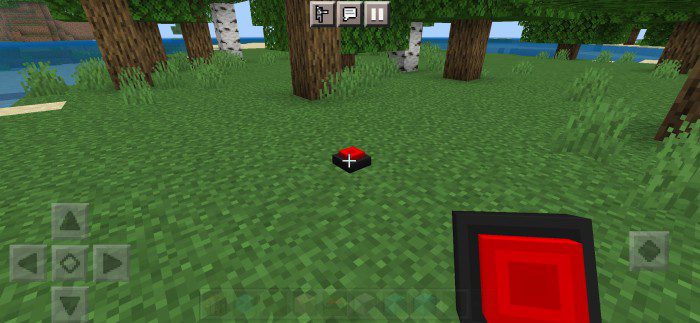
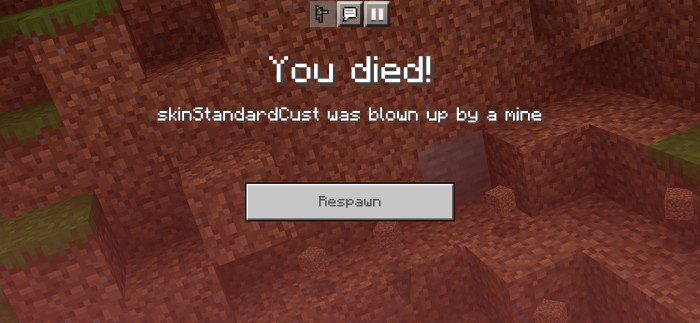
You can put the mines on the floor, and they will blow up when any mob or player walks on them, killing them with a big blast. When you mine them, they will drop as an item, and don’t worry, they won’t start any fire so your stuff will be safe.
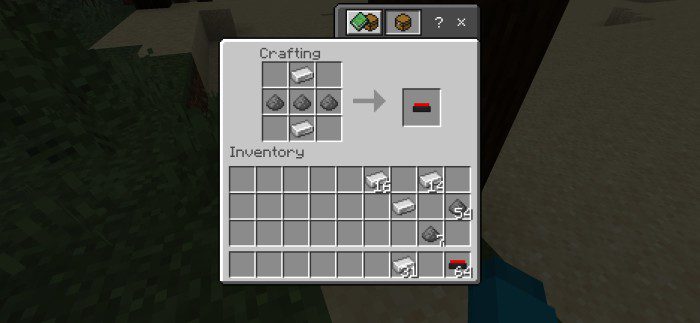
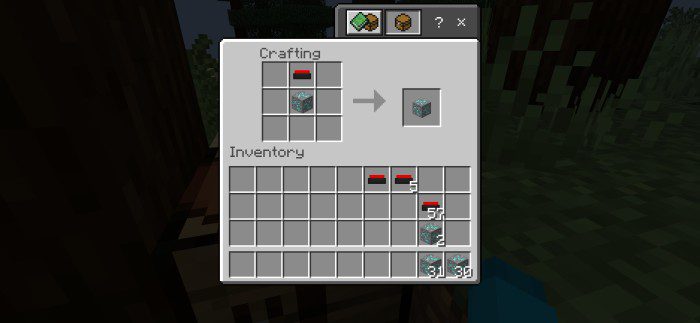
You can also create explosive blocks, with only one mine and the block you want to make explosive, place the block in the middle and the mine on top, as shown in the image below.
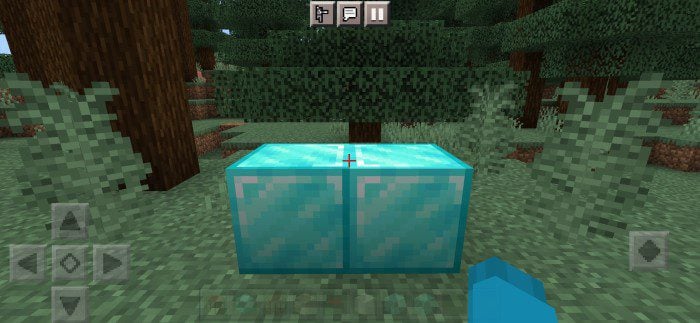
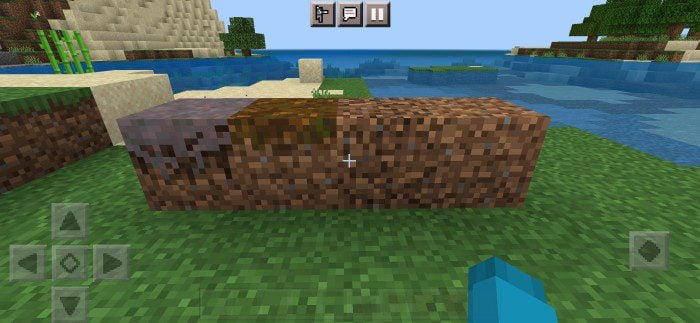
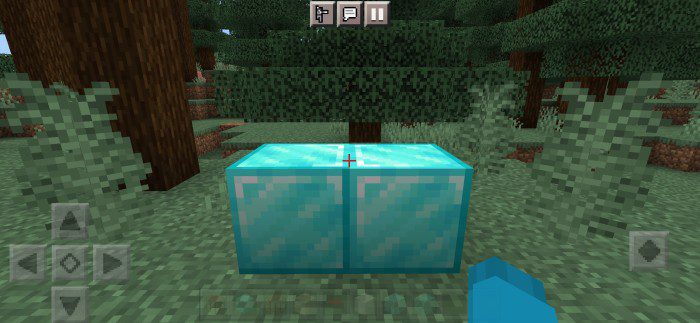
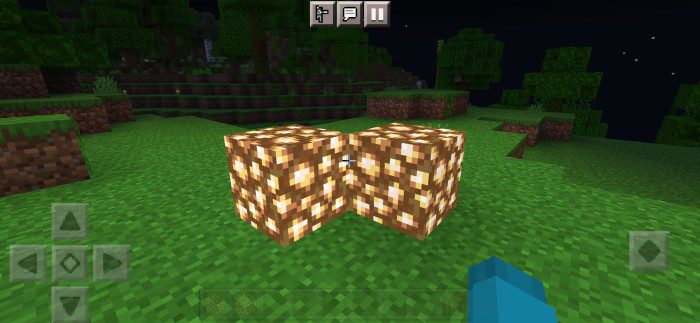
Be careful with the explosive blocks as they are the same as the non-explosive ones, here below are the images for you to see for yourselves, and the blocks that have gravity like sand and gravel do not have gravity at the moment, so be careful where you step if you play with a friend or on a server.
Installation Note:
- Make sure you activated the Experimental Gameplay.
Mines And Explosive Blocks Addon Download Links
For Minecraft PE/Bedrock 1.19
Behavior: Download from server 1 – Download from server 2
Resource: Download from server 1 – Download from server 2
For Minecraft PE/Bedrock 1.20
Behavior: Download from server 1 – Download from server 2
Resource: Download from server 1 – Download from server 2
For Minecraft PE/Bedrock 1.21
Behavior: Download from server 1 – Download from server 2
Resource: Download from server 1 – Download from server 2
- Edition: Minecraft Bedrock
- File type: .mcpack or .mcaddon
- Minecraft versions listed: 1.21, 1.20
- How to install: Download the .mcpack or .mcaddon file. → Open it — Minecraft imports it. → In your world: Behavior Packs → Available → Activate, then the same under Resource Packs.
- Where to get it: In MCModsHub, or directly above on this page.
Install steps are the general flow for this file type — How to install Minecraft Bedrock addons & mods walks through it step by step.
- Pack type: .mcaddon — behaviour and resource pack in one file
- Complete pack — everything it depends on is inside the file
- Download size: 299 KB
- Download link checked 17 Jun 2026 — working
- Mirrored on our own servers — the download does not depend on the original host
These come from our own check of the pack file, not from the source page.