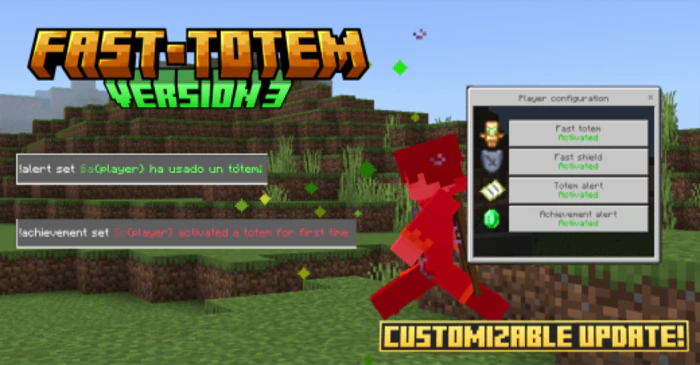
Fast Totem Addon (26.x, 1.21) – MCPE/Bedrock Mod
Bedrock add-on listed for Minecraft 1.20–1.21 (behavior pack only). Needs Beta APIs. File opened and checked on 26 Sep 2026; installs from the MC Bedrock Mods app on Android.
⬇ Download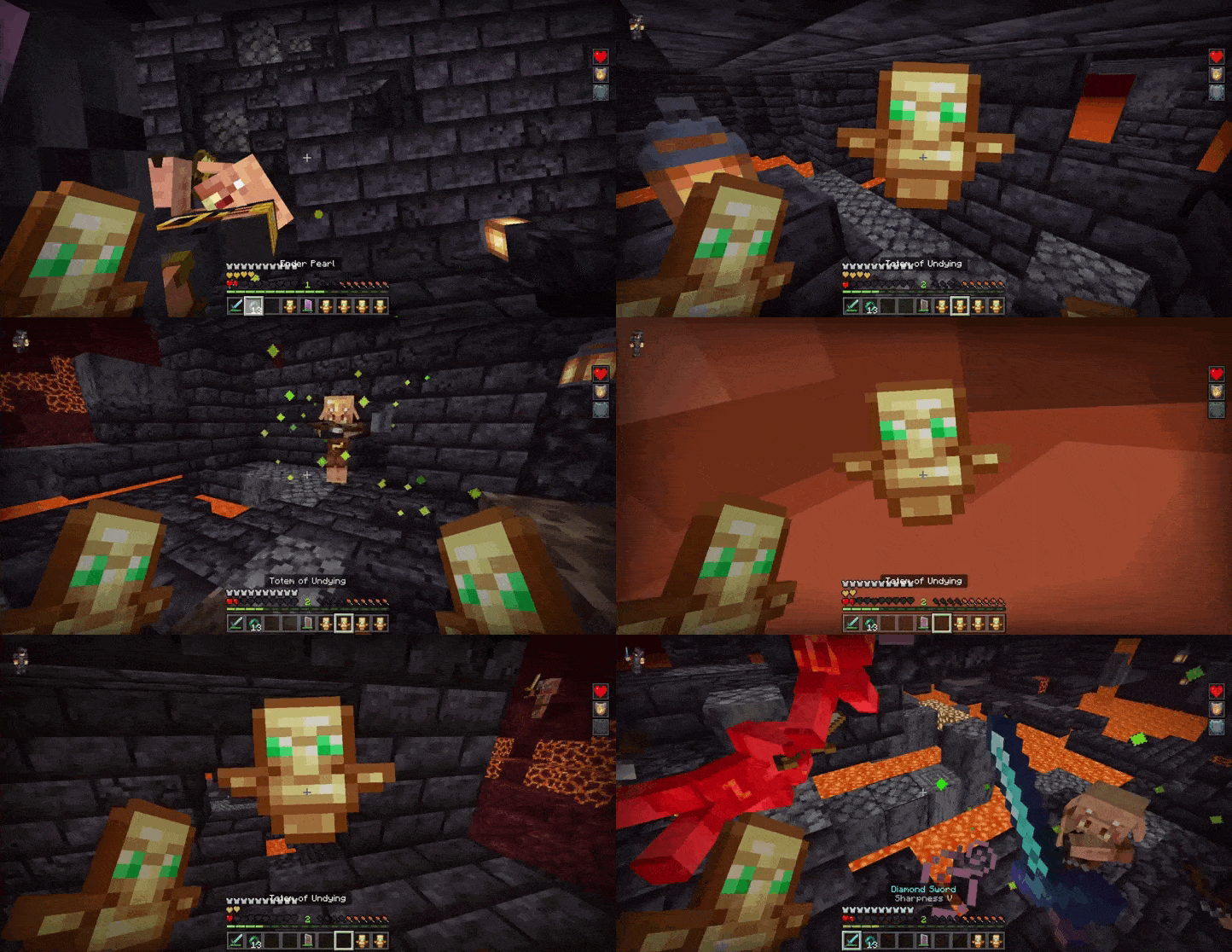
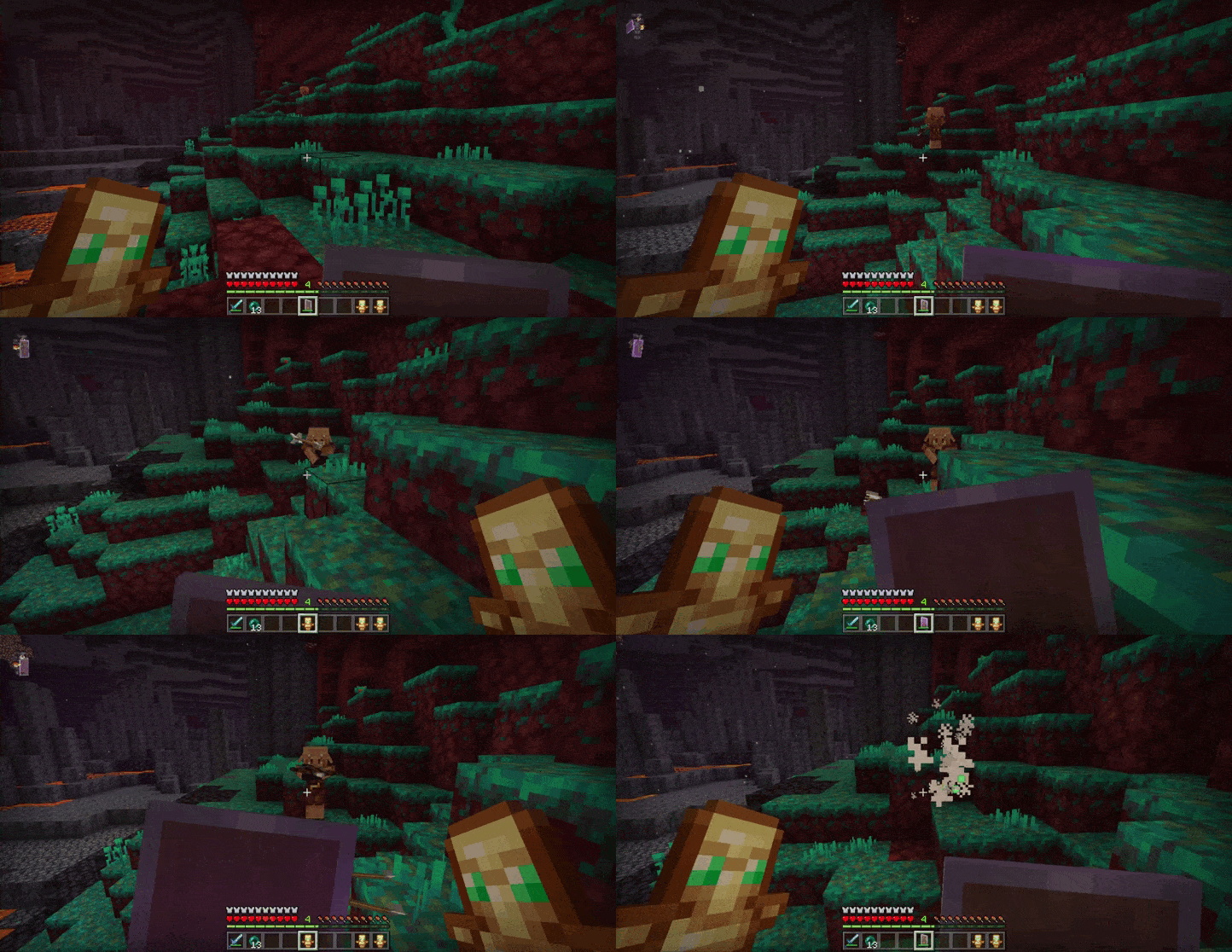
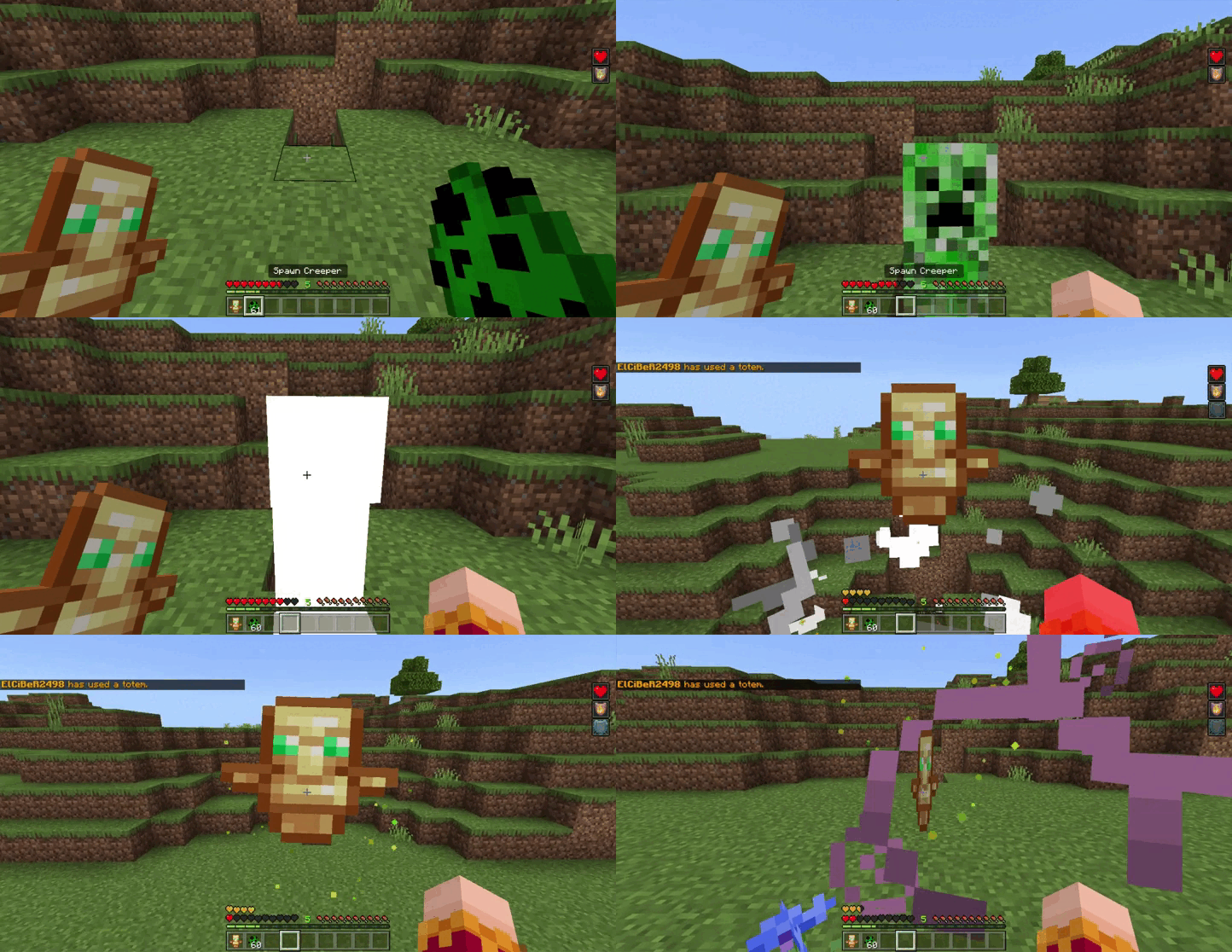
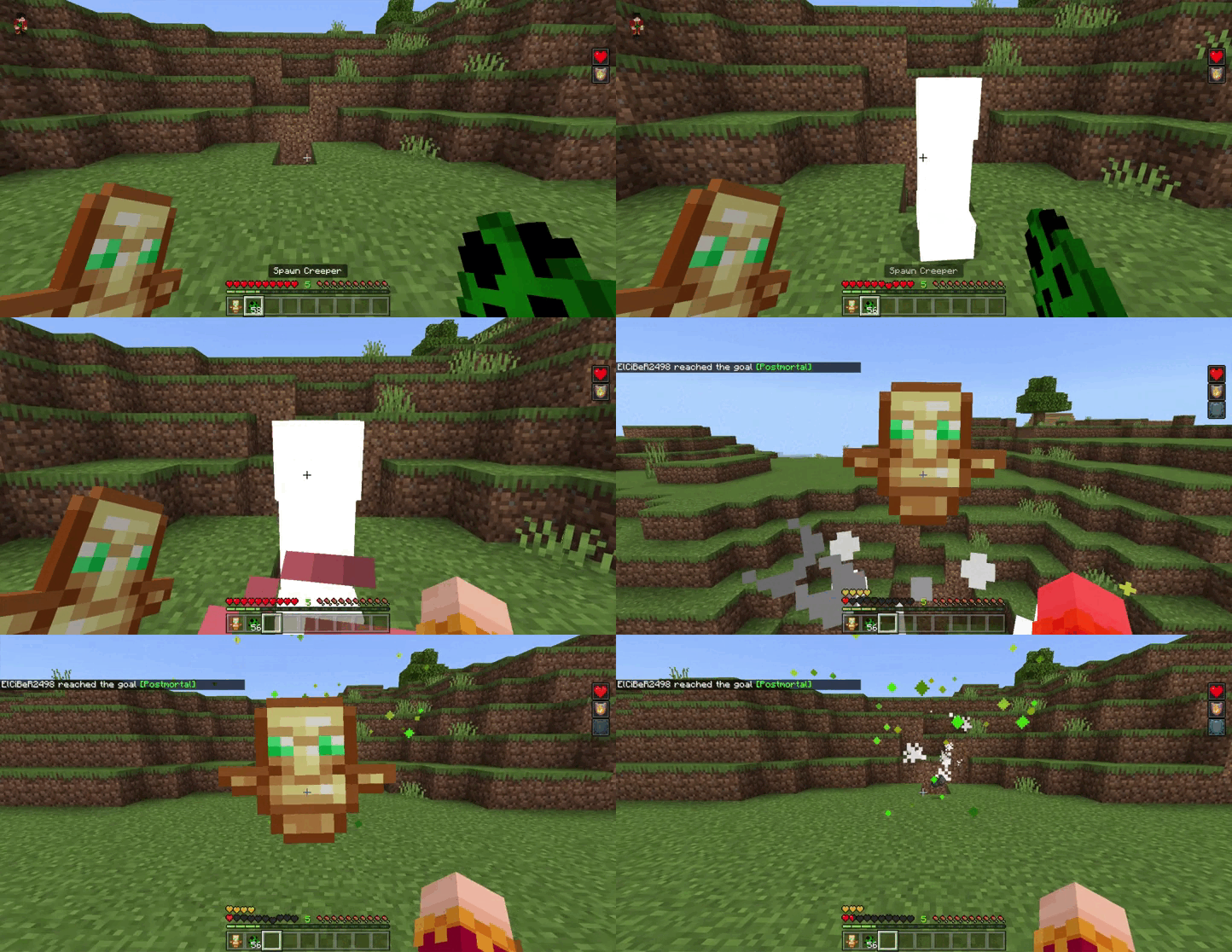
Fast Totem Addon streamlines the use of undying totems and shields. With a simple click or touch, you can seamlessly switch them between your main hand and off-hand without interrupting gameplay. Similar to the Java Edition’s ‘F’ key functionality, this feature lets you access your totem and shield swiftly during critical moments. Plus, it plays nicely with other player.json file-based add-ons, making it compatible with your favorite mods. Just enable Beta APIs experiments, and you’re good to go!
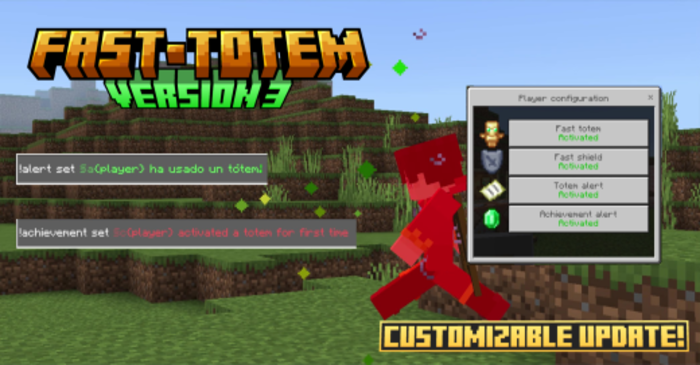
Features:
Additional features:
Fast shield equipment:
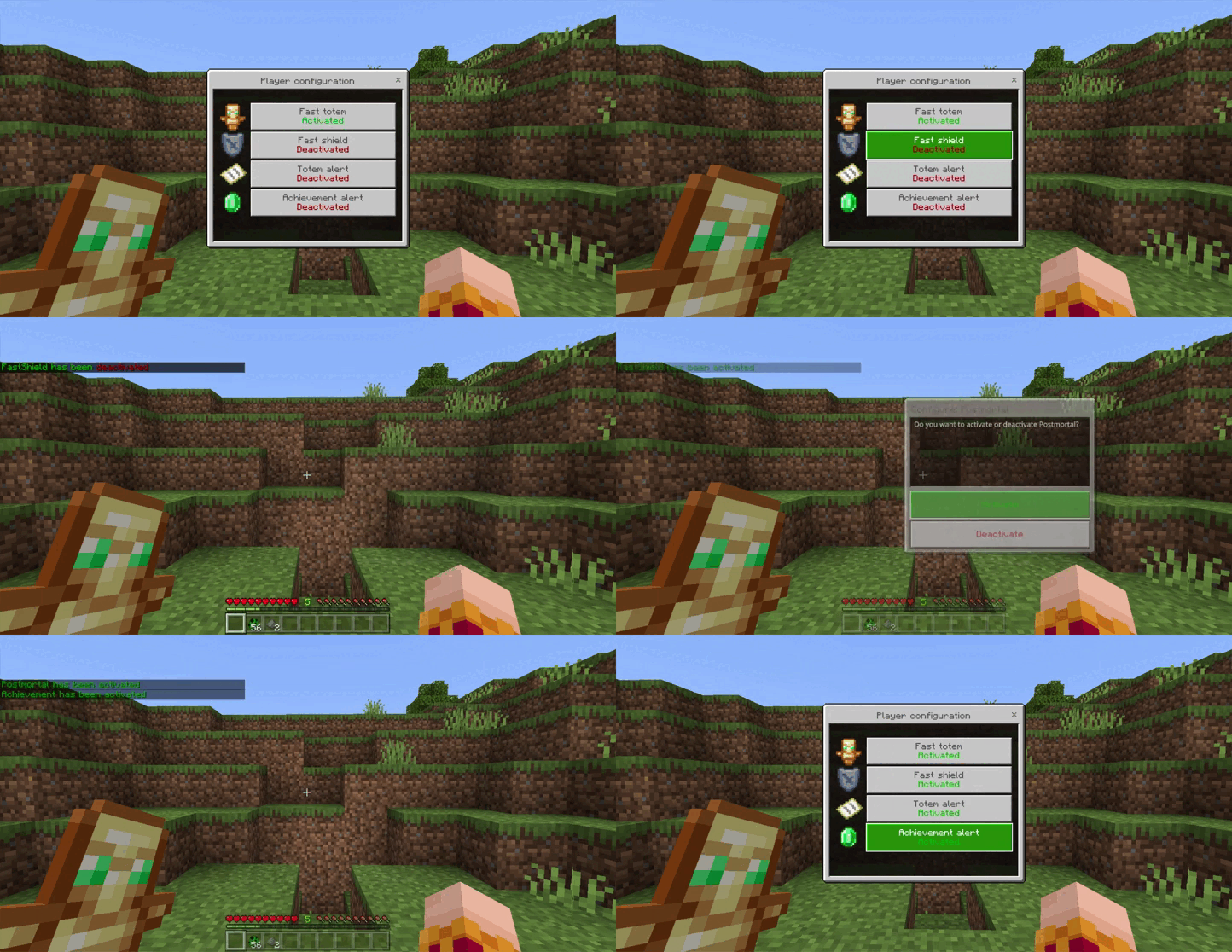
- Move your shield to your offhand faster than never! No matter what item you have in your offhand, they will swap. You can turn on/off this feature with !config command menu
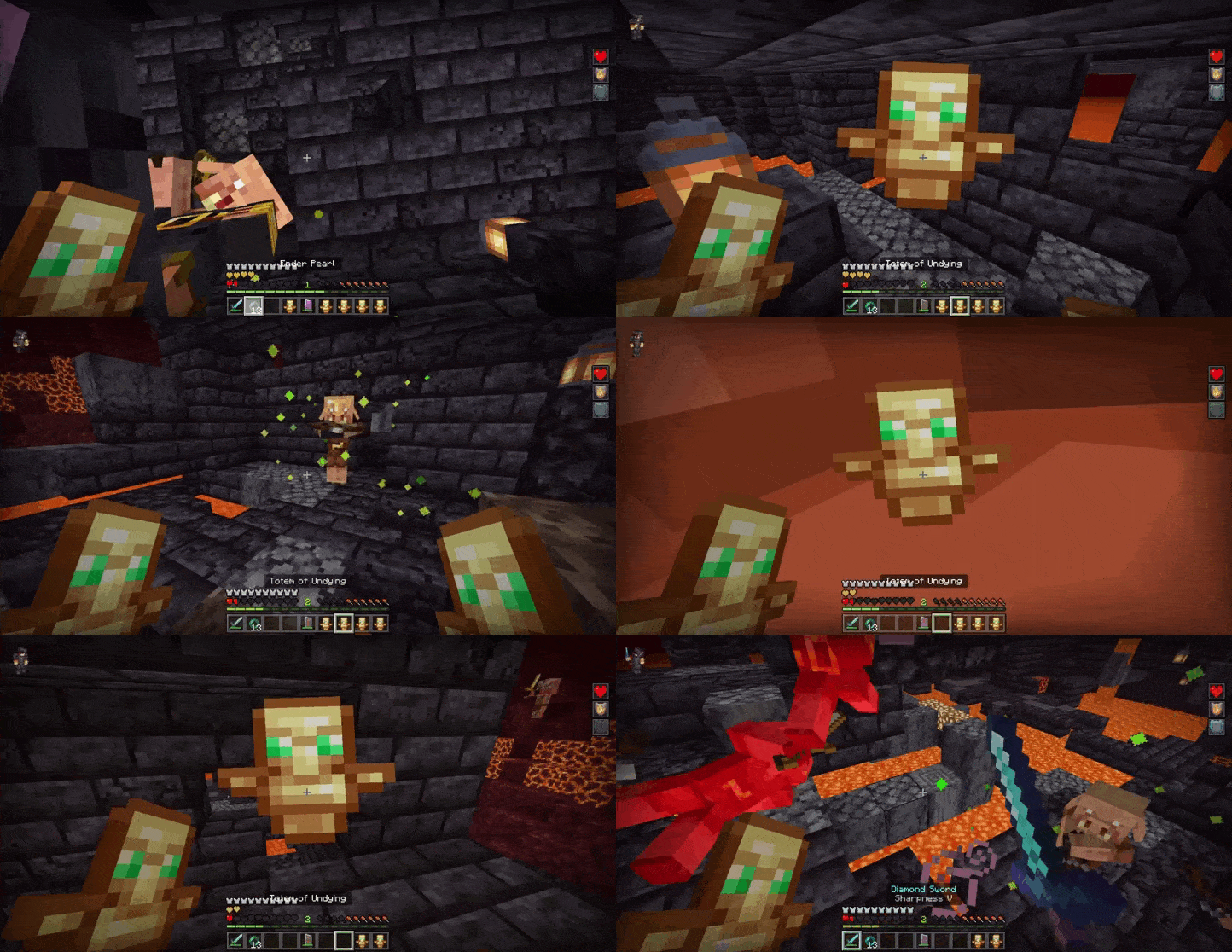
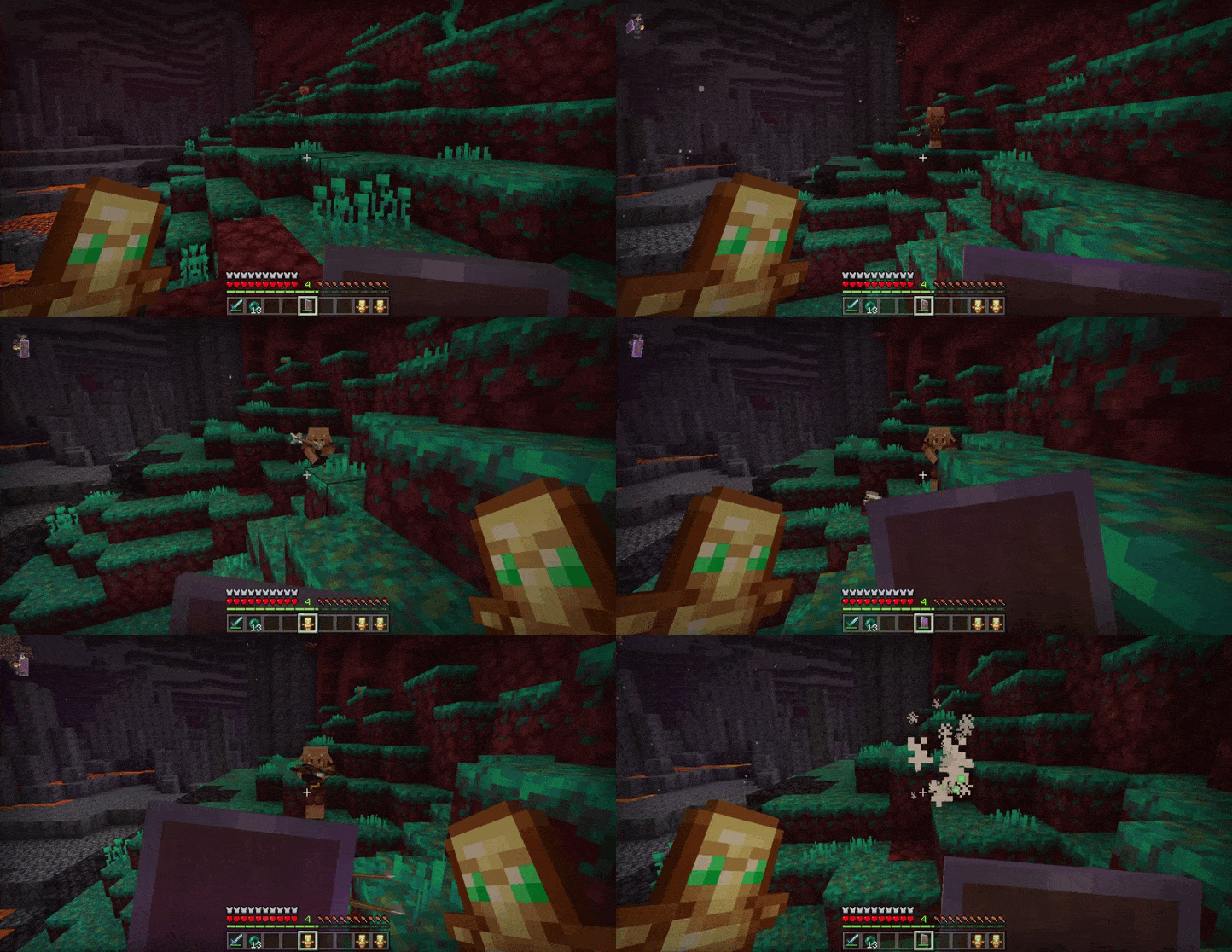
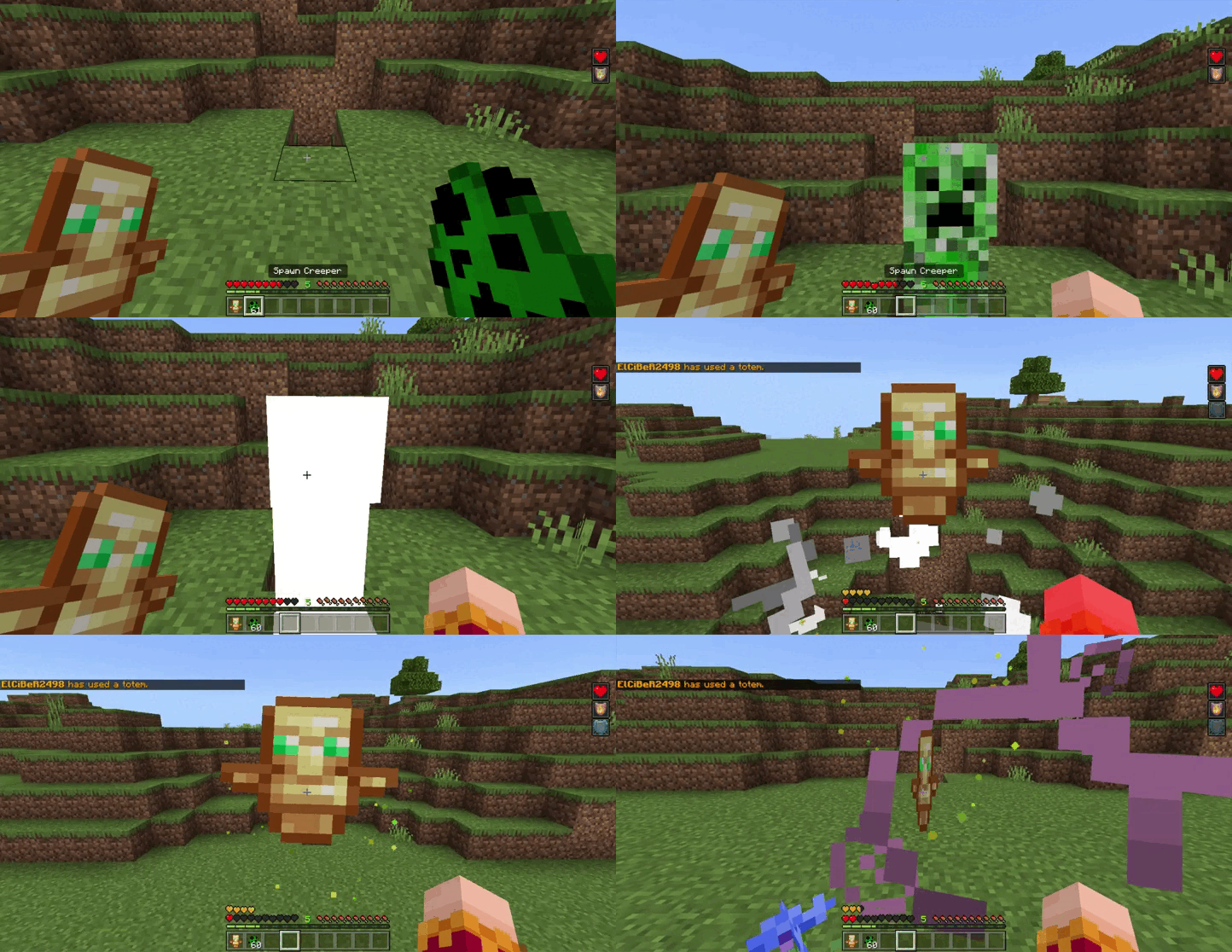
Totem activation alert:
- You can turn on an alert that will be shown every time a player uses a totem, you can globally turn it on/off or change the message with !alert command or locally turn it on/off with !config menu command.
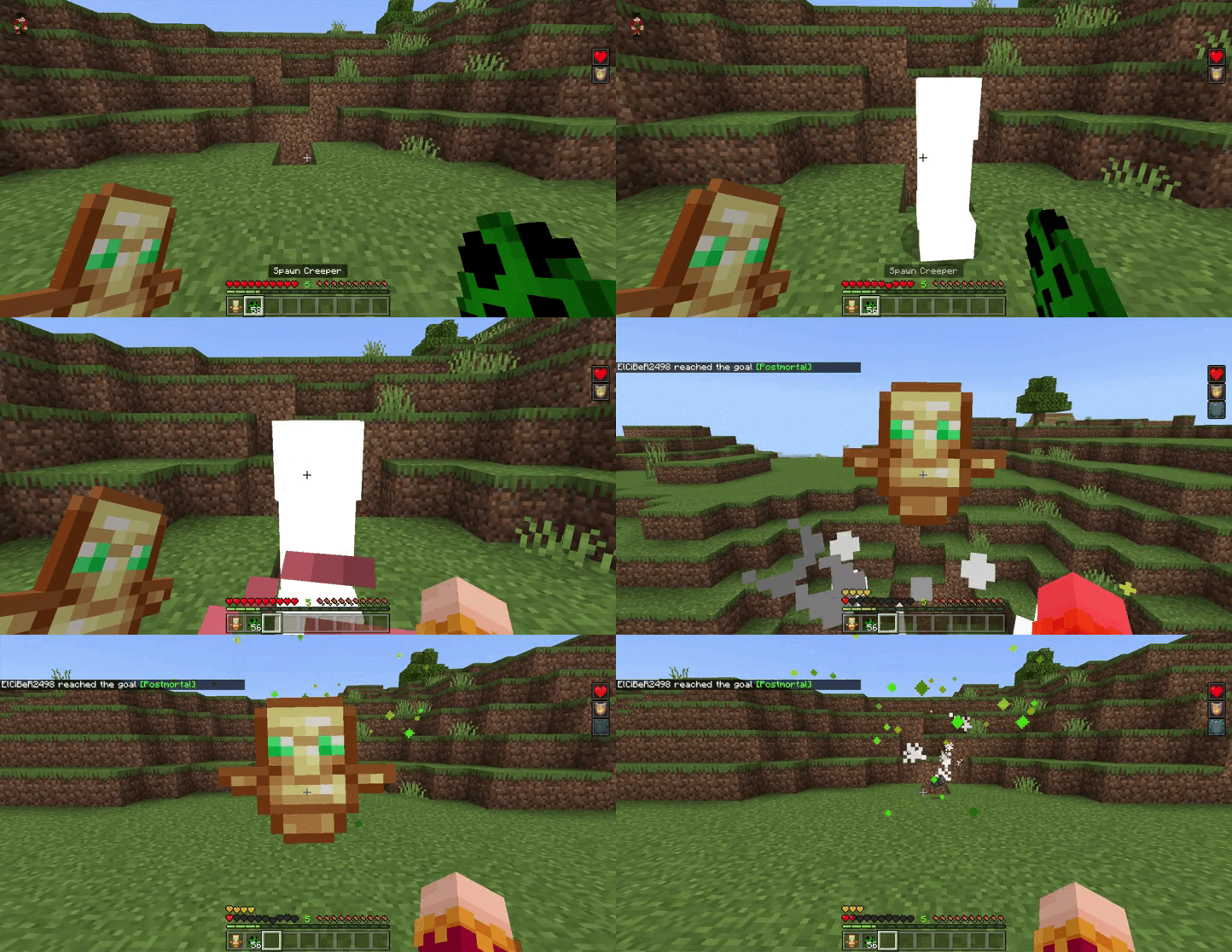
Totem first activation alert (a.k.a “achievement”)
- You can turn on an alert that will be shown the first time a player uses a totem, you can globally turn it on/off or change the message with !achievement command or locally turn it on/off with !config menu command
Custom commands (alert, achievement, config, help):
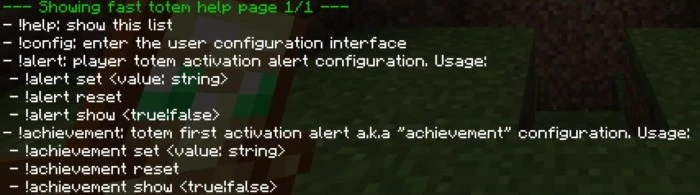
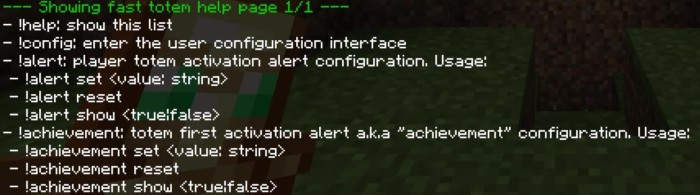
- !help: shows the full command list which provides the usage of each command
- !config: enter the user configuration interface
- !alert: configure the totem activation alert settings, this command has 3a parameters:
- set: allows you to change the alert message, every “{player}” written in the message will be replaced by the name of the player that activated the totem
- reset: reset the alert message to the default value
- show: allows you to chose if either show or not the alert message
- !achievement: settings of the totem first activation alert (or achievement), this command has 3 parameters:
- set: allows you to change the alert message, every “{player}” written in the message will be replaced by the name of the player that activated the totem
- reset: reset the alert message to the default value
- show: allows you to chose if either show or not the alert message
IMPORTANT NOTE: You need to have the “TS:Admin” to edit the alerts. You can add it by using /tag @s add “TS:Admin”
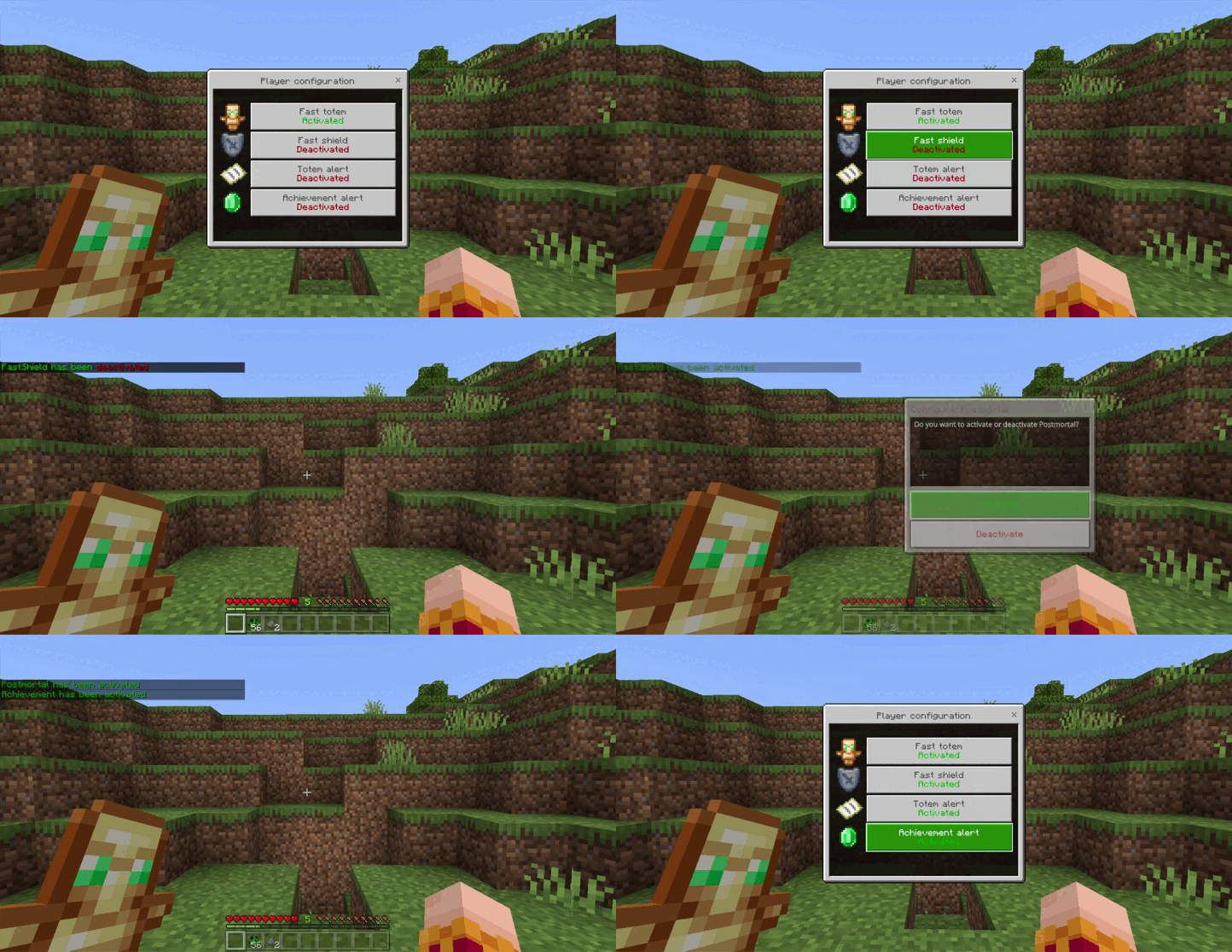
Settings menu:
- Allows you to turn on/off the fast totem, fast shield, and alert messages. The player’s local settings will always be above the global settings.
Installation Note:
- Make sure you turn on the Beta APIs.
Fast Totem Addon Download Links
For Minecraft PE/Bedrock 1.21
mcaddon: Download from server 1 – Download from server 2
- Edition: Minecraft Bedrock
- File type: .mcpack or .mcaddon
- Minecraft version listed: 1.21
- How to install: Download the .mcpack or .mcaddon file. → Open it — Minecraft imports it. → In your world: Behavior Packs → Available → Activate, then the same under Resource Packs.
- Where to get it: In MCModsHub, or directly above on this page.
Install steps are the general flow for this file type — How to install Minecraft Bedrock addons & mods walks through it step by step.
- Pack type: .mcaddon — behaviour and resource pack in one file
- Manifest requires Minecraft 1.20.80 or newer
- Needs Beta APIs switched on in the world settings
- Complete pack — everything it depends on is inside the file
- Download size: 104 KB
- Download link checked 17 Jun 2026 — working
- Mirrored on our own servers — the download does not depend on the original host
These come from our own check of the pack file, not from the source page.