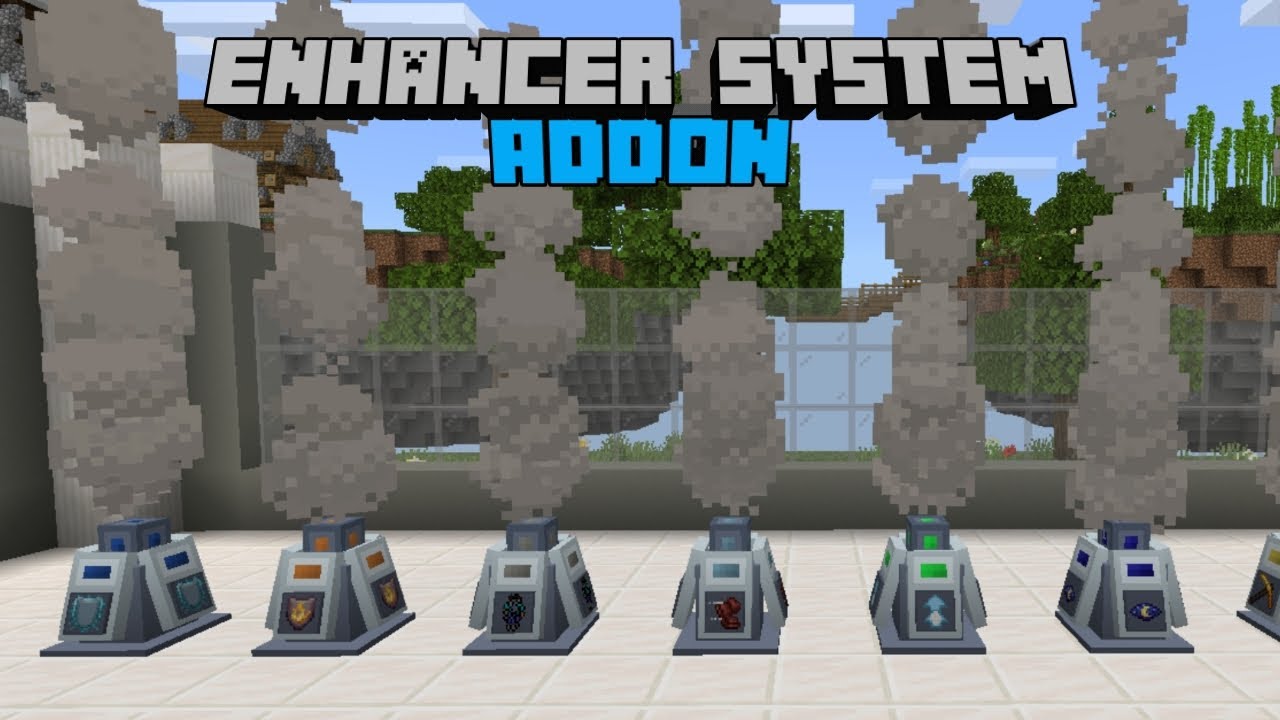
Enhancer System Addon (26.x, 1.21) – MCPE/Bedrock Mod
Bedrock add-on listed for Minecraft 1.20–1.21 (behavior + resource pack). Needs Beta APIs. File opened and checked on 6 Oct 2026; installs from the MC Bedrock Mods app on Android.
With Enhancer System Addon, one's abilities can be augmented with status effects. It works by using various items on the block, which offer different…
⬇ Download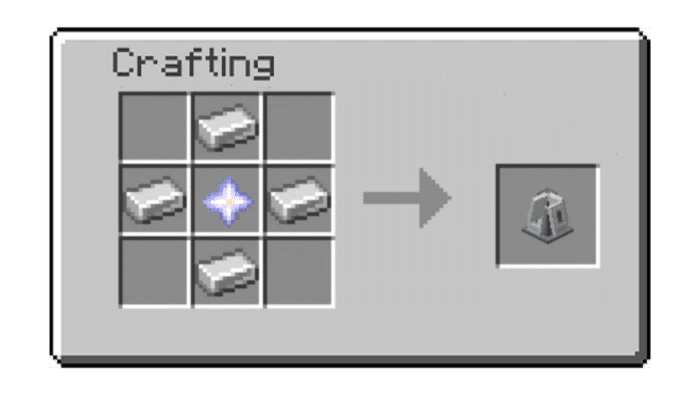
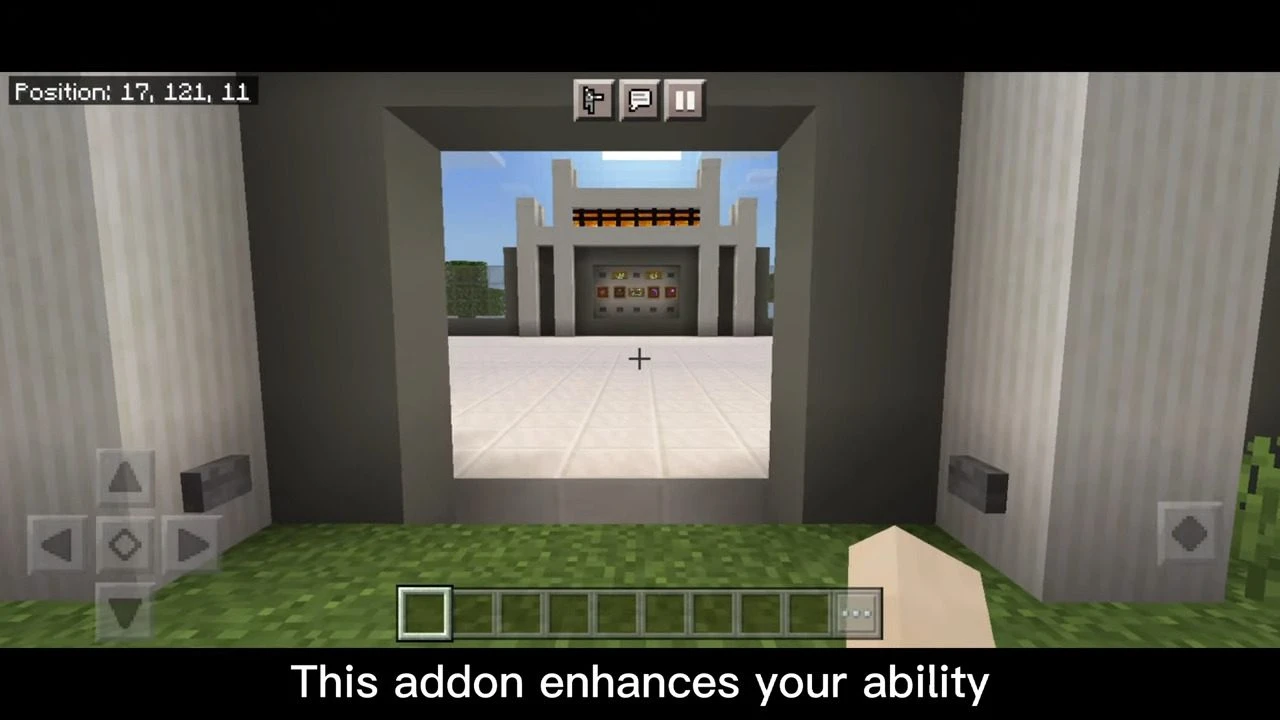
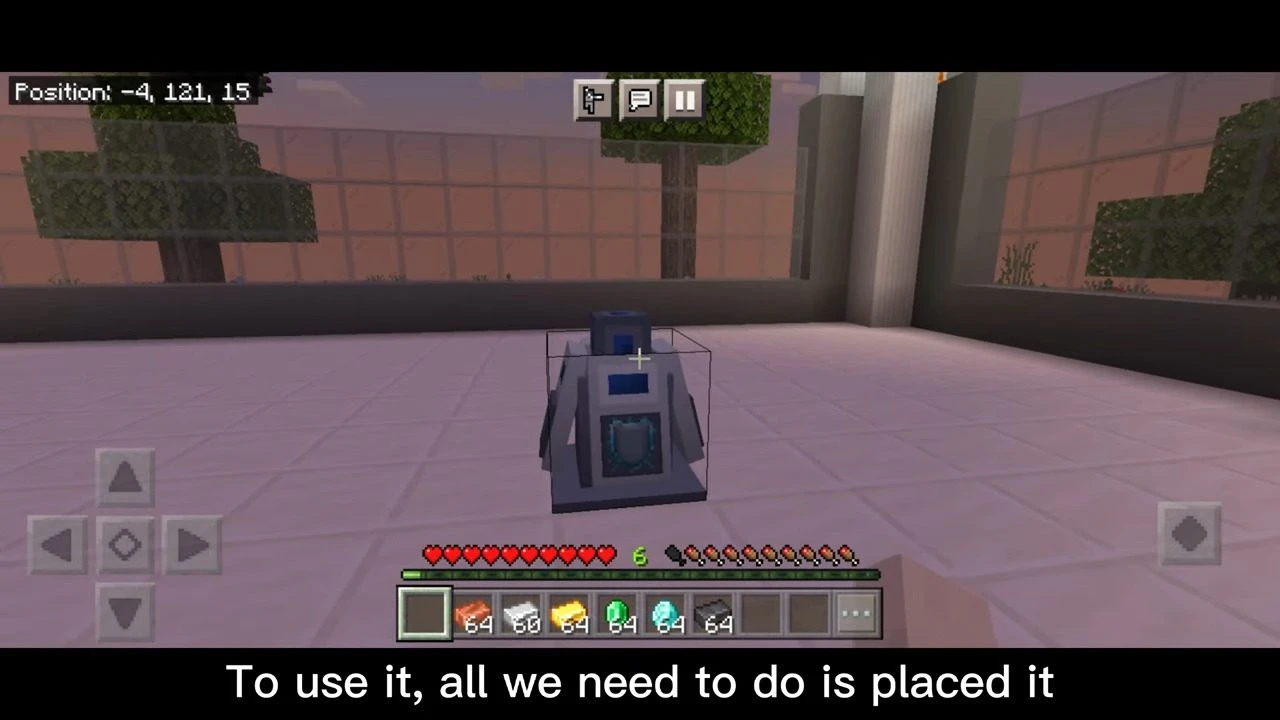
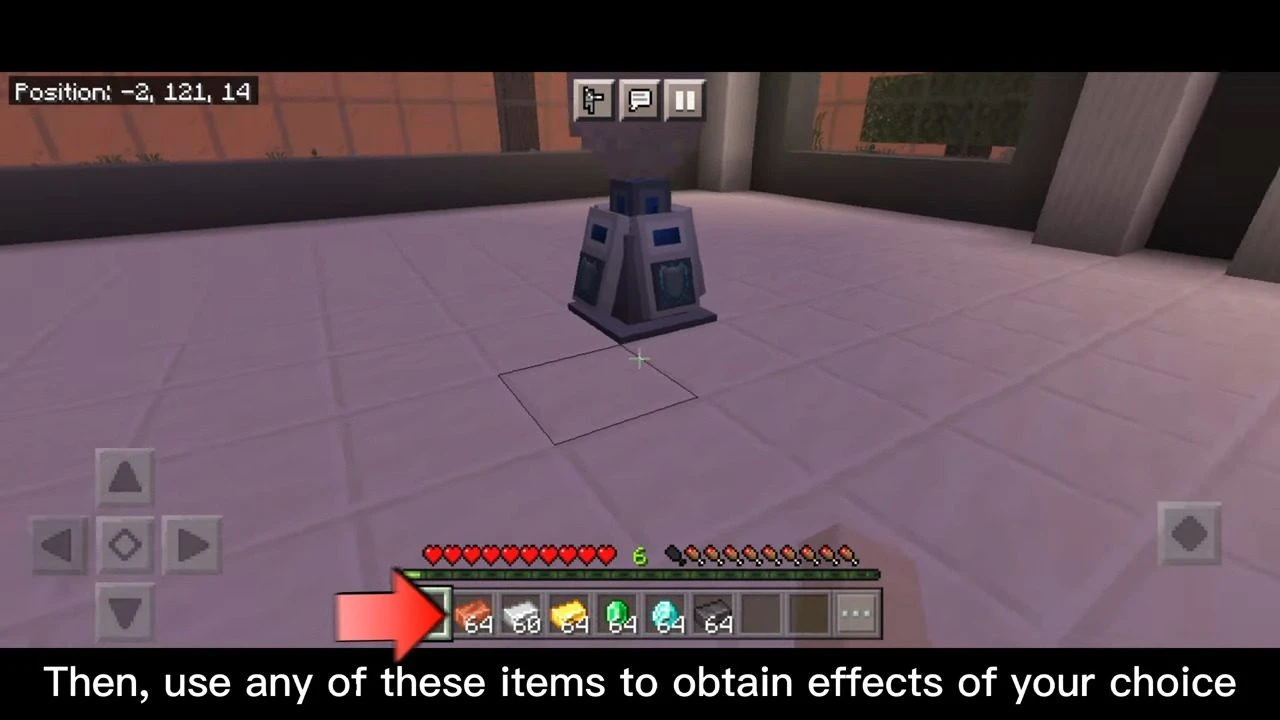
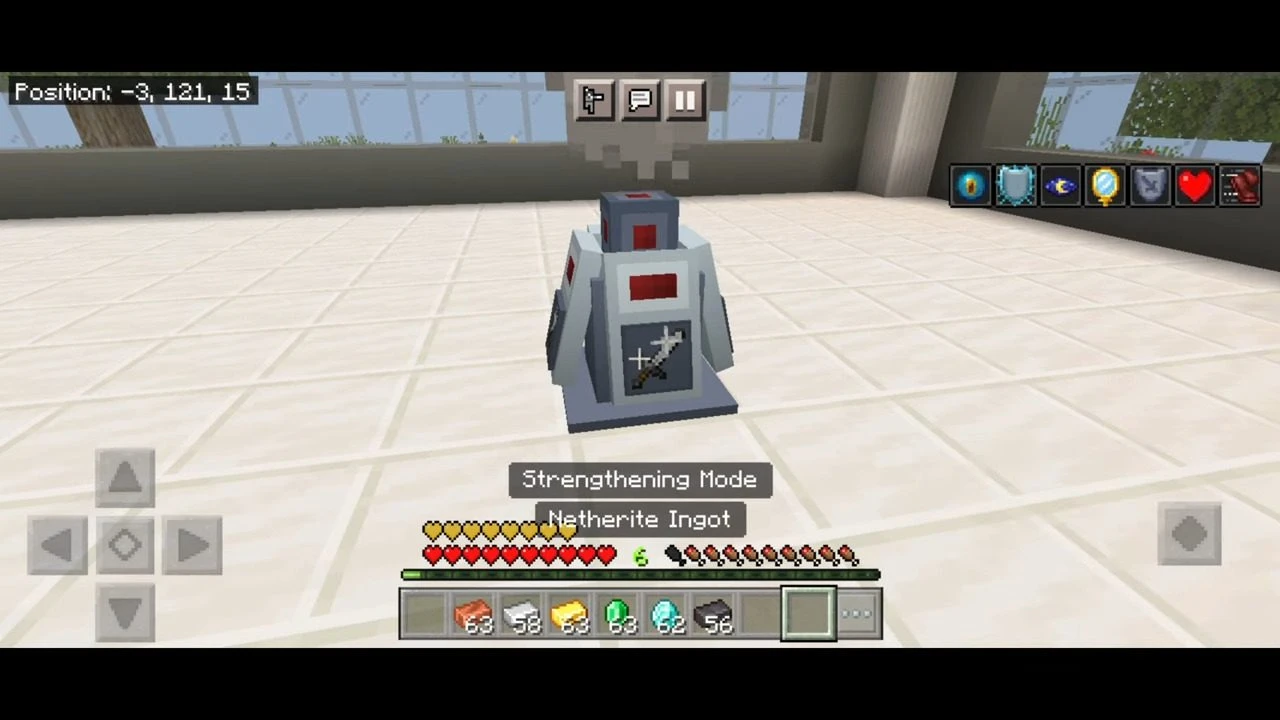
With Enhancer System Addon, one’s abilities can be augmented with status effects. It works by using various items on the block, which offer different modes and corresponding effects. To activate the Enhancer System, Copper Ingots, Iron Ingots, Gold Ingots, Emeralds, Diamonds, and Netherite Ingots can be used. The duration and strength of the effect are determined by the type of item utilized.
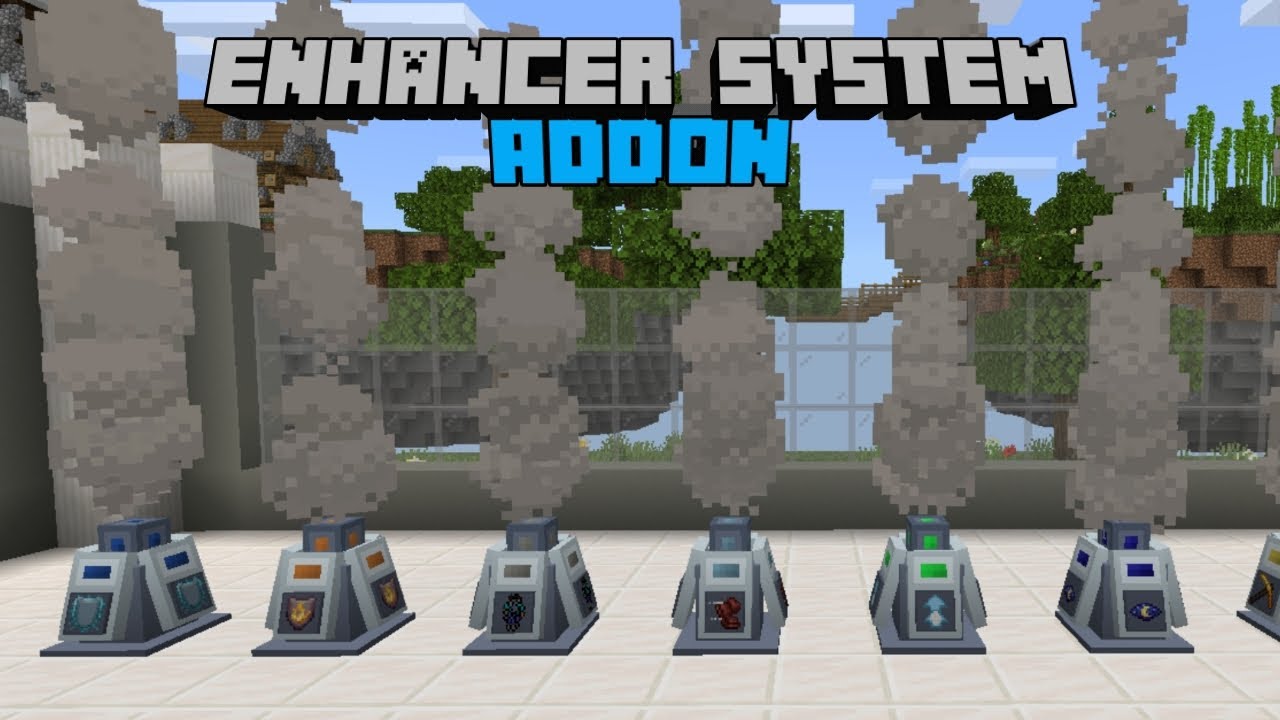
Features:
Crafting and Usage:
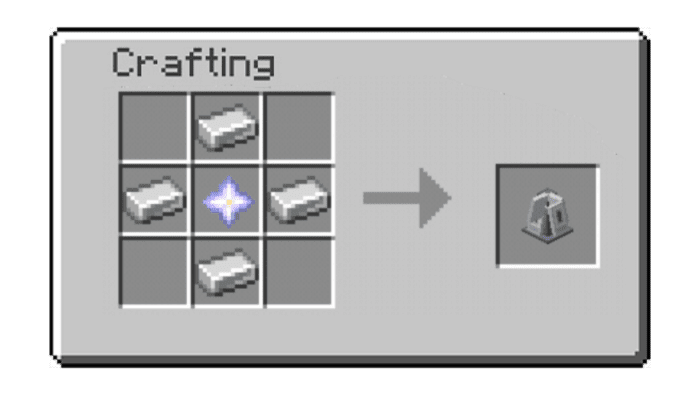
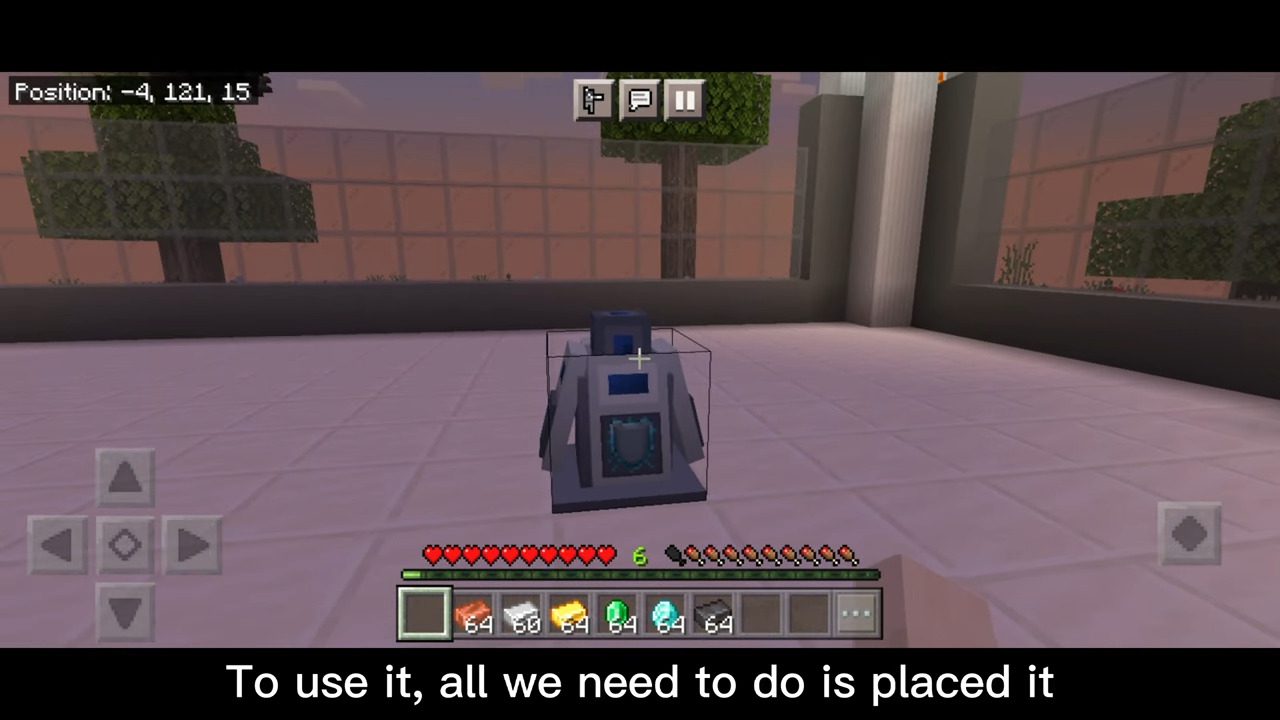
To craft this you need 1 nether star and 4 iron ingots, place the nether star at the center and surround it with 4 iron ingots on a diamond pattern.
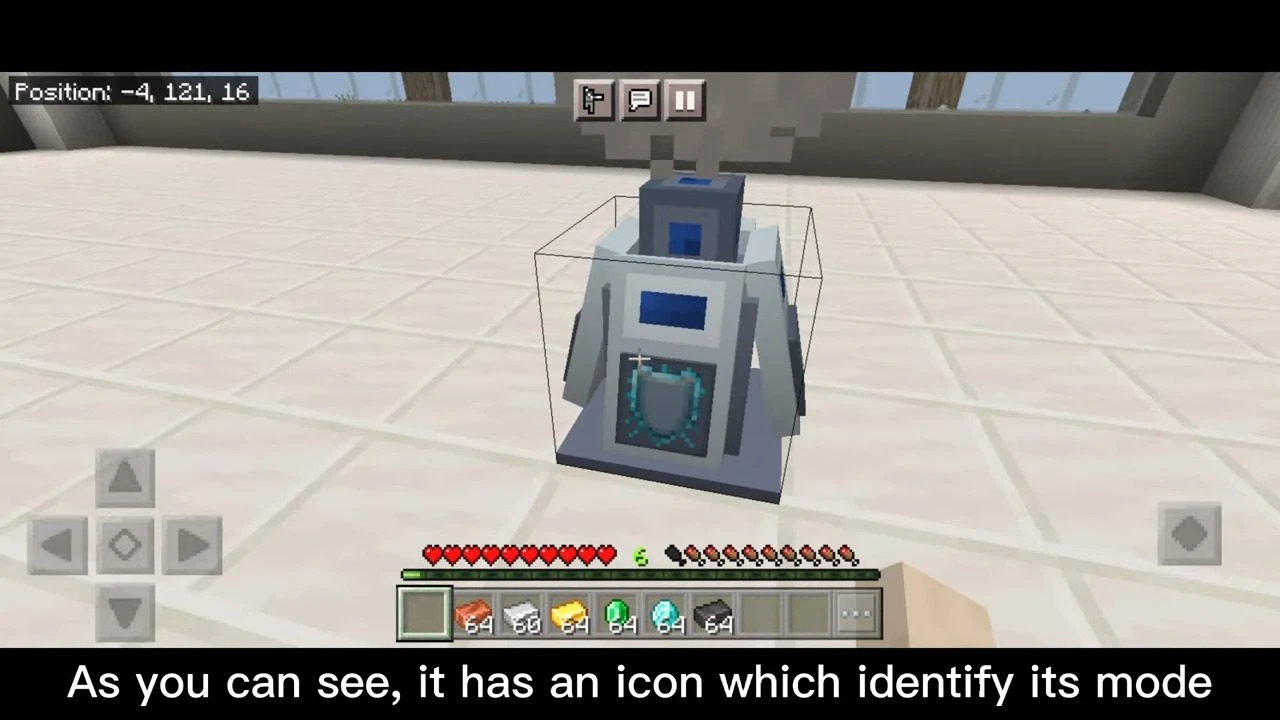
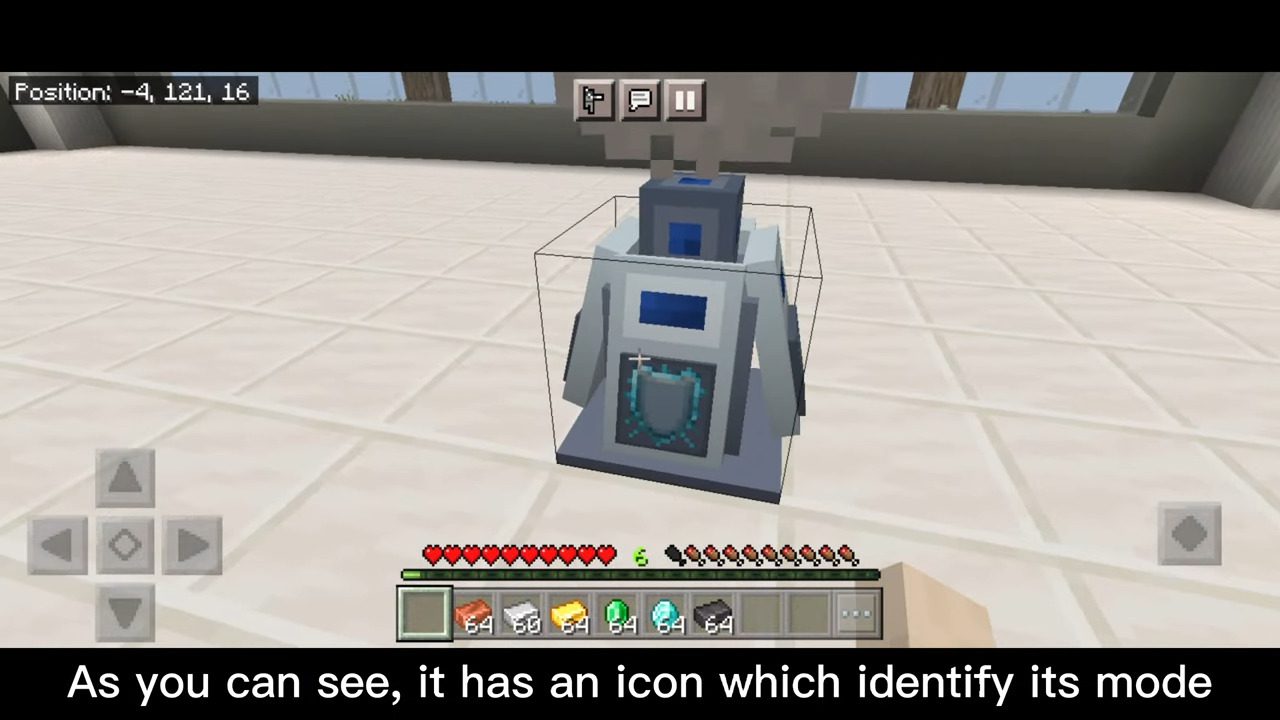
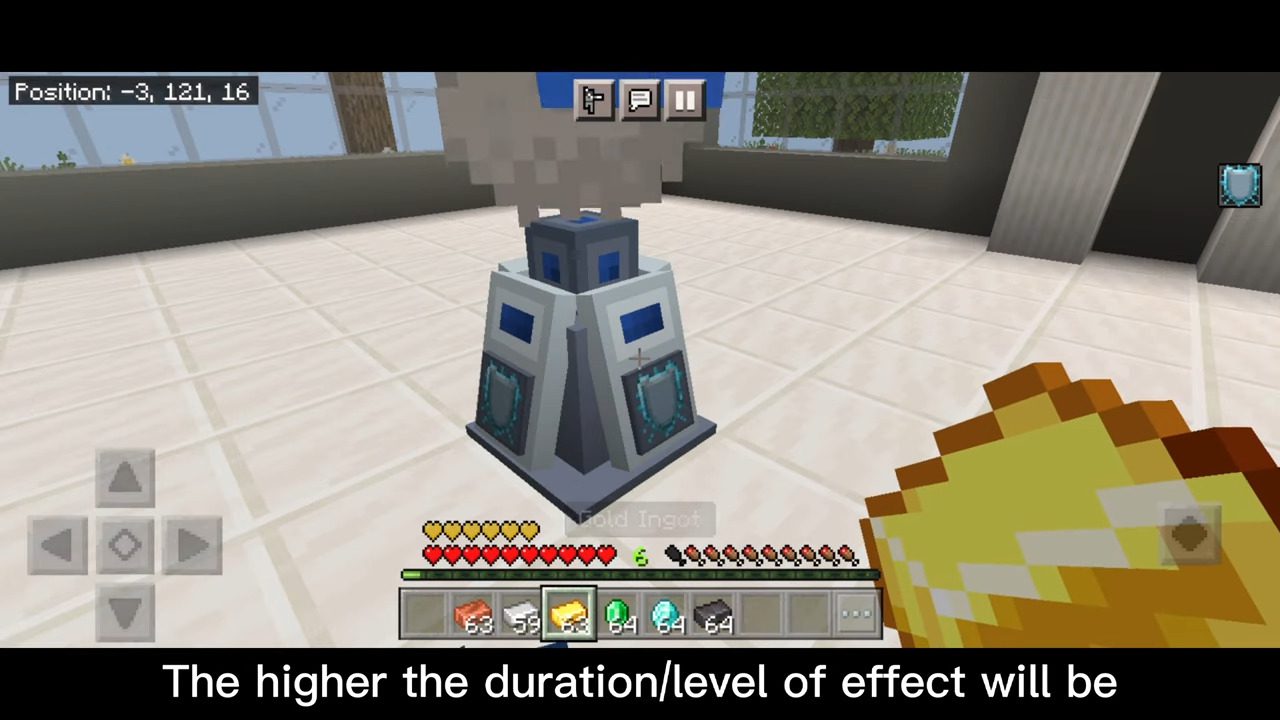
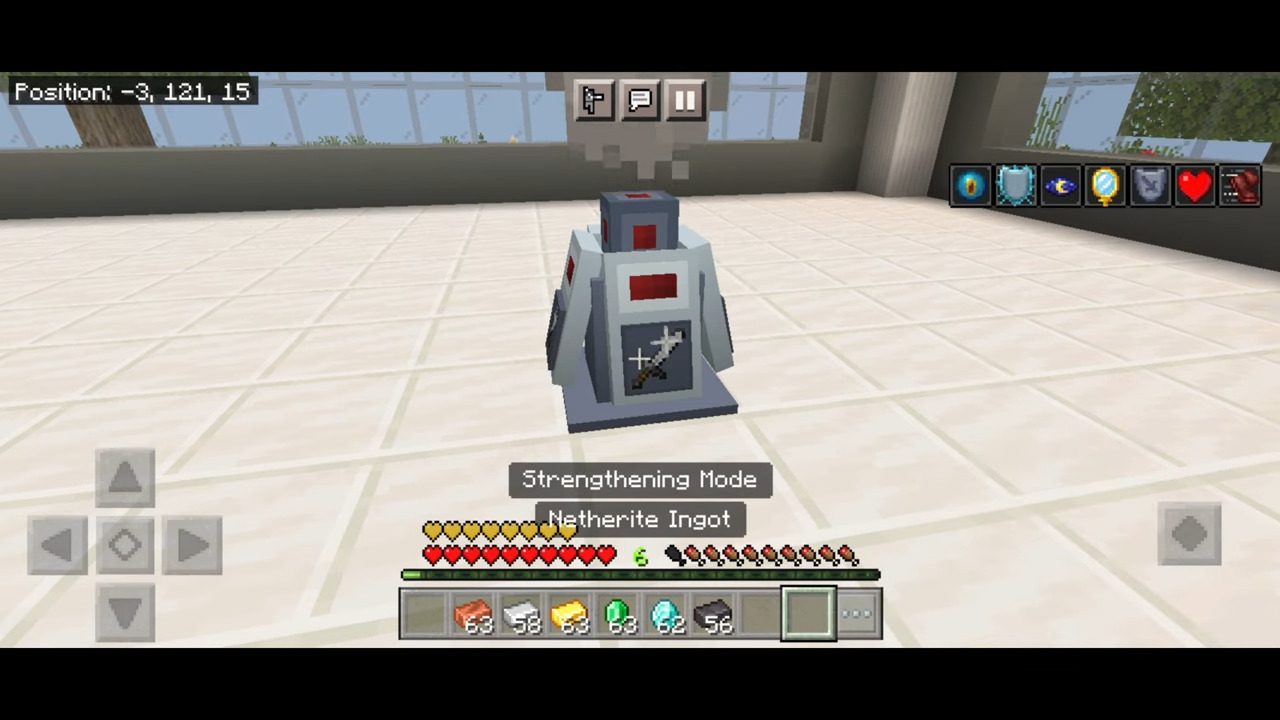
By default, the Enhancer System is in “Absorption Mode” to change the mode of the system simply click/interact on it then it will switch between different modes. The colors represent what mode your system is in, there’s also an icon for Enhancer System which indicates what mode you’re currently in to easily identify it, and also a text will appear in your action bar when switched showing what mode you are in.
All modes of the system (in order):
- Absorption Mode
- Conduit Power Mode
- Fire Resistance Mode
- Haste Mode
- Invisibility Mode
- Jump Booster Mode
- Night Vision Mode
- Regeneration Mode
- Resistance Mode
- Speed Mode
- Strengthening Mode
- Water Breathing Mode
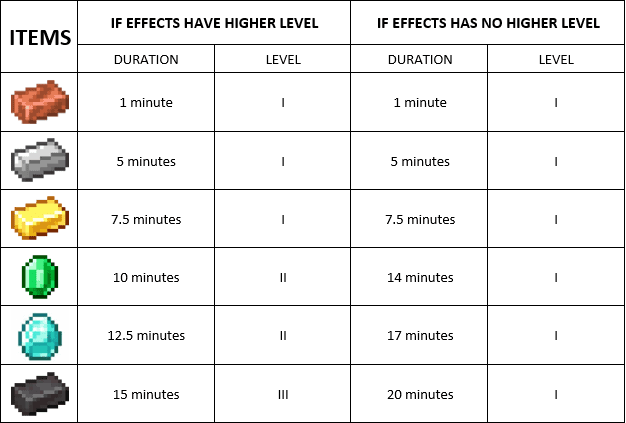
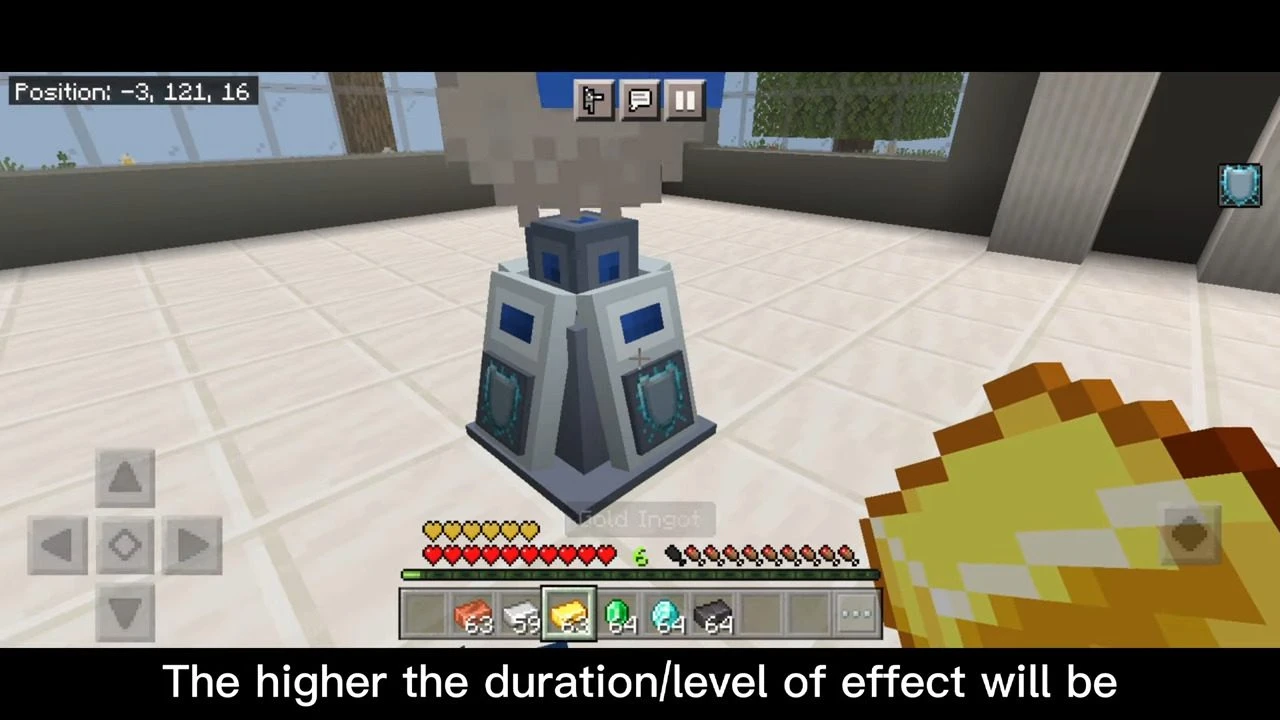
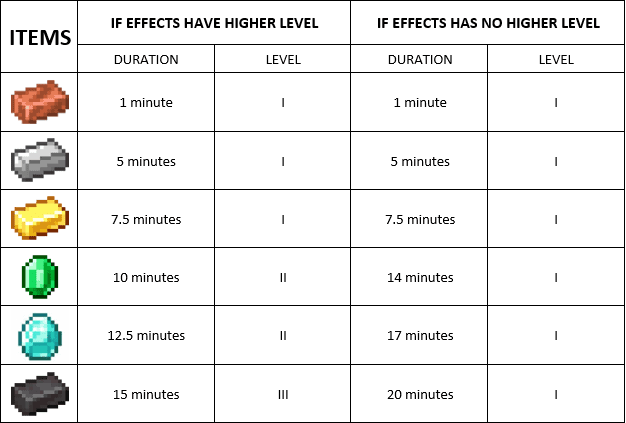
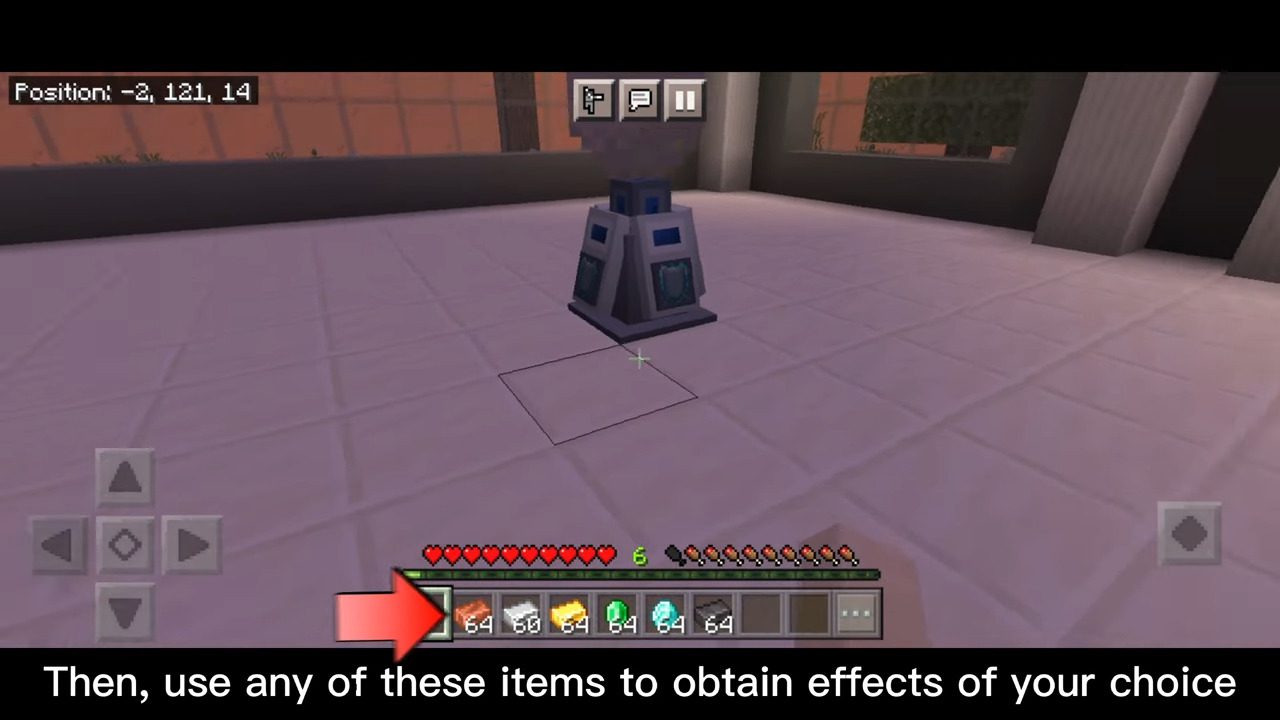
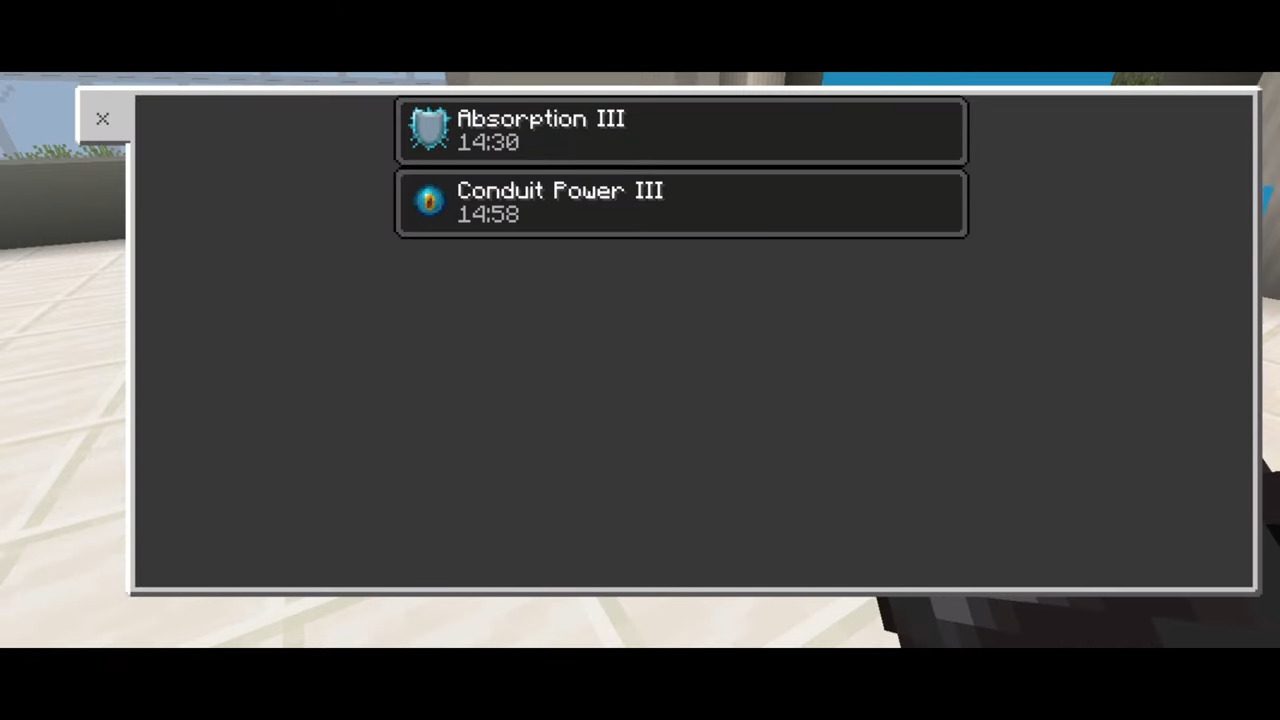
To get an effect from Enhancer System hold any certain items then click/interact in the system to get an effect. The effect it will give depends on what mode the system is. The more expensive the ores/ingot is the higher duration and/or level of effect it will give.
Some effects like fire resistance don’t have a higher level, thus they simply have a higher duration. An effect like Strength has a higher level thus the duration of level II or III effects has a lower duration.
Screenshots:
Installation Note:
Requires Experimental gameplay to toggle on:
- Holiday Creator Features
- Additional Modding Capabilities
Enhancer System Addon Download Links
For Minecraft PE/Bedrock 1.21
mcaddon: Download from server 1 – Download from server 2
For Minecraft PE/Bedrock 1.19
Behavior: Download from server 1 – Download from server 2
Resource: Download from server 1 – Download from server 2
- Edition: Minecraft Bedrock
- File type: .mcpack or .mcaddon
- Minecraft version listed: 1.21
- How to install: Download the .mcpack or .mcaddon file. → Open it — Minecraft imports it. → In your world: Behavior Packs → Available → Activate, then the same under Resource Packs.
- Where to get it: In MCModsHub, or directly above on this page.
Install steps are the general flow for this file type — How to install Minecraft Bedrock addons & mods walks through it step by step.
- Pack type: .mcaddon — behaviour and resource pack in one file
- Manifest requires Minecraft 1.20.80 or newer
- Needs Beta APIs switched on in the world settings
- Complete pack — everything it depends on is inside the file
- Download size: 105 KB
- Download link checked 17 Jun 2026 — working
- Mirrored on our own servers — the download does not depend on the original host
These come from our own check of the pack file, not from the source page.