Banner Map Markers (1.21, 1.20) – MCPE/Bedrock Scripts/Addon
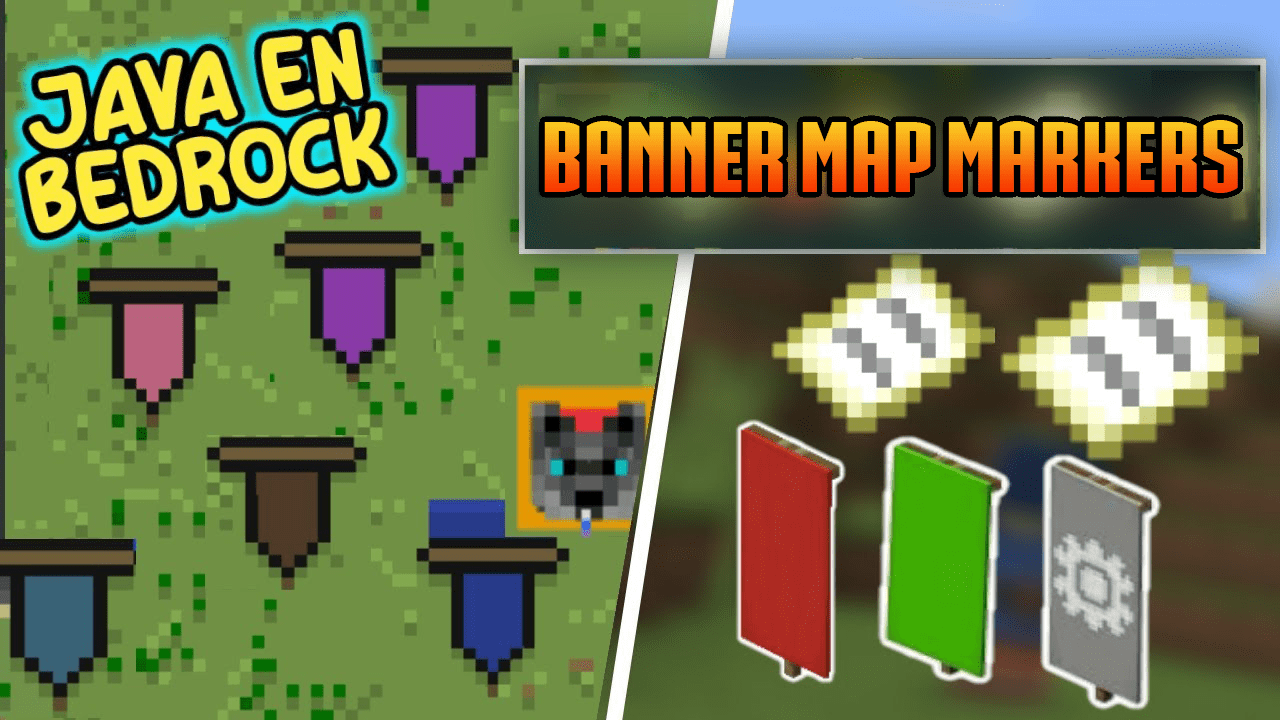
Banner Map Markers is an MCPE addon that brings a feature from the Java Edition of the game to the Bedrock Edition. This feature allows you to create map…
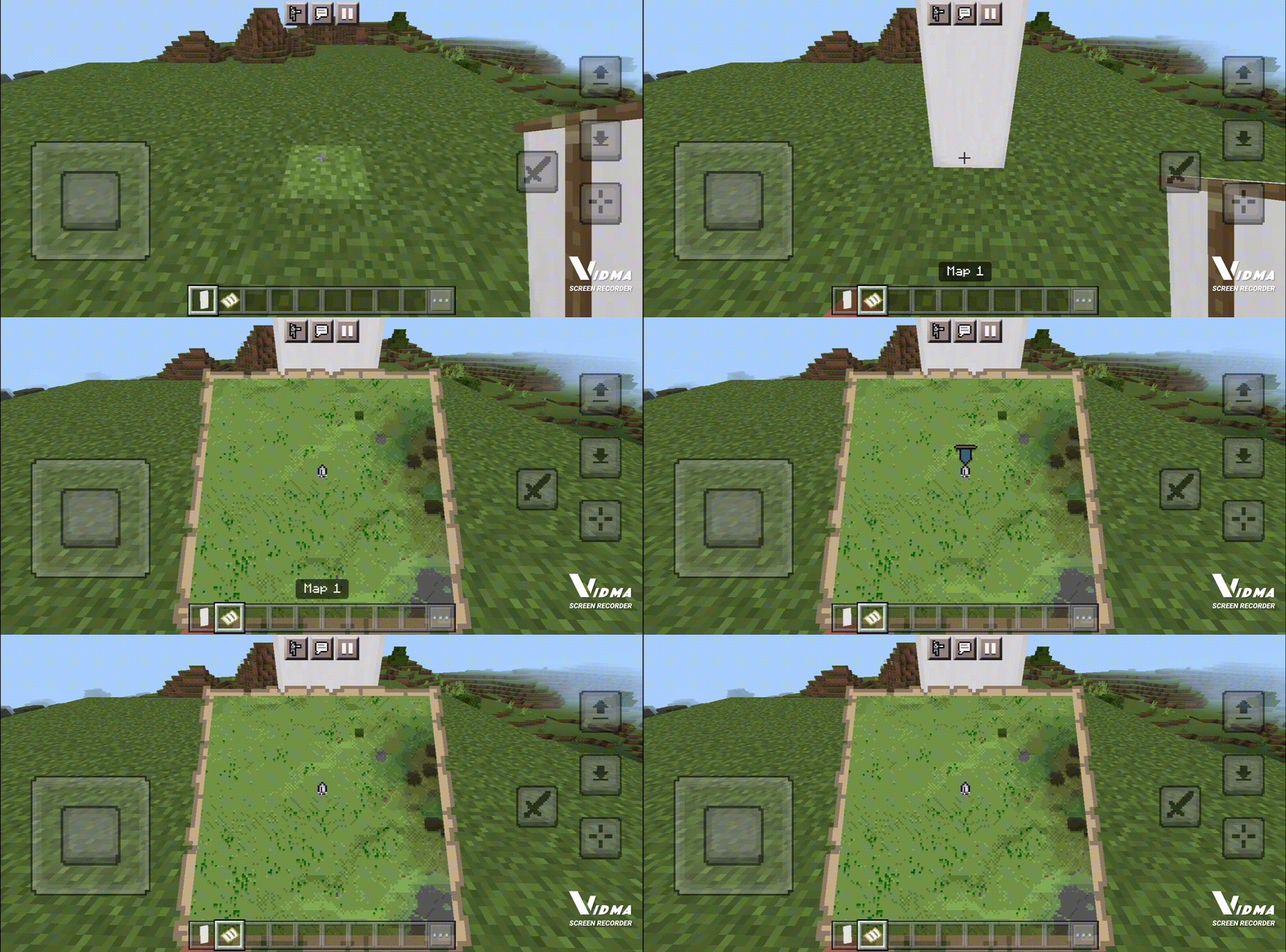
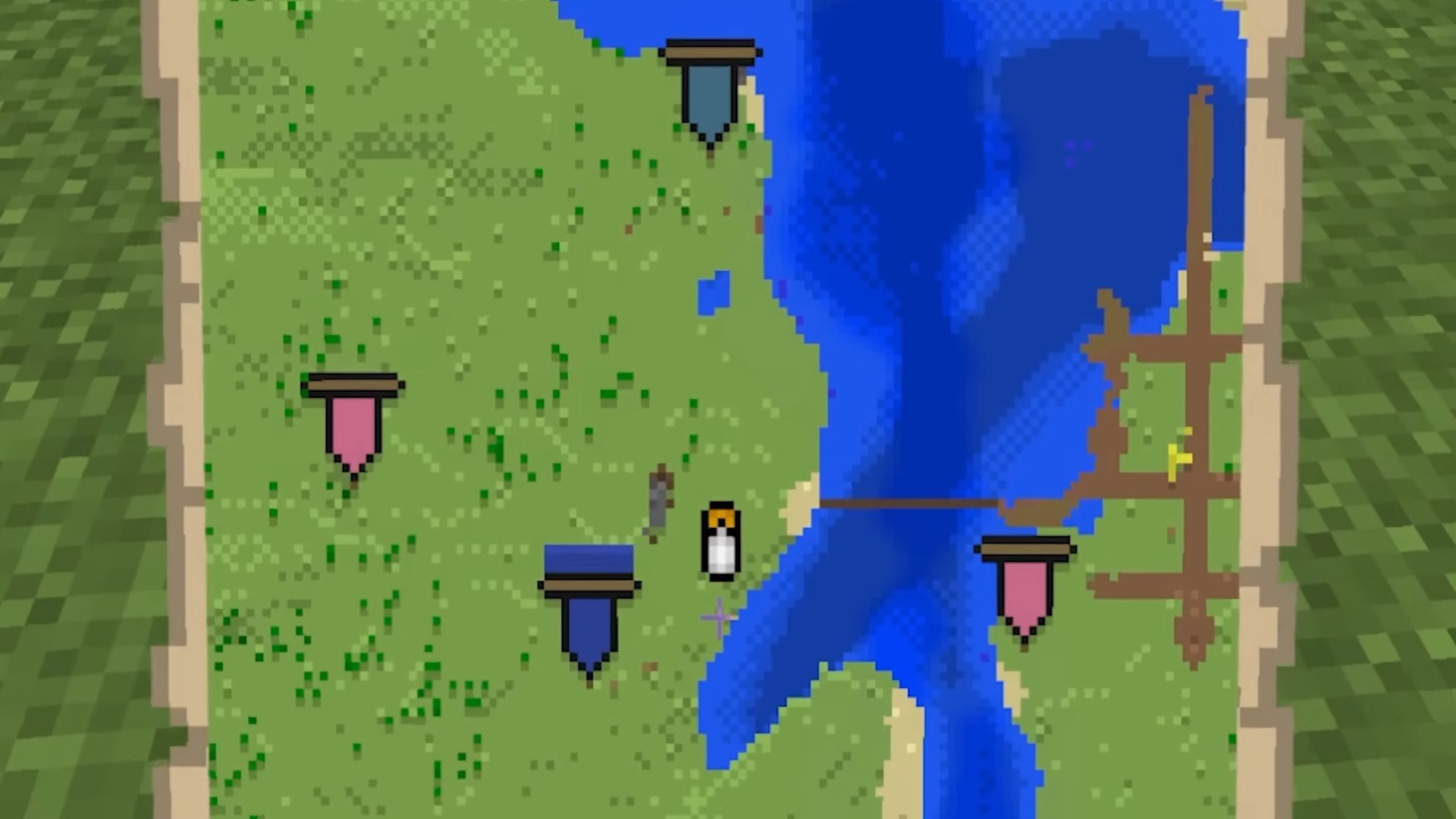
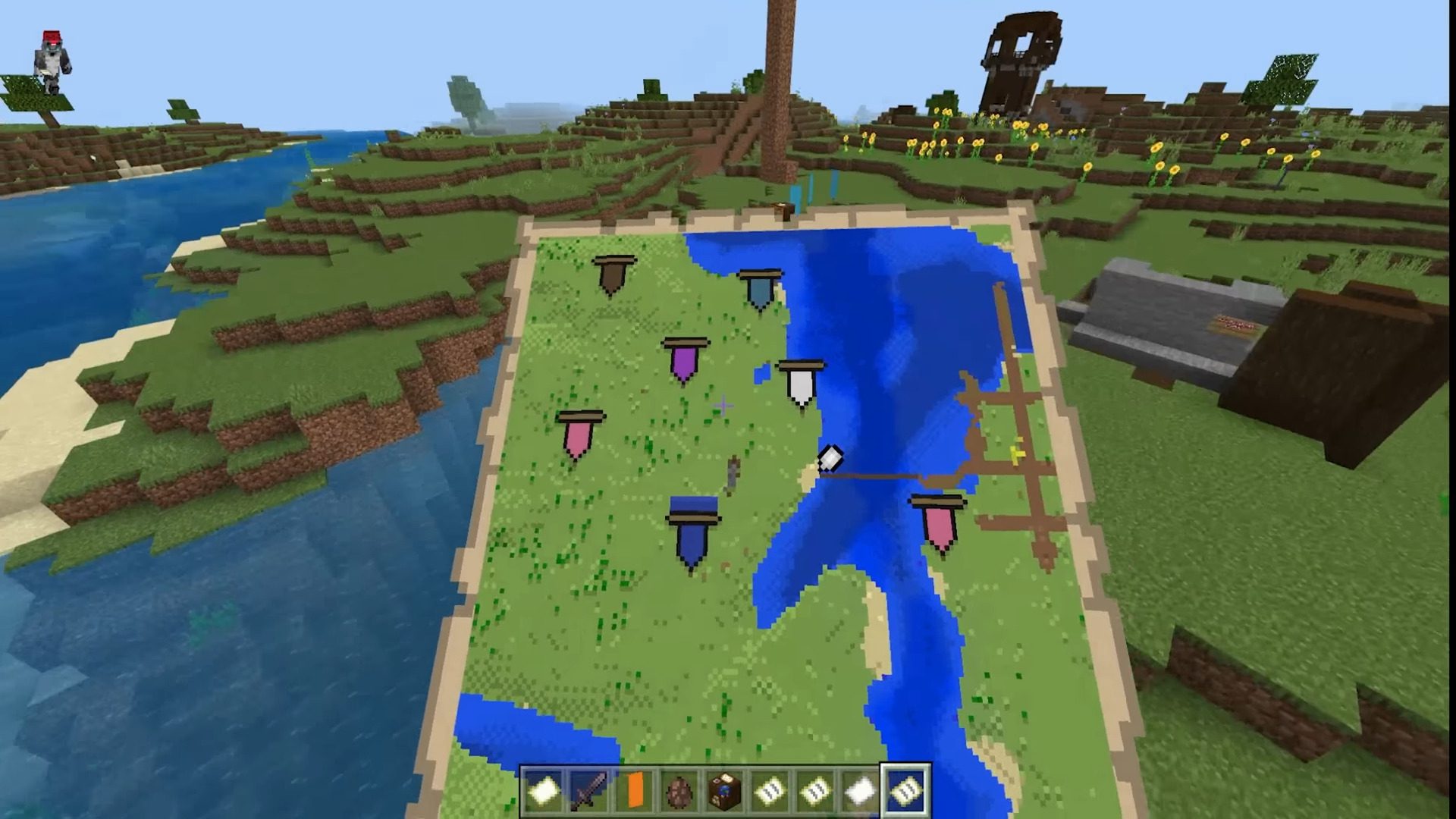
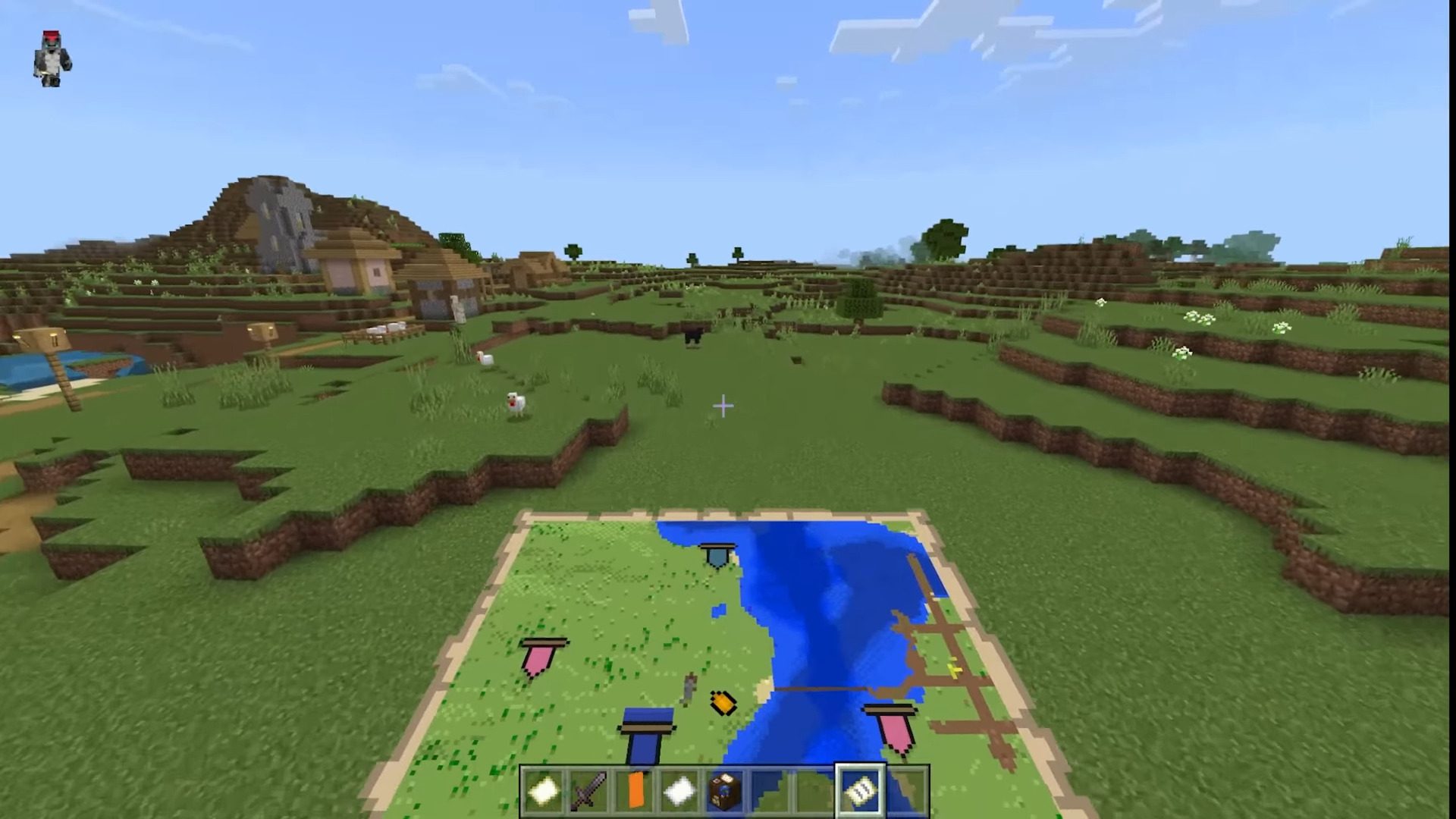
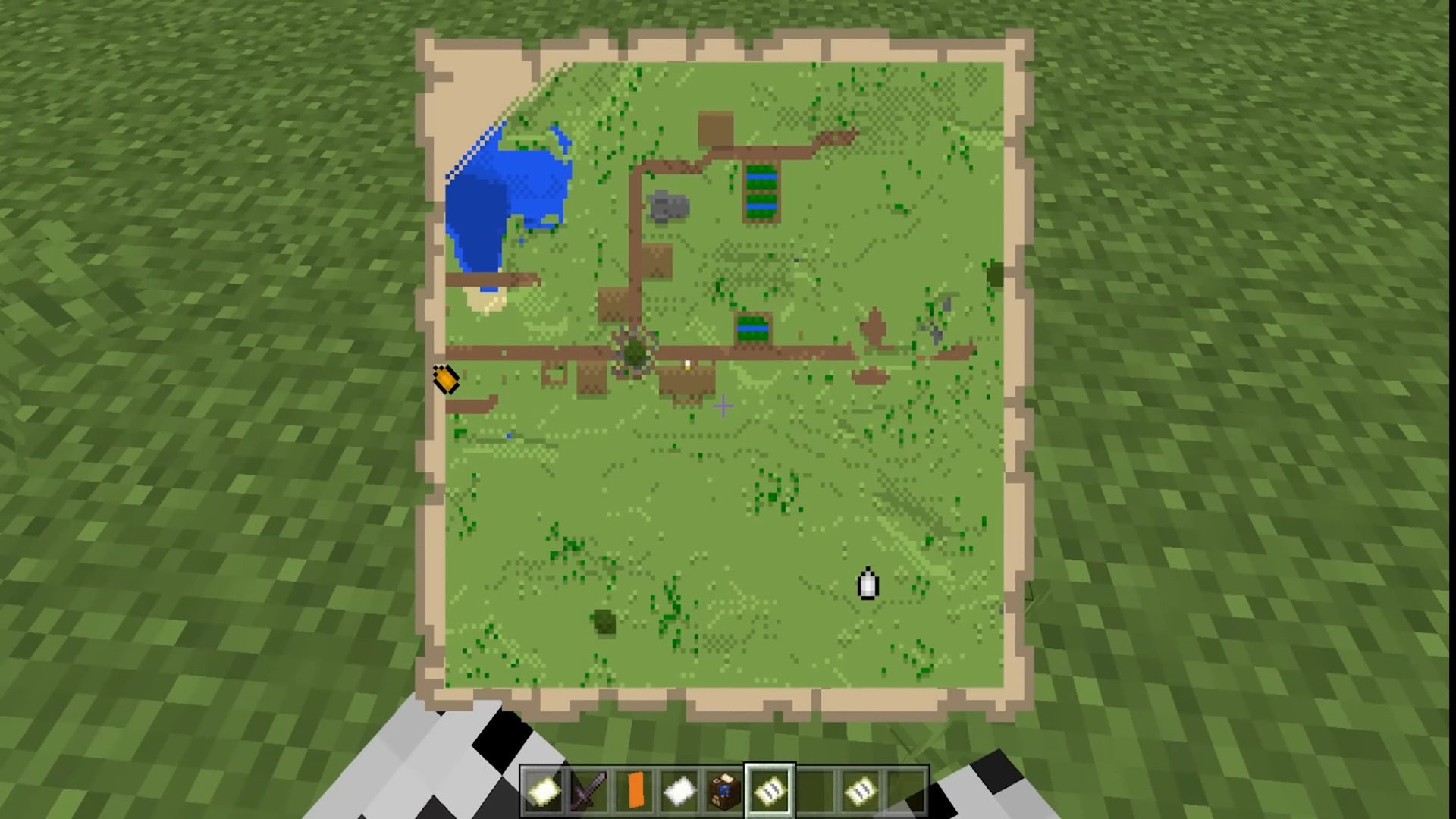
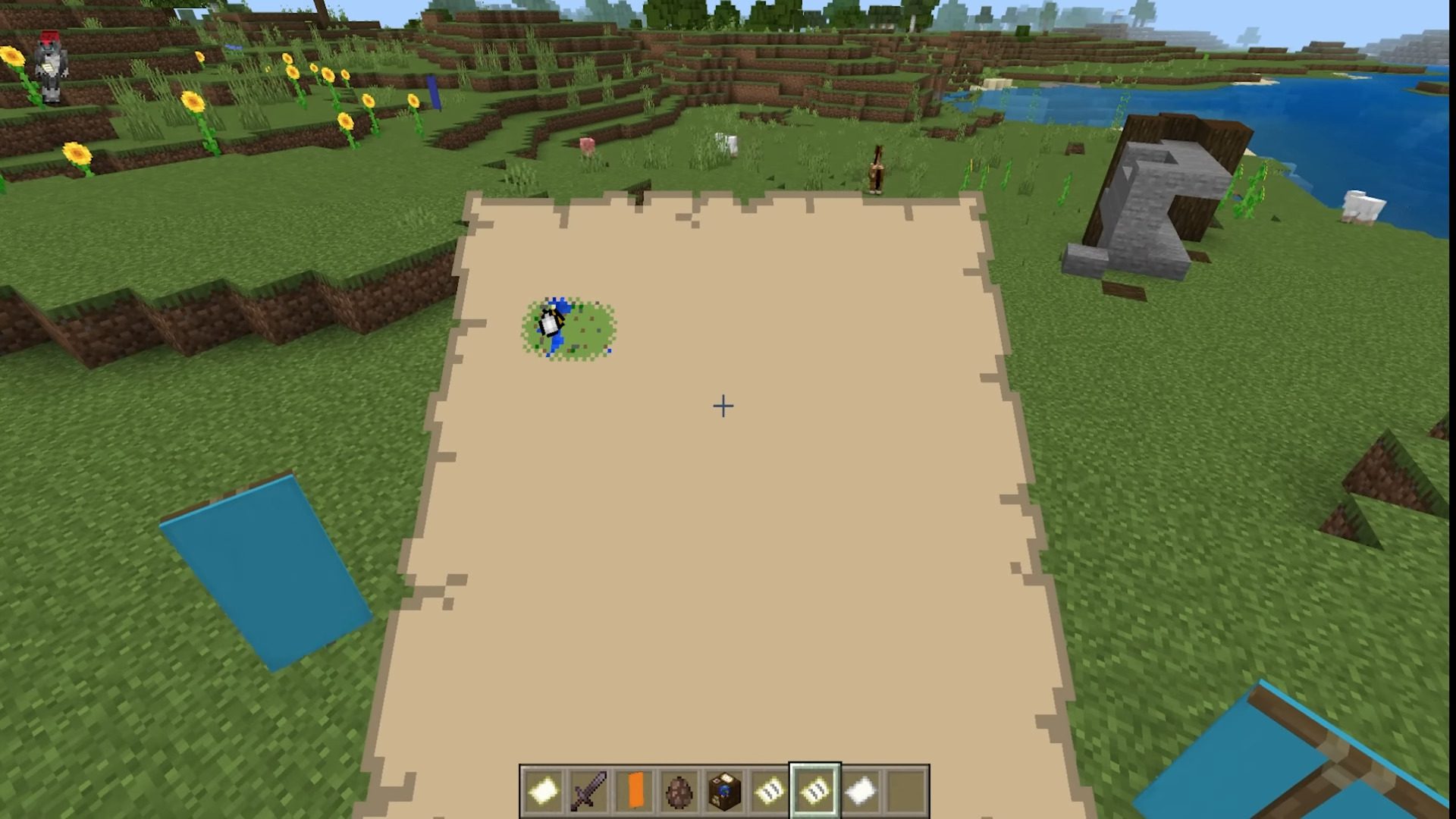
⬇ DownloadOpen in MCModsHubGet it on Google Play →Banner Map Markers is an MCPE addon that brings a feature from the Java Edition of the game to the Bedrock Edition. This feature allows you to create map markers using banners. All you need to do is click on a banner with a map, and a marker will appear on the map at that location. To remove the marker, simply click again on the same banner.
Features:
How to use:
- Follow the Installation steps to install it in your world.
- Place a Banner or go to an already placed Banner.
- Take a filled map and use it on the Banner.
- A random colored marker will appear on the map.
- To remove it, click again on the same Banner.
- You can repeat this process until you get the color you want.
Visual Representation:
Installation Note:
- Make sure you activated the “Beta APIs” Experimental.
- Work on 1.19.80 and 1.20+.
Banner Map Markers Download Links
For Minecraft PE/Bedrock 1.21
mcpack: Download from server 1 – Download from server 2
For Minecraft PE/Bedrock 1.20
mcpack: Download from server 1 – Download from server 2
For Minecraft PE/Bedrock 1.19
mcpack: Download from server 1 – Download from server 2
- Pack type: .mcpack — a single pack
- Manifest requires Minecraft 1.21.0 or newer
- Needs Beta APIs switched on in the world settings
- Complete pack — everything it depends on is inside the file
- Download link checked 17 Jun 2026 — working
- Mirrored on our own servers — the download does not depend on the original host
These come from our own check of the pack file, not from the source page.