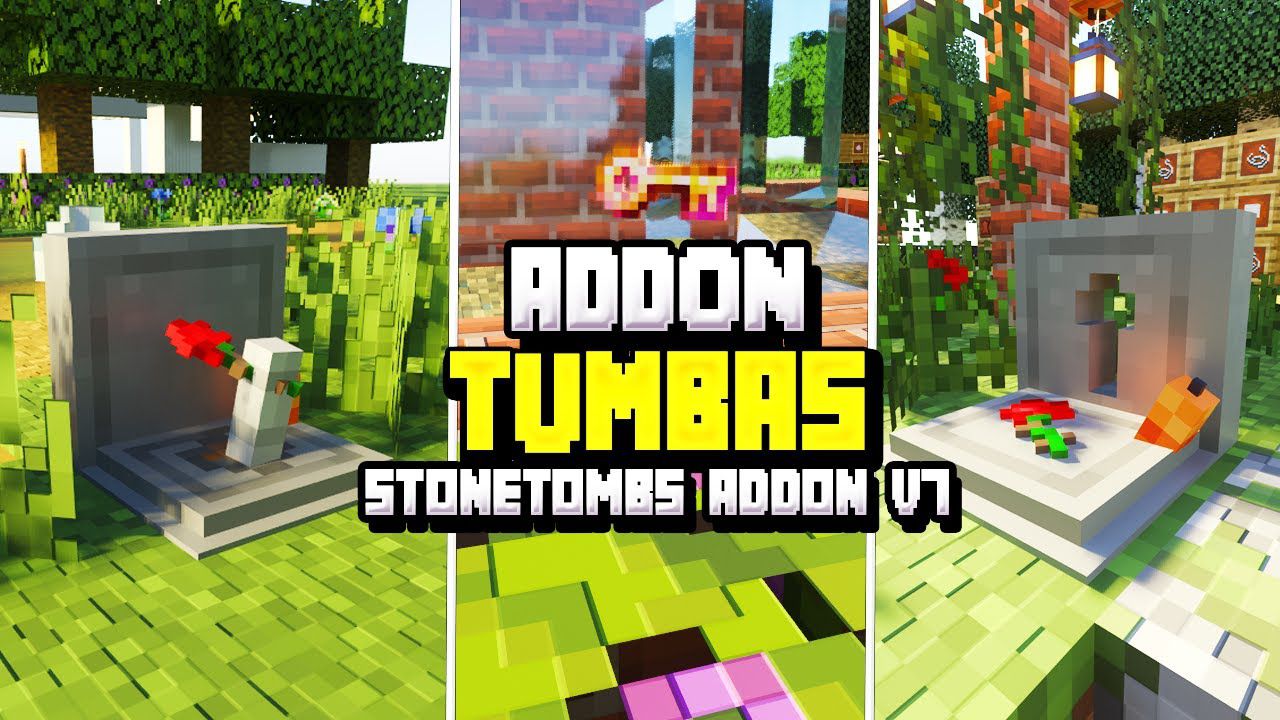
StoneTombs Addon (1.21, 1.20) – Compatible with Any Addons
Bedrock add-on listed for Minecraft 1.20–1.21 (behavior + resource pack). File opened and checked on 18 Oct 2026; installs from the MC Bedrock Mods app on Android.
⬇ Download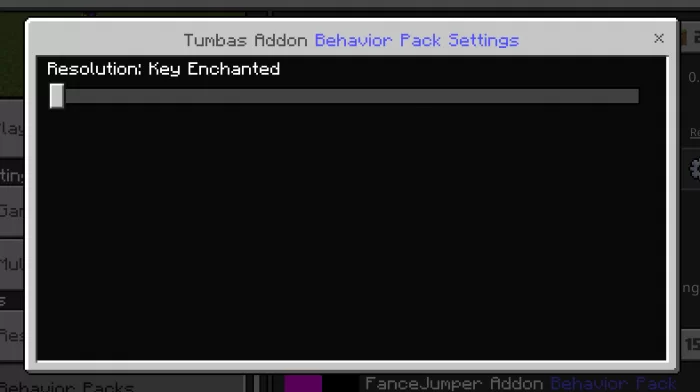
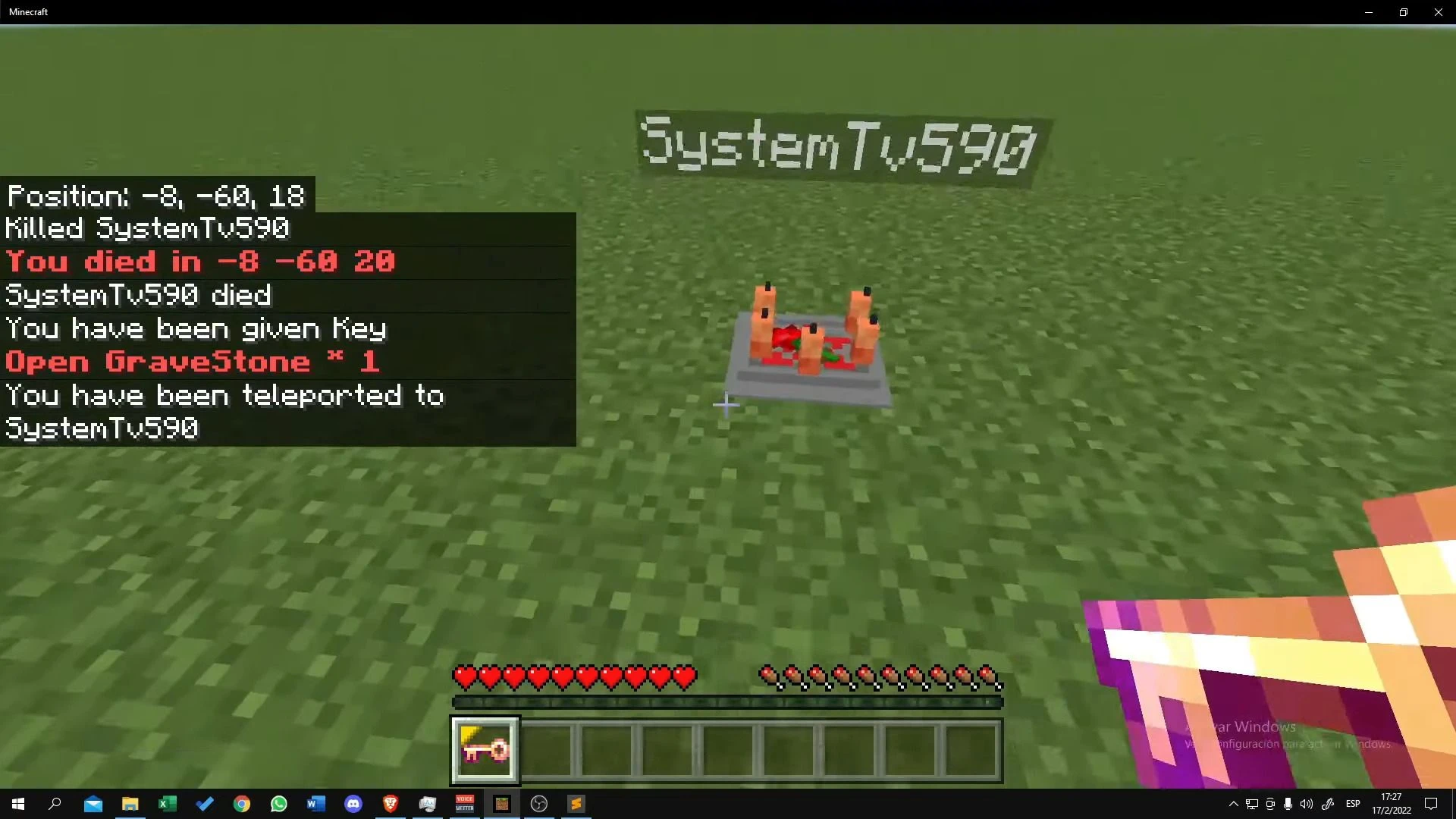
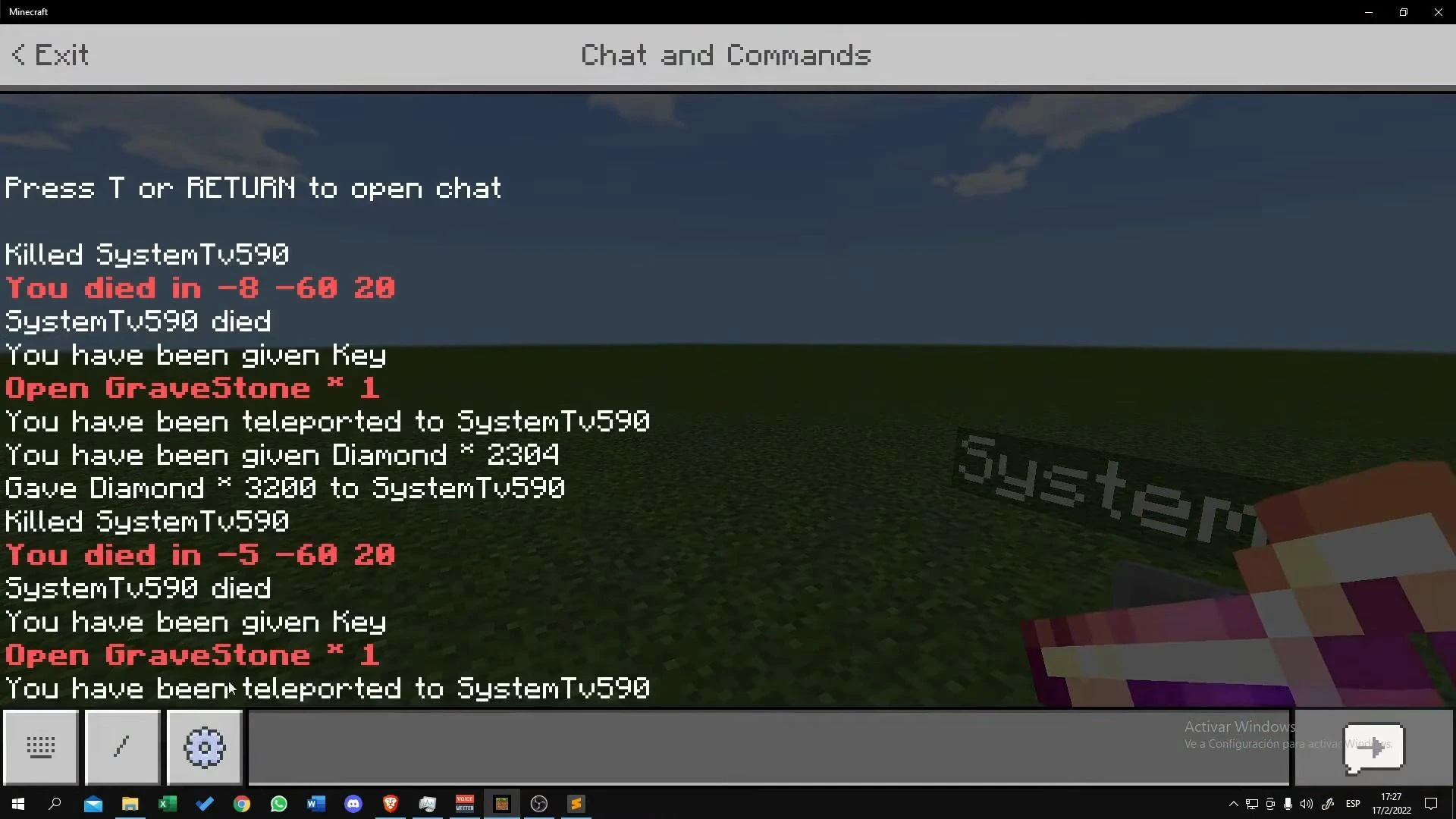
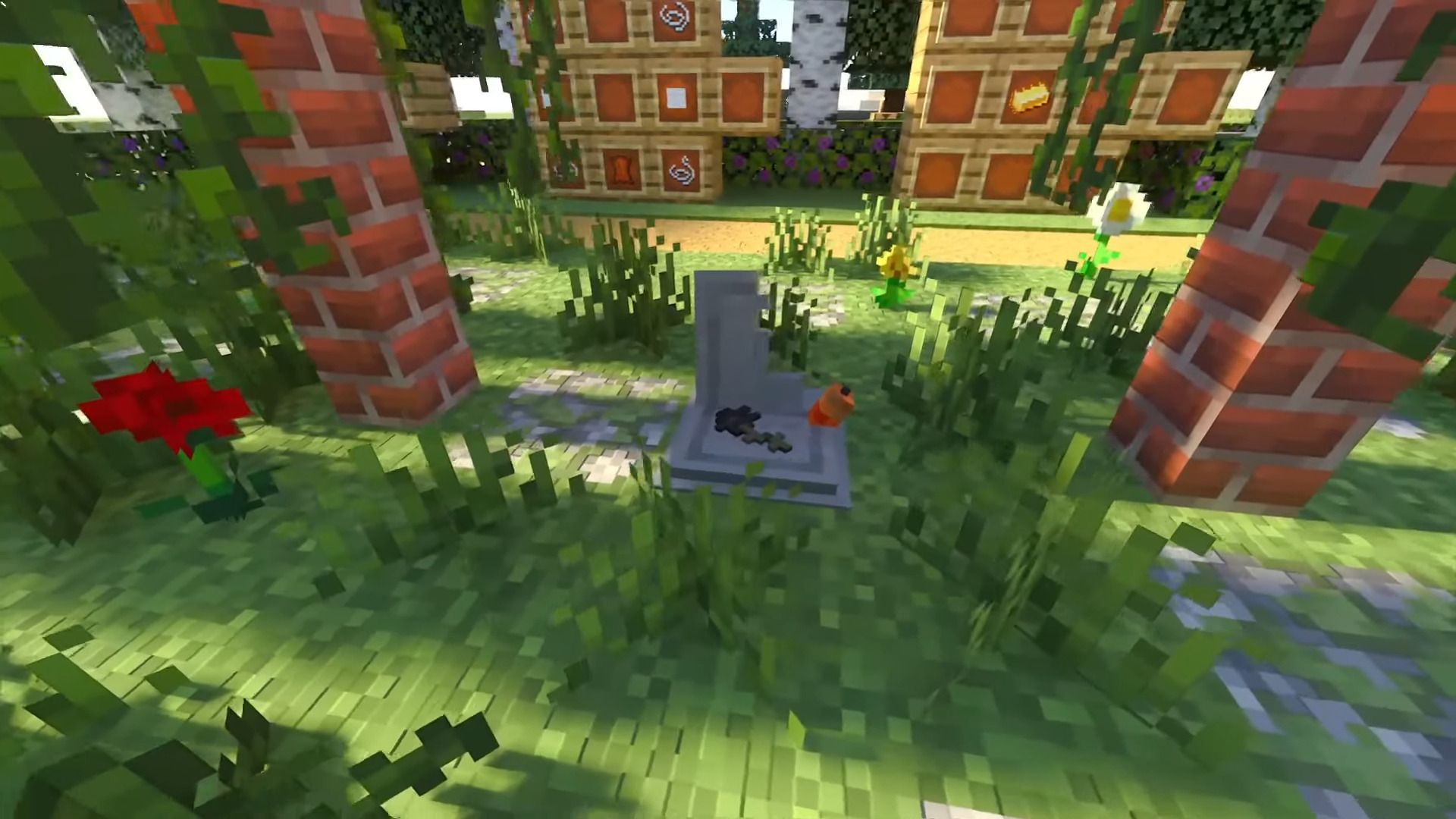
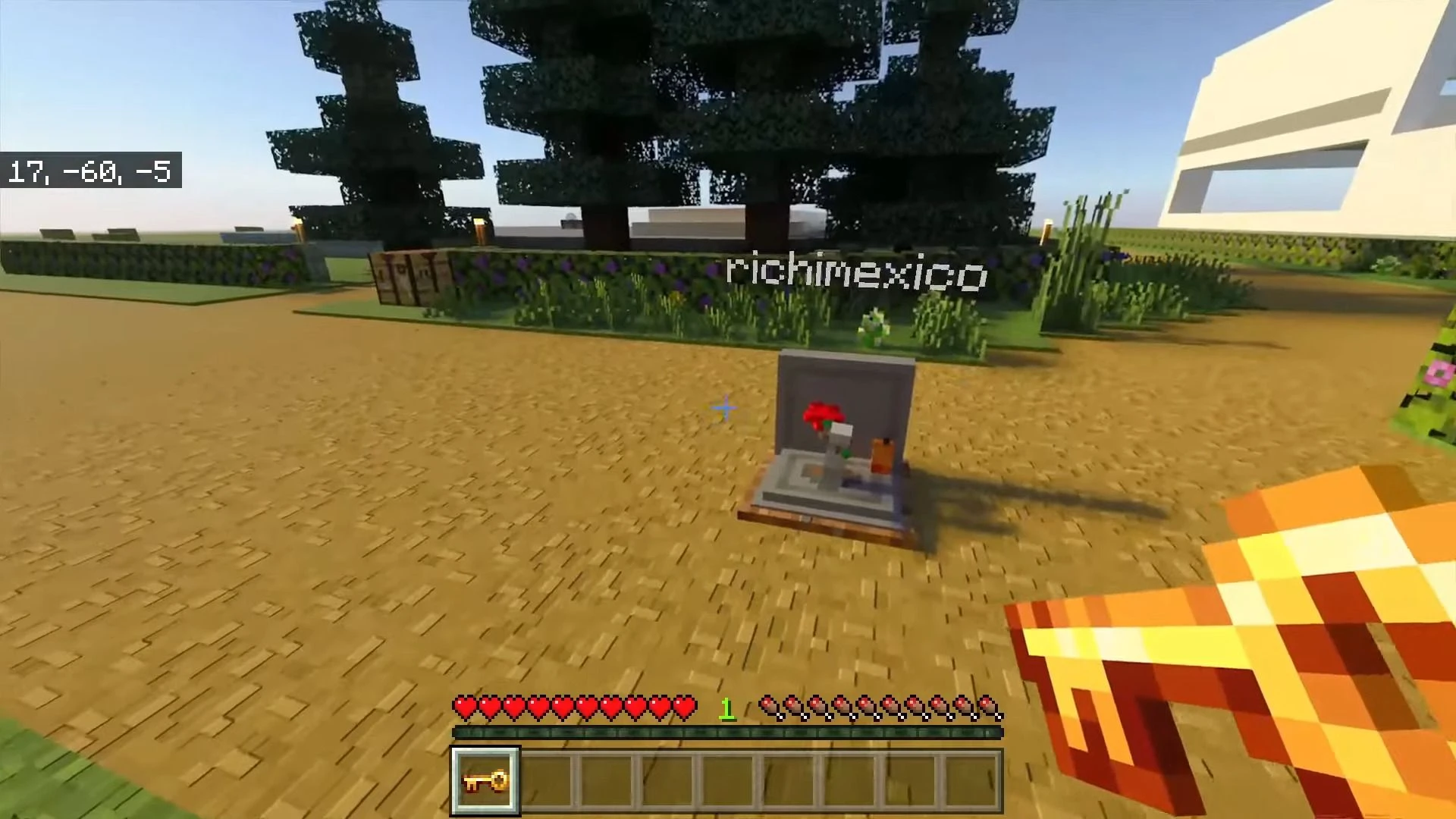
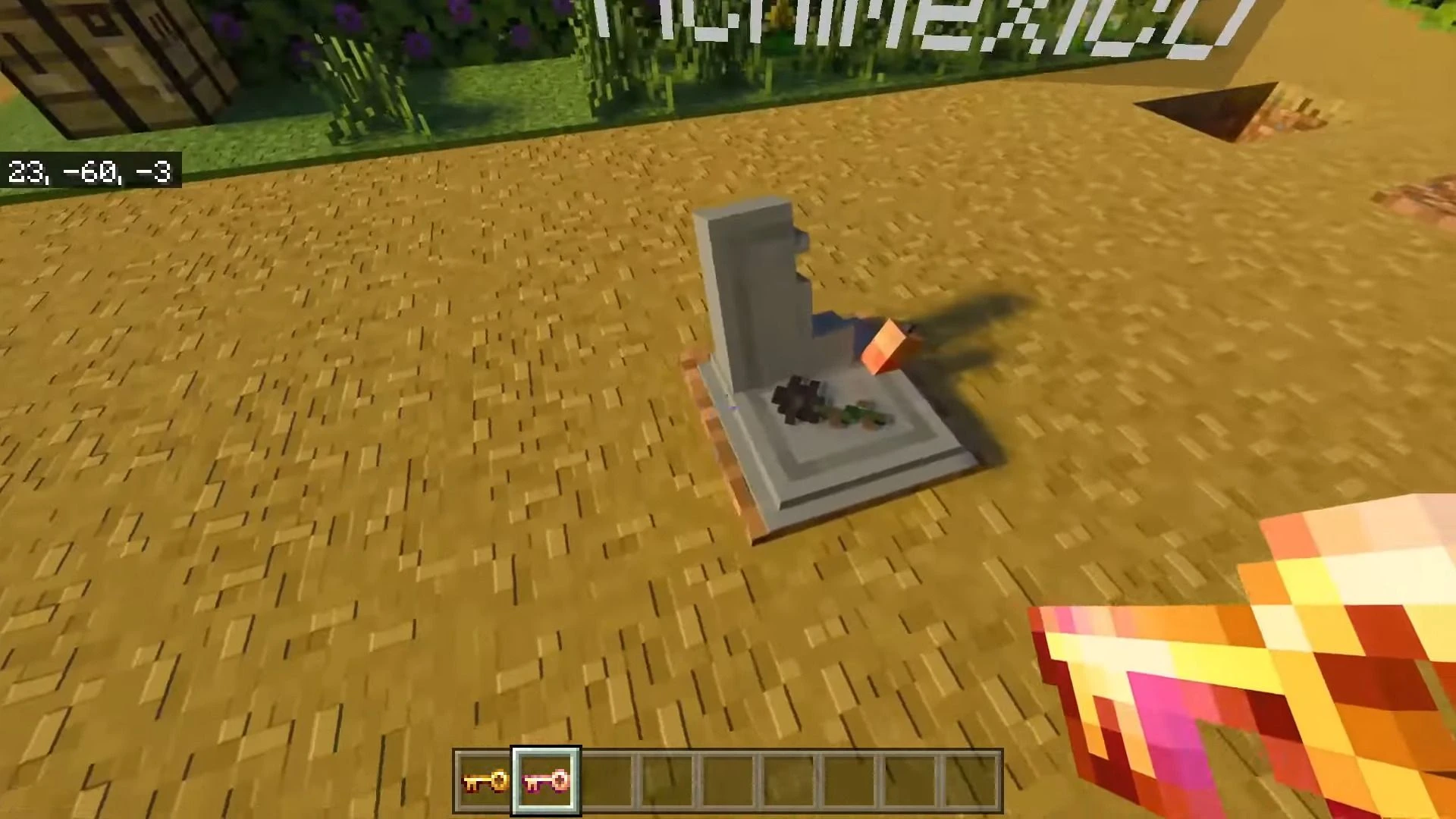
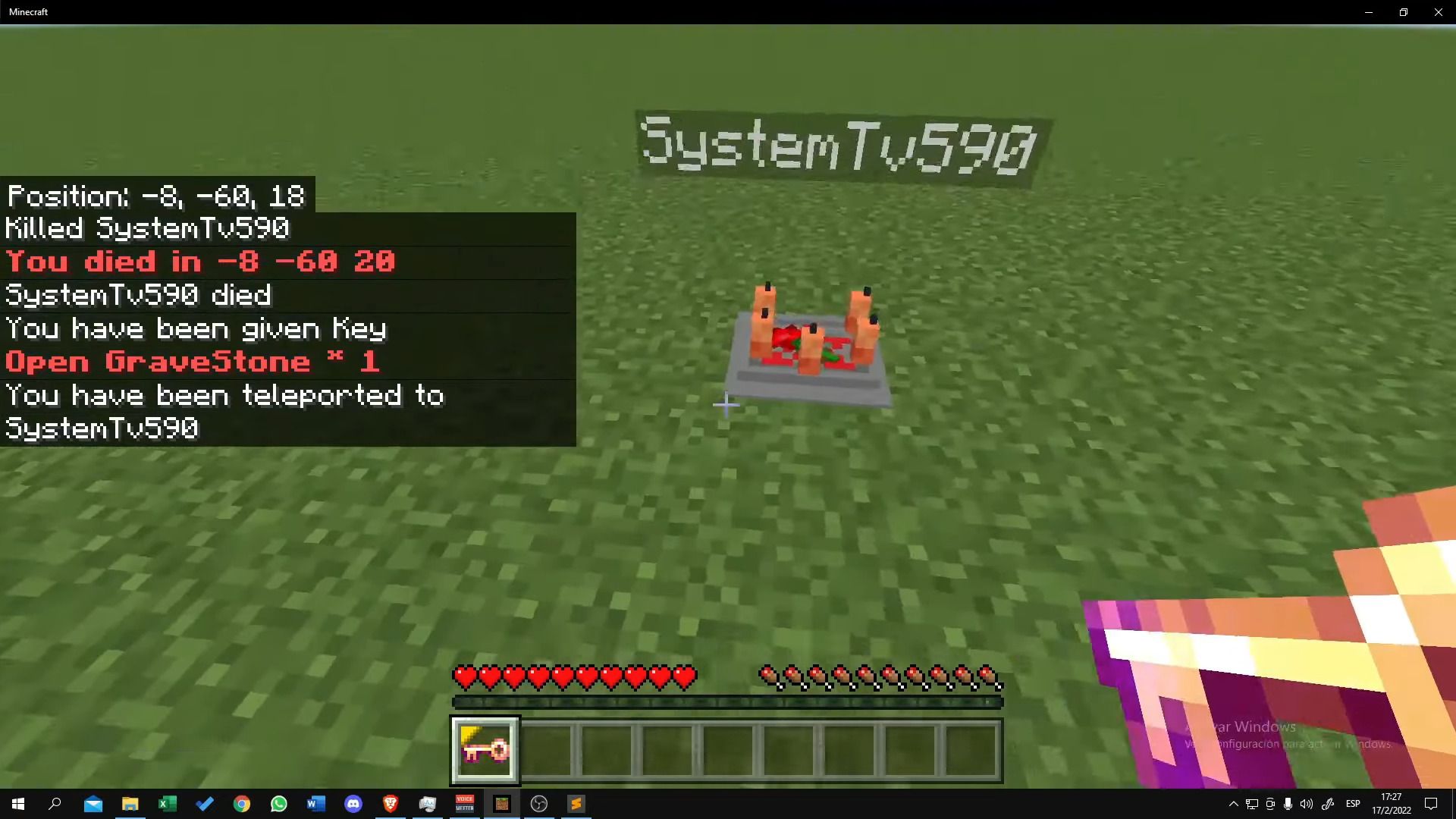
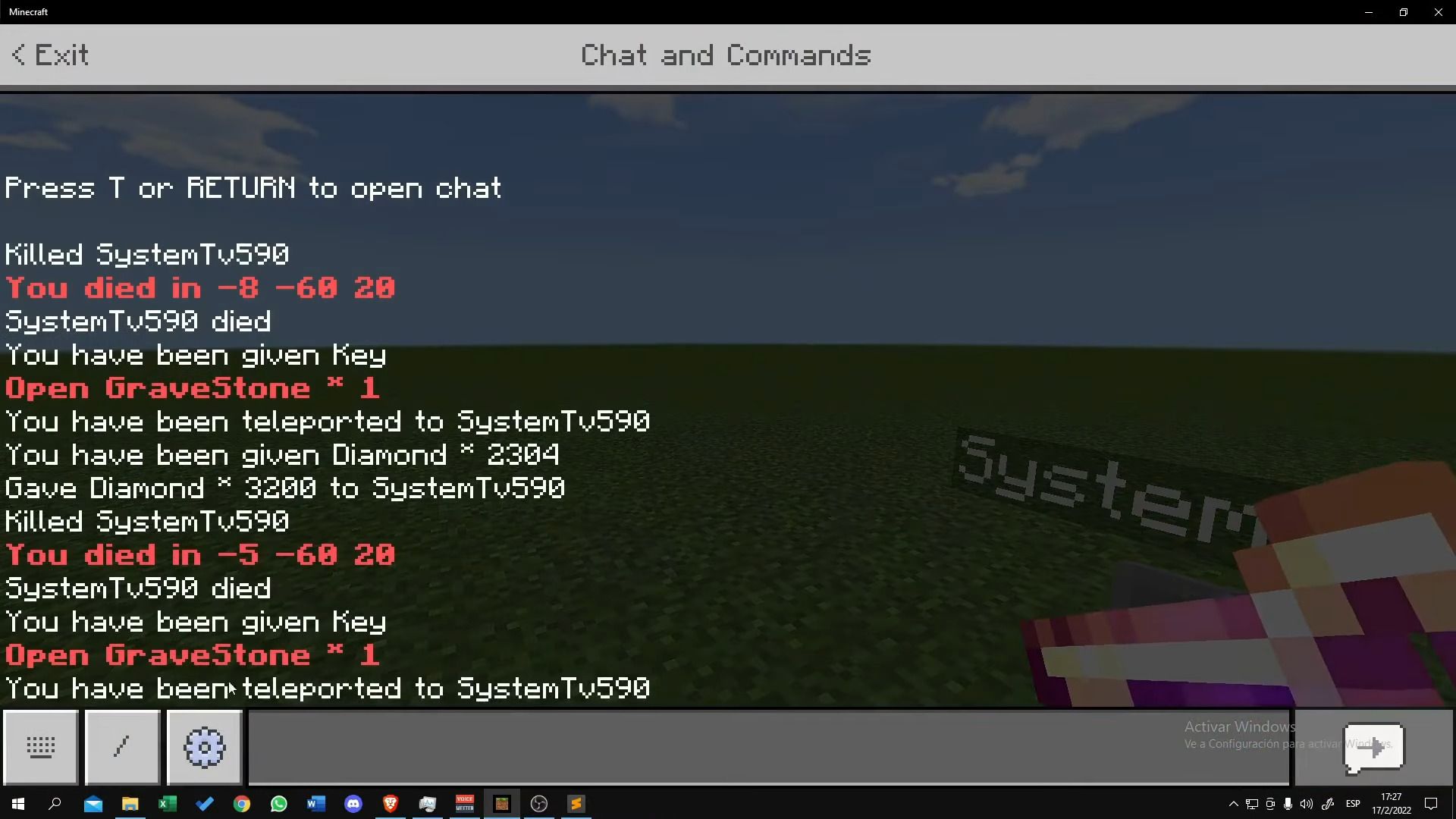
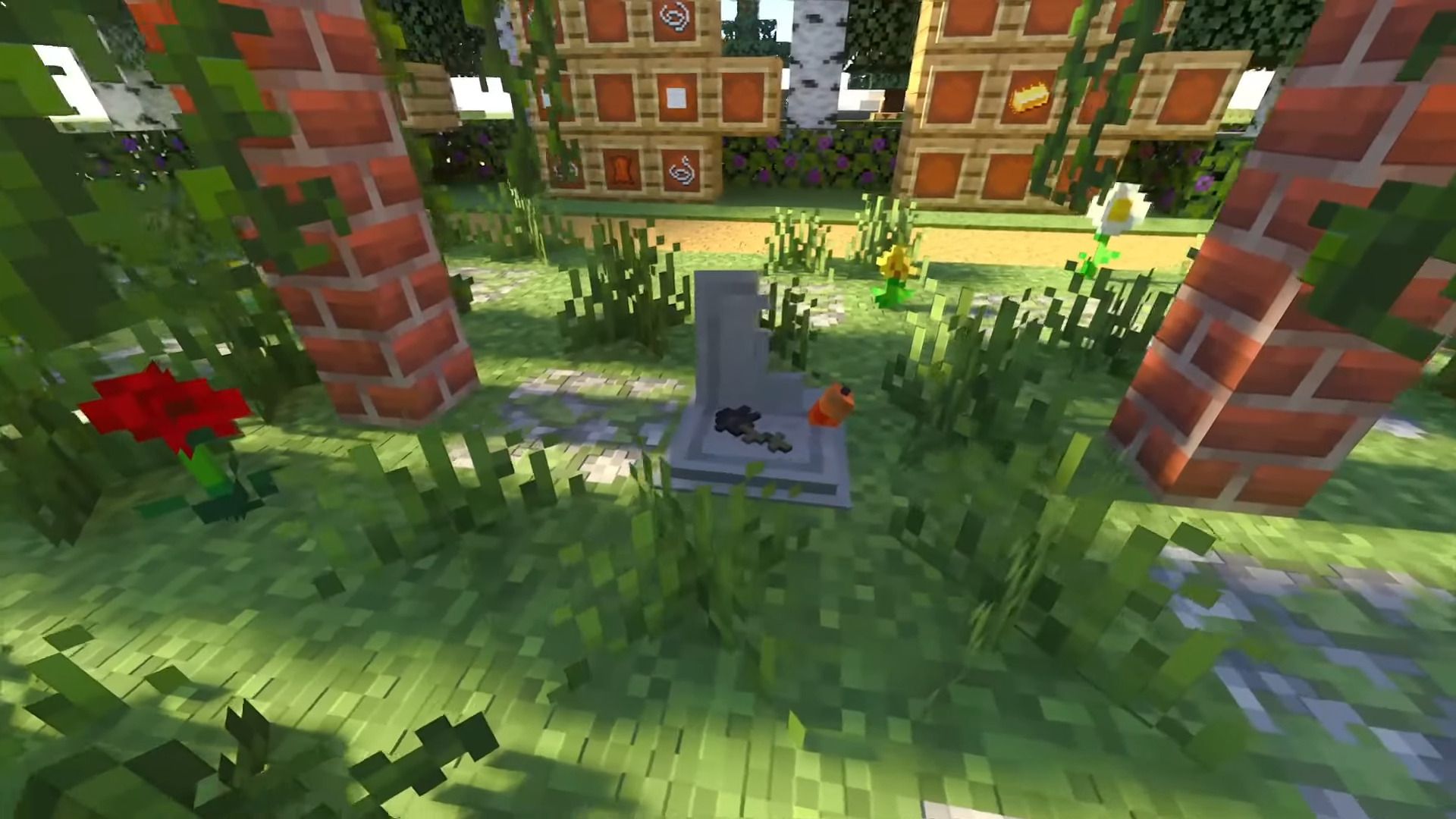
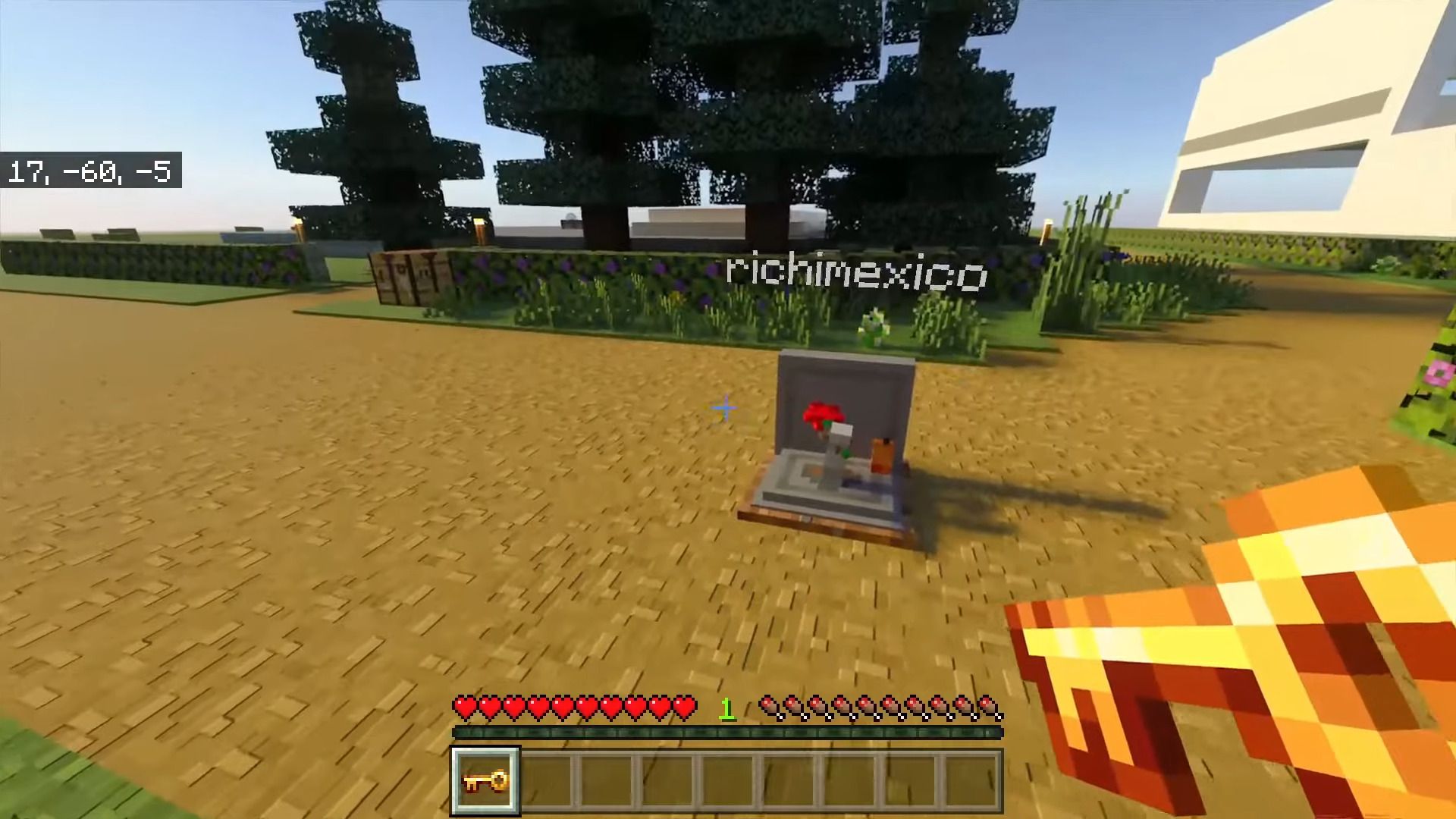
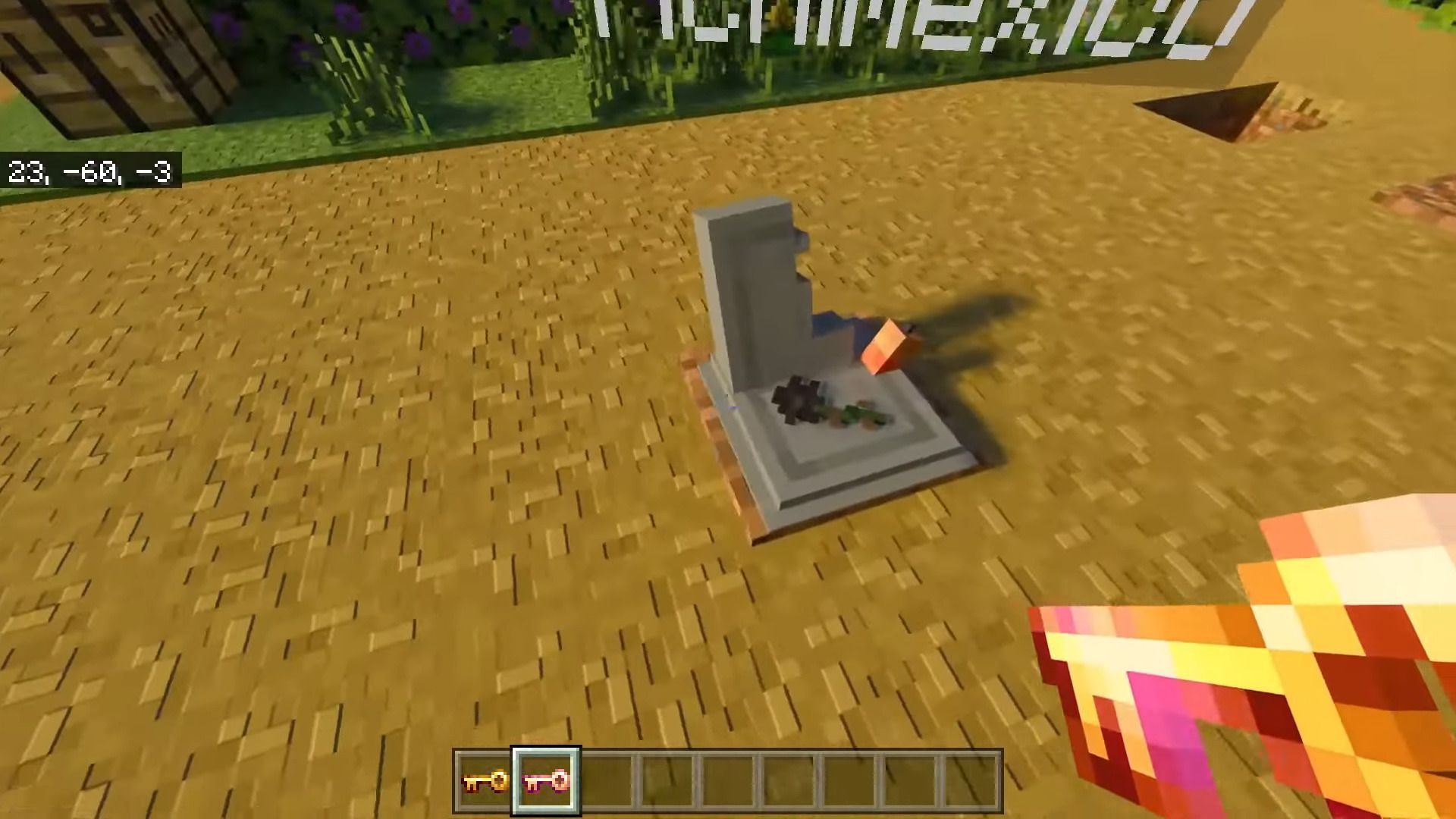
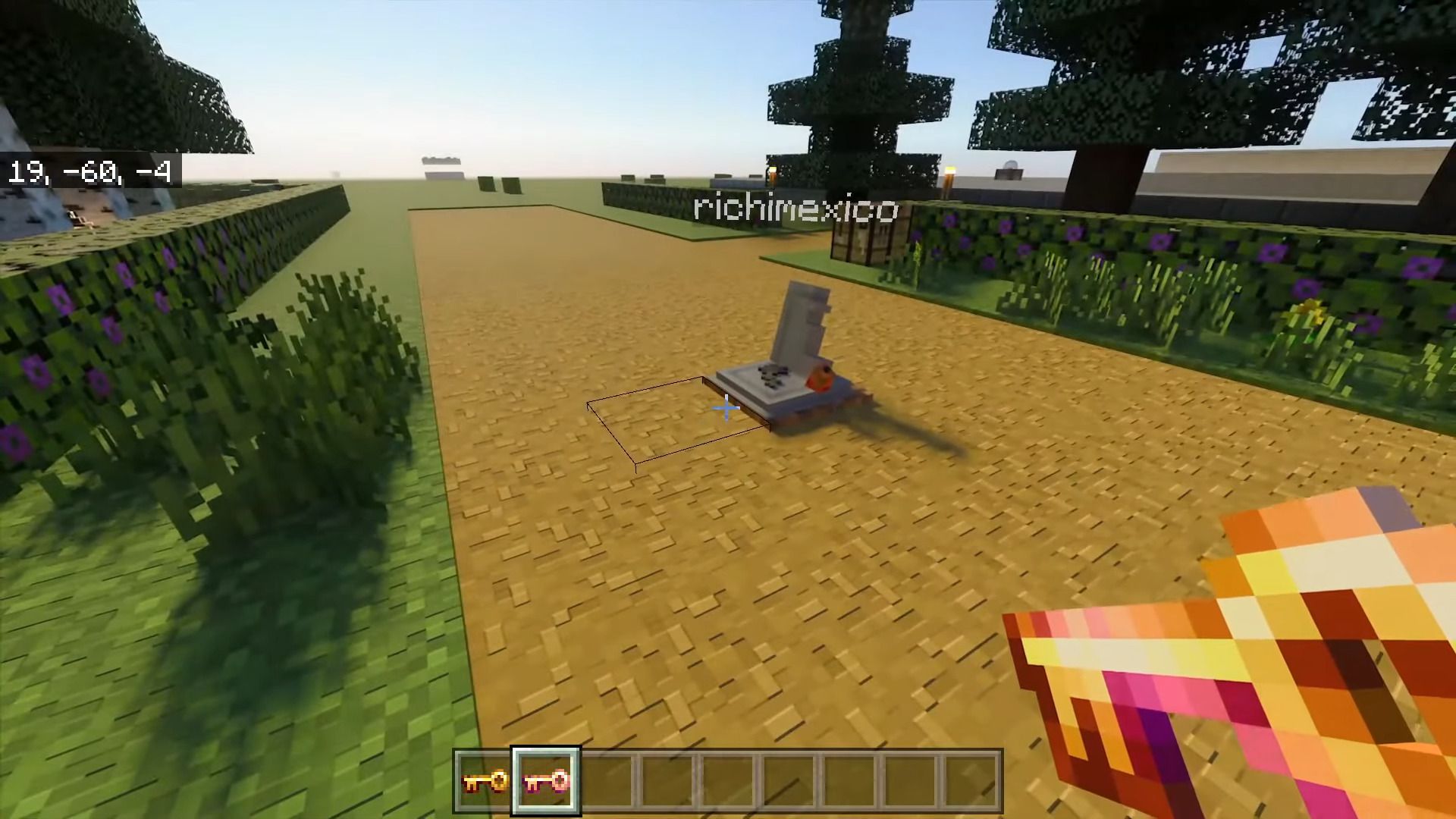
StoneTombs Addon brings tombs that allow you to save your objects when the player dies, it will also show your death coordinates and they will give you a key that will allow you to teleport to the tomb. This addon is compatible with any other addons.
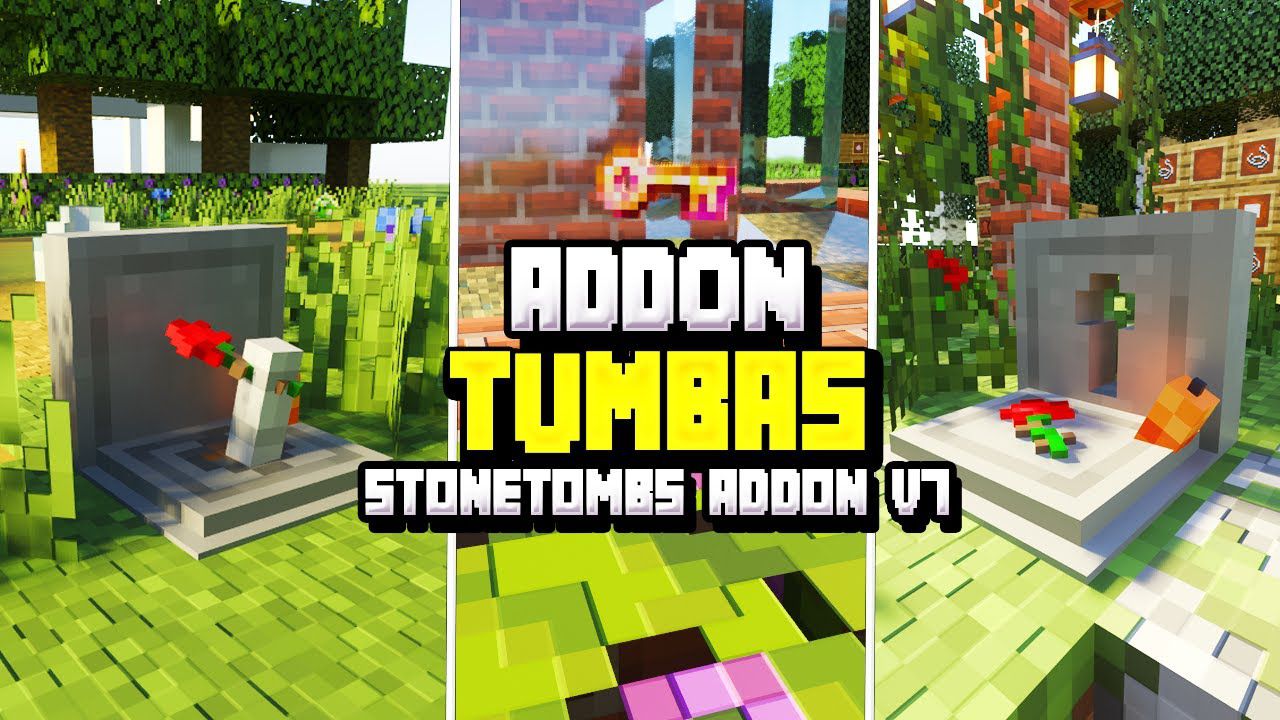
Features:
Subpacks:
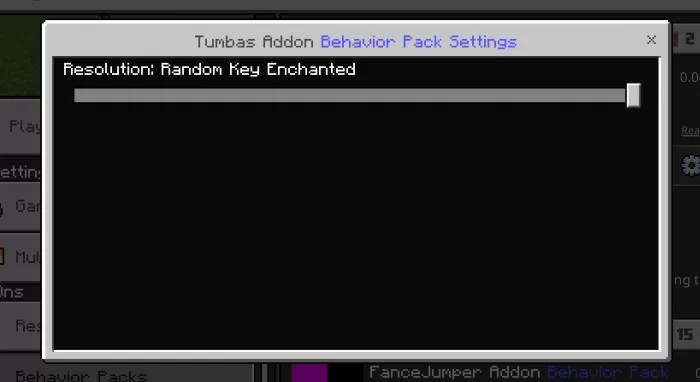
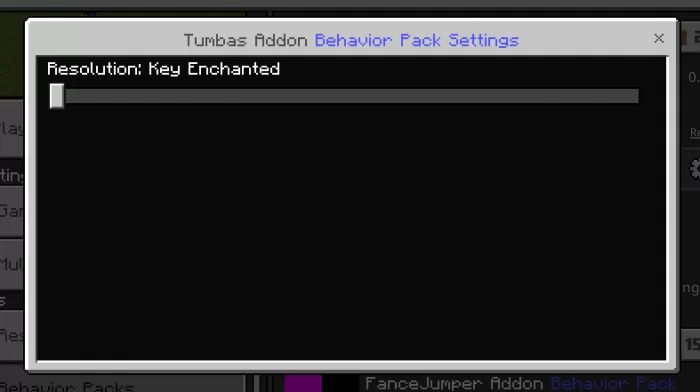
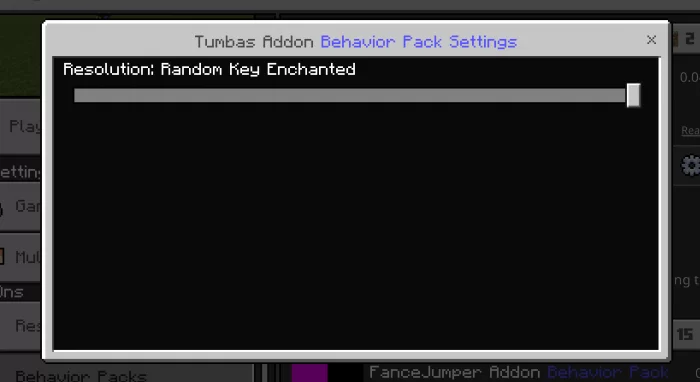
What is a subpacks? It is a configuration within the same addon that allows you to have different functions for each section of the subpack. This addon in question has 2 sub-packs, 1 is for a random enchanted key and the other is for always the enchanted key.
Custom Command:
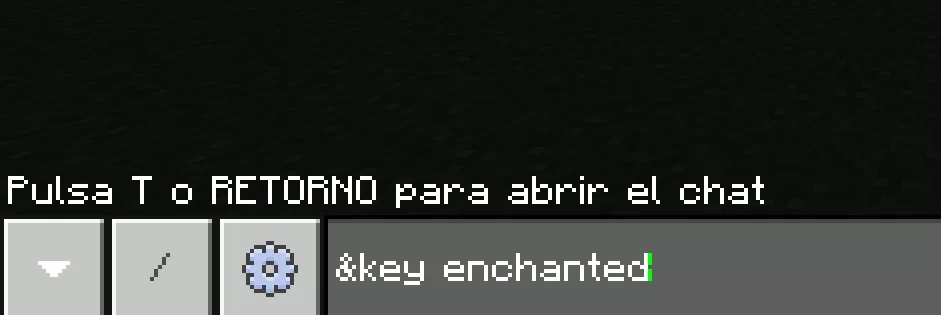
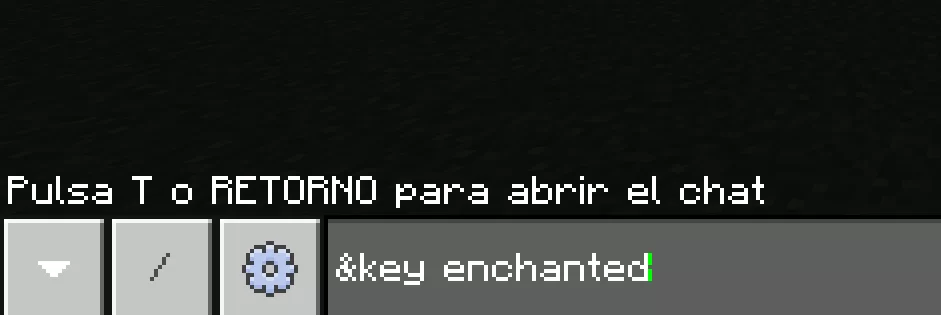
The addon has a custom command that will help players to enchant their normal keys and thus find their graves more easily in case they don’t want to walk so much.
The requirements to be able to execute this command are the following:
- Have a normal key in inventory.
- Have a Pearl of ender also in inventory.
Once these 2 requirements are met, run the following command in the chat.
Screenshots:
Installation Note:
- This addon is compatible with any other addons.
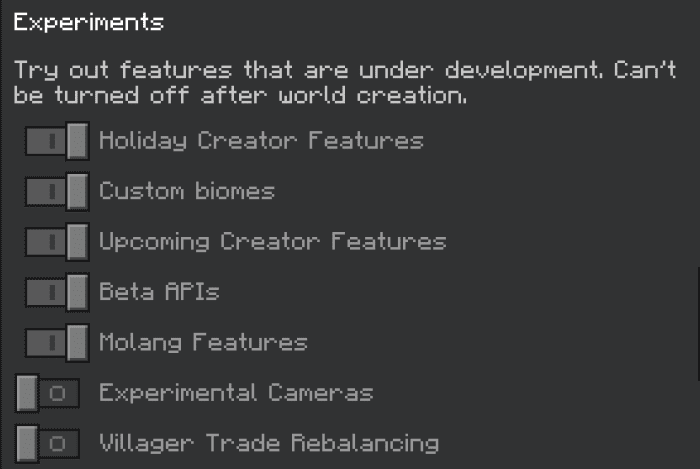
- For a better gaming experience, it is highly recommended that you activate all these experimental games:
StoneTombs Addon Download Links
For Java Edition
For Minecraft PE/Bedrock 1.21
Behavior: Download from server 1 – Download from server 2
Resource: Download from server 1 – Download from server 2
For Minecraft PE/Bedrock 1.20
Behavior Key Enchanted: Download from server 1 – Download from server 2
Behavior Random Key Enchanted: Download from server 1 – Download from server 2
Resource: Download from server 1 – Download from server 2
For Minecraft PE/Bedrock 1.19
Behavior: Download from server 1
Resources: Download from server 1
BH Realm (Random Key Enchanted): Download from server 1
BH Realm (Key Enchanted): Download from server 1
- Edition: Minecraft Bedrock
- File type: .mcpack or .mcaddon
- Minecraft versions listed: 1.21, 1.20
- How to install: Download the .mcpack or .mcaddon file. → Open it — Minecraft imports it. → In your world: Behavior Packs → Available → Activate, then the same under Resource Packs.
- Where to get it: In MCModsHub, or directly above on this page.
Install steps are the general flow for this file type — How to install Minecraft Bedrock addons & mods walks through it step by step.
- Pack type: .mcaddon — behaviour and resource pack in one file
- Complete pack — everything it depends on is inside the file
- Download size: 186 KB
- Download link checked 17 Jun 2026 — working
- Mirrored on our own servers — the download does not depend on the original host
These come from our own check of the pack file, not from the source page.