AddonsBedrock
Star's FPS Counter Addon (26.x, 1.21) – MCPE/Bedrock Mod
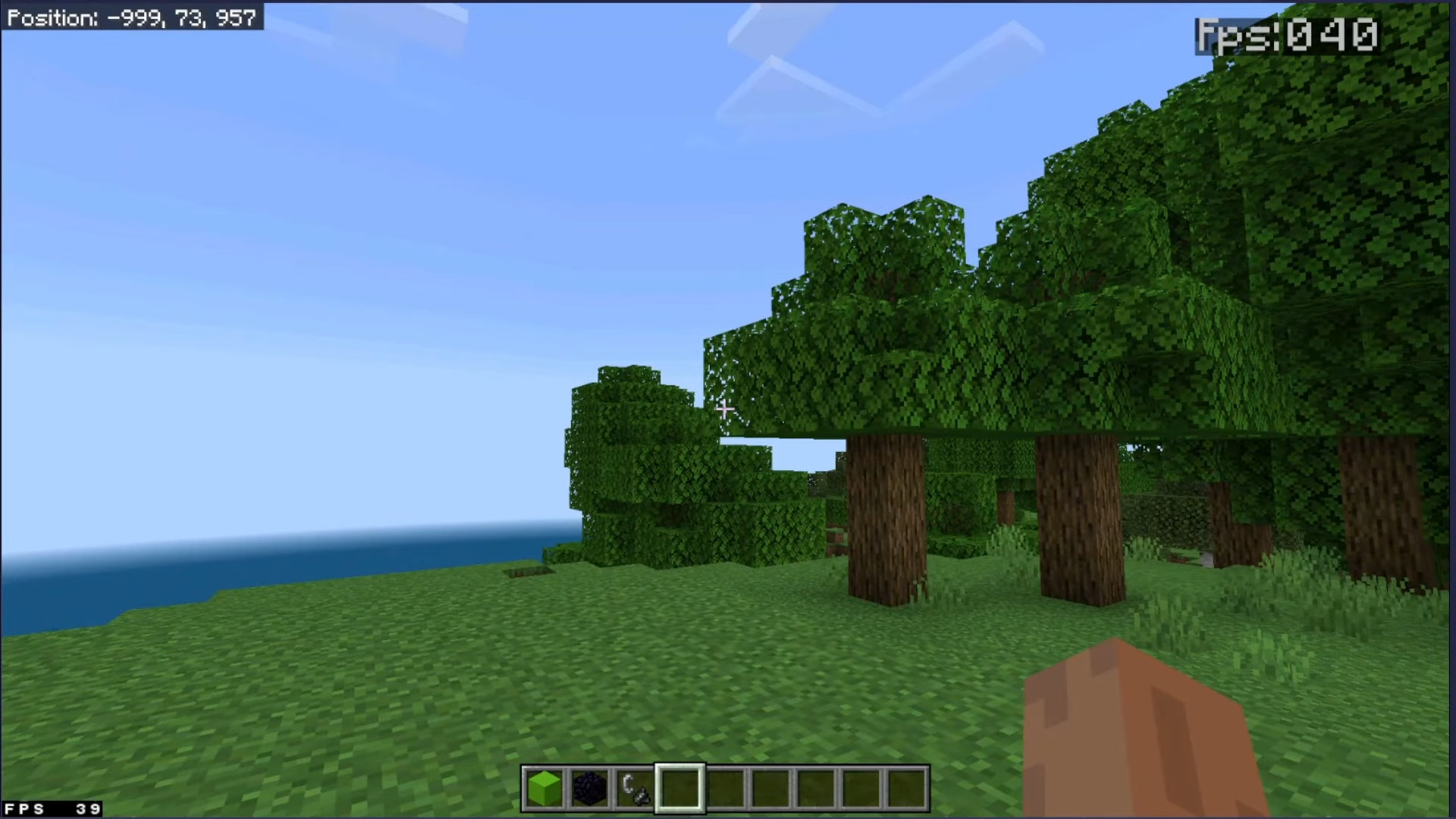
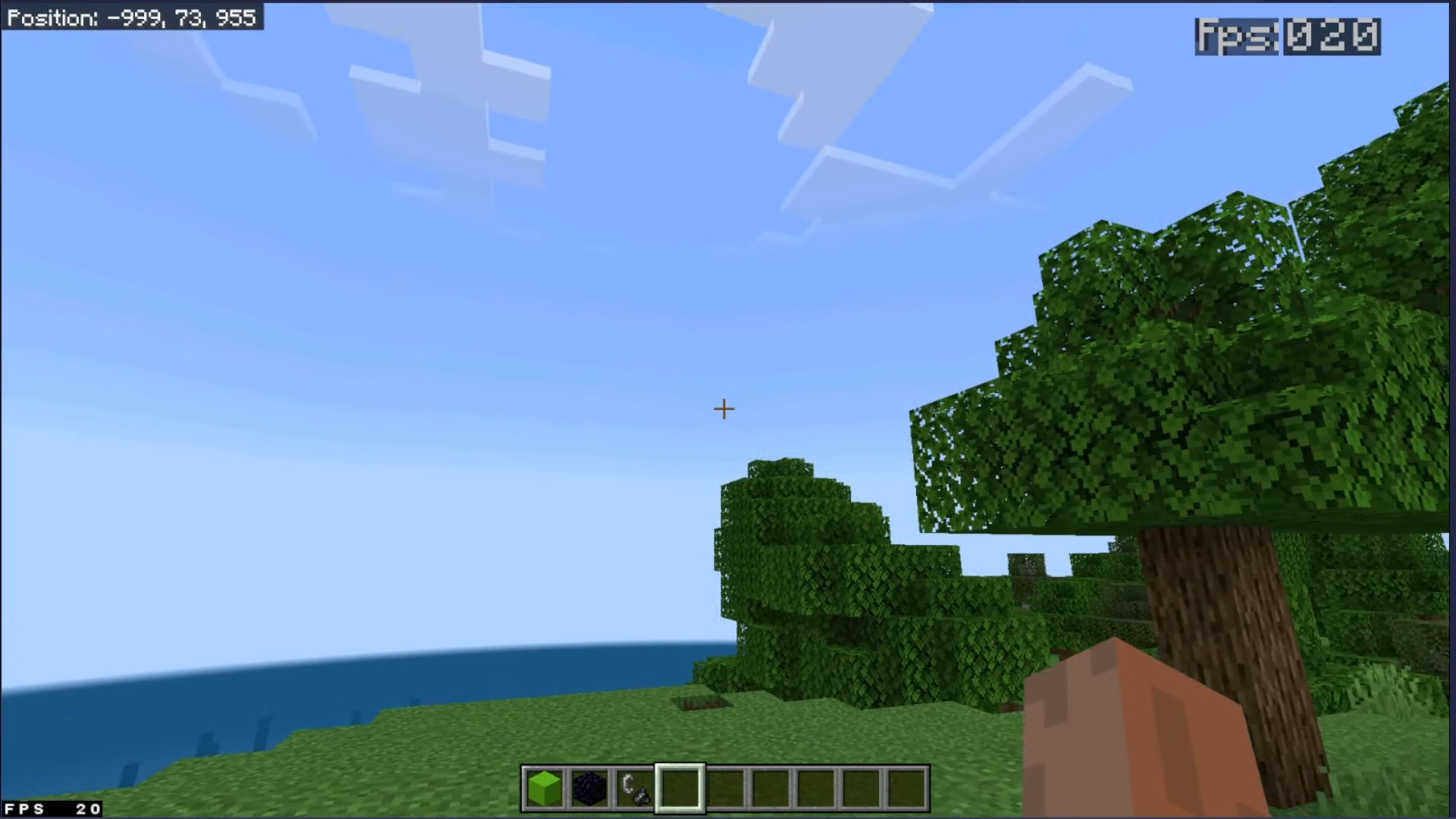
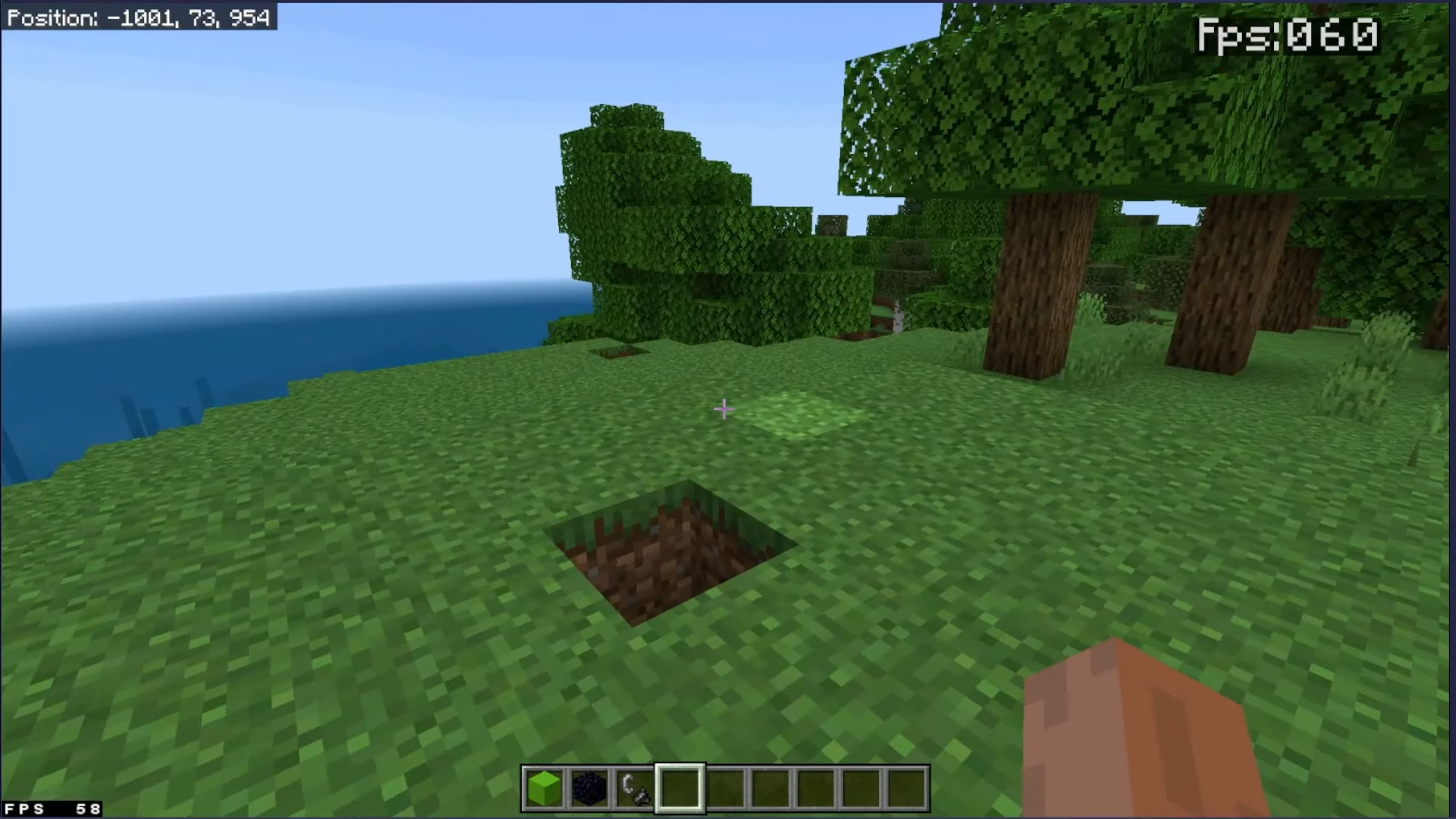
Star's FPS Counter Addon provides real-time in-game FPS monitoring with exceptional accuracy. Even better, it doesn’t interfere with achievements! Players…
⬇ DownloadOpen in MCModsHubGet it on Google Play →Star’s FPS Counter Addon provides real-time in-game FPS monitoring with exceptional accuracy. Even better, it doesn’t interfere with achievements! Players on platforms without built-in FPS counters, such as mobile and consoles, can rely on this feature for accurate FPS tracking.
Installation guide:
- Download the file and import it into Minecraft.
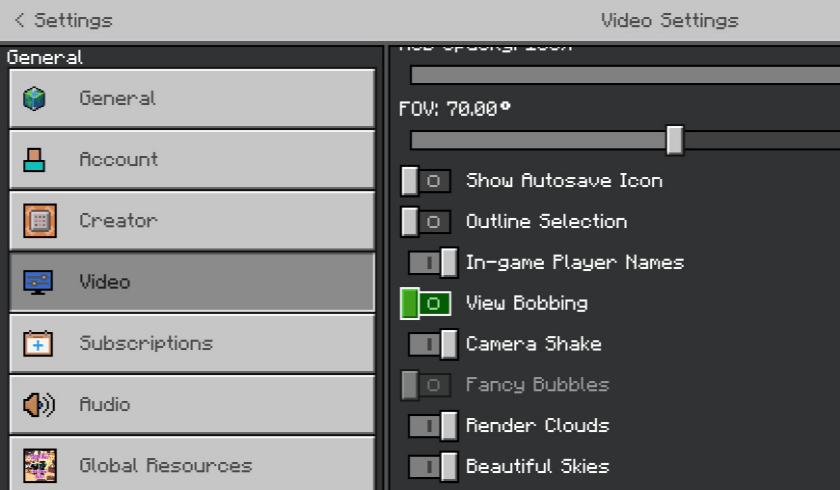
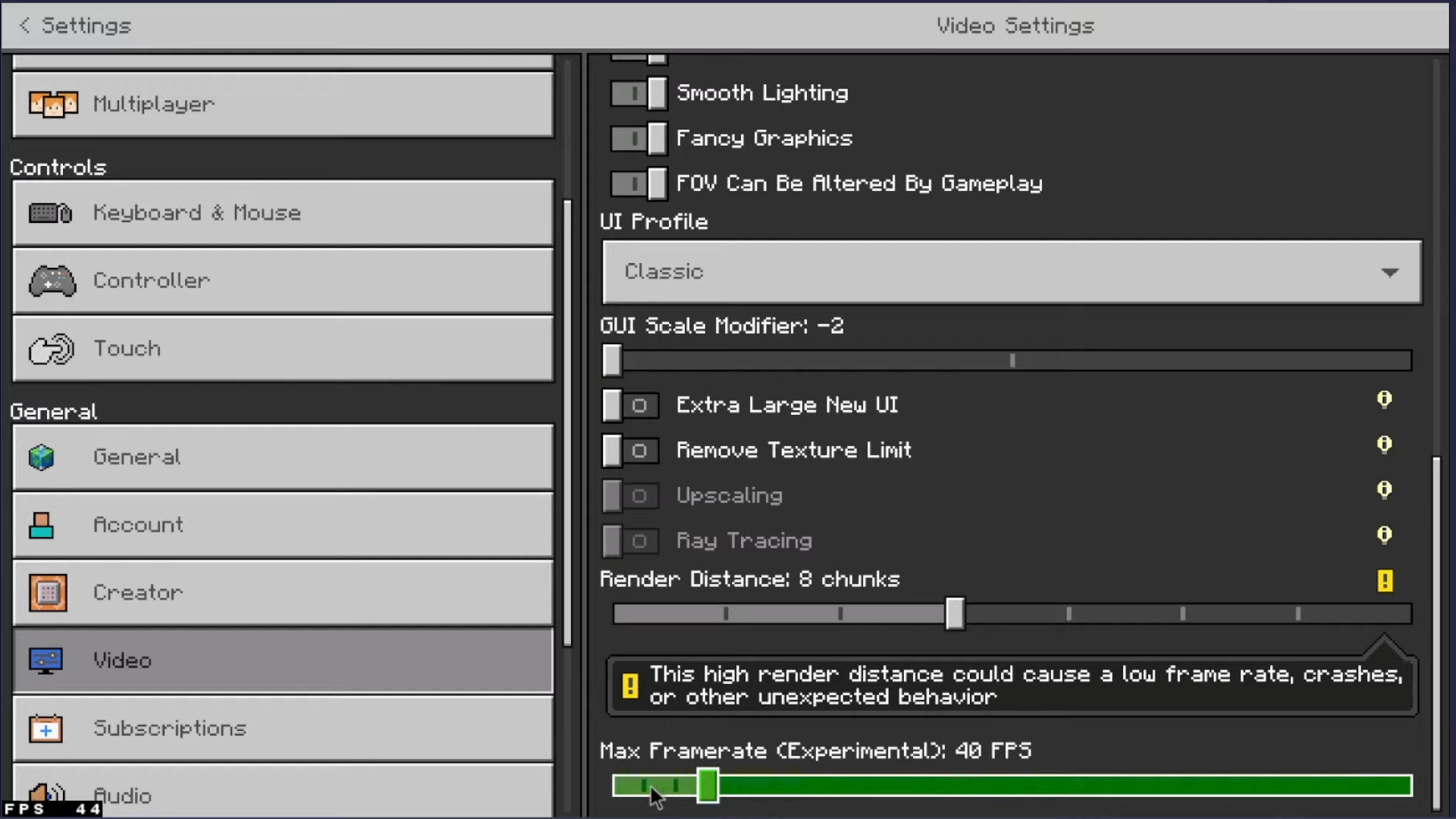
- Go to “settings/video” and turn off the “View Bobbing” toggle shown below:
- Apply the pack to your world or global resources.
- Enjoy!
Screenshots:
Star’s FPS Counter Addon Download Links
For Minecraft PE/Bedrock 1.21
mcpack: Download from server 1 – Download from server 2
Verified by MCModsHub
- Pack type: .mcpack — a single pack
- Manifest requires Minecraft 1.21.0 or newer
- Complete pack — everything it depends on is inside the file
- Download link checked 17 Jun 2026 — working
- Mirrored on our own servers — the download does not depend on the original host
These come from our own check of the pack file, not from the source page.
Explore more