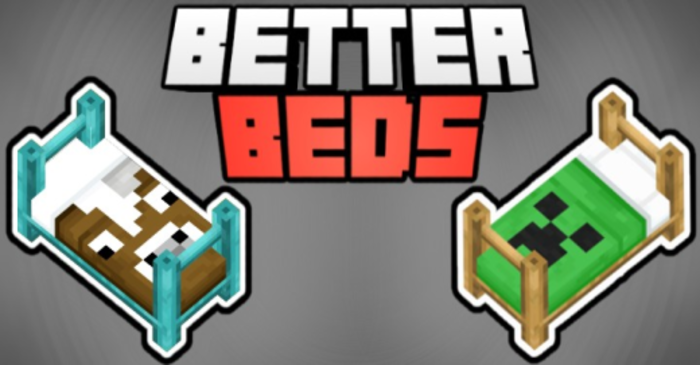
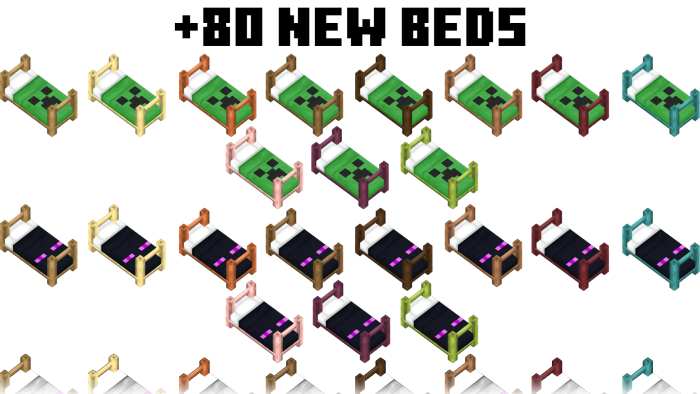
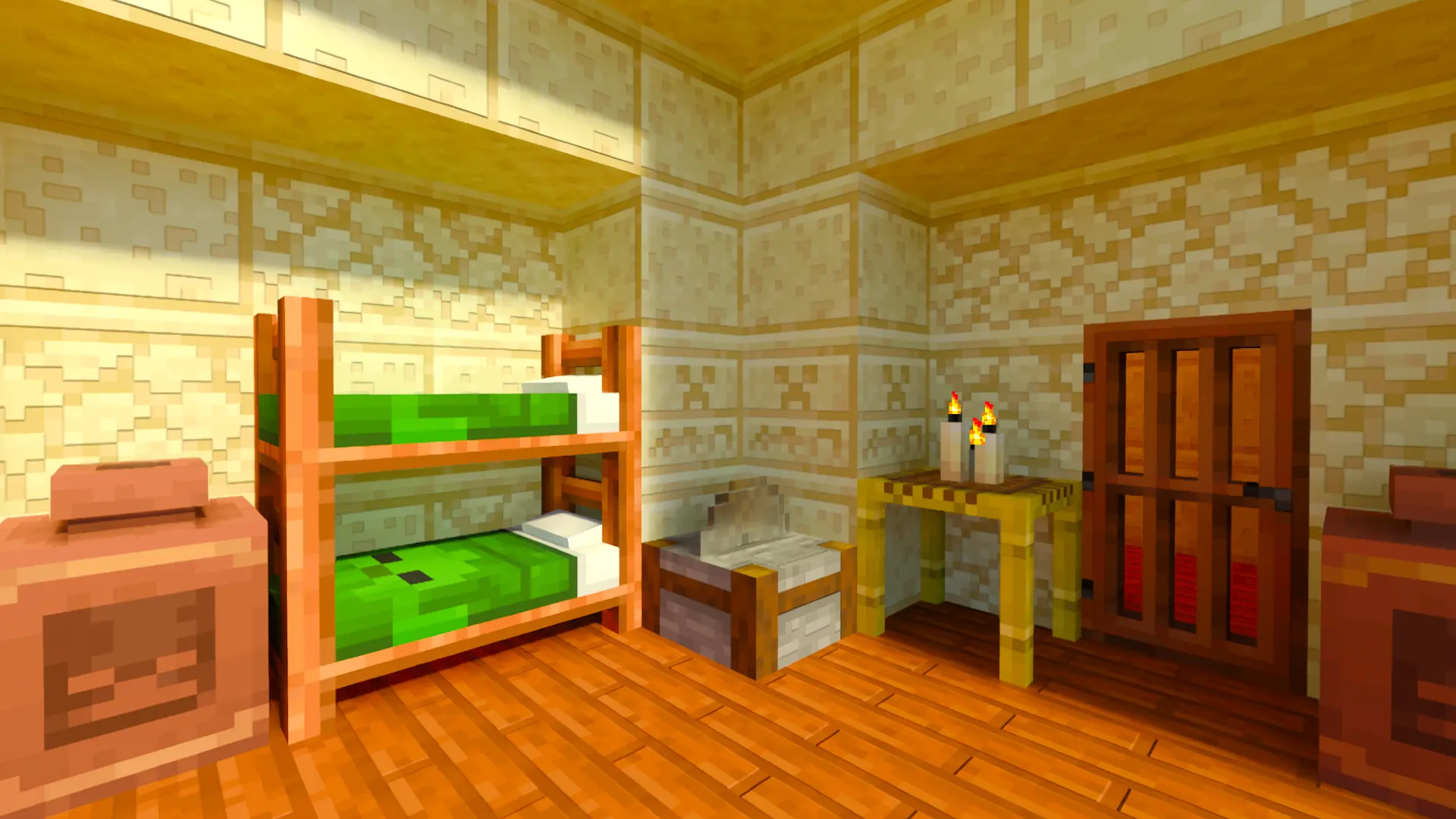
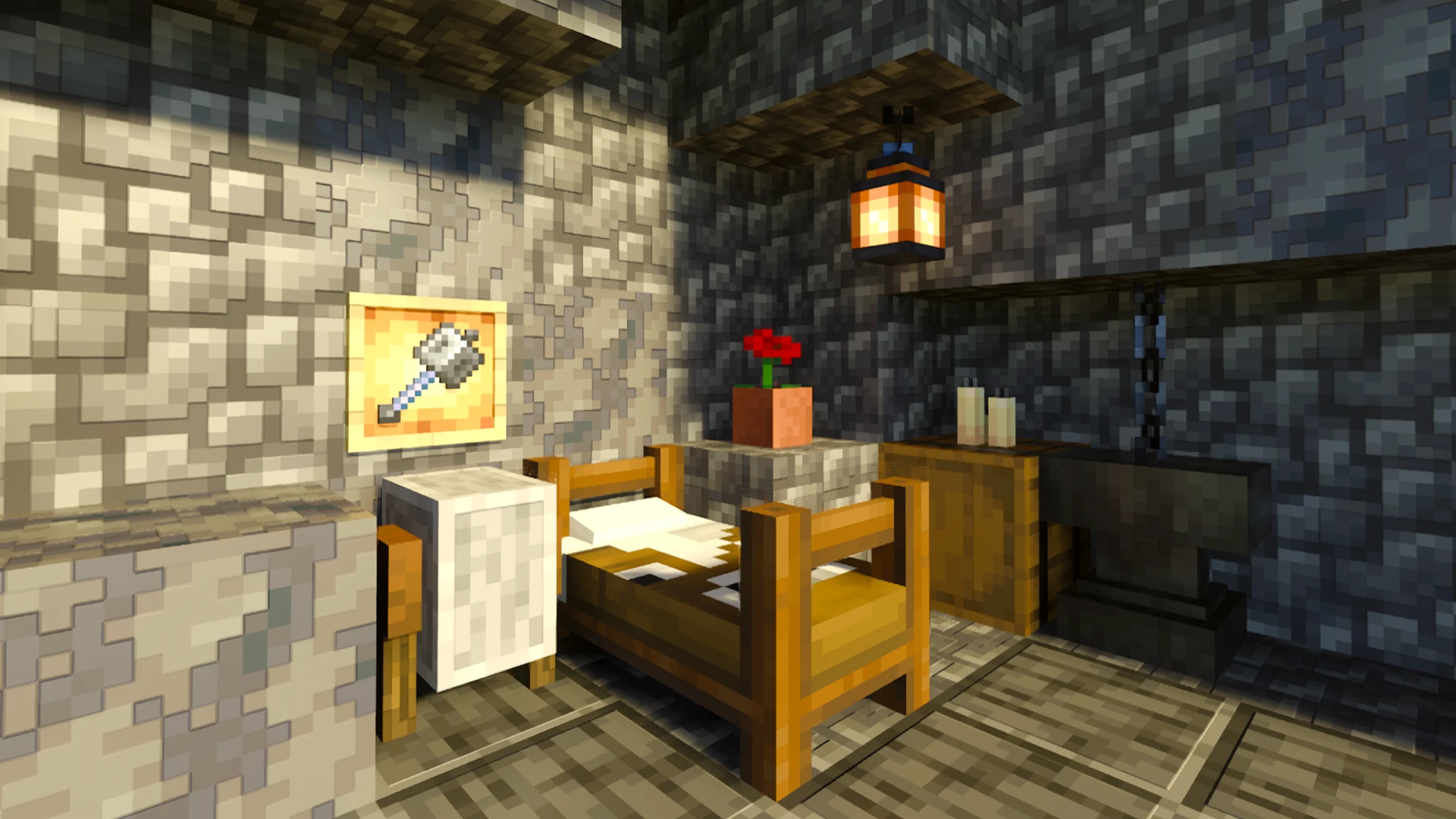
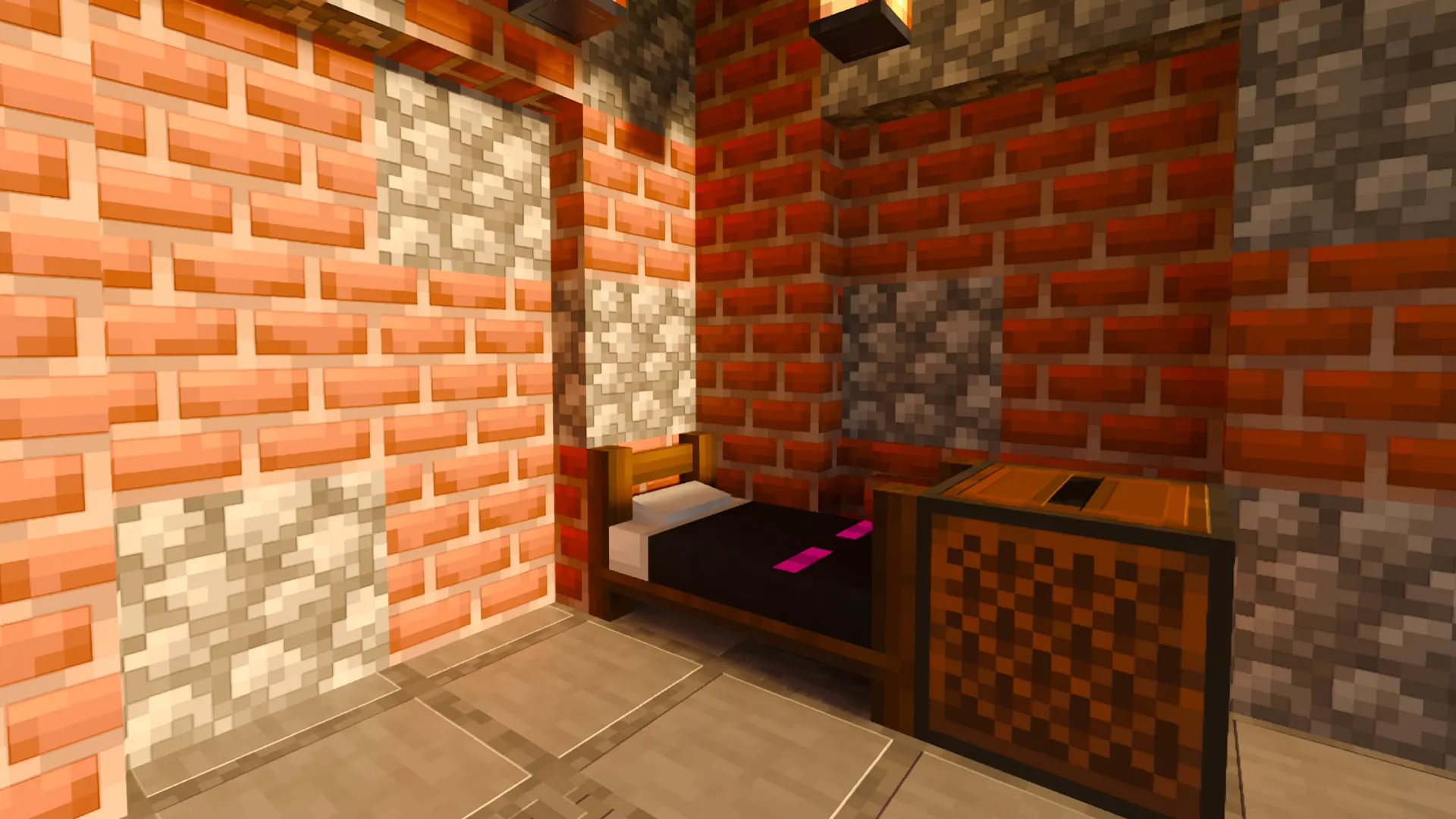
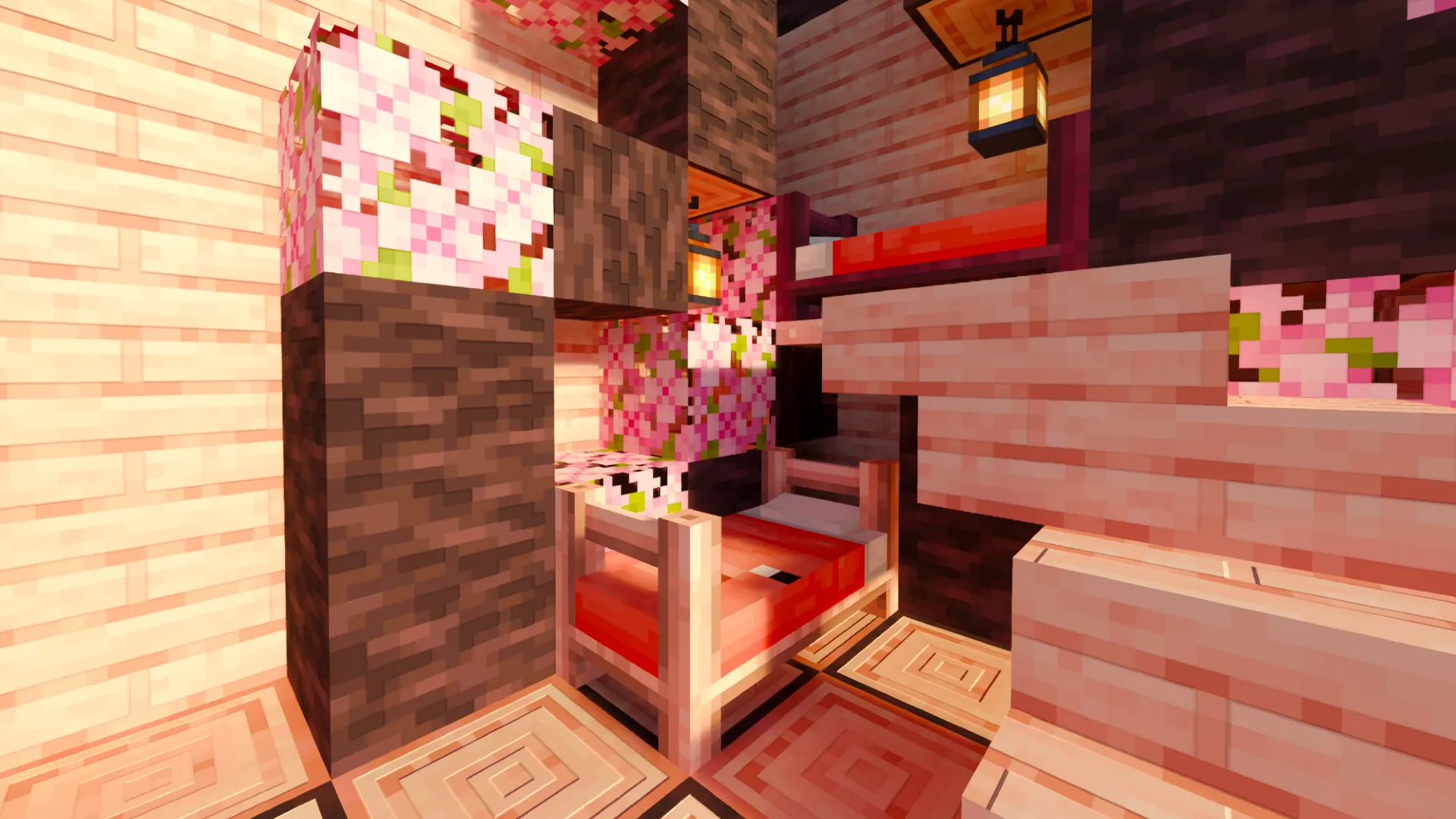
Better Beds Addon introduces over 80 new bed designs. These beds showcase different wood types, vibrant blankets, and charming animal motifs. Notably, they offer practical features like daytime sleeping, customizable wake-up times, time acceleration, and even phantom prevention. These enhancements are invaluable for your survival journey and crop cultivation.
Features:
Accelerate Time:
- This feature allows you to accelerate the world’s time, including speeding up the ticks per second, which affects the growth of crops, the replenishment of villager trades, and the duration of effects.
Respawn Settings:
- With this option, you can choose whether to save your spawn point or not, allowing you to sleep without losing your spawn location.
Sleep During the Day:
- Now you can take a nap for as long as you want and wake up at night.
Phantom Spawning:
- With this option, we can activate or deactivate phantoms in the world.
Wake Up Whenever You Want:
- With this option, you can wake up whenever you choose, whether it be at night, sunrise, morning, noon, midnight, or during the day!
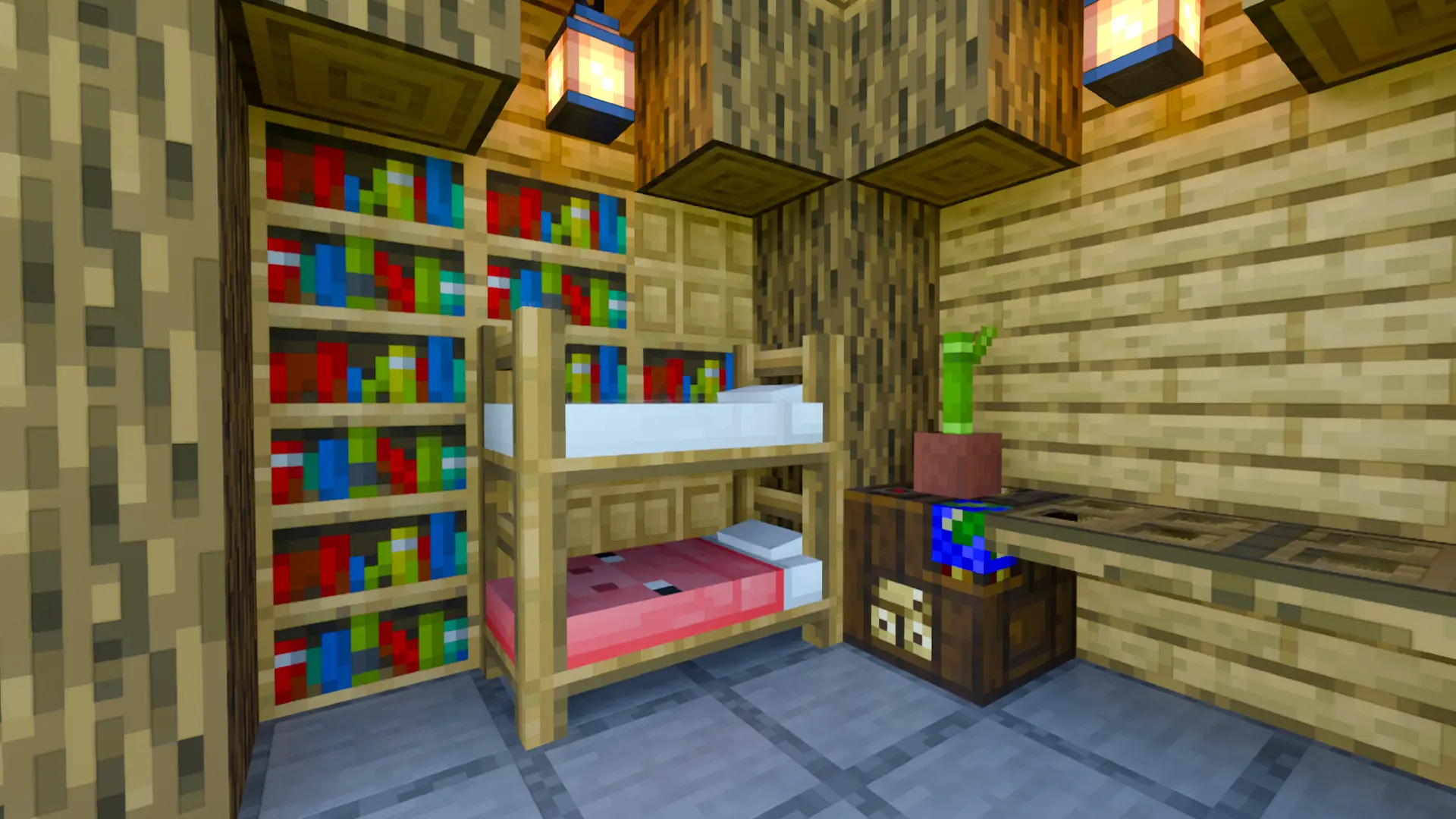
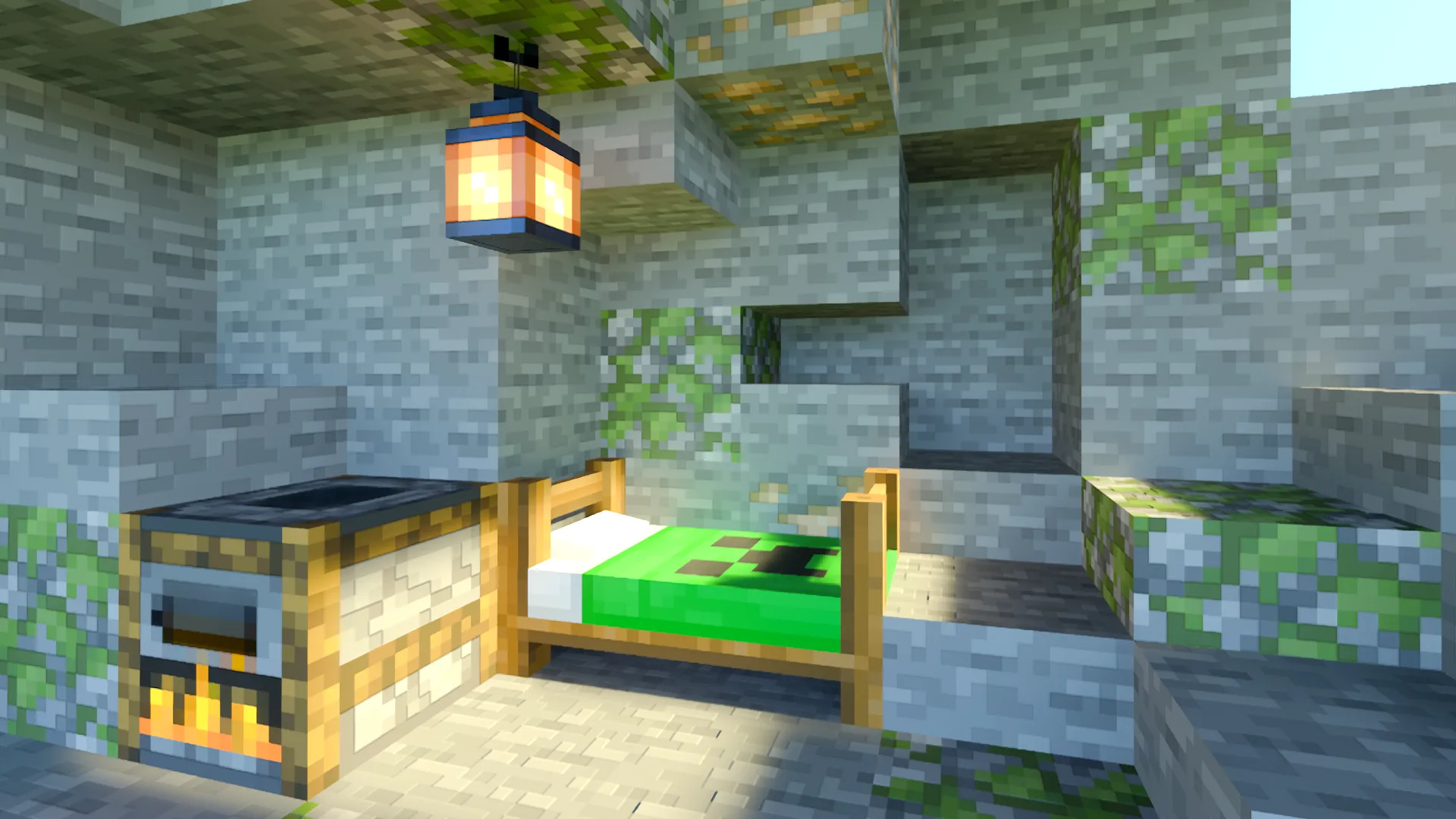
Screenshots:
Beds Design:
Crafting Recipes:
Creative:
You can find the beds in the Creative menu under Construction. You can also get them by using the command “/give @p bb:(this will show the available variants).
Survival:
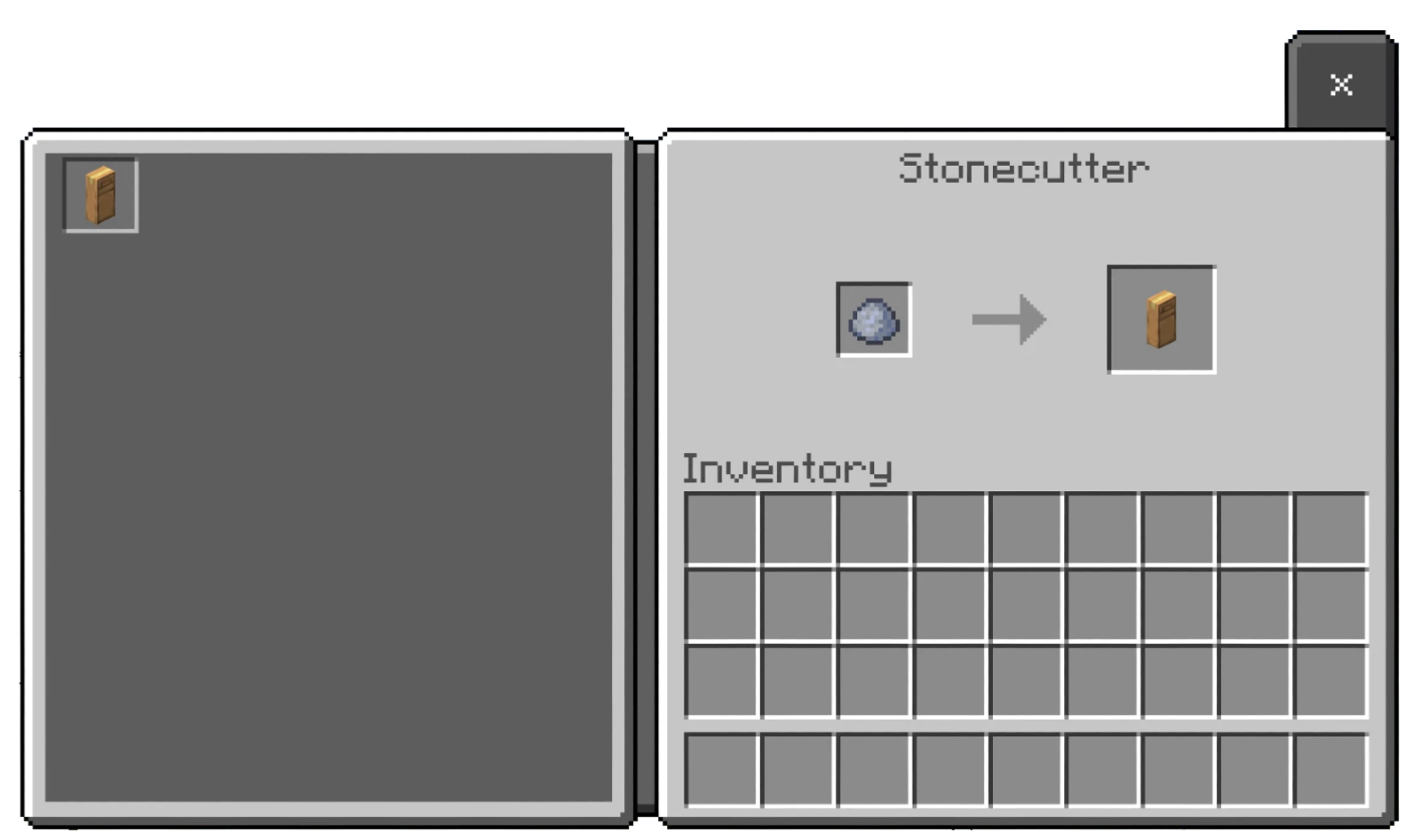
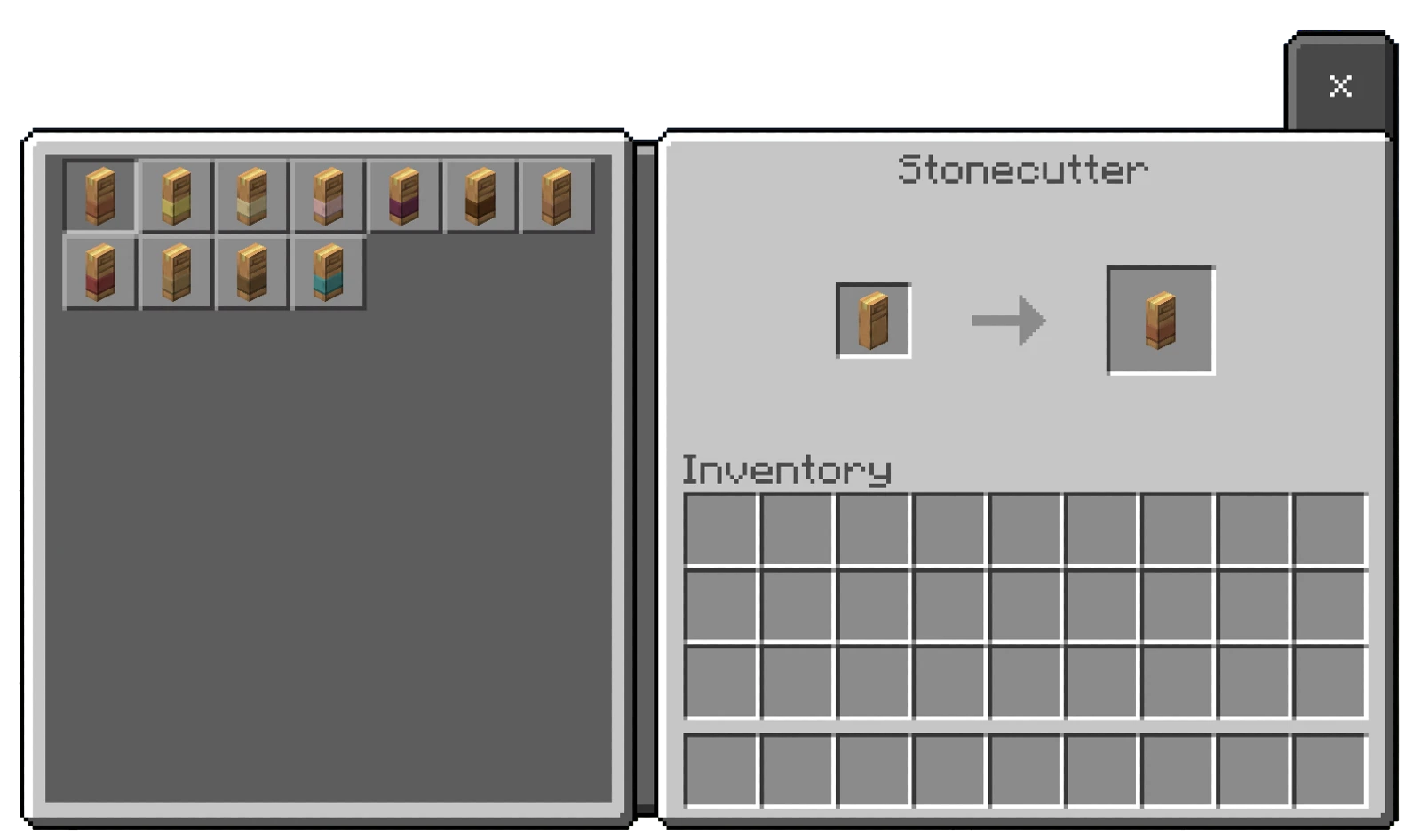
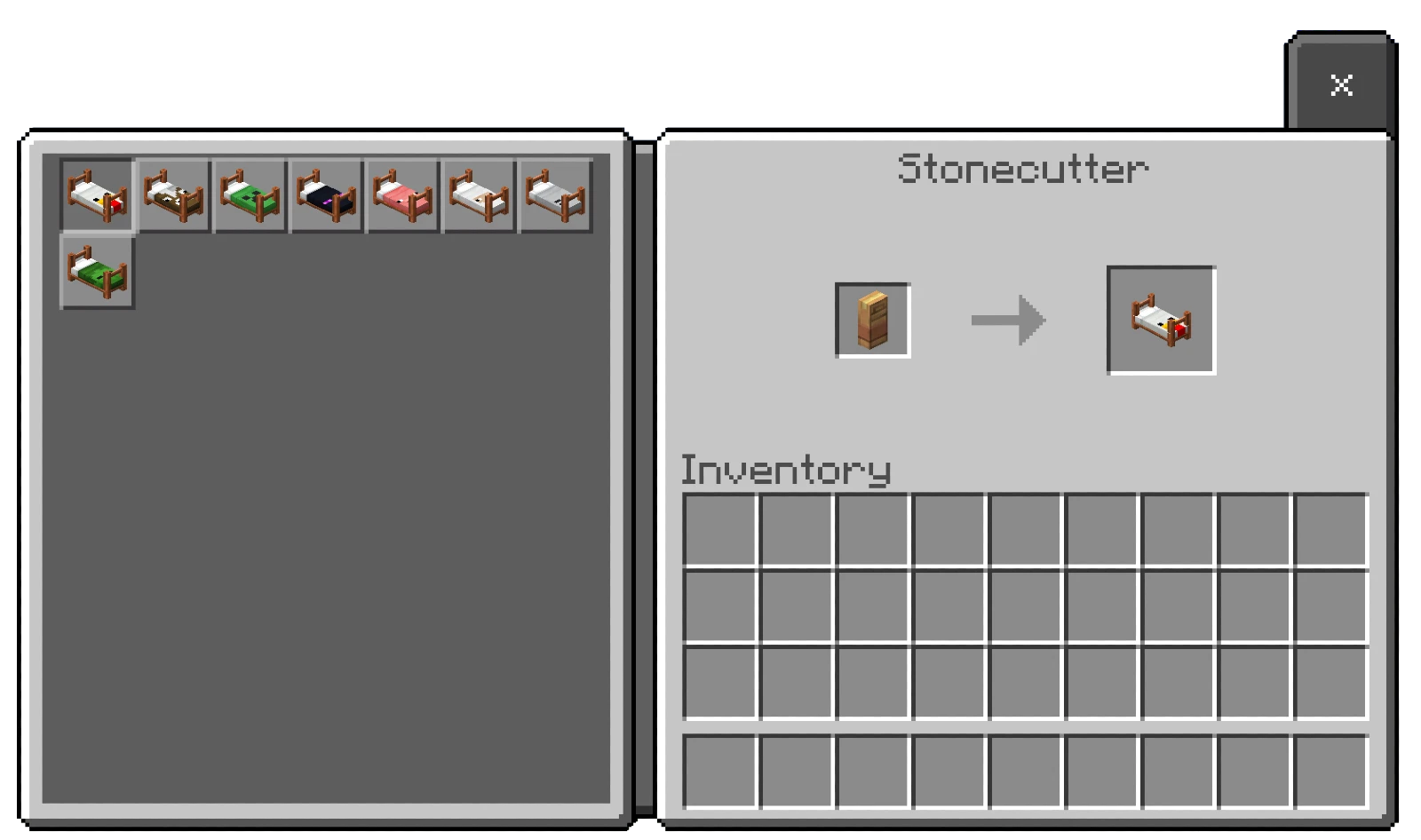
Obtain it by placing a clay ball in the stonecutter to create the bed box. If you put it back into the stonecutter, the options for different bed bases will appear, allowing you to choose your preferred style. Placing it in the stonecutter again will bring up the color options along with the selected bed base.
Better Beds Addon Download Links
For Minecraft PE/Bedrock 1.21
Behavior: Download from server 1 – Download from server 2
Resource: Download from server 1 – Download from server 2
- Edition: Minecraft Bedrock
- File type: .mcpack or .mcaddon
- Minecraft version listed: 1.21
- How to install: Download the .mcpack or .mcaddon file. → Open it — Minecraft imports it. → In your world: Behavior Packs → Available → Activate, then the same under Resource Packs.
- Where to get it: In MCModsHub, or directly above on this page.
Install steps are the general flow for this file type — How to install Minecraft Bedrock addons & mods walks through it step by step.
- Pack type: .mcaddon — behaviour and resource pack in one file
- Needs Beta APIs switched on in the world settings
- Complete pack — everything it depends on is inside the file
- Download size: 2.3 MB
- Download link checked 17 Jun 2026 — working
- Mirrored on our own servers — the download does not depend on the original host
These come from our own check of the pack file, not from the source page.