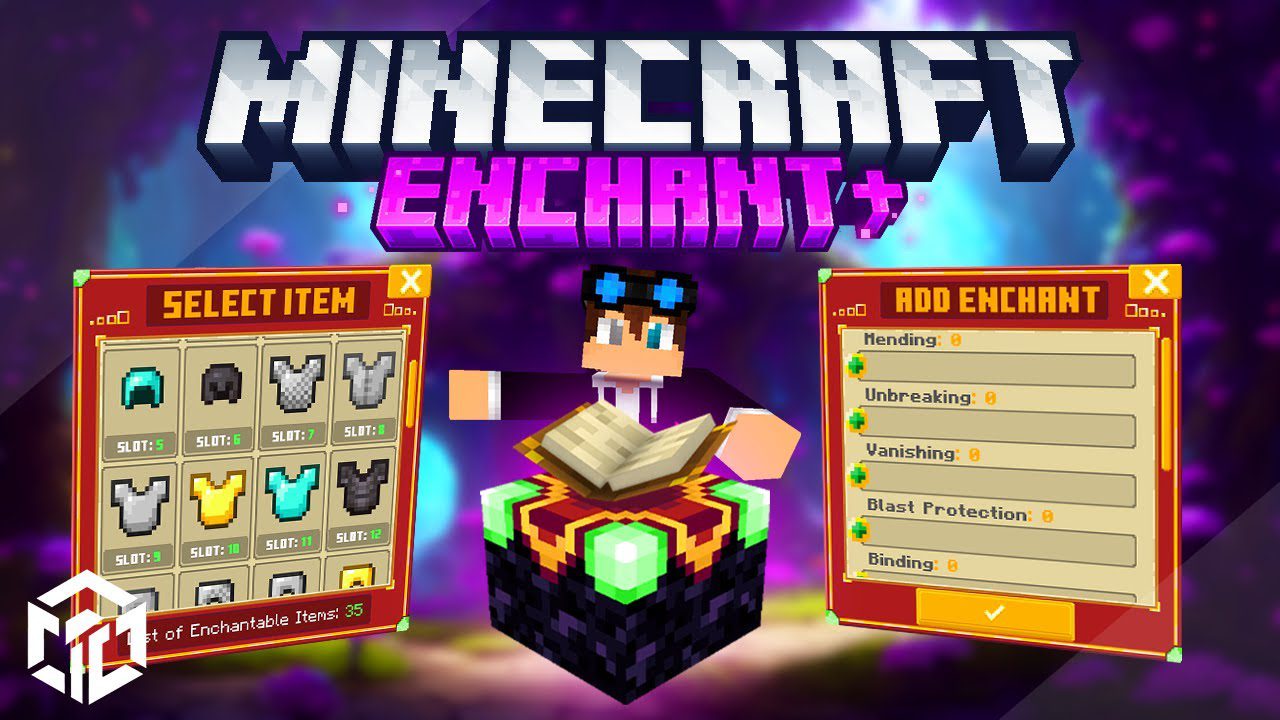
Enchant+ Addon (1.21, 1.20) – MCPE/Bedrock Mod
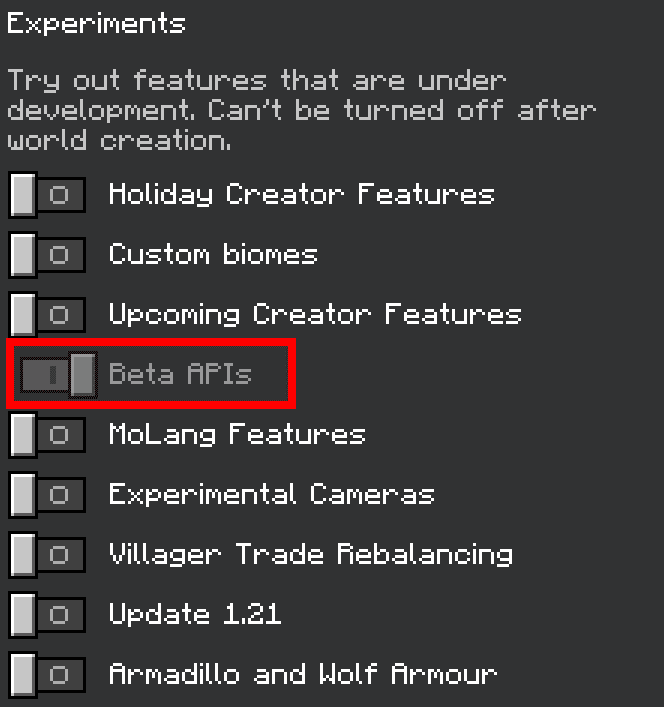
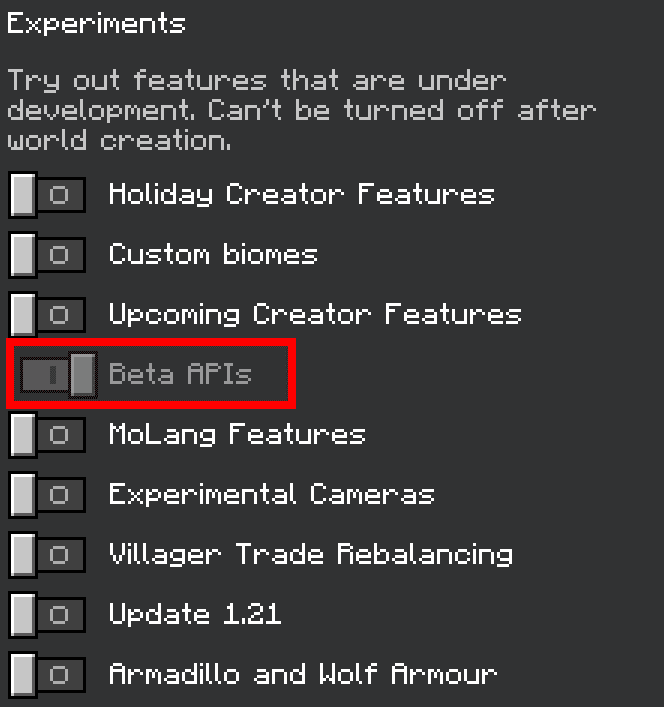
Bedrock add-on listed for Minecraft 1.20–1.21 (behavior + resource pack). Needs Beta APIs. File opened and checked on 21 Sep 2026; installs from the MC Bedrock Mods app on Android.
⬇ Download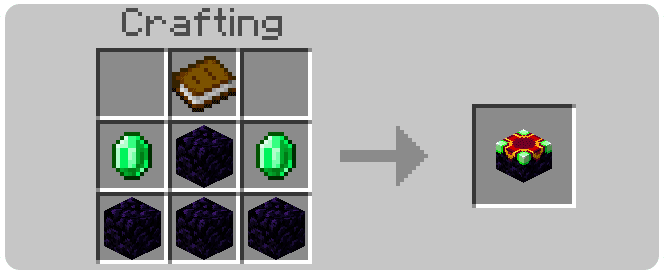
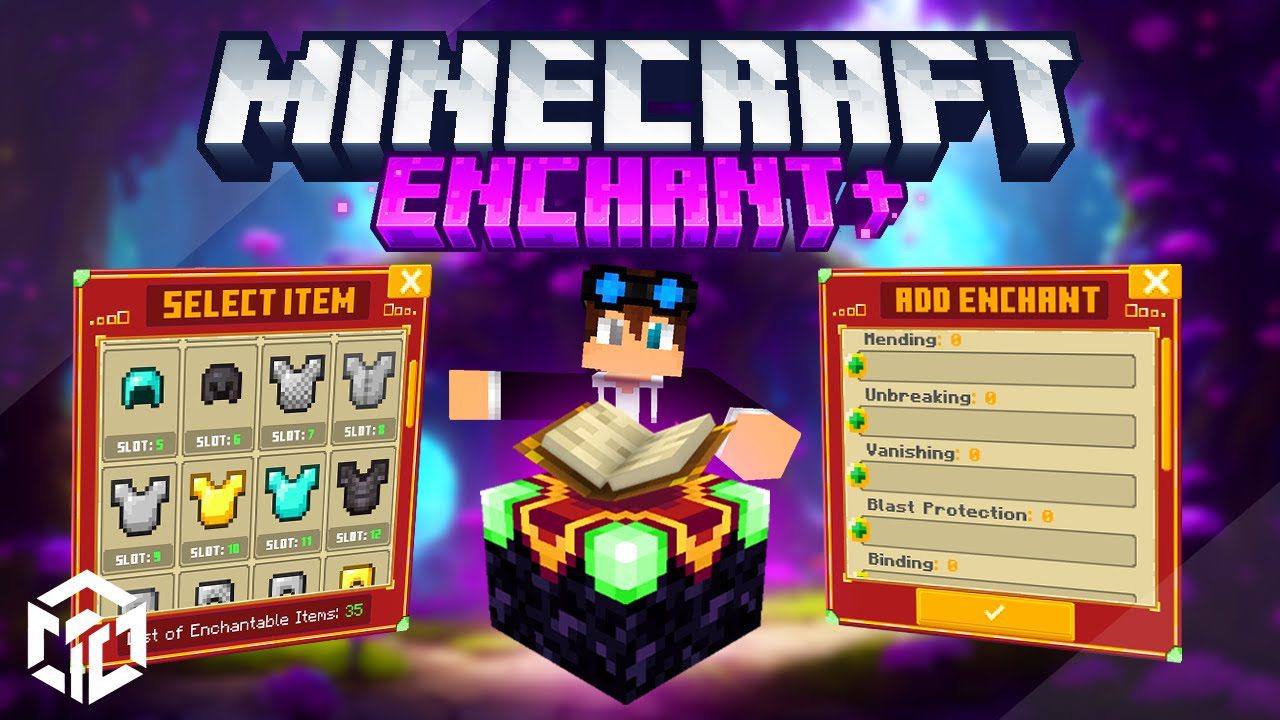
Enchant+ Addon introduces a fresh enchantment table to your world, providing extensive customization options for enchanting your items. At present, it caters to vanilla enchantments, but upcoming updates will include support for custom enchantments as well.
Features:
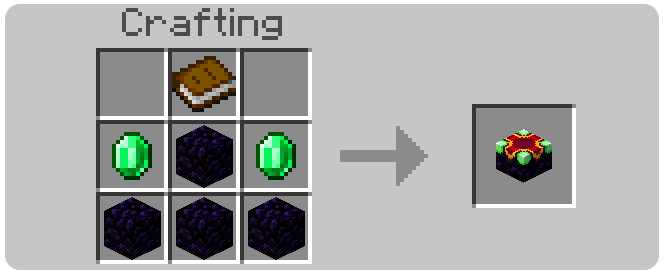
- To make it work, the first thing you will need to do is build the enchantment table using this recipe:
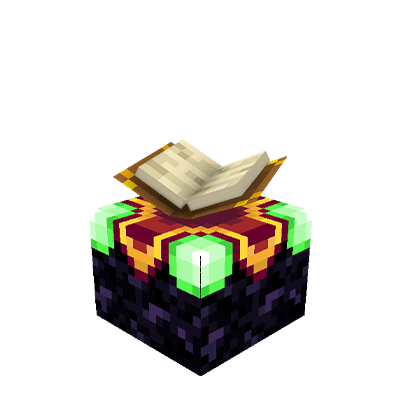
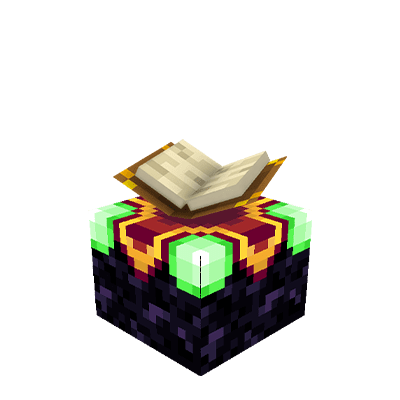
- Now, when you place the created block in the crafting table, it will appear like this:
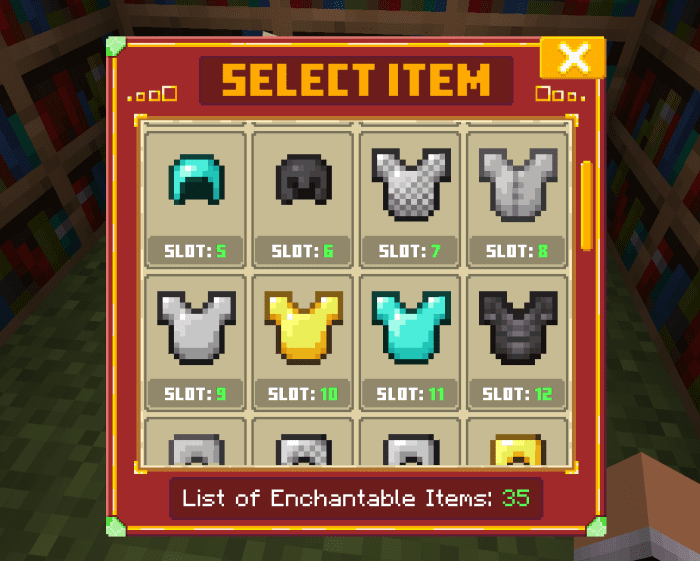
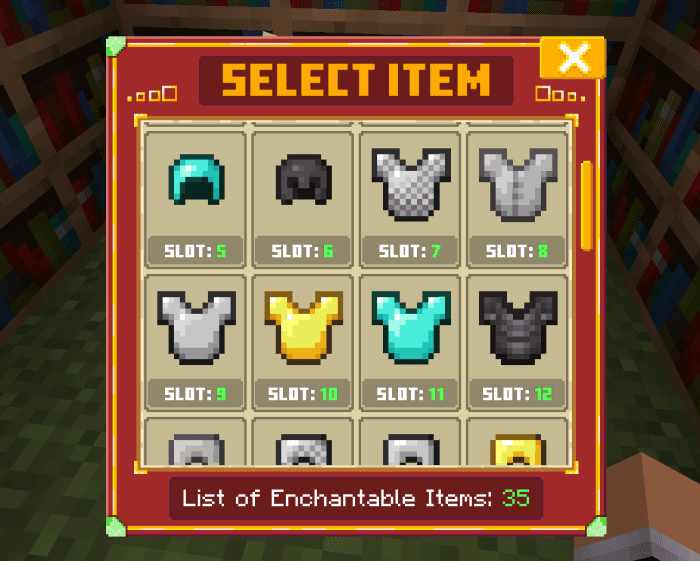
- When you interact with the block, obviously you should not have any blocks or items in your hand. This will open a UI that will show the items in your inventory that can be enchanted by the table. Under each item, there will be a slot name with a value. This is to help you understand where in your inventory your item is located. Here, you need to select the item you prefer to enchant.
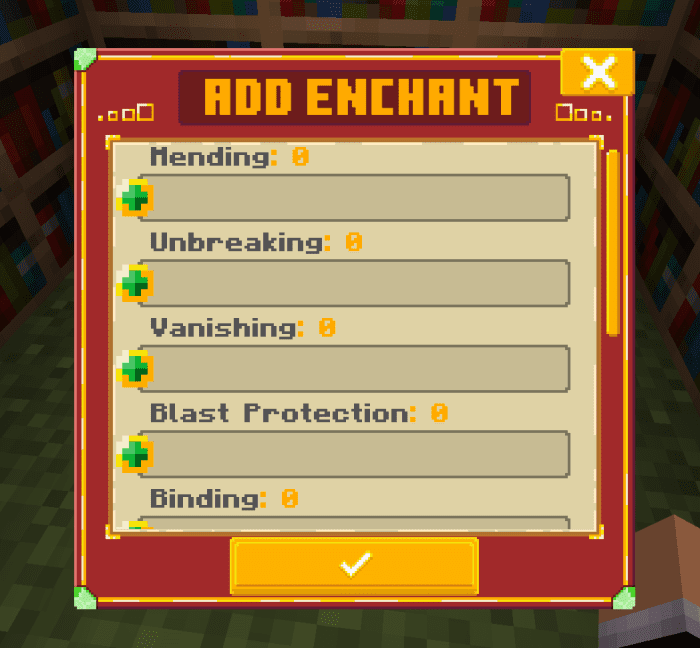
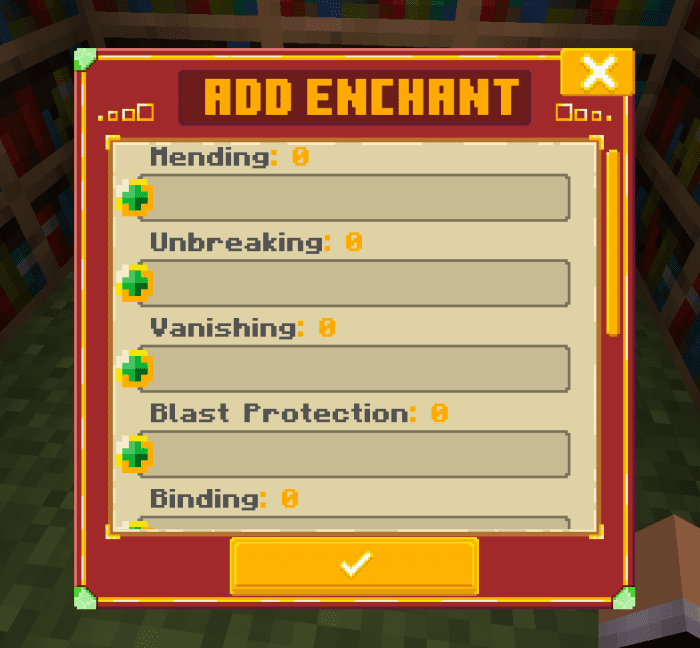
- When you have selected the item to enchant, it will take you to this UI where you select which enchantments you want to apply. Remember, you must respect the principle of enchanting in Minecraft Bedrock, that you cannot put enchantments that cannot be combined, like Protection and Fire Protection. In vanilla, these are not enchantments that you can put together, and the same applies here.
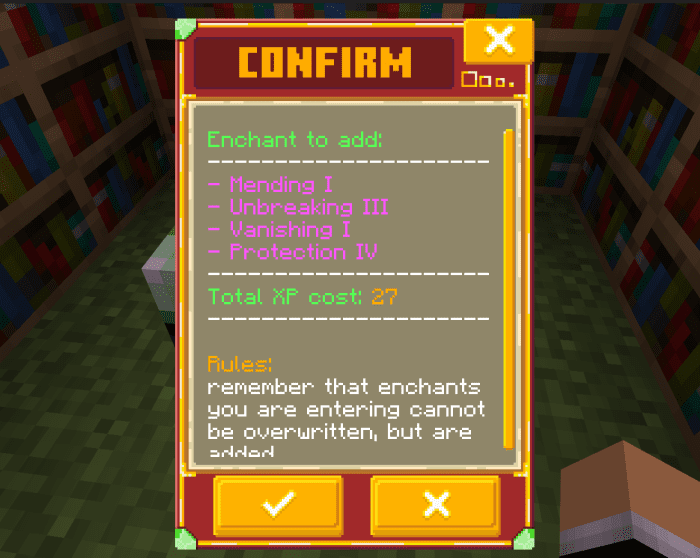
- Once you have added the enchantments you desire, confirm with the button below which will take you to a similar UI. This will give you a summary of the enchantments you are adding and the final price. Obviously, you can either confirm or cancel. If you confirm, the corresponding amount of XP indicated will be removed from you.
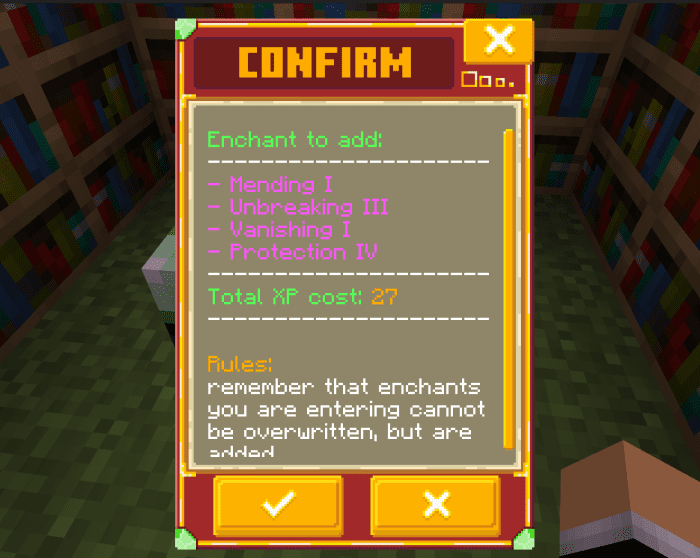
Cost Xp:
Instead, if you want to change the price to enchant your items, just go to:
- scripts/config.js
Open the config file and change the value on XP which is 5 by default.
- xp:5
Installation Note:
- Make sure you turn on the Experimental Gameplay.
Enchant+ Addon Download Links
For Minecraft PE/Bedrock 1.21
mcaddon: Download from server 1 – Download from server 2
For Minecraft PE/Bedrock 1.20
mcaddon: Download from server 1 – Download from server 2
- Edition: Minecraft Bedrock
- File type: .mcpack or .mcaddon
- Minecraft versions listed: 1.21, 1.20
- How to install: Download the .mcpack or .mcaddon file. → Open it — Minecraft imports it. → In your world: Behavior Packs → Available → Activate, then the same under Resource Packs.
- Where to get it: In MCModsHub, or directly above on this page.
Install steps are the general flow for this file type — How to install Minecraft Bedrock addons & mods walks through it step by step.
- Pack type: .mcaddon — behaviour and resource pack in one file
- Manifest requires Minecraft 1.20.60 or newer
- Needs Beta APIs switched on in the world settings
- Complete pack — everything it depends on is inside the file
- Download size: 266 KB
- Download link checked 17 Jun 2026 — working
- Mirrored on our own servers — the download does not depend on the original host
These come from our own check of the pack file, not from the source page.