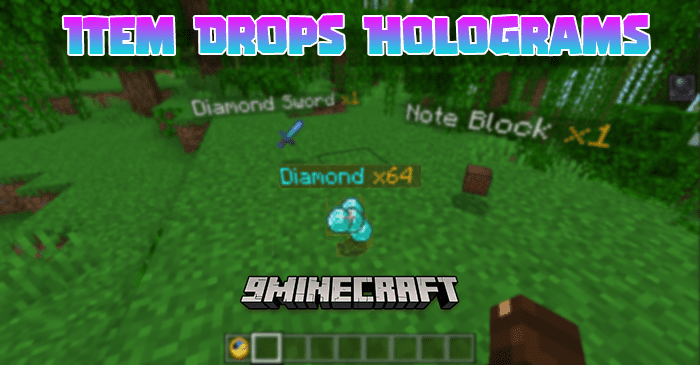
Item Drops Holograms Addon (1.21, 1.20) – Floating Item Names Mod

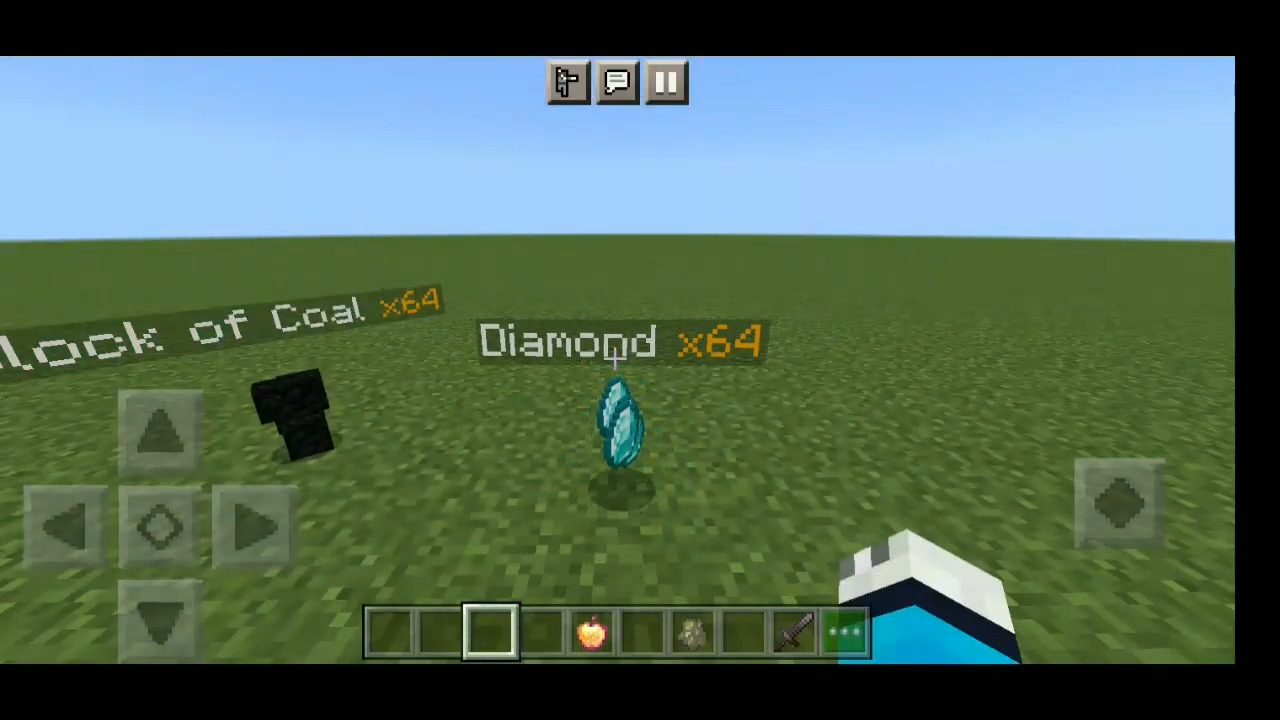
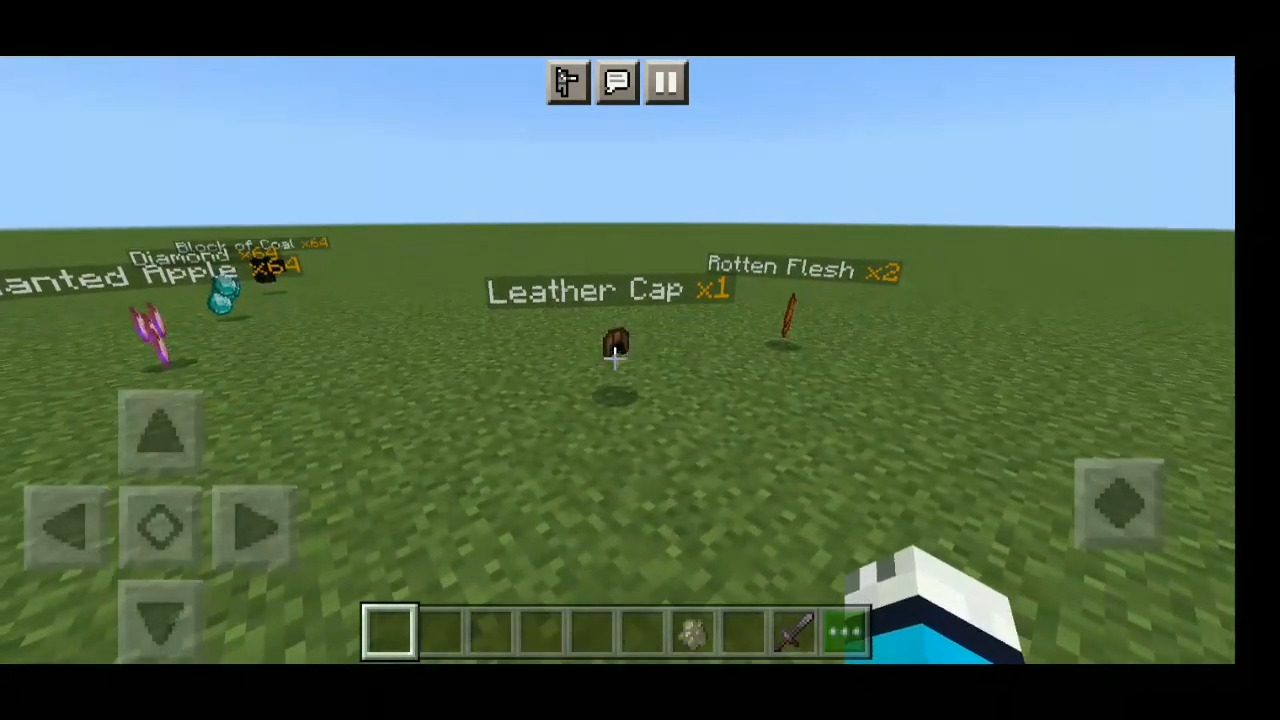
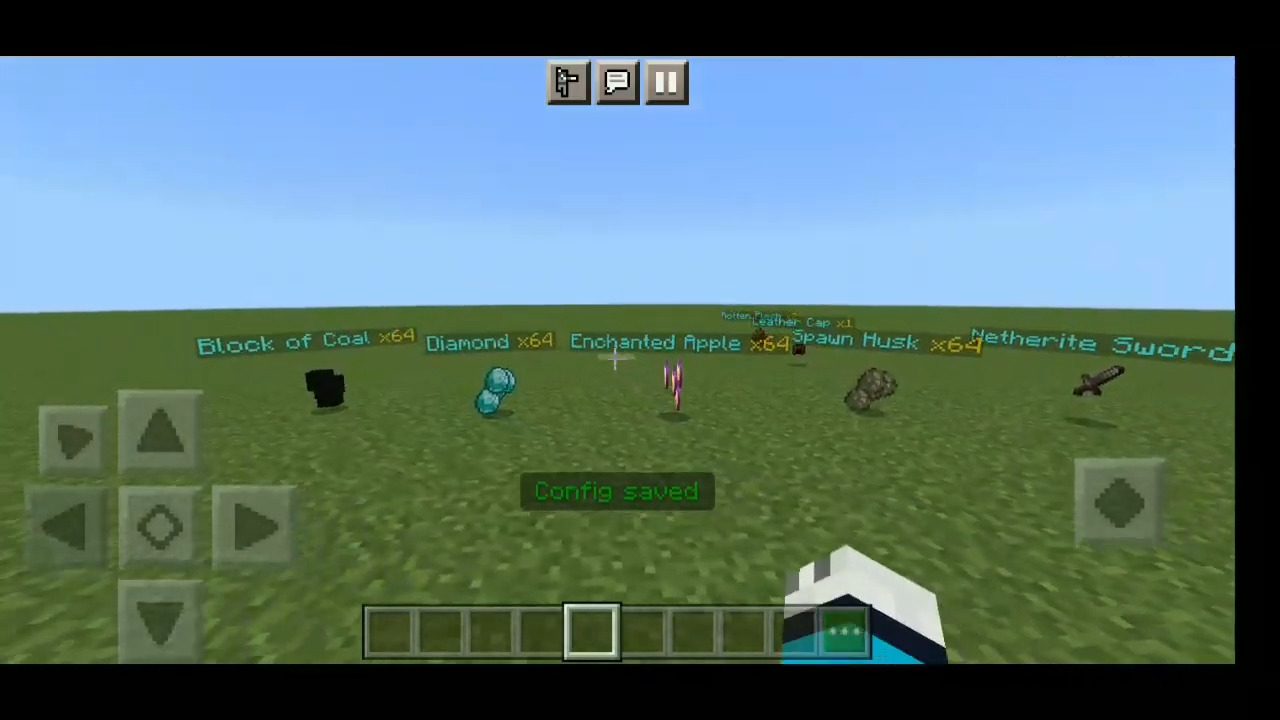
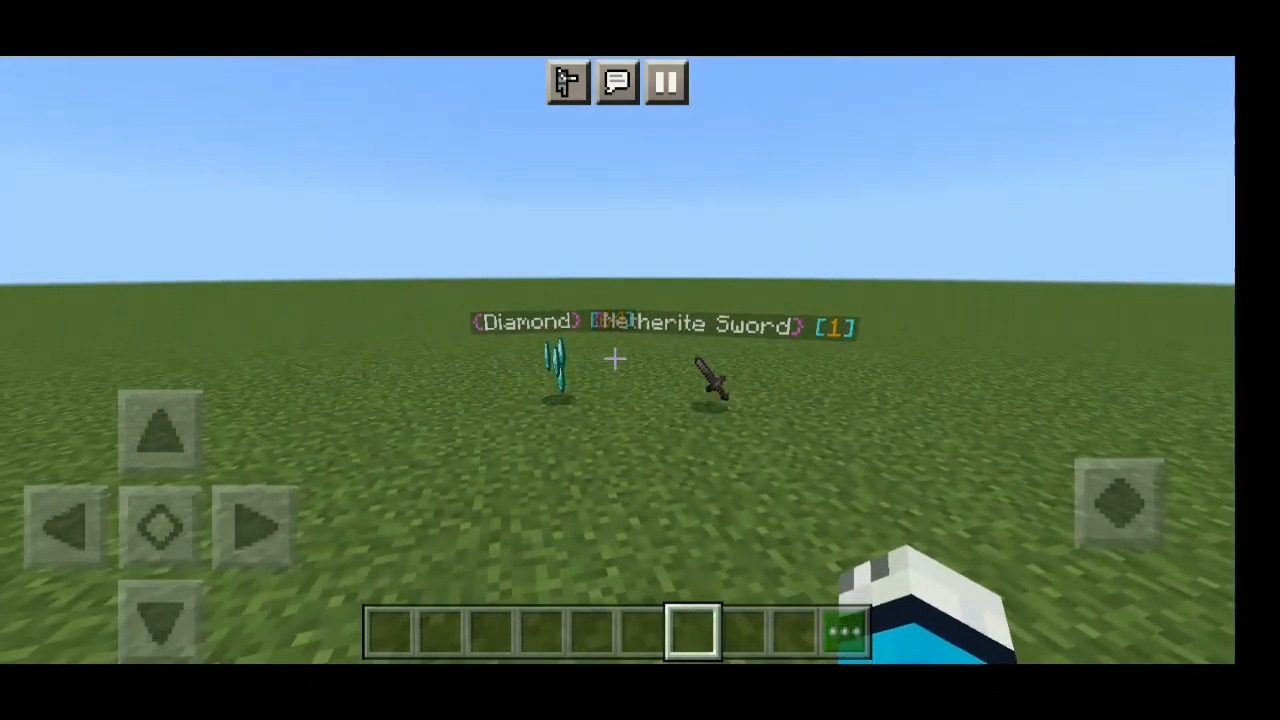
Item Drops Holograms Addon adds above each dropped item text-hologram, which displays the name of the item and the amount! Now you can clearly identify…
⬇ DownloadOpen in MCModsHubGet it on Google Play →Item Drops Holograms Addon adds above each dropped item text-hologram, which displays the name of the item and the amount! Now you can clearly identify the item from afar without looking at its texture! This addon is compatible with all other addons!
Features:

- Raycasting! Holograms are only displayed on items you can see! For example, items that are behind a block, in the grass, etc. do not display holograms until you see them.
- 2 modes of operation! Display holograms only on the closest items in a certain radius, or only on items that are pointed by your crosshair
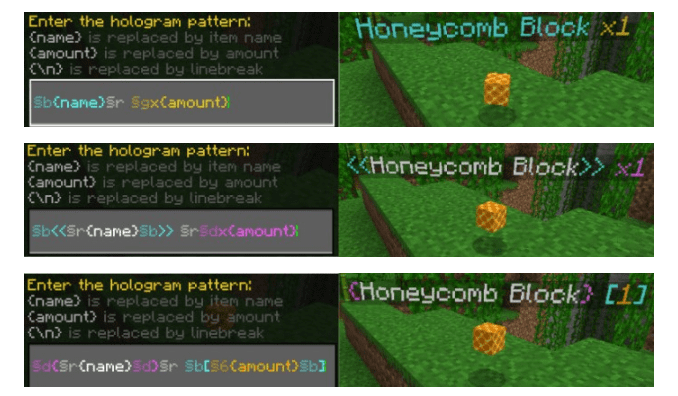
- Editable hologram text pattern! You can change the colors, add a prefix/postfix, add your own text, and even make the text multi-line!
- Fine-tuning! You can adjust the maximum distance to the item to display the hologram, limit the number of nearest items with holograms, change the font size, and many other settings!
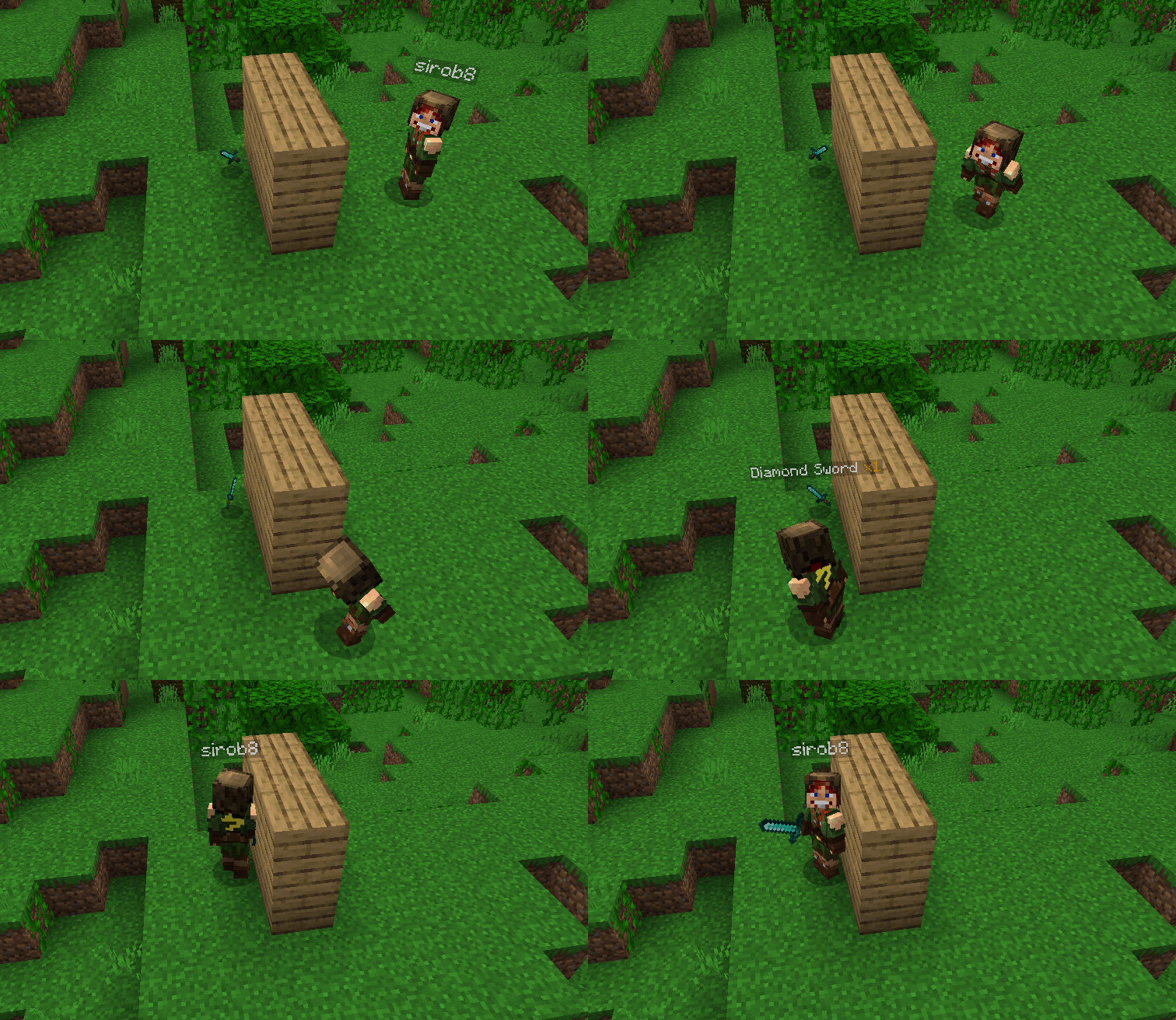
- Supports multiplayer and is compatible with all other add-ons! (without player.json)
How to use?
Apply the addon to your world and that’s it! After entering the world, the addon will start working immediately.
Note: after applying the addon, only newly dropped items will have holograms. Items that were dropped before the addon was applied will not get holograms.
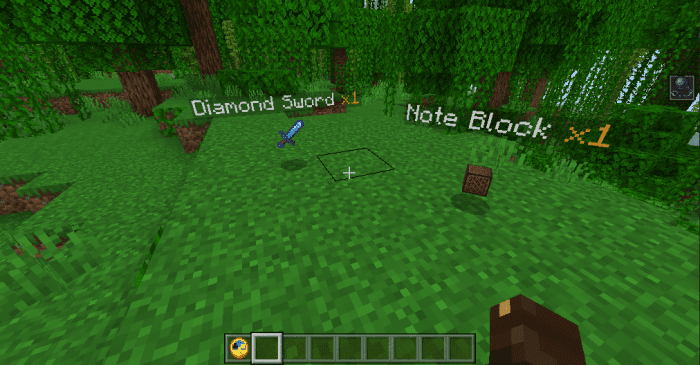

Raycasting: The hologram is displayed on the item only if there are no obstacles between the player and the item in a straight line:
Multiplayer is supported:
Addon customization
Just enter this command /function itemsHolograms_config
And you will open the settings window for this addon:
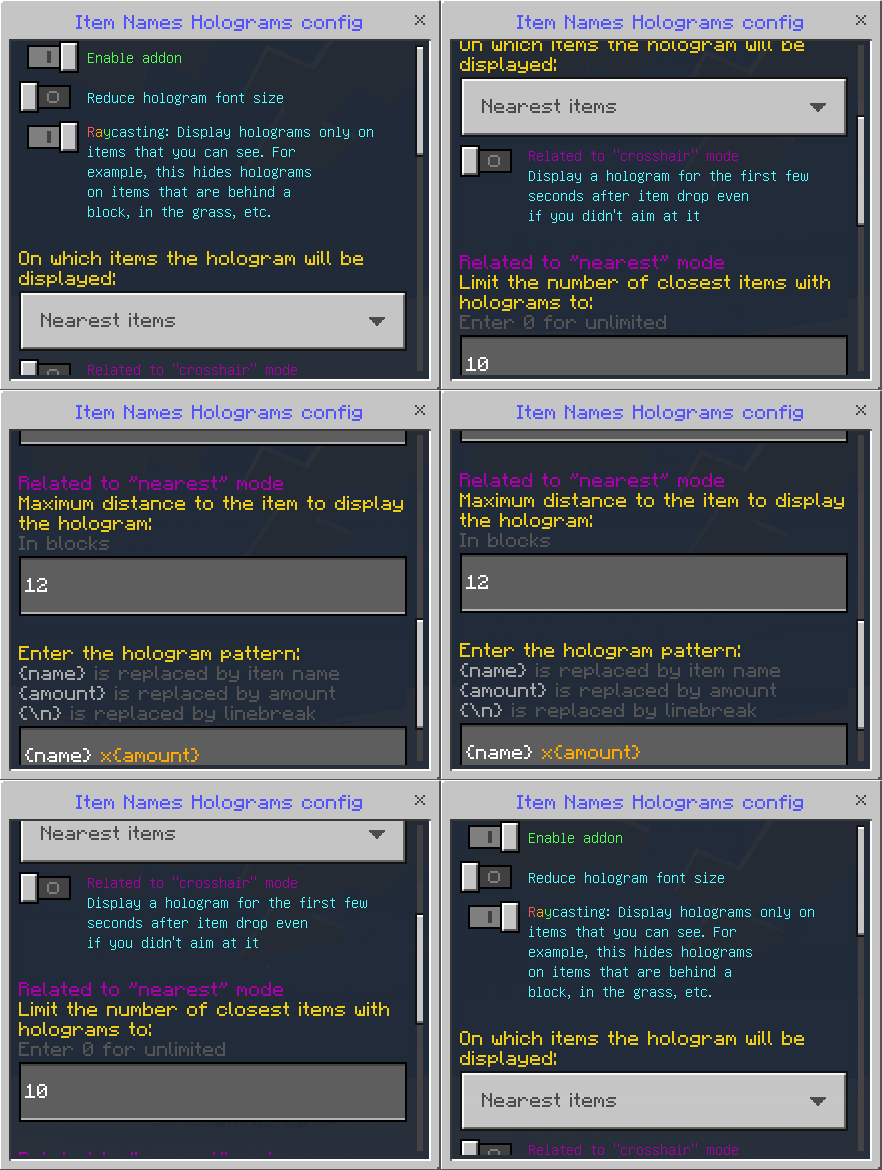
Here you can configure:
- Enable addon. Allows you to turn the addon on and off without leaving the world
- Reduce hologram font size. If enabled, the font size in the holograms will be smaller
- Raycasting. If disabled, holograms will be displayed even on items that you cannot see (behind the block, in the grass, etc.)
- On which items the hologram will be displayed. You can choose “Nearest items” or “Items the crosshair is aimed at”
In “nearest” mode, holograms are displayed only on items within a certain radius. If raycasting is enabled, the visibility of items is checked before displaying holograms
Available options in “nearest” mode:
- Limit the number of closest items with holograms. You can enter any integer. The default is 10. Enter 0 for unlimited (not recommended)
- Maximum distance to the item to display the hologram. You can enter any integer. The default is 12. A maximum of 50 is recommended.
In “crosshair” mode, holograms are displayed only on items that your crosshair is aimed at. Raycasting doesn’t affect anything in this mode
Available options in “crosshair” mode:
- Display a hоlogram for the first few seconds after the item drop even if you didn’t aim at it. If enabled, each item after being dropped will have a hologram for a few seconds. After that, the hologram will disappear until you aim at the item
Changing the hologram pattern
Enter the command /function itemsHolograms_config and scroll to the bottom:
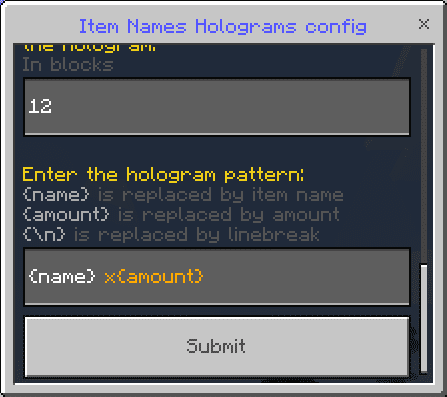
And here you can change the pattern to your liking:
(The pattern is limited only by the number of characters (max 100) and your imagination)
Screenshots:
Installation Note:
- Your Minecraft version type is “release” and version 1.19.10 or higher.
- Enable these experiments: “GameTest Framework”
Item Drops Holograms Addon Download Links
For Minecraft PE/Bedrock 1.21
Behavior: Download from Server 1 – Download from Server 2
Resource: Download from Server 1 – Download from Server 2
For Minecraft PE/Bedrock 1.20
Behavior: Download from Server 1 – Download from Server 2
Resource: Download from Server 1 – Download from Server 2
For Minecraft PE/Bedrock 1.19
mcaddon: Download from Server 2
- Pack type: .mcpack — a single pack
- Manifest requires Minecraft 1.19.0 or newer
- Ships one half — this pack asks for another pack that is not included
- Download link checked 17 Jun 2026 — working
- Mirrored on our own servers — the download does not depend on the original host
These come from our own check of the pack file, not from the source page.