Amon's Dynamic Lighting Addon (1.21, 1.20) – Miner's Helmet, Off-Hand Torch
Bedrock add-on listed for Minecraft 1.16–1.21 (behavior + resource pack). File opened and checked on 14 Oct 2026; installs from the MC Bedrock Mods app on Android.
⬇ Download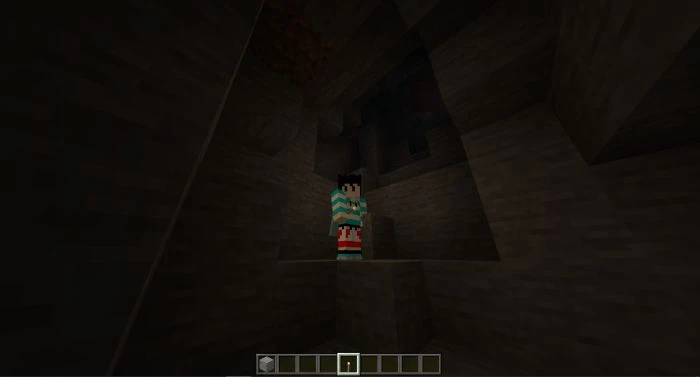
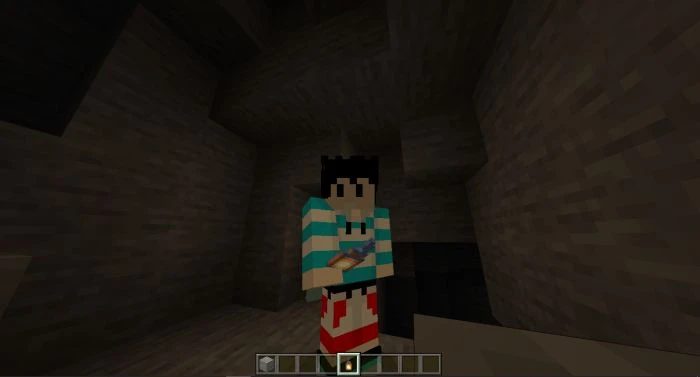
Do you want to experience dynamic lighting like using Optifine in Java? Amon’s Dynamic Lighting Addon adds just that experience into Minecraft bedrock! This addon’s lighting is not as smooth as Optifine but it does the job. You can use different items that give off light to light your surroundings by just holding them in your hands. The dynamic light has a fixed light level of 8. You can now explore dark caves more easily if you don’t have enough torches to place.
Features:
You can use different items that gives off light to light your surroundings by just holding it in your hands.
The dynamic light has a fix light level of 8. You can now explore dark caves easier if you don’t have enough torches to place.
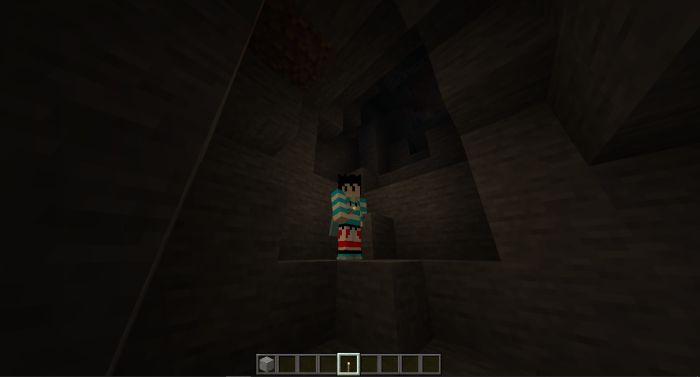
As you can see in this picture I’m holding a torch and it’s giving off light.
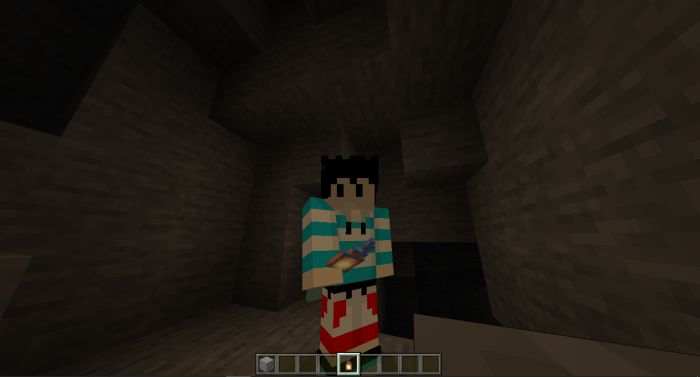
– Lighting Items gives off light when it is on the ground.
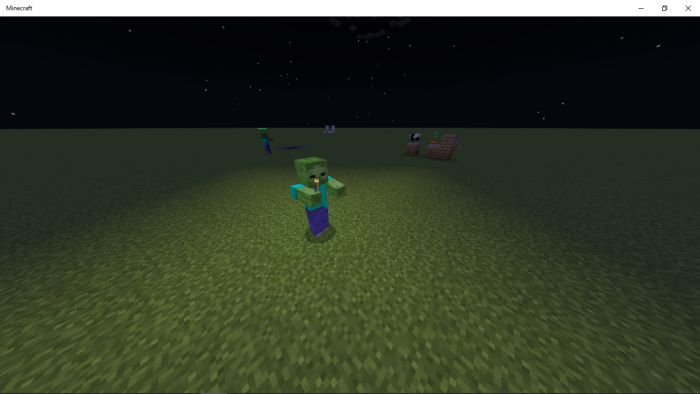
Dynamic Lighting Also affects mobs.
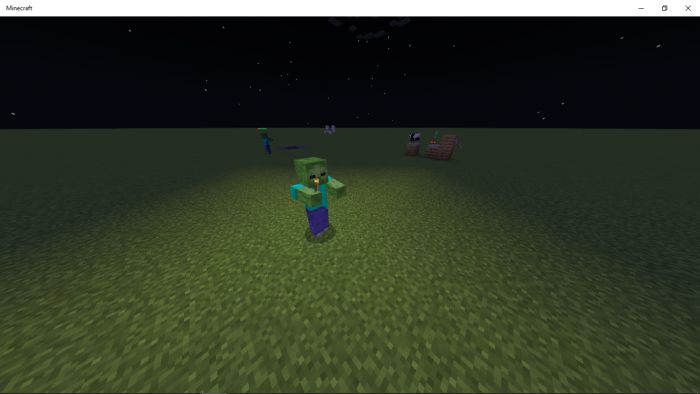
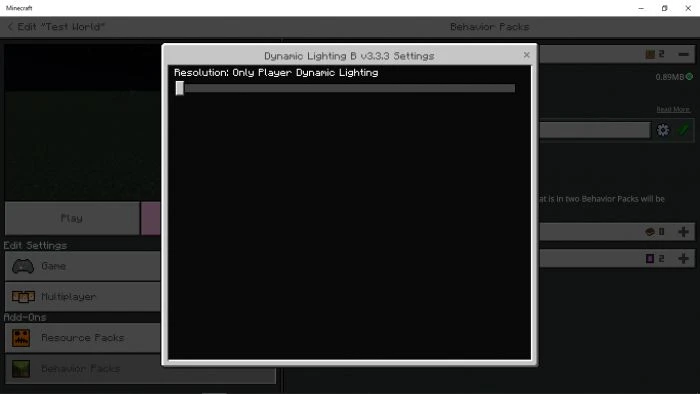
You can switch this ON or OFF using the pack settings.
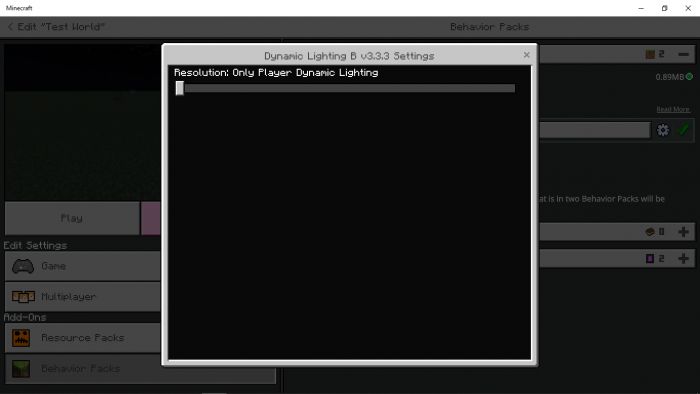
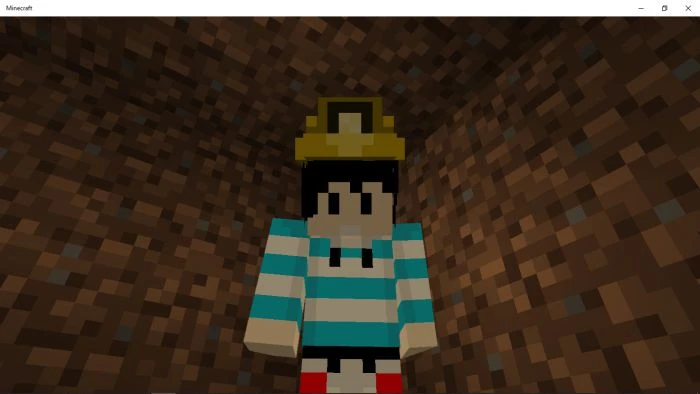
Miner’s Helmet:
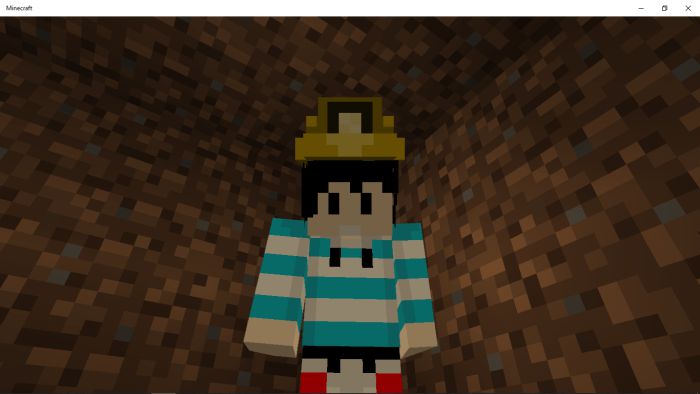
A new armor that gives off light when worn.
Durability: 100
Armor points: 4
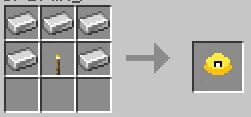
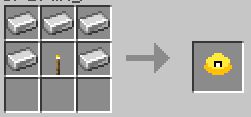
Can be repaired using: Iron Ingot
Crafting Recipe:
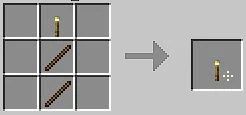
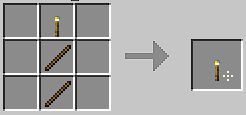
Off-hand Torch:
A type of torch that you can equip to your off-hand slot. This torch also acts like a normal torch and can be place.
Amon’s Dynamic Lighting Addon Download Links
For MCPE/Bedrock 1.19, 1.18
For MCPE/Bedrock 1.21, 1.20
mcaddon: Download from server 1 – Download from server 2
- Edition: Minecraft Bedrock
- File type: .mcpack or .mcaddon
- Minecraft versions listed: 1.21, 1.20
- How to install: Download the .mcpack or .mcaddon file. → Open it — Minecraft imports it. → In your world: Behavior Packs → Available → Activate, then the same under Resource Packs.
- Where to get it: In MCModsHub, or directly above on this page.
Install steps are the general flow for this file type — How to install Minecraft Bedrock addons & mods walks through it step by step.
- Pack type: .mcaddon — behaviour and resource pack in one file
- Manifest requires Minecraft 1.16.0 or newer
- Complete pack — everything it depends on is inside the file
- Download size: 297 KB
- Download link checked 17 Jun 2026 — working
- Mirrored on our own servers — the download does not depend on the original host
These come from our own check of the pack file, not from the source page.