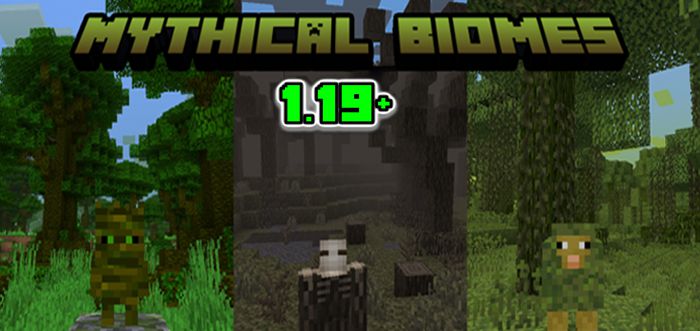
Mythical Biomes Addon (1.20, 1.19) – MCPE/Bedrock Mod
Bedrock add-on listed for Minecraft 1.19–1.20 (behavior + resource pack). Needs Beta APIs. File opened and checked on 26 Sep 2026; installs from the MC Bedrock Mods app on Android.
⬇ Download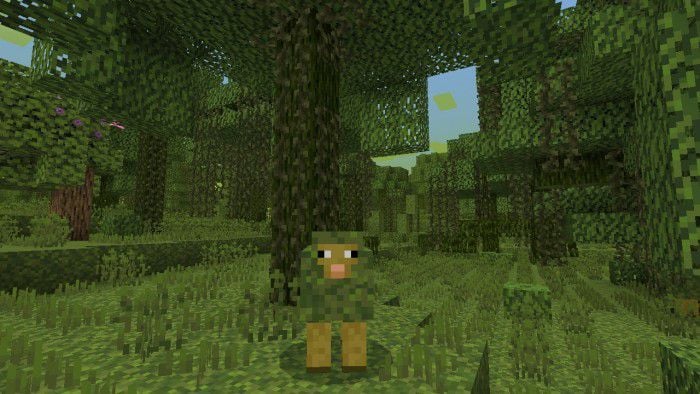
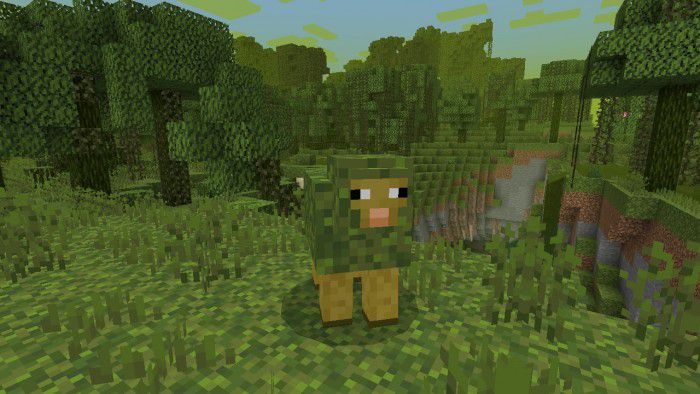
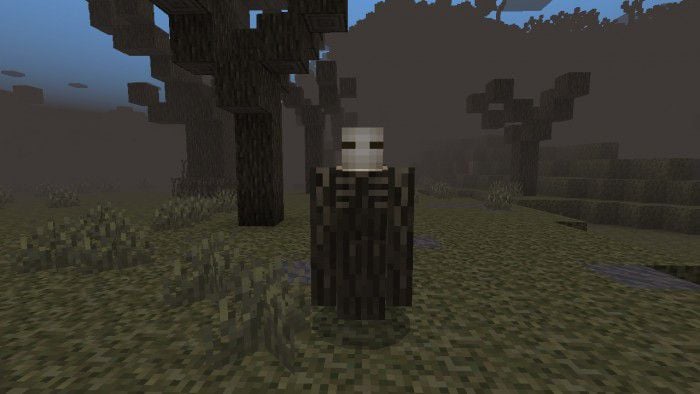
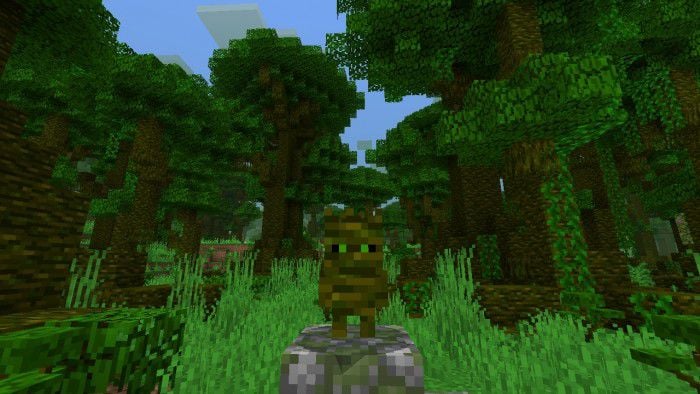
Mythical Biomes Addon adds some new biomes to your world, that looks like a fantasy land. Including new mobs, features & blocks. Mythical Biomes are currently in the BETA version, some bugs may affect the custom biome to not generate in the world along with vanilla biomes. So, it had to replace some biomes, just to generate new biomes.
Features:
Biomes
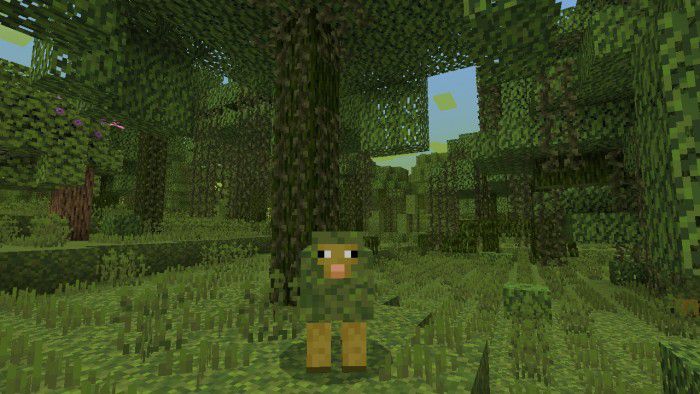
Mossy Forest
- Mossy Forest currently replaced the Swampland biome.
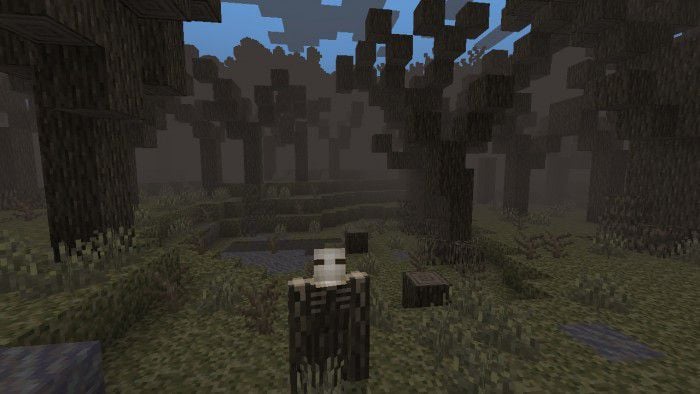
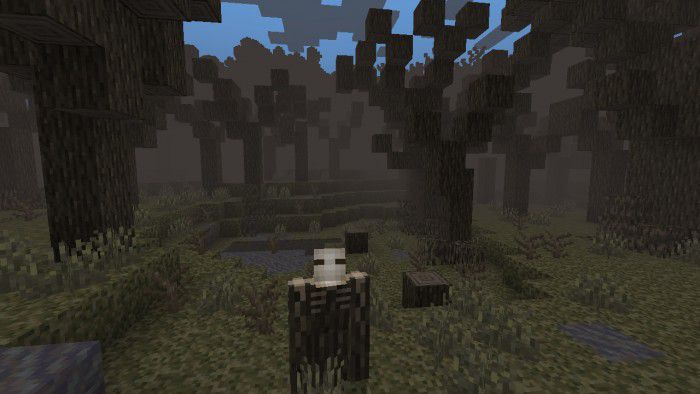
Corrupted Forest
- Corrupted Forest currently replaced the Wooden Badland biome.
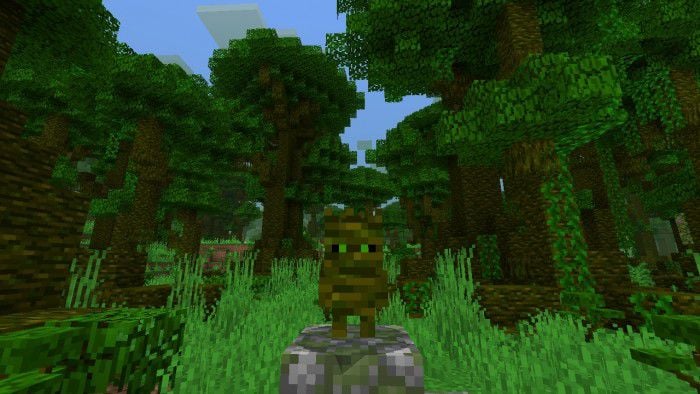
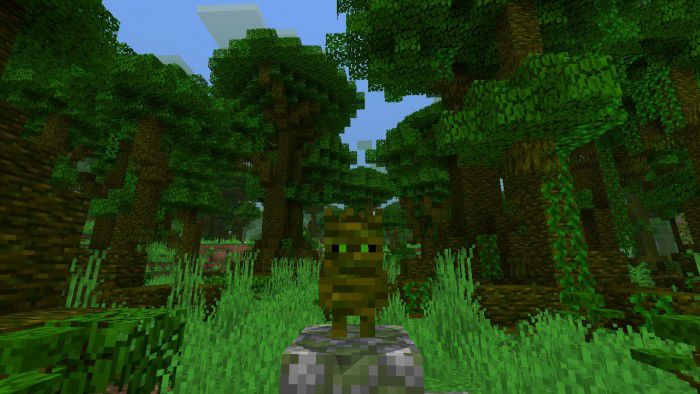
Overgrown Jungle
- Overgrown Jungle currently replaced the Jungle biome. But the Sparse Jungle & Bamboo Jungle are still can be found.
Mobs
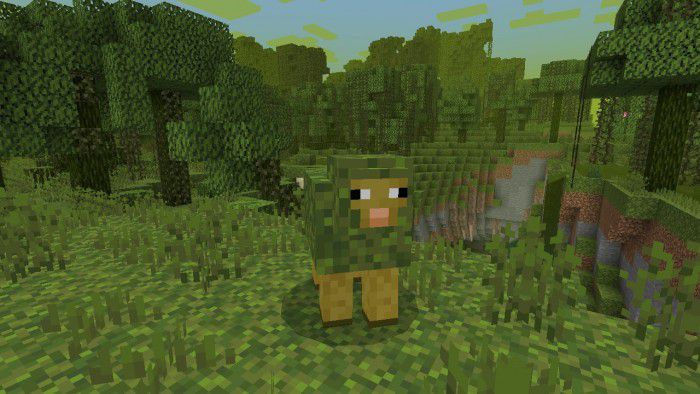
Mossheep
- Passive Mob
- Spawn in Mossy Forest.
- Breathable using Tall Moss Sprouts.
- Health: 8
- Drop: Moss Block & Raw Mutton.
- Can be sheared and drop Moss Block.
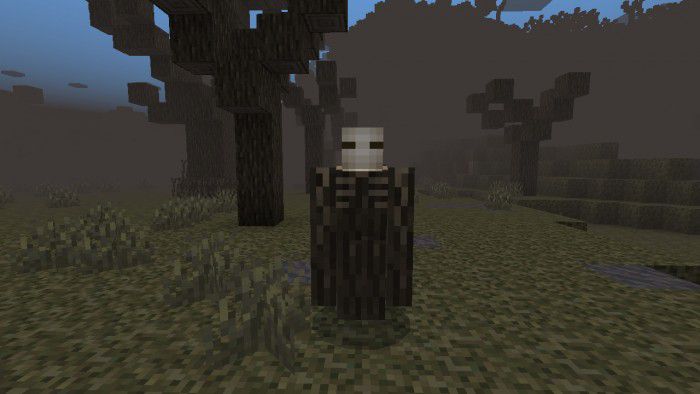
Corrupted Wood Corpse
- Hostile Mob.
- Spawn in Corrupted Forest.
- Health: 30
- Drop: Corrupted Log, Corrupted Bush, Stick & Bone.
- Attack Damage: 8
- Cursed Scarecrow will also attack Iron Golem, & Snow Golem.
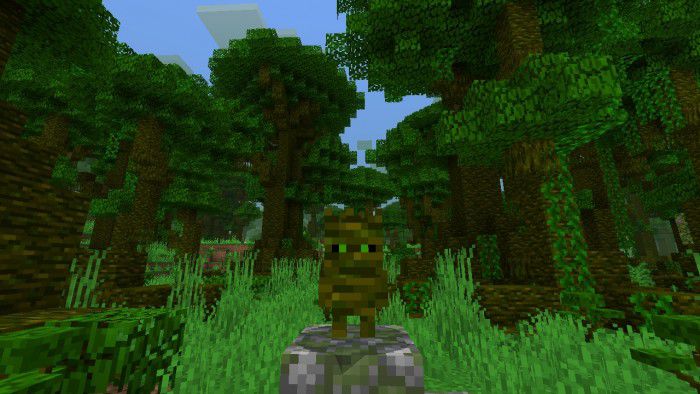
Overgrown Troot
- Neutral Mob.
- Spawn in Overgrown Jungle.
- Tamable using Beetroot.
- Health: 28
- Drop: Overgrown Jungle Log, Overgrown Jungle Plant & Stick.
- Attack Damage: 2-3
- The tamed Overgrown Troot will fight all the zombies they see even when they are not doing anything to them. And they will also attack whoever hurts or is targeted by their owner.
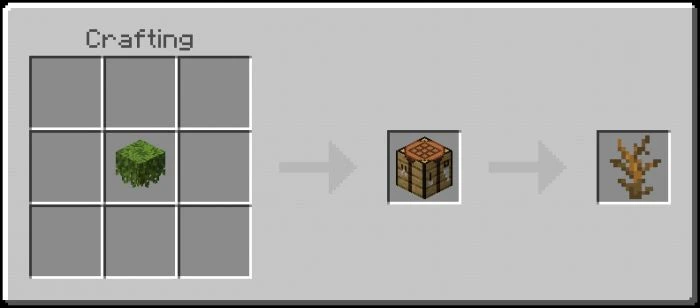
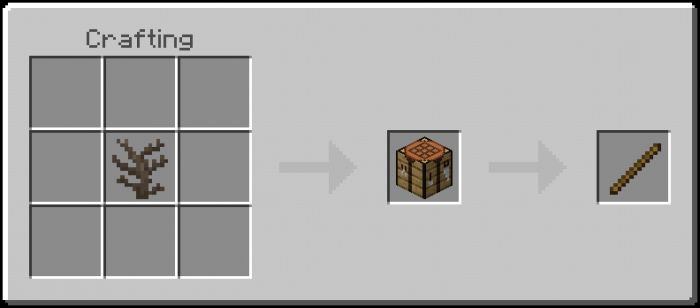
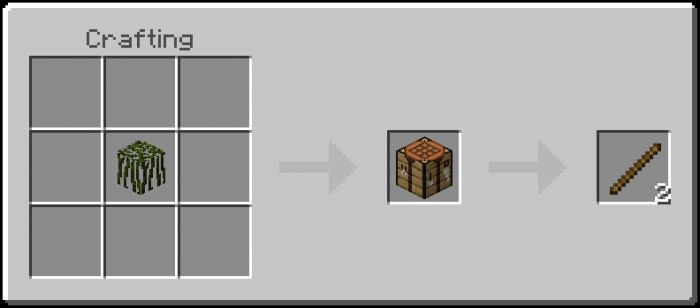
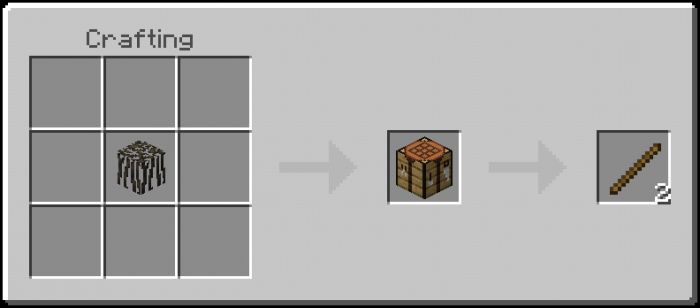
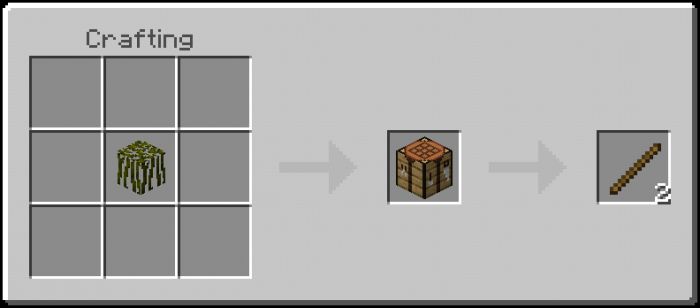
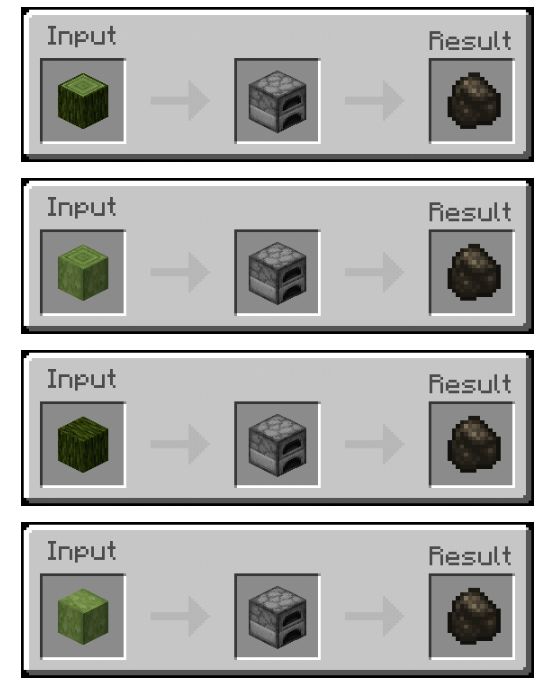
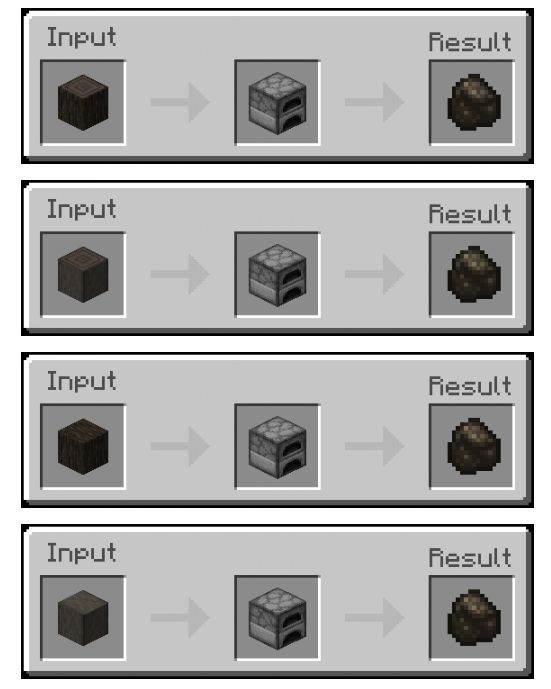
Crafting Recipes
Crafting Table
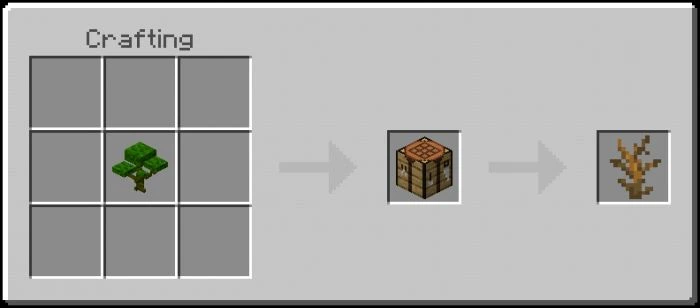
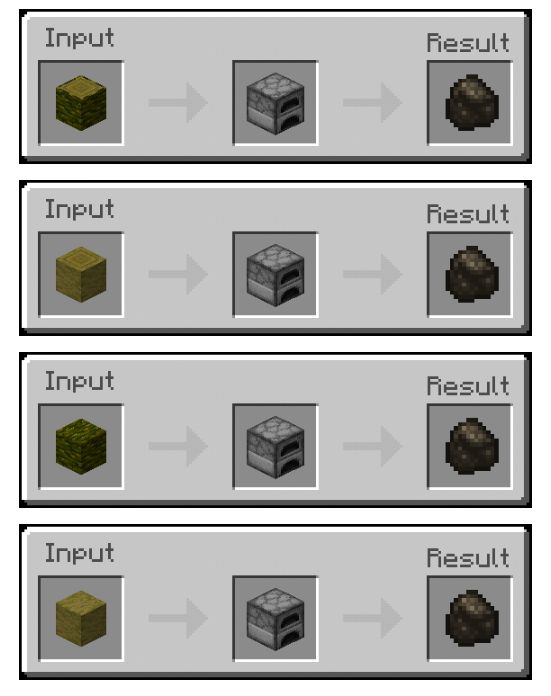
Deadbush
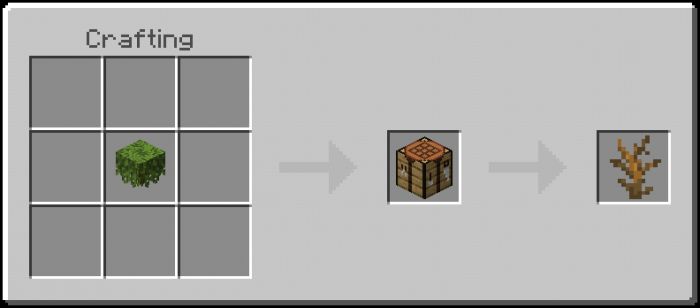
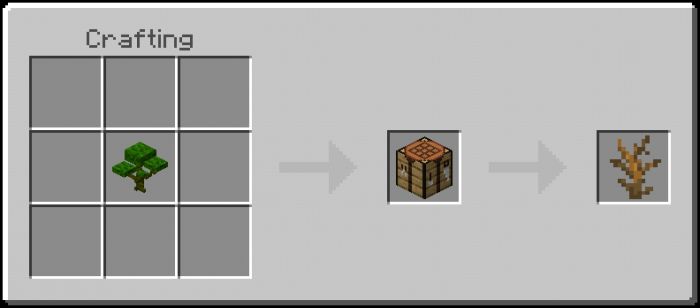
Stick
Furnace
Charcoal
Installation Note:
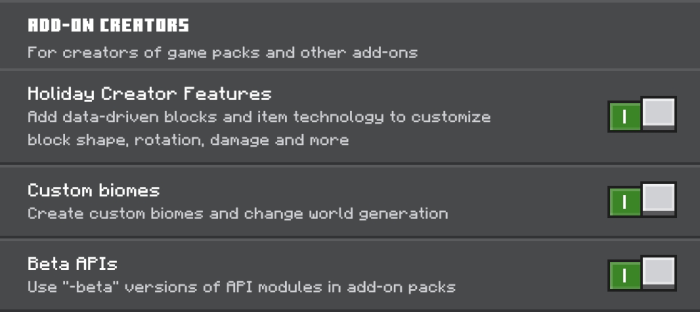
- Don’t forget to turn on all of these experimental gameplay options:
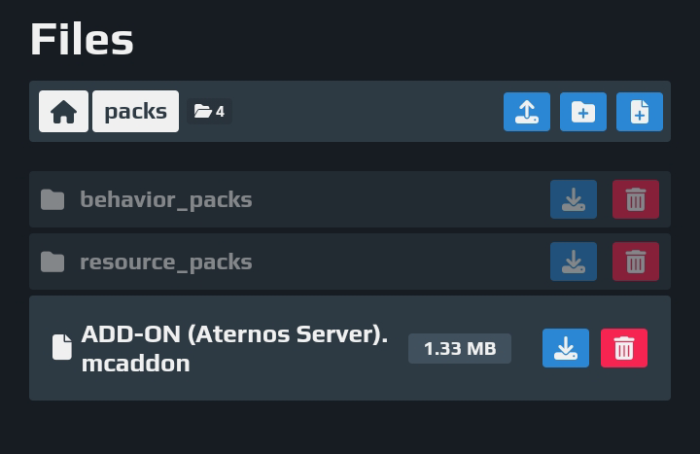
- Aternos server installation:
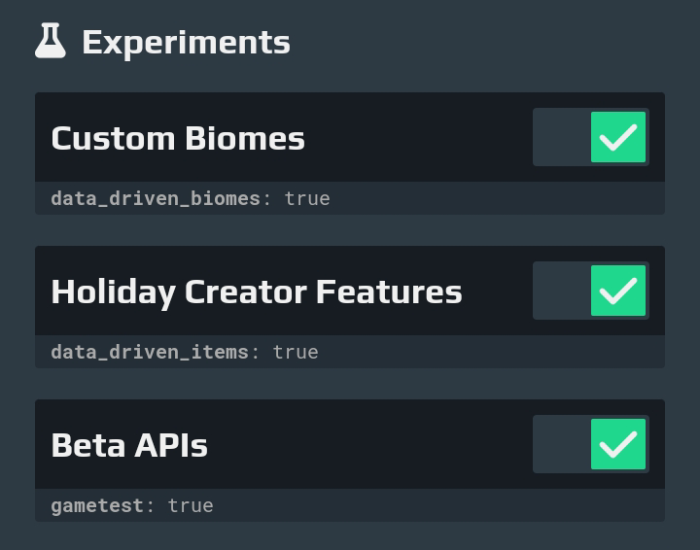
- You must turn ON all of these experimental options before entering your world:
Mythical Biomes Addon Download Links
For Minecraft PE/Bedrock 1.20
Behavior: Download from server 1 – Download from server 2
Resource: Download from server 1 – Download from server 2
Server: Download from server 1 – Download from server 2
For Minecraft PE/Bedrock 1.19
Behavior: Download from Server 1
Resource: Download from Server 1
- Edition: Minecraft Bedrock
- File type: .mcpack or .mcaddon
- Minecraft versions listed: 1.20, 1.19
- How to install: Download the .mcpack or .mcaddon file. → Open it — Minecraft imports it. → In your world: Behavior Packs → Available → Activate, then the same under Resource Packs.
- Where to get it: In MCModsHub, or directly above on this page.
Install steps are the general flow for this file type — How to install Minecraft Bedrock addons & mods walks through it step by step.
- Pack type: .mcaddon — behaviour and resource pack in one file
- Needs Beta APIs switched on in the world settings
- Complete pack — everything it depends on is inside the file
- Download size: 1.6 MB
- Download link checked 17 Jun 2026 — working
- Mirrored on our own servers — the download does not depend on the original host
These come from our own check of the pack file, not from the source page.