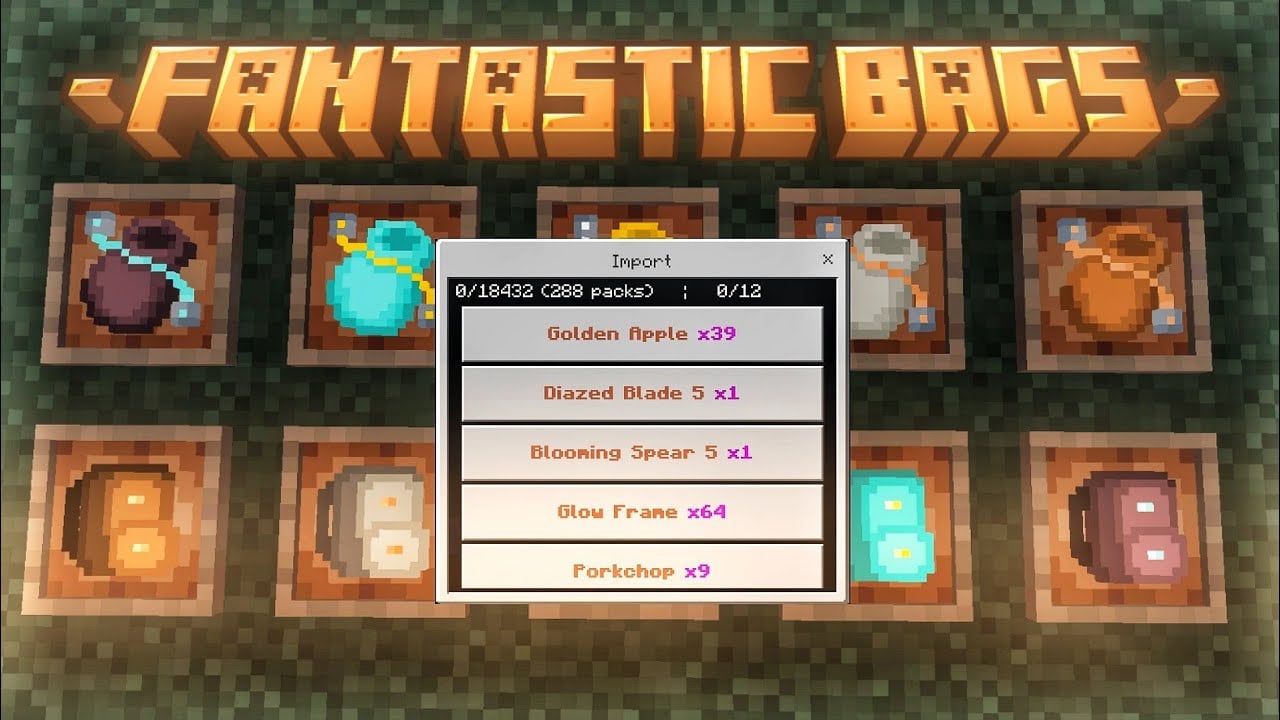
Fantastic Bags Addon (1.20) – MCPE/Bedrock Mod
Bedrock add-on listed for Minecraft 1.20 (behavior + resource pack). File opened and checked on 2 Oct 2026; installs from the MC Bedrock Mods app on Android.
⬇ Download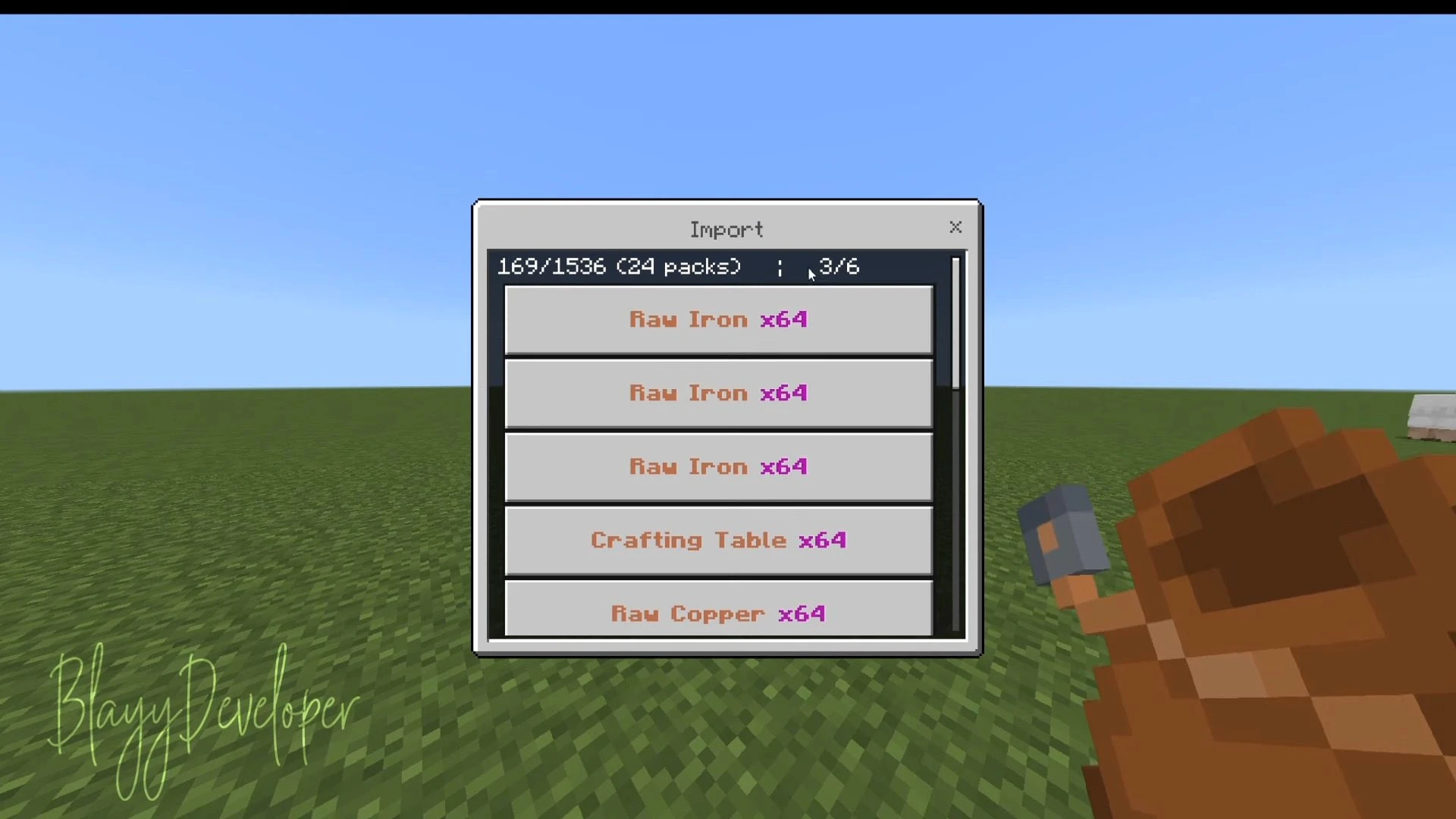
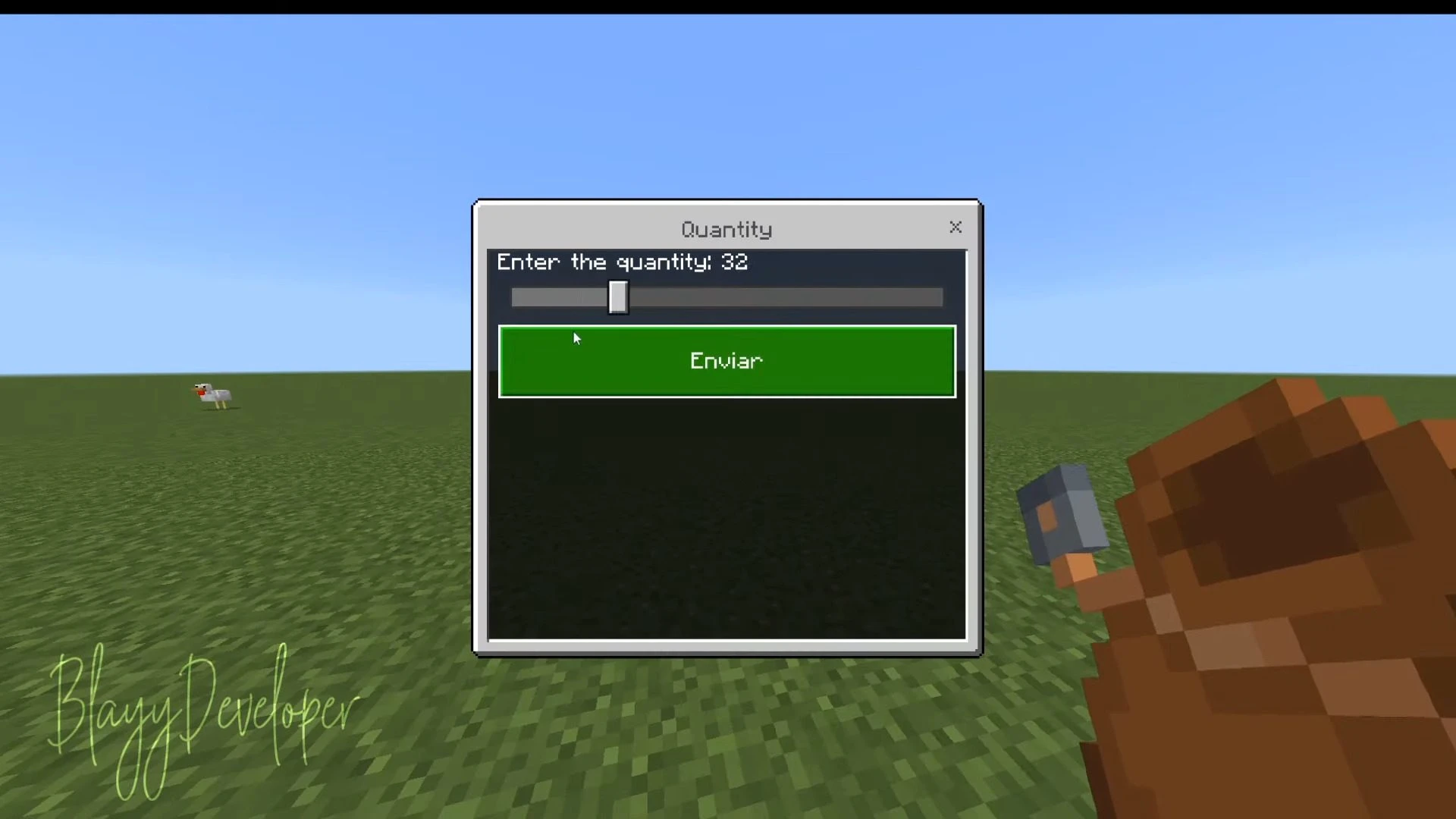
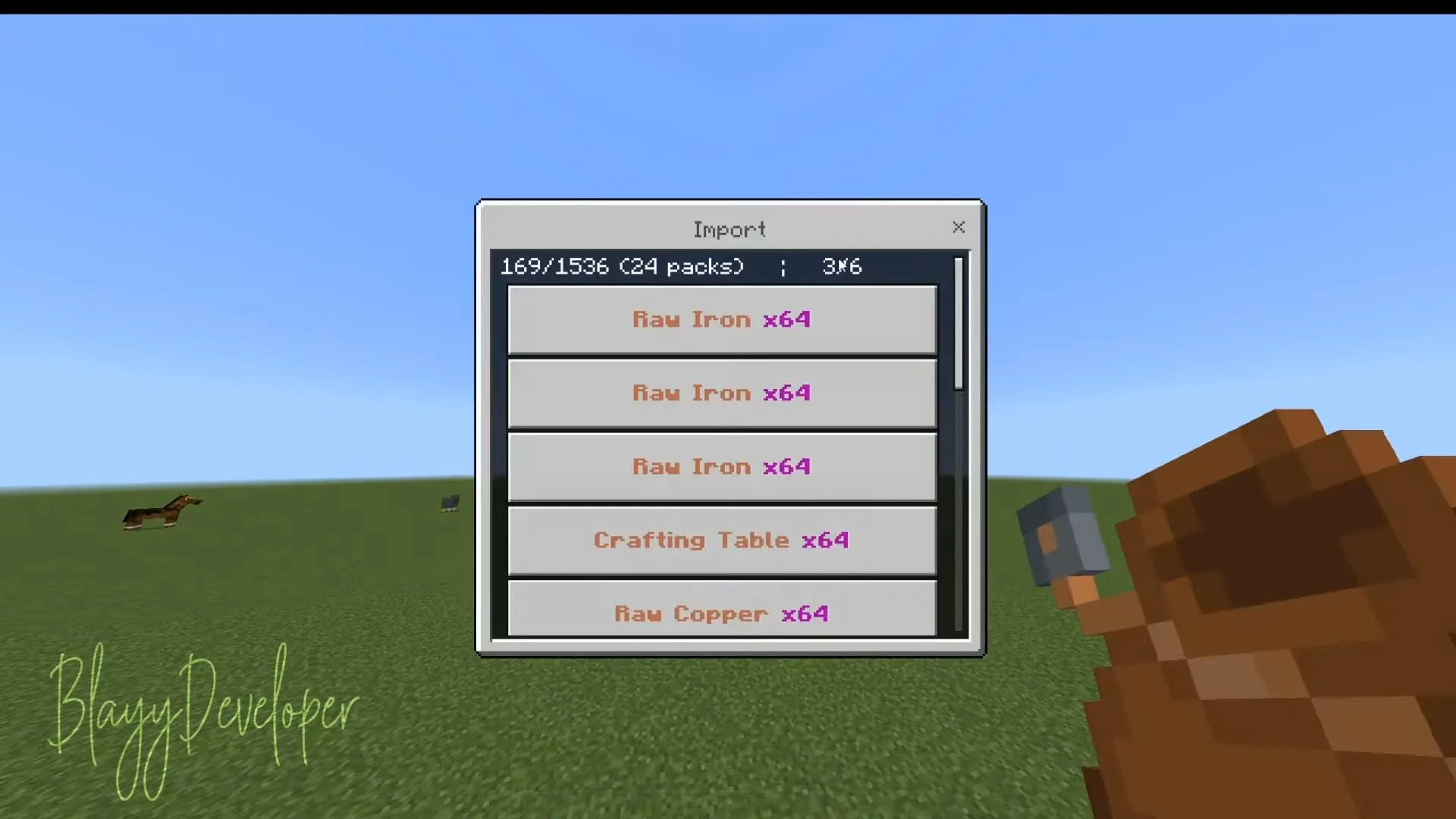
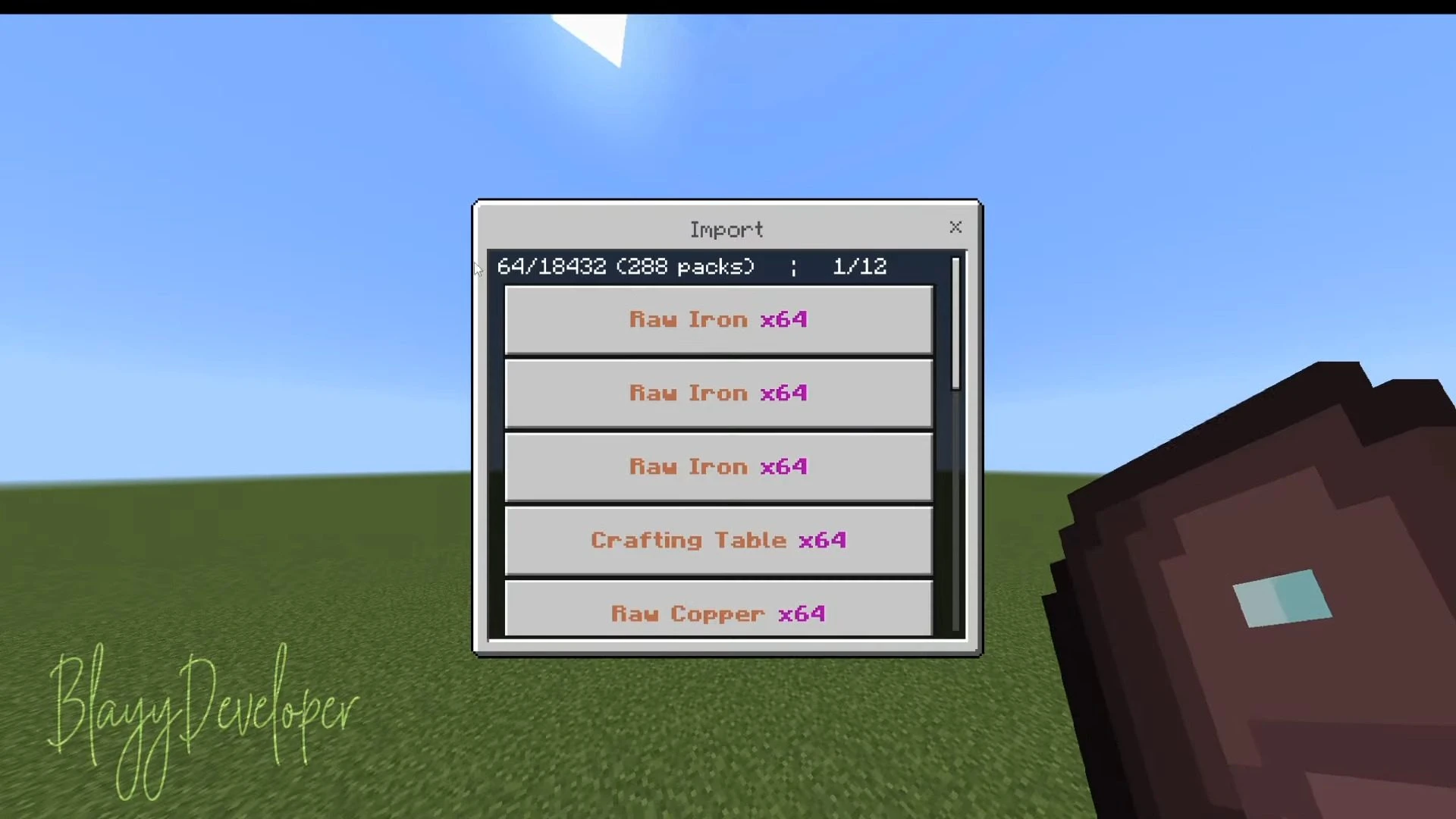
Fantastic Bags Addon introduces medieval bags that function uniquely compared to the backpacks in other addons and mods. With a simple and elegant interface, the textures are beautifully designed in a medieval style. All crafting recipes are accessible in the Crafting Table.
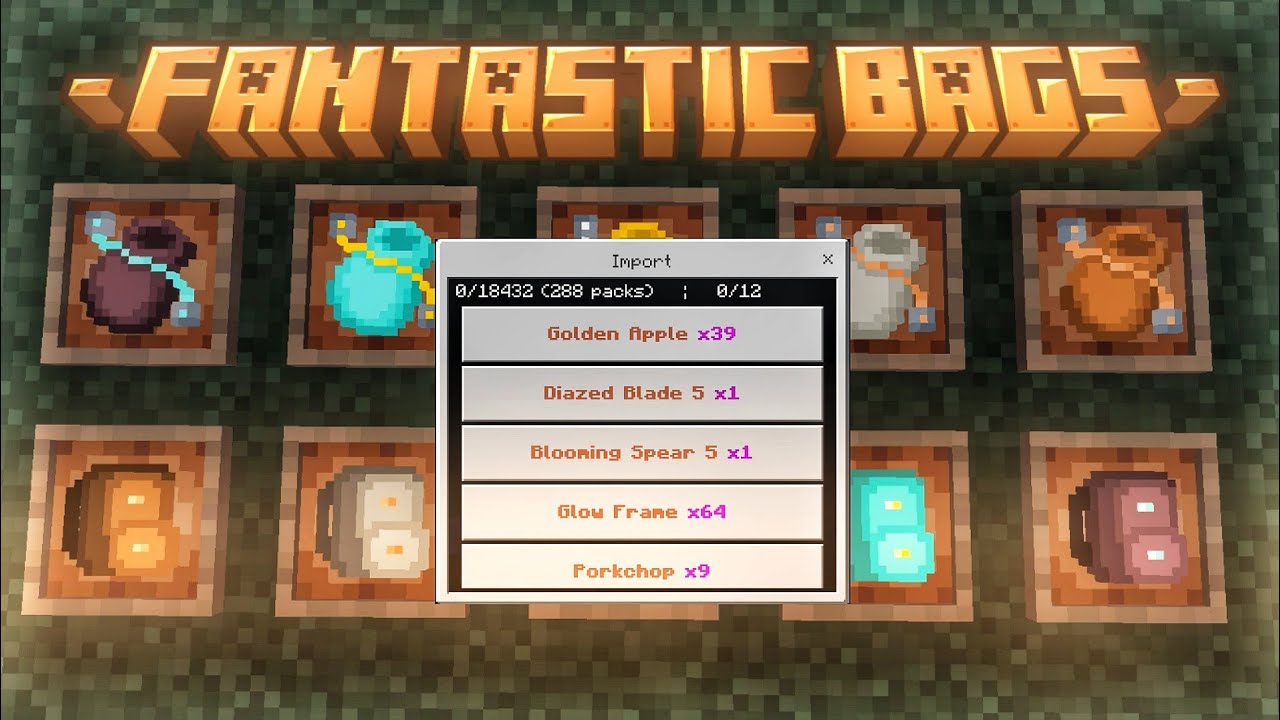
Features:
Bags List:
Basic Bag:
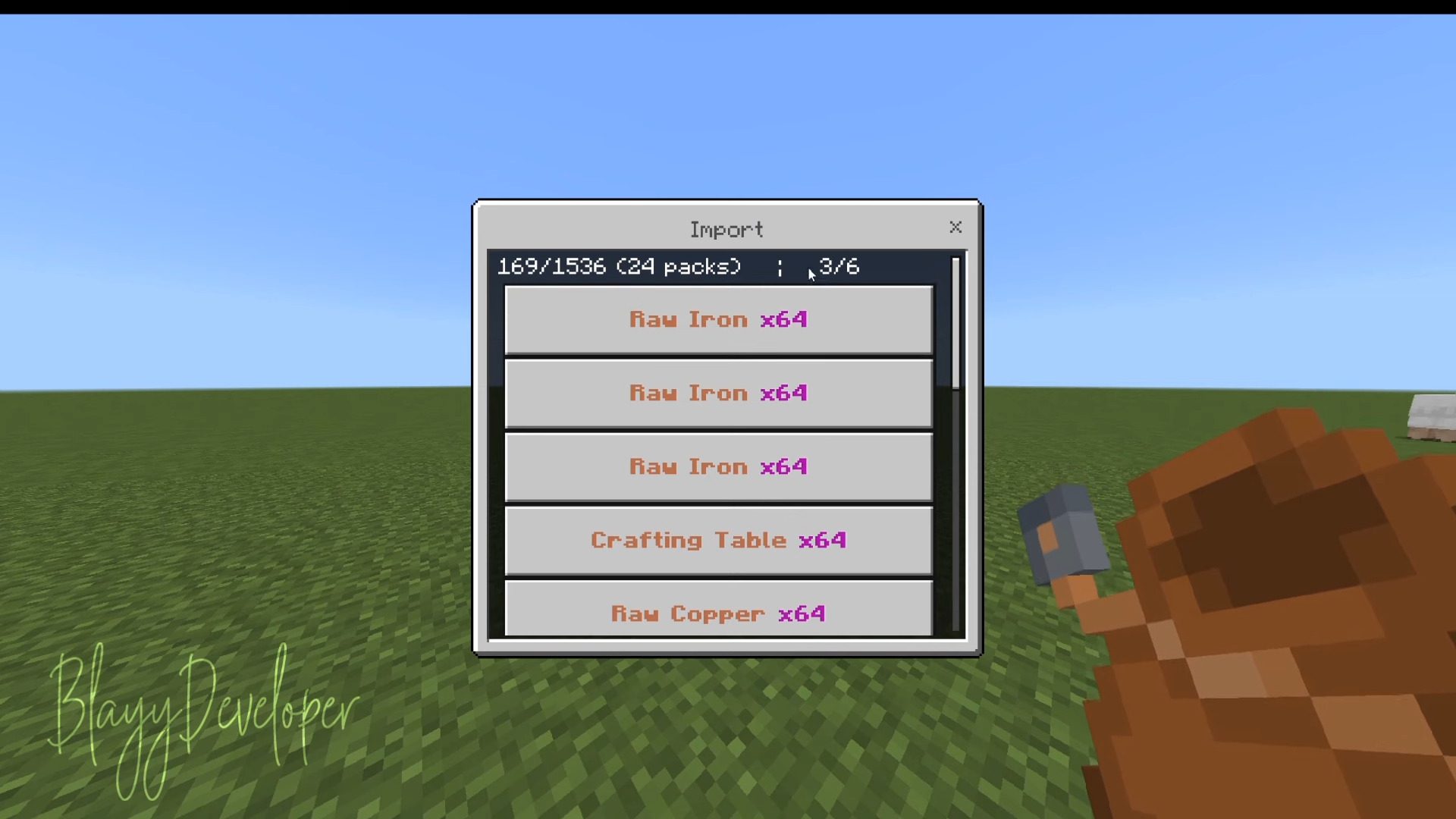
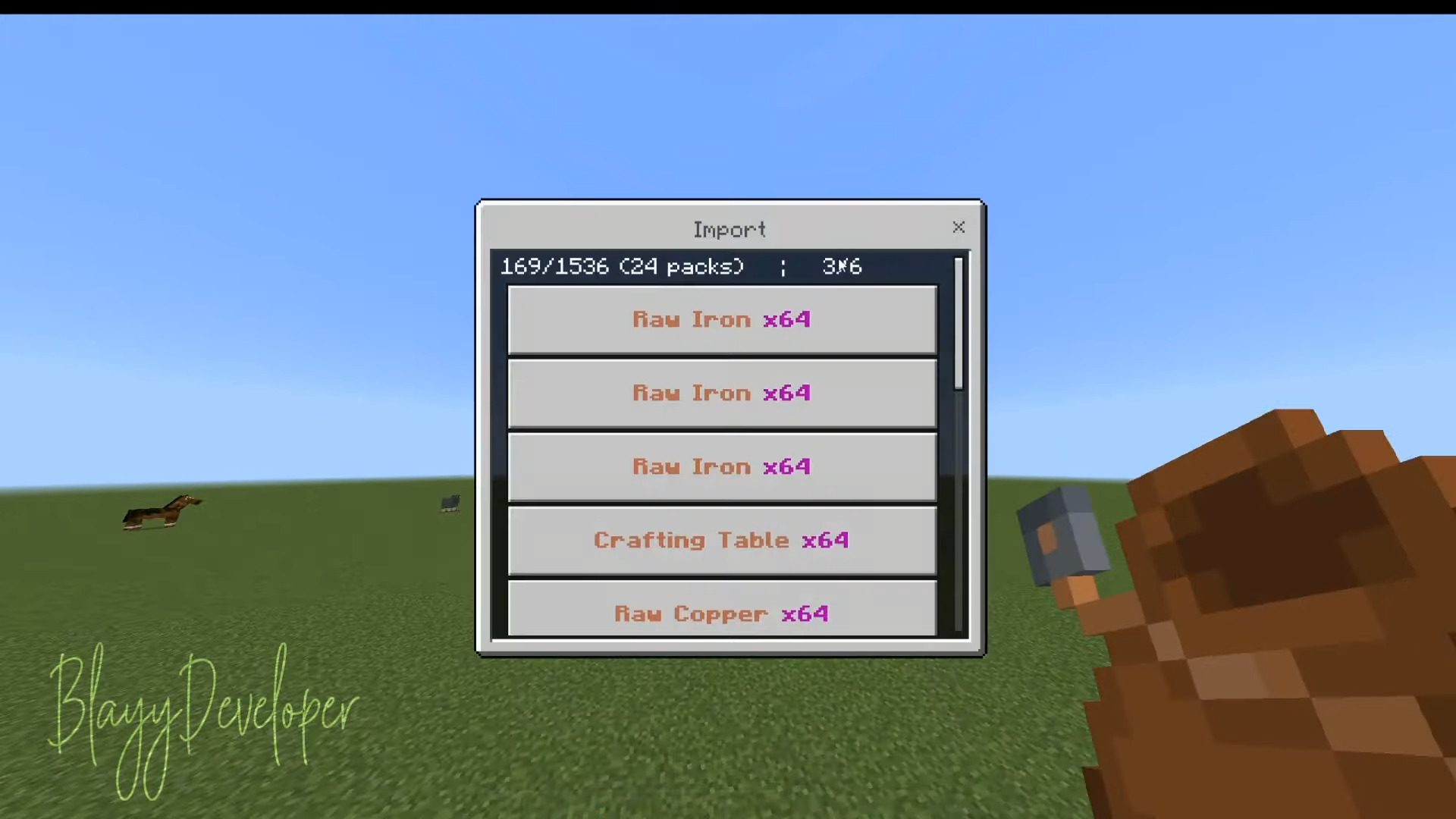
- Items: 1536 (24 packs)
- types: 6
Iron Bag:
- Items: 3072 (48 packs)
- types: 6
Gold Bag:
- Items: 4608 (72 packs)
- types: 6
Diamond Bag:
- Items: 6144 (96 packs)
- types: 6
Netherite Bag:
- Items: 9216 (144 packs)
- types: 6
Basic Big Bag:
- Items: 3072 (48 packs)
- types: 12
Iron Big Bag:
- Items: 6144 (96 pack)
- types: 12
Gold Big Bag:
- Items: 9216 (144 packs)
- types: 12
Diamond Big Bag:
- Items: 12288 (192 packs)
- types: 12
Netherite Big Bag:
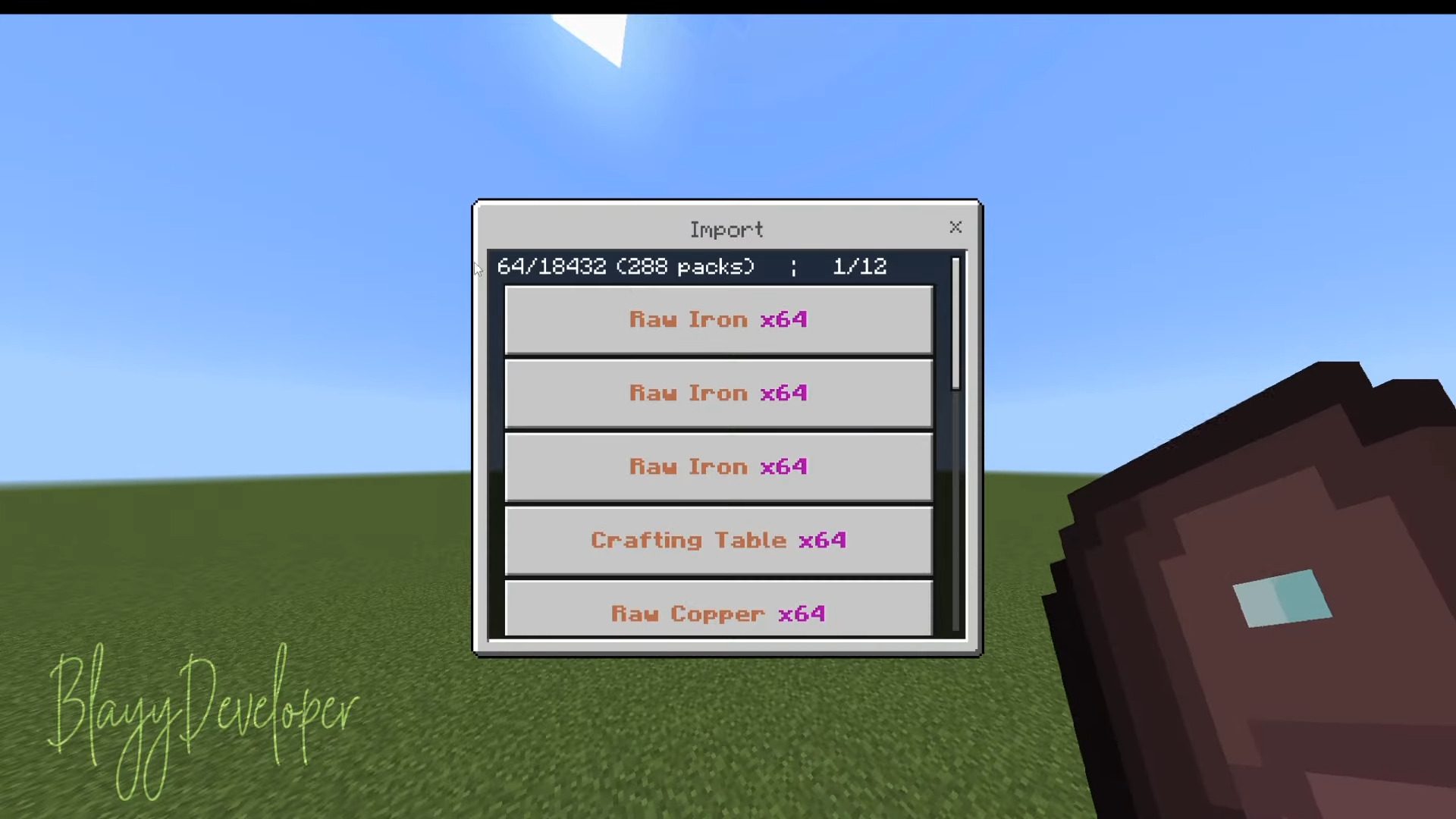
- Items: 18432 (288 packs)
- types: 12
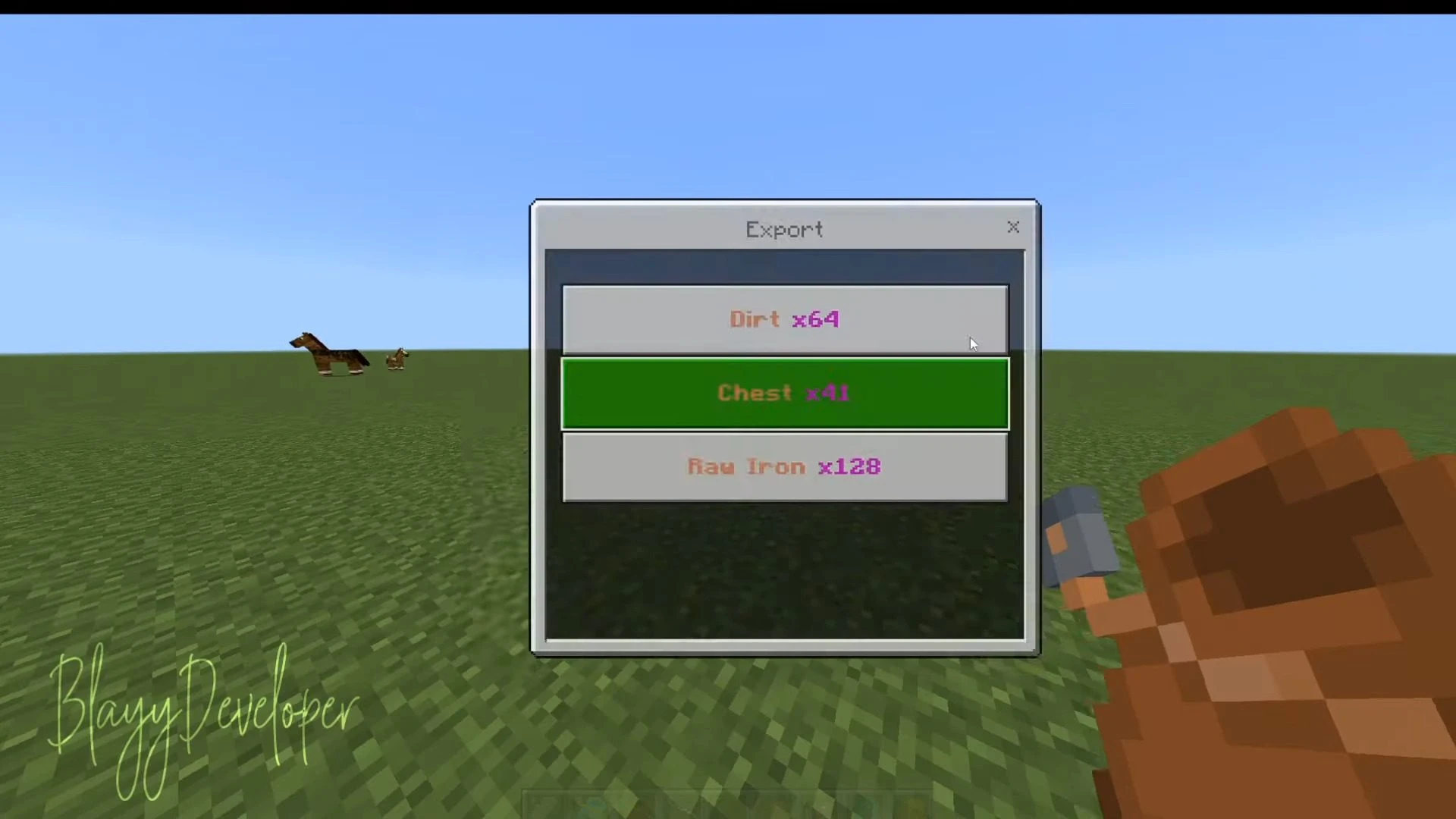
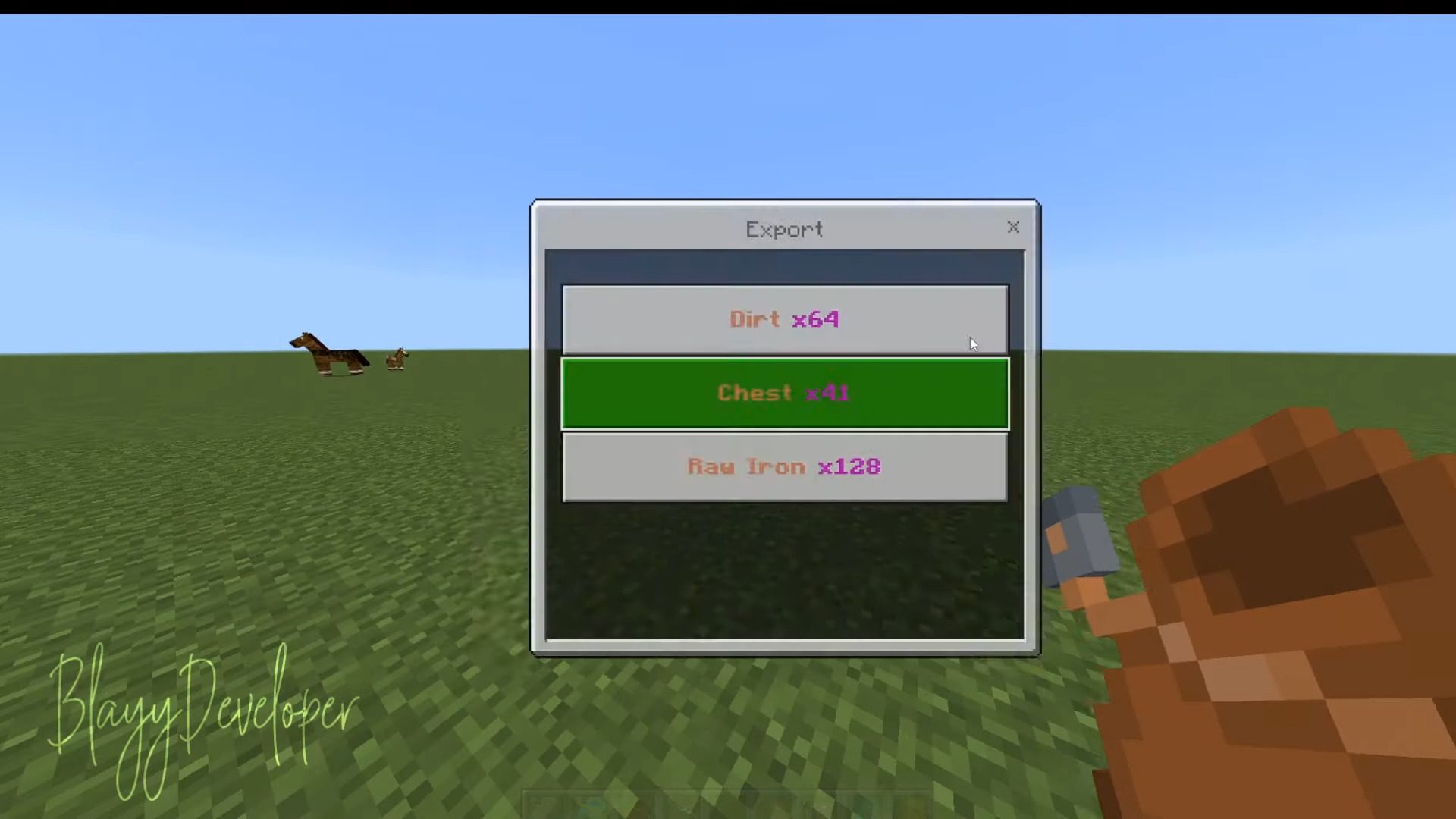
The types specified in the submission denote the number of different item categories you can store in your backpack. Once you hit this limit, you can still add more items as long as they match the existing types already in the backpack. There is no cap on the quantity of items per type.
Screenshots:
Installation Note:
- Make sure you turn on the Experimental Gameplay.
Fantastic Bags Addon Download Links
For Minecraft PE/Bedrock 1.20
mcaddon: Download from server 1 – Download from server 2
Behavior: Download from server 1 – Download from server 2
Resource: Download from server 1 – Download from server 2
- Edition: Minecraft Bedrock
- File type: .mcpack or .mcaddon
- Minecraft version listed: 1.20
- How to install: Download the .mcpack or .mcaddon file. → Open it — Minecraft imports it. → In your world: Behavior Packs → Available → Activate, then the same under Resource Packs.
- Where to get it: In MCModsHub, or directly above on this page.
Install steps are the general flow for this file type — How to install Minecraft Bedrock addons & mods walks through it step by step.
- Pack type: .mcaddon — behaviour and resource pack in one file
- Manifest requires Minecraft 1.20.30 or newer
- Complete pack — everything it depends on is inside the file
- Download link checked 17 Jun 2026 — working
- Mirrored on our own servers — the download does not depend on the original host
These come from our own check of the pack file, not from the source page.