AddonsBedrock
Exotic Furniture Addon (1.20) – MCPE/Bedrock Mod
Bedrock add-on listed for Minecraft 1.20 (behavior + resource pack). File opened and checked on 5 Sep 2026; installs from the MC Bedrock Mods app on Android.
⬇ Download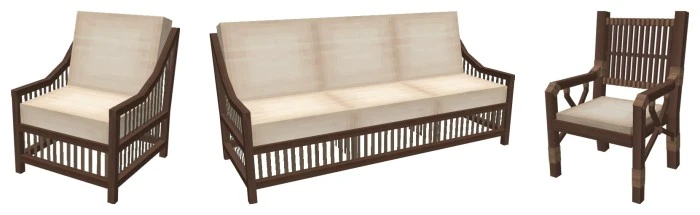
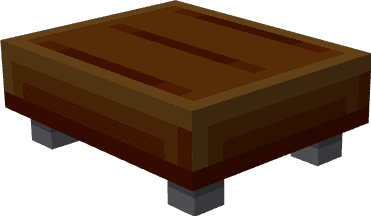
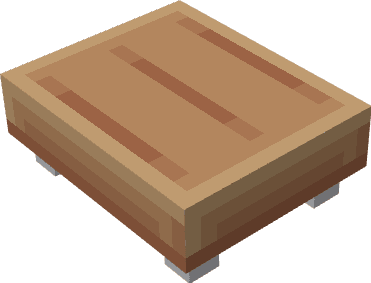
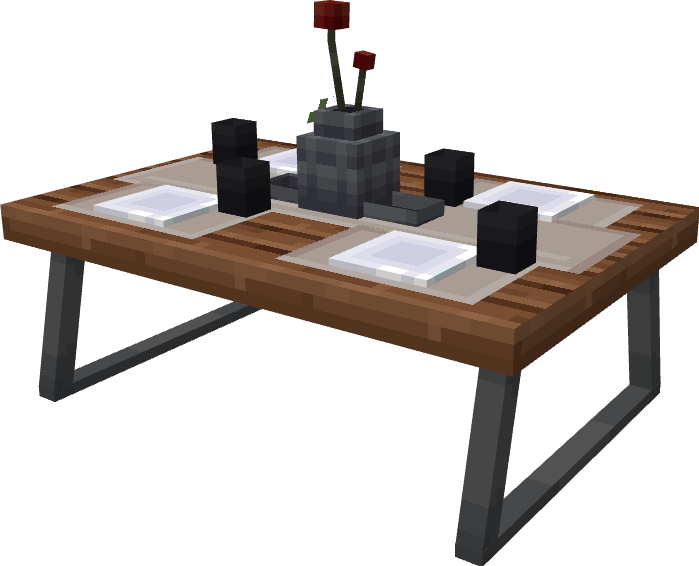
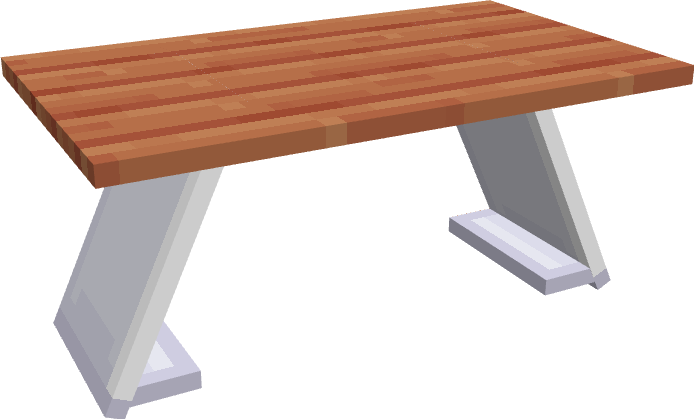
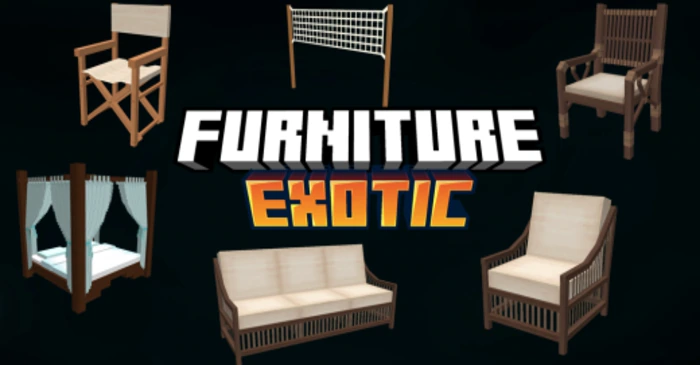
Transform your Minecraft world into a luxurious haven with Exotic Furniture Addon! Enhance your virtual living spaces with many exquisite pieces of furniture, adding both style and functionality to your builds.
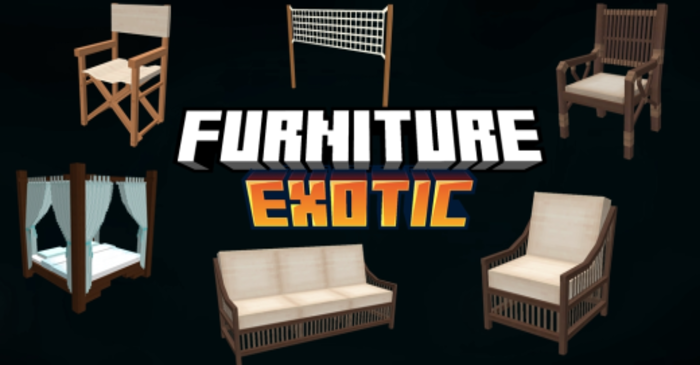
Features:
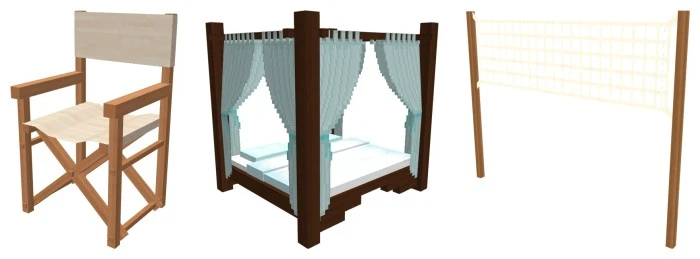
- Dining Chair: Host a luxurious dinner party with these elegant chairs, perfect for any dining room.
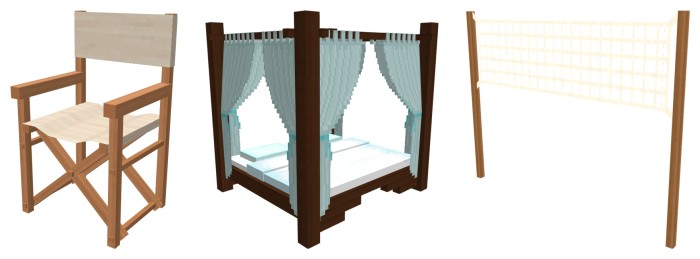
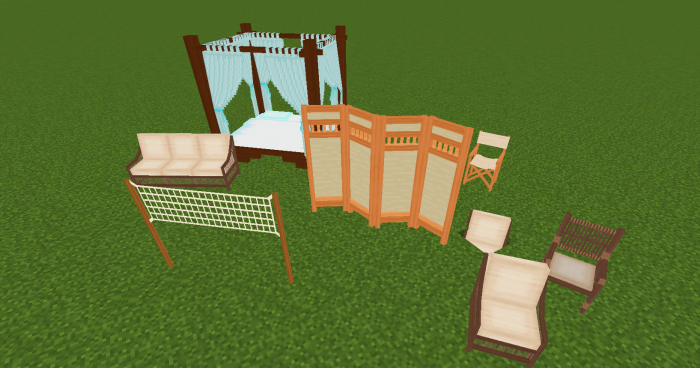
- Bed: Unwind in comfort with a brand new bed design, crafted for a restful night’s sleep.
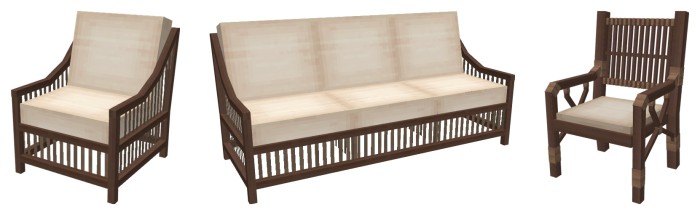
- Couch: Lounge in style with a comfy couch, ideal for relaxing in your living room or socializing with friends.
- Volleyball Net: Set up the ultimate beach party with a functional volleyball net! Challenge your friends to a thrilling game.
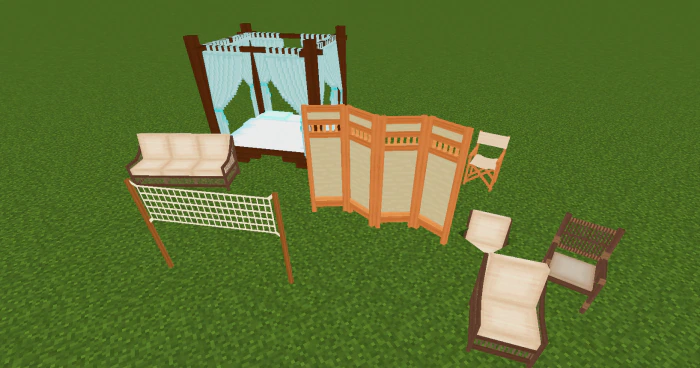
- Screen: Divide your space or add a touch of privacy with a decorative screen.
- Armchair: Sink into a plush armchair, perfect for curling up with a good book or enjoying a cup of tea.
- Chair: Add extra seating to any room with a simple yet stylish chair.
- Pool Chair: Relax by the pool in style with a comfortable and luxurious pool chair.Dining Chair: Host a luxurious dinner party with these elegant chairs, perfect for any dining room.
- Bed: Unwind in comfort with a brand new bed design, crafted for a restful night’s sleep.
- Couch: Lounge in style with a comfy couch, ideal for relaxing in your living room or socializing with friends.
- Volleyball Net: Set up the ultimate beach party with a functional volleyball net! Challenge your friends to a thrilling game.
- Screen: Divide your space or add a touch of privacy with a decorative screen.
- Armchair: Sink into a plush armchair, perfect for curling up with a good book or enjoying a cup of tea.
- Chair: Add extra seating to any room with a simple yet stylish chair.
- Pool Chair: Relax by the pool in style with a comfortable and luxurious pool chair.
Screenshots:
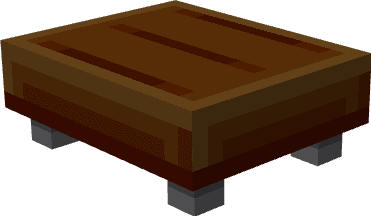
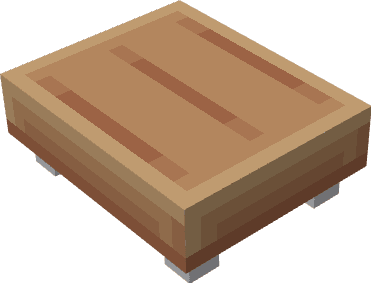
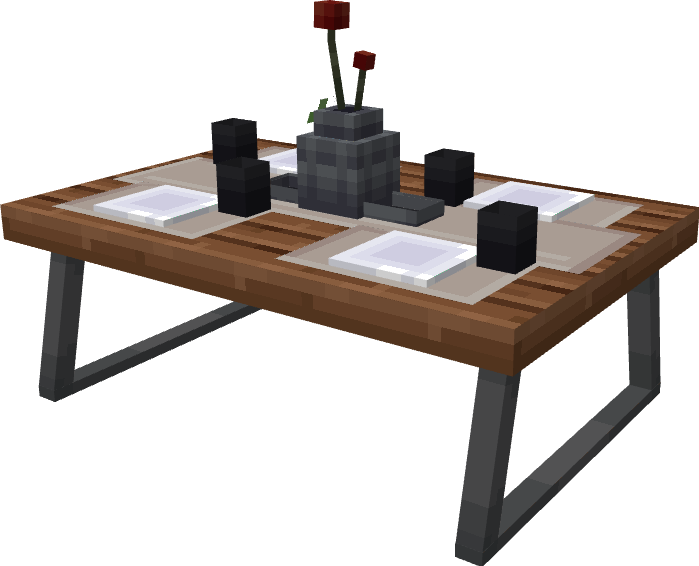
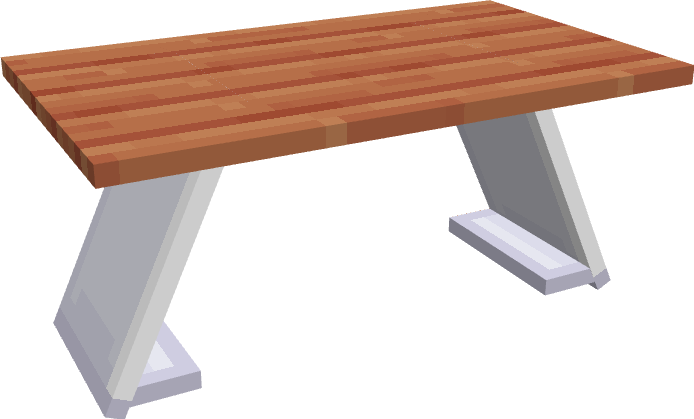
Exotic Furniture Addon Download Links
For Minecraft PE/Bedrock 1.20
Behavior: Download from server 1 – Download from server 2
Resource: Download from server 1 – Download from server 2
Quick facts
- Edition: Minecraft Bedrock
- File type: .mcpack or .mcaddon
- Minecraft version listed: 1.20
- How to install: Download the .mcpack or .mcaddon file. → Open it — Minecraft imports it. → In your world: Behavior Packs → Available → Activate, then the same under Resource Packs.
- Where to get it: In MCModsHub, or directly above on this page.
Install steps are the general flow for this file type — How to install Minecraft Bedrock addons & mods walks through it step by step.
File checked by MCModsHub
- Pack type: .mcaddon — behaviour and resource pack in one file
- Complete pack — everything it depends on is inside the file
- Download size: 2.7 MB
- Download link checked 17 Jun 2026 — working
- Mirrored on our own servers — the download does not depend on the original host
These come from our own check of the pack file, not from the source page.