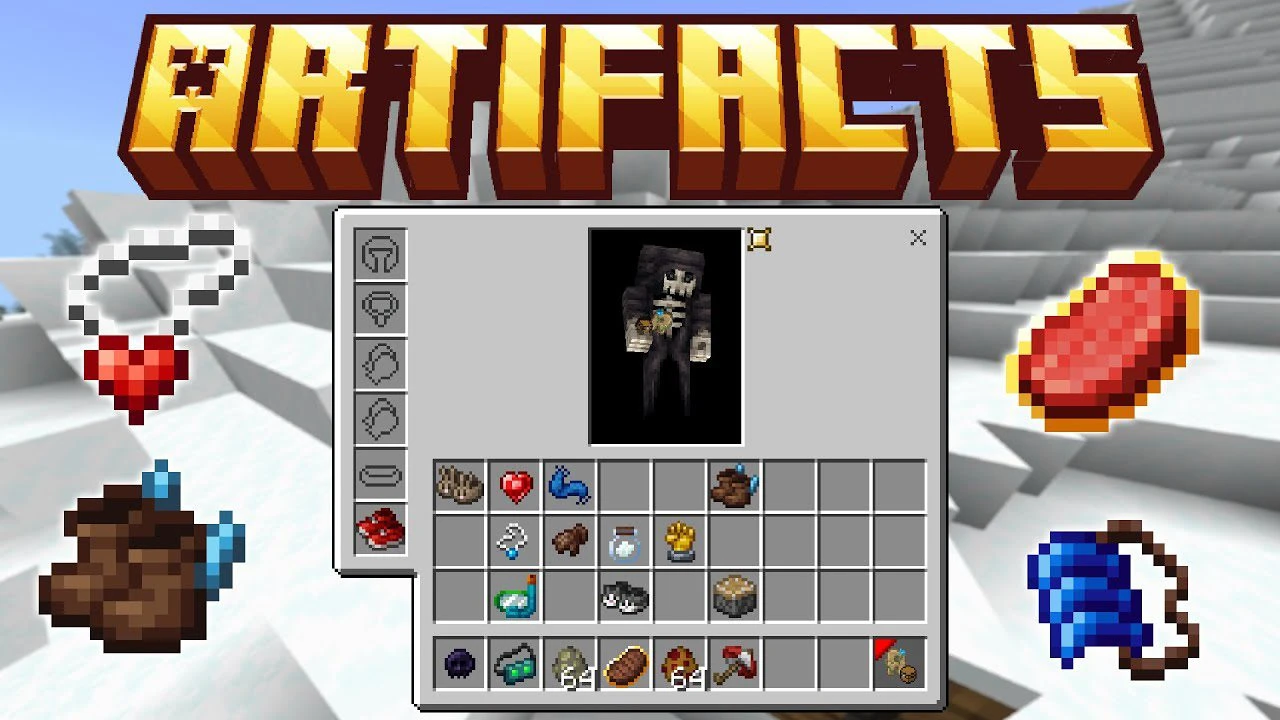
Artifacts Addon (1.20) – MCPE/Bedrock Mod
Bedrock add-on listed for Minecraft 1.20 (behavior + resource pack). Needs Beta APIs. File opened and checked on 21 Oct 2026; installs from the MC Bedrock Mods app on Android.
⬇ Download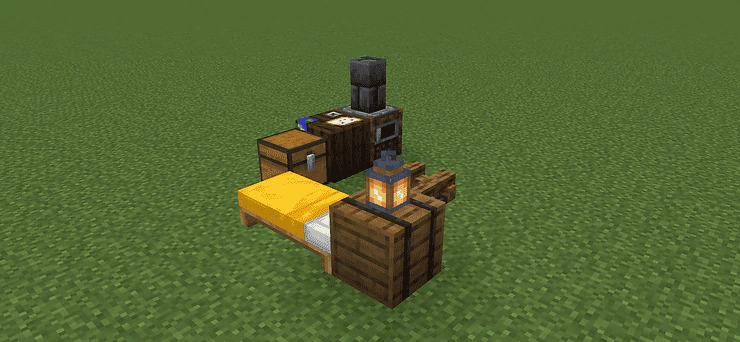
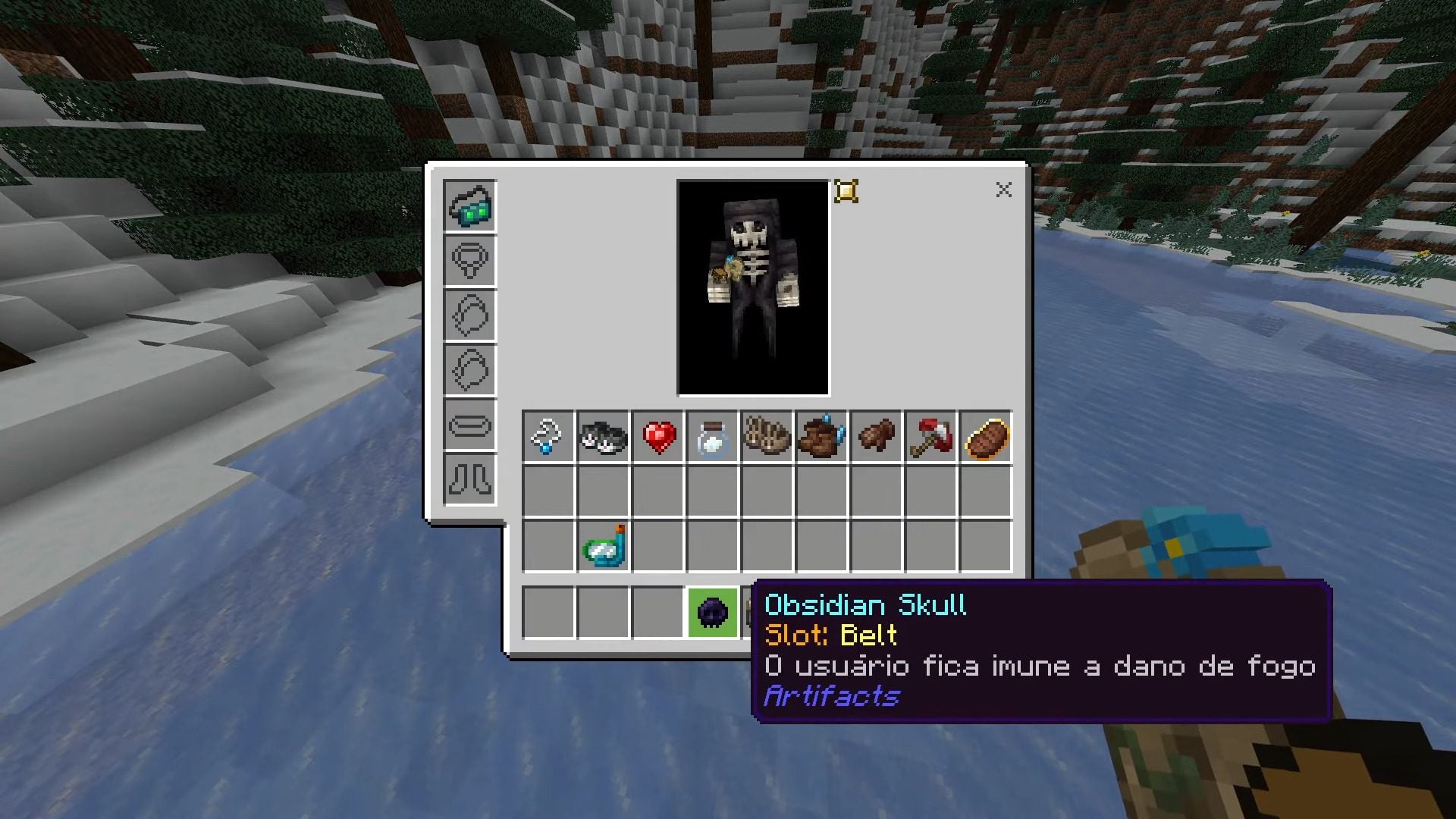
Artifacts Addon addon brings a Java Minecraft mod (Unofficially) to Minecraft Bedrock, enriching the game with a collection of artifacts imbued with special abilities. Each item introduced by this mod features a distinct model that becomes visible when equipped.
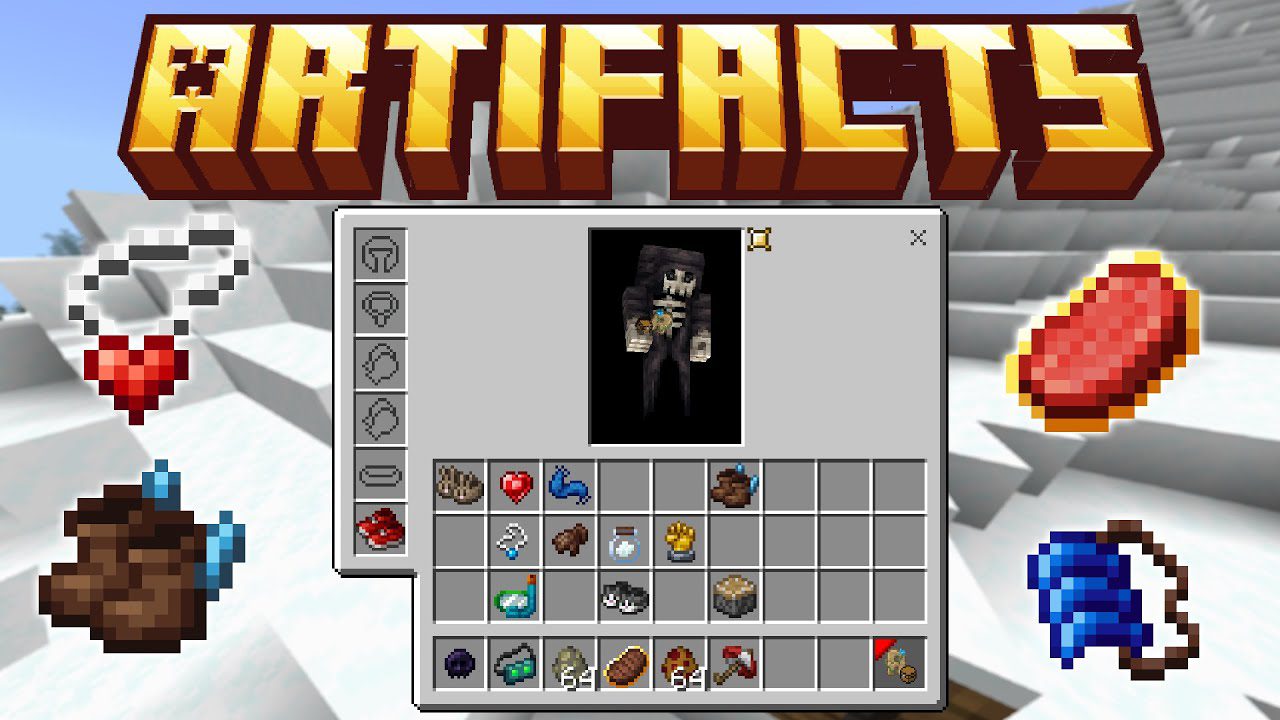
Features:
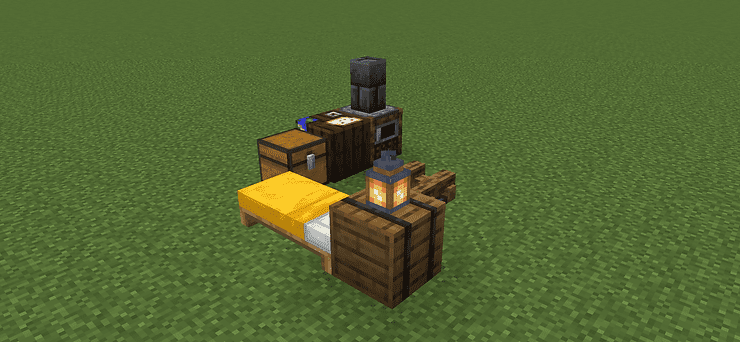
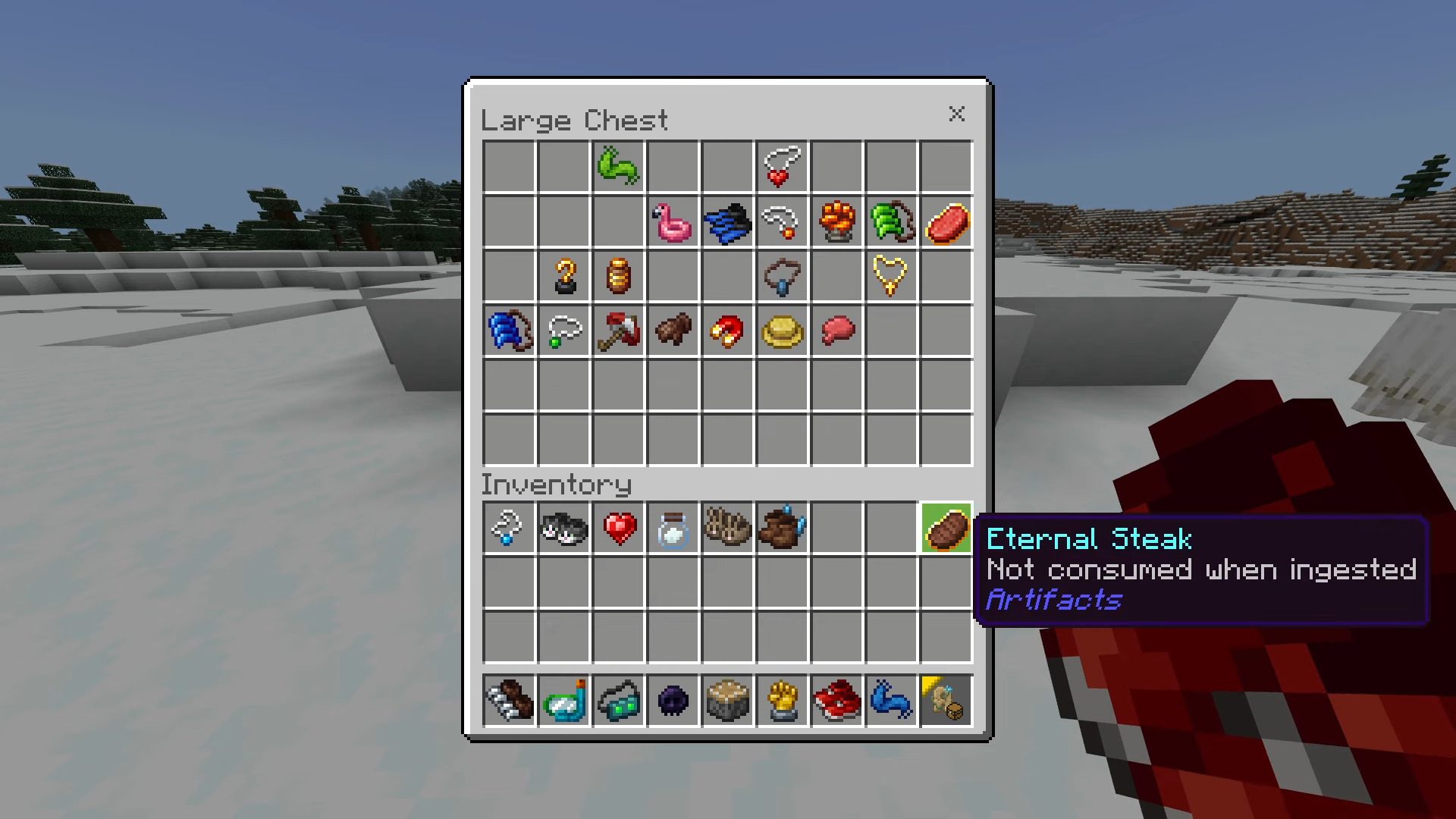
Artifacts Campsite
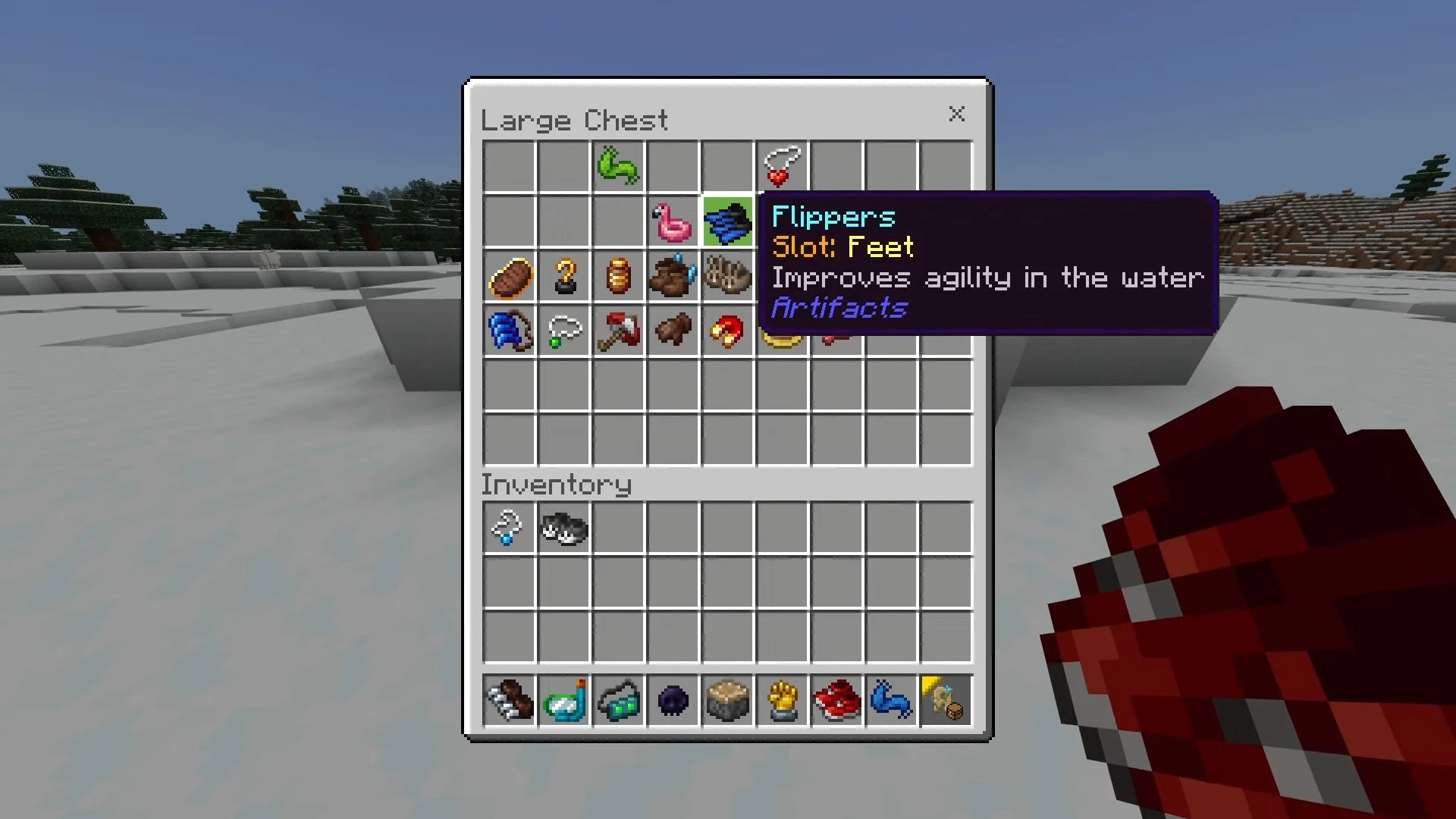
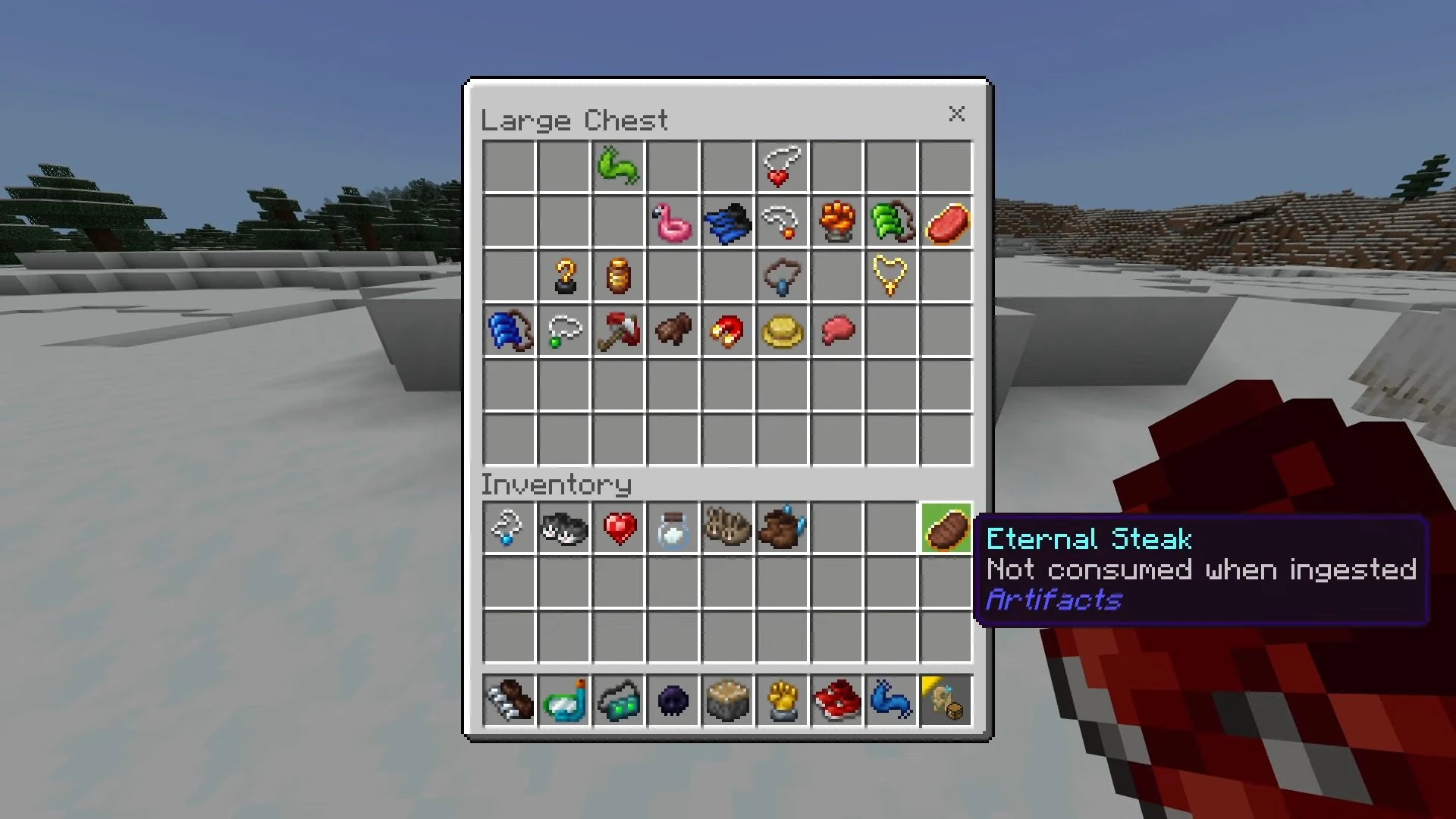
- In these camps, you can find artifacts in their chests, but be careful as you may come across a Mimic, who will not let you take the artifacts, defeating her to get an artifact.
Artifacts Inventory
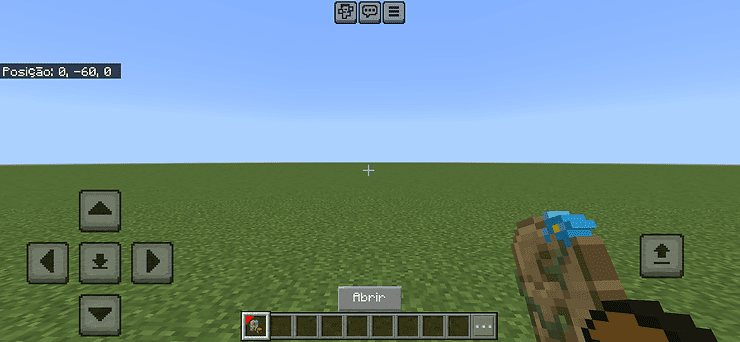
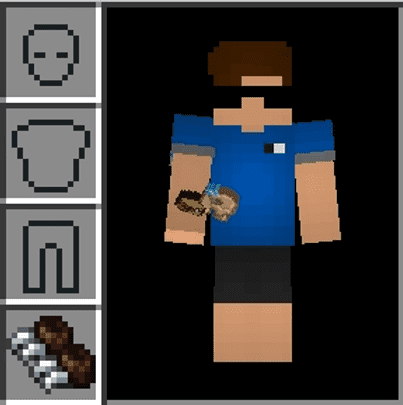
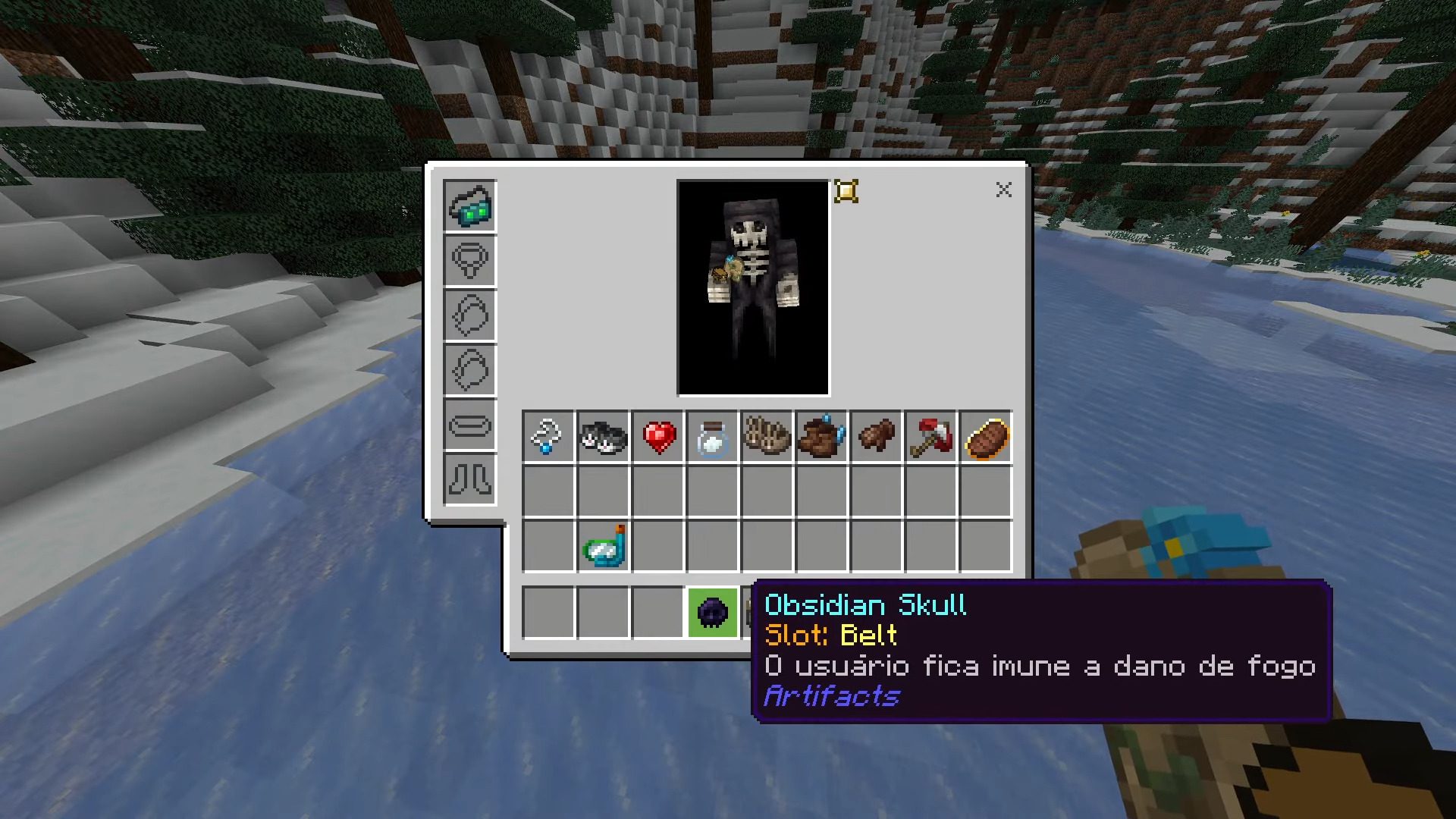
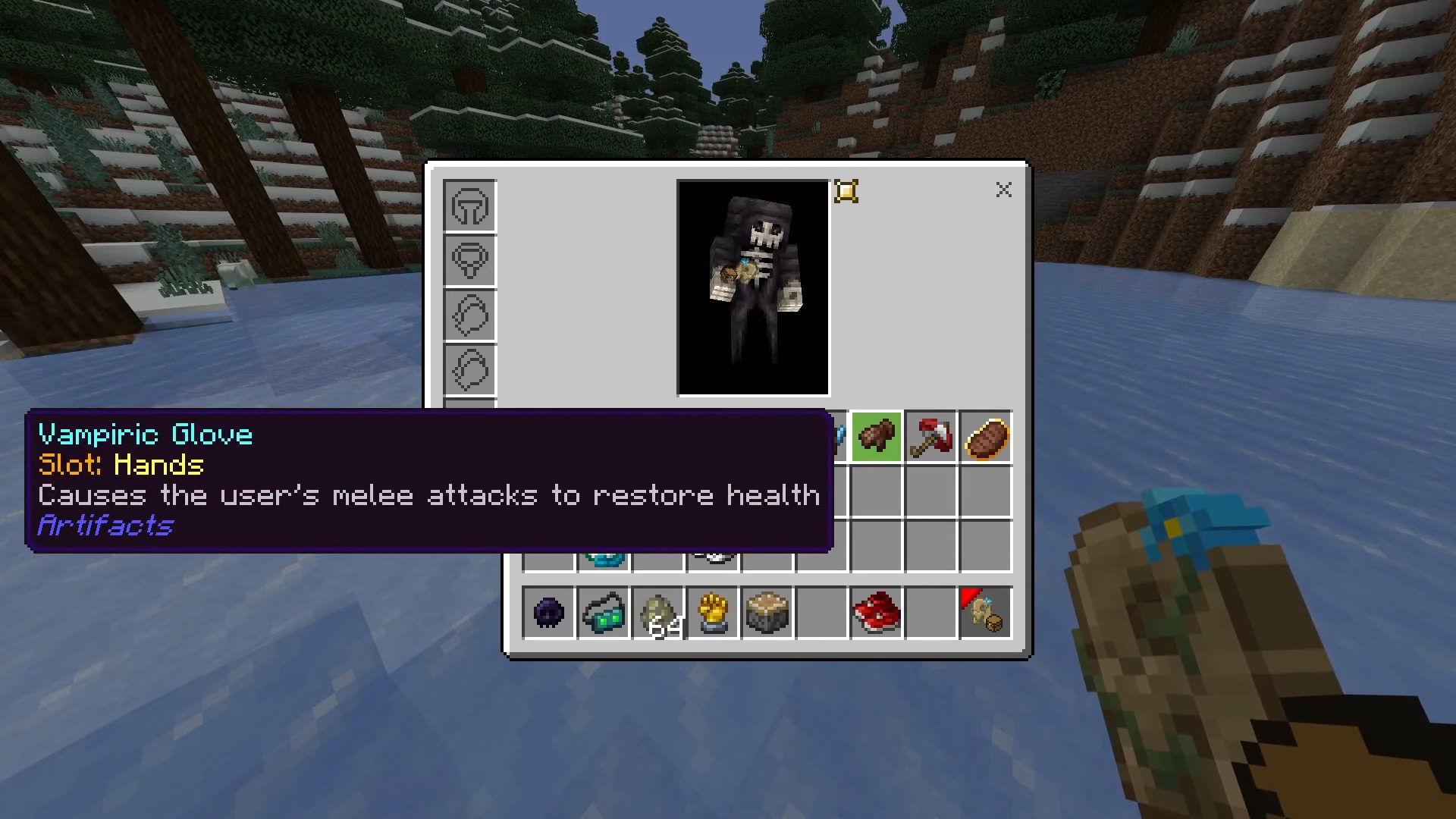
- When entering the world for the first time, you will receive an item called Artifact Inventory, on mobile, when holding this item an “Open” button will appear, click on it to open the interface. On PC/Console, when holding the item, Right-click to open the interface.
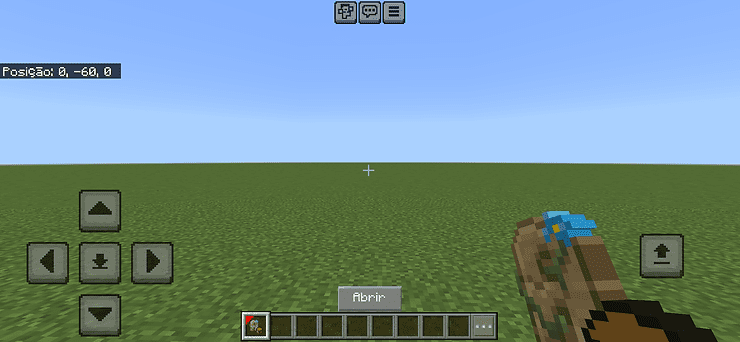
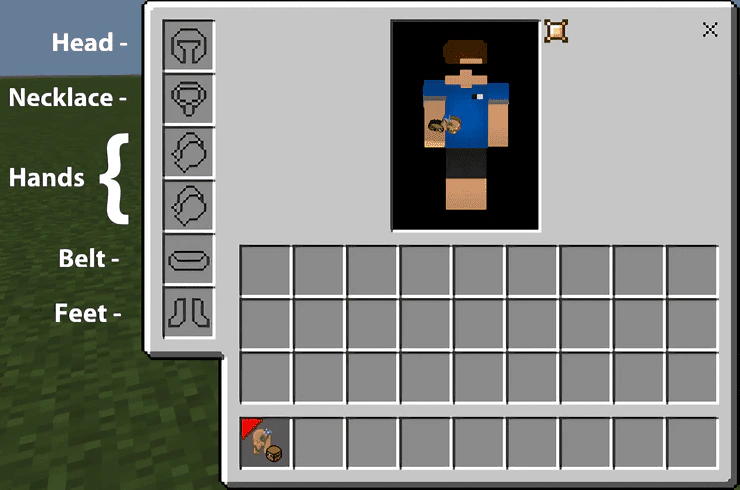
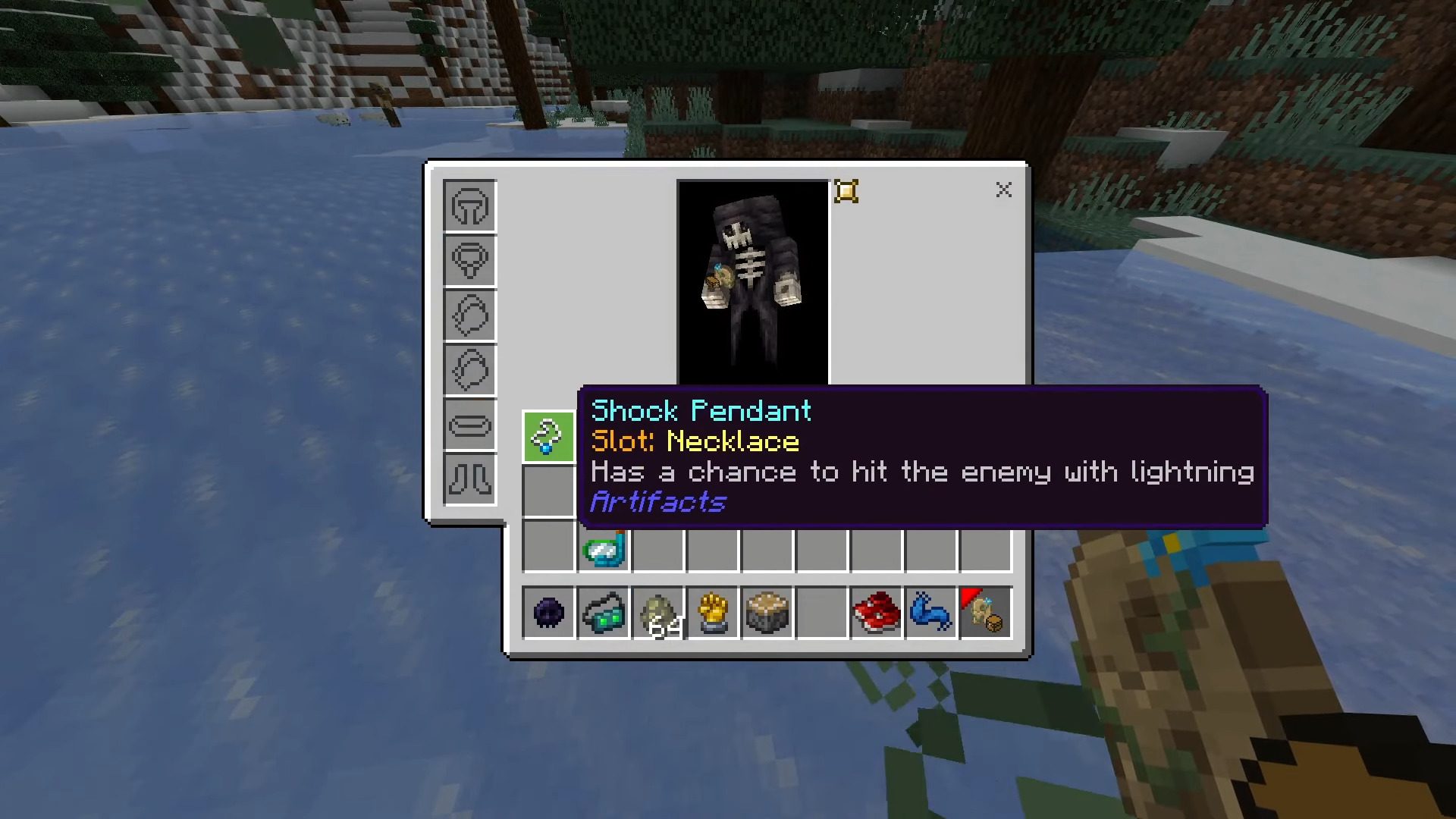
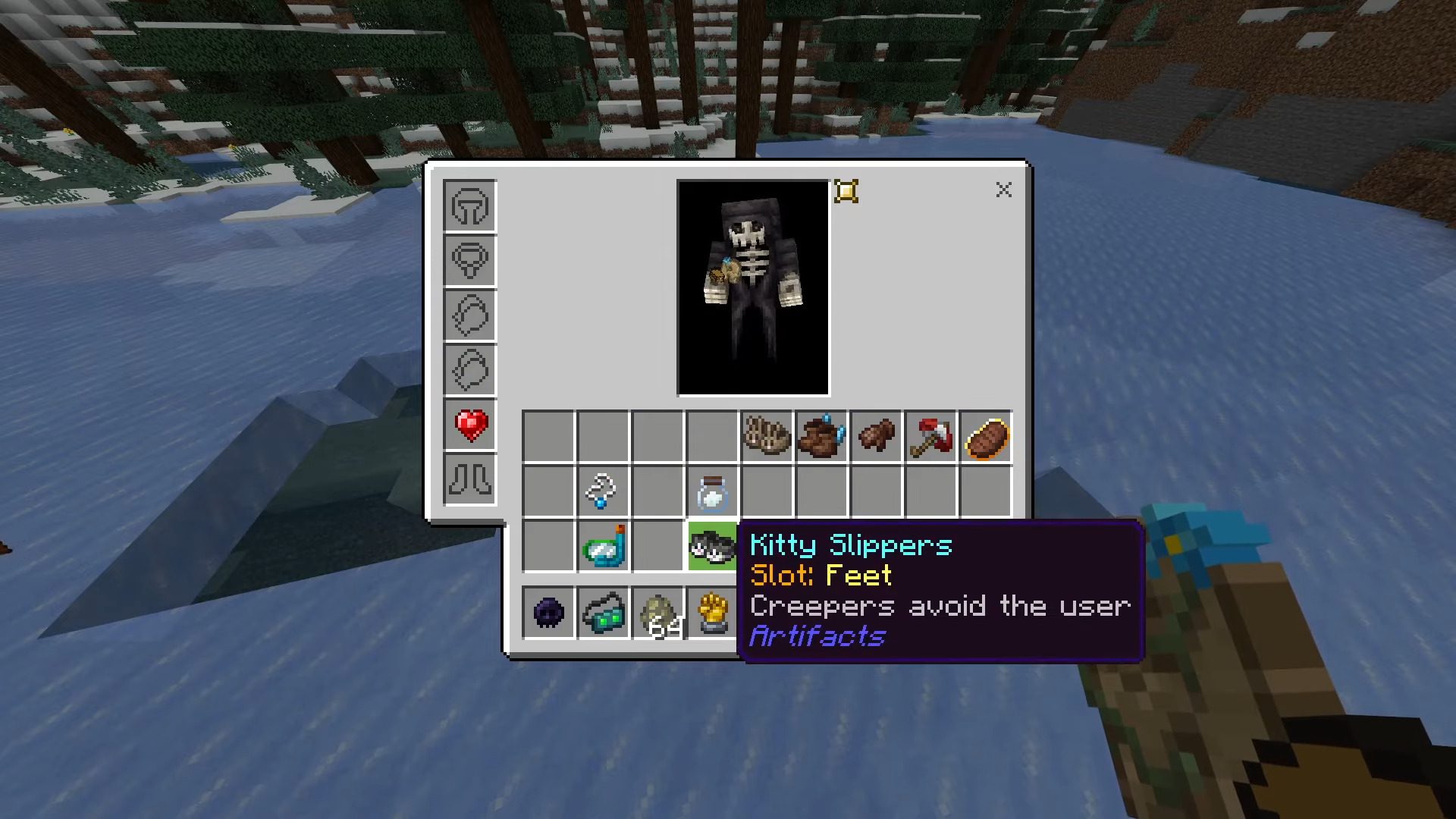
- When you open the interface, you will see additional slots, each one used to place artifacts.
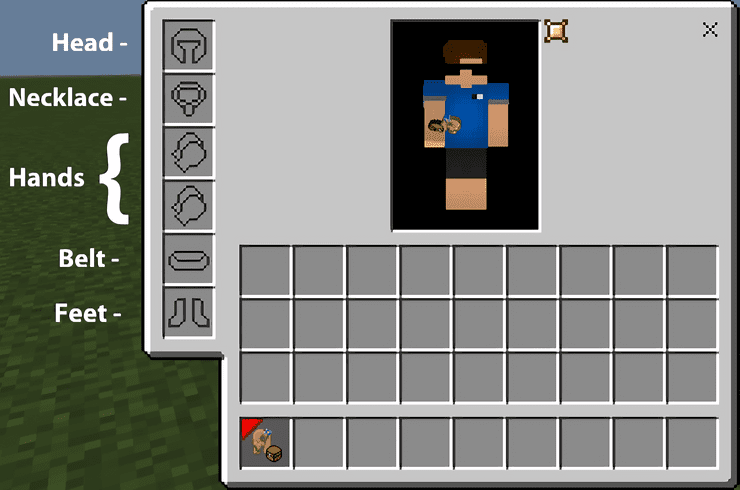
Slots:
- Head Slot – Head Artifacts
- Necklace Slot – Necklace Artifacts
- Hands Slots – Hands Artifacts
- Belt Slot – Belt Artifacts
- Feet Slot – Feet Artifacts
(In the lore of artifacts it is specified in which slot it will work, if it is not in the desired slot, you will not gain the ability it grants)
There is only ONE exception, Steadfast Spikes will only work on the Player’s Feet:
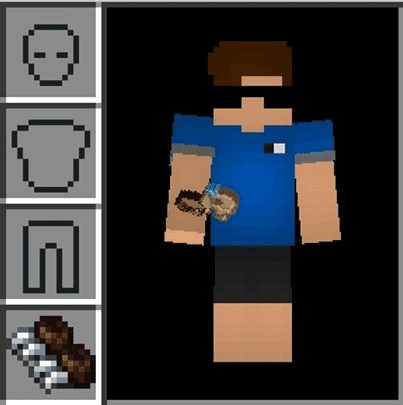
- In this first version, artifacts are not visible.
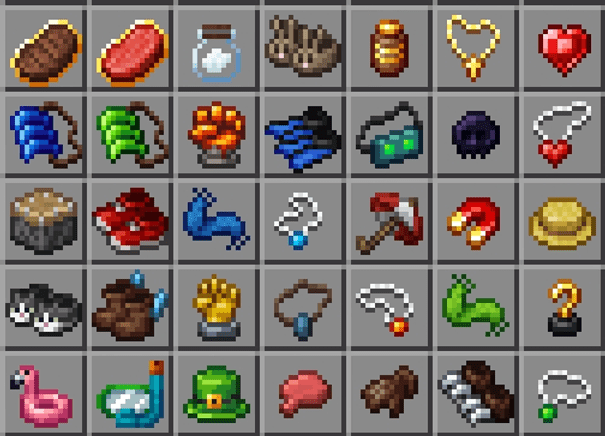
Artifacts:
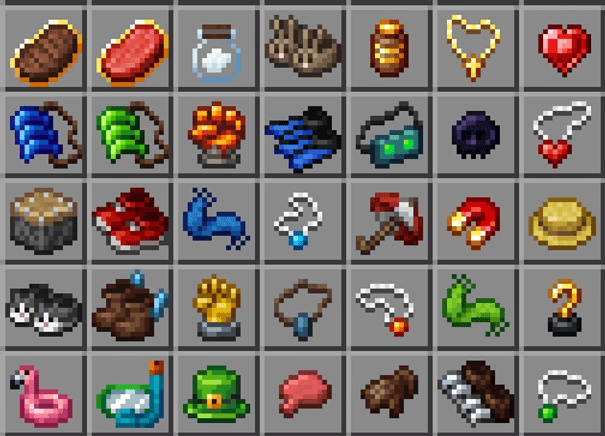
- 35 artifacts were added in this version, including:
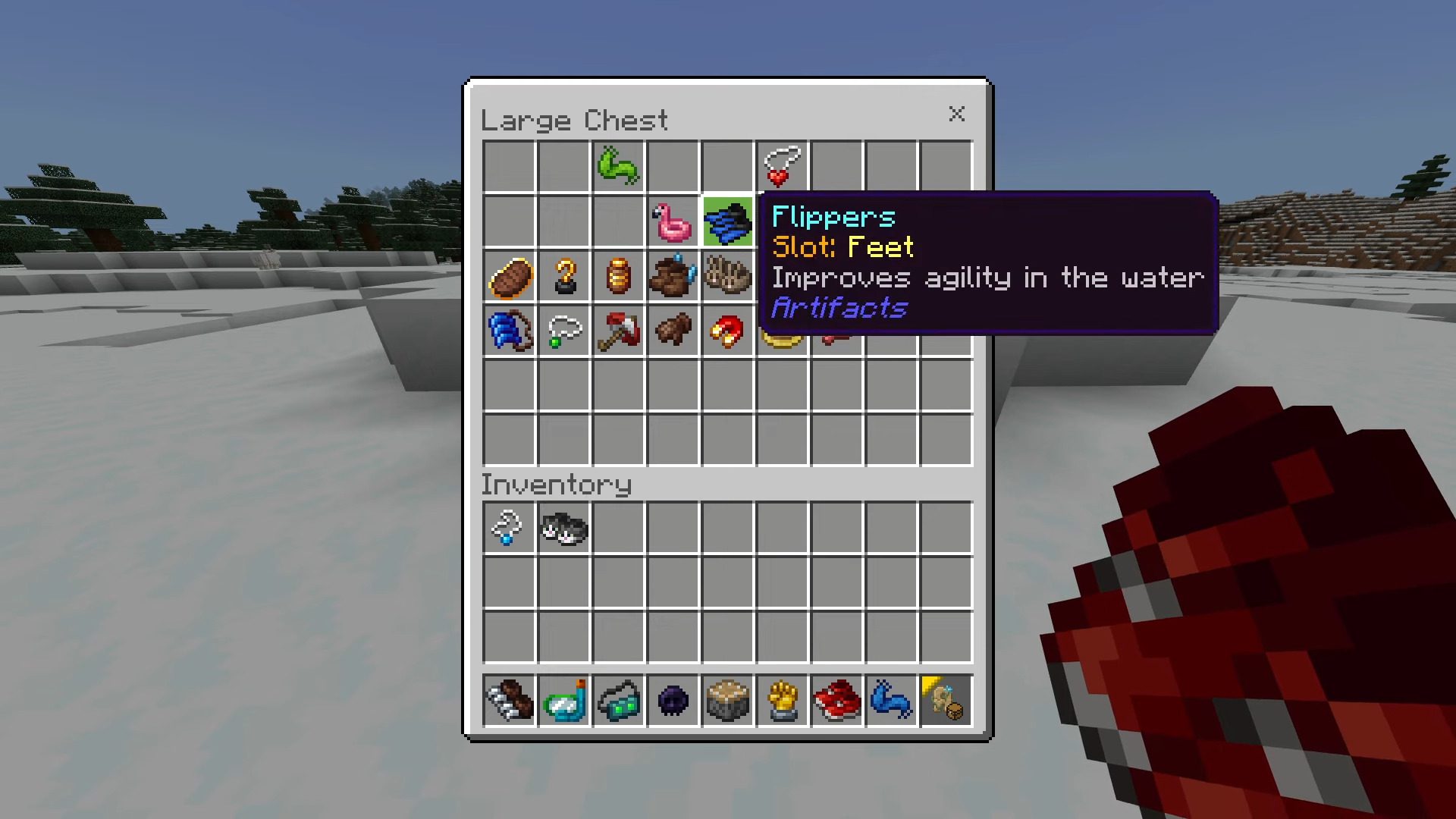
Screenshots:
Installation Note:
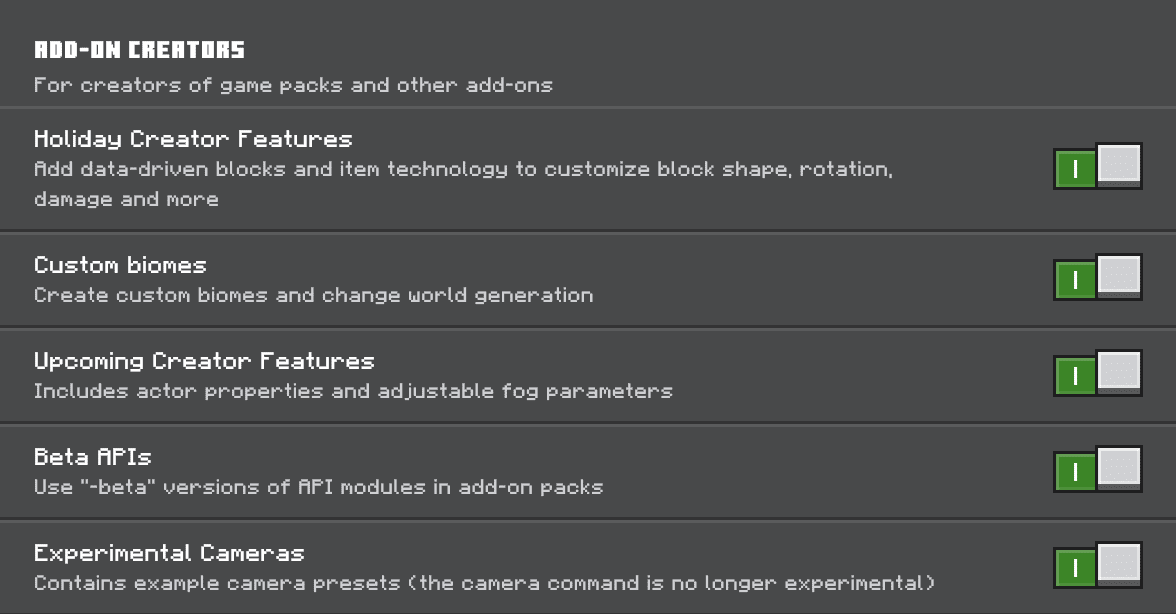
- Make sure you turn on the Experimental Gameplay.

Artifacts Addon Download Links
For Minecraft PE/Bedrock 1.20
Behavior: Download from server 1 – Download from server 2
Resource: Download from server 1 – Download from server 2
- Edition: Minecraft Bedrock
- File type: .mcpack or .mcaddon
- Minecraft version listed: 1.20
- How to install: Download the .mcpack or .mcaddon file. → Open it — Minecraft imports it. → In your world: Behavior Packs → Available → Activate, then the same under Resource Packs.
- Where to get it: In MCModsHub, or directly above on this page.
Install steps are the general flow for this file type — How to install Minecraft Bedrock addons & mods walks through it step by step.
- Pack type: .mcaddon — behaviour and resource pack in one file
- Needs Beta APIs switched on in the world settings
- Complete pack — everything it depends on is inside the file
- Download size: 204 KB
- Download link checked 17 Jun 2026 — working
- Mirrored on our own servers — the download does not depend on the original host
These come from our own check of the pack file, not from the source page.