WITB Addon (1.20, 1.19) – What Is This Block?
Bedrock add-on listed for Minecraft 1.19–1.21 (behavior pack only). Needs Beta APIs. Installs from the MC Bedrock Mods app on Android.
⬇ Download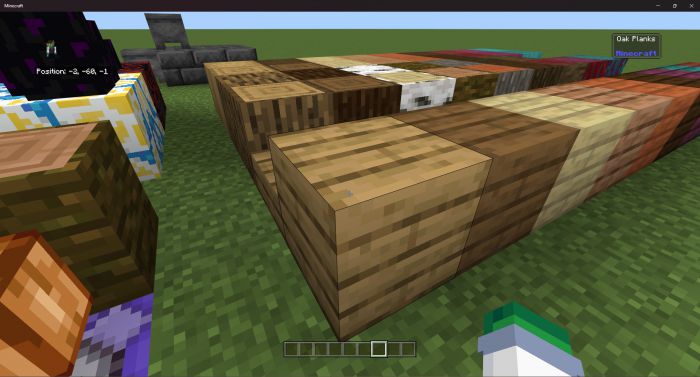
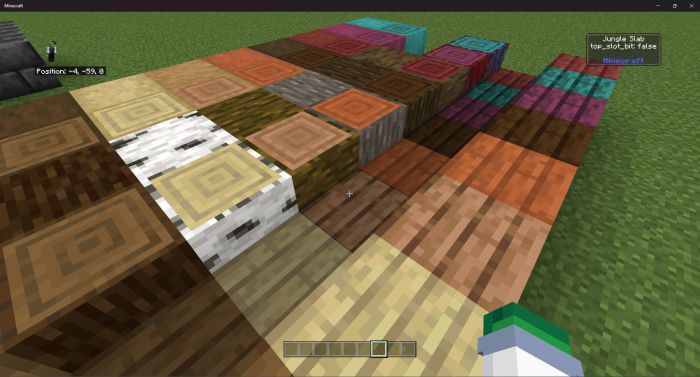
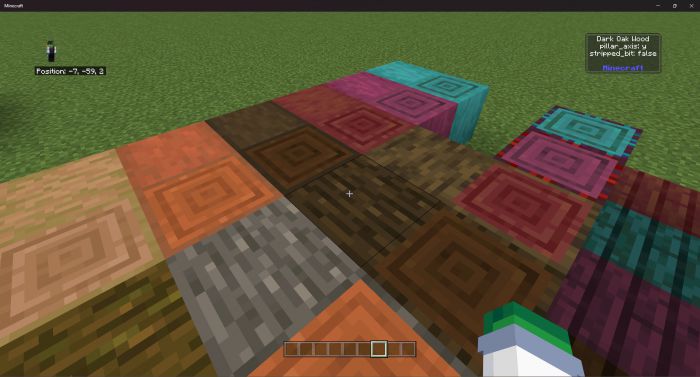
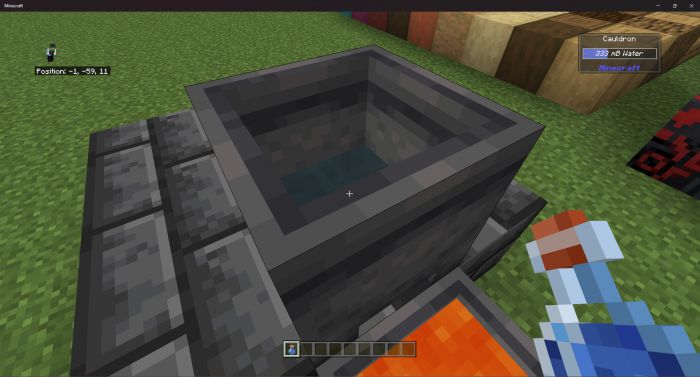
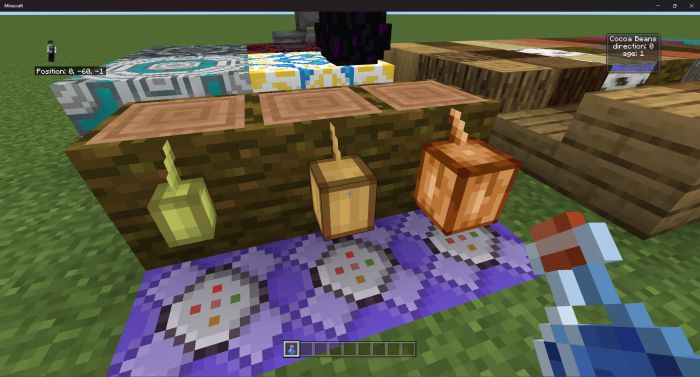
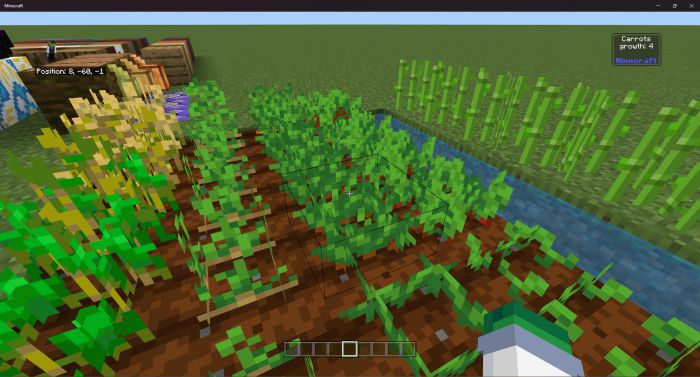
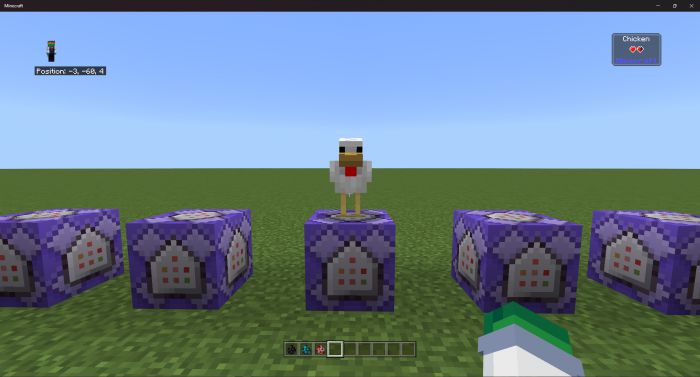
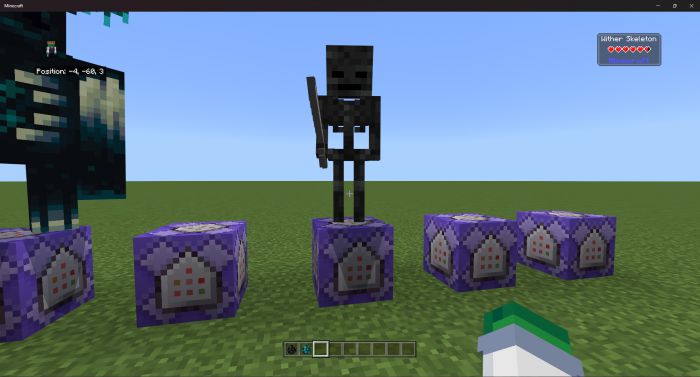
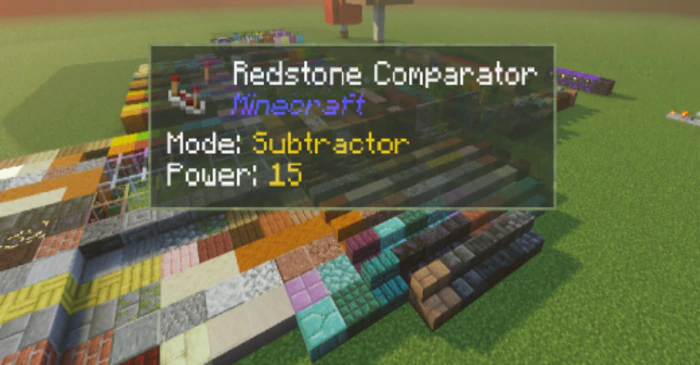
You do not know the information of which blocks you are seeing. Then install this addon right away, because WITB Addon will help you know the information of the block you are looking at.
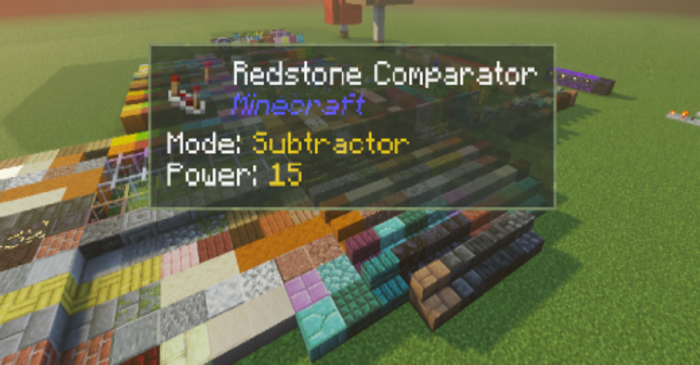
Features:
Custom Command
Set font size of GUI:
- witb font_size small
- witb font_size normal
- witb font_size large
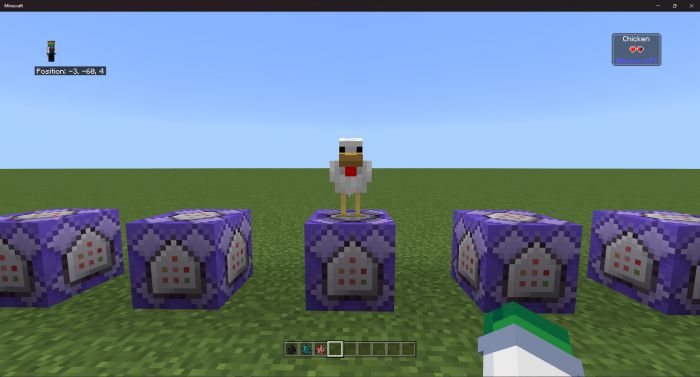
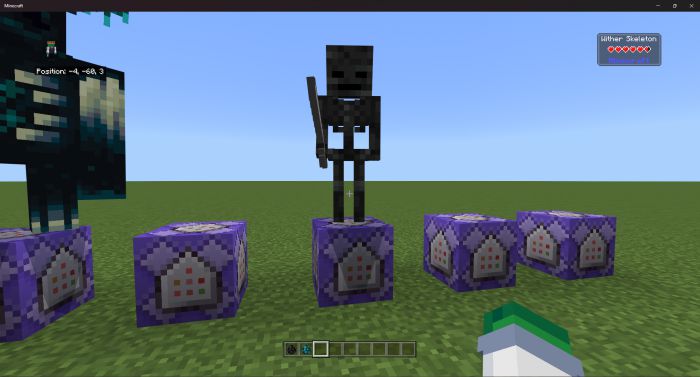
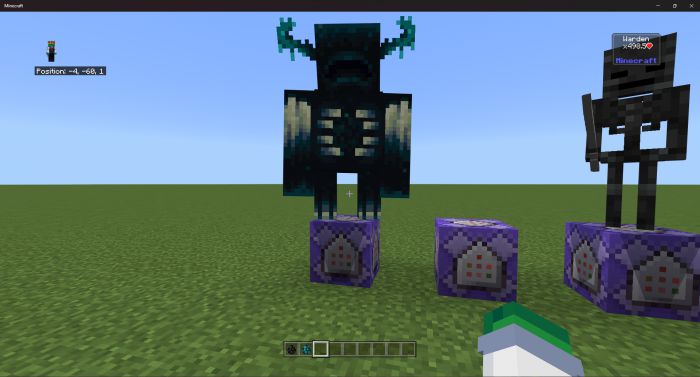
Screenshots:
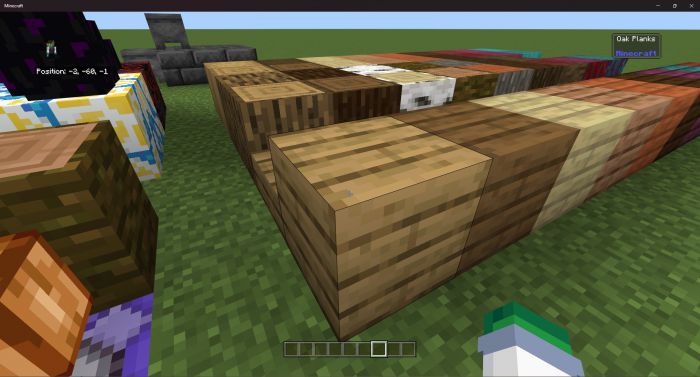
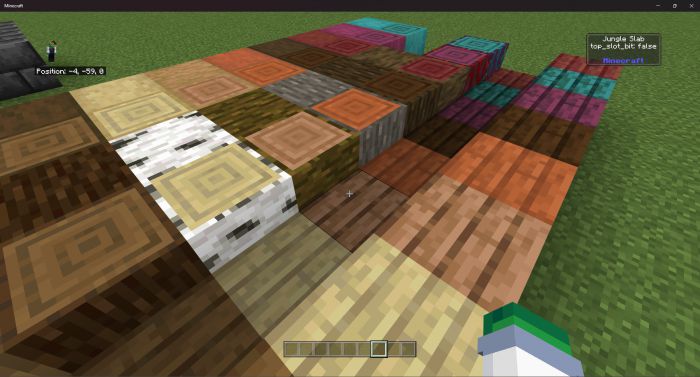
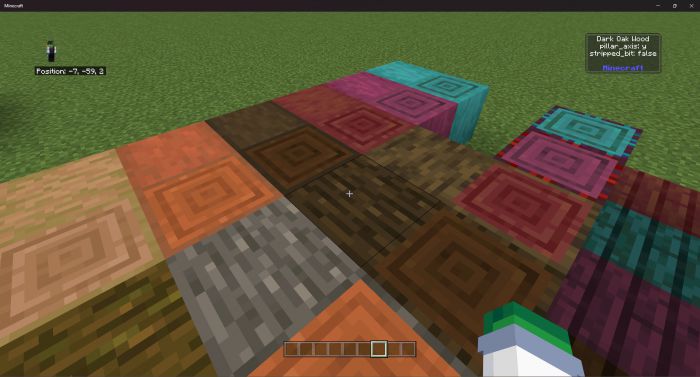
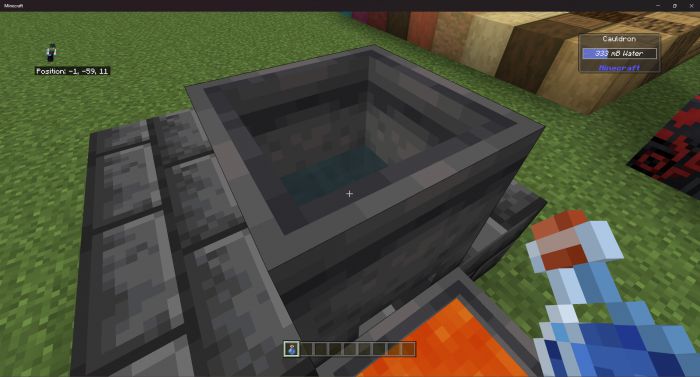
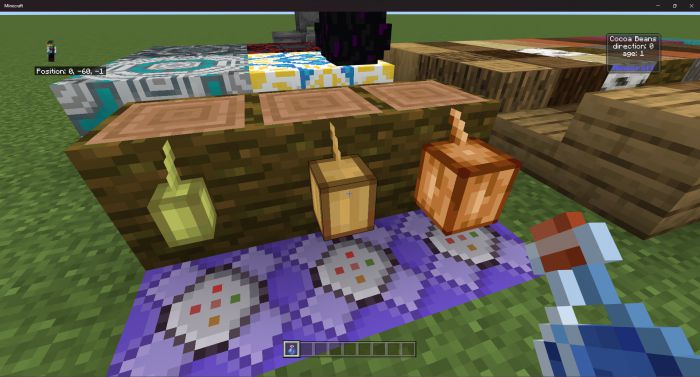
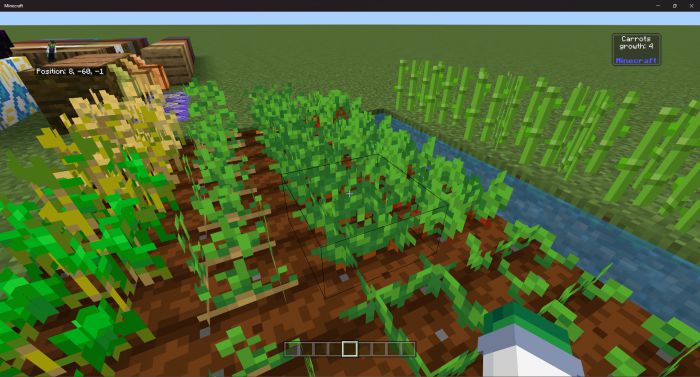
Installation Note:
- Make sure you turn on the Beta APIs.
WITB Addon Download Links
For Minecraft PE/Bedrock 1.20
Behavior: Download from server 1 – Download from server 2
Resource: Download from server 1 – Download from server 2
For Minecraft PE/Bedrock 1.19
Behavior (1.19.50+): Download from server 1 – Download from server 2
Behavior (1.19.40+): Download from server 1 – Download from server 2
Resource (1.19.40+): Download from server 1 – Download from server 2
- Edition: Minecraft Bedrock
- File type: .mcpack or .mcaddon
- Minecraft versions listed: 1.20, 1.19
- How to install: Download the .mcpack or .mcaddon file. → Open it — Minecraft imports it. → In your world: Behavior Packs → Available → Activate, then the same under Resource Packs.
- Where to get it: In MCModsHub, or directly above on this page.
Install steps are the general flow for this file type — How to install Minecraft Bedrock addons & mods walks through it step by step.
- Pack type: .mcaddon
- Manifest requires Minecraft 1.21.10 or newer
- Needs Beta APIs switched on in the world settings
- Ships one half — this pack asks for another pack that is not included
- Download link checked 17 Jun 2026 — working
- Mirrored on our own servers — the download does not depend on the original host
These come from our own check of the pack file, not from the source page.