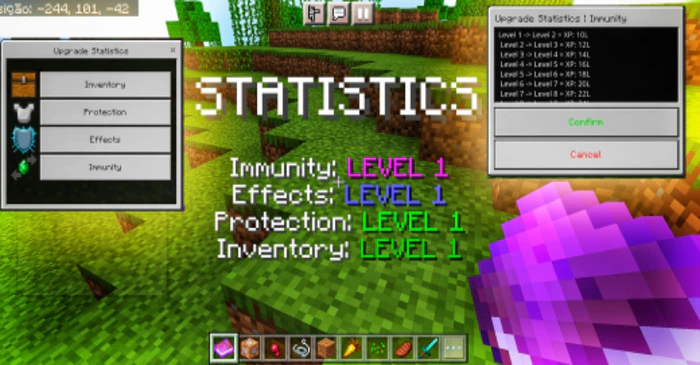
Level Statistics Addon (1.20) – MCPE/Bedrock Mod
Bedrock add-on listed for Minecraft 1.19–1.20 (behavior pack only). File opened and checked on 26 Sep 2026; installs from the MC Bedrock Mods app on Android.
⬇ Download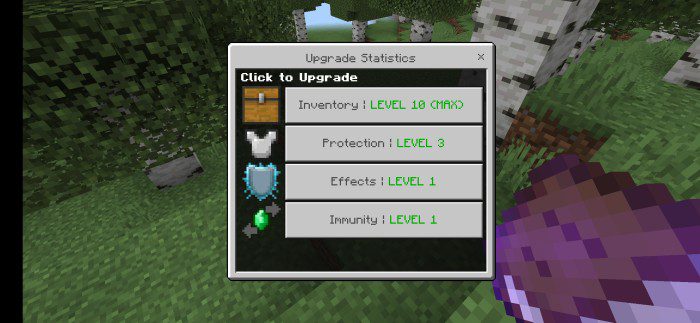


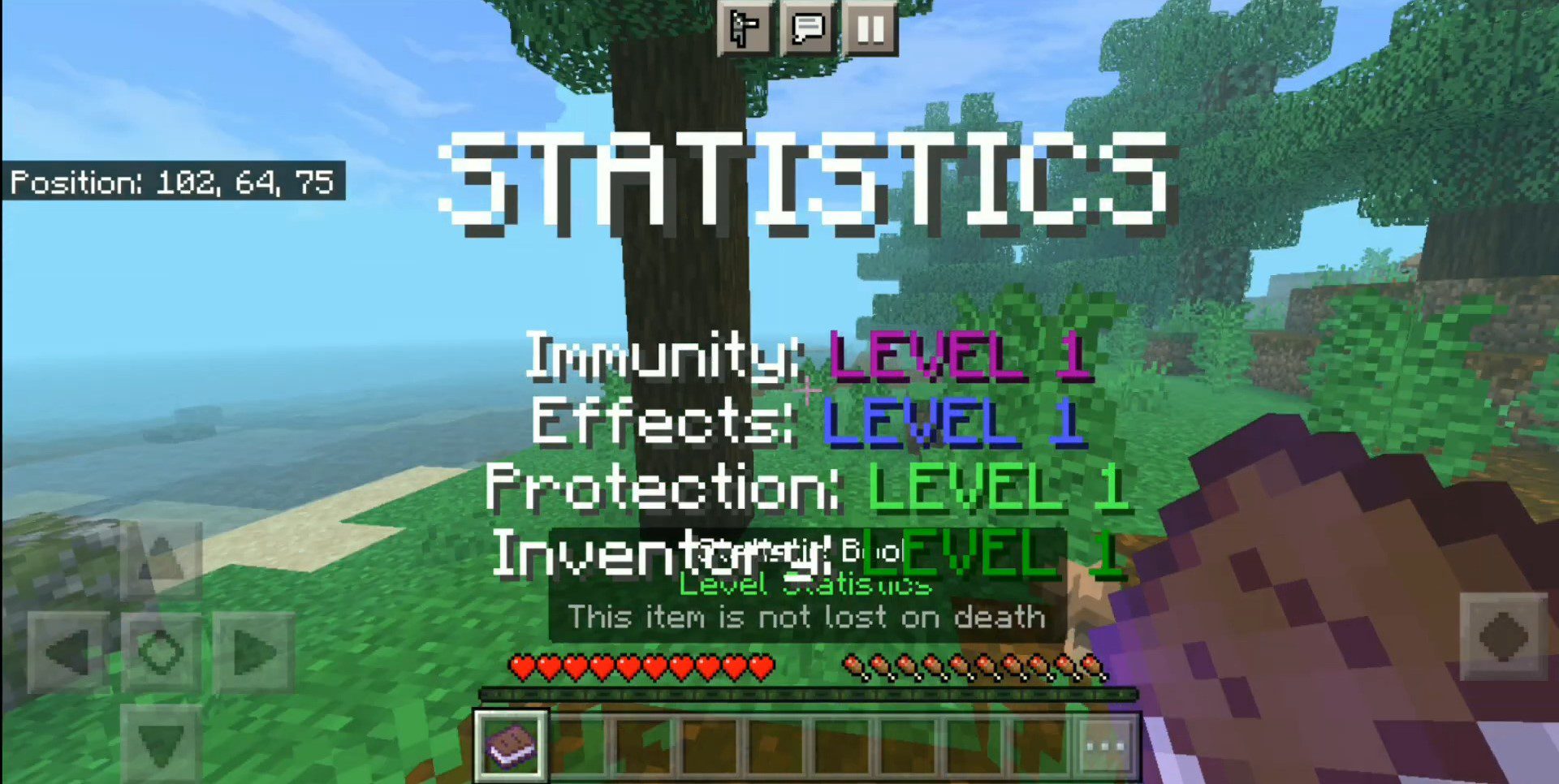
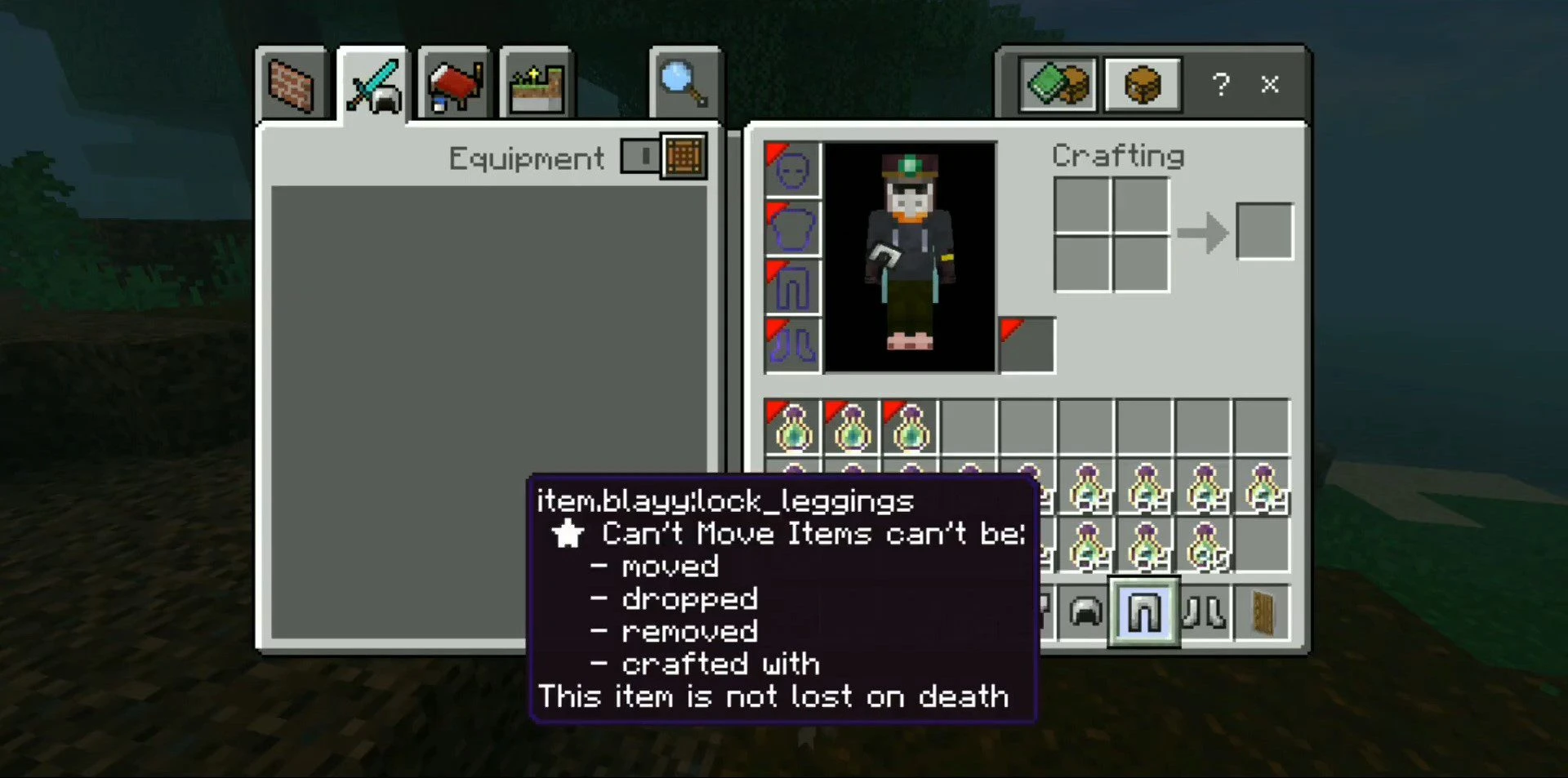
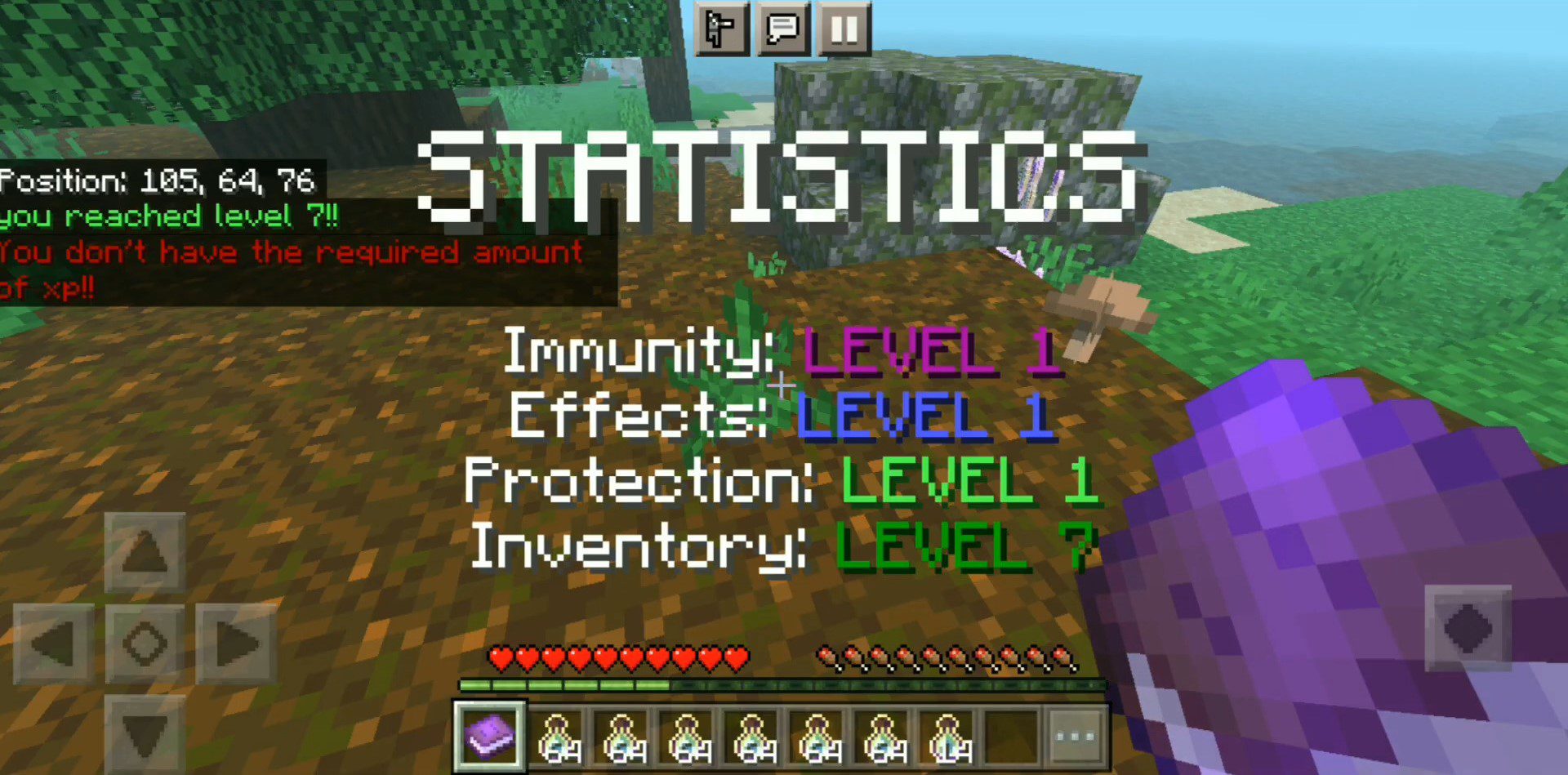
Level Statistics Addon is designed to make your game more challenging by introducing new stats that you can level up using XP. However, this addon can make game progression much more difficult than it should be. In the current version, there are only 4 stats available, but future versions could introduce even more challenging stats.
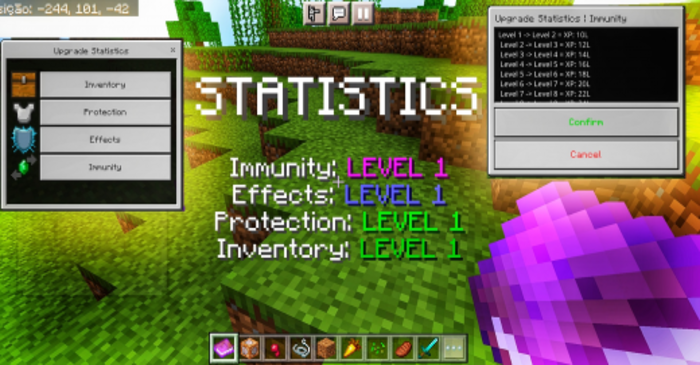
Features:
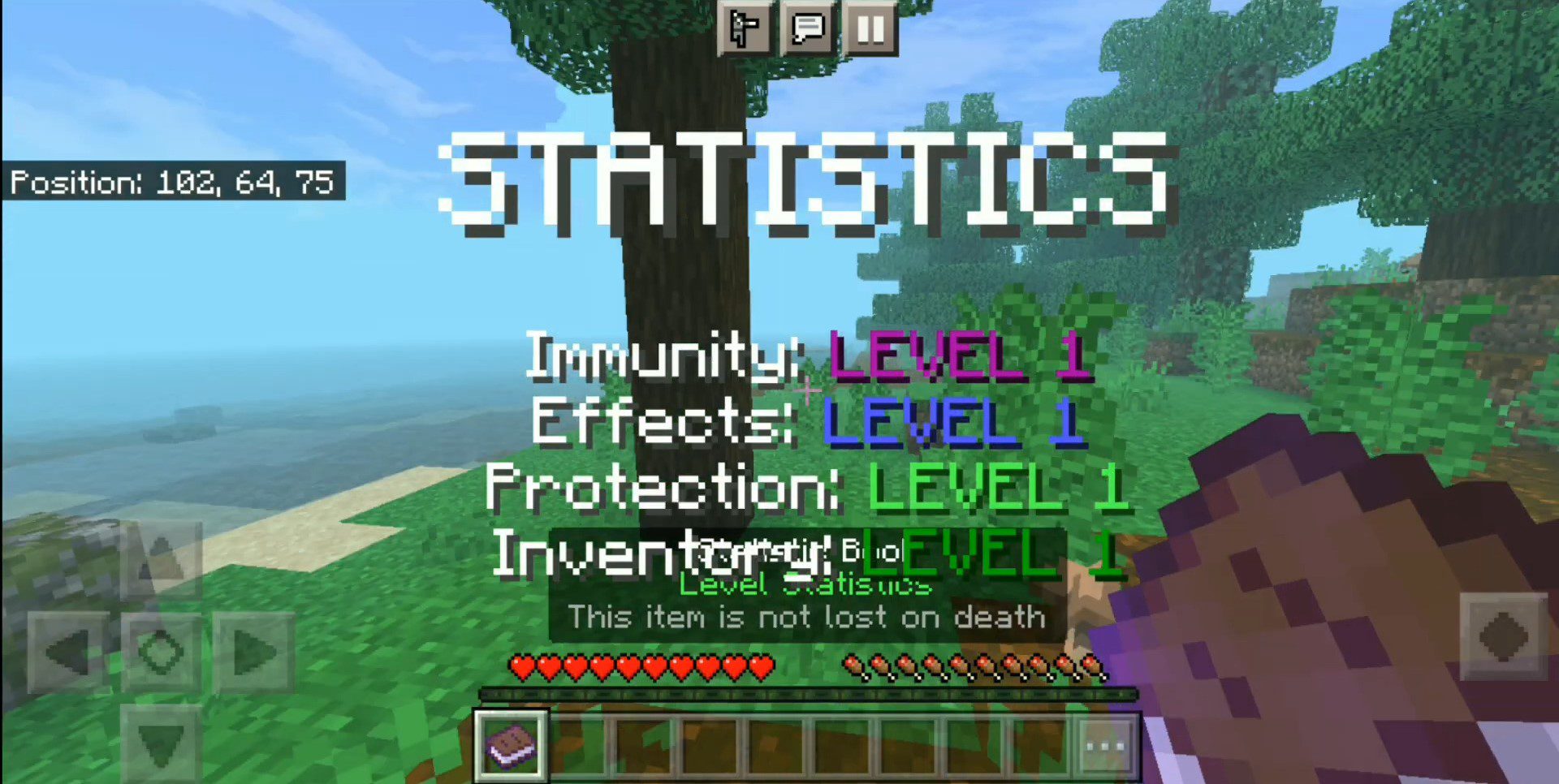
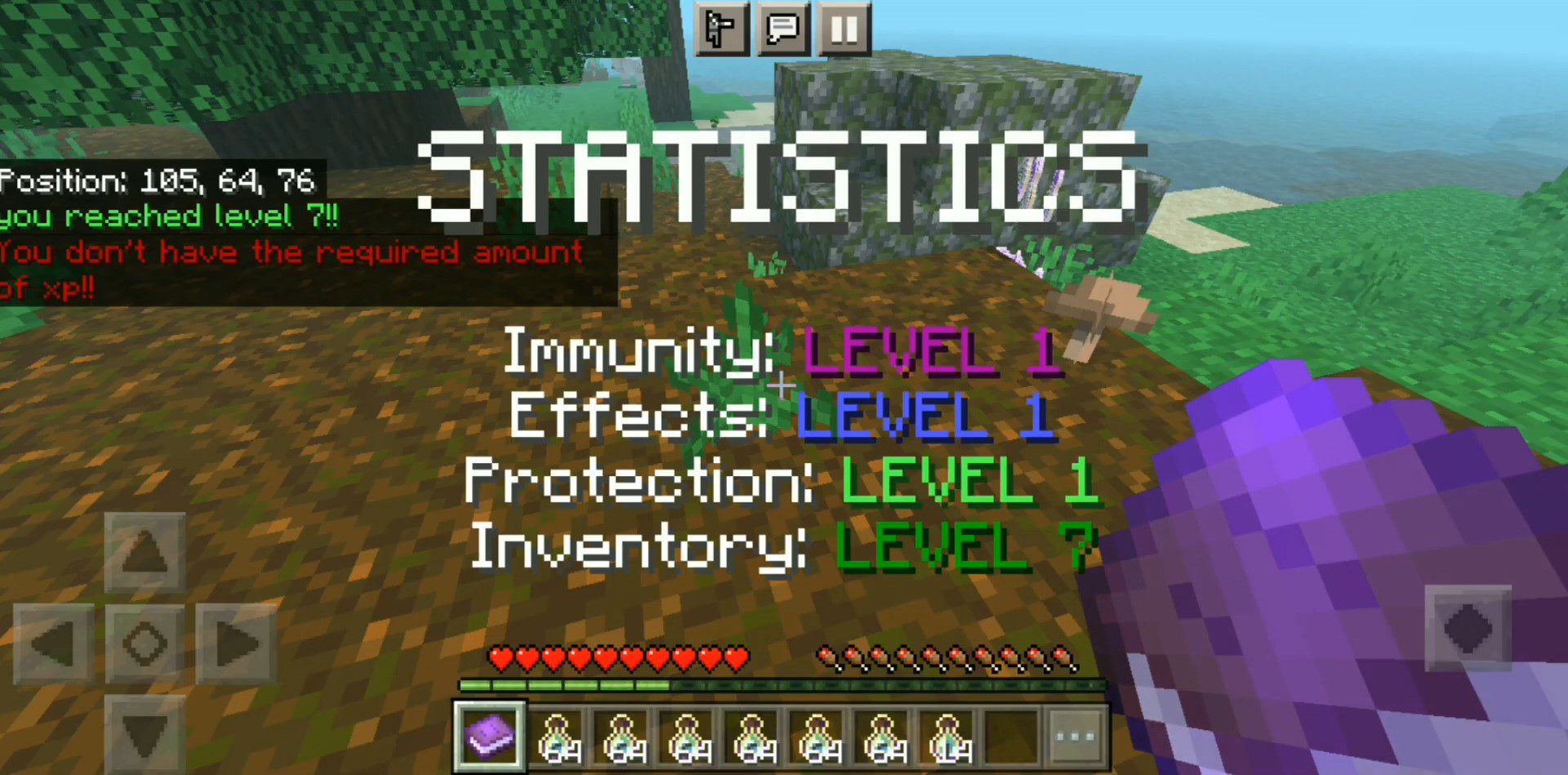
Statistic Book
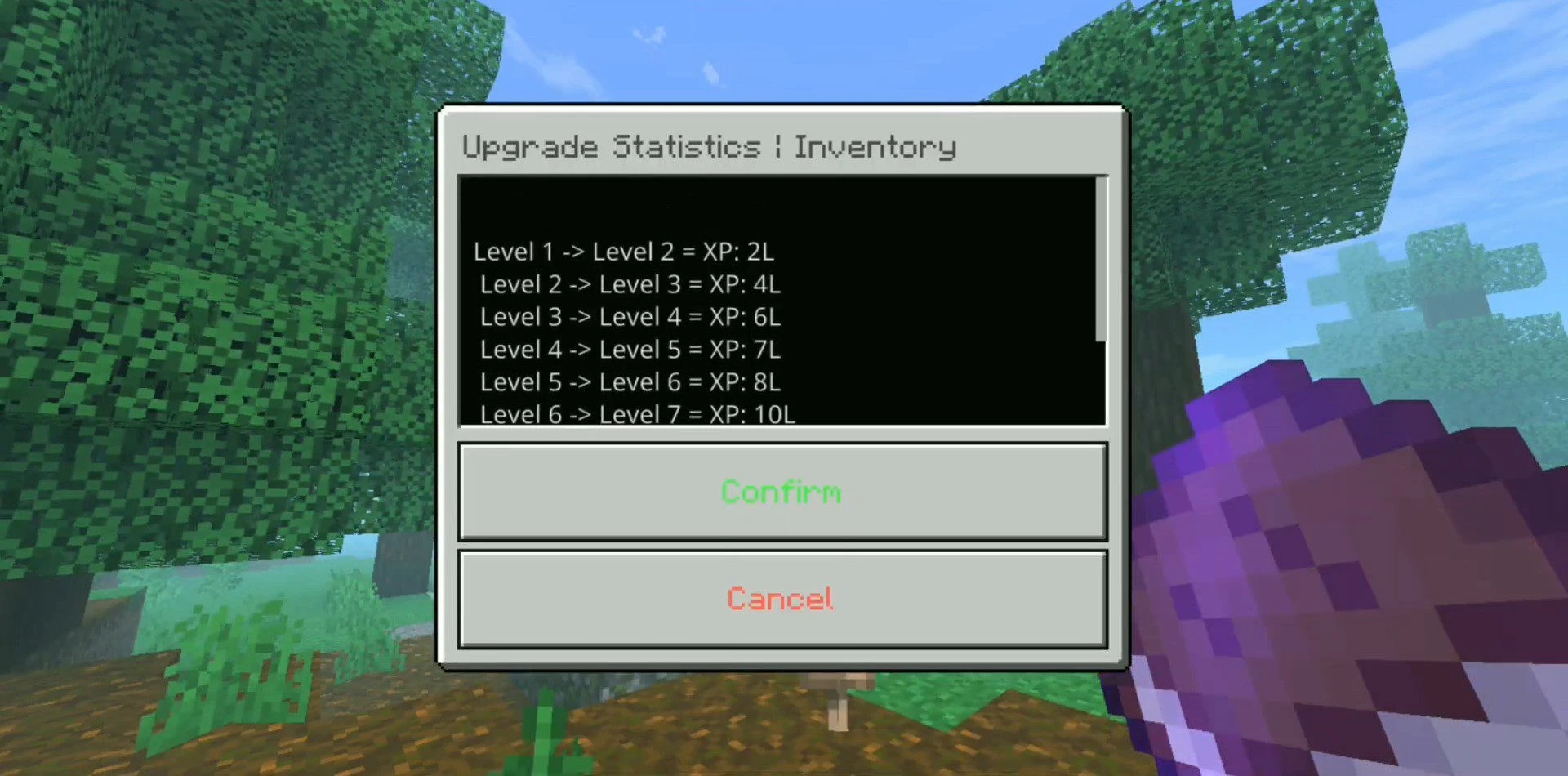
- The stat book is used to see information about your stats and also to level up all of them using XP.
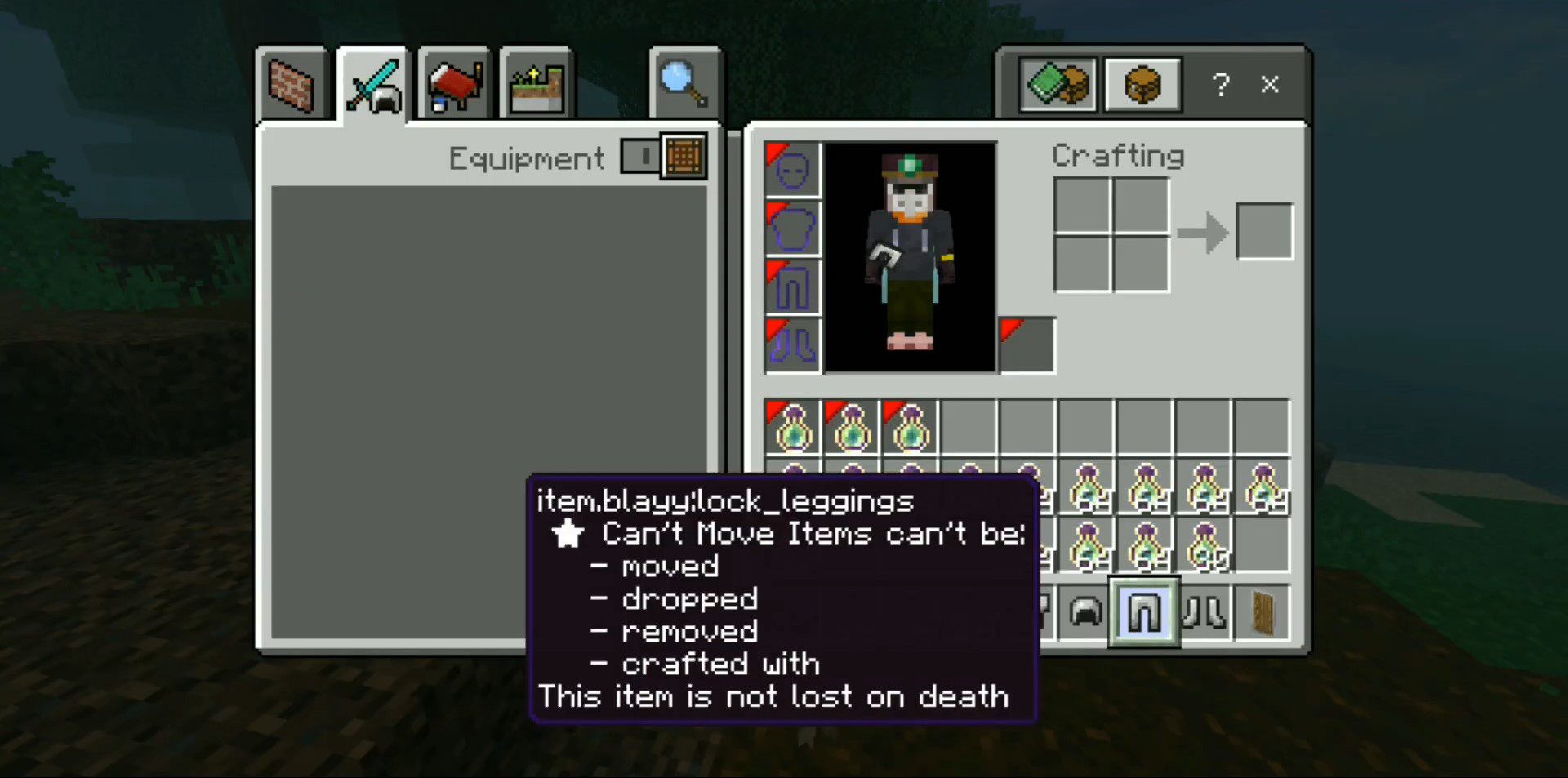
- It’s definitely the most important item in the addon, make sure you don’t lose it, you can keep it anywhere, but it’s important to note that the book doesn’t disappear from your inventory when you die.
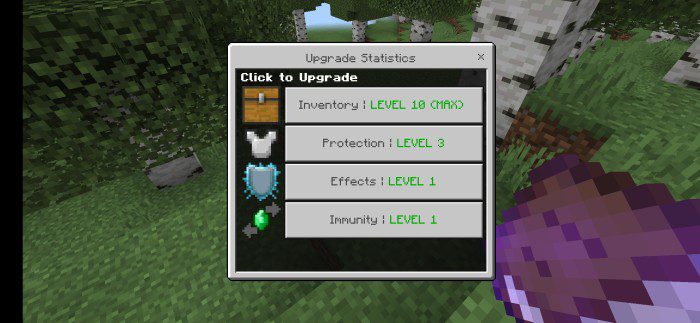
Statistics
Inventory
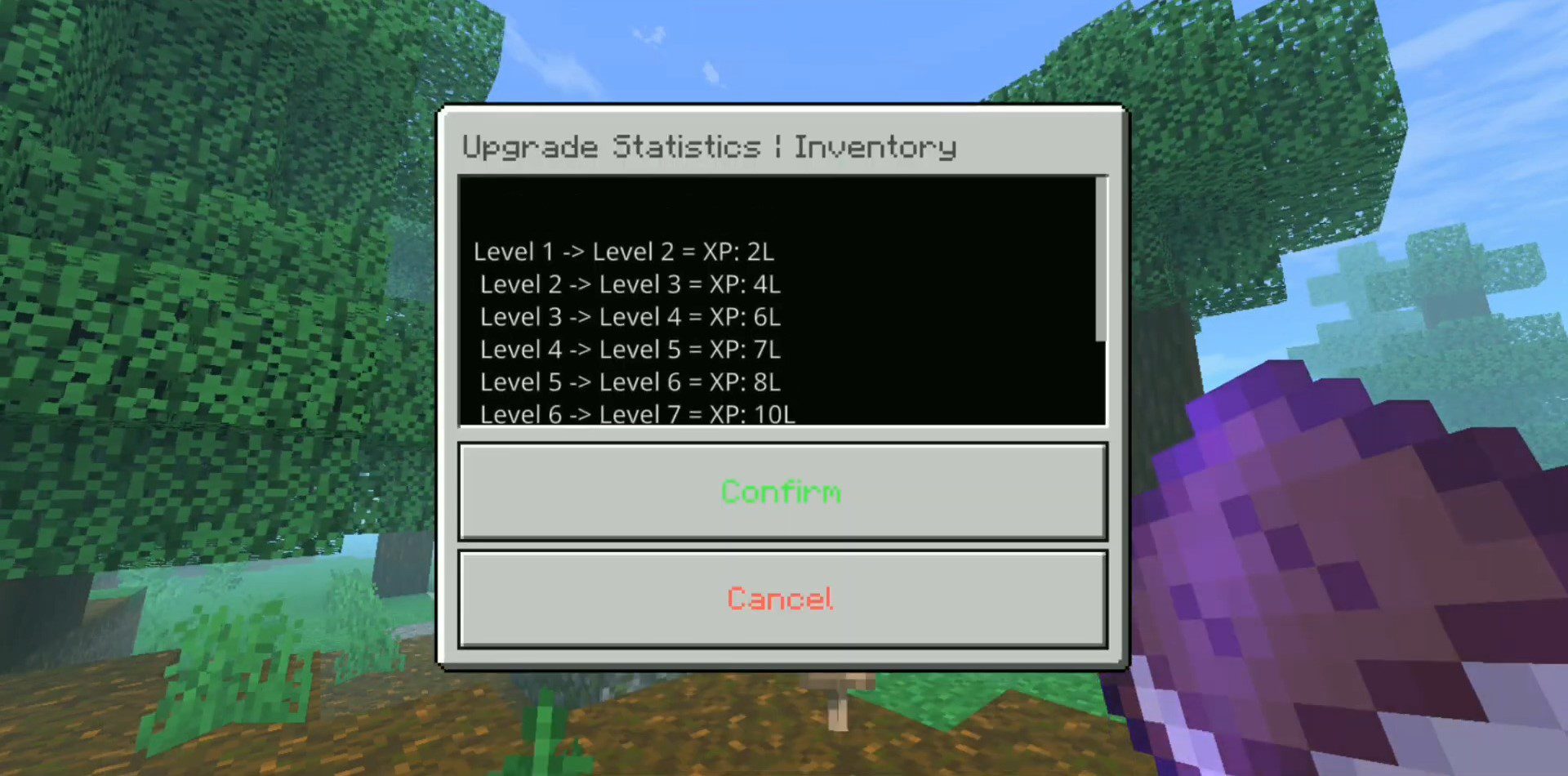
- This stat leaves your inventory completely locked, leaving only the hotbar, but as you level up you unlock all the locked inventory slots.
Levels:
- Inventory Locked
- 3 slots
- 6 slots
- 9 slots
- 12 slots
- 15 slots
- 18 slots
- 21 slots
- 24 slots
- Inventory completely unlocked

Effects
- This stat blocks effects from your game, if you are at level 1 you will not be able to get positive effects in any way, not even eating enchanted apples or making beacons.
Levels:
- Effects Locked
- Unlock Regeneration, Speed, and Conduit Power
- Unlock Absorption & Jump Boost
- Unlock Strength & Night Vision
- Unlock Resistance & Haste
- Unlock Fire Resistance
- Unlock Water Breathing & Saturation
- Unlock Slow Falling
- Unlock Health Boost
- Unlock Invisibility
Protection
- This stat blocks armor slots, to use full armor with shield you need to reach max level.
Levels:
- Locked
- Unlock Boots
- Unlock Helmet
- Unlock Leggings
- Unlock Chestplate
- Unlock Offhand Slot

Immunity
- This stat, with the course of the levels, makes you immune to the negative effects of the game.
Levels:
- None
- Hunger
- Slowness
- Mining Fatigue
- Poison
- Weakness
- Nausea
- Blindness
- Wither
- Darkness
Chat commands:
- .statistic_give
- give Statistic Book
- .statistic_clear
- clear Statistic Book
Screenshots:
Installation Note:
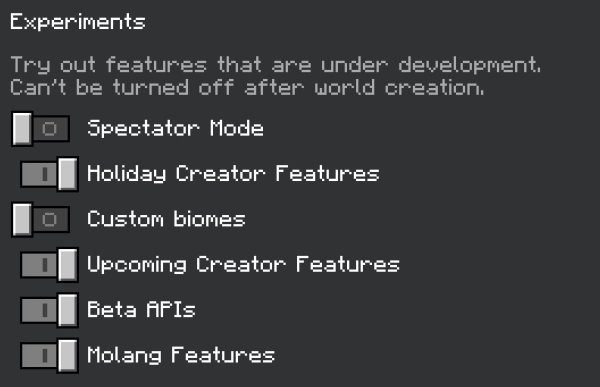
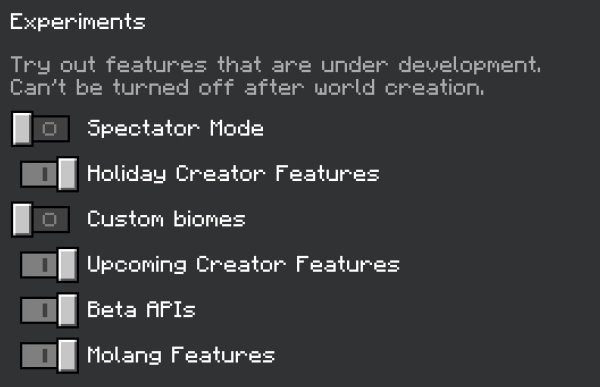
- Don’t forget to activate the experimental options:
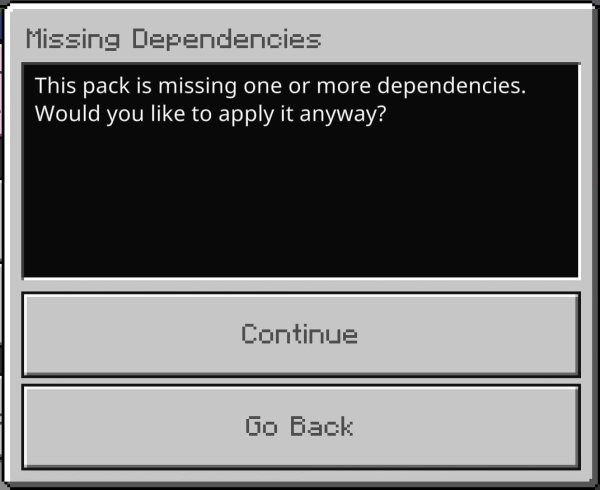
- You may see this warning. Ignore it. Make sure that after clicking Continue, the addon is activated:
Level Statistics Addon Download Links
For Minecraft PE/Bedrock 1.20.30+
Behavior: Download from server 1 – Download from server 2
Resource: Download from server 1 – Download from server 2
- Edition: Minecraft Bedrock
- File type: .mcpack or .mcaddon
- Minecraft version listed: 1.20
- How to install: Download the .mcpack or .mcaddon file. → Open it — Minecraft imports it. → In your world: Behavior Packs → Available → Activate, then the same under Resource Packs.
- Where to get it: In MCModsHub, or directly above on this page.
Install steps are the general flow for this file type — How to install Minecraft Bedrock addons & mods walks through it step by step.
- Pack type: .mcpack — a single pack
- Manifest requires Minecraft 1.19.60 or newer
- Complete pack — everything it depends on is inside the file
- Download size: 12 KB
- Download link checked 17 Jun 2026 — working
- Mirrored on our own servers — the download does not depend on the original host
These come from our own check of the pack file, not from the source page.