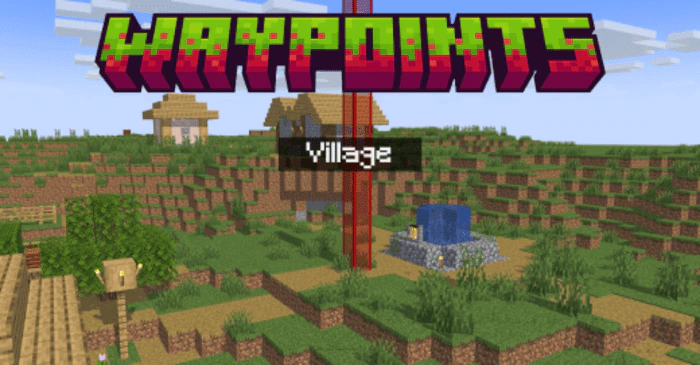
Waypoints Addon (1.20) – MCPE/Bedrock Script
Bedrock add-on listed for Minecraft 1.19–1.20 (behavior + resource pack). Needs Beta APIs. File opened and checked on 26 Sep 2026; installs from the MC Bedrock Mods app on Android.
⬇ Download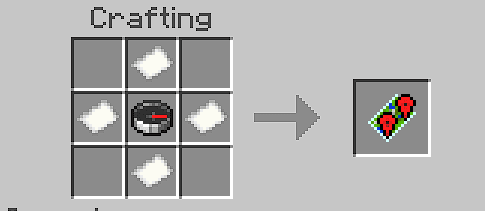
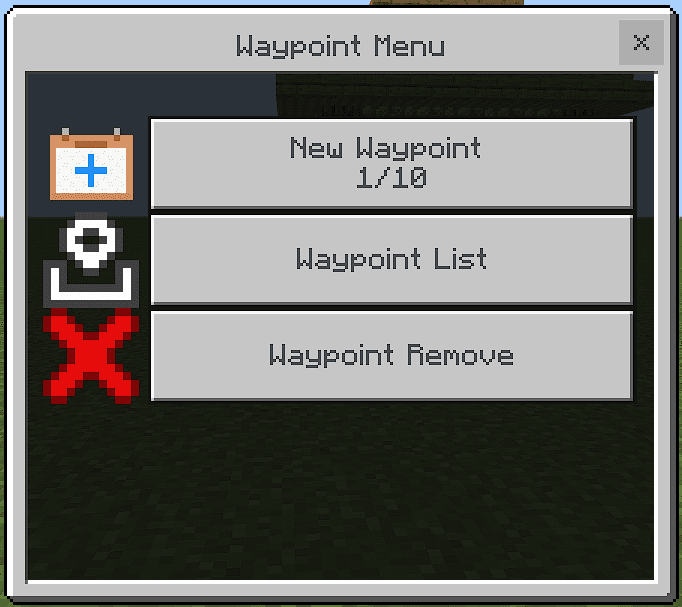
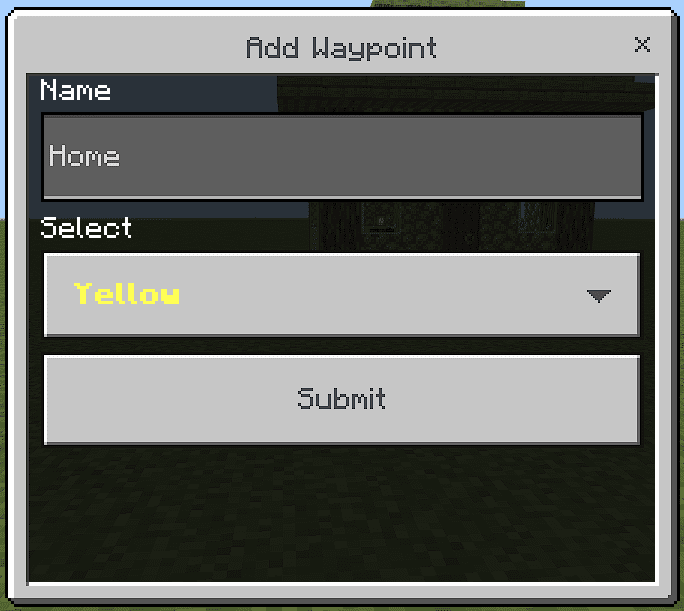
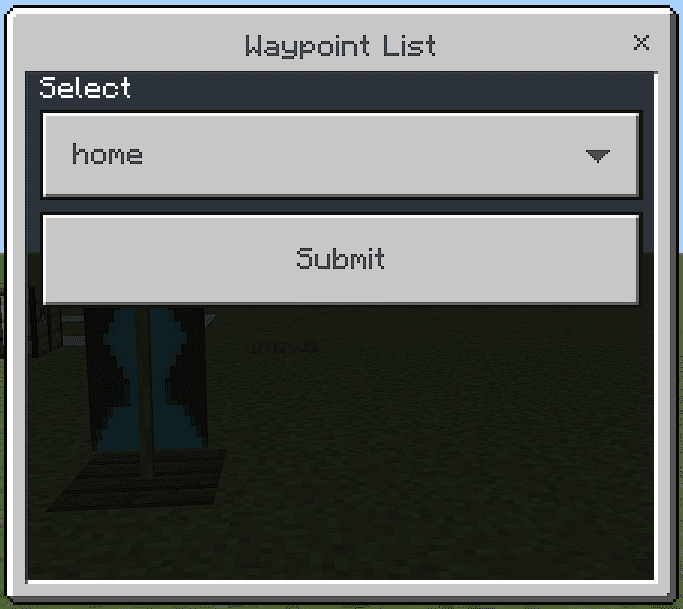
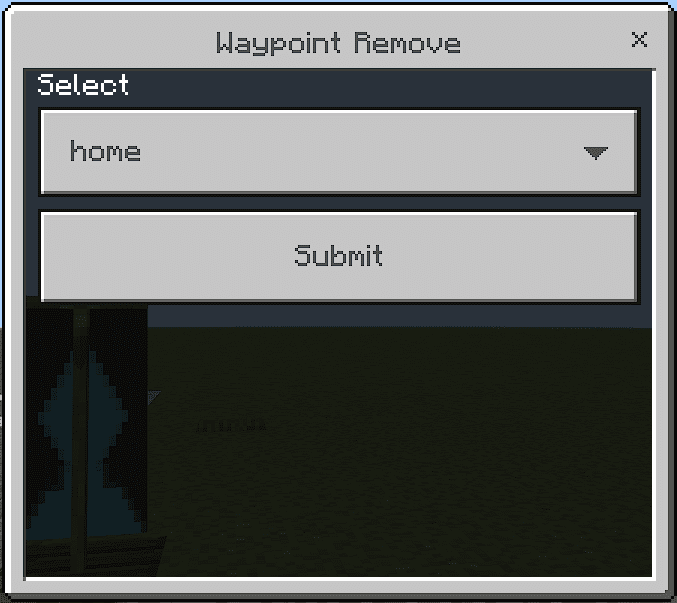
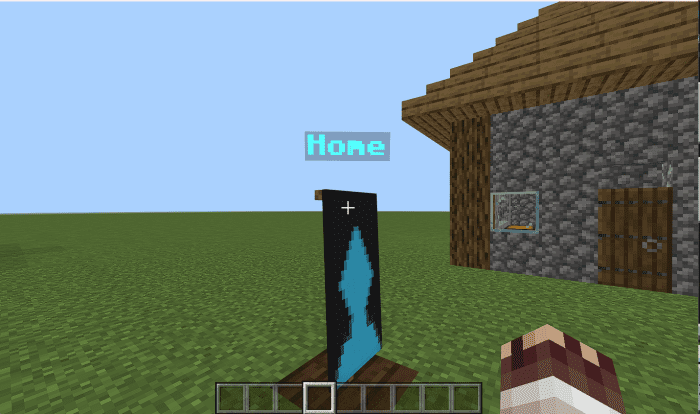

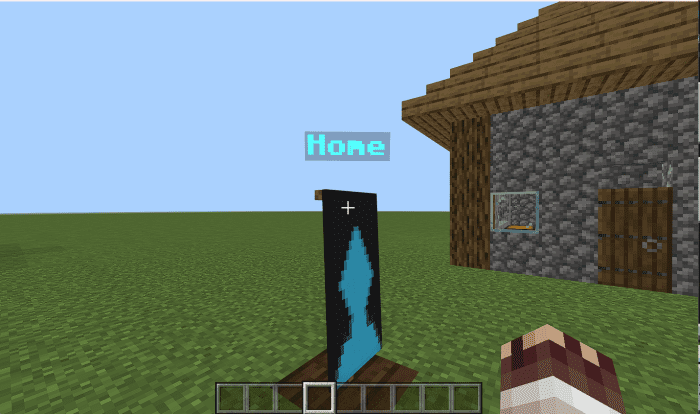
Waypoints Addon allows you to save locations or coordinates with custom names and teleport to them from anywhere in your Minecraft Bedrock world. You can also view your existing waypoints, remove them, or teleport to them using simple commands. With this addon, you can easily mark, manage, and teleport to up to 10 unique waypoints, ensuring that you never lose track of your precious locations again.
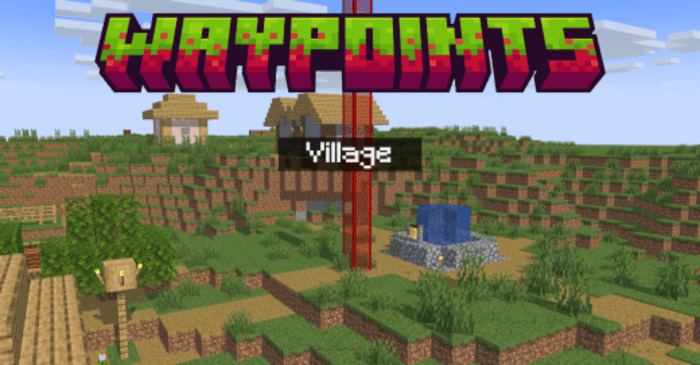
Features:
Key Features:
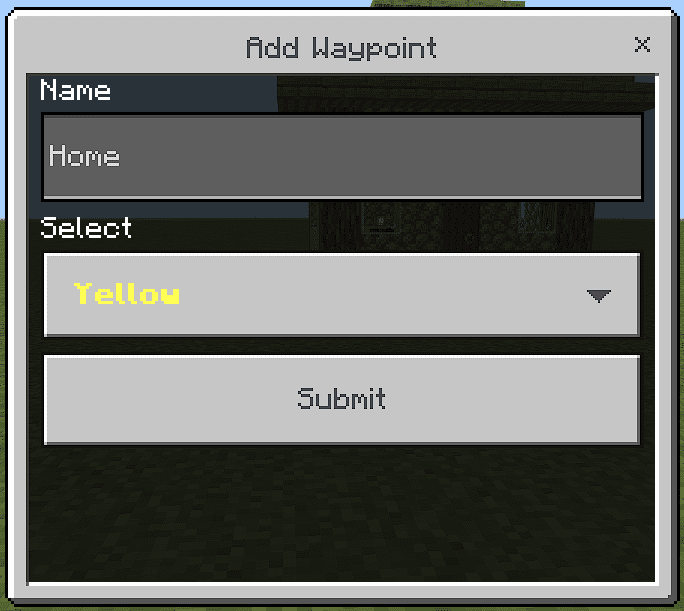
- Customizable Colors and Names: Choose from a variety of colors and assign a unique name to each waypoint for easy identification.
- Limited Yet Adequate: Up to 10 waypoints per player, perfect for marking your most essential places without cluttering the map.
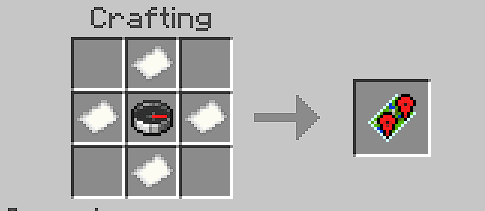
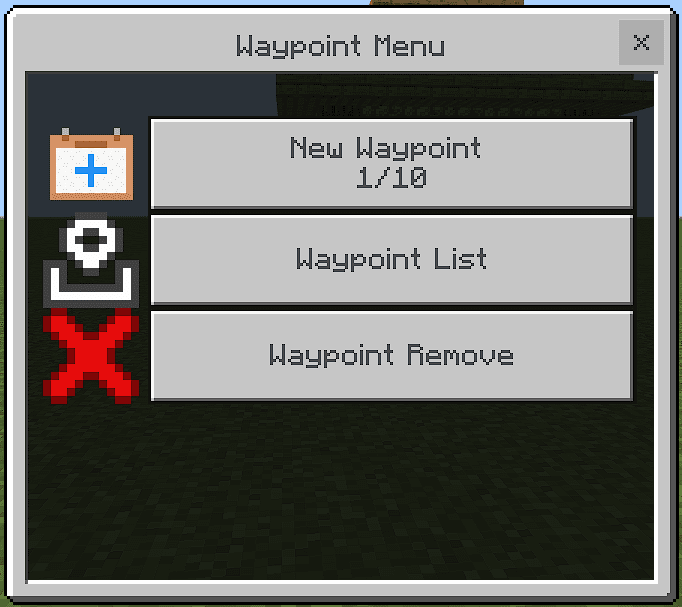
- Intuitive Interface: Access the waypoints menu with a special item to manage your reference points efficiently.
How It Works:
- Create a Waypoint: Open the waypoints menu using the special item and select “Add Waypoint.” Assign a name and color, and set your marker.
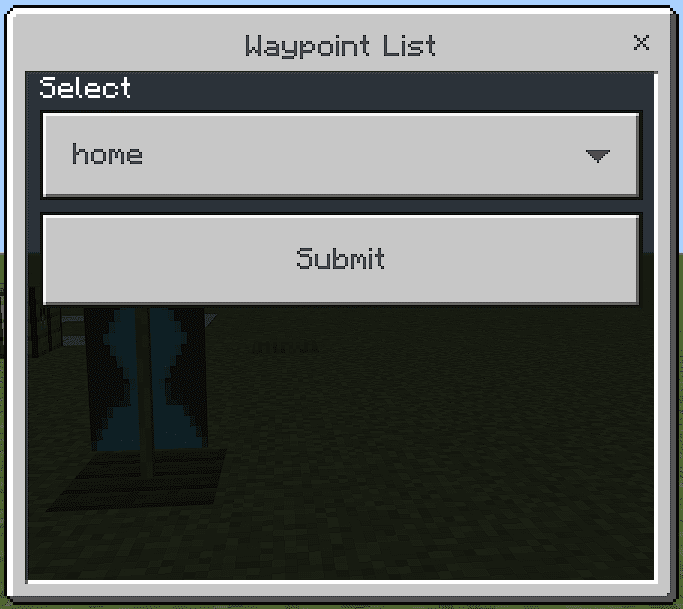
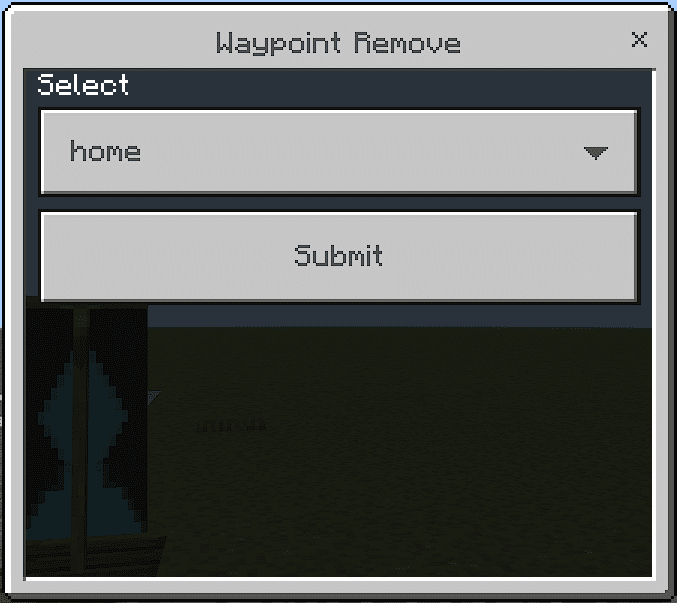
- Waypoint Management: View your existing waypoints, remove them, or teleport to them using simple commands.
- Navigation Commands: Employ commands like !wp list, !wp tp [name], and !wp remove [name] to interact with your waypoints.
Commands:
- !wp list: Displays all your active waypoints.
- !wp tp [name_of_wp]: Teleports you directly to the desired waypoint.
- !wp remove [name_of_wp]: Removes a specific waypoint.
- !wp help: Provides assistance on how to use the addon’s commands.
Crafting Recipes:
Screenshots:
Installation Note:
- Make sure you turn on the Beta APIs on the Experimental Gameplay.

Waypoints Addon Download Links
For Minecraft PE/Bedrock 1.20.40+
mcaddon: Download from server 1 – Download from server 2
- Edition: Minecraft Bedrock
- File type: .mcpack or .mcaddon
- Minecraft version listed: 1.20
- How to install: Download the .mcpack or .mcaddon file. → Open it — Minecraft imports it. → In your world: Behavior Packs → Available → Activate, then the same under Resource Packs.
- Where to get it: In MCModsHub, or directly above on this page.
Install steps are the general flow for this file type — How to install Minecraft Bedrock addons & mods walks through it step by step.
- Pack type: .mcaddon — behaviour and resource pack in one file
- Manifest requires Minecraft 1.19.60 or newer
- Needs Beta APIs switched on in the world settings
- Complete pack — everything it depends on is inside the file
- Download size: 18 KB
- Download link checked 17 Jun 2026 — working
- Mirrored on our own servers — the download does not depend on the original host
These come from our own check of the pack file, not from the source page.