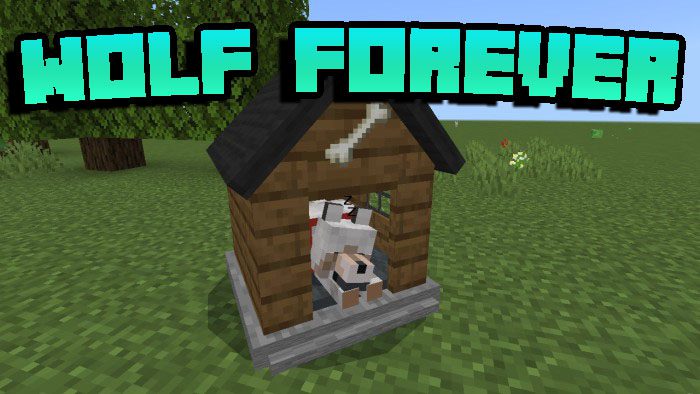
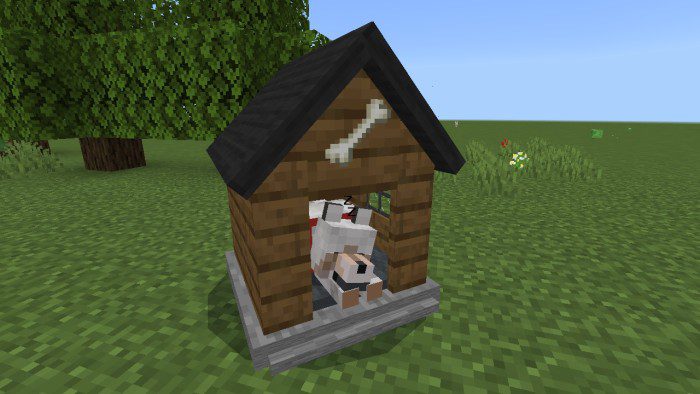
Wolf Forever Addon enables you to enhance your interaction with wolves and venture into hazardous areas without risking their safety. Additionally, it offers 22 kennel models for your wolf to rest in. Using the golden bone will significantly boost your wolf’s strength.
Features:
Kennel:
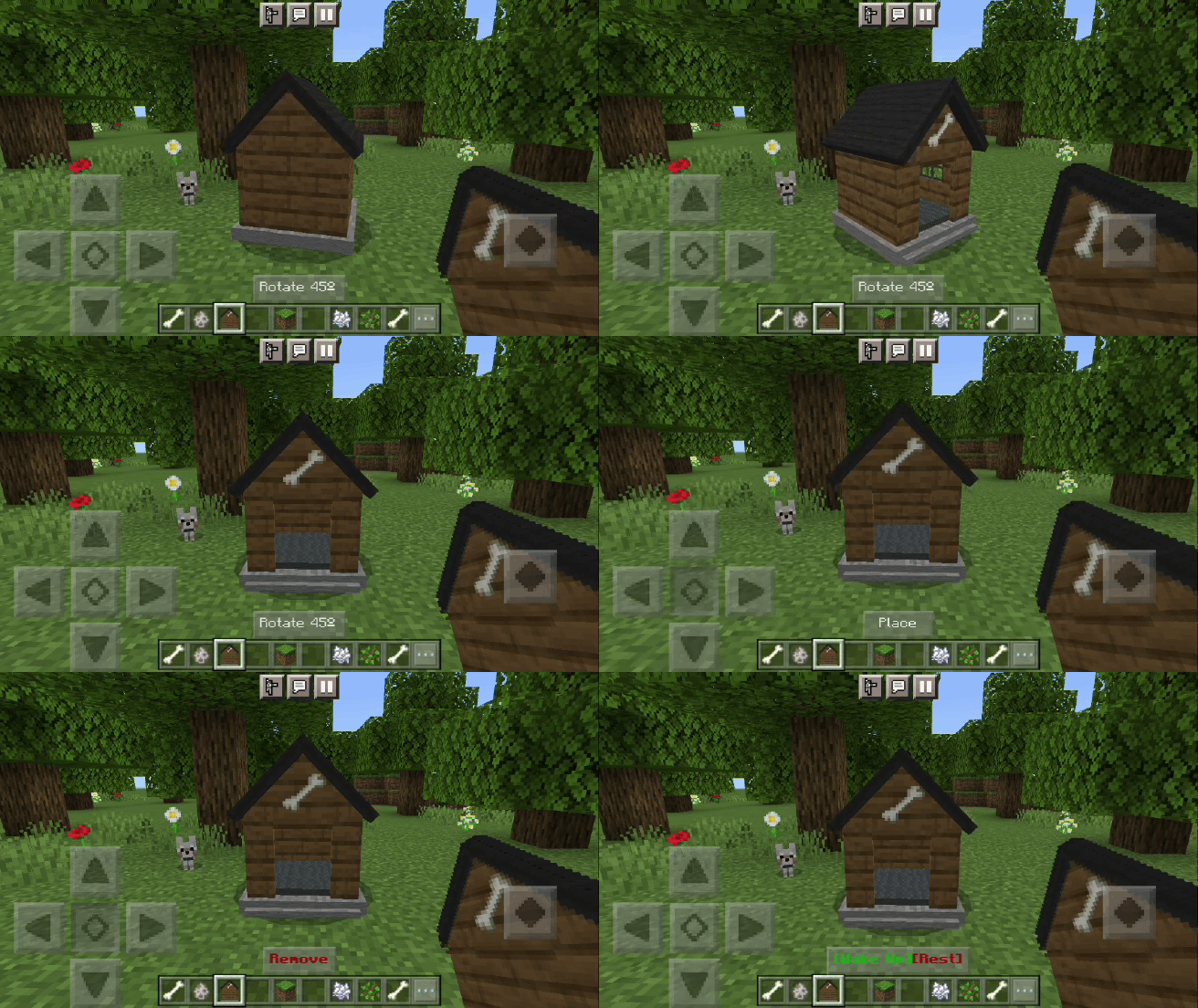
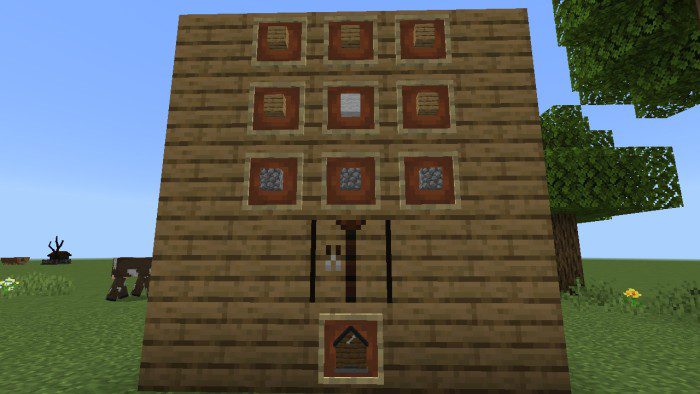
- There are 22 models of houses for wolves where they will recover their health and be safe from any attack. They can be made on the crafting table. Simply place the house in the place you want, you will have the option to rotate it 45 ° when you like the position, just crouch down and press “place” and the house will be ready to be used
Mode hostile/peaceful:
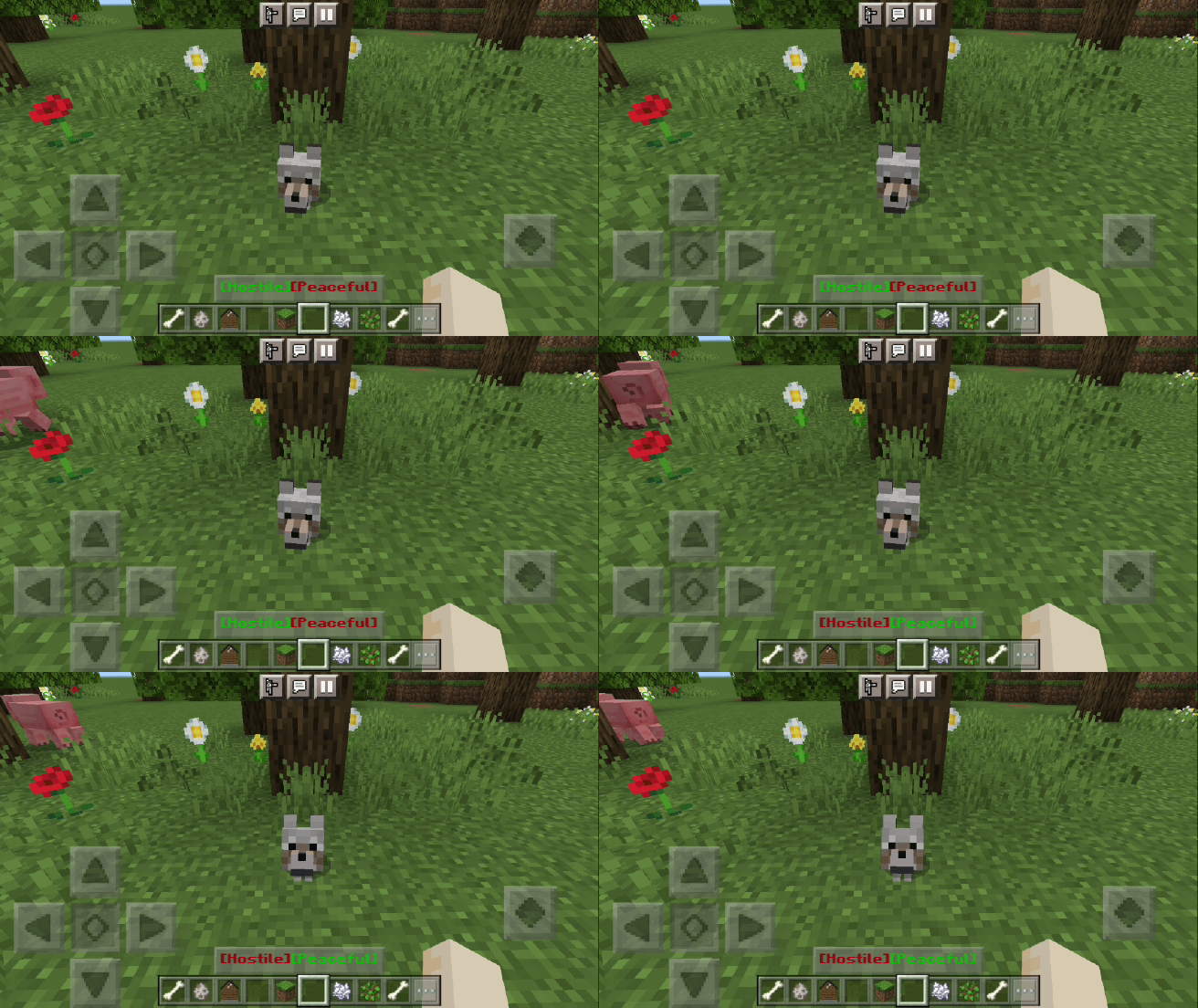
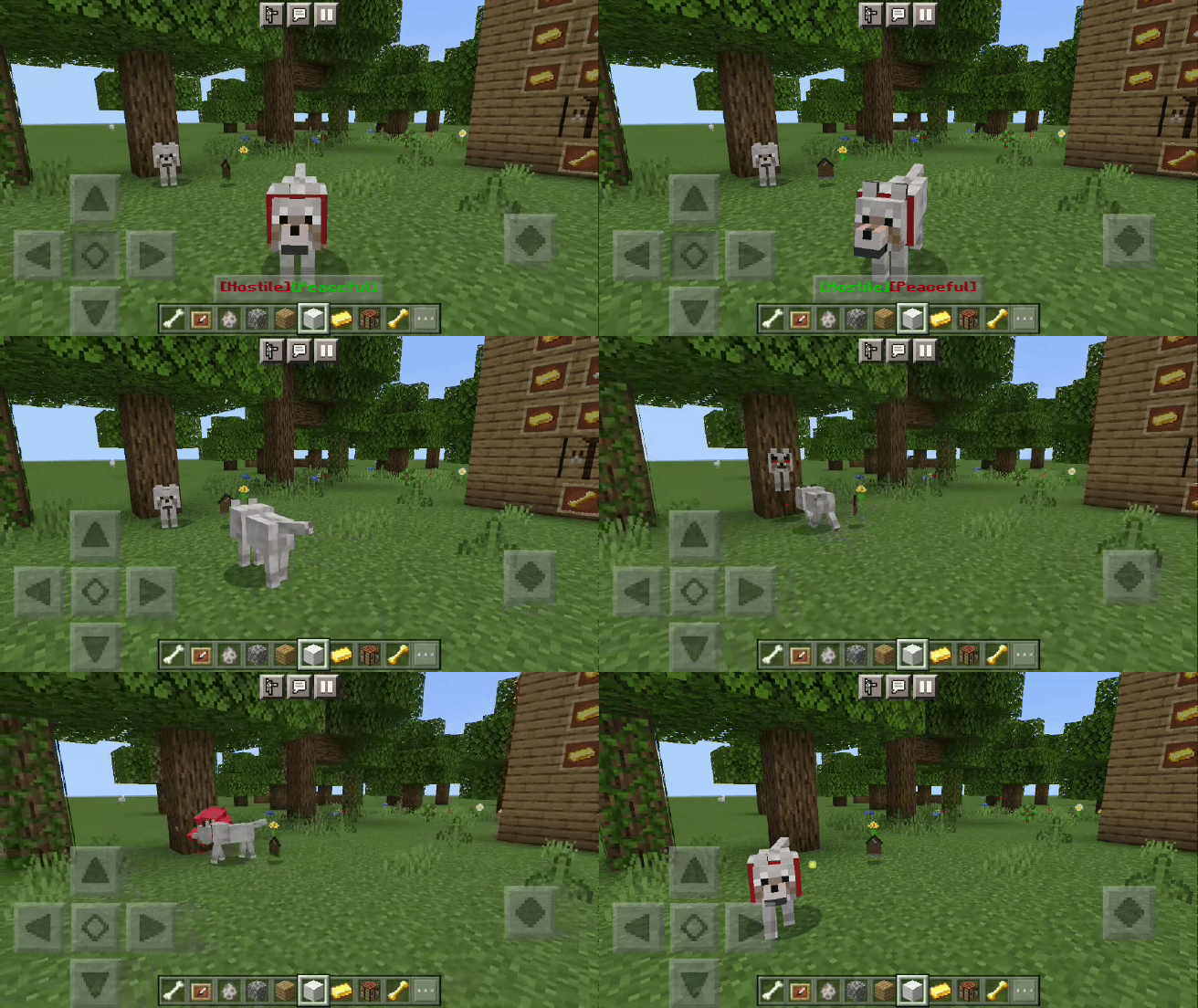
- You can switch between the hostile mode or the peaceful mode of your wolf. Crouch down and you will see the button [hostile][peaceful] green means it is activated and red means it is deactivated.
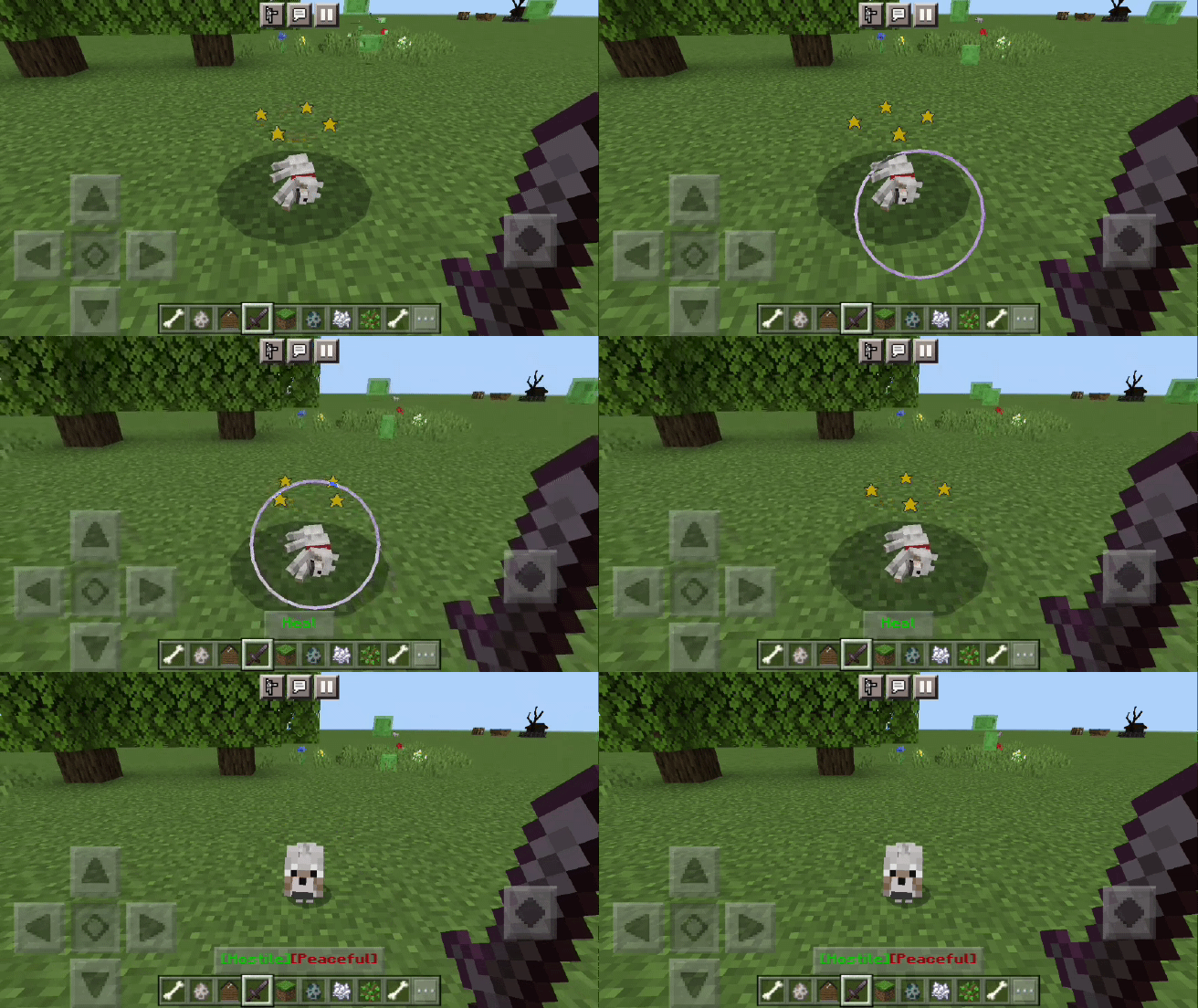
- While your wolf is tamed it will be immortal: when it has health = 0 your wolf will remain unconscious, come close to cure it so that it continues to accompany you
Items:
The following items can be used on tamed and crouching wolves:
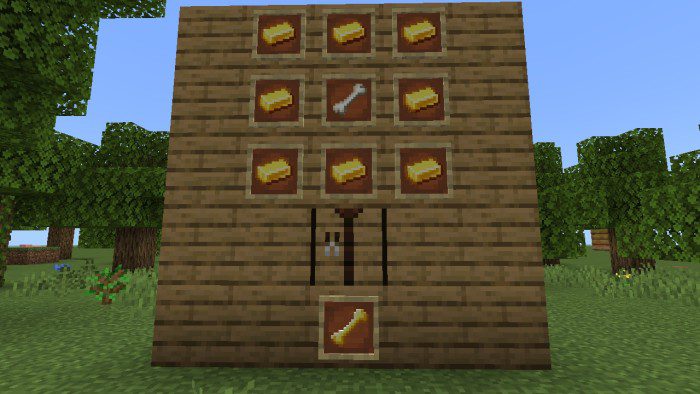
- Golden bone: it is made with gold and a bone and it is used to make your wolf more powerful. Adds regeneration, fire resistance, and stamina for 10 minutes.
- Release wolf: it is made with a bone and a stick, it is used to release your wolf if you think you have too many
Warning: Hostile/peaceful mode will not work on wolves that have been tamed before installing this addon, but releasing the wolf and re-taming it fixes it.
Installation Note:
- Make sure you activate the Experimental Gameplay.
Wolf Forever Addon Download Links
For Minecraft PE/Bedrock 1.20
Behavior: Download from server 1 – Download from server 2
Resource: Download from server 1 – Download from server 2
For Minecraft PE/Bedrock 1.19
mcaddon: Download from server 1 – Download from server 2
- Edition: Minecraft Bedrock
- File type: .mcpack or .mcaddon
- Minecraft versions listed: 1.20, 1.19
- How to install: Download the .mcpack or .mcaddon file. → Open it — Minecraft imports it. → In your world: Behavior Packs → Available → Activate, then the same under Resource Packs.
- Where to get it: In MCModsHub, or directly above on this page.
Install steps are the general flow for this file type — How to install Minecraft Bedrock addons & mods walks through it step by step.
- Pack type: .mcaddon
- Manifest requires Minecraft 1.20.0 or newer
- Ships one half — this pack asks for another pack that is not included
- Download size: 116 KB
- Download link checked 17 Jun 2026 — working
- Mirrored on our own servers — the download does not depend on the original host
These come from our own check of the pack file, not from the source page.