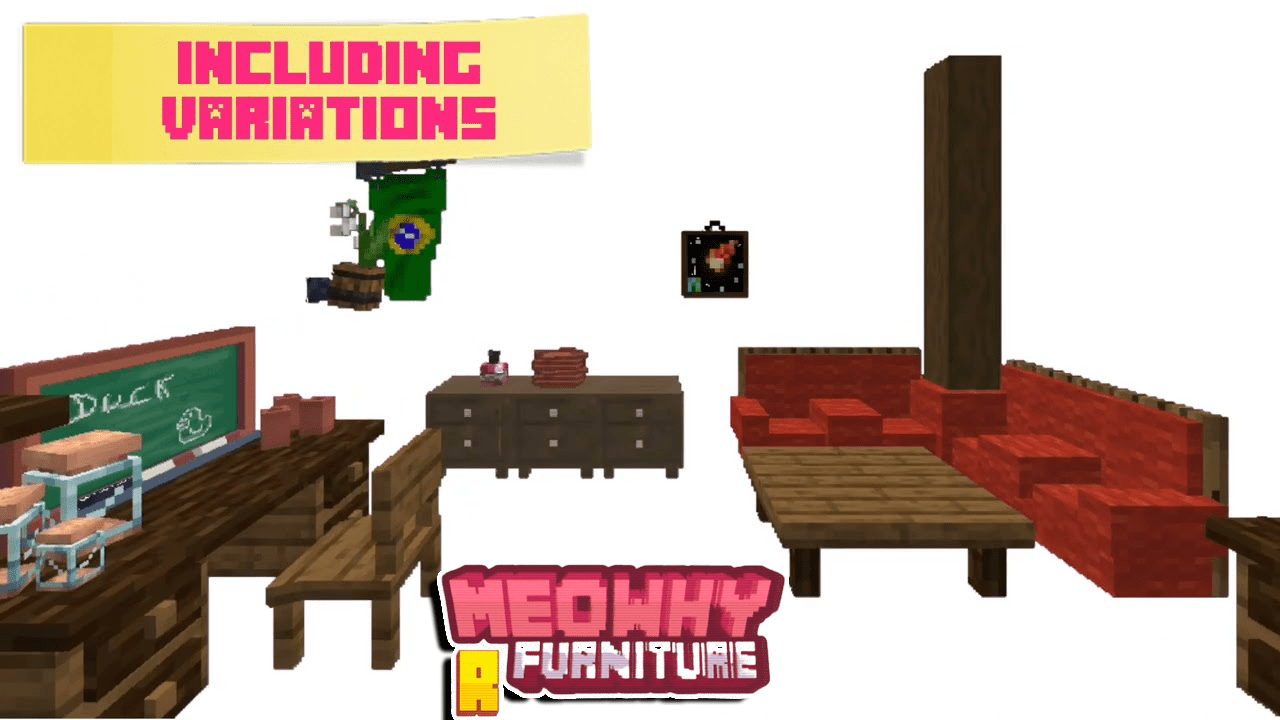
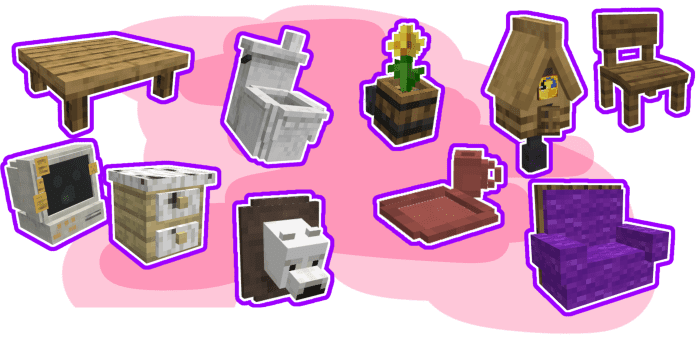
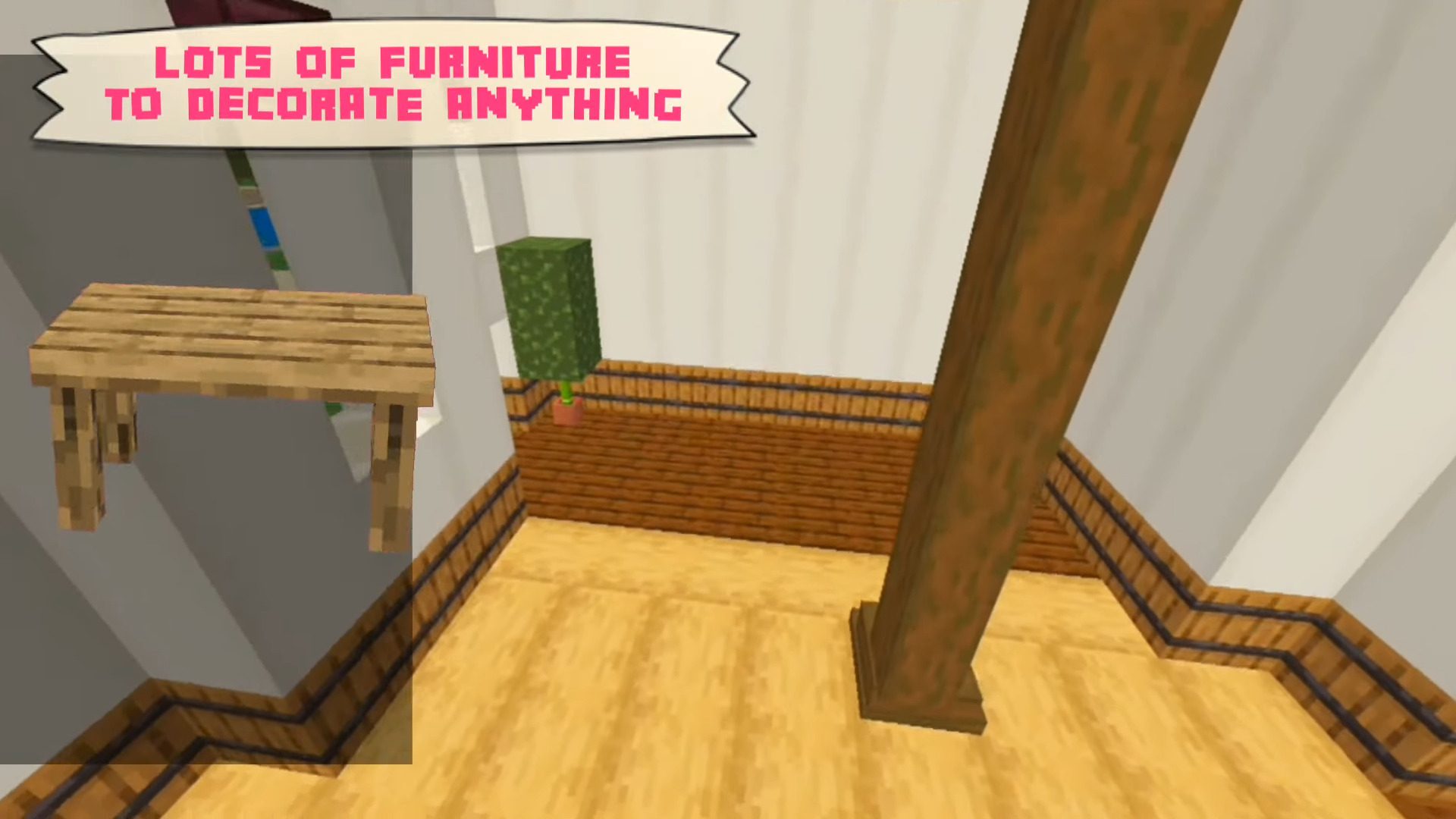
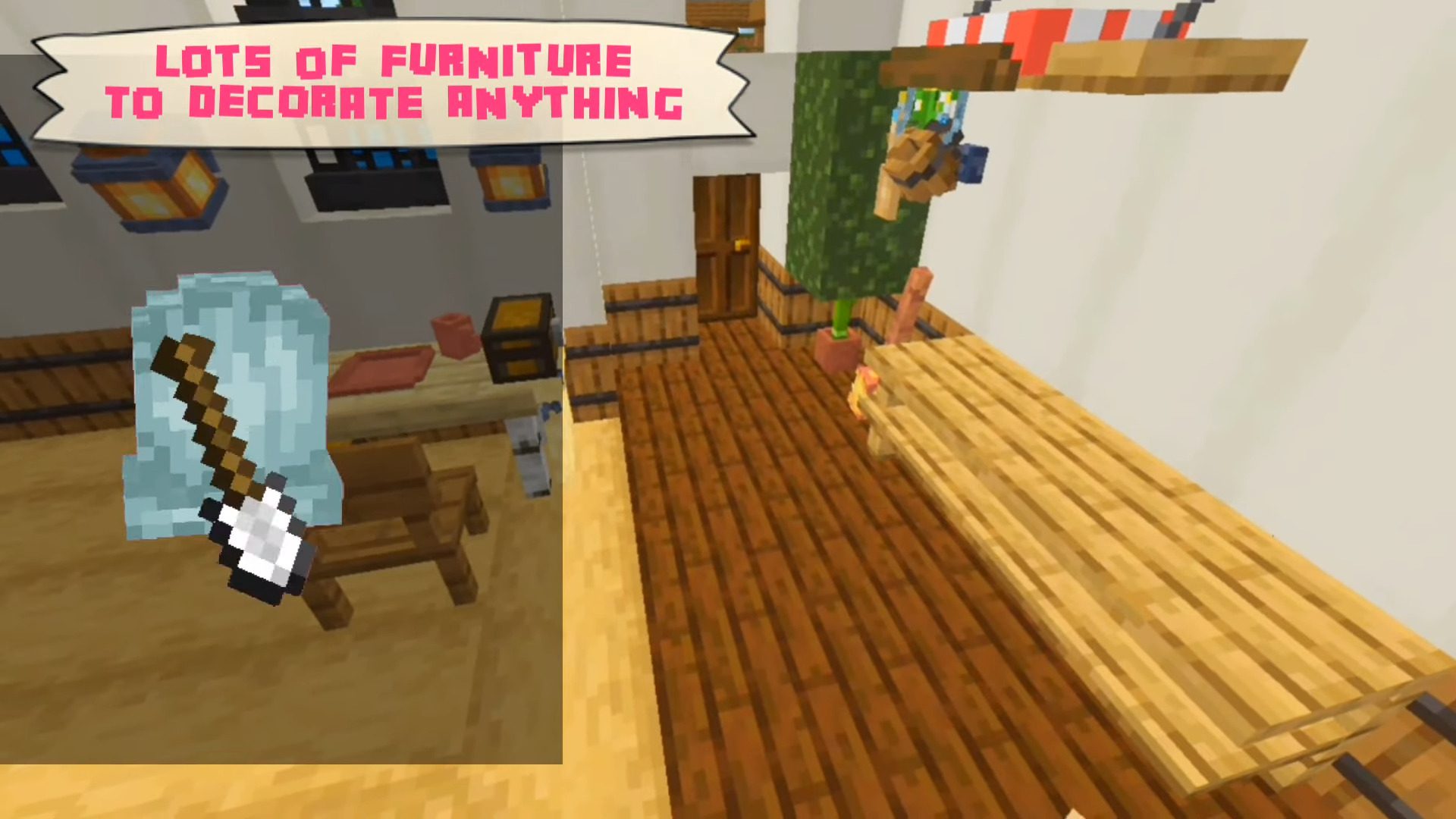
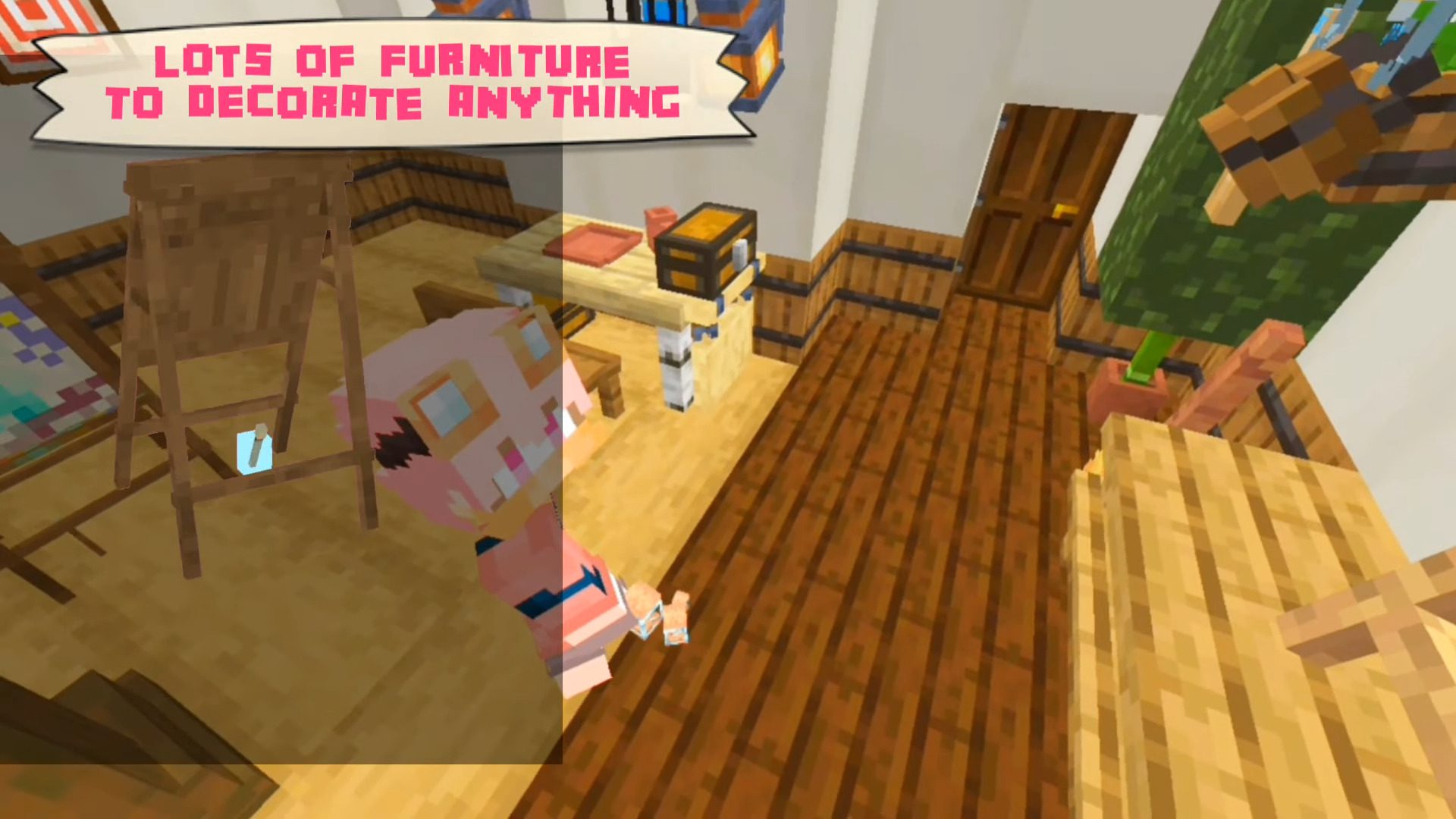
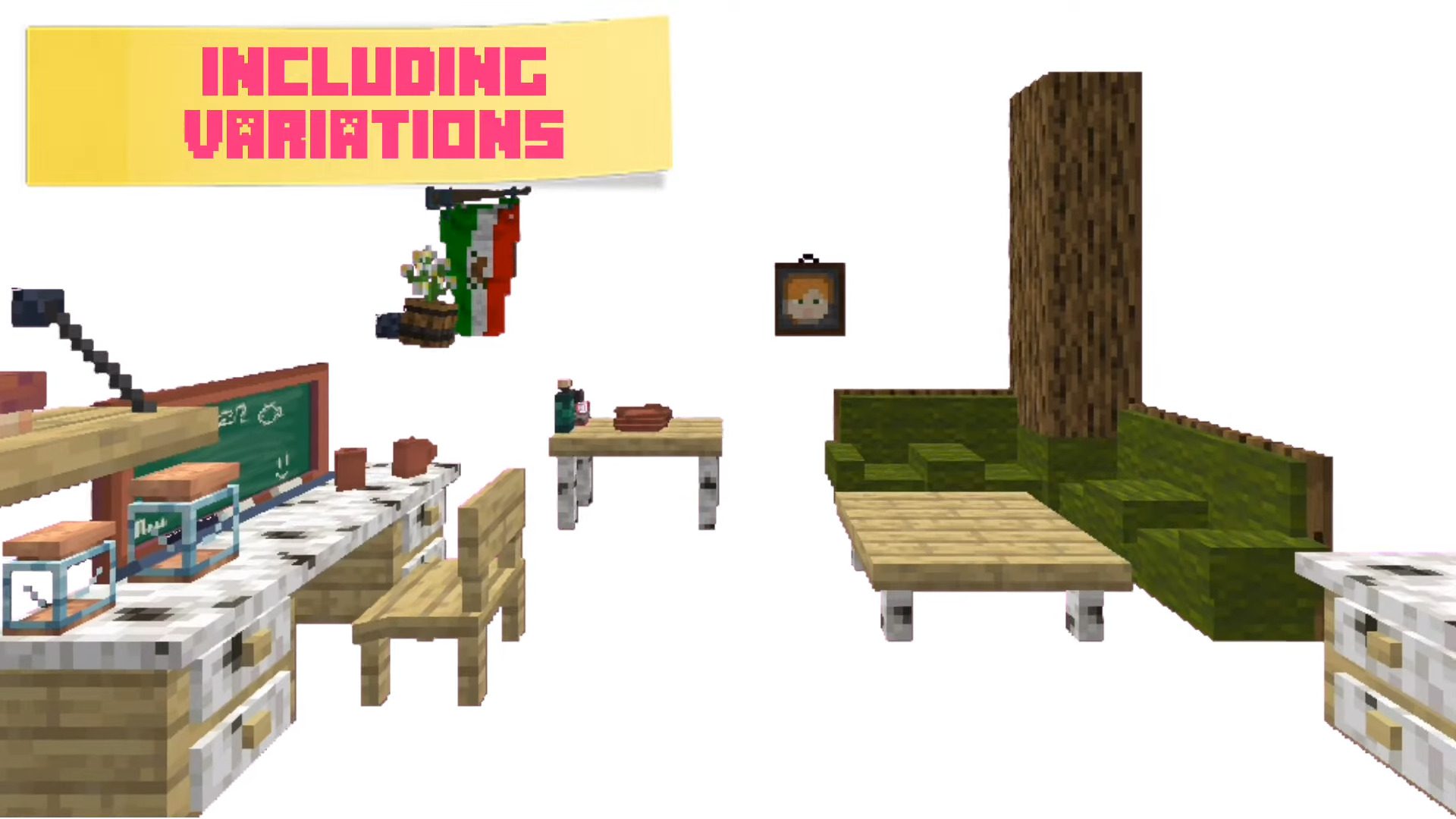
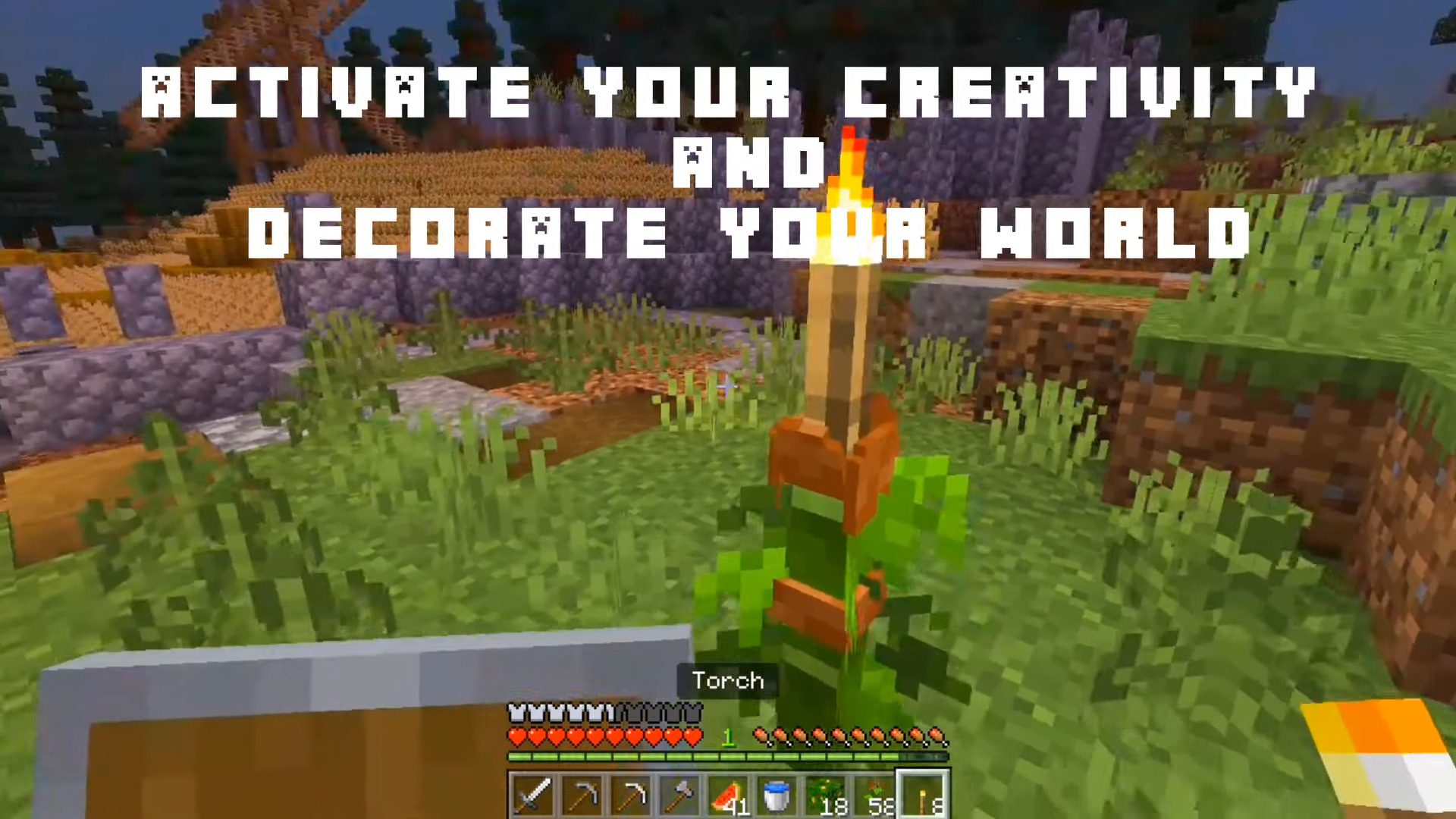
MeoWhy Furniture Addon gives you more than +150 furniture options, such as chairs, sofas, tables, kitchen items, garden items, pots, food, and more. The author will keep updating it to restore the models that were broken by the update!
Screenshots:
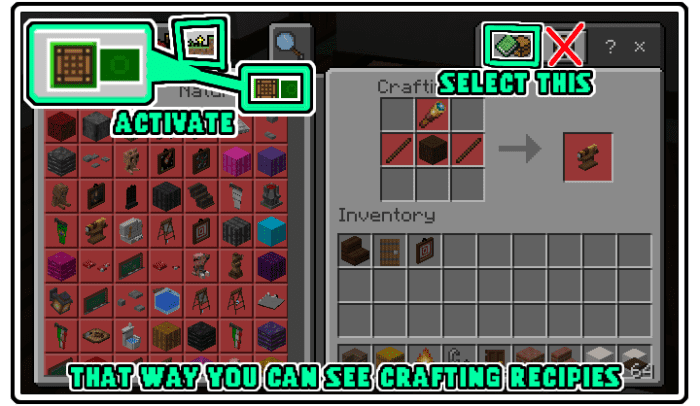
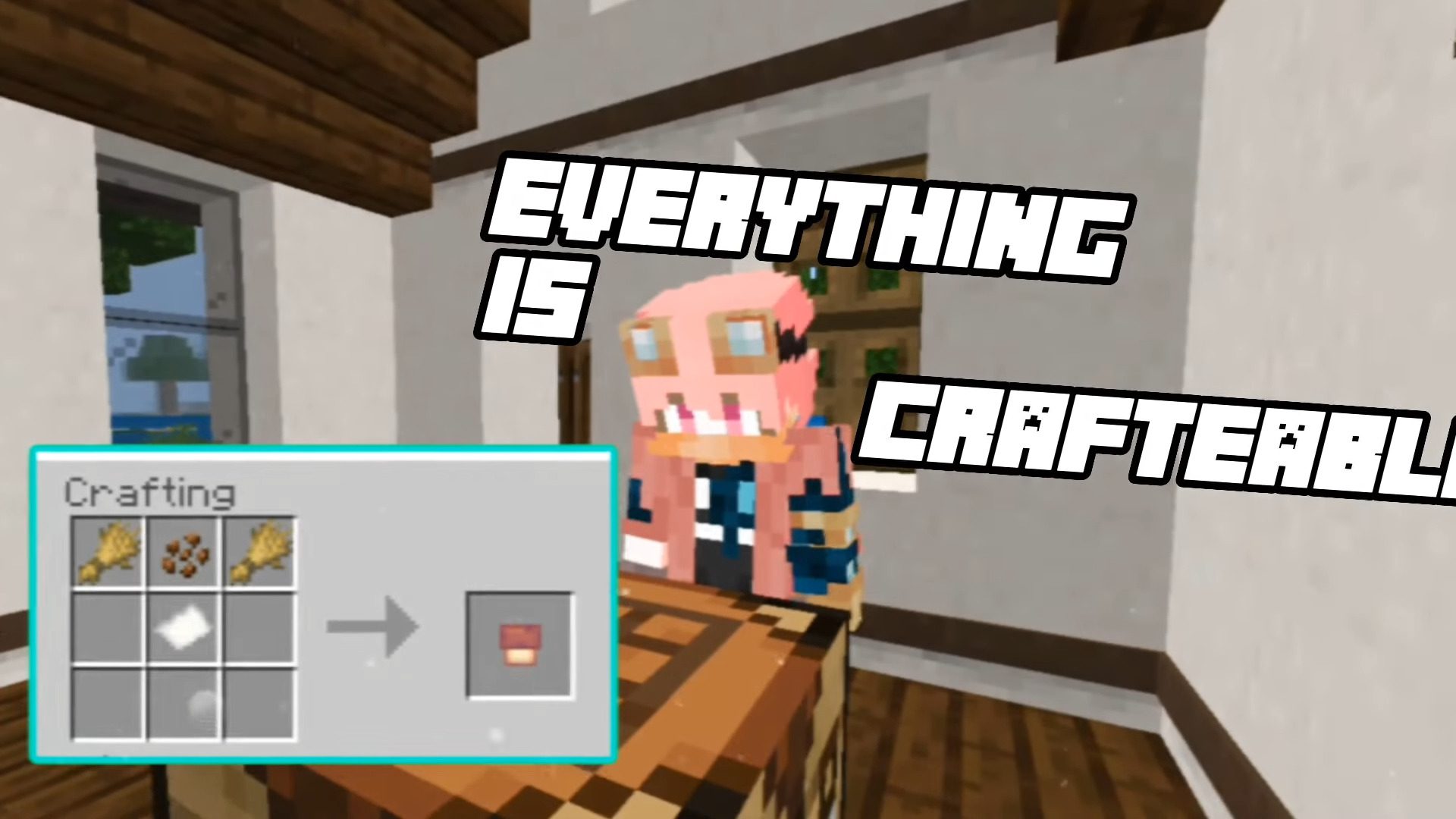
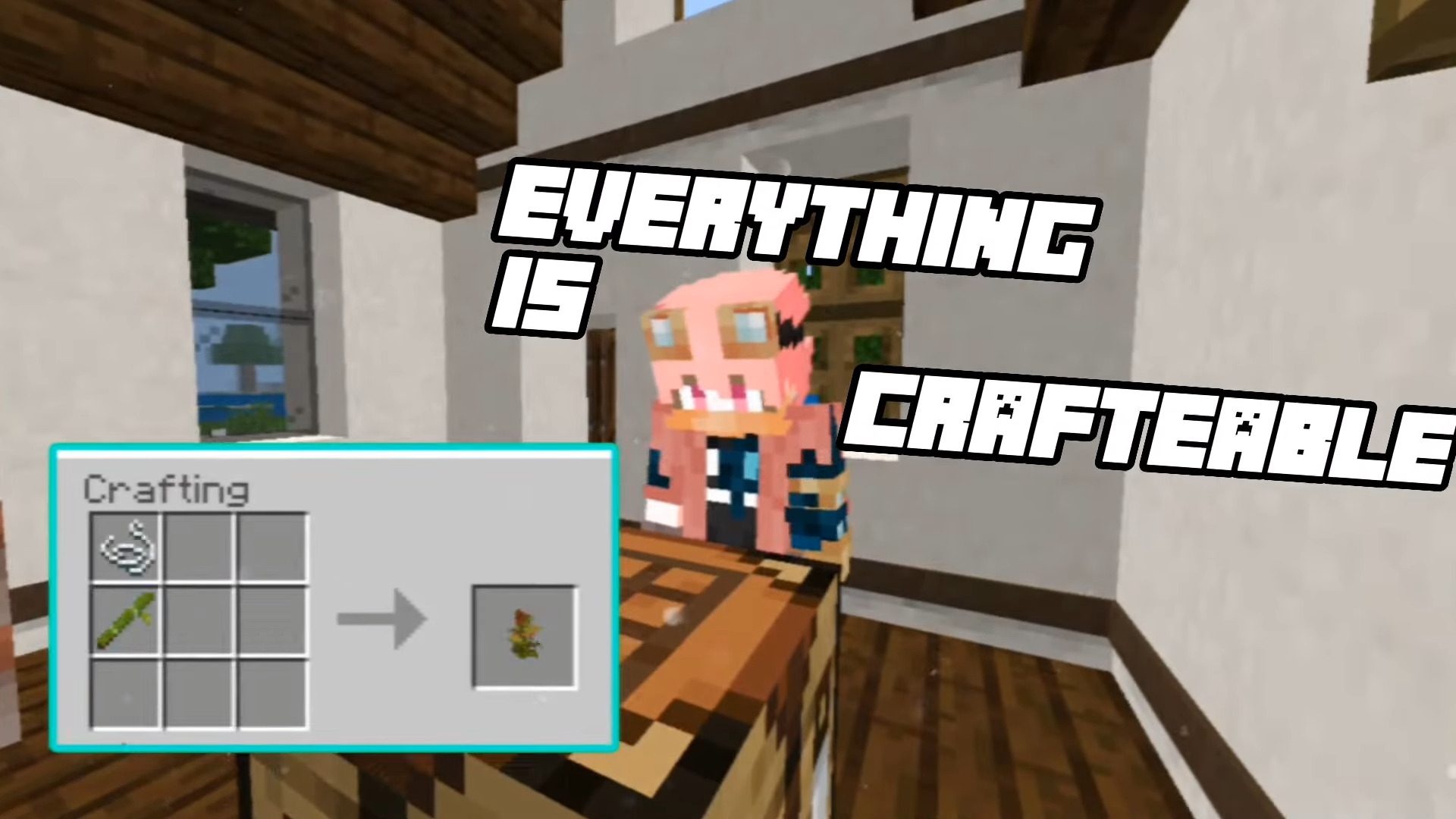
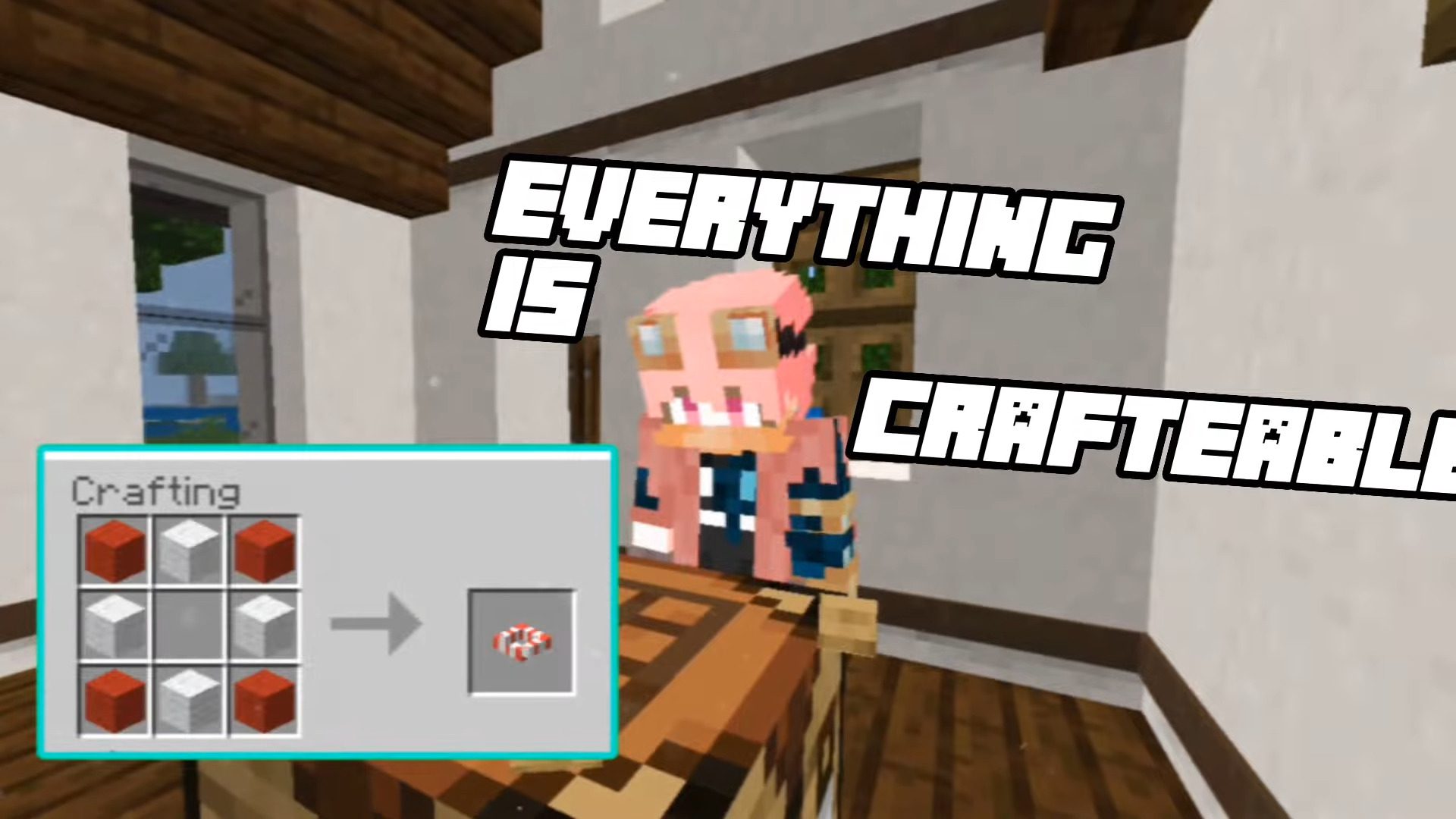
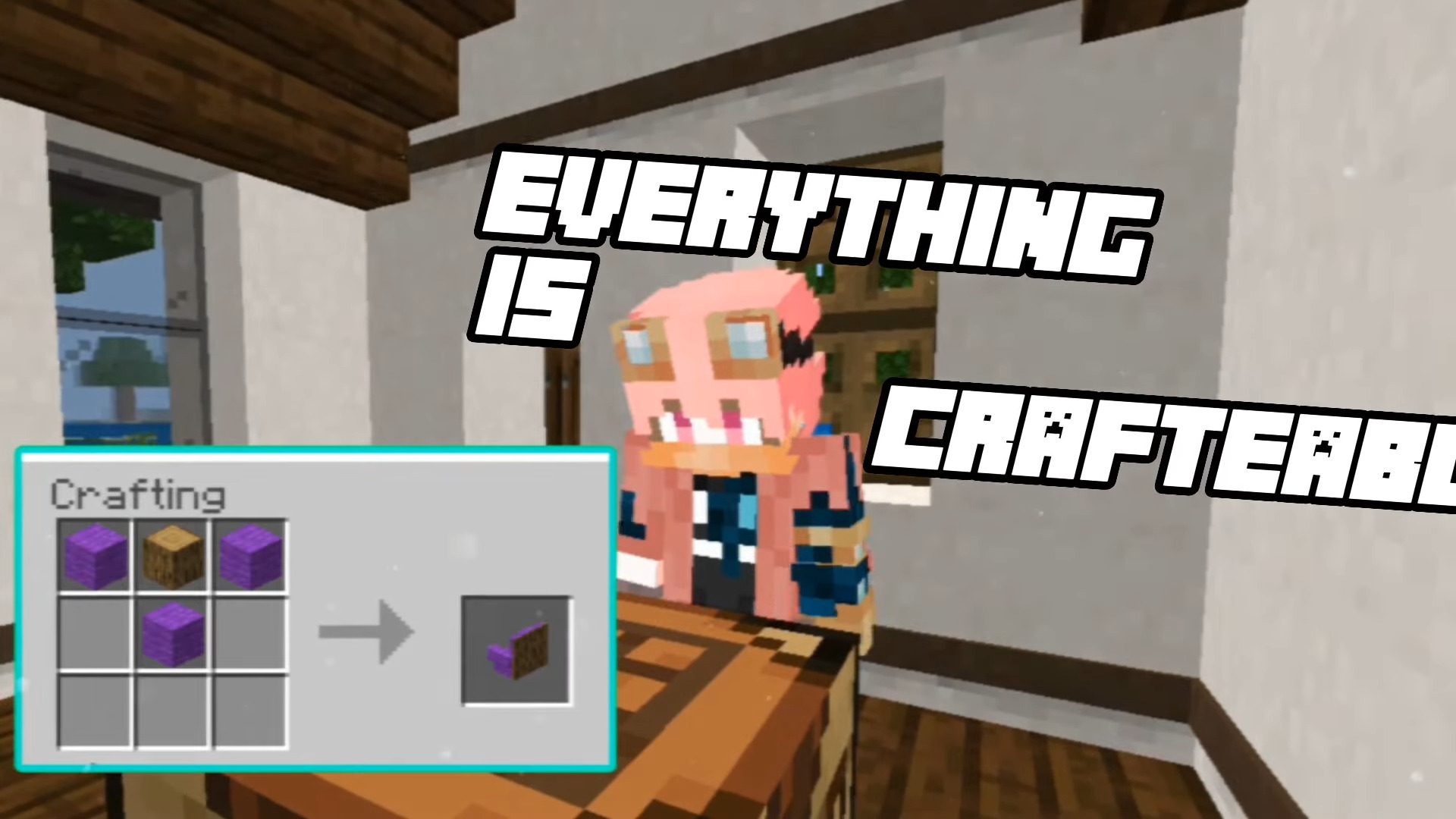
You can easily craft everything on a crafting table.
Crafting table configuration:
Installation Note:
- Make sure you activated the “Holiday Creator Features” Setting.
MeoWhy Furniture Addon Download Links
For Minecraft PE/Bedrock 1.20
Behavior: Download from server 1 – Download from server 2
Resource: Download from server 1 – Download from server 2
For Minecraft PE/Bedrock 1.19
Behavior: Download from server 1 – Download from server 2
Resource: Download from server 1 – Download from server 2
- Edition: Minecraft Bedrock
- File type: .mcpack or .mcaddon
- Minecraft versions listed: 1.20, 1.19
- How to install: Download the .mcpack or .mcaddon file. → Open it — Minecraft imports it. → In your world: Behavior Packs → Available → Activate, then the same under Resource Packs.
- Where to get it: In MCModsHub, or directly above on this page.
Install steps are the general flow for this file type — How to install Minecraft Bedrock addons & mods walks through it step by step.
- Pack type: .mcaddon — behaviour and resource pack in one file
- Complete pack — everything it depends on is inside the file
- Download size: 778 KB
- Download link checked 17 Jun 2026 — working
- Mirrored on our own servers — the download does not depend on the original host
These come from our own check of the pack file, not from the source page.