Time Stop Addon (1.20, 1.19) – MCPE/Bedrock Mod
Bedrock add-on listed for Minecraft 1.8–1.20 (behavior + resource pack). File opened and checked on 18 Oct 2026; installs from the MC Bedrock Mods app on Android.
⬇ Download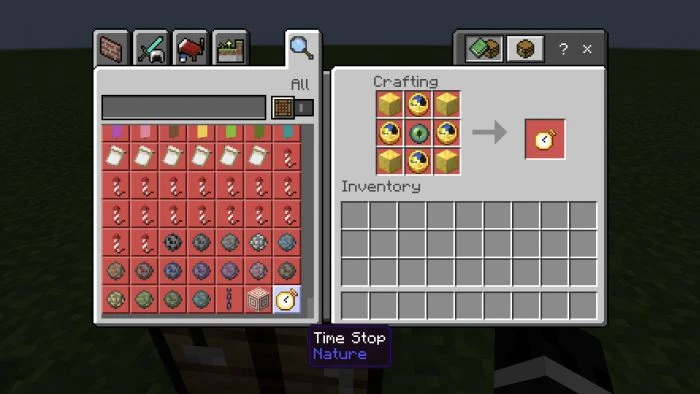

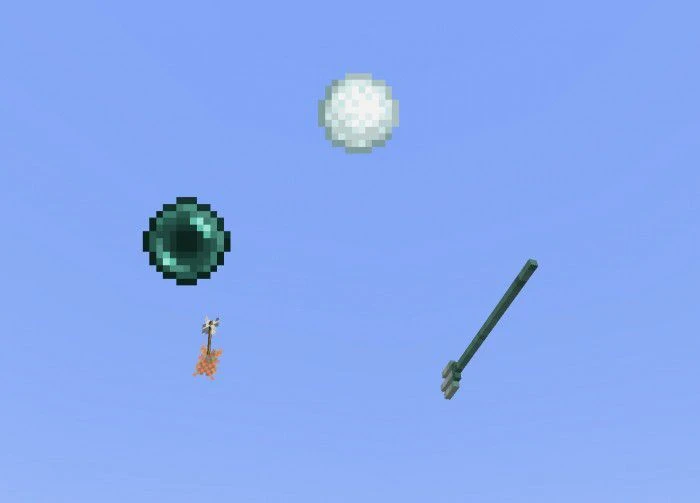
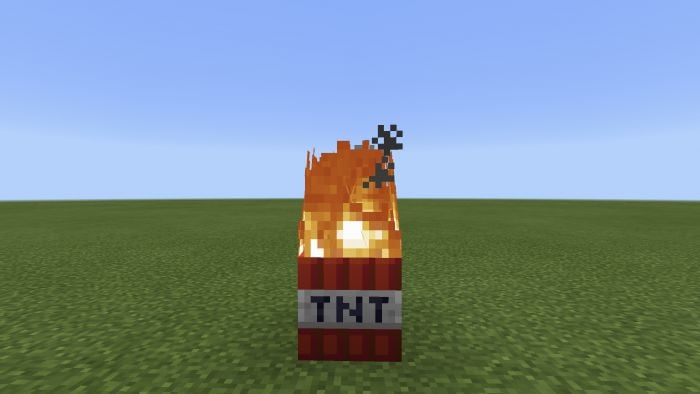
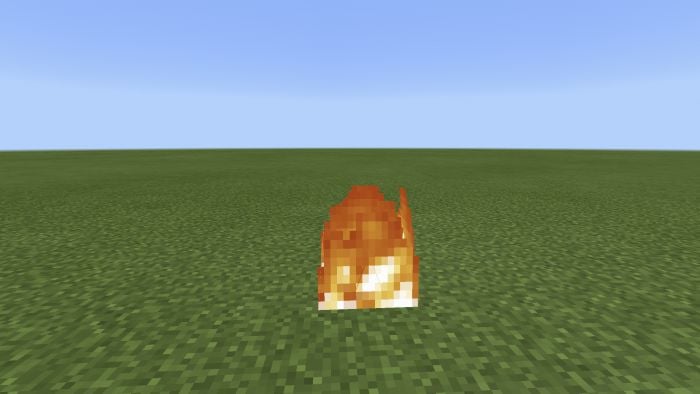
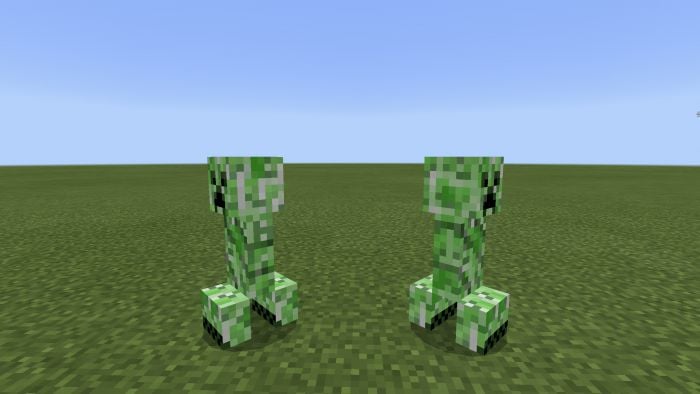
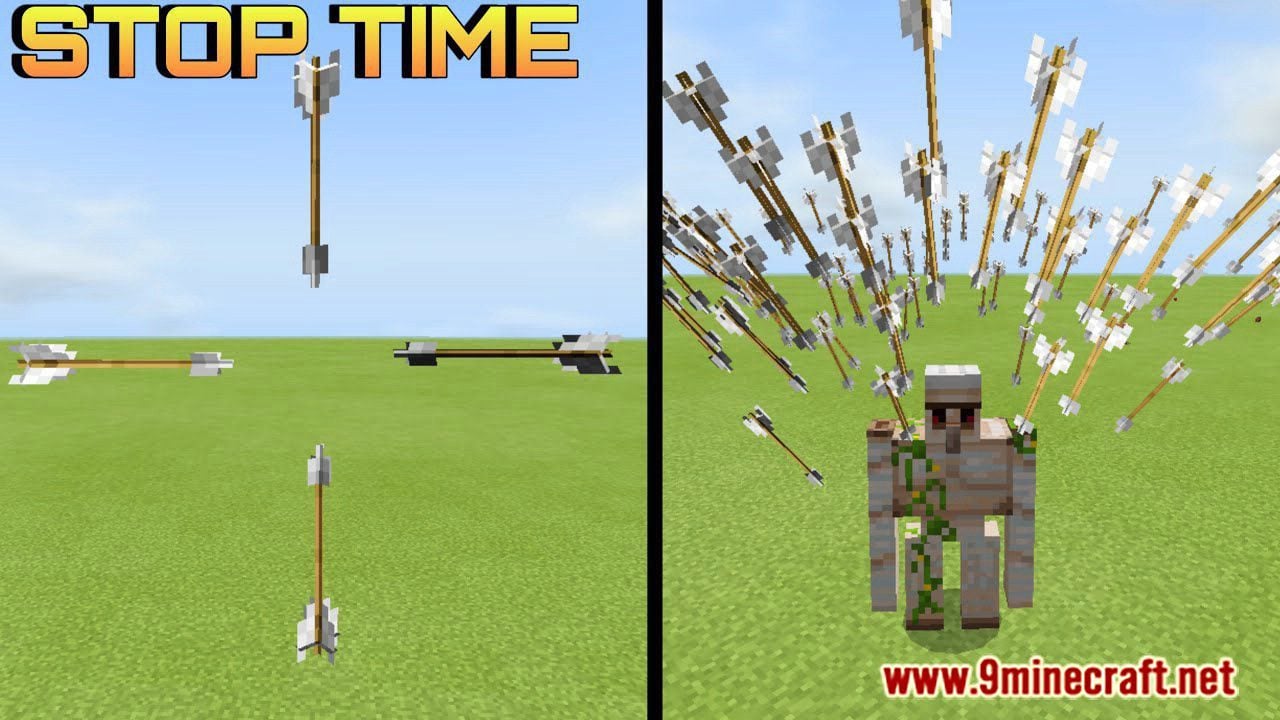
Time Stop Addon will make you control the time, yes, you will have the ability to control the time and stop entities, projectiles items, weather changes, and time changes, you can craft a time control clock on the crafting table. In this latest version, you can stop items in midair, and falling blocks before it hits the ground. Hope you enjoy it!
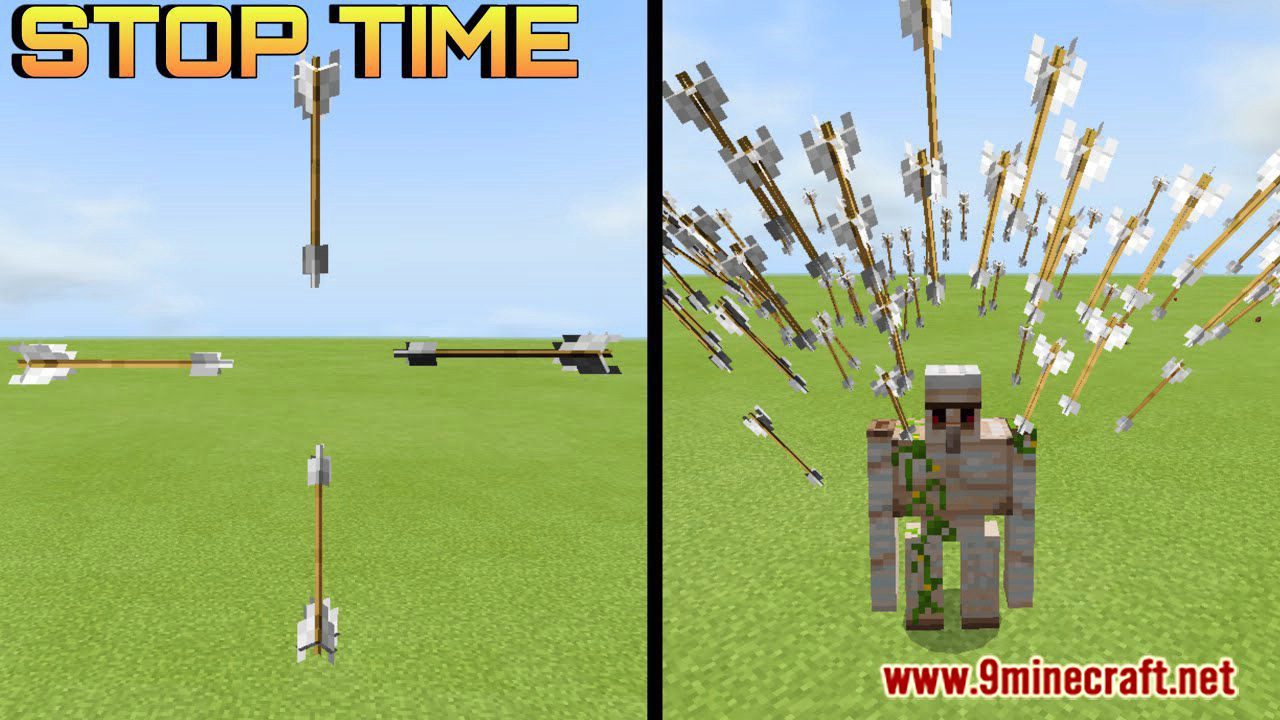
Features:
In this addon, you can find a new 2 clocks that’s what allows you to control the time, after crafting it you will have the ability to control the time.
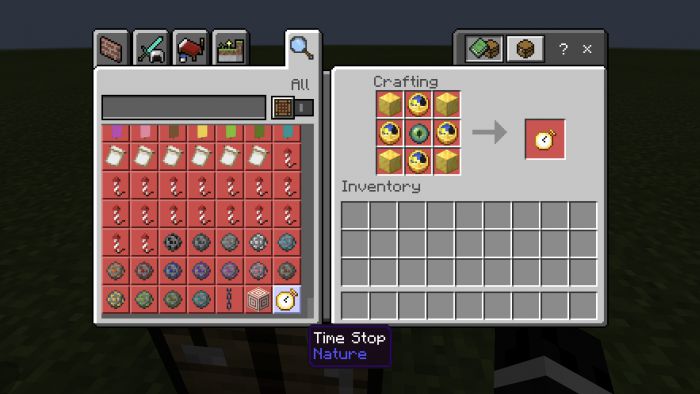
Time Stop
Time Stop Crafting Recipe
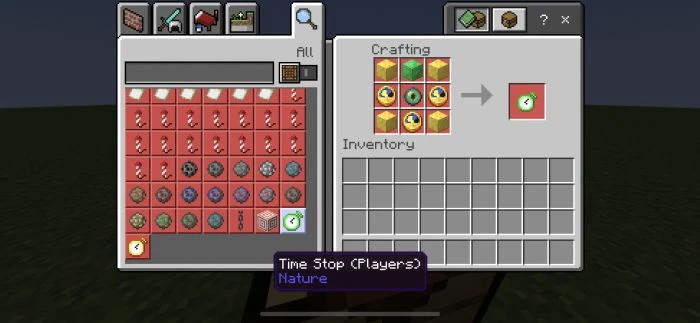
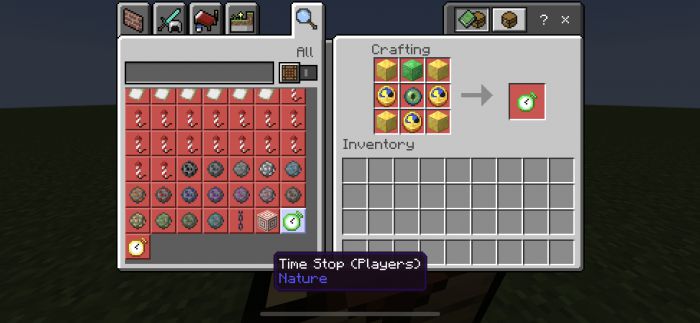
Time Stop ( Players ) Crafting Recipe
After using it you will get time to resume, and that one will get back everything to normal.
Time Resume

That one will get back everything to normal.
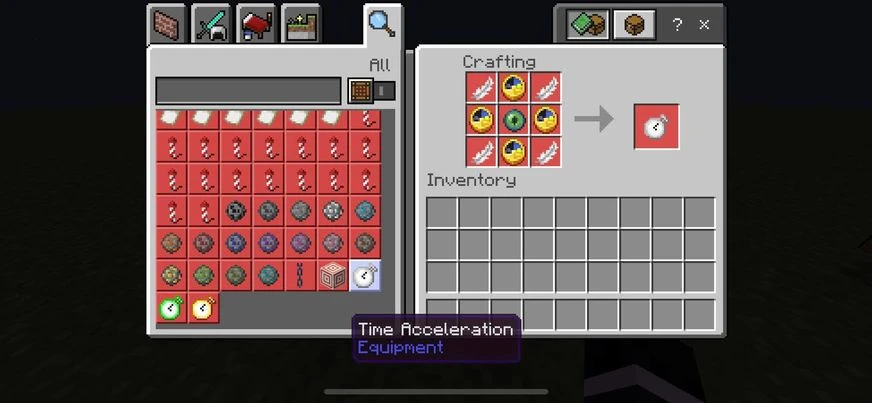
Time Acceleration
Time Acceleration Crafting Recipe
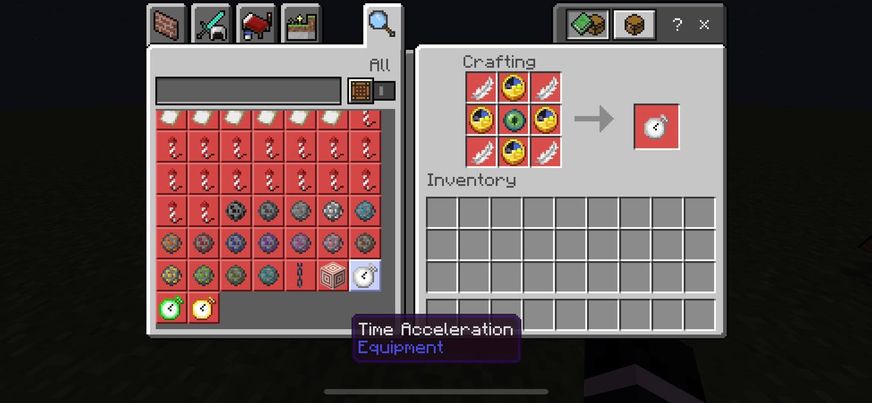
After using it you will get time resume, that one will get back everything for normal, and this watch will make time very fast, and all mobs and entities will go fast.
Time Stop Changes
- Projectiles items will stop
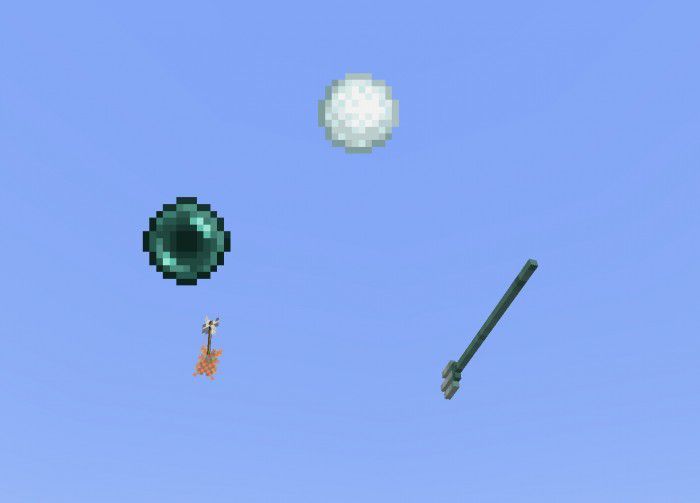
- All projectile items will stop moving after using the clock.
- TNT will not explode
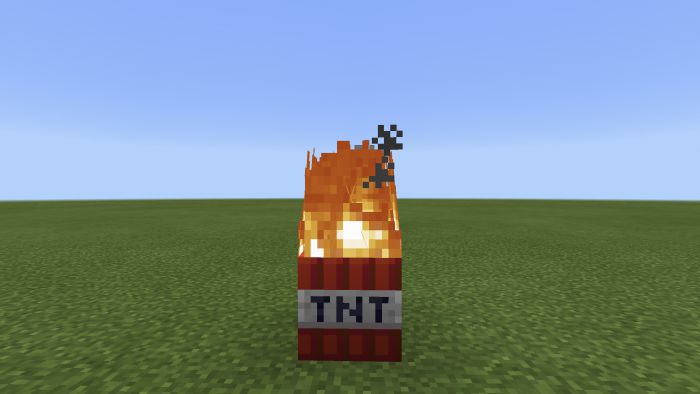
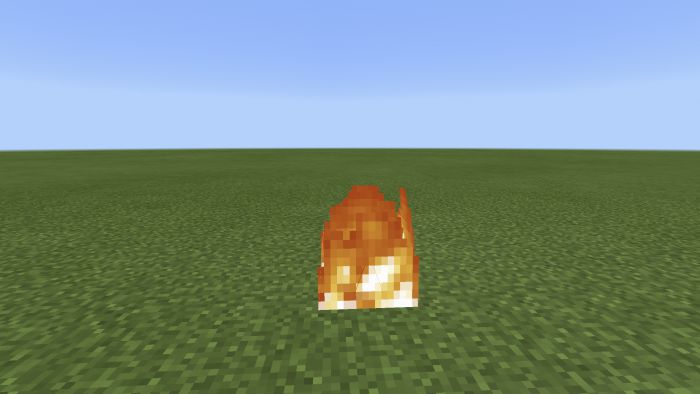
- Fire will not despawn or burn anything
- Entities will stop moving
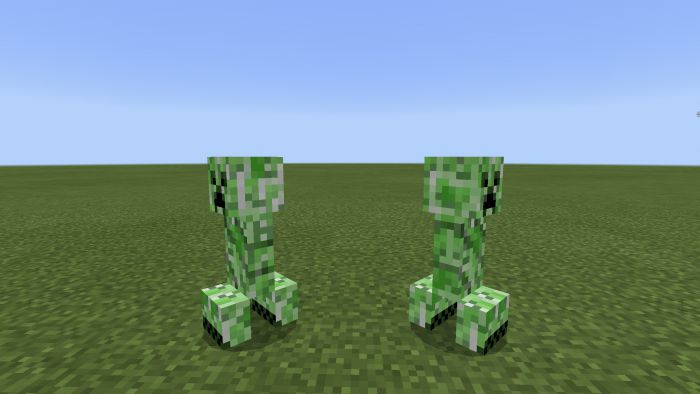
- Except for the ender dragon, he will move slowly.
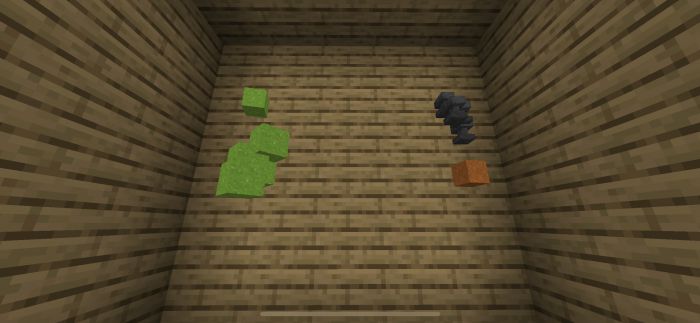
- Falling blocks will stop before hits the ground
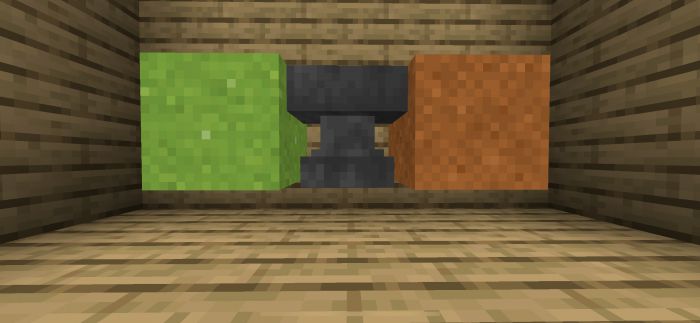
- Items will stop in the midair
Others Things
- Time will stop
- Weather changes will stop
- Normal regeneration will stop
- Crops will stop growing
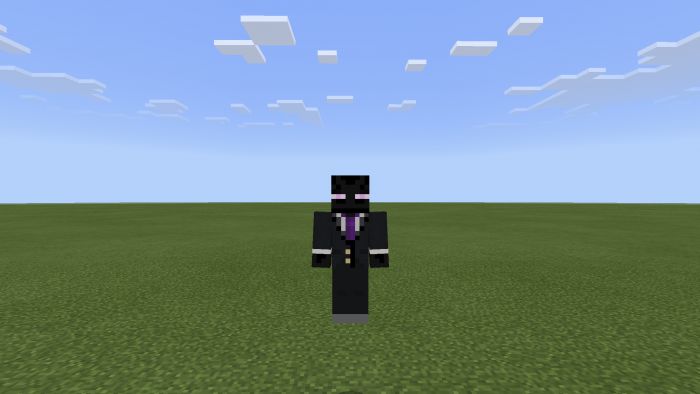
- You can choose between normal time stop, and time stop addon ( Players ),
- In Time Stop ( players ) you can make other players stop moving!! and beat them easily.
Installation Note:
- You can’t use the addon without turning ( Holiday Creator Features ) ON.
Time Stop Addon Download Links
For Minecraft PE/Bedrock 1.20
Zip: Download from Server 1 – Download from Server 2
Behavior: Download from Server 1 – Download from Server 2
Resource: Download from Server 1 – Download from Server 2
For Minecraft PE/Bedrock 1.19, 1.18
Behavior: Download from Server 1
Resource: Download from Server 1
- Edition: Minecraft Bedrock
- File type: .mcpack or .mcaddon
- Minecraft versions listed: 1.20, 1.19
- How to install: Download the .mcpack or .mcaddon file. → Open it — Minecraft imports it. → In your world: Behavior Packs → Available → Activate, then the same under Resource Packs.
- Where to get it: In MCModsHub, or directly above on this page.
Install steps are the general flow for this file type — How to install Minecraft Bedrock addons & mods walks through it step by step.
- Pack type: .mcaddon — behaviour and resource pack in one file
- Manifest requires Minecraft 1.8.0 or newer
- Complete pack — everything it depends on is inside the file
- Download link checked 17 Jun 2026 — working
- Mirrored on our own servers — the download does not depend on the original host
These come from our own check of the pack file, not from the source page.