AddonsBedrock
Sign Clicker Addon (1.20) – Compatible with Other Addons
Bedrock add-on listed for Minecraft 1.20 (behavior + resource pack). Needs Beta APIs. File opened and checked on 26 Sep 2026; installs from the MC Bedrock Mods app on Android.
⬇ Download
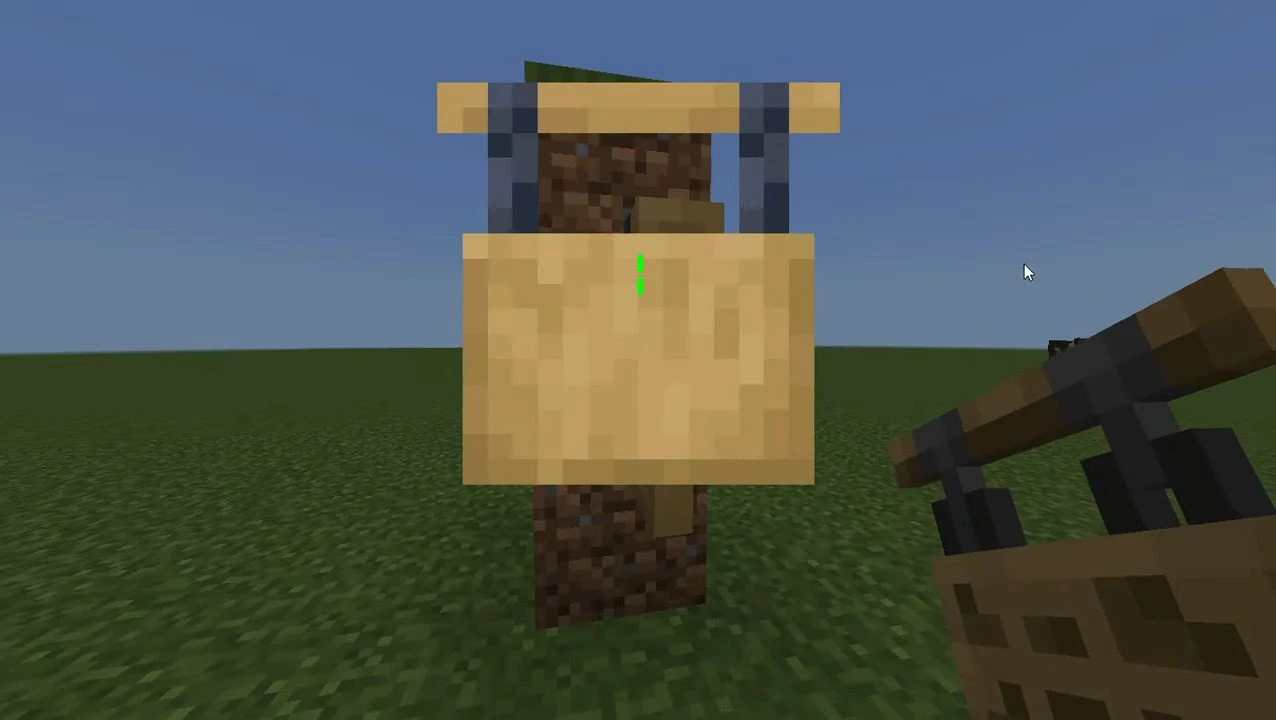
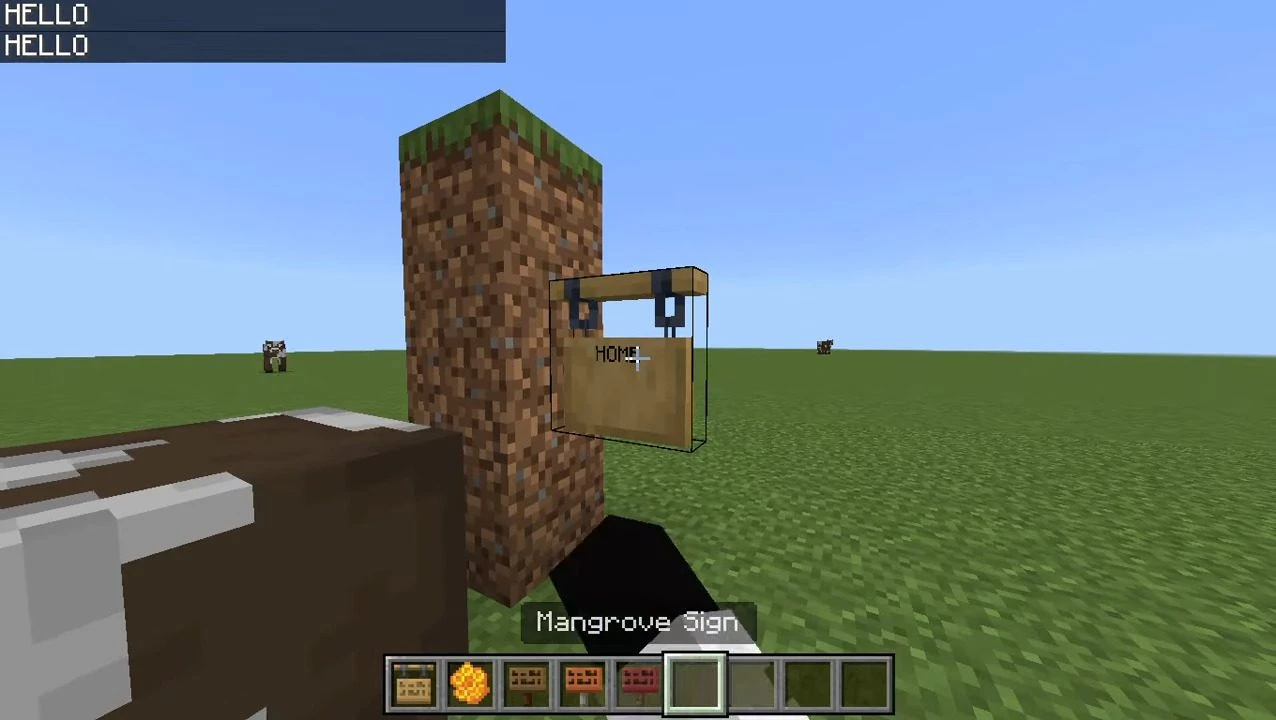
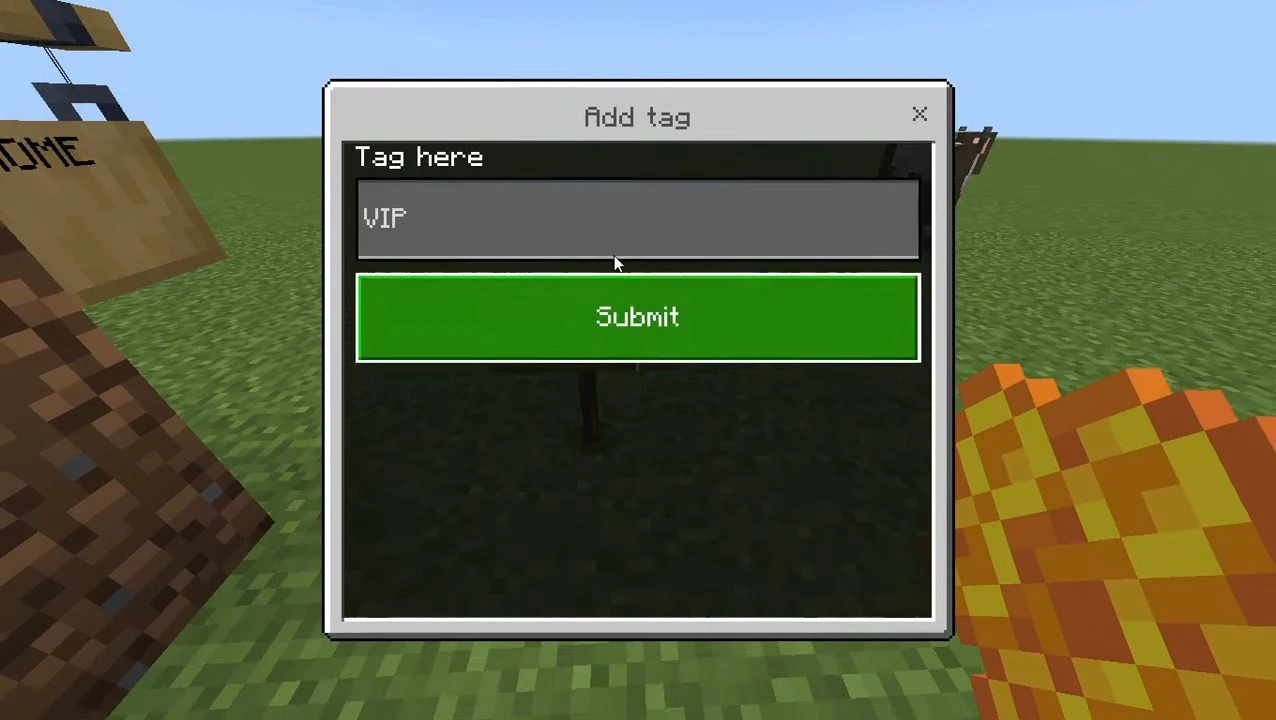
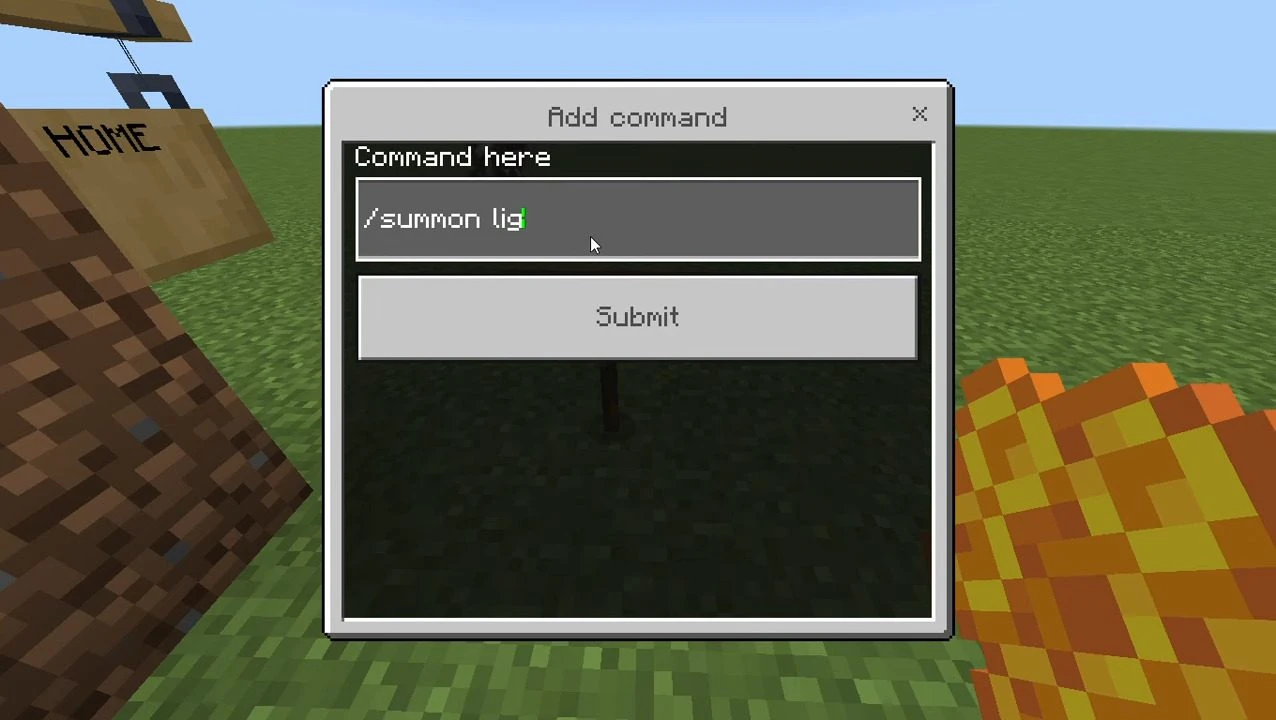
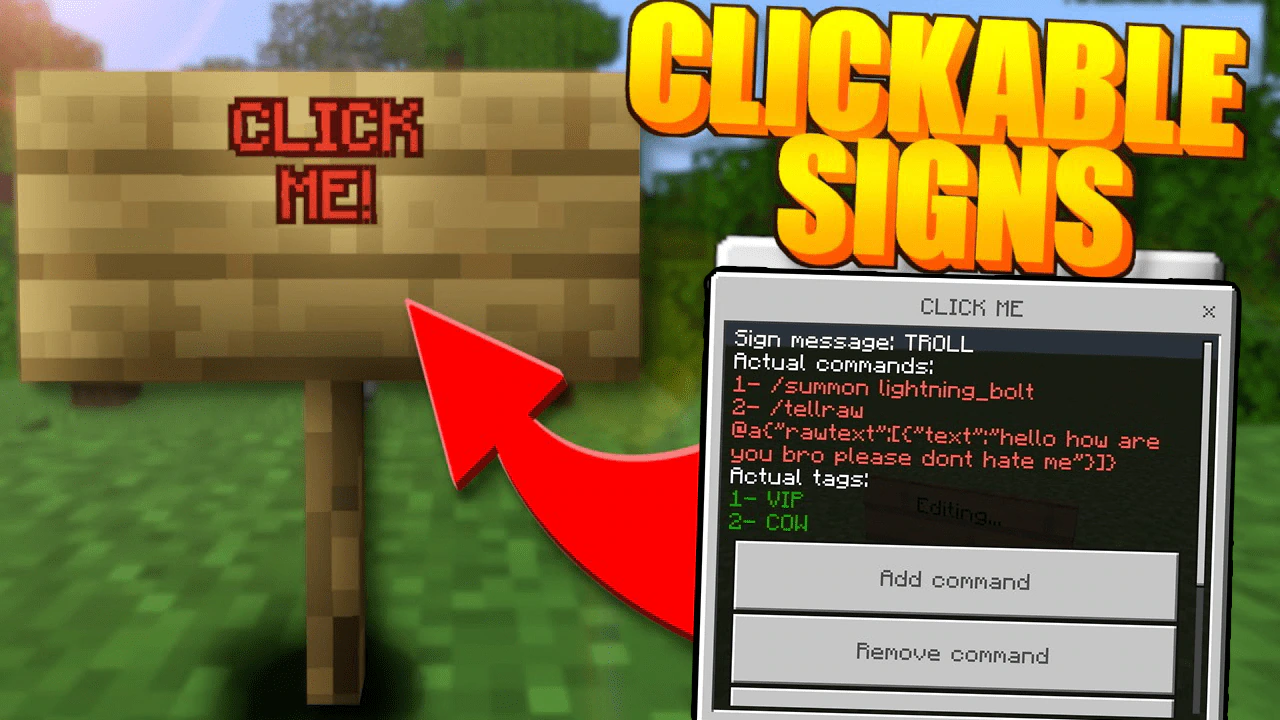
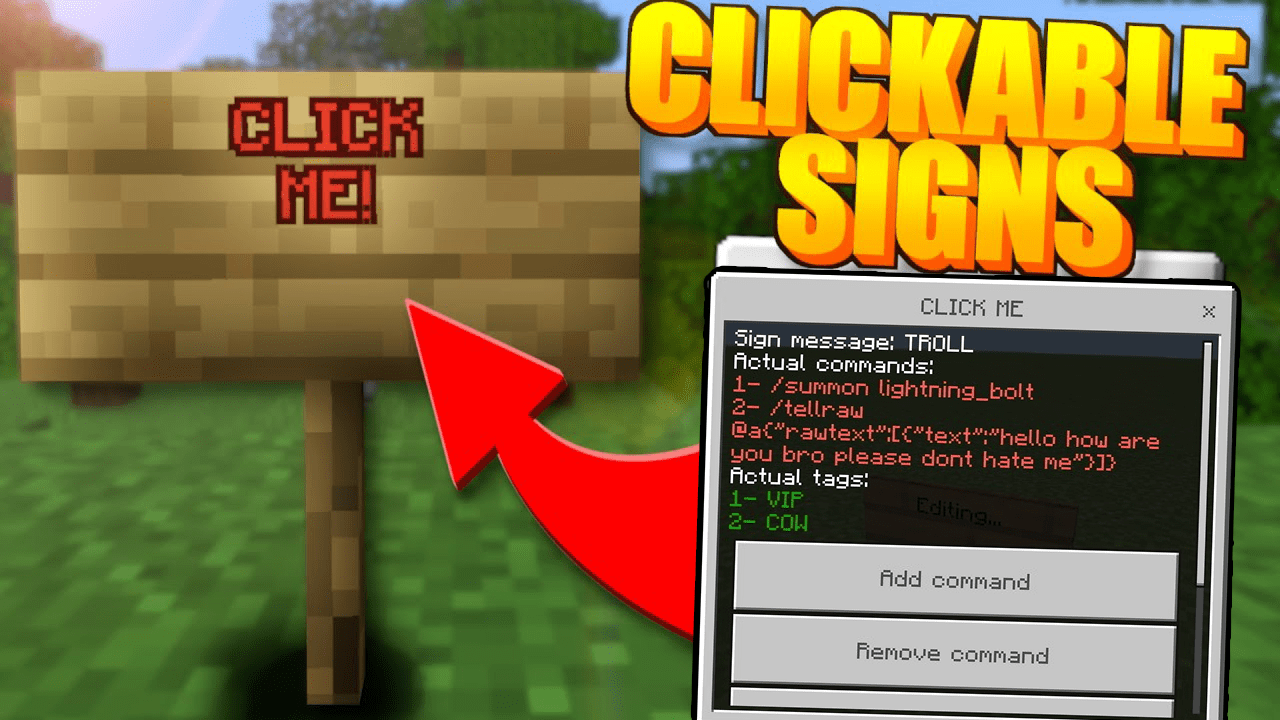
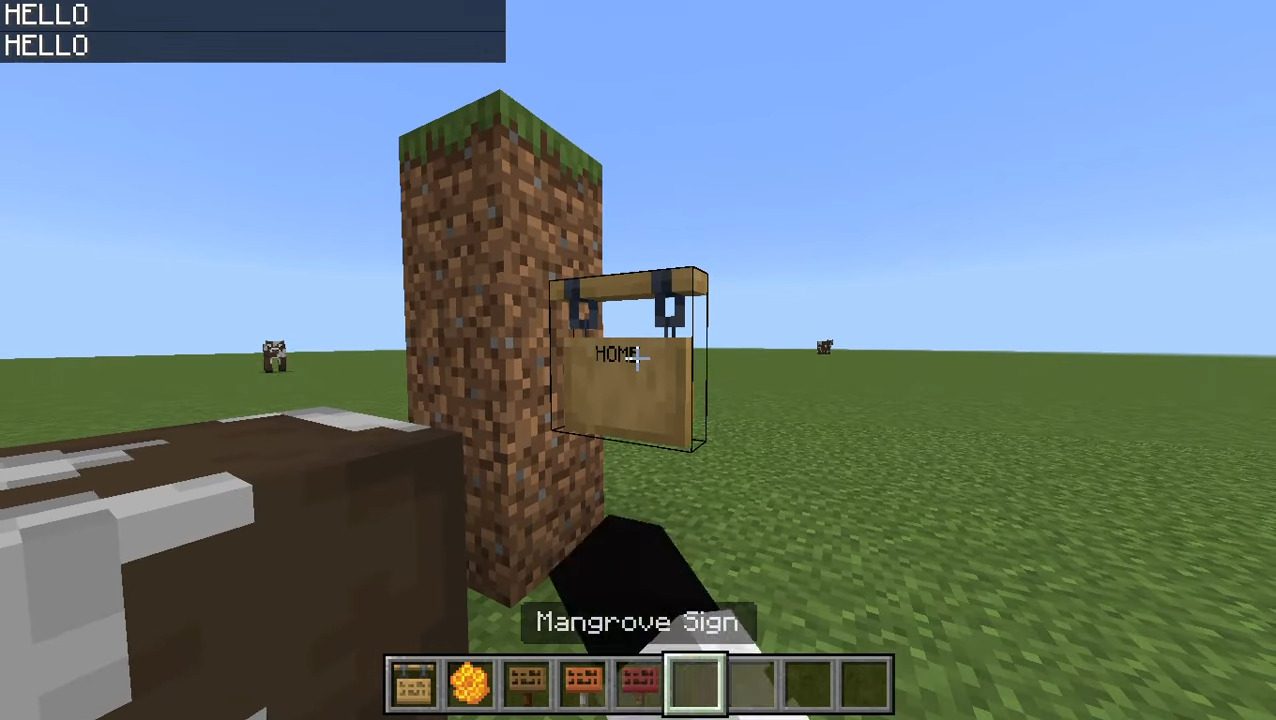
Sign Clicker Addon empowers you to trigger commands on your servers by simply clicking on signs. It integrates with any sign. To modify the sign’s actions, just crouch down and click on it. Remember to have the ‘admin’ tag for this functionality to operate. The addon permits usage only if the player possesses specific tags.
Features:
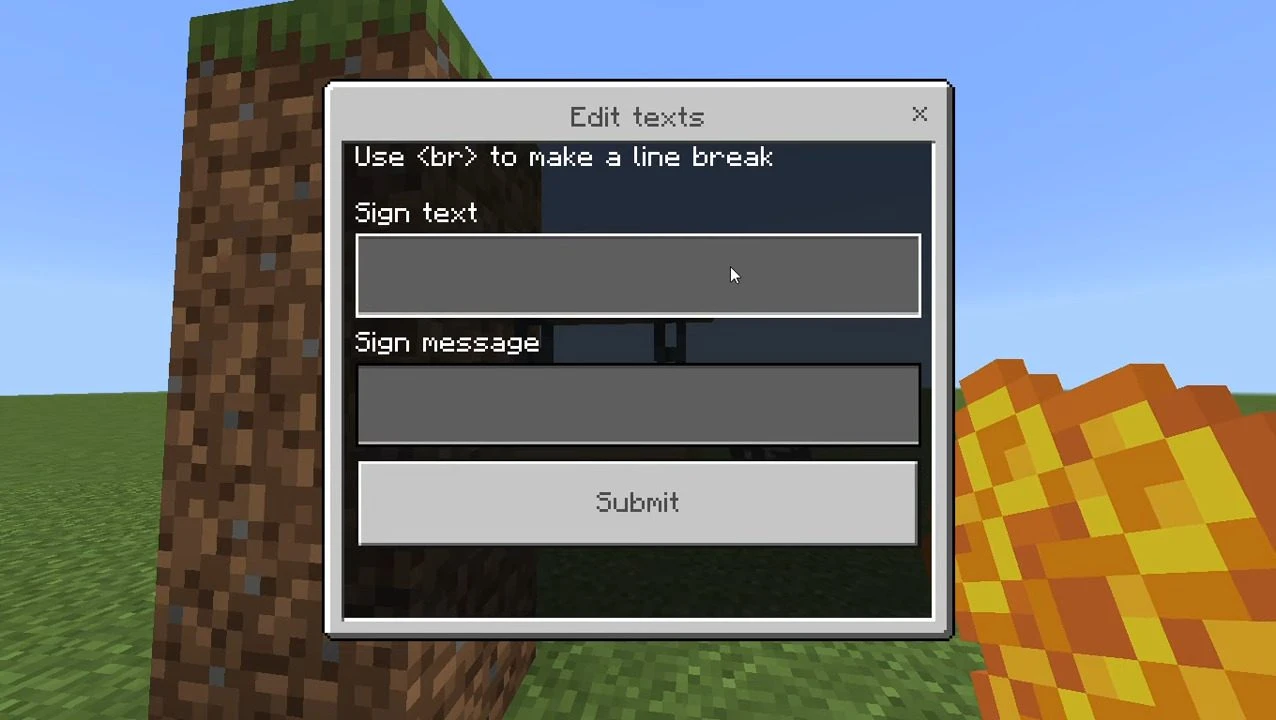
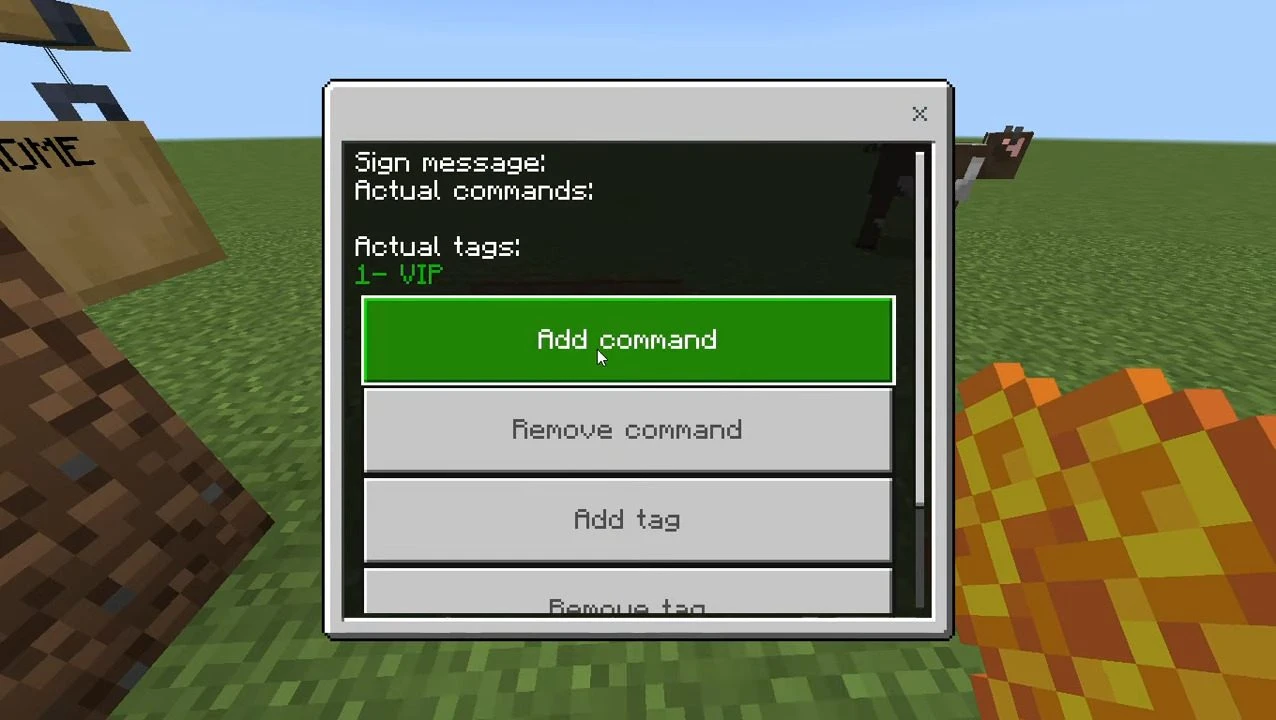
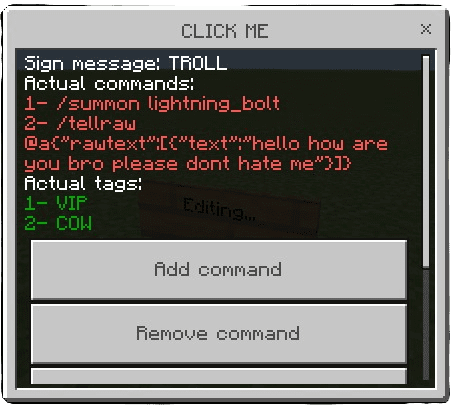
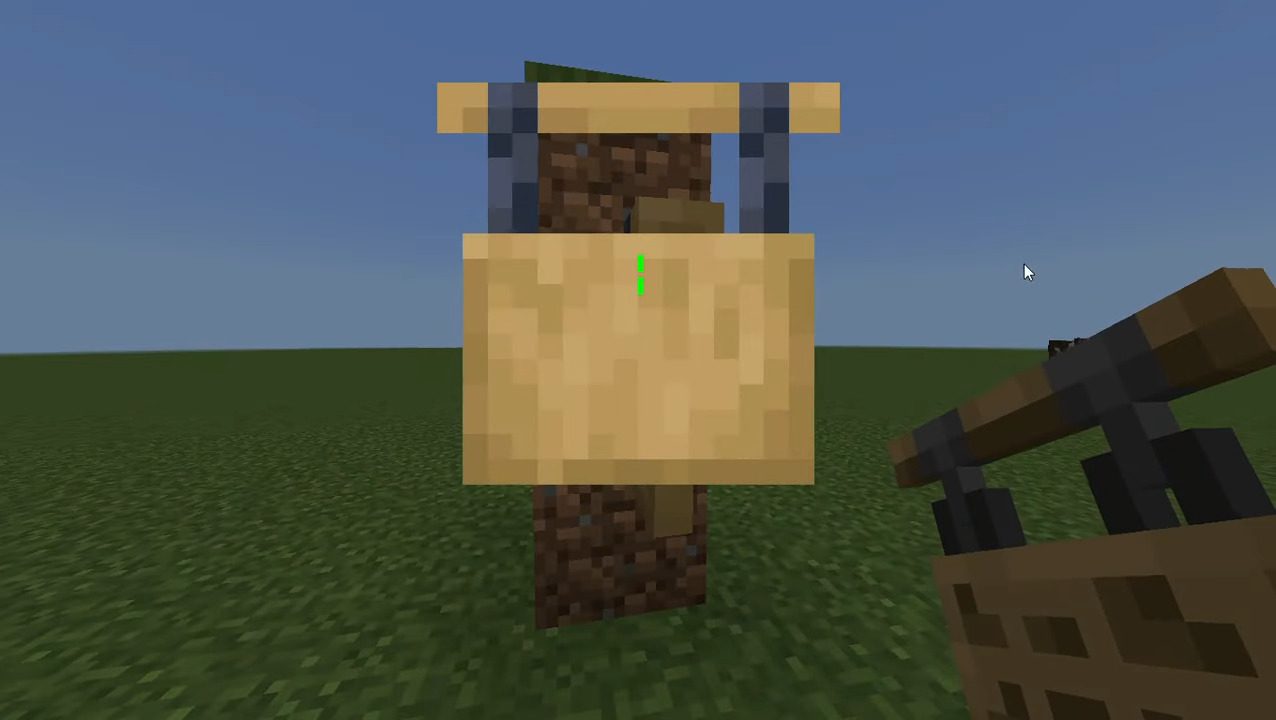
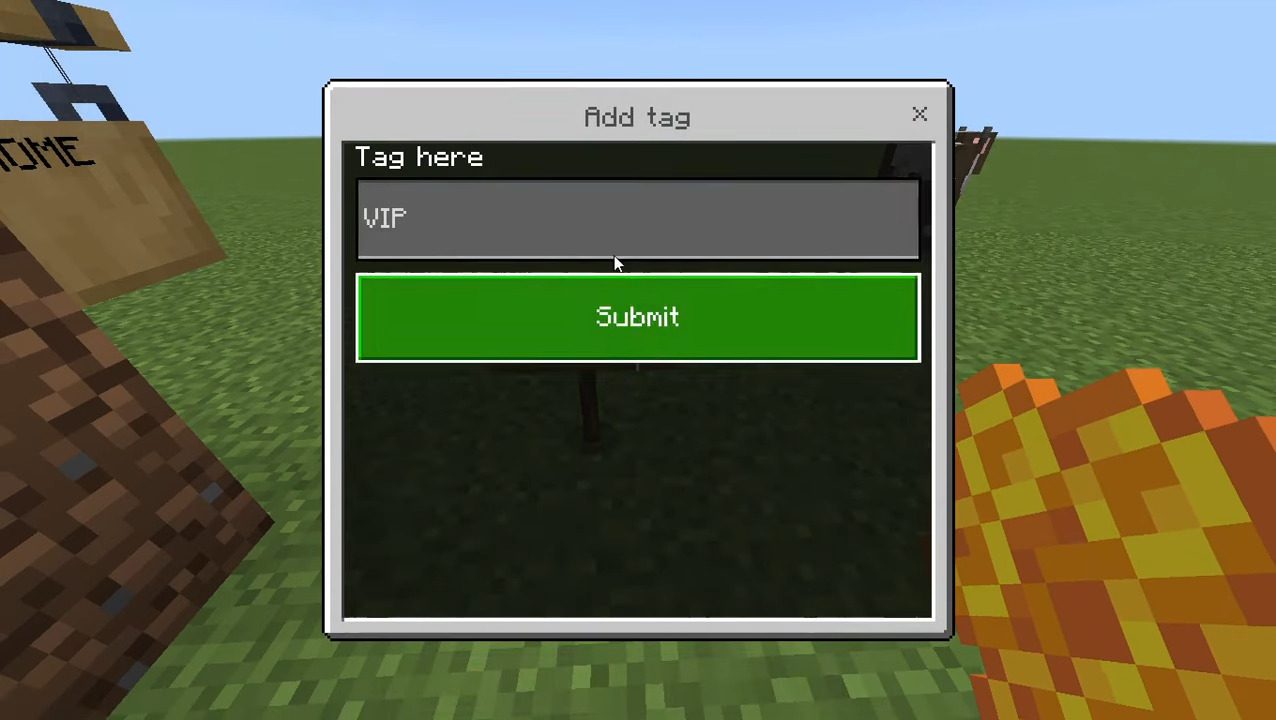
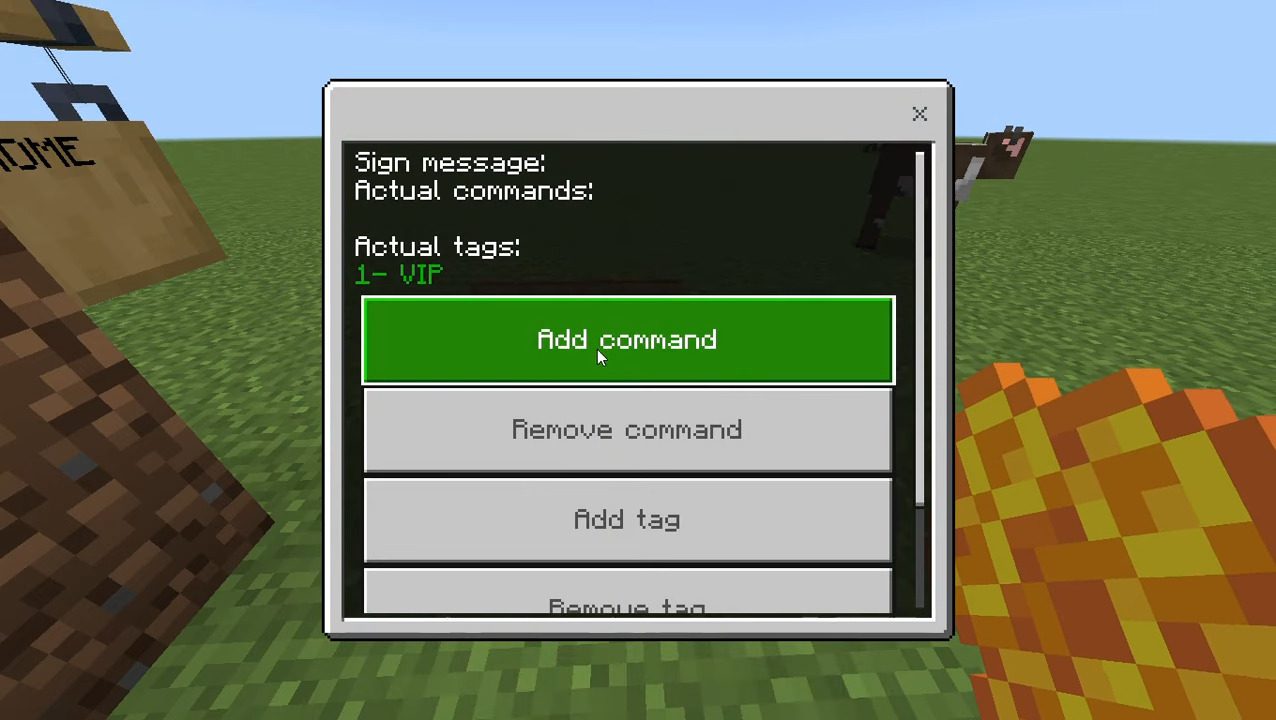
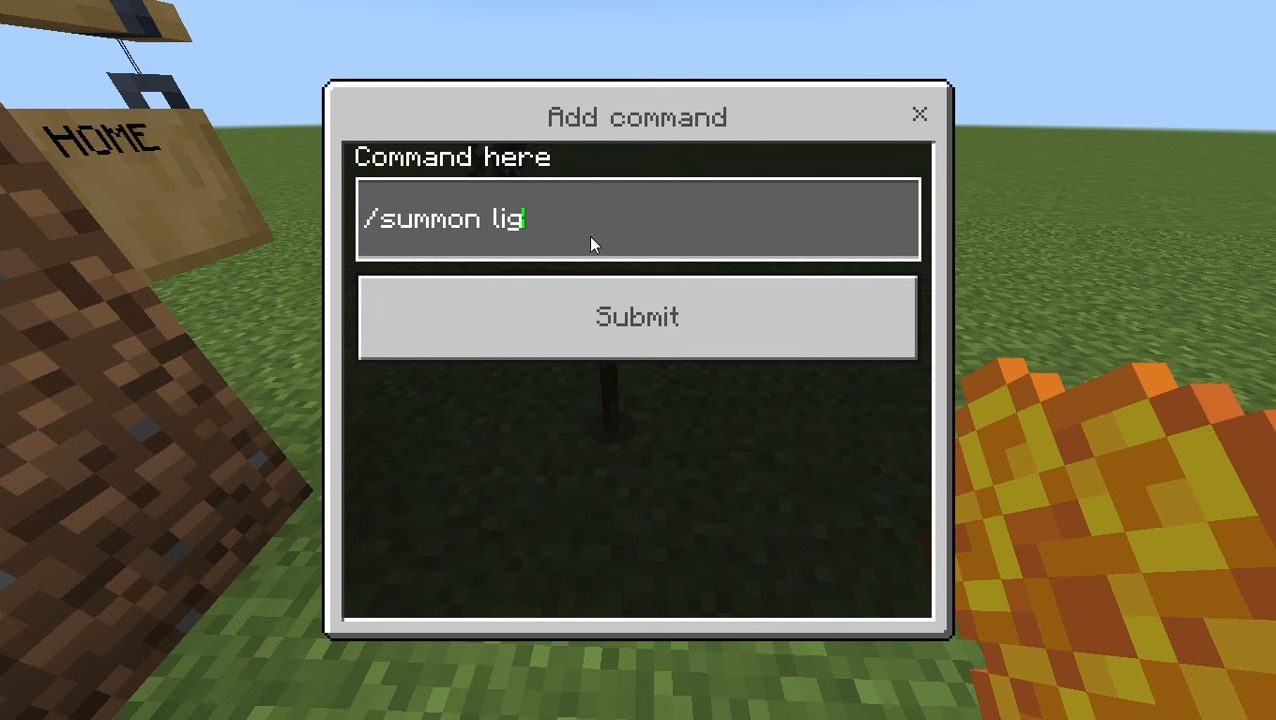
To begin, you must add the ‘admin’ tag using the command ‘/tag @s add admin’. After this, you can place the sign of your choice. Once placed, make sure to click on it with a honeycomb so that players cannot edit it. Now, crouch and click on the sign while remaining crouched. If done correctly, you will see a menu with the following options:- Add command
- Remove command
- Add tag
- Remove tag
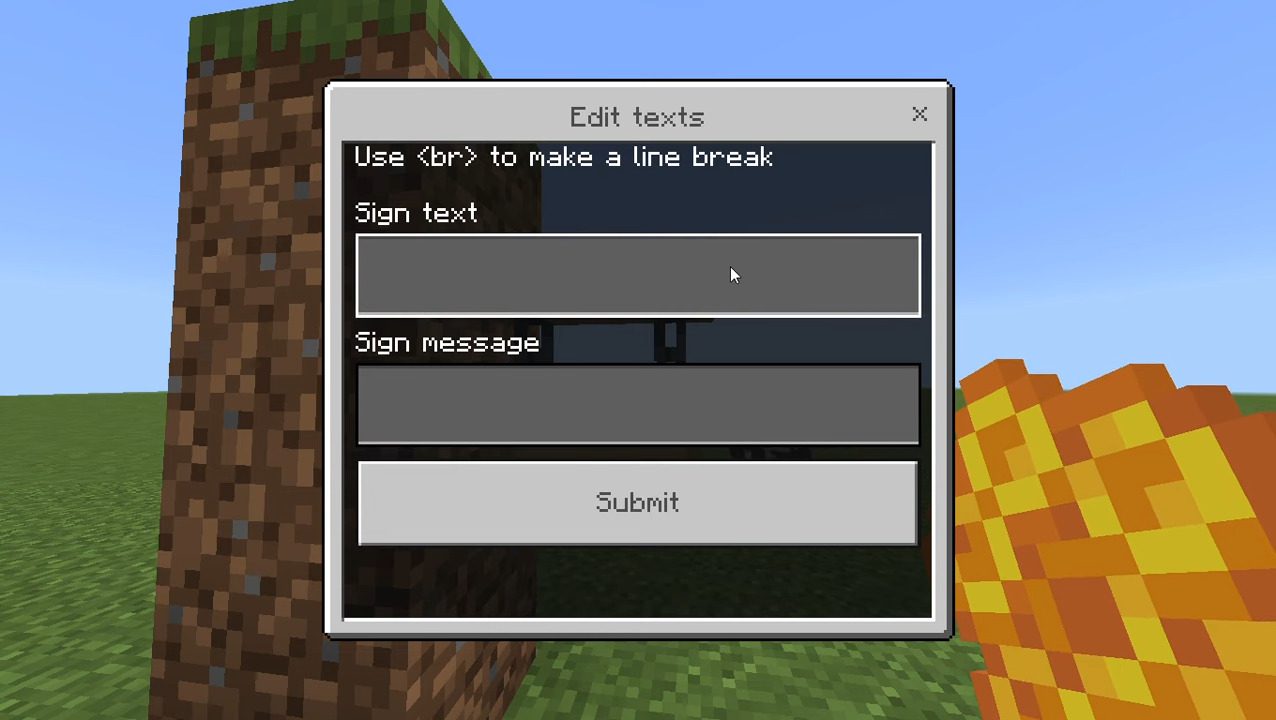
- Edit texts
Screenshots:
Installation Note:
- This addon is compatible with other addons.
Sign Clicker Addon Download Links
For Minecraft PE/Bedrock 1.20
mcaddon: Download from server 1 – Download from server 2
Quick facts
- Edition: Minecraft Bedrock
- File type: .mcpack or .mcaddon
- Minecraft version listed: 1.20
- How to install: Download the .mcpack or .mcaddon file. → Open it — Minecraft imports it. → In your world: Behavior Packs → Available → Activate, then the same under Resource Packs.
- Where to get it: In MCModsHub, or directly above on this page.
Install steps are the general flow for this file type — How to install Minecraft Bedrock addons & mods walks through it step by step.
File checked by MCModsHub
- Pack type: .mcaddon — behaviour and resource pack in one file
- Manifest requires Minecraft 1.20.50 or newer
- Needs Beta APIs switched on in the world settings
- Complete pack — everything it depends on is inside the file
- Download link checked 17 Jun 2026 — working
- Mirrored on our own servers — the download does not depend on the original host
These come from our own check of the pack file, not from the source page.