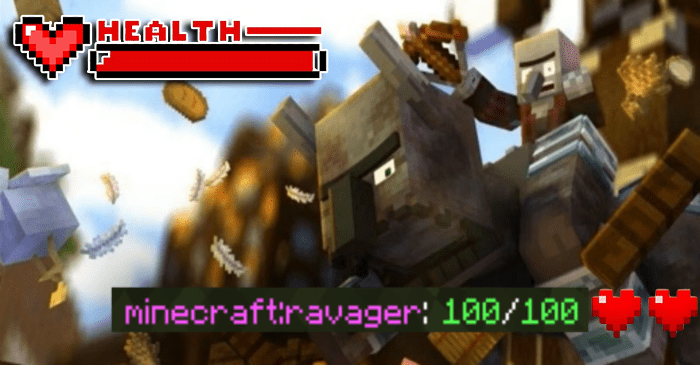



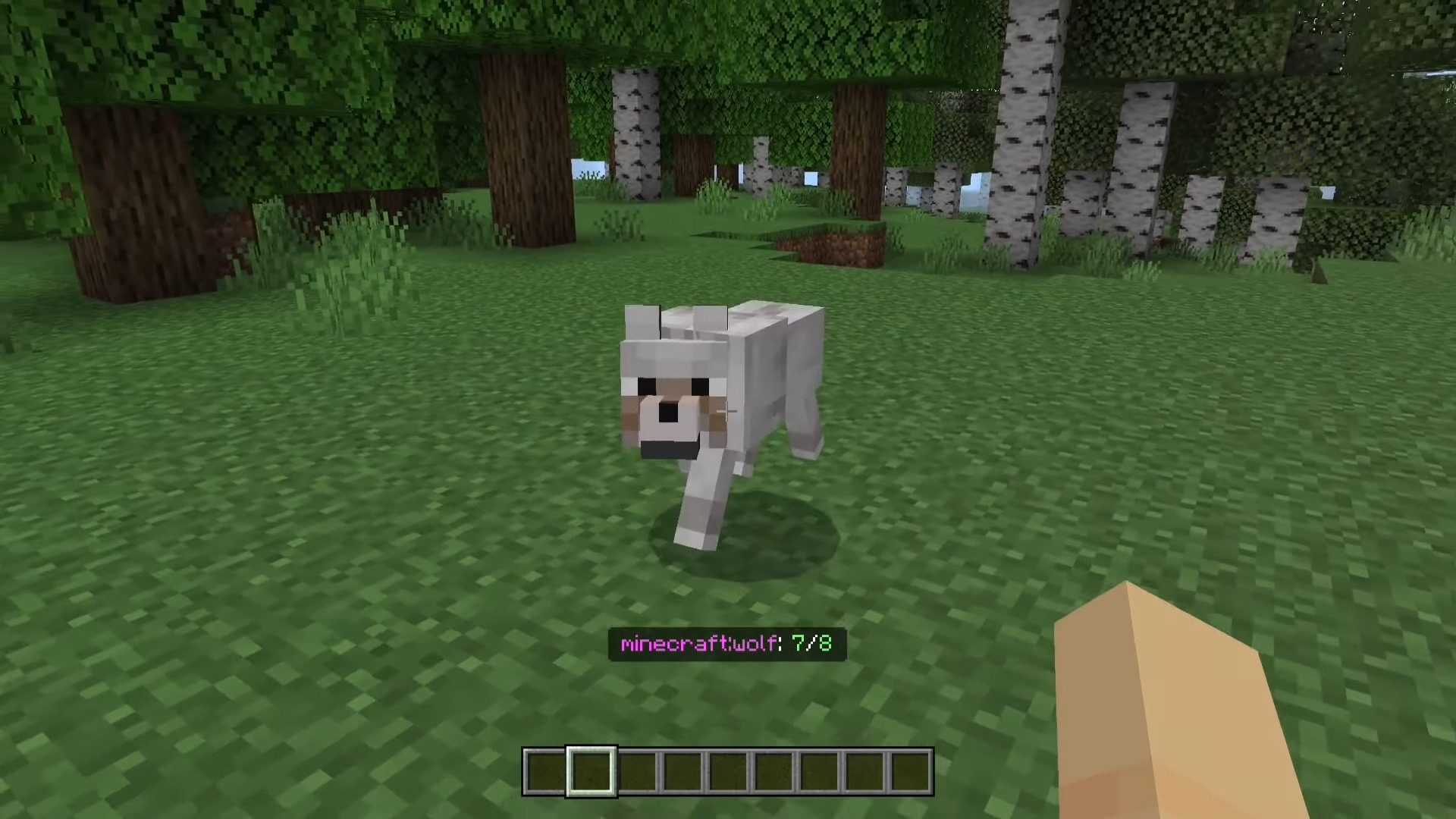
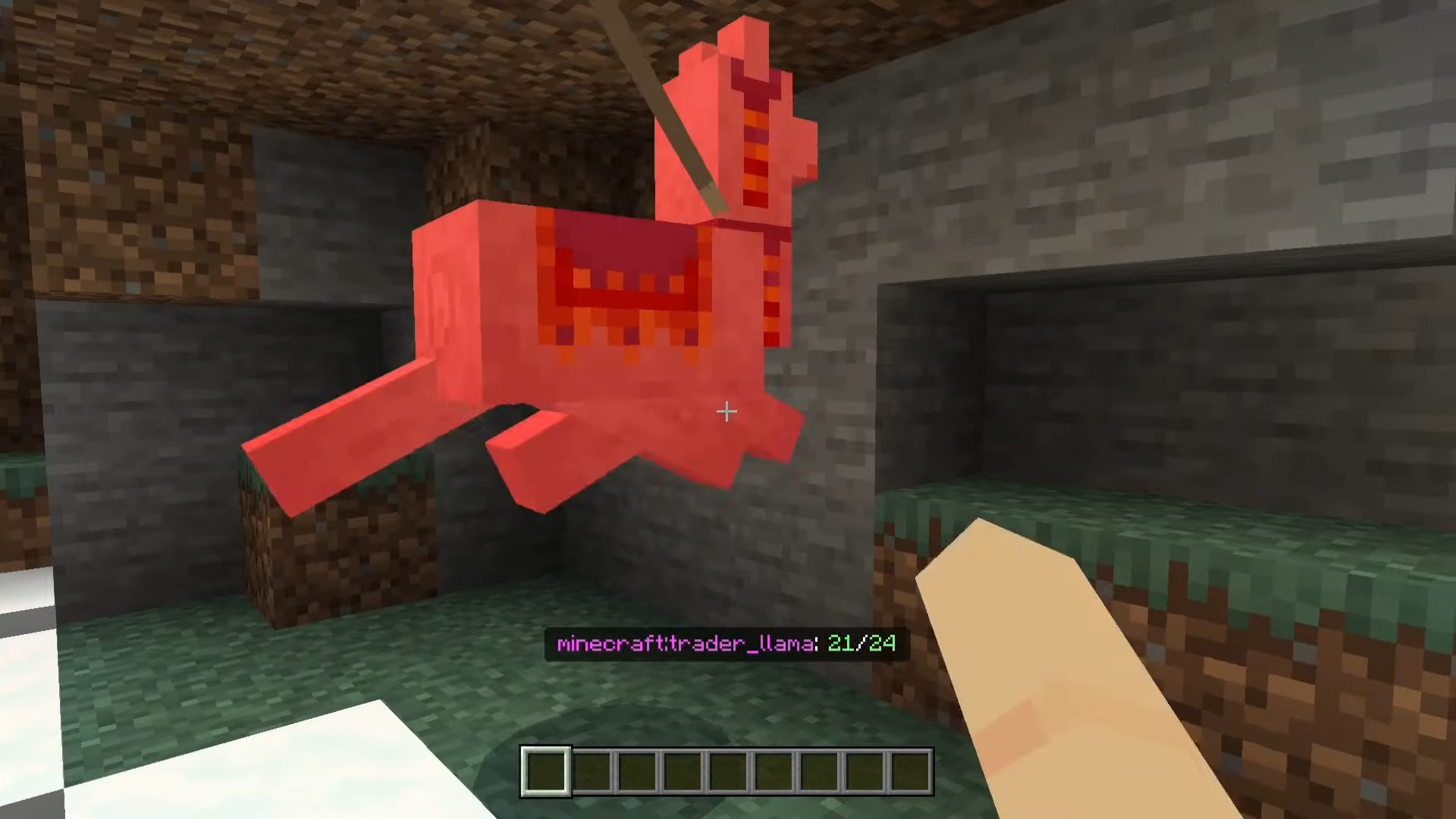
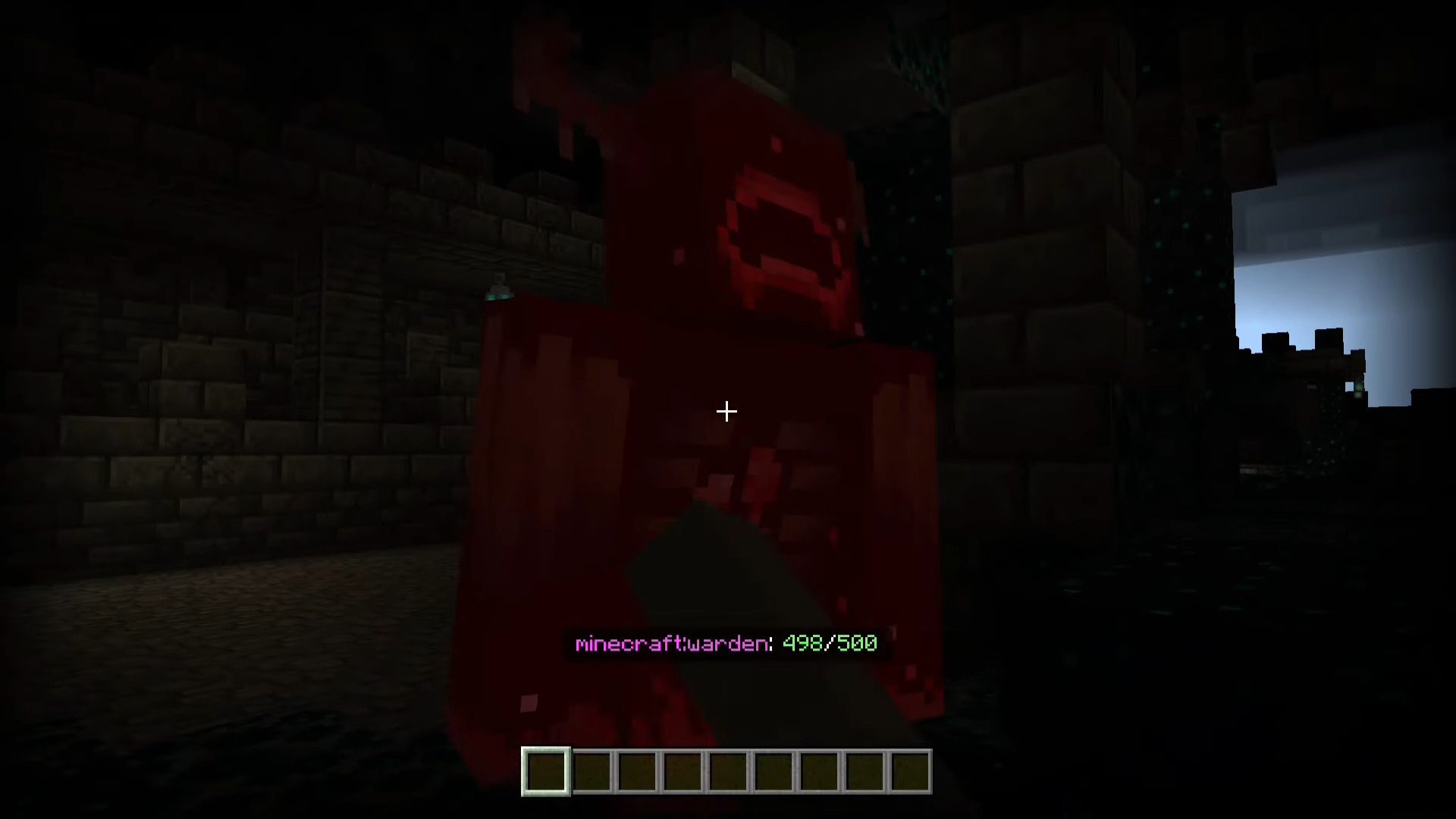
Ever wished to monitor the health of the mobs you’re battling? Look no further! With Edds’ Health Display Addon, you can achieve just that-no need for resource packs, only scripts! These stable scripts ensure the pack remains functional even with future updates.
Features:
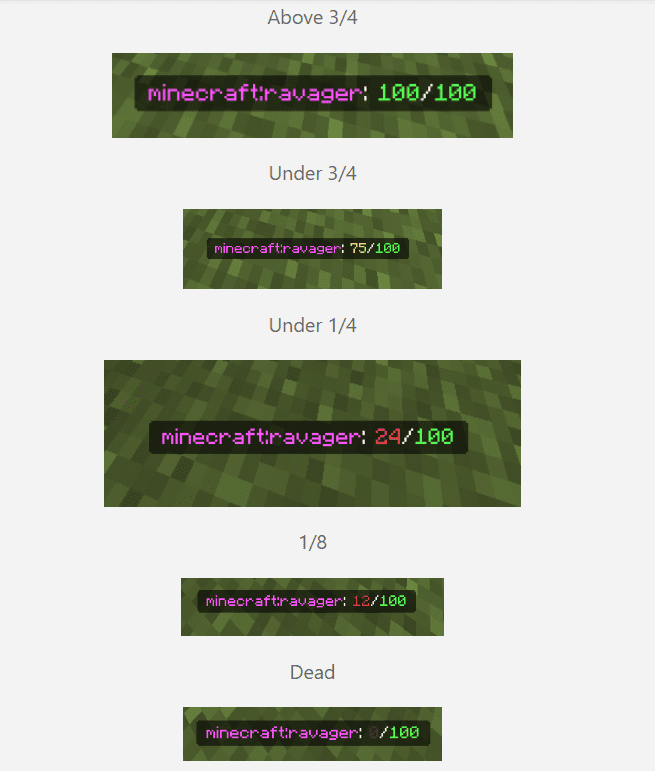
To utilize the pack, simply download it and activate the behavior pack within your world. The health number color dynamically adjusts based on the mob’s health:- Above 3/4: Indicates robust health.
- Under 3/4: Suggests some damage.
- Under 1/4: Approaching critical health.
- 1/8: Dangerously low health.
- Dead: Well, you know what that means!
Screenshots:
Installation Note:
- This script uses the stable version, so it requires no experimental options, and it shouldn’t break with any future updates to the game.
Edds’ Health Display Addon Download Links
For Minecraft PE/Bedrock 1.20.50+
mcaddon: Download from server 1 – Download from server 2
Quick facts
- Edition: Minecraft Bedrock
- File type: .mcpack or .mcaddon
- Minecraft version listed: 1.20
- How to install: Download the .mcpack or .mcaddon file. → Open it — Minecraft imports it. → In your world: Behavior Packs → Available → Activate, then the same under Resource Packs.
- Where to get it: In MCModsHub, or directly above on this page.
Install steps are the general flow for this file type — How to install Minecraft Bedrock addons & mods walks through it step by step.
Verified by MCModsHub
- Pack type: .mcaddon — behaviour and resource pack in one file
- Manifest requires Minecraft 1.20.50 or newer
- Complete pack — everything it depends on is inside the file
- Download link checked 17 Jun 2026 — working
- Mirrored on our own servers — the download does not depend on the original host
These come from our own check of the pack file, not from the source page.