AddonsBedrock
Loot Bag + Addon (1.20) – MCPE/Bedrock Mod
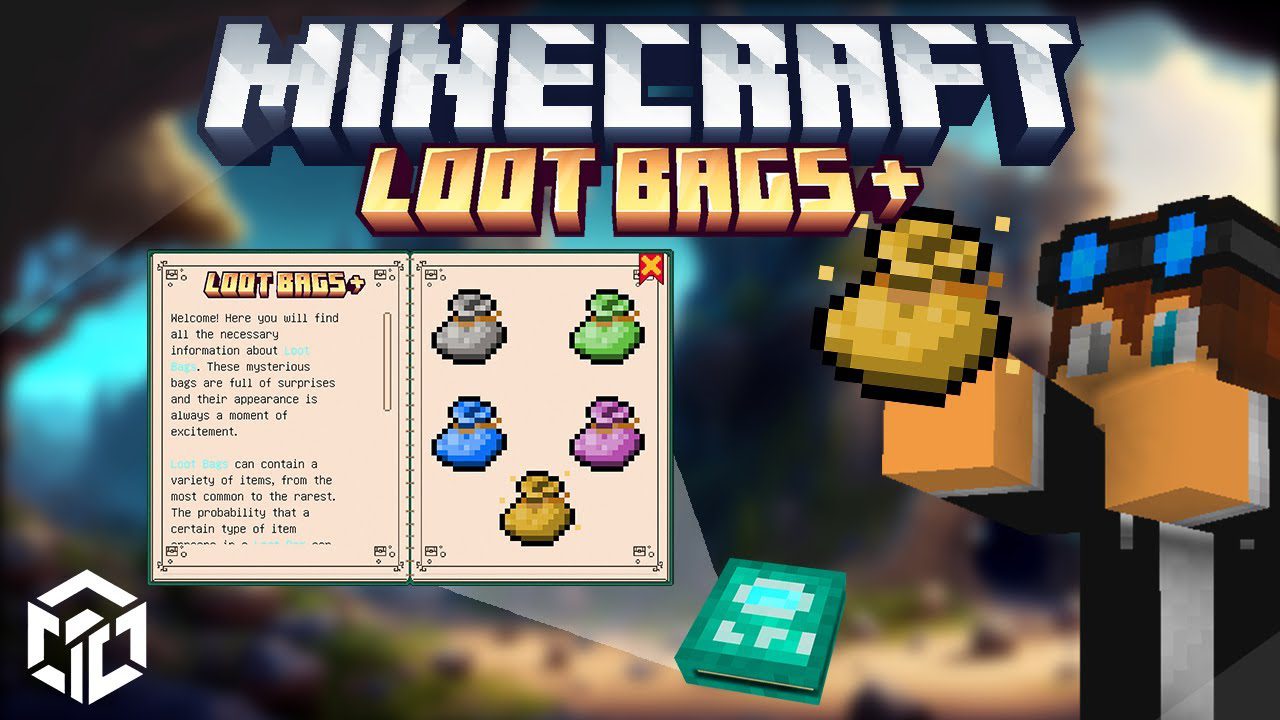
Loot Bag + Addon enhances your gaming experience by enabling you to uncover diverse treasures through defeating entities. Depending on the difficulty of…
⬇ DownloadOpen in MCModsHubGet it on Google Play →Loot Bag + Addon enhances your gaming experience by enabling you to uncover diverse treasures through defeating entities. Depending on the difficulty of the entity, the rewards escalate. Furthermore, this addon provides extensive customization options. For additional details, refer to the feature section below.
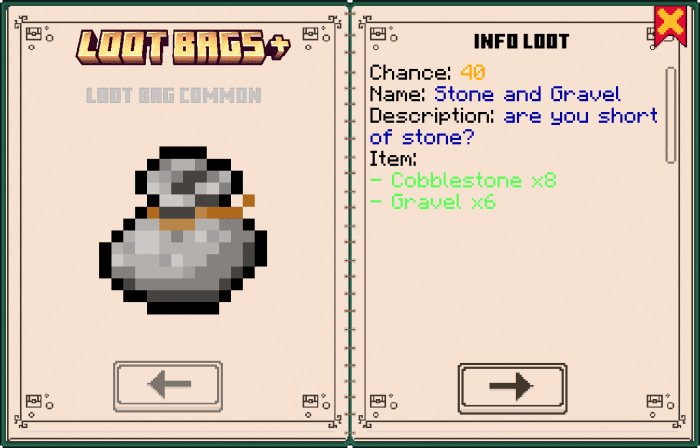
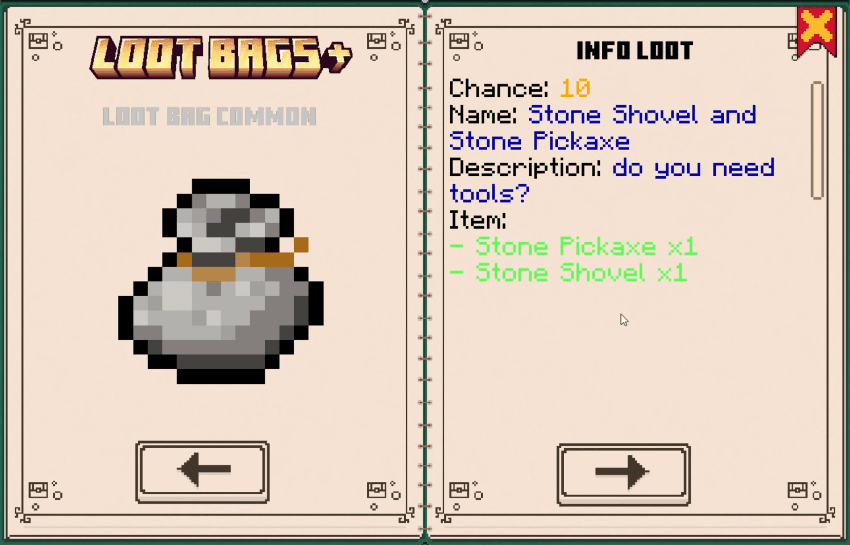
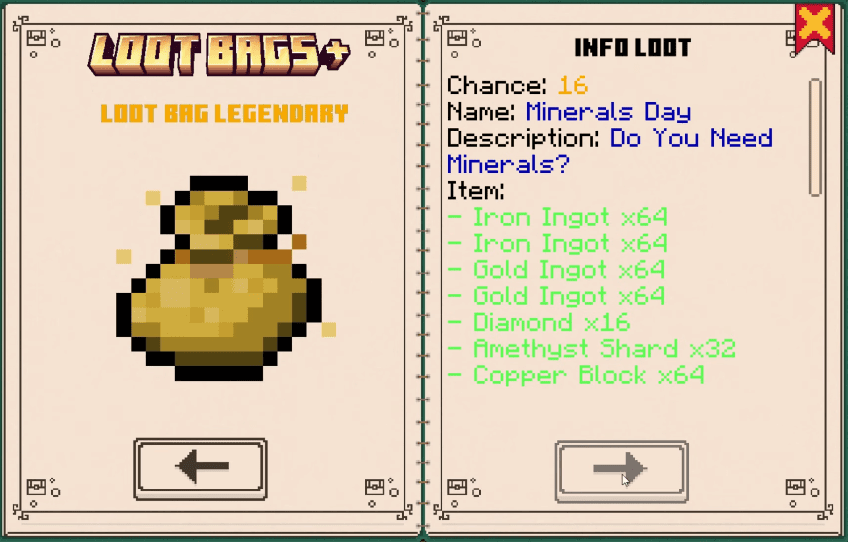
 Loot Bag Book:
Features:
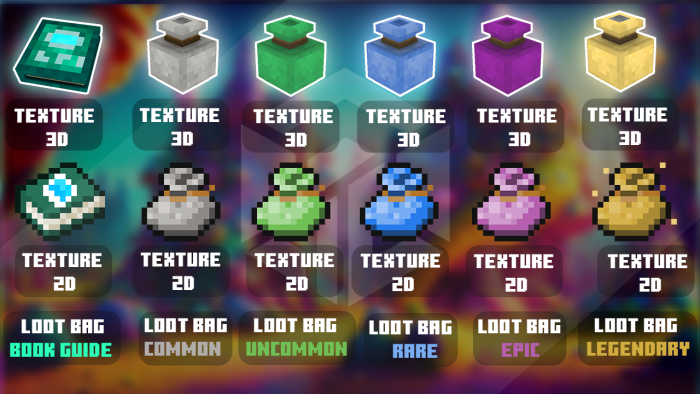
How does it work:- Through the give command or in the creative you can find 6 item Loot Bag ( common, uncommon, rare, epic, legendary ), one Loot Bag Book
Loot Bag Book:
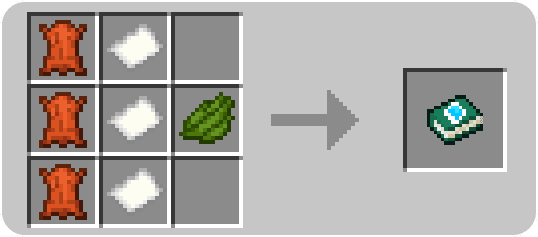
- This item will allow you to preview the treasures you might find inside the loot bags. Crafting item:
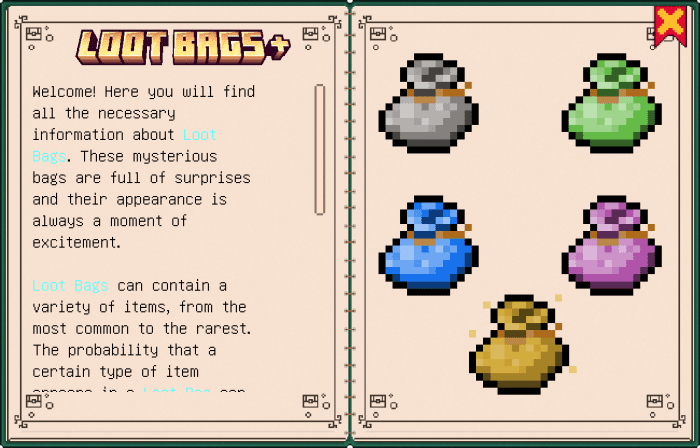
- By clicking on one of the loot bag icons, you will be able to view information about the bag itself and its contents. You can navigate between pages using the arrows. Pages are automatically generated each time you add a new loot in the appropriate file of the configuration folder.
Loot Bag base:
In the bags you can find random loots in this case there are 10 loots per bag, which based on the rarity of the bag increases the rarity and quantity of the item or other. going into the addon folder obviously in your world you have to go to: scripts/config/loot Here you will find 5 js files in which you can customize your loot, the files are divided by the rarity of the bags. to add an extra loot or modify the existing one it is simple, let’s take an example: Show More
script/config/loot
- 1:{
- chance:3,
- name:’Beacon Time’,
- description:’do you want powers?’,
- drop:{
- item:{
- 1:{id:”minecraft:beacon”, amount:1},
- },
- effect:{
- 1:{id:’haste’,time:10000,amplifer:3,particle:true},
- 2:{id:’strength’,time:10000,amplifer:3,particle:true},
- }
- }
- },
- chance: ( the probability of that loot coming out )
- name : ( name of the loot that will appear in the book )
- description : ( description of the loot that will appear in the book )
- drop : ( here is everything you can do if this loot comes out )
- id:( here is the id of the item )
- name: ( the name you want to give the item when it is given to the player )
- amount ( the quantity of that item that must give the player 1 diamond or 3 diamonds )
- lore ( the description then the lore you want to give to the item when it is given to the player )item:{ 1:{id:”minecraft:emerald”,name:’base’, amount:5}, 2:{id:”minecraft:emerald_block”,name:’Good Emerald’,lore:’cool block emerald’,amount:1}, }
- sound: ( enter this value if you want it to play a sound )
- sound:’block.lantern.hit’
- message: ( here insert a message that will be sent to the player, if you want more messages just do as in the example below and increase its value )
- message:{
- 1:’He how are you’,
- 2:’I hope so’
- }
- Command
- command: ( here instead enter the commands that will have to be performed on the player, to add others just increase the value )
- command:{
- 1:’title @s title Hii’,
- 2:’title @s actionbar gg’
- }
- id: ( the name of the effect you want to run )
- time: ( how long the effect should last )
- amplifer: ( when the effect needs to be enhanced )
- particle: ( if you want the particles of the effect to be seen, if you set true they are not seen, if you set false they are seen )effect:{ 1:{id:’haste’,time:10000,amplifer:3,particle:true}, 2:{id:’strength’,time:10000,amplifer:3,particle:true}, }
Entity Drop:
To find loot bags are obtained by killing mobs, obviously based on the difficulty the drop reward increases, but if you want to modify or add entities just go to: scripts/config/entity Once you have already found the basic Minecraft entities, to add external entities just enter their ID as in the example below. As per the item, you must each time increase the value which here in the example is 1, but already in the file, you will find 73, because all the Minecraft Bedrock entities are present. This does not affect the classic loot drop of mobs, but only adds. Show More
scripts/config/entity
Id: ( name of the entity that must release the loot after death )
drop: ( if you set true when that entity dies it will give loot, if you set false that entity will not drop loot )
loot: ( item that must drop after deat ) inside the loot you have to put in order all the items you want to give, which in my case are 5 different Loot Bags1: {
- id: ‘da:floating_text’,
- drop: true,
- loot: {
- 0: {id: ‘da:loot_bag_common’, min: 1, max: 2, chance: 25},
- 1: {id: ‘da:loot_bag_uncommon’, min: 1, max: 2, chance: 15},
- 2: {id: ‘da:loot_bag_rare’, min: 1, max: 1, chance: 10},
- 3: {id: ‘da:loot_bag_epic’, min: 1, max: 1, chance: 5},
- 4: {id: ‘da:loot_bag_legendary’, min: 1, max: 1, chance: 1}
- }
- },
- id: ( name of the item it must give )
- min: ( minimum quantity you must give of that item )
- max : ( maximum quantity you can give of that item )
- chance : ( probability that from that item )0: {id: ‘da:loot_bag_common’, min: 1, max: 2, chance: 25},
Loot Bag + Addon Download Links
For Minecraft PE/Bedrock 1.20
mcaddon: Download from server 1 – Download from server 2
Verified by MCModsHub
- Pack type: .mcaddon — behaviour and resource pack in one file
- Complete pack — everything it depends on is inside the file
- Download link checked 17 Jun 2026 — working
- Mirrored on our own servers — the download does not depend on the original host
These come from our own check of the pack file, not from the source page.
Explore more