AddonsBedrock
Azalea Essentials Addon (1.20) – MCPE/Bedrock Script
Azalea Essentials Addon is a server essentials addon for Minecraft Bedrock Edition that offers a plethora of features and functionalities to enhance your…
⬇ DownloadOpen in MCModsHubGet it on Google Play →Azalea Essentials Addon is a server essentials addon for Minecraft Bedrock Edition that offers a plethora of features and functionalities to enhance your server. These include a highly customizable chat system and an admin panel that provides various tools to manage your server.
 UI Maker
 Player shop
 Config UI
Features:
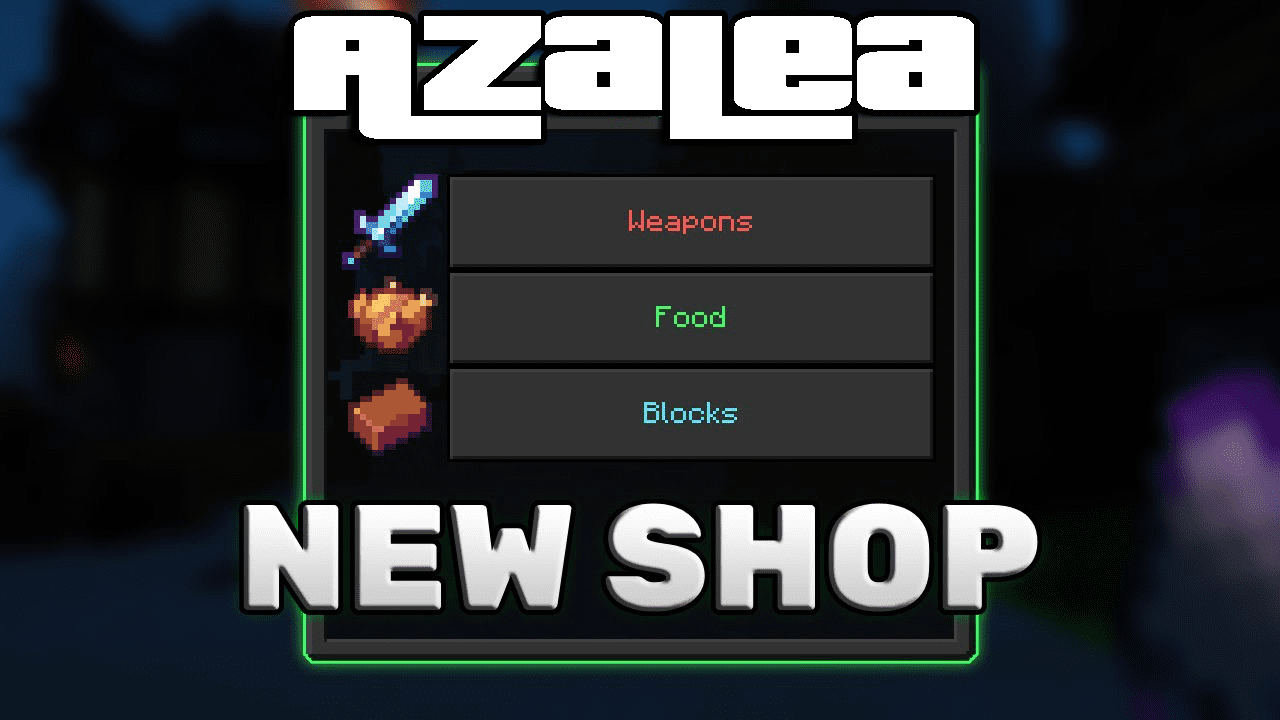
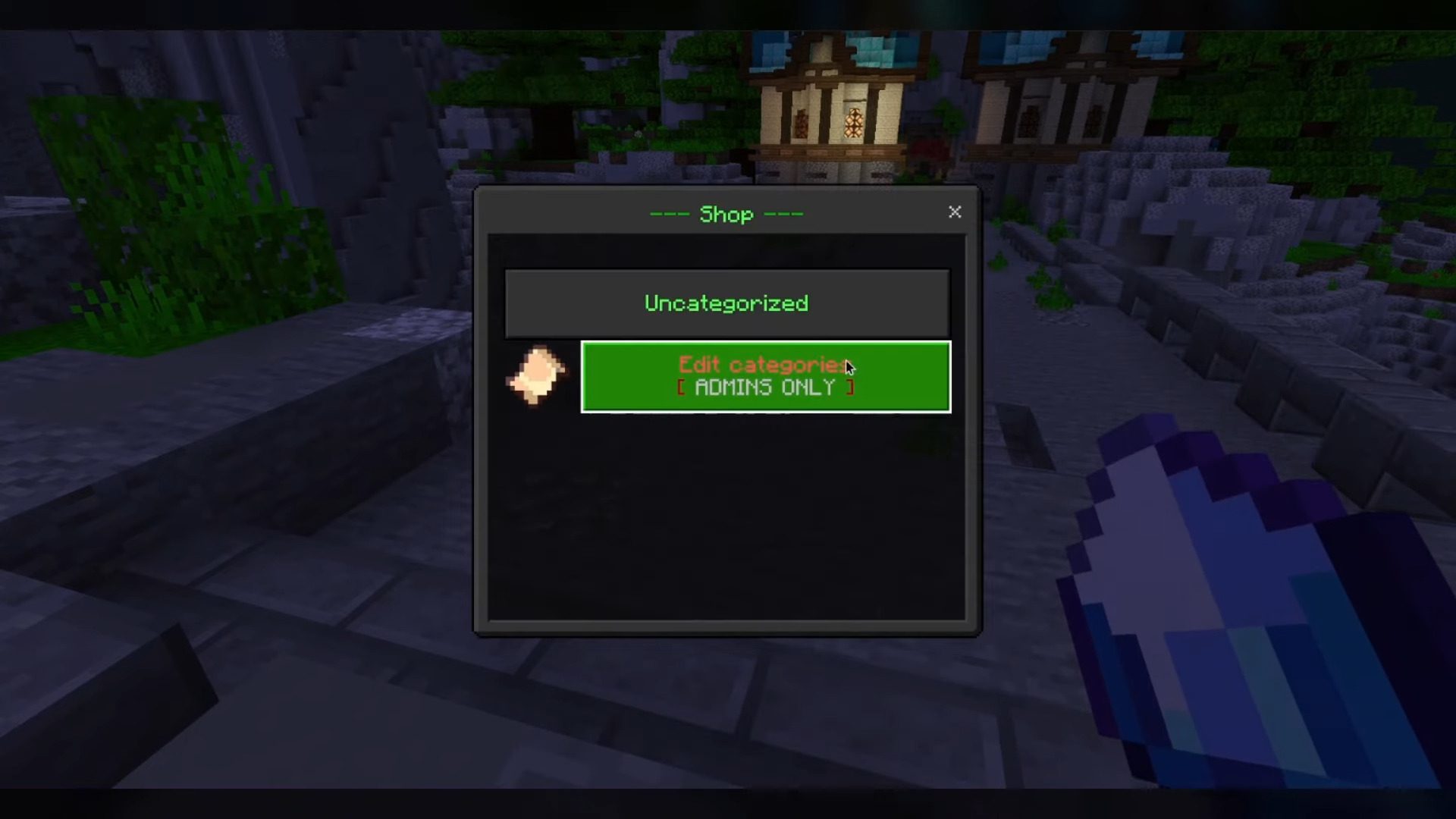
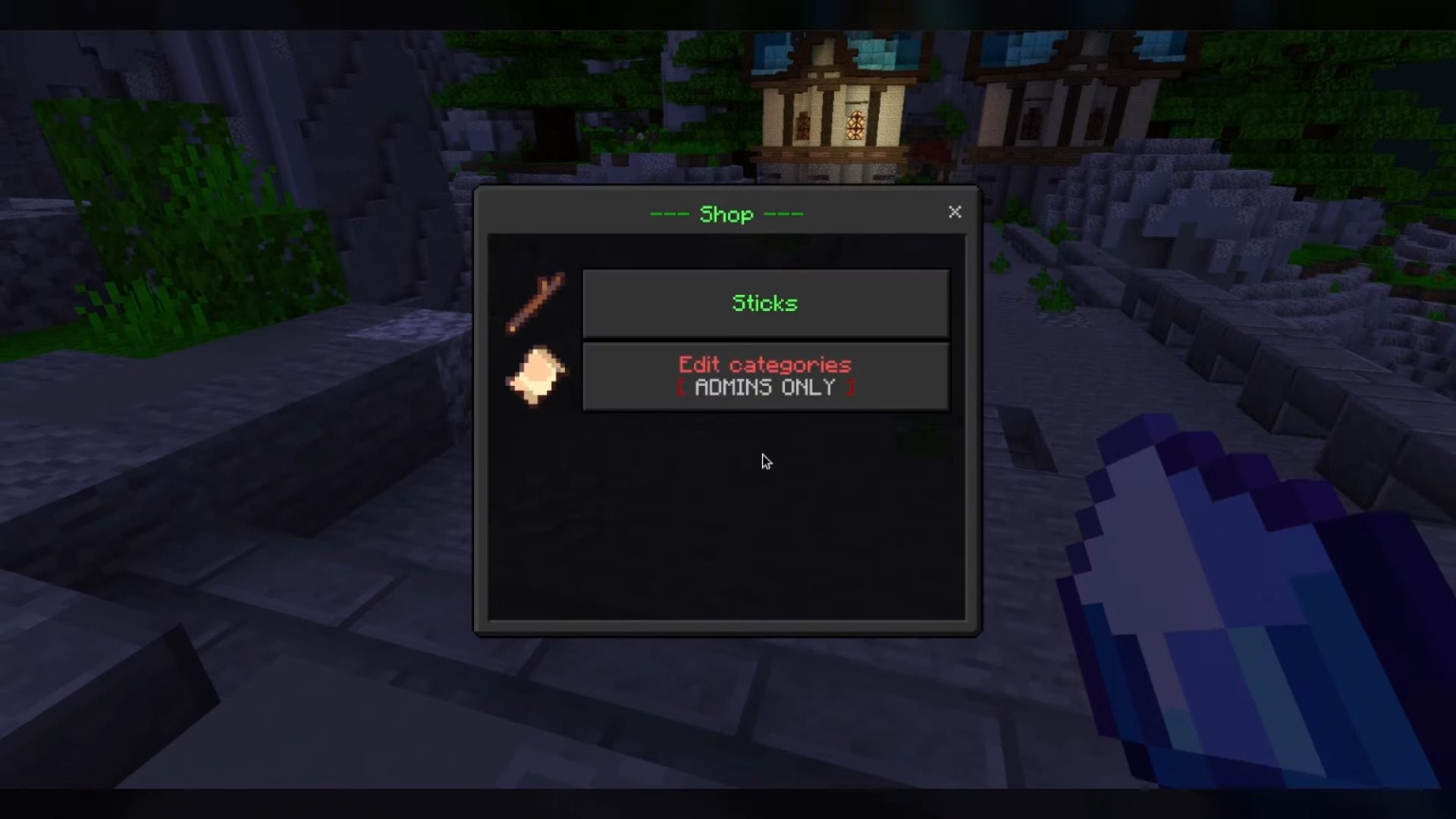
Azalea has a lot of features to make your server less boring: Shop- This is where admins can sell things!
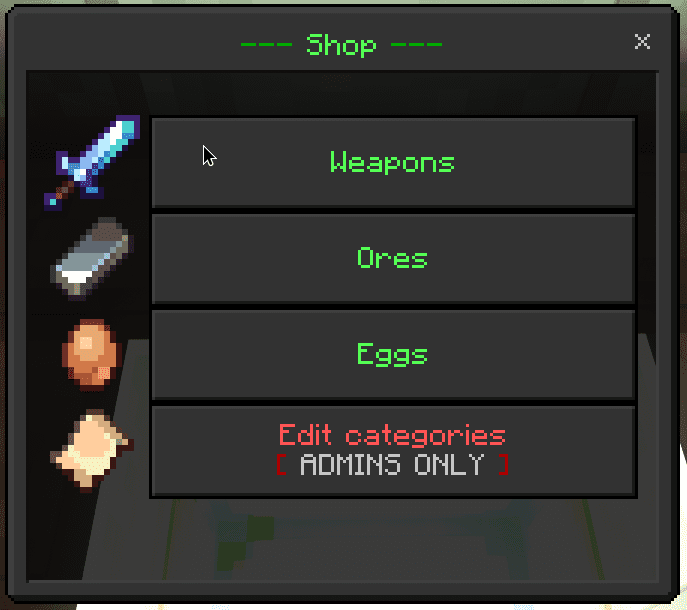
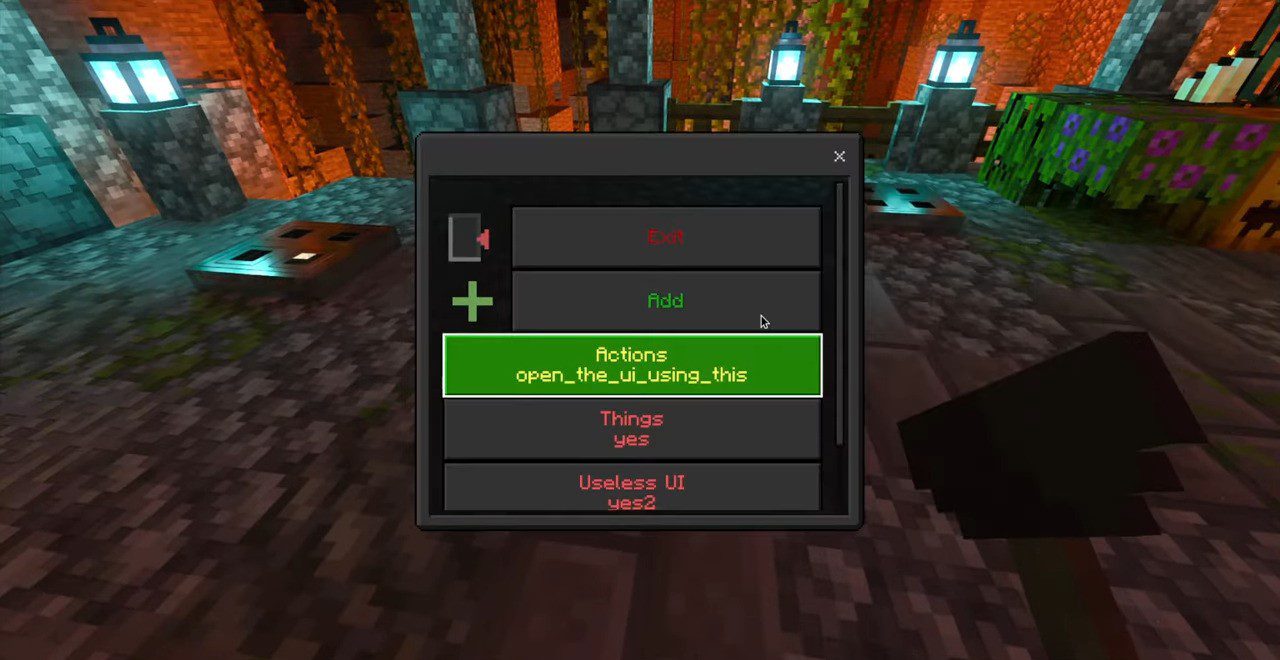
UI Maker
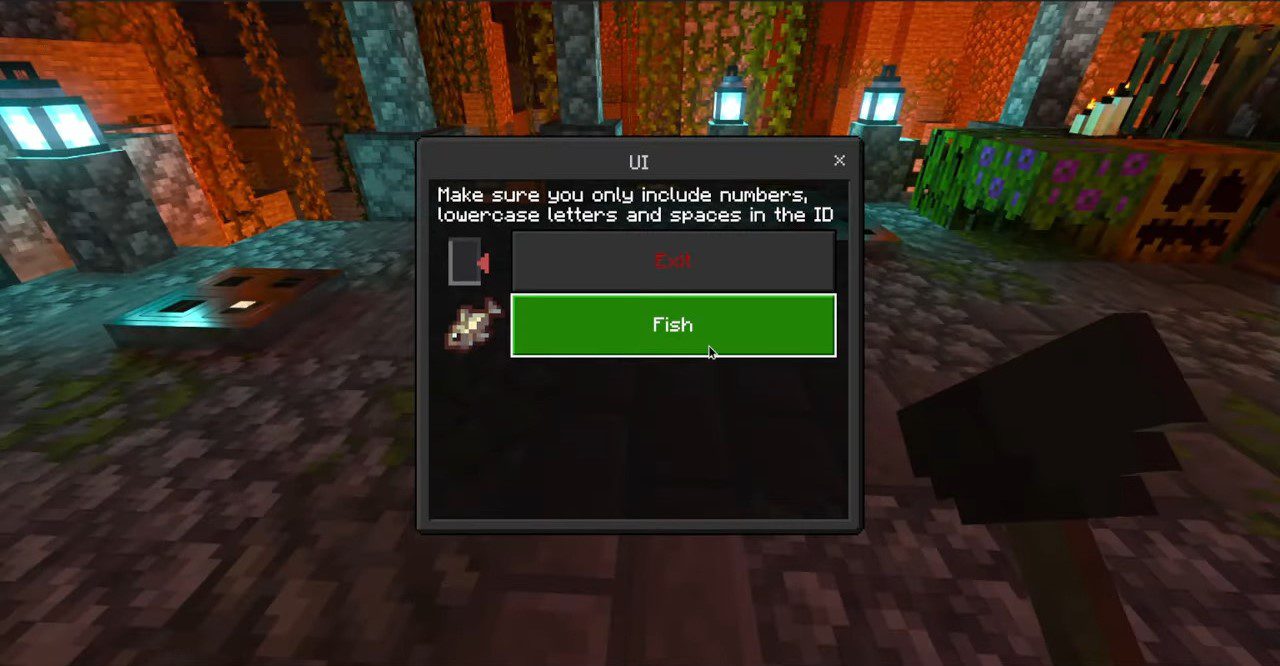
- Surprisingly this is what you use to make UIs. It’s similar to editing NPCs, but it looks much better and you can customize the icons and all the text
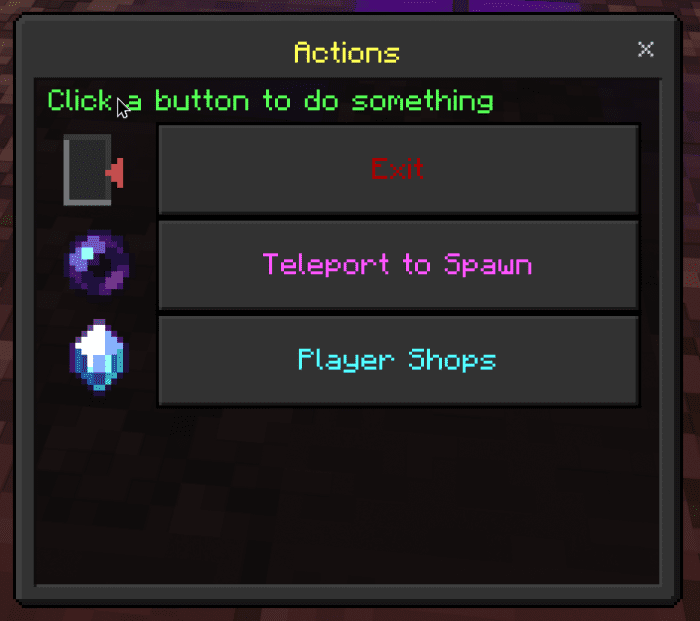
Player shop
- Similar to Shop but made for players, big surprise
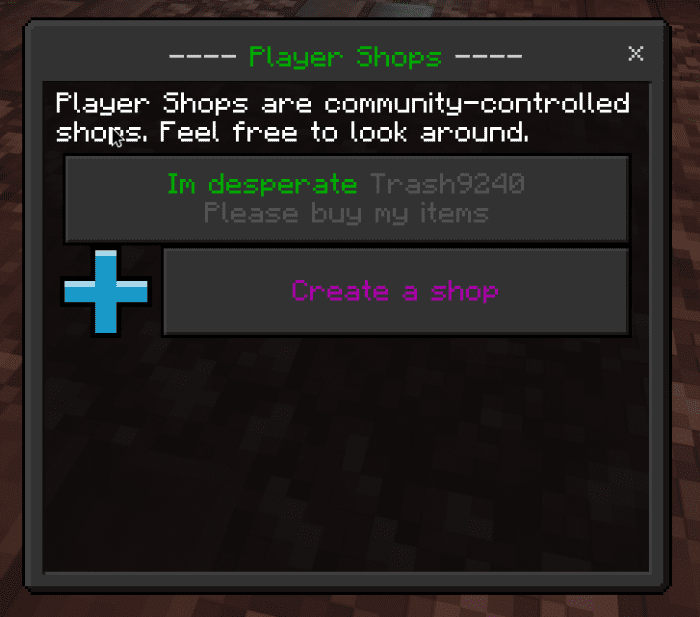
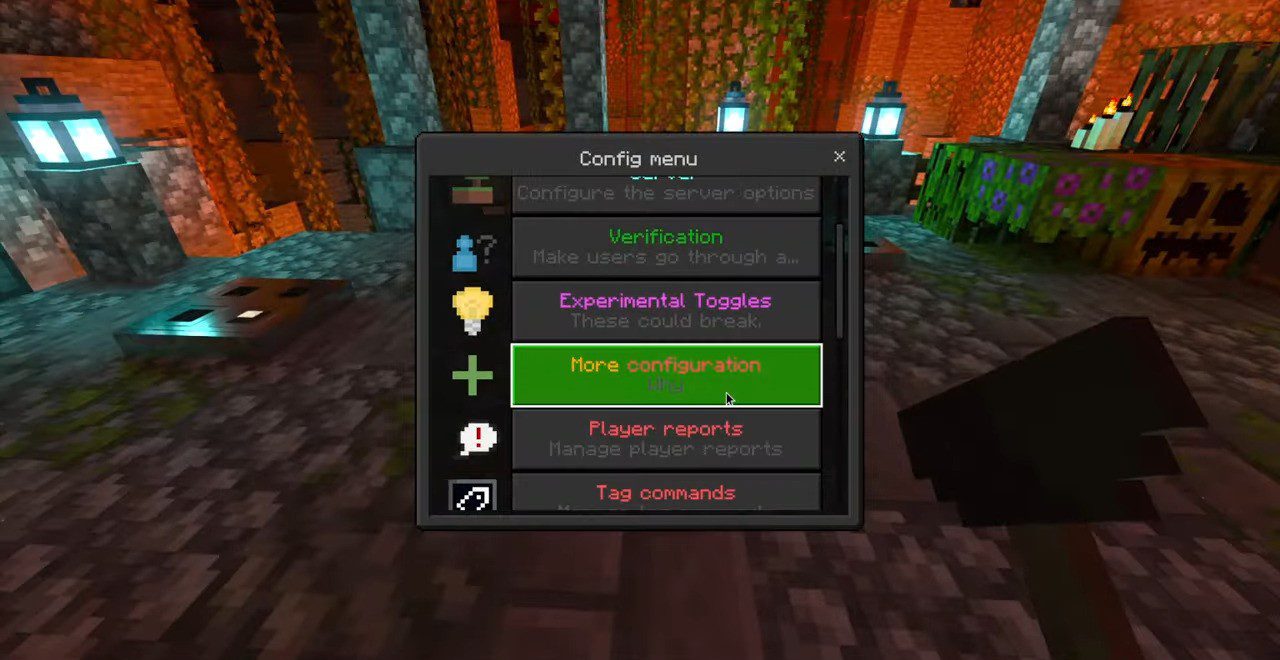
Config UI
- All configuration is done through a UI. Type /give @s azalea:config_ui to obtain the magic UI.
- You can 100% customize chat ranks with no limitations. You can also not customize them and leave them as the default.
- Type /give @s azalea:config_ui and then go to the server and set all the info there, you can also go into commands settings and edit the scoreboard where the money is stored if you already have one with a different name that is not just entirely lowercase “money”
- Open the admin panel and go to the custom commands tab, from there you can create commands. You can go into the commands and add actions, which change what the command does.
- You can edit warp permissions and even hide warps using the warp editor in the admin panel.
- To add a rank to a player: /tag <player> add “rank:Text” (or use admin panel players settings if you like UIs more)
- To change a players name color, bracket color, or message color, go to the admin panel then click on players
- #P – Player
- #NC – Name Color
- #MC – Message Color
- #BC – Bracket Color
- #RC – Default Rank Color
- #R(<separator>) – Rank list (each rank is joined by the separator)
- #S(objective) – Score: shows player score in a specific scoreboard (put a comma before it to add comma separators)
- #HT(<tag>,<text if player has tag>,<text if player does not have tag>) #DRA – Double Right Arrow
- #M – Message
- #BC[§r#RC#R(§r#BC, §r#RC) §r#BC] #NC#P #BC: §r#MC#M
- Do !chatrankformat change <format> to change the chat format
- Note: If not done properly, you can mess a lot of things up! if you do, just type /scoreboard players reset ChatrankFormat-L db-Config and it should fix it and reset it back to the default
Screenshots:
Installation Note:
- Make sure you turn on all the Experimental Gameplay.
Azalea Essentials Addon Download Links
For Minecraft PE/Bedrock 1.20
mcaddon: Download from server 1 – Download from server 2
Verified by MCModsHub
- Pack type: .mcaddon — behaviour and resource pack in one file
- Complete pack — everything it depends on is inside the file
- Download link checked 17 Jun 2026 — working
- Mirrored on our own servers — the download does not depend on the original host
These come from our own check of the pack file, not from the source page.
Explore more