AddonsBedrock
Elingo's World Edit Addon (1.20) – MCPE/Bedrock Mod
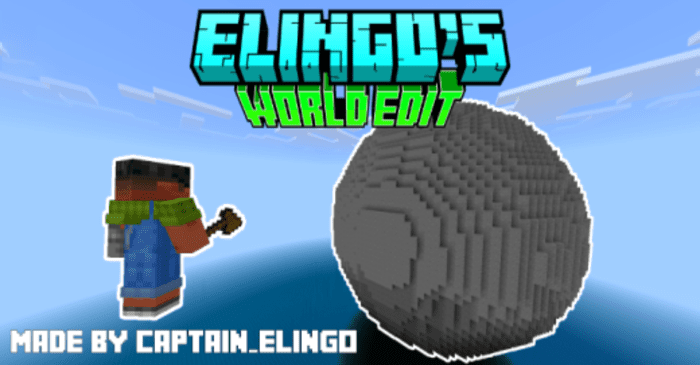
Elingo's World Edit Addon is a mod that simplifies terrain building in Minecraft. The addon provides tools that allow you to add and remove terrain with…
⬇ Download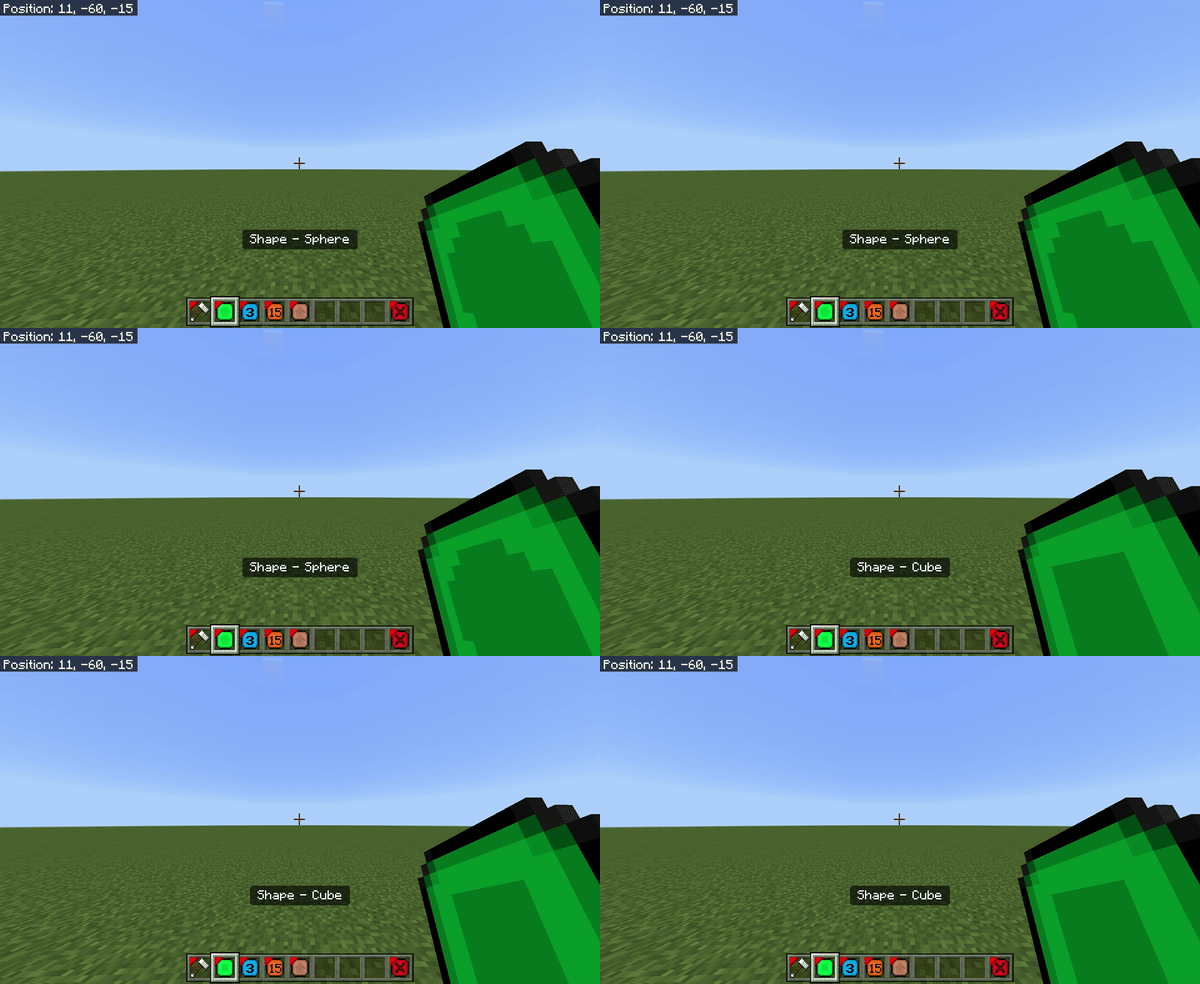
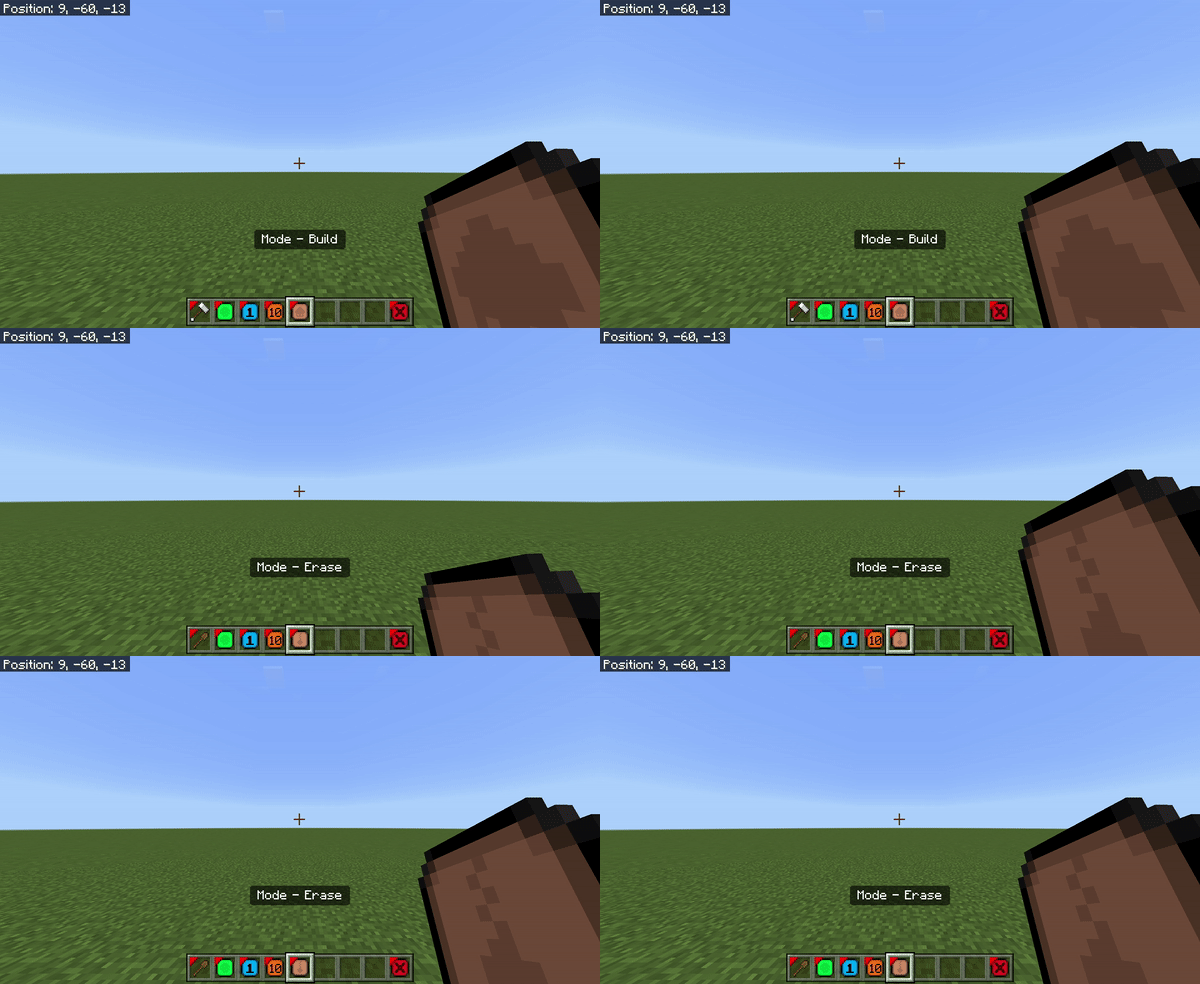
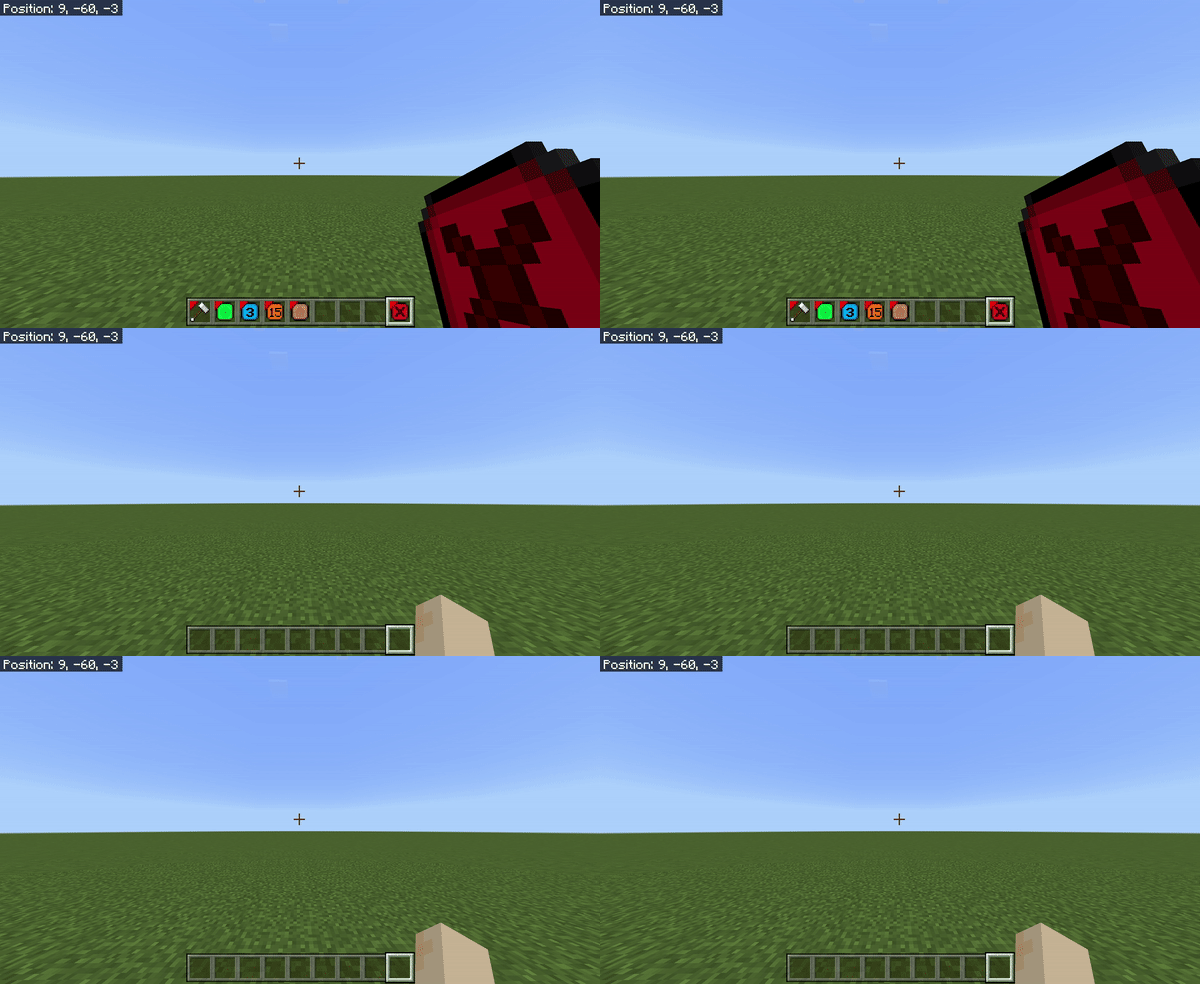
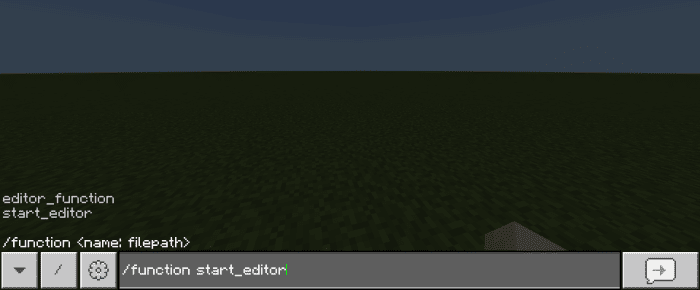
Elingo’s World Edit Addon is a mod that simplifies terrain building in Minecraft. The addon provides tools that allow you to add and remove terrain with just a few clicks. You can also adjust the distance, size, and shape of the terrain. Currently, the addon supports 8 different blocks that you can use to build your custom terrain. It is a great tool for those who want to build their Minecraft world with ease.
This button switches back and forth between these modes:
2. There will be a ball or block that shows you the center of whatever you are placing there when you hold the Builder tools or Eraser tools.
3. For the Builder tool to work, you have to make sure you’ve done all of the things listed below:
Features:
These blocks can be used to build terrain:- Grass
- Dirt
- Sandstone
- Cobblestone
- Stone
- Netherrack
- End Stone
- Air (only works in the eraser mode)
- This button changes the shape from sphere to cube, and vice versa.
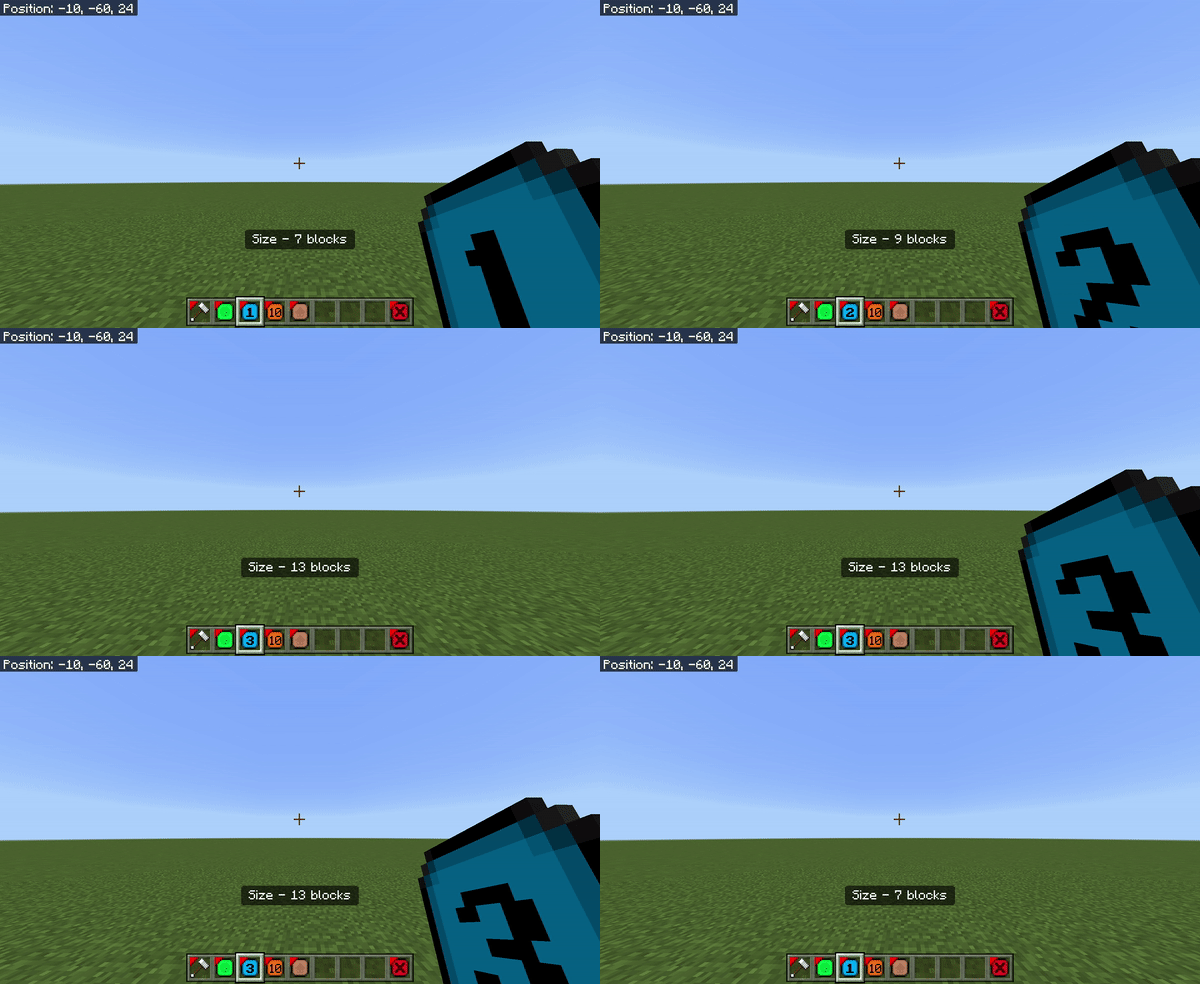
- This button lets you decide what the size of the cube or sphere should be.
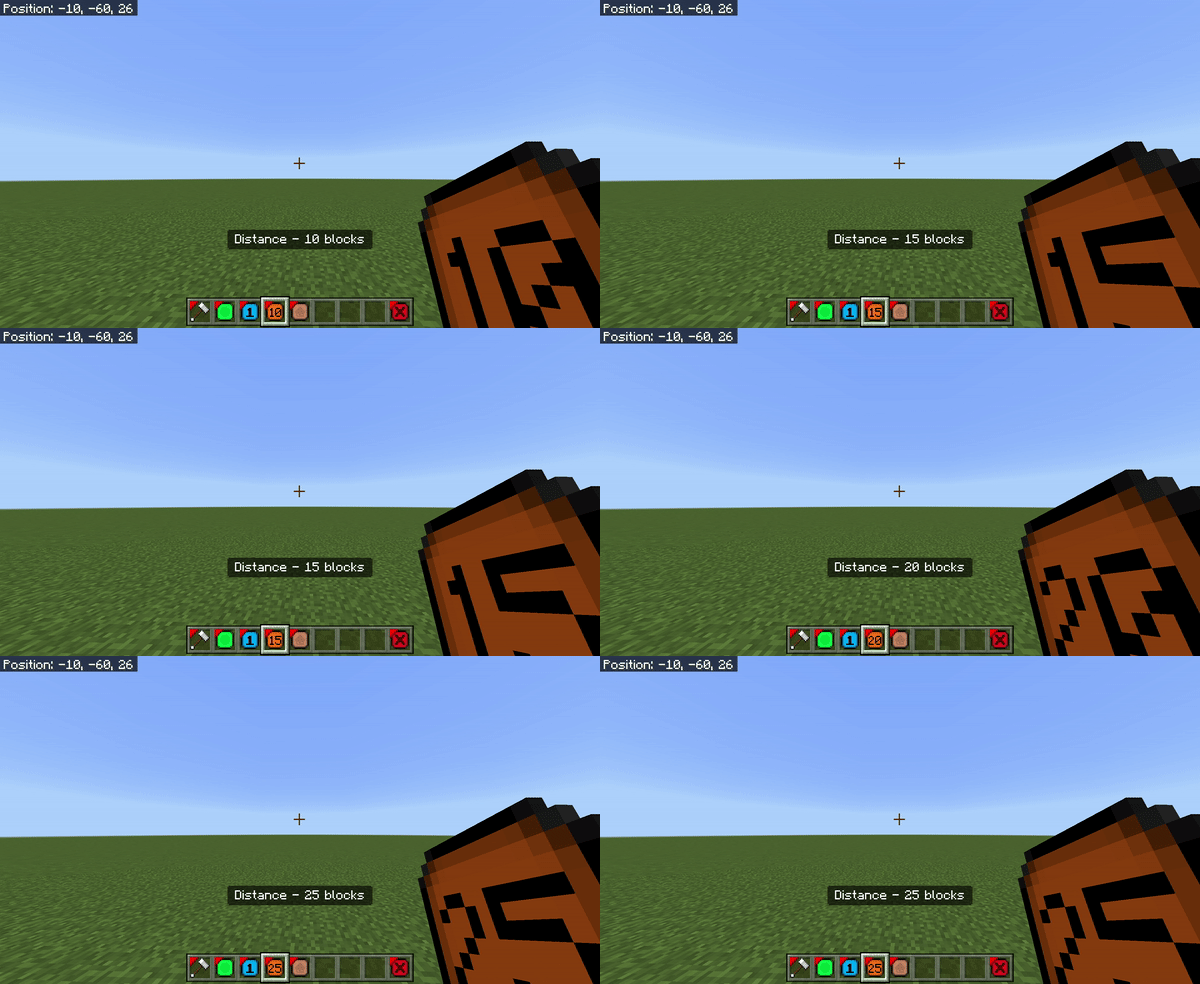
- This distance changes and displays the distance between you and the object.
This button switches back and forth between these modes:
- Builder Mode
- Eraser Mode
- This is the button you press when you want to disable the world editor.
2. There will be a ball or block that shows you the center of whatever you are placing there when you hold the Builder tools or Eraser tools.
3. For the Builder tool to work, you have to make sure you’ve done all of the things listed below:
- Hold the hammer.
- Right-click the hammer so that it displays “Hammer [On]”
- Have the block you want to build with in the hotbar slot between the brown and red buttons.
Elingo’s World Edit Addon Download Links
For Minecraft PE/Bedrock 1.20
Behavior: Download from server 1 – Download from server 2 Resource: Download from server 1 – Download from server 2
Quick facts
- Edition: Minecraft Bedrock
- File type: .mcpack or .mcaddon
- Minecraft version listed: 1.20
- How to install: Download the .mcpack or .mcaddon file. → Open it — Minecraft imports it. → In your world: Behavior Packs → Available → Activate, then the same under Resource Packs.
- Where to get it: In MCModsHub, or directly above on this page.
Install steps are the general flow for this file type — How to install Minecraft Bedrock addons & mods walks through it step by step.
Verified by MCModsHub
- Pack type: .mcaddon — behaviour and resource pack in one file
- Complete pack — everything it depends on is inside the file
- Download size: 101 KB
- Download link checked 17 Jun 2026 — working
- Mirrored on our own servers — the download does not depend on the original host
These come from our own check of the pack file, not from the source page.