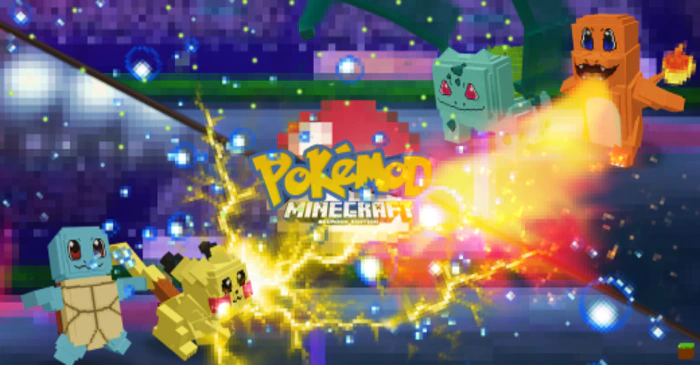
Pokémod Addon (1.20, 1.19) – MCPE/Bedrock Mod
Bedrock add-on listed for Minecraft 1.19–1.20. Download on the author's site.
⬇ Download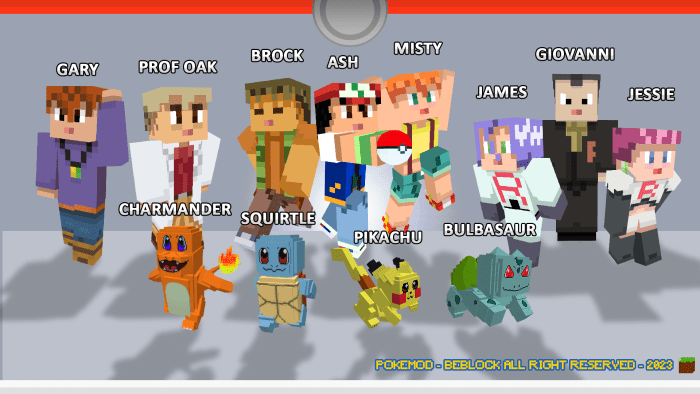

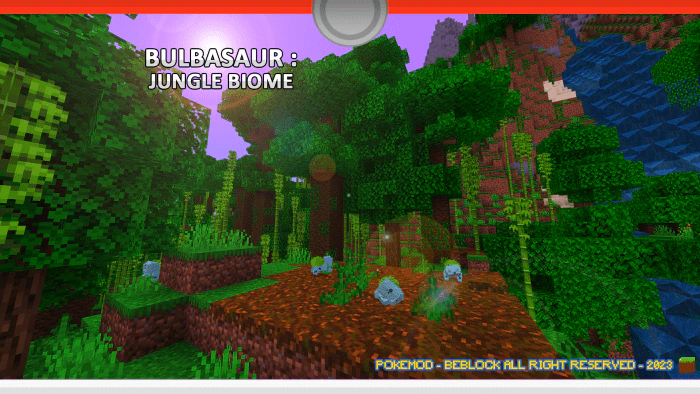
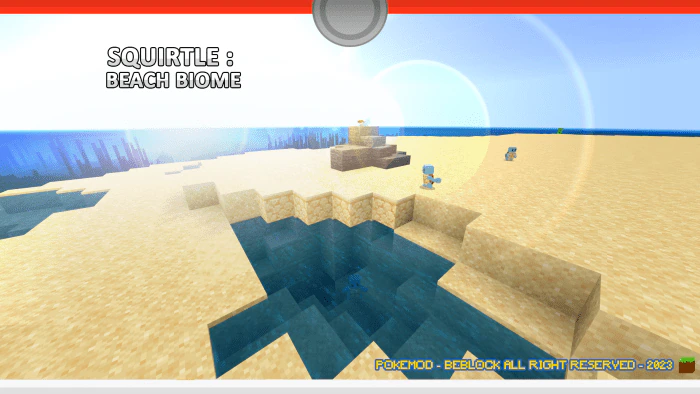
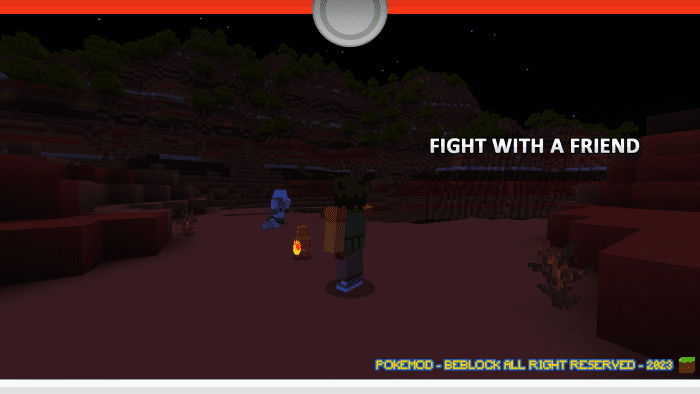
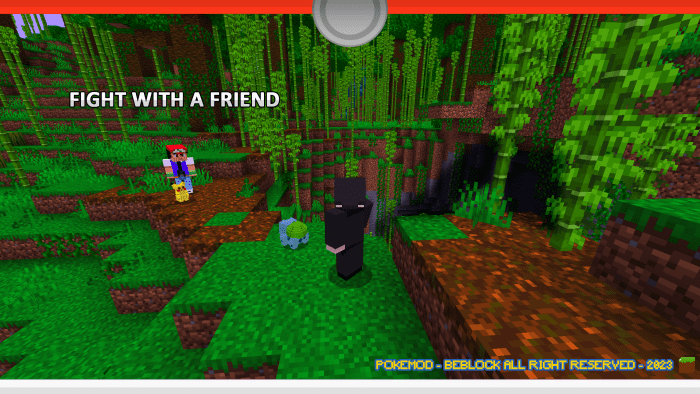
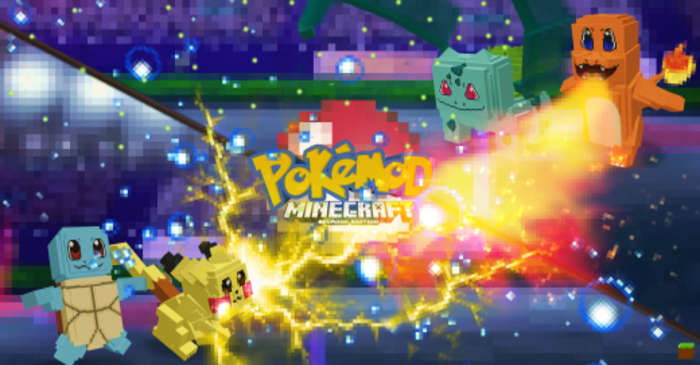
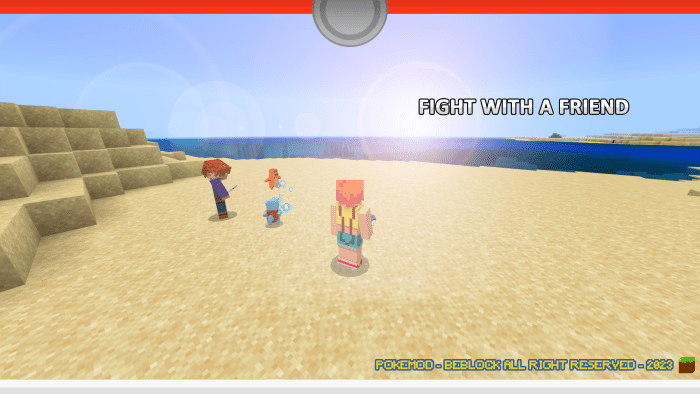
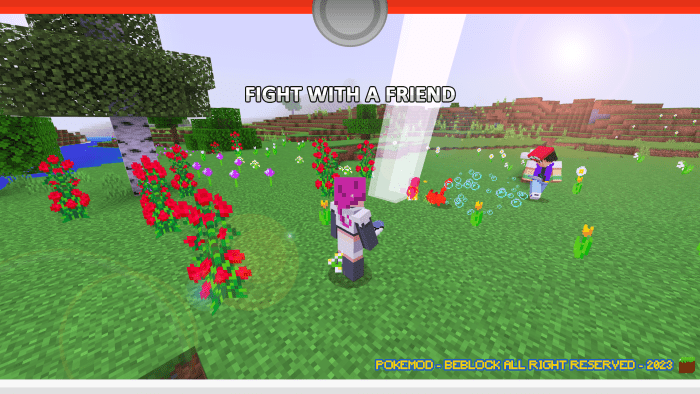
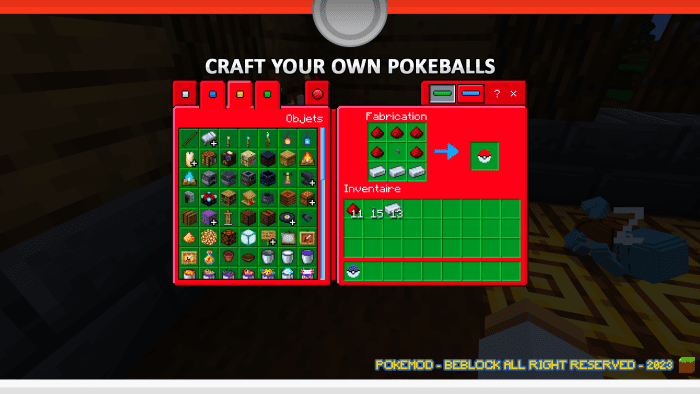
Who will be the best trainer? Introducing Pokémod Addon, where you can craft your own Pokeball in survival mode and catch your favorite 1st generation starter. Build your own arena and challenge your friends to an epic Pokémon battle to determine the best trainer. Are you ready to catch ’em all and become a master trainer?
Features:
Mod on the Pokemon theme:
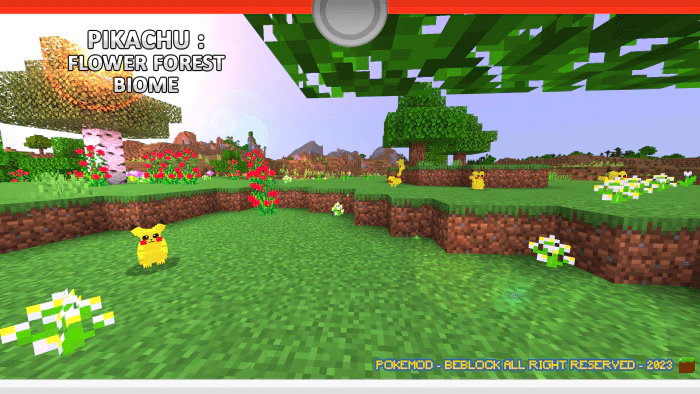
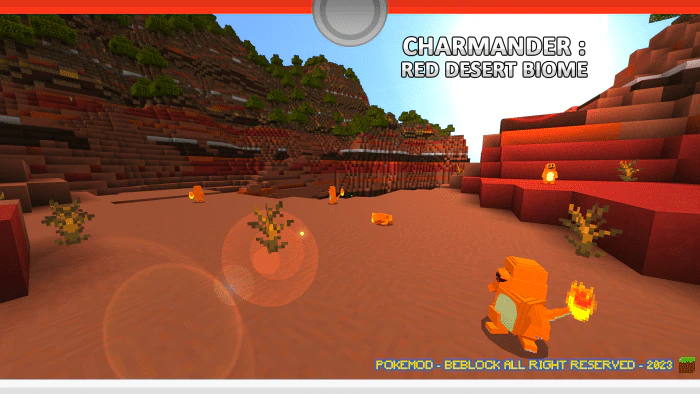
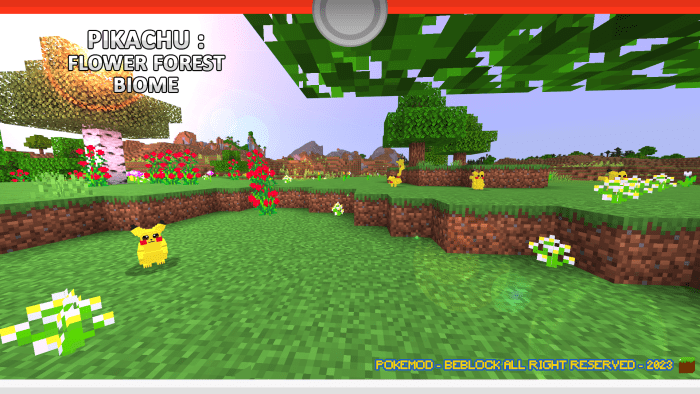
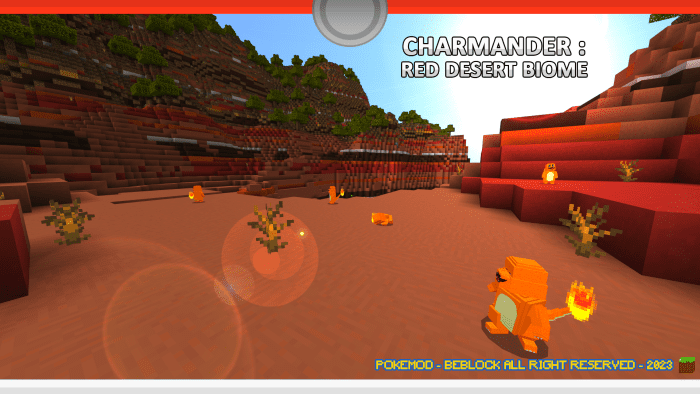
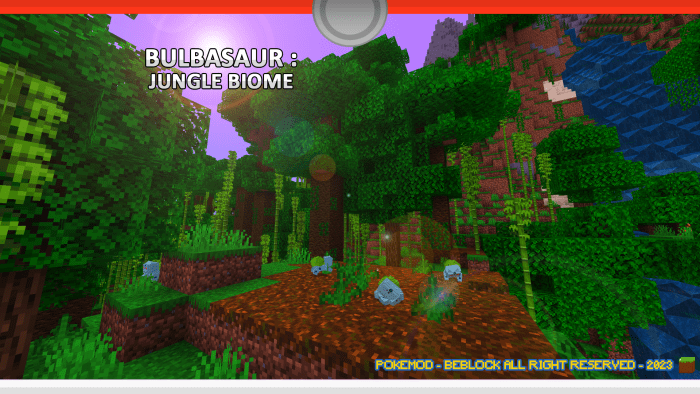
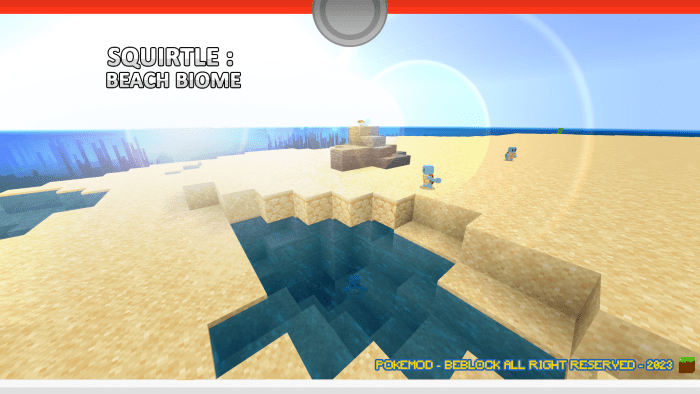
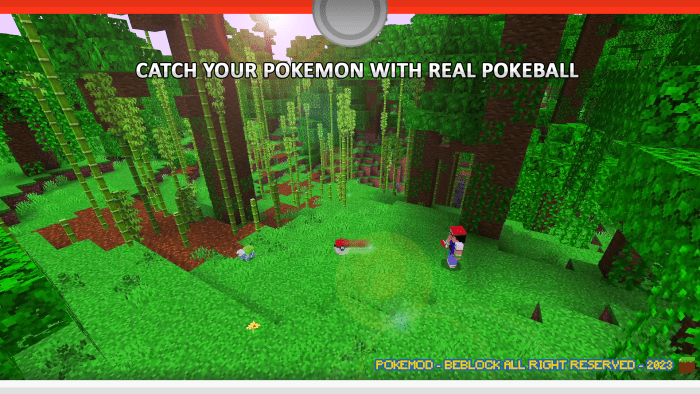
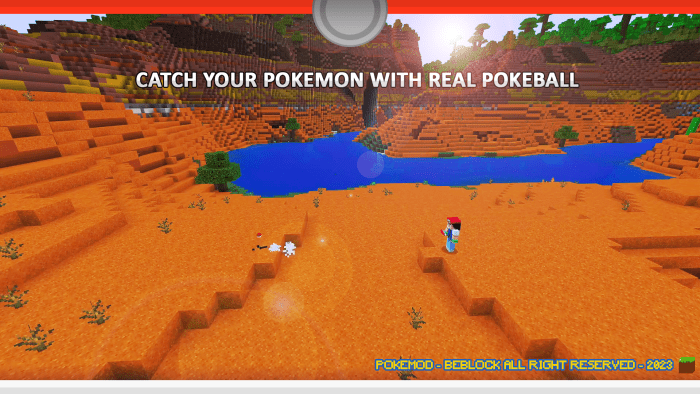
In a village far from your survival, a villager tells you about a new item you can make. After gathering the necessary components, you find yourself with a Pokeball in your hands. A real Pokeball! You absolutely have to go and test it right away! You’ve heard that Pikachu live in flowery forests, Charmander in red deserts, Squirtle on beaches, and Bulbasaur in the jungle. Your trainer’s soul is on fire and you’ll be able to throw Pokeballs at any Pokémon you find! Catch them all!
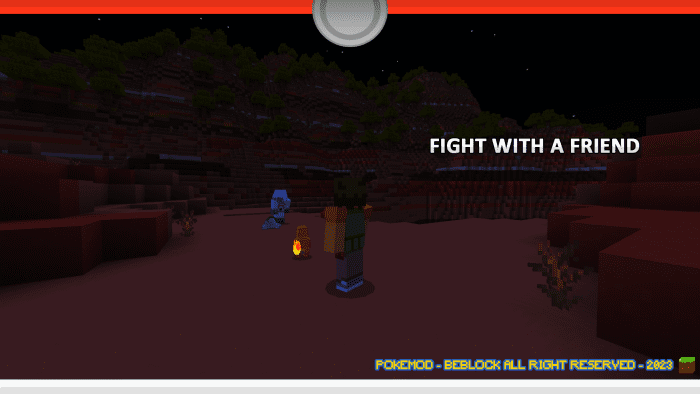
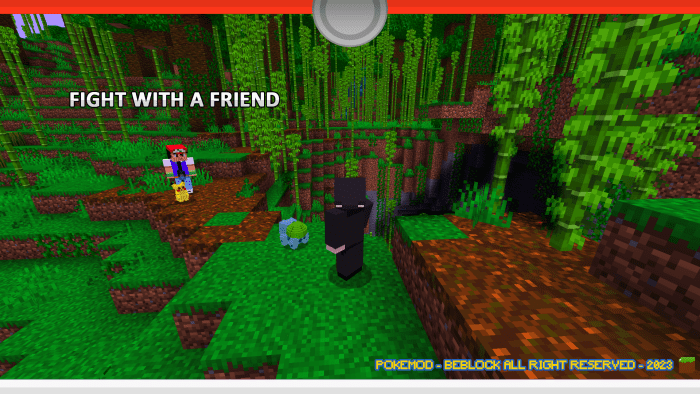
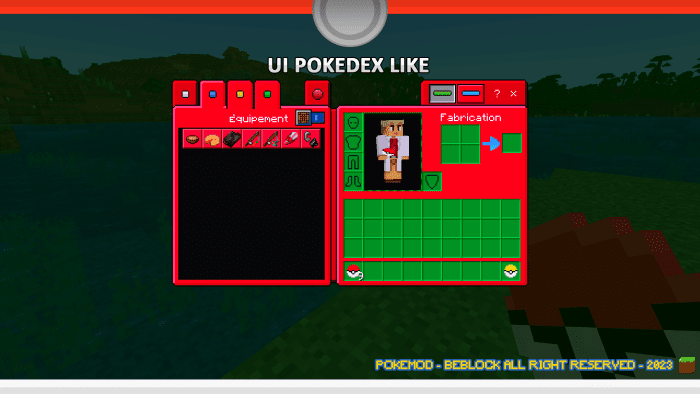
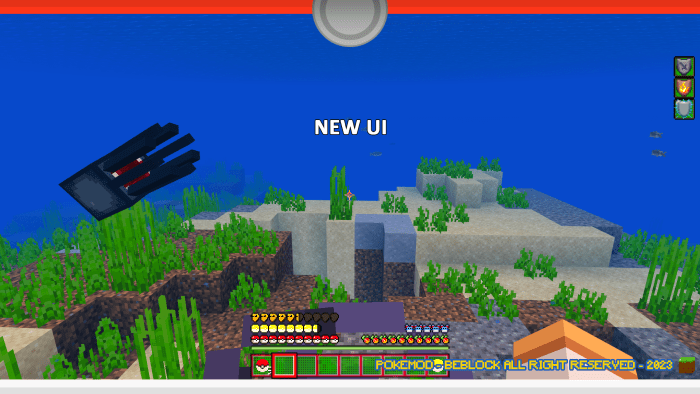
Once your Pokemon is caught, it will defend you during your game and can never disappear. If it dies, call it back into its Pokeball and summon it back whenever you want! If you invite a friend to your survival and he creates a team, you will be able to fight him in crazy battles! Finally, a new Pokedex-inspired user interface has been installed for your immersion.
This pack is Bedrock-exclusive content:
It contains:
- 4 Pokemon types (appear in their respective biomes)
- 1 survival mode Pokéball
- 1 UI inspired by the Pokédex
- 32 custom sounds
- 6 custom particles
- Custom animations for each Pokemon
Additional information:
- Find your Pokemon and throw it a Pokeball (action button). Capture percentage included.
- When your Pokemon dies it does not disappear, you can call it back into its Pokeball.
- You have to start the battle by attacking your target (e.g. with a snowball).
- You can heal your Pokemon by giving it a certain type of plant.
- You can put your Pokemon to sleep, this action will give it back all its life.
- It will follow you in your survival and attack your targets.
- Pikachu has a lightning attack that can charge the Creeper. Beware!
- Carapuce is the only one that can move and fight in the water. Splash!
- Bulbizarre has a devastating whip-liana that will capture the attention of surrounding creatures. Be fearless!
Screenshots:
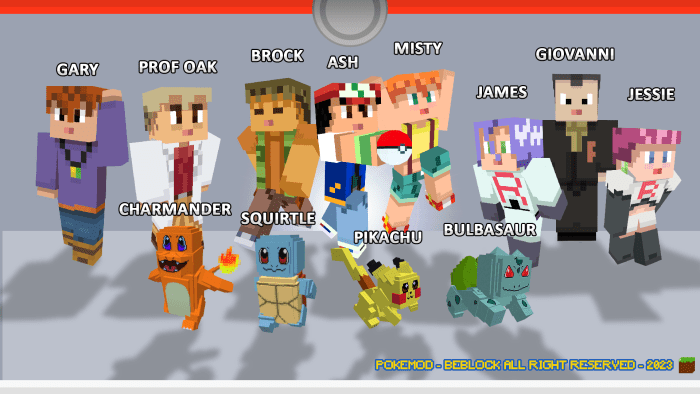
Skin Pack + Pokemon:

Pokemon Biome Location:
Pokefight:
UI:
Pokemon Catch:
Installation Note:
To install this addon, you must have the Minecraft Bedrock version.
- Open the downloaded .mcaddon file “Pokemod Vanilla Bedrock Addon”. This will automatically install it on your game.
- Create a survival map with the settings you want.
- Start by opening the behavior packs and install “Pokemod”.
- Install the texture pack also named “Pokemod”.
- To install the skin pack, open the file “Pokemod Skin Pack”. This will automatically install it on your game.
- Have fun in your new survival with your pack (Beware, the pack installation does not allow you to have trophies in survival).
Pokémod Addon Download Links
For Minecraft PE/Bedrock 1.20, 1.19
Pokemod Addon Official Website
- Edition: Minecraft Bedrock
- File type: .mcpack or .mcaddon
- Minecraft versions listed: 1.20, 1.19
- How to install: Download the .mcpack or .mcaddon file. → Open it — Minecraft imports it. → In your world: Behavior Packs → Available → Activate, then the same under Resource Packs.
- Where to get it: Opens on the file's original source — not every file is mirrored on our own servers.
Install steps are the general flow for this file type — How to install Minecraft Bedrock addons & mods walks through it step by step.
Pokémod Addon (1.20, 1.19) – MCPE/Bedrock Mod is a free Minecraft Bedrock addon. Compatible with Minecraft 1.20, 1.19. Download it and open it directly in the game.