3D Flashlight Addon (1.20, 1.19) – MCPE/Bedrock Mod
Bedrock add-on listed for Minecraft 1.18–1.20 (behavior + resource pack). File opened and checked on 3 Oct 2026; installs from the MC Bedrock Mods app on Android.
⬇ Download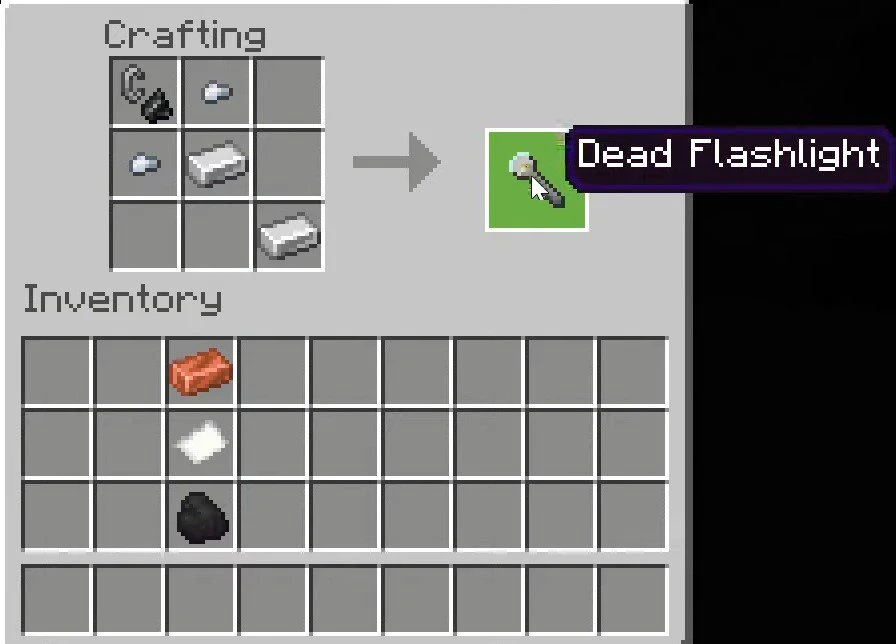
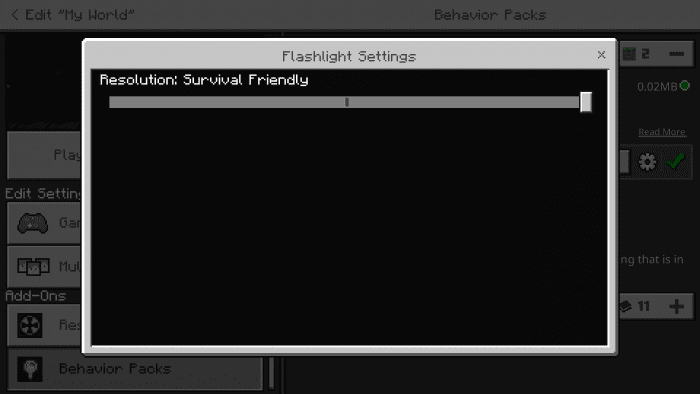
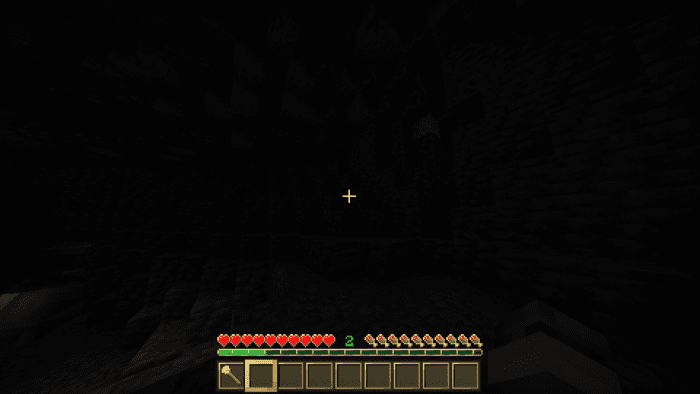
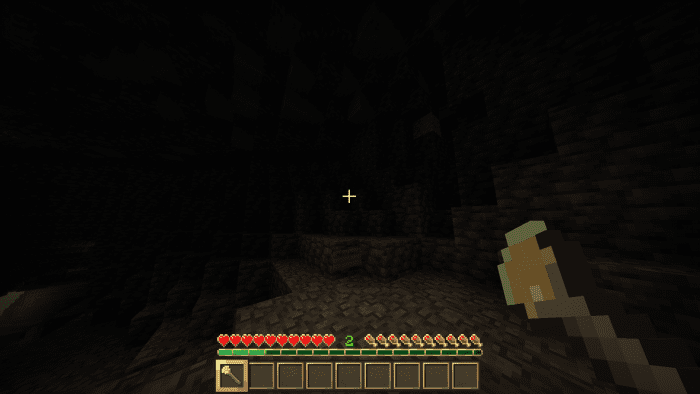
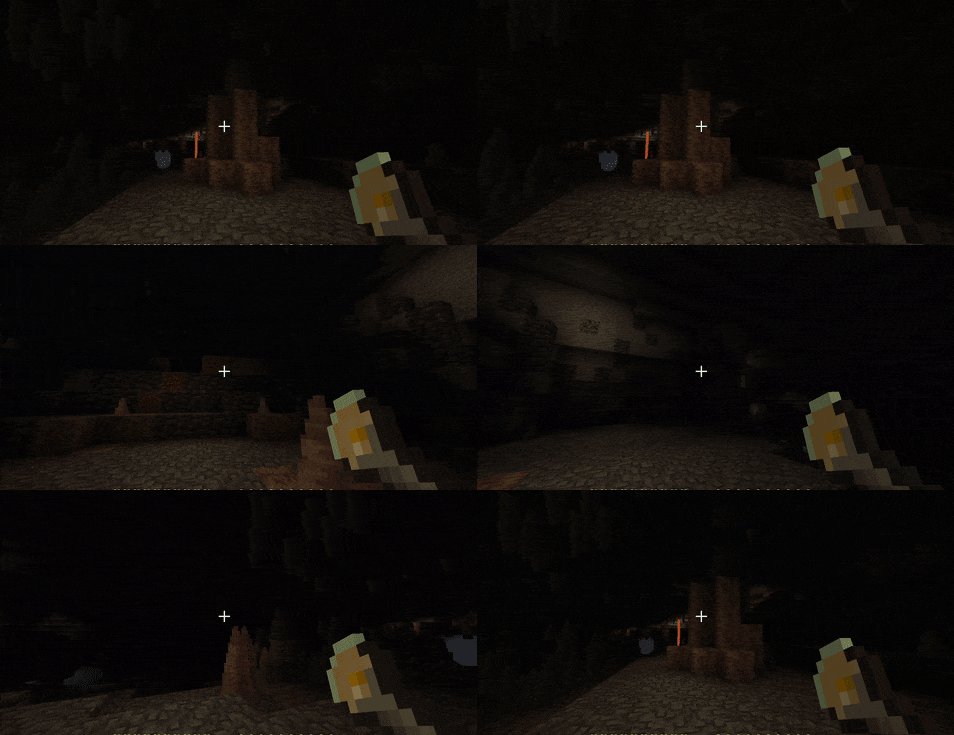
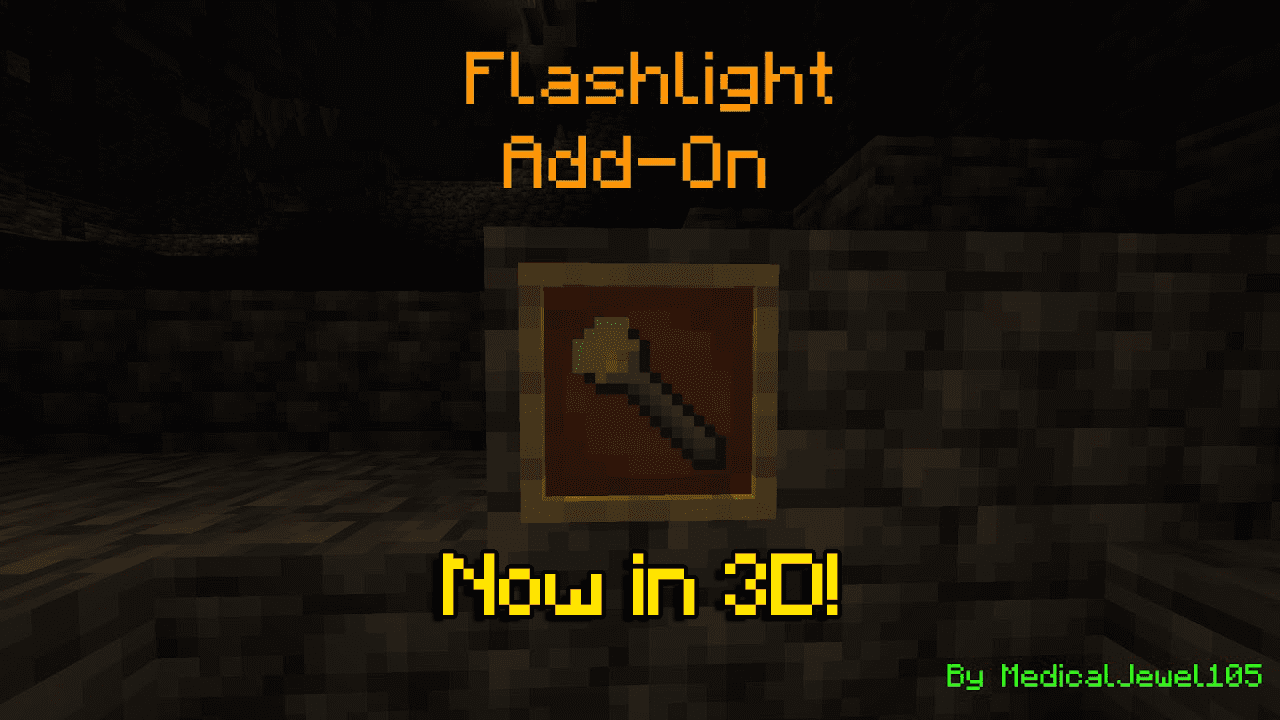
3D Flashlight Addon adds a working flashlight to Minecraft. You don’t need player.json to use it. It’s perfect for horror maps and other addons that need some extra light.
Features:
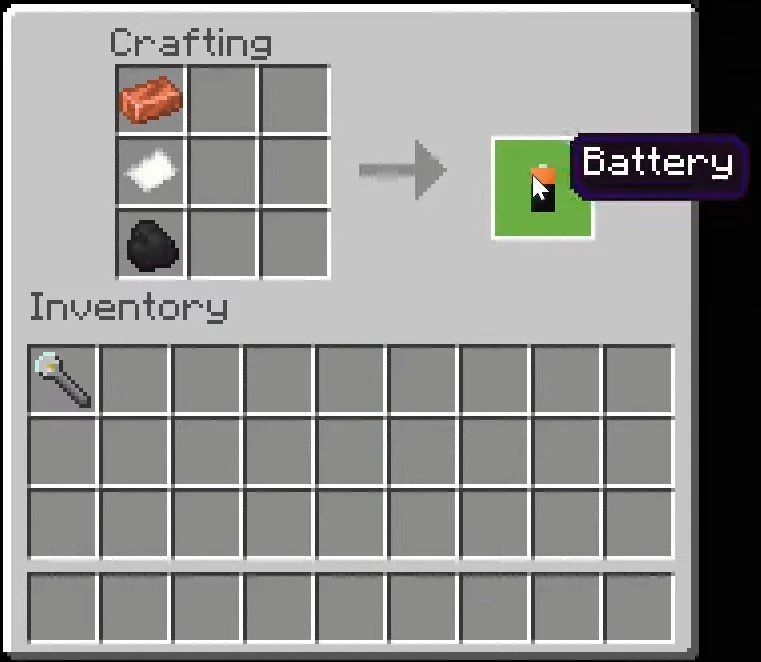
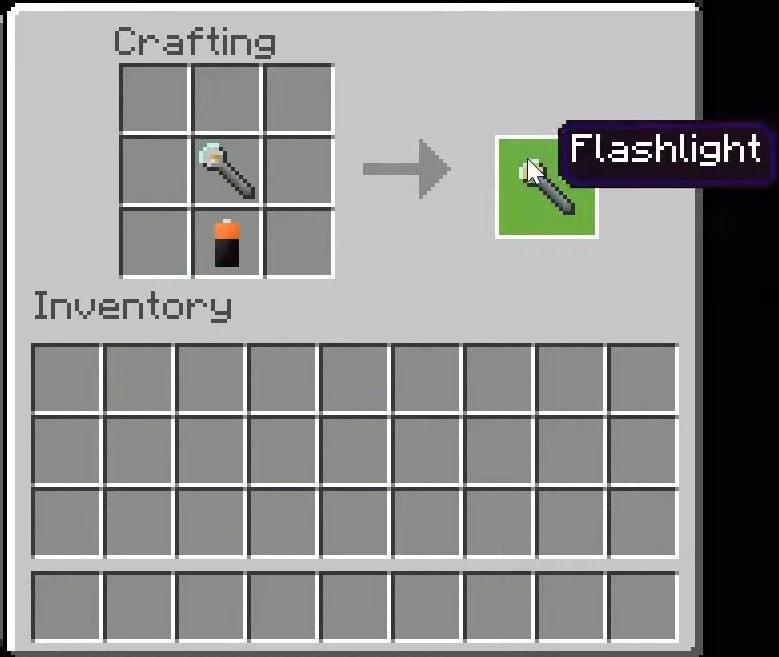
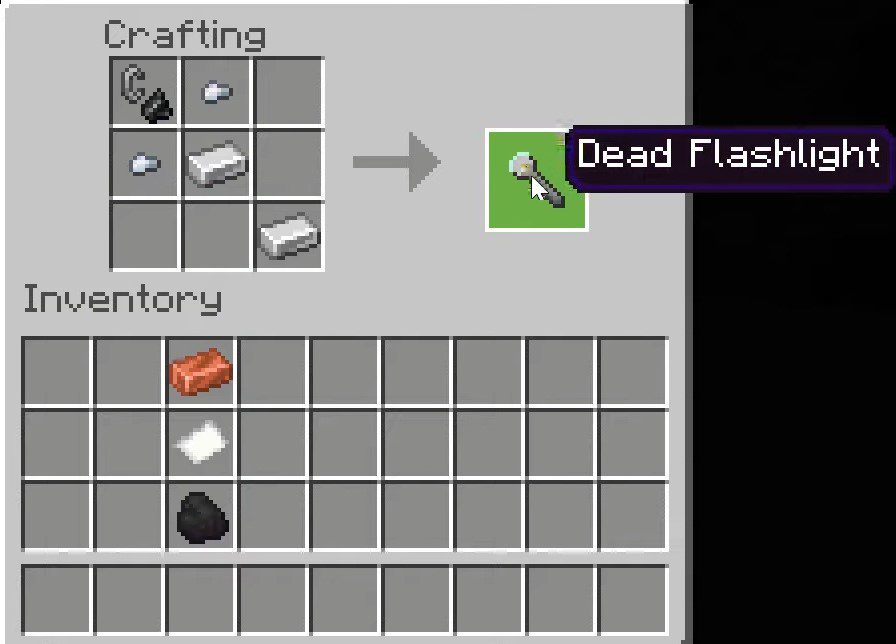
How to craft a flashlight:
- Note that dead flashlight craft is only in the survival-friendly version.
- This add-on works only on 1.18.30 and upper.
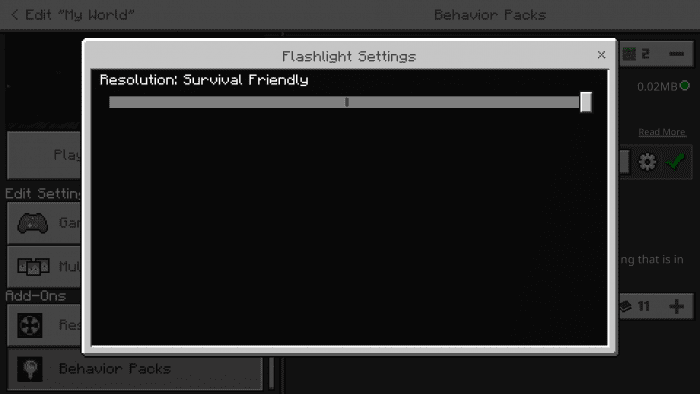
How it works:
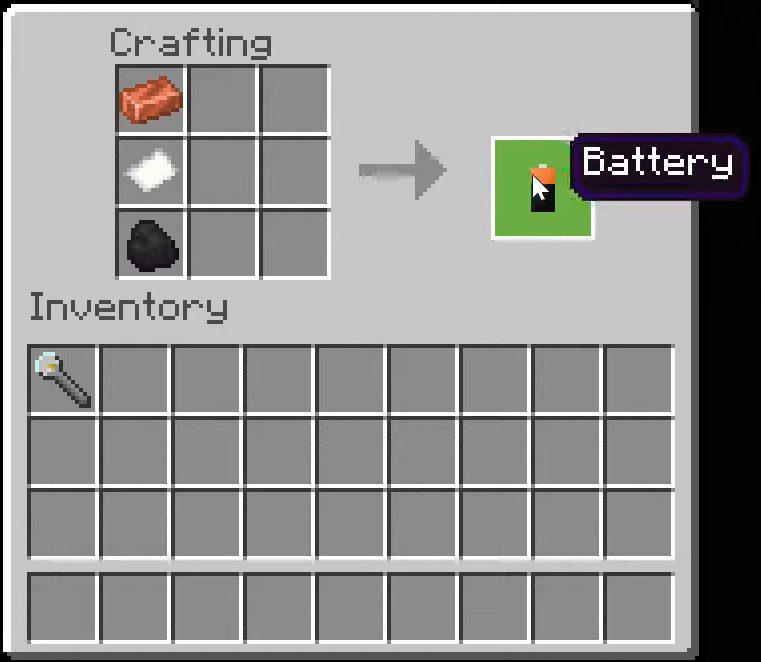
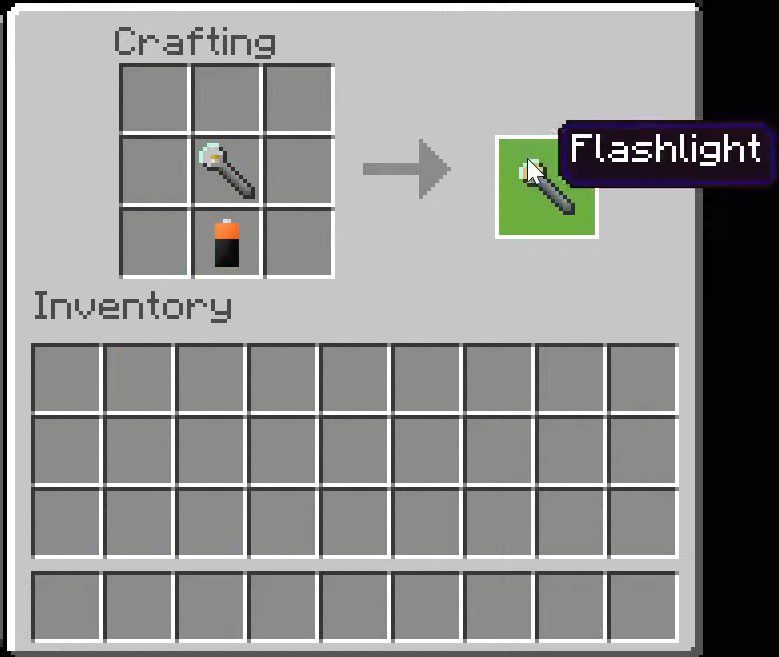
- First, you craft a dead flashlight, then make a battery. After you’ve done it, put a battery near the Dead flashlight in crafting slots. Now you should obtain a working flashlight.
- To activate it, right-click.
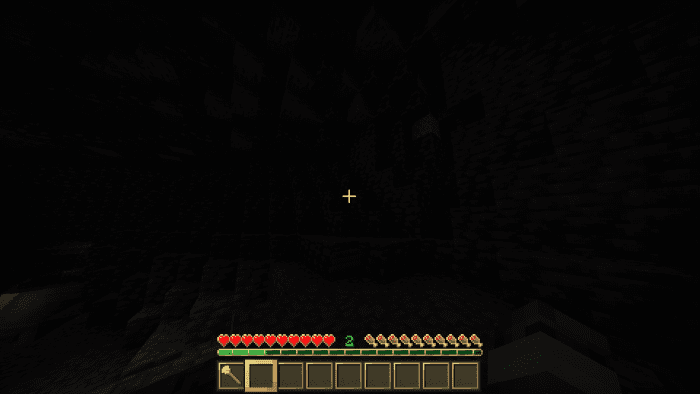
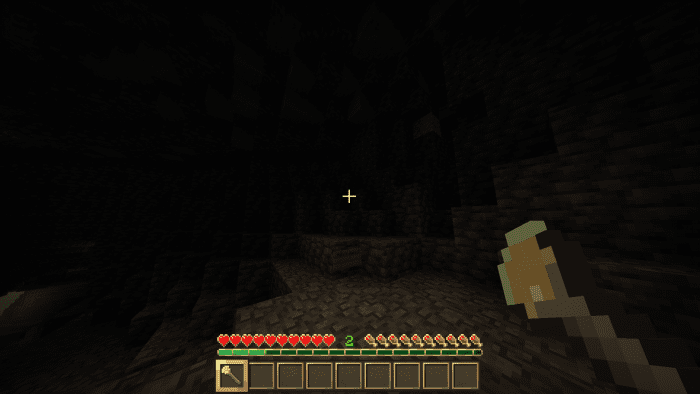
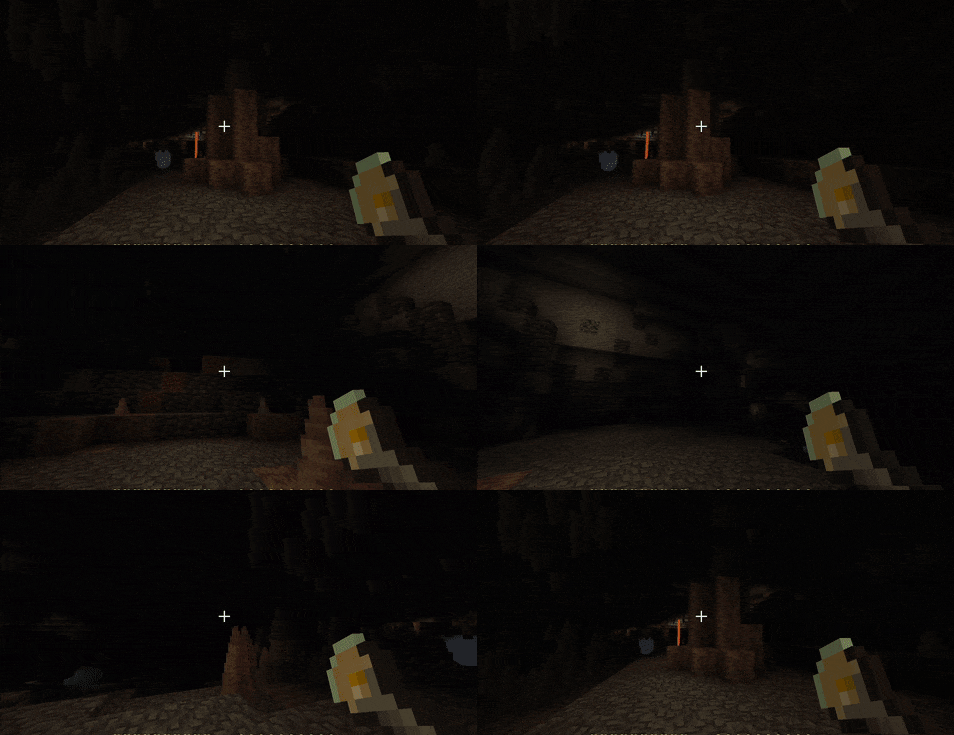
- As you can see, it works.
Options:
The author has added 3 options for this add-on:
- Survival Friendly
Survival friendly. Flashlight works for 3.5 mins (timer goes only when you hold it), 6 durability, higher light lever and all recipes, of course.
- Horror v1
For horror maps. Works 3 mins, 4 durabilities, recipe.
- Horror v2
For horror maps. Works until you hold another item. Infinite durability, no recipe.
3D Model:
- A separate pack with 3D models for Flashlights!
Installation Note:
- You don’t need player.json to use this addon.
- This addon works only on 1.18.30 and upper.
3D Flashlight Addon Download Links
For Minecraft PE/Bedrock 1.20, 1.19
Behavior: Download from server 1 – Download from server 2
Resource: Download from server 1 – Download from server 2
3D Extension: Download from server 1 – Download from server 2
- Edition: Minecraft Bedrock
- File type: .mcpack or .mcaddon
- Minecraft versions listed: 1.20, 1.19, 1.18.30
- How to install: Download the .mcpack or .mcaddon file. → Open it — Minecraft imports it. → In your world: Behavior Packs → Available → Activate, then the same under Resource Packs.
- Where to get it: In MCModsHub, or directly above on this page.
Install steps are the general flow for this file type — How to install Minecraft Bedrock addons & mods walks through it step by step.
- Pack type: .mcaddon — behaviour and resource pack in one file
- Complete pack — everything it depends on is inside the file
- Download size: 36 KB
- Download link checked 17 Jun 2026 — working
- Mirrored on our own servers — the download does not depend on the original host
These come from our own check of the pack file, not from the source page.