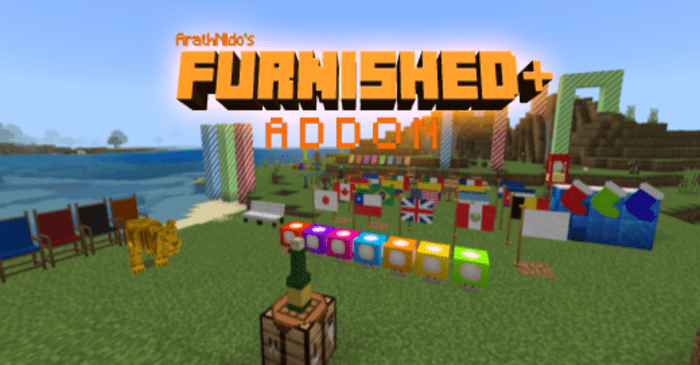
Furnished+ Addon (1.19) – MCPE/Bedrock Mod
Bedrock add-on listed for Minecraft 1.17–1.19 (behavior pack only). File opened and checked on 3 Oct 2026; installs from the MC Bedrock Mods app on Android.
⬇ Download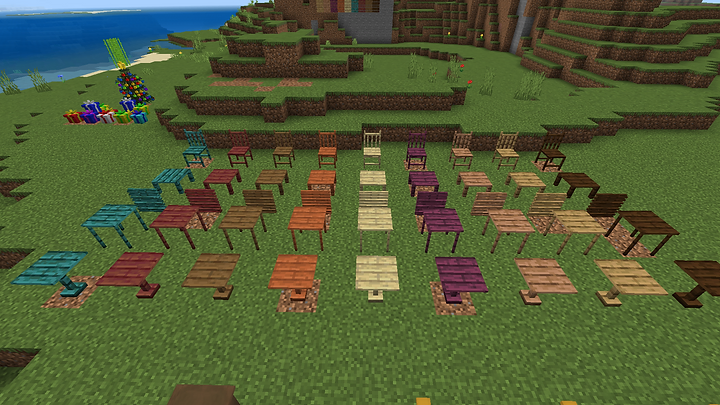
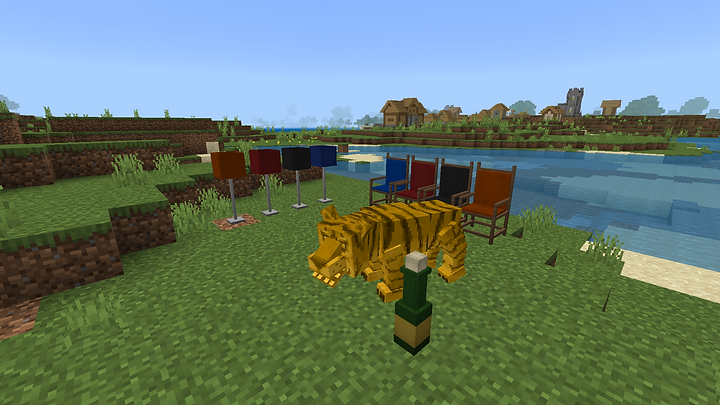
Furnished+ Addon enhances the interior of your home, facilitates storytelling and role-playing games, and offers a variety of decorative options. The addon includes solid decorations, decorations with lighting, and interactive elements.
Features:
Wooden furniture:
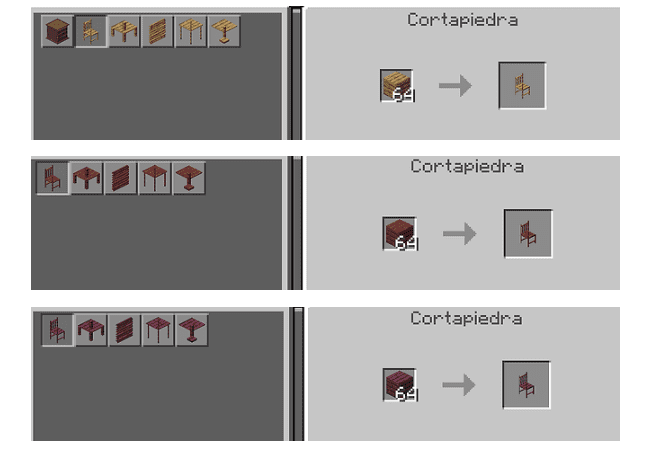
- You will be able to make decorations such as tables, chairs, and other furniture from different types of wood, for that you need planks of any type of wood and place them on the stone cutter.
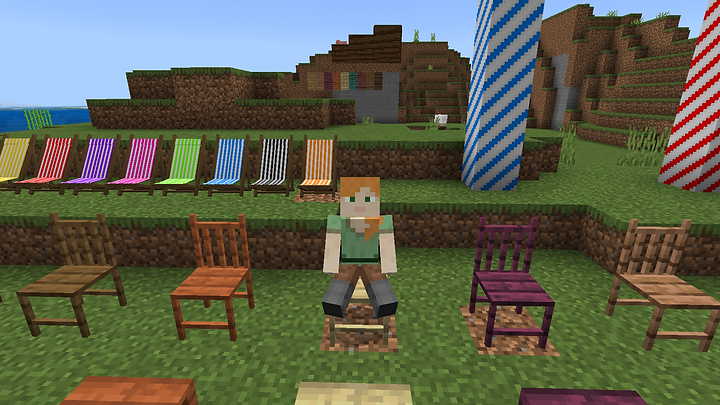
- You can sit in the chairs and interact with them.
Flags:
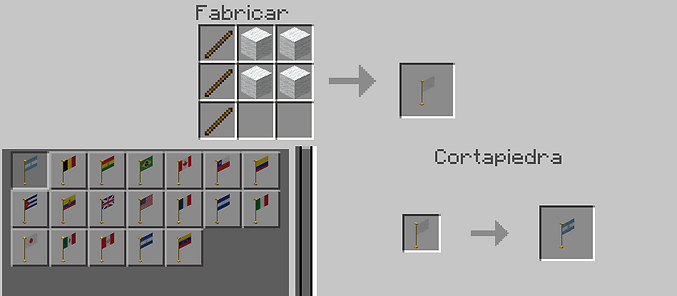
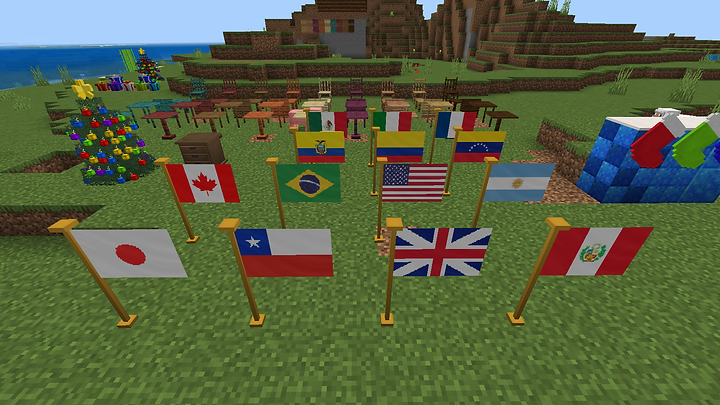
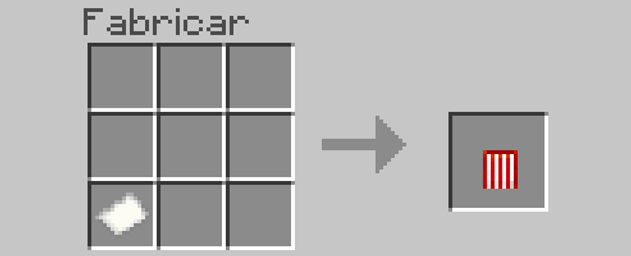
- In this addon decorative flags are added, for the moment only 20 flags were added. To make flags you must make the white flag from the crafting table and place the white flag in the stone cutter to make a flag from those available.
More furniture:
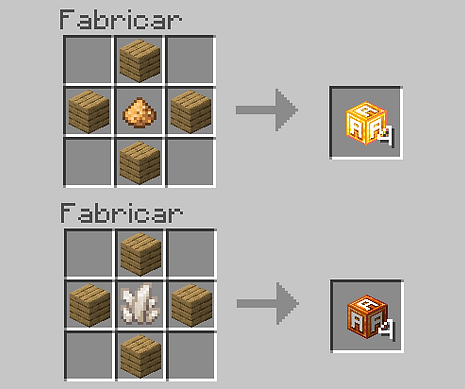
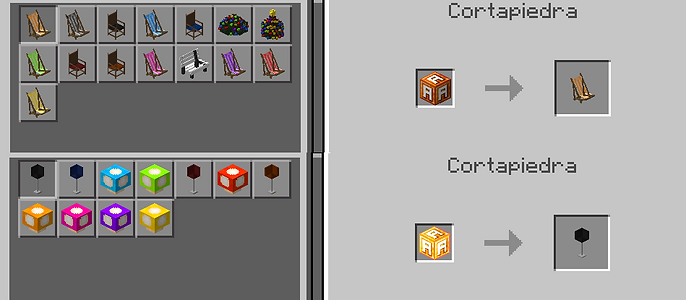
- From the work table, you can make a random furniture block, there are two types of blocks, one is for normal decorations and the others are decorations with lighting.
- With these blocks, you can create other furniture and decorations from the stone cutter.
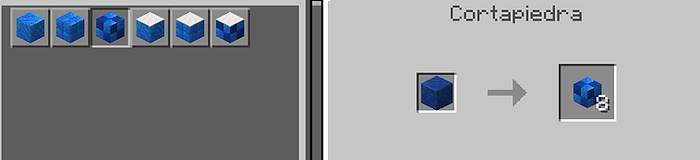
Pool Tile Blocks:
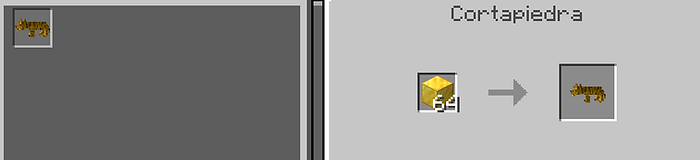
Golden Tiger:
Bottle:
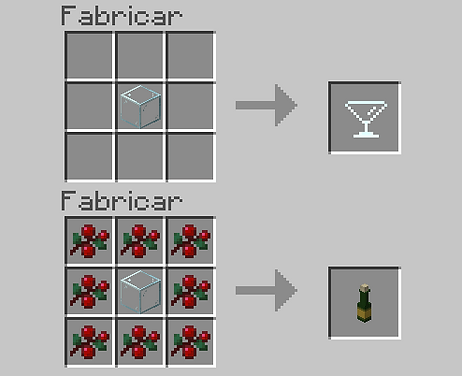
- With the bottle you can interact with it if you have a glass cup in your main hand, it will give you a glass, and consuming it will give you regeneration and dizziness.
Popcorn machine:
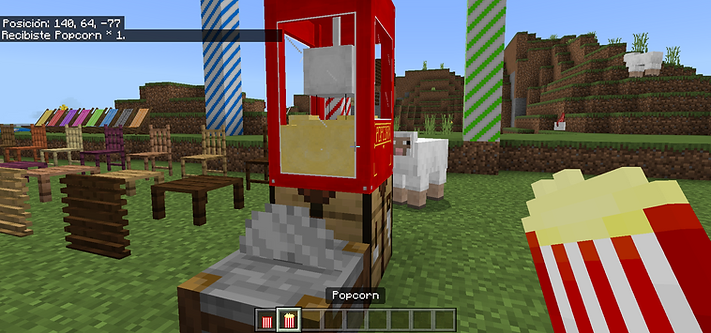
- With the popcorn machine, you can interact with it if you have a bag of popcorn in your main hand, it will give you a bag of popcorn that serves as food.
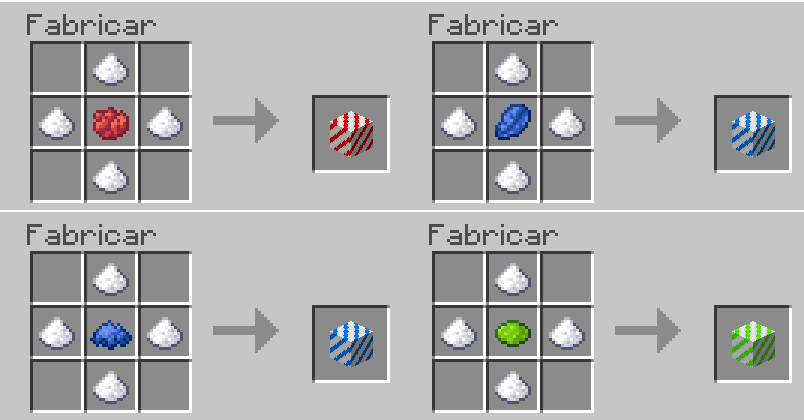
Sugar blocks:
Installation Note:
- Make sure you activated the Experimental Gameplay.
Furnished+ Addon Download Links
For Minecraft PE/Bedrock 1.19
Behavior: Download from server 1 – Download from server 2
Resource: Download from server 1 – Download from server 2
mcaddon: Download from server 1 – Download from server 2
- Edition: Minecraft Bedrock
- File type: .mcpack or .mcaddon
- Minecraft version listed: 1.19
- How to install: Download the .mcpack or .mcaddon file. → Open it — Minecraft imports it. → In your world: Behavior Packs → Available → Activate, then the same under Resource Packs.
- Where to get it: In MCModsHub, or directly above on this page.
Install steps are the general flow for this file type — How to install Minecraft Bedrock addons & mods walks through it step by step.
- Pack type: .mcpack — a single pack
- Manifest requires Minecraft 1.17.0 or newer
- Complete pack — everything it depends on is inside the file
- Download size: 262 KB
- Download link checked 17 Jun 2026 — working
- Mirrored on our own servers — the download does not depend on the original host
These come from our own check of the pack file, not from the source page.