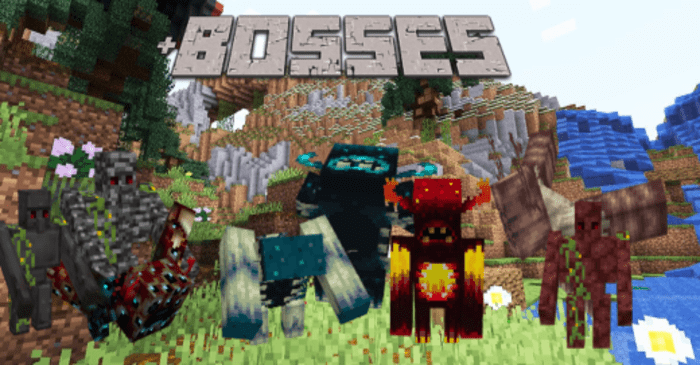
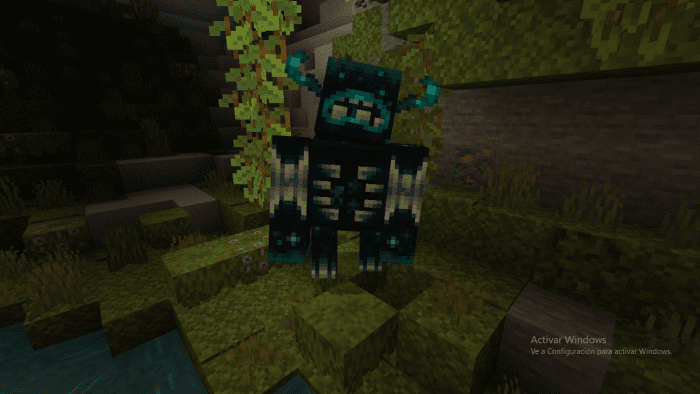
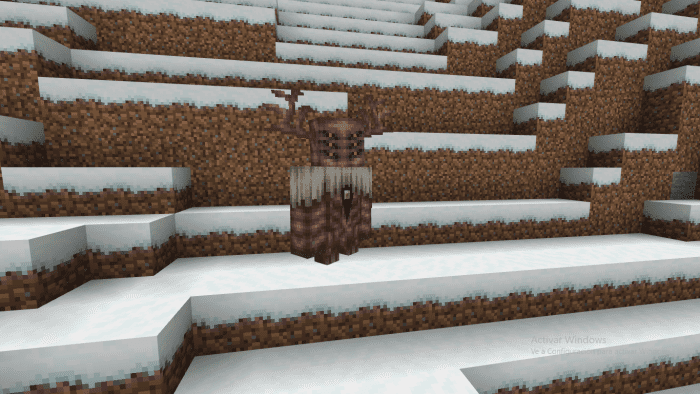
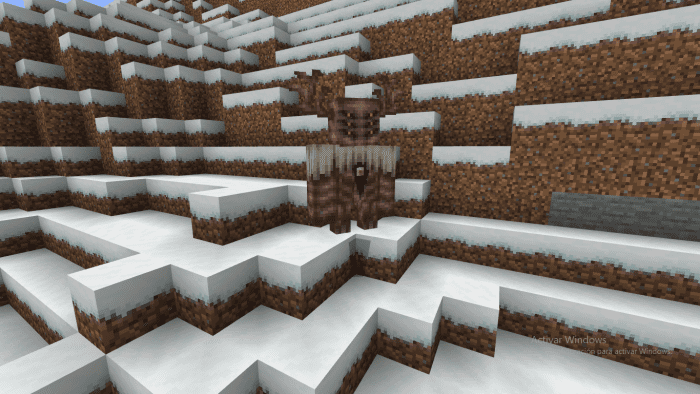
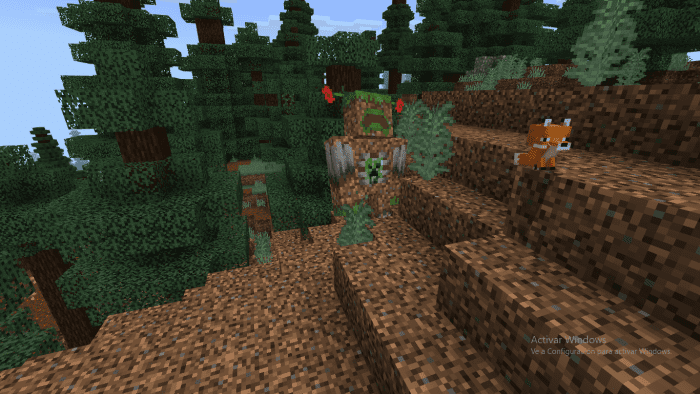
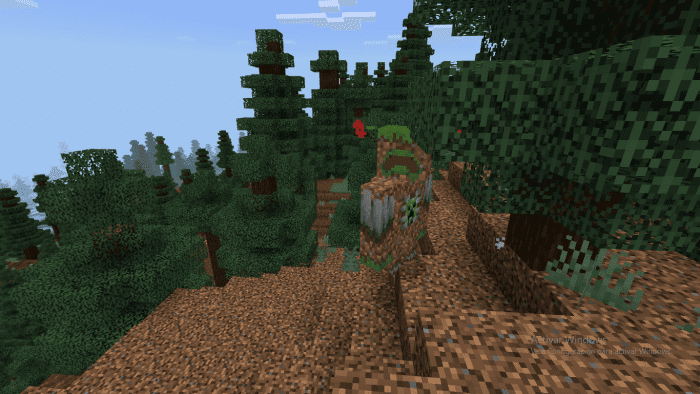
We now have a new plugin that introduces additional bosses to Minecraft. New Bosses Addon expands on the existing Warden and Iron Golem varieties, each featuring unique attributes such as varying levels of damage, health, resistance, and special abilities.
Features:
- 6 New Varieties of Wardens
- 5 New Varieties of Golems.
At the moment the addon is under development and will have new bosses added in the next updates.
Wardens:
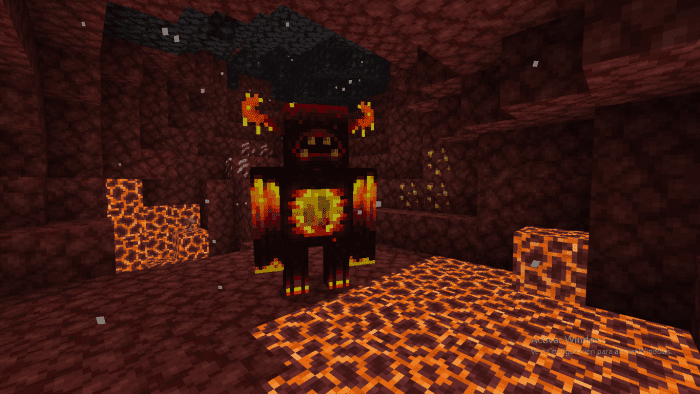
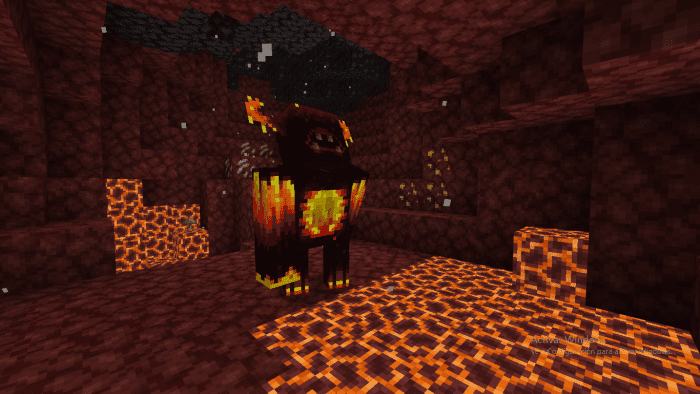
Corrupted Warden
- Damage: 100
- Health: 800
- [Comes from the nether]
- Drops netherite ingots on death.
Wild Warden
- Damage: 50
- Health: 550
Evil Warden
- Damage: 200
- Health: 900
- [Comes from frozen areas]
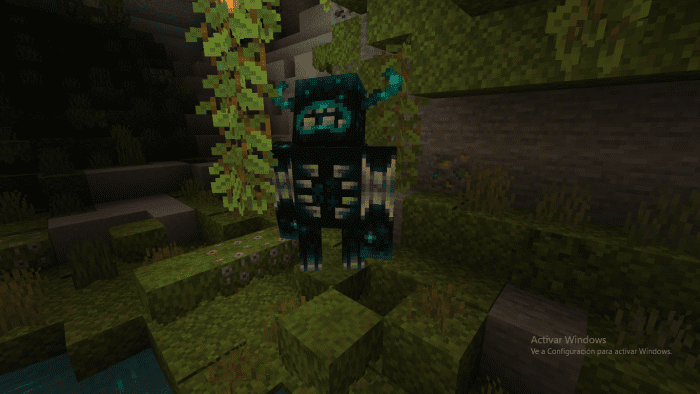
Garden Warden
- Damage: 21
- Health: 100
- [Comes from the overwolrd]
Skeleton Warden
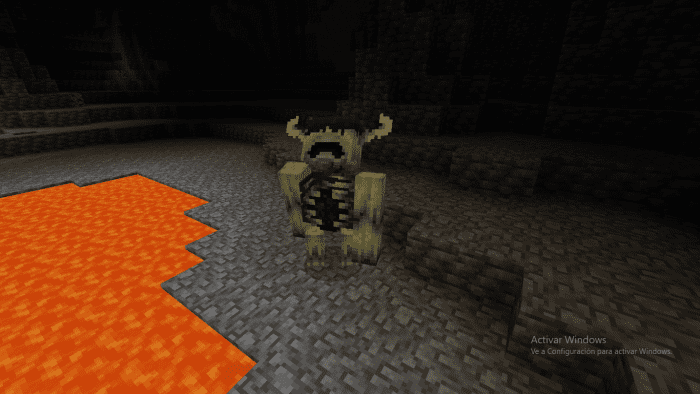
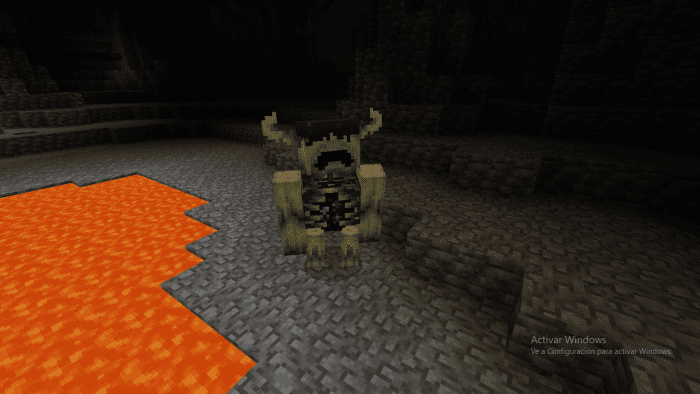
- Damage: 15
- Health: 50
- [Comes from a warden’s fort]
Evolutionary Warden
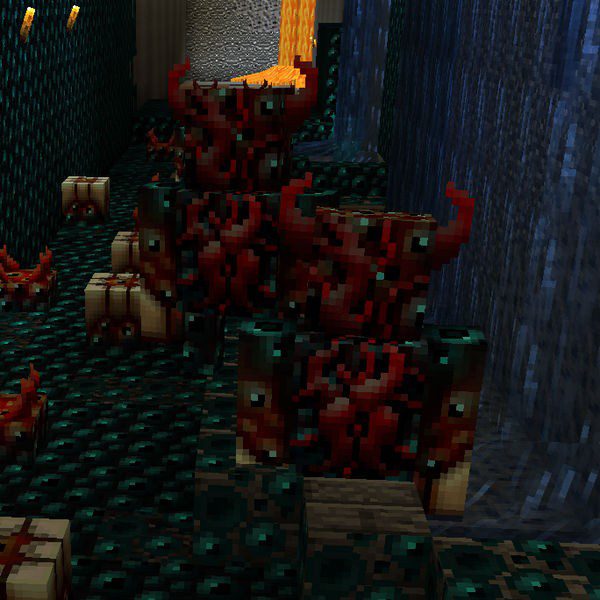
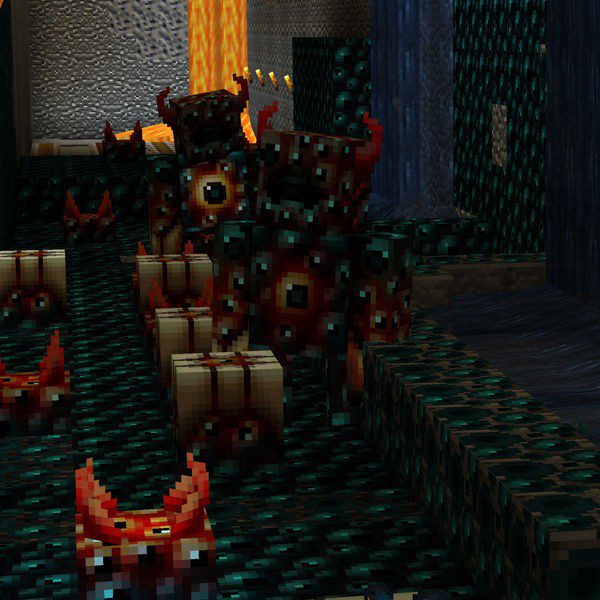
- Damage: 1000
- Health: 950
- [Extinct Warden]
Golems:
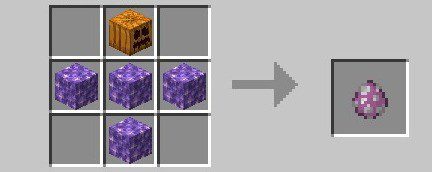
Amethyst Golem
- Damage : 21-7
- Health : 50
- [move slow]
Crafting Recipe:
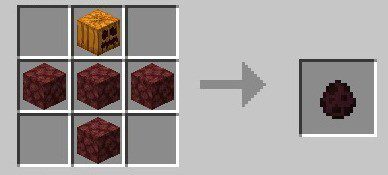
Netherrack Golem
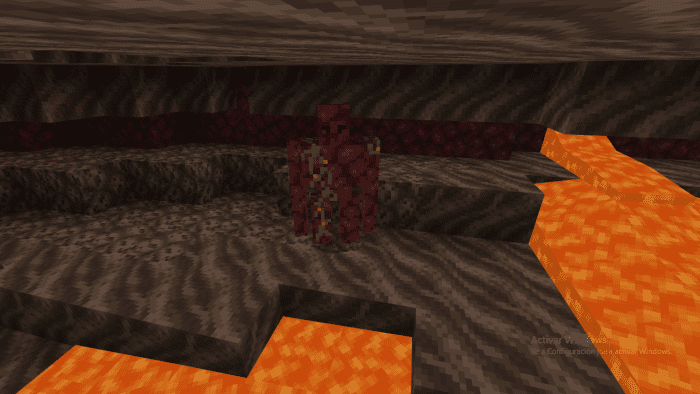
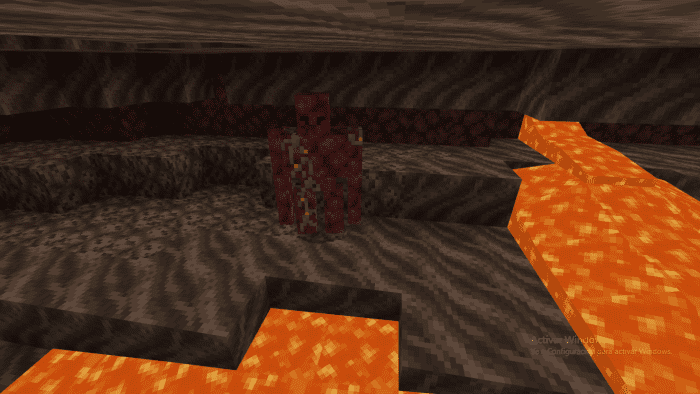
- Damage: 21-7
- Health: 36
- [moves fast]
Crafting Recipe:
Obsidian Golem
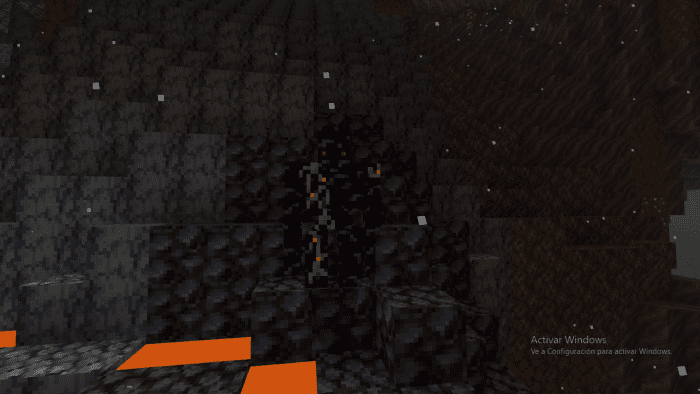
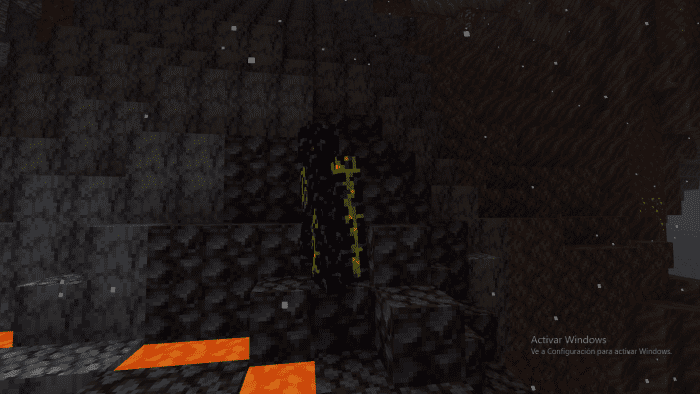
- Damage: 21-7
- Health: 300
Crafting Recipe:
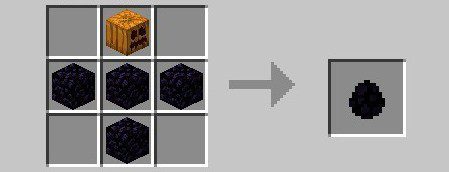
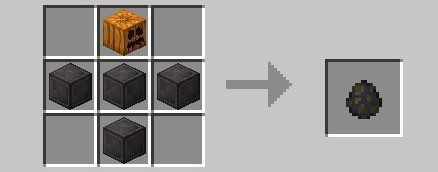
Netherite Golem
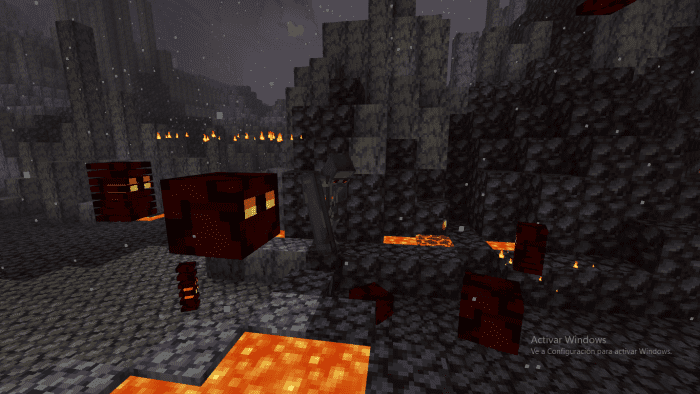
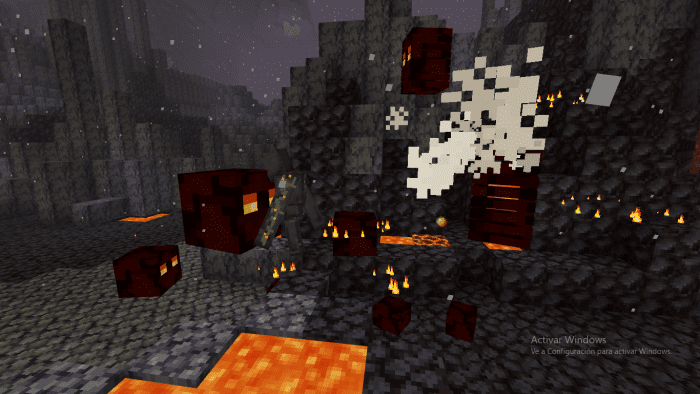
- Damage: 21-7
- Health: 300
Crafting Recipe:
Bedrock Golem
- This addon adds a new mob, i.e. a new golem in Minecraft, “Bedrock Golem”. Bedrock Golem is more powerful than the iron one. He has infinite health. The survival player can’t even hit his hitbox. But you can kill the golem with creative thought. The golem will look damaging but it doesn’t take a single damage if you hit him in creative.
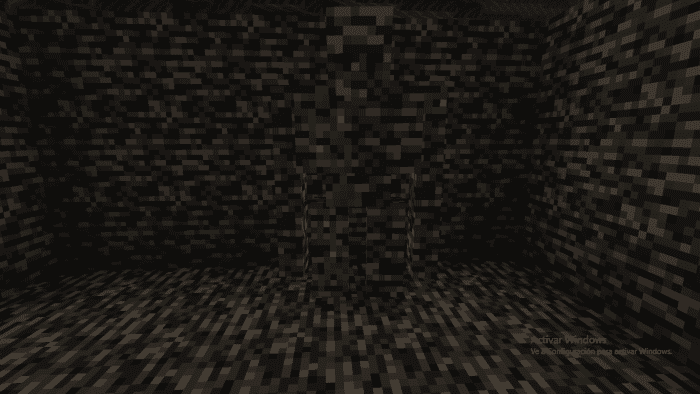
Bedrock Golem Stats:
- Name: Bedrock Golem
- Entity Type: Minecraft:iron_golem
- Health: Infinite (Max 999)
- Attack Damage: 25
- Invulnerable: Yes
- Movement Speed: Fast
How to kill Bedrock Golem:
Well, your if your server, or single-player world, starts lagging you may have to kill him. And if you want to do so, the easiest way is to kill him by kill command: /kill @e[name=”Bedrock Golem”]
Installation Note:
- Make sure you activated the Experimental Gameplay.
New Bosses Addon Download Links
For Minecraft PE/Bedrock 1.19
mcaddon: Download from server 1 – Download from server 2
- Edition: Minecraft Bedrock
- File type: .mcpack or .mcaddon
- Minecraft version listed: 1.19
- How to install: Download the .mcpack or .mcaddon file. → Open it — Minecraft imports it. → In your world: Behavior Packs → Available → Activate, then the same under Resource Packs.
- Where to get it: In MCModsHub, or directly above on this page.
Install steps are the general flow for this file type — How to install Minecraft Bedrock addons & mods walks through it step by step.
- Pack type: .mcaddon — behaviour and resource pack in one file
- Manifest requires Minecraft 1.16.0 or newer
- Complete pack — everything it depends on is inside the file
- Download link checked 17 Jun 2026 — working
- Mirrored on our own servers — the download does not depend on the original host
These come from our own check of the pack file, not from the source page.