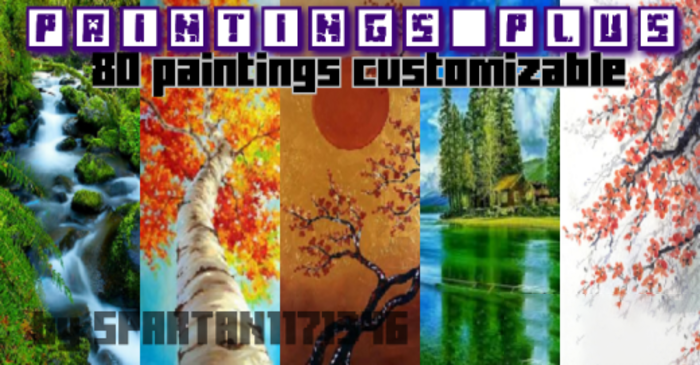
Do you want to spice up your walls with new artworks? Paintings Plus Addon lets you create and customize paintings of various shapes and sizes and also adds some useful features for your survival world.
Features:
Shapes pictures:
Appear randomly when placed:
- 1×1, 2×2, 1×2, 2×1, 2×3
Functions:
Slide Mode
The image will change every 10 seconds
Conditions:
- redstone in hand
- crouched down
- hold down the painting
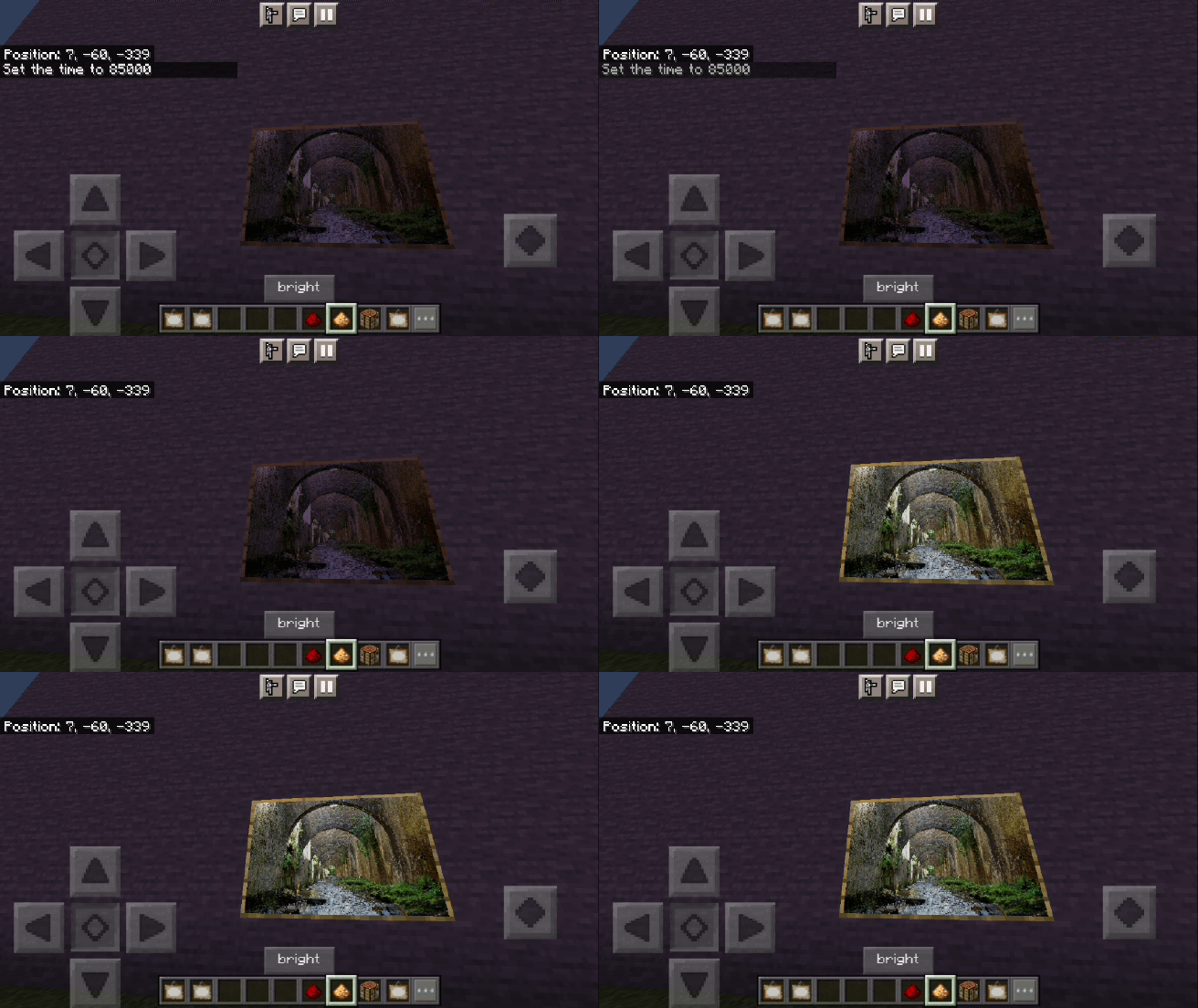
Bright
- Can be seen in the dark
Conditions:
- glowstone dust in hand
- crouched down
- hold down the painting
Switch Frame
- Toggles between different frames
Conditions:
- crouched down
- hit painting
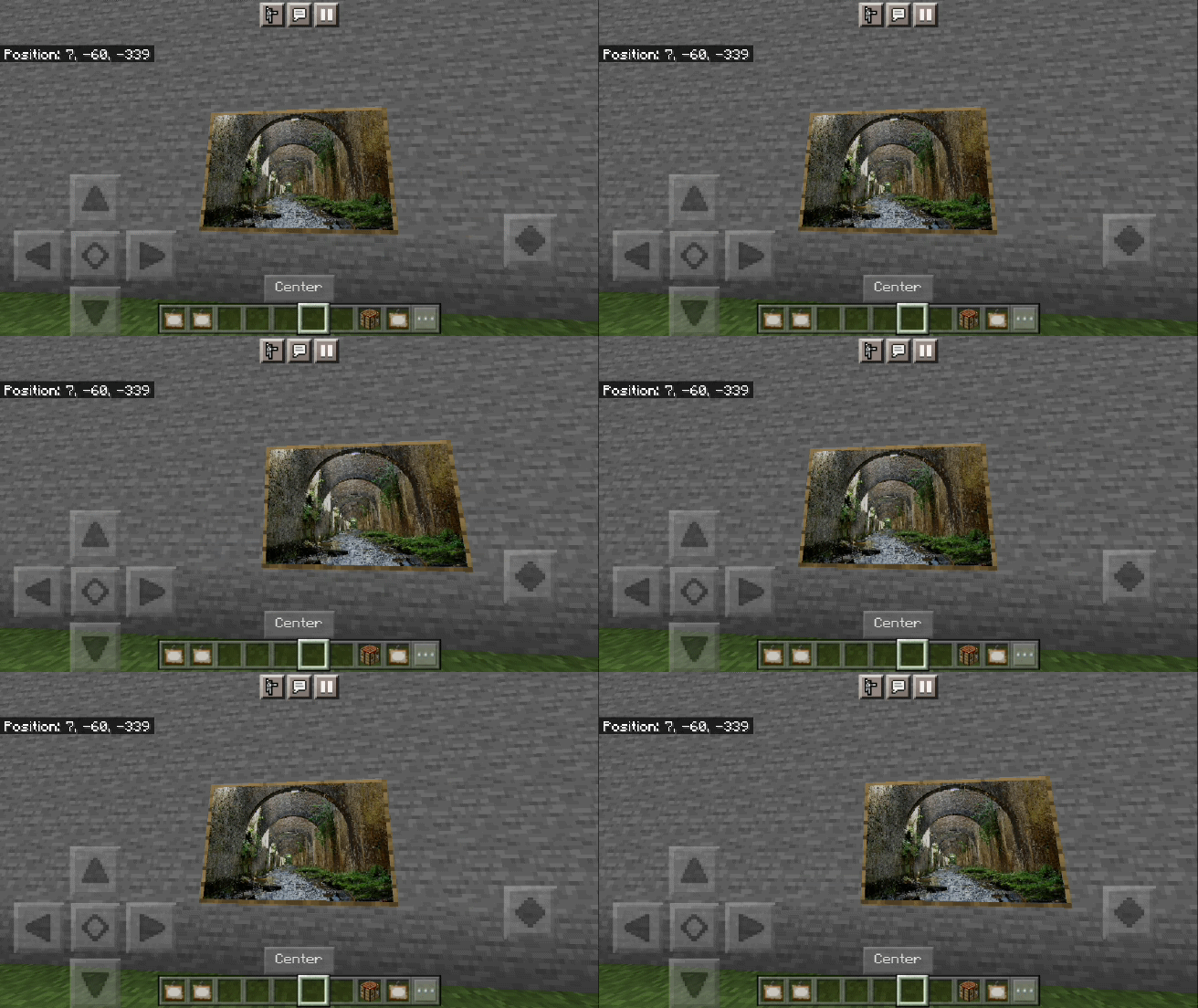
Center
- Center the painting in a block
Condition:
- stopped
- Hold down
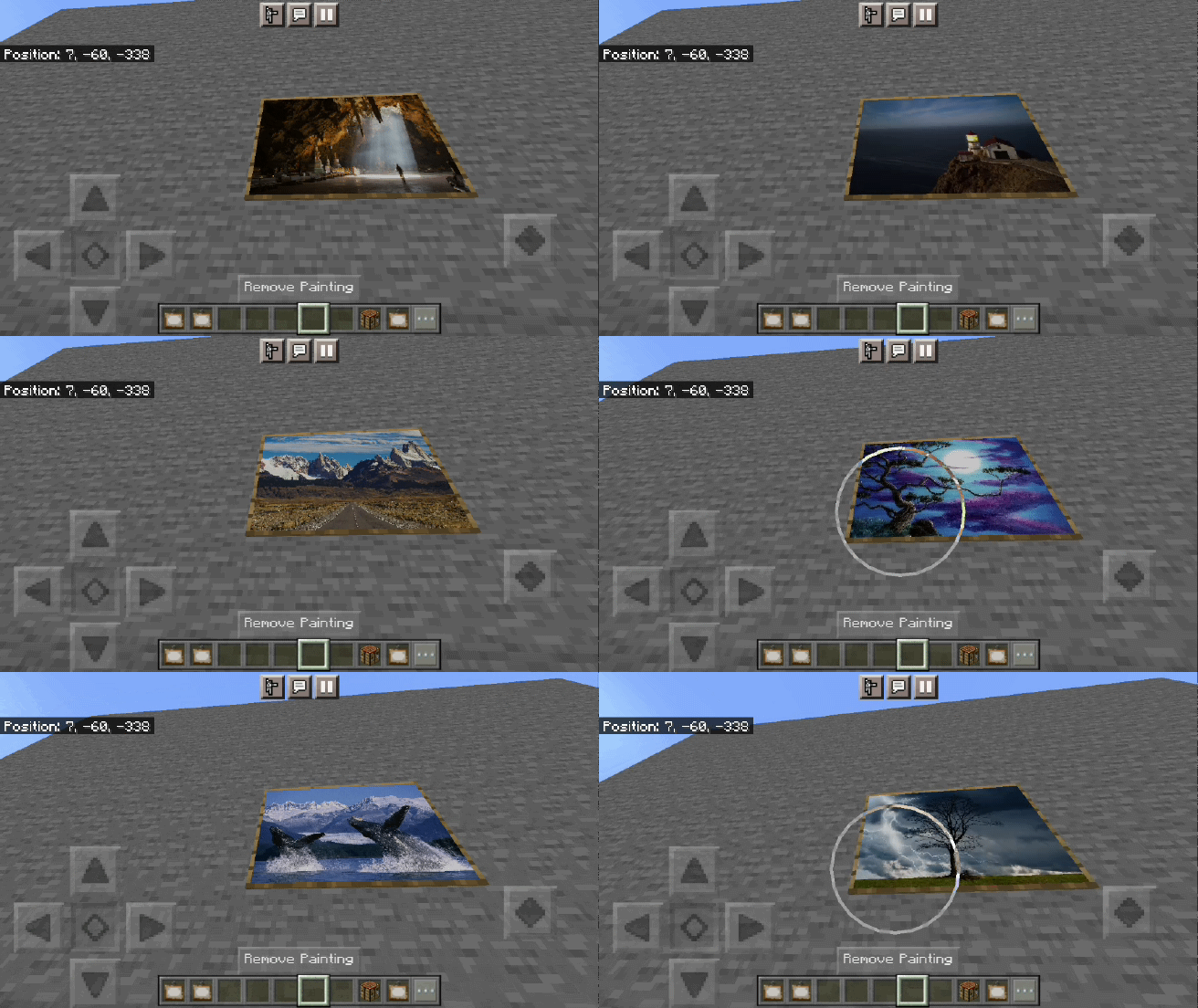
Remove Painting
- It will simply remove the box by returning the item.
Crafting Recipes:
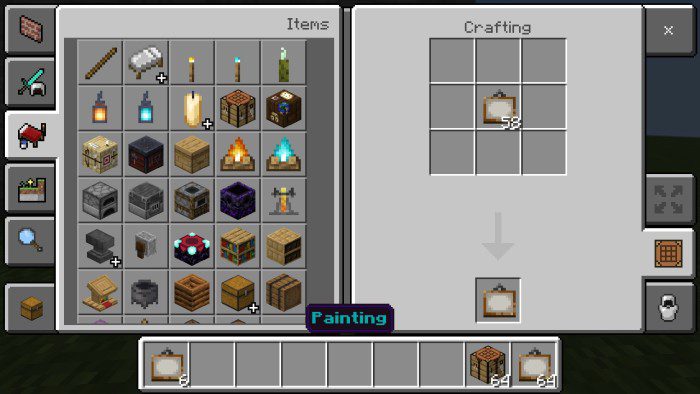
- 1 painting on the crafting table:
Customizable
The author made this addon in a simple way so that you can simply place the image you want without having to edit too much.
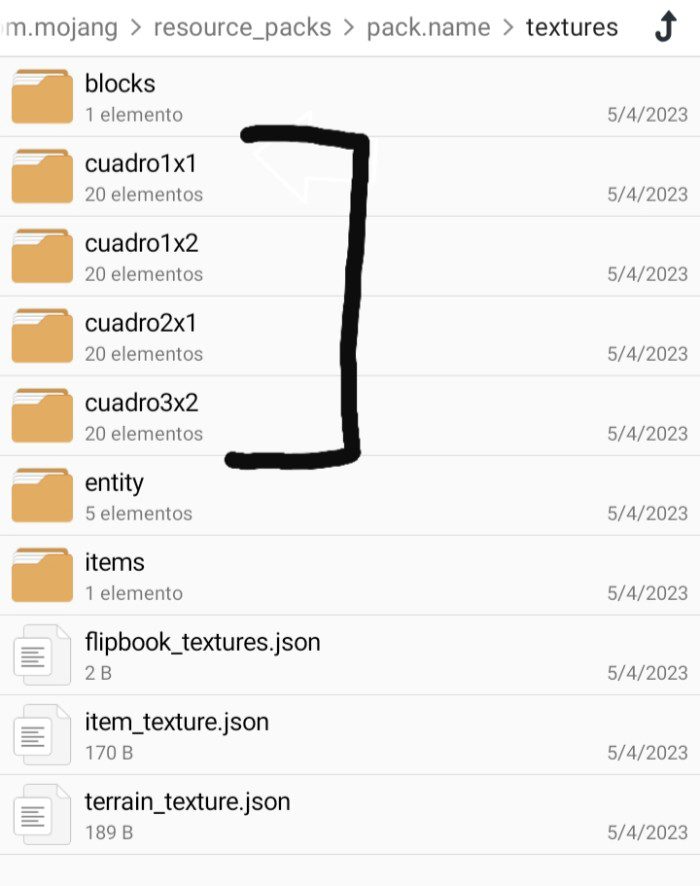
You can put your own squares, replace the images in the folder “textures/cuadro1x1”, “textures/cuadro2x1”, “textures/cuadro1x2” and “textures/cuadro3x2”, with the same names and formats, the 2×2 box uses the same textures as the 1×1 box.
Minimum image recommendations:
- 1×1 and 2×2 images must be at least 16×16 pixels in size,
- 1×2 images must be at least 16×32 pixels in size,
- 2×1 images must be at least 32×16 pixels in size,
- 3×2 images must be at least 48×32 pixels in size
Installation Note:
- Make sure you activated the Experimental Gameplay.
Paintings Plus Addon Download Links
For Minecraft PE/Bedrock 1.19
Behavior: Download from server 1 – Download from server 2
Resource: Download from server 1 – Download from server 2
- Edition: Minecraft Bedrock
- File type: .mcpack or .mcaddon
- Minecraft version listed: 1.19
- How to install: Download the .mcpack or .mcaddon file. → Open it — Minecraft imports it. → In your world: Behavior Packs → Available → Activate, then the same under Resource Packs.
- Where to get it: In MCModsHub, or directly above on this page.
Install steps are the general flow for this file type — How to install Minecraft Bedrock addons & mods walks through it step by step.
- Pack type: .mcaddon — behaviour and resource pack in one file
- Manifest requires Minecraft 1.19.0 or newer
- Complete pack — everything it depends on is inside the file
- Download size: 32 KB
- Download link checked 17 Jun 2026 — working
- Mirrored on our own servers — the download does not depend on the original host
These come from our own check of the pack file, not from the source page.